100+ AI Video Generation Prompts for Cinematic Results
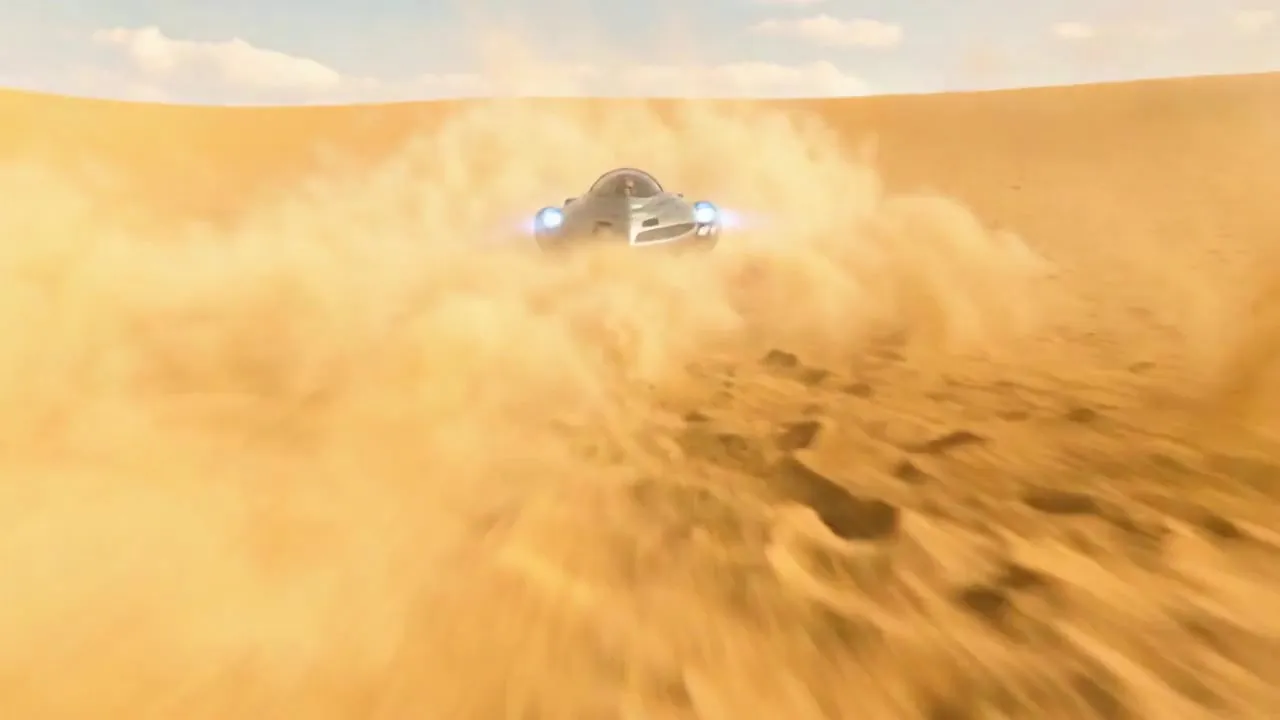
AI video generation has reached a new level in 2026. The difference between amateur and professional results often comes down to your prompt. A vague description gives you a vague video. A precise one — with camera movement, lighting, pacing, and mood spelled out — gives you something that looks intentional. Here are 100+ tested prompts for stunning AI videos, plus the exact structure behind why they work.
Every prompt below is written to be copy-paste ready. You can drop them straight into the Imagera AI Video Generator, swap out subjects and settings, and start iterating. Later in this guide we break down the anatomy of a strong prompt, the most common mistakes people make, and how to turn a single good generation into a repeatable production workflow.
Quick answer: A strong AI video prompt names the subject, camera move, lighting, and mood in one sentence, so Imagera renders cinematic 4K clips on the first try instead of guessing.
1.How do you write an AI video prompt that gives cinematic results?
Structure every prompt in 4 layers: subject, camera motion (dolly, pan, orbit), lighting (golden hour, neon), and mood. Clips that specify all 4 layers tend to land usable quality far more reliably than vague one-word prompts. In Imagera, add a 4K flag (on models that offer it) plus a 5-to-10 second duration, and most cinematic shots render in under a minute.
2.Which prompt details matter most for consistency across shots?
Lock 3 things across every prompt: the same subject description, one lighting style, and a fixed lens (24mm wide or 85mm portrait). Reusing these anchors keeps a sequence coherent, and Imagera's reference-image feature holds the character steady over 8 or more clips. Consistent inputs are the single biggest driver of usable output, so treat your subject, lighting, and lens as fixed constants and only vary the action and framing from shot to shot.
3.What AI Video Generation Actually Does
Before the prompts, it helps to understand what the tool is doing with your words. An AI video generator reads your text description (and optionally a starting image) and produces a short clip — typically a few seconds long — that matches the scene, motion, and style you described. It is not editing existing footage or stitching stock clips together. It is generating original frames from scratch based on the prompt.
In Imagera, you work through three core generation modes, and knowing which one to reach for is half the battle:
- Text to Video — You describe a scene in words and the model builds the clip from nothing. Best for concepts you don't already have footage or a photo of.
- Image to Video — You upload a still image and describe how it should move. The model animates your photo while keeping the subject and composition recognizable. Ideal when you want control over exactly who or what appears.
- First & Last Frame — You provide a starting frame and an ending frame, and the model interpolates a smooth transition between them. This is the mode for controlled reveals, morphs, and deliberate camera moves.
You then pick a model version, a quality tier, a resolution, and an aspect ratio before generating. Every prompt in this library works across all three modes — the difference is what you supply alongside the words.
4.Cinematic Movement Prompts
4.1Smooth Camera Movements
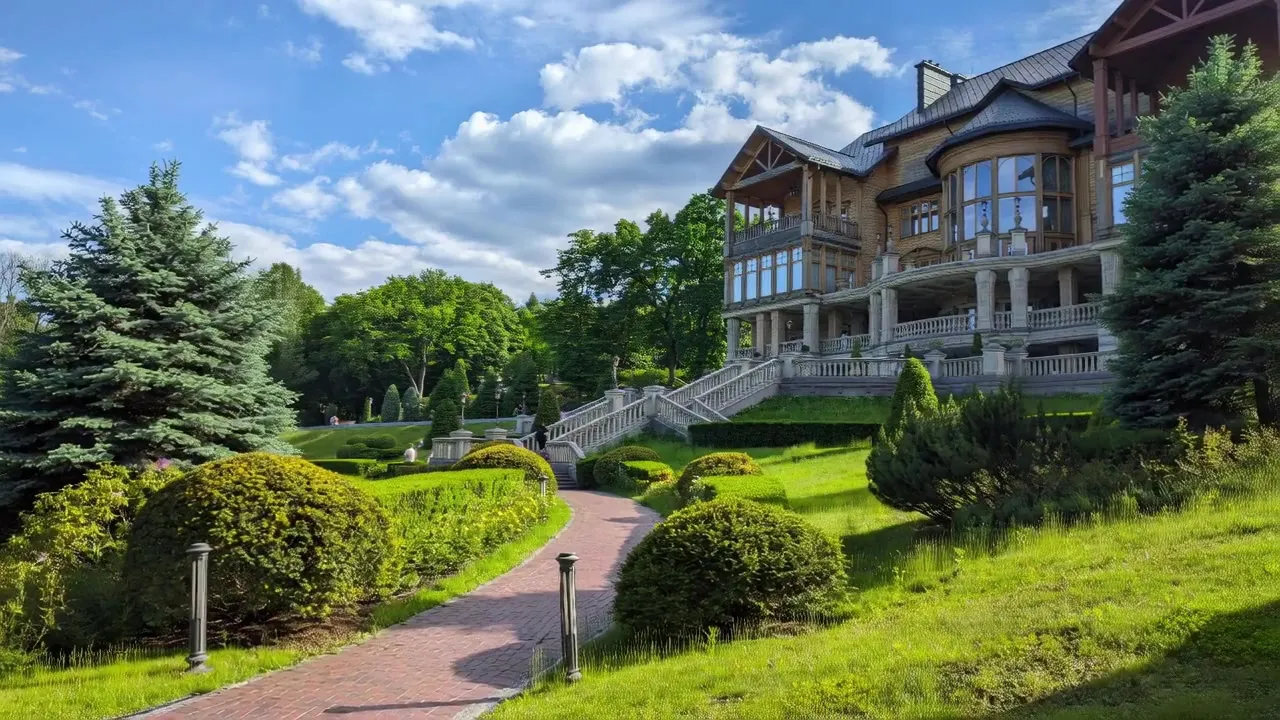
Slow cinematic dolly shot through a misty forest at dawn, camera gliding between ancient oak trees, volumetric light rays, particles floating in air, film grain, 24fps cinematic
Epic aerial drone shot rising from ground level to reveal a vast mountain range, golden hour lighting, clouds at eye level, sweeping orchestral feeling
Smooth tracking shot following a person walking through a neon-lit Tokyo alley at night, rain reflections on pavement, shallow depth of field, blade runner atmosphere
#
5.Dynamic Action Shots
High-speed tracking shot of a sports car on a winding mountain road, motion blur on background, sharp focus on vehicle, cinematic color grading, Need for Speed atmosphere
Slow-motion capture of ocean waves crashing against rocky cliffs, water droplets frozen in time, dramatic backlighting, nature documentary quality
6.Social Media Video Prompts
6.1TikTok/Reels Format (9:16)
Vertical video, satisfying product reveal, hands unwrapping luxury packaging, close-up macro shots, ASMR-worthy textures, soft ambient lighting, millennial pink aesthetic
Vertical video, trendy outfit transition, person spinning with outfit change mid-spin, clean studio background, dynamic lighting effects, fashion content creator style
6.2YouTube Shorts
Eye-catching intro animation, text flying in with particle effects, energetic motion graphics, bold colors, 3-second hook, content creator style
7.Product Demo Prompts
Clean product showcase video, object rotating on pedestal, studio lighting, white background transitioning to lifestyle scene, smooth transition, commercial quality
Tech product unboxing, hands carefully opening premium packaging, close-up detail shots, satisfying peeling of screen protector, soft natural lighting
8.Nature & Landscape Video Prompts
Timelapse of clouds flowing over mountain peaks, dramatic weather changes from clear to stormy, golden light breaking through, epic landscape cinematography
Underwater coral reef scene, colorful tropical fish swimming, sunlight filtering through water surface, gentle current moving sea plants, nature documentary quality
9.Artistic & Abstract Video Prompts
Abstract paint mixing in slow motion, vibrant colors blending and swirling, macro close-up, hypnotic patterns forming, ink in water aesthetic
Geometric shapes morphing and transforming, clean white space, minimalist design, smooth transitions, mathematical precision, motion graphics style
10.Character Animation Prompts
Anime character walking through cherry blossom street, petals floating in breeze, warm spring lighting, Studio Ghibli aesthetic, gentle pace, peaceful mood
11.The Anatomy of a High-Converting Video Prompt
Every strong prompt above shares the same underlying skeleton. Once you can see the pattern, you can write your own prompts for any subject instead of hunting for the exact one you need. A complete video prompt describes five things in order:
- Shot type and camera movement — Wide, medium, close-up, macro; dolly, pan, tilt, crane, tracking, or static. This sets the frame before anything else happens.
- Subject and action — Who or what is in the shot, and what they are doing. Be concrete: "a person spinning mid-step," not "someone moving."
- Environment — Where the scene takes place. Location, time of day, weather, and background details all anchor the model.
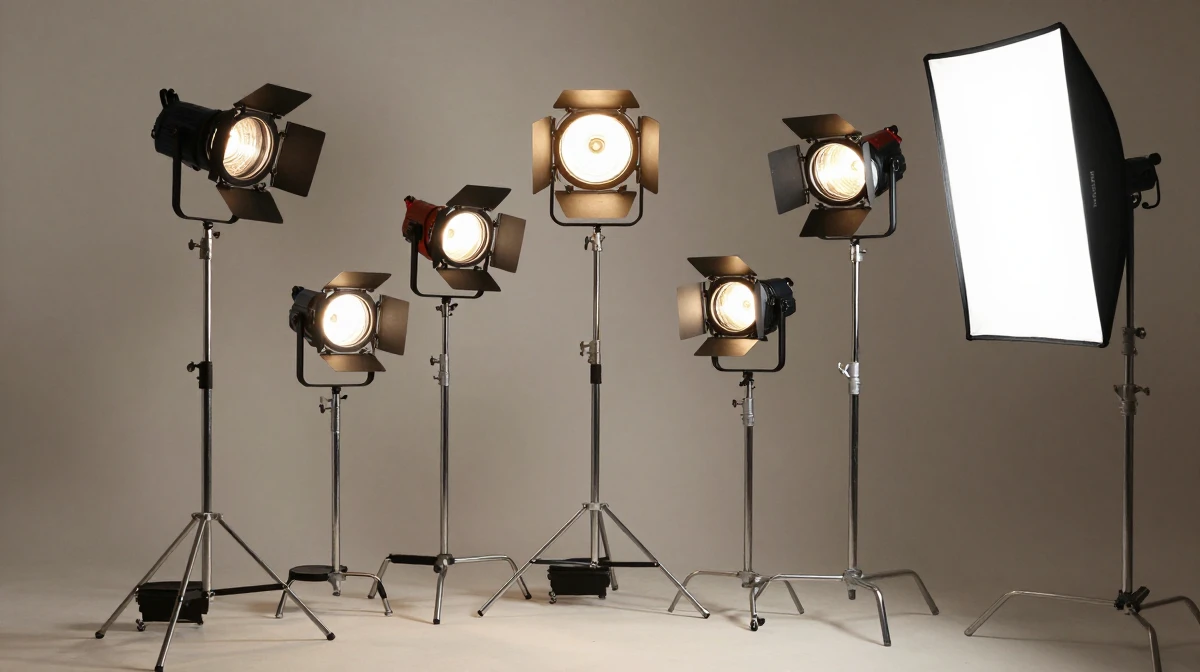
- Lighting and color — Golden hour, neon, soft ambient, hard directional, backlit. Lighting is what separates "flat AI clip" from "cinematic."
- Mood and quality tags — Peaceful, energetic, dramatic; plus finishing tags like "film grain," "cinematic color grading," or "commercial quality."
Read any of the prompts in this library and you will see all five layers stacked in a single sentence. That is not an accident — it is the format that gives the model the fewest gaps to fill in with guesses.
12.Tips for AI Video Prompts
12.1Key Elements
- Camera movement — Specify dolly, pan, tilt, zoom, tracking
- Lighting — Time of day, direction, quality (soft/hard)
- Pace — Slow motion, real-time, timelapse
- Mood — Cinematic, energetic, peaceful, dramatic
- Format — Aspect ratio (16:9, 9:16, 1:1)
12.2Quality Boosters for Video
cinematic, 4K, high production valuesmooth camera movement, professionalfilm grain, color graded, anamorphicsteady shot, no jitter, fluid motion
All prompts optimized for Imagera AI video generator. Compatible with Imagera's Wan 2.1 and Wan 2.2 text-to-video models, with LoRA styles from CivitAI layered on top.
13.Step-by-Step: Turning a Prompt Into a Finished Clip
Here is the exact sequence for going from one of the prompts above to a downloadable video inside Imagera. The whole loop takes a couple of minutes once you know the settings.
- Choose your generation mode. Open the video generator and pick Text to Video for a pure prompt-driven clip, Image to Video if you are animating a photo you uploaded, or First & Last Frame if you want a controlled transition between two images.
- Paste your prompt. Drop in one of the prompts from this guide, then edit the subject, environment, and mood tags to fit your idea. Keep the five-layer structure intact.
- Add LoRA styles (optional). Paste a CivitAI LoRA URL to lock in a specific aesthetic — anime, cinematic, claymation, ultra-realistic. You can chain up to 4 LoRAs and adjust the strength of each so one style leads and others accent it.
- Pick a model version. Wan 2.2 is the recommended default for smoother motion and stronger temporal consistency; Wan 2.1 is the stable, production-ready option and renders readable on-screen text well.
- Set quality, resolution, and aspect ratio. Use a Light or Fast tier for quick previews while you dial in the prompt, then switch to the Base/Full tier for the final render. Choose HD or SD, and set 9:16 for TikTok/Reels/Shorts, 16:9 for YouTube, or 1:1 for feed posts.
- Generate and review. Clips typically render in 10-30 seconds. Watch the result, note what worked, and adjust one variable at a time.
- Download or upscale. Export with full commercial rights and no watermark. For hero shots, run the clip through Imagera's video upscaling (up to 4K, 3840 px on the long edge) before publishing.
Because generations are quick and priced per clip, the smart pattern is to preview cheaply, refine, then spend on a single clean final render rather than gambling everything on the first attempt.
14.Common Use Cases: Who These Prompts Are For
The prompt library above isn't one-size-fits-all — different creators reach for different sections. Here is where each type of prompt tends to earn its keep.
- Faceless content creators lean on the social media and character animation prompts to post daily without ever filming. Vertical 9:16 clips with a strong LoRA style keep a channel visually consistent while staying fully faceless.
- Ecommerce and product sellers use the product demo prompts to spin up rotating showcases, unboxings, and lifestyle transitions without a studio or a photographer.
- YouTube educators and explainer channels pull from the nature, landscape, and abstract sections to generate B-roll and visual backdrops that carry a voiceover.
- Marketers and small agencies use the cinematic movement prompts to produce short brand teasers and ad hooks, then batch-generate variations to test which opening lands.
- Hobbyists and artists live in the artistic, abstract, and character animation prompts, chaining LoRAs to invent looks that don't exist off the shelf.
If you fall into more than one bucket, that's normal — the same prompt skeleton adapts across all of them. You are mostly swapping the subject and the finishing tags.
15.How to Get the Best Results from These Prompts
Getting consistent, high-quality results from AI video generation requires more than just copying and pasting prompts. Here are essential techniques to elevate your output.
15.1Be Specific About Motion
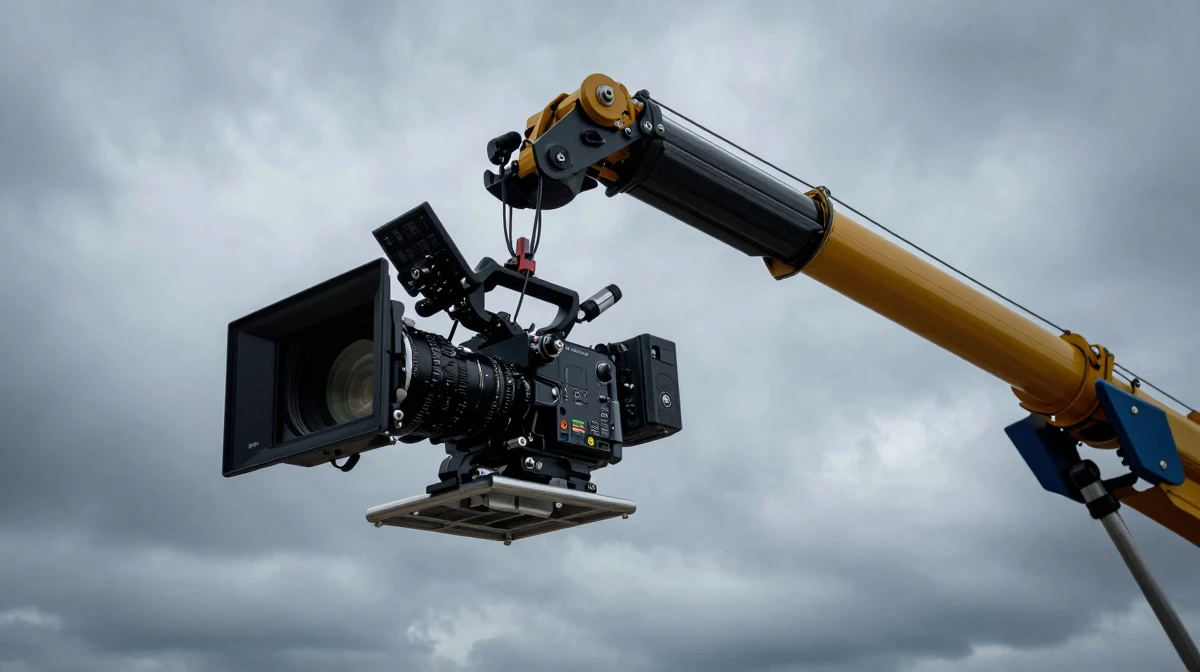
The most common mistake in AI video prompting is being too vague about movement. Instead of saying "camera moves through scene," specify the exact camera movement type: dolly, pan, tracking shot, crane, or steadicam. Mention the speed and direction. For example, "slow ascending crane shot" produces dramatically different results than "fast lateral tracking shot."
15.2Layer Your Descriptions
Effective prompts describe multiple visual layers simultaneously. Start with the environment and lighting, then add the subject and their action, followed by camera behavior and mood. This gives the AI model clear instructions for every aspect of the generated video.
15.3Control Timing and Pacing
Include temporal cues in your prompts to control pacing. Phrases like "gradually revealing," "sudden transition to," or "slowly emerging from shadow" help the AI understand the desired rhythm of your video. Without timing guidance, results tend to feel rushed or static.
15.4Iterate and Refine
Your first generation is rarely your best. Use it as a starting point to refine your prompt. If the lighting is good but the motion feels wrong, keep the lighting description and adjust the movement parameters. Systematic iteration consistently produces superior results compared to starting from scratch each time. Because a preview-tier clip costs only a few credits, iterating is cheap — change one thing per generation so you always know what caused the improvement.
15.5Combine with Post-Processing
AI-generated videos benefit significantly from post-processing. Use Imagera's video enhancer to upscale resolution, run AI frame interpolation for smoother motion, and apply face enhancement for portrait-style videos. The combination of well-prompted generation and intelligent enhancement produces truly cinematic results.
Remember that practice and experimentation are the foundations of mastering AI video prompting. Each generation teaches you something new about how the model interprets your creative vision.
16.Common Mistakes to Avoid
Even experienced creators fall into the same traps. Watch for these and your success rate climbs immediately.
- Overstuffing the prompt. Ten camera movements and five conflicting moods in one sentence forces the model to average everything into mush. Pick one dominant camera move and one clear mood.
- Ignoring the aspect ratio. Generating a 16:9 clip and cropping it to 9:16 later wastes framing. Set the aspect ratio before you generate so the composition is built for the platform.
- Fighting the model with too many LoRAs at full strength. Chaining is powerful, but four LoRAs all at maximum weight cancel each other out. Let one style lead and dial the others back.
- Rendering everything at full quality first. Preview on a Light or Fast tier, lock the prompt, then spend credits on the final Base/Full render. Skipping the preview step burns credits on drafts.
- Vague subjects. "A cool scene" gives the model nothing to hold onto. Name the subject, the action, and the setting explicitly.
- No timing cues. Without words like "slowly," "suddenly," or "gradually," motion tends to feel either frozen or frantic. Always guide the pace.
17.Comparison: Where Imagera Fits Among AI Video Tools
If you are choosing where to run these prompts, here is an honest comparison. Competitor prices are subscription-based monthly fees; Imagera is pay-per-use, so its cost is expressed in credits per video rather than a fixed monthly charge.
| Feature | Imagera | Runway | Pika | HeyGen |
|---|---|---|---|---|
| Pricing model | Credits quoted for the selected model and settings | $15/mo subscription | $10/mo subscription | $24/mo subscription |
| LoRA styles | 10,000+ via CivitAI | Limited | None | None |
| LoRA chaining | Up to 4 | No | No | No |
| Generation modes | Text-to-video, image-to-video, first & last frame | Yes | Yes | Avatar-focused |
| Typical generation time | 10-30s | 30-90s | 30-60s | 60-120s |
| Commercial rights | Full, no watermark | Paid tier | Paid tier | Included |
| Monthly commitment | None | Required | Required | Required |
The standout differentiators are LoRA chaining and direct CivitAI integration — you can layer up to four community styles into a single generation, which none of the subscription tools above offer. The trade-off is honest too: individual clips are short (a few seconds each), so longer sequences require generating multiple clips and assembling them.
18.Building a Video Prompt Library
Developing a systematic library of video prompts accelerates your creative workflow and ensures consistent quality across all your video projects.
18.1Organizing Prompts by Category
Create a structured library organized by video type: product demonstrations, cinematic establishing shots, character animations, abstract motion graphics, and atmospheric scenes. Within each category, maintain subcategories for different moods and styles. This organizational system allows you to quickly find and adapt relevant prompts for new projects instead of starting from scratch.
18.2Template-Based Prompt Engineering
Develop template prompts with replaceable variables for common video patterns. For example, a product showcase template might include placeholders for product type, background environment, lighting scheme, and camera movement. When you need a new product video, simply fill in the variables while keeping the proven structural elements intact. This approach combines creative flexibility with production efficiency.
18.3Chaining Multiple Generations
Complex video projects often require combining multiple AI-generated clips. Plan your sequences in advance, ensuring visual consistency across all clips through shared style descriptors and lighting parameters. Generate transitional clips specifically designed to bridge between scenes — the First & Last Frame mode is purpose-built for this, letting you hand the model the end of one clip and the start of the next. Then assemble the final sequence with smooth transitions and professional pacing.
18.4Measuring Prompt Effectiveness
Track the success rate of your prompts by rating each generation on a simple scale for visual quality, motion realism, and prompt adherence. Over time, patterns emerge showing which descriptive techniques consistently produce better results. Use these insights to refine your prompt templates and eliminate approaches that produce inconsistent outputs. Data-driven prompt optimization outperforms intuitive guessing every time.
19.Examples: Prompts in Action
To make the five-layer structure concrete, here are three short scenarios showing how a rough idea becomes a finished prompt.
Scenario 1 — Faceless motivation Short. The idea: "a lone runner at sunrise." Built out: Wide tracking shot following a lone runner cresting a hill at sunrise, warm golden backlight, long shadows on the trail, breath visible in cold air, slow steady pace, cinematic color grading, 9:16 vertical. Generate at Light tier to check the framing, then re-run at Full quality and layer a cinematic LoRA.
Scenario 2 — Product reveal for a store. The idea: "show off a watch." Built out: Clean macro close-up of a luxury watch rotating slowly on a matte black pedestal, single soft key light catching the case edge, subtle reflection, white studio background transitioning to a warm lifestyle desk scene, smooth transition, commercial quality, 1:1 square. This maps directly to the product demo section above.
Scenario 3 — Animating an old family photo. The idea: bring a still portrait to life. Use Image to Video, upload the photo, and prompt: Subject gently turns their head and smiles, soft natural window light, shallow depth of field, warm nostalgic tone, subtle background motion, slow gentle pace. Keeping the motion small and the pace slow preserves the likeness of the original photo.
20.See it in action — real Imagera output
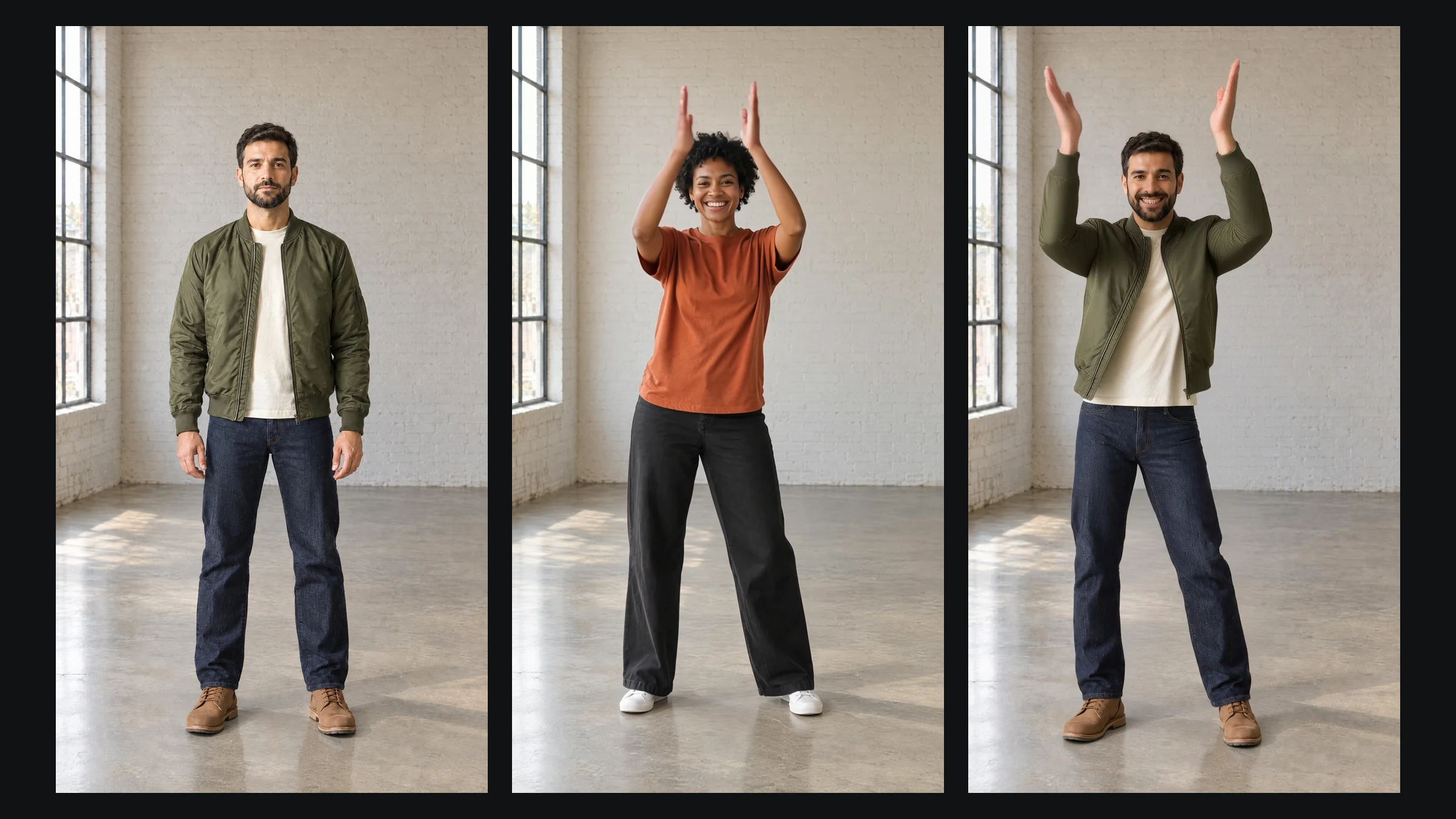
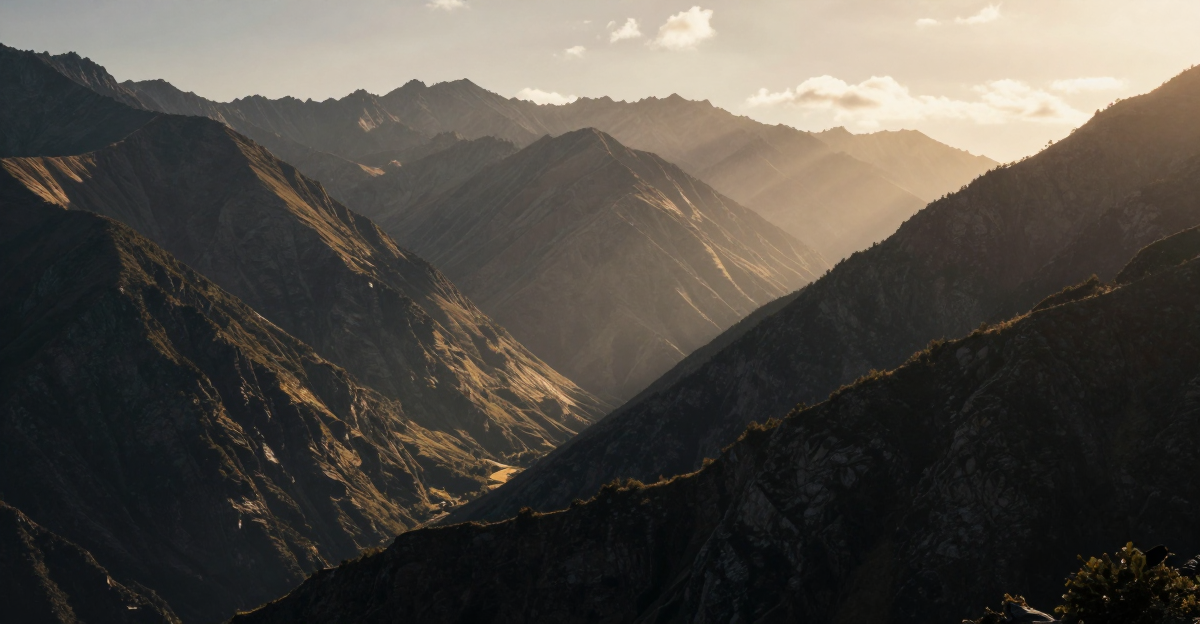
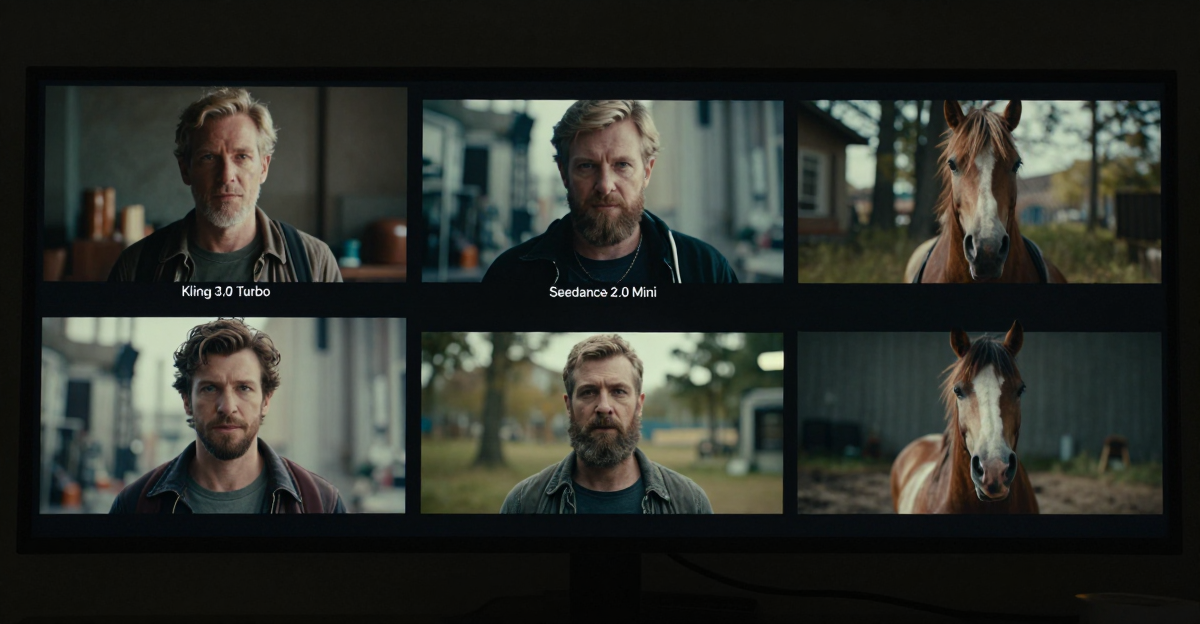
These are real, unedited results from the Imagera video generator — the exact tool this guide covers.
21.Bottom Line
The gap between an amateur AI video and a cinematic one is almost never the model — it's the prompt. Describe your shot in five layers, guide the motion and pacing explicitly, preview cheaply before you commit to a full render, and lean on LoRA styles to give your content a signature look. Start with the prompts in this library that match your immediate need, adapt the subject and mood tags, and build your own reusable set as you go. With generation taking seconds and clips priced per render, there has never been a lower-friction time to start producing AI video that actually stands out.
22.Tools and Next Steps
| Goal | Imagera Tool | Where to Start |
|---|---|---|
| Generate a video from a text prompt | AI Video Generator (Text to Video) | LoRA Video Generator |
| Animate a photo you already have | AI Video Generator (Image to Video) | LoRA Video Generator |
| Create a controlled transition between two frames | AI Video Generator (First & Last Frame) | LoRA Video Generator |
| Add a distinct style with LoRA chaining | AI Video Generator + CivitAI LoRAs | LoRA Video Generator |
| Upscale and polish a finished clip | Video enhancer & upscaling | LoRA Video Generator |
| Build faceless YouTube content | AI Video Generator for YouTube | LoRA Video Generator |
The journey from beginner to expert in AI video prompting is one of continuous discovery, where each new generation reveals possibilities you had not previously imagined. Keep a running list of the prompts that work, note the settings that produced them, and your library will compound into a genuine creative advantage.