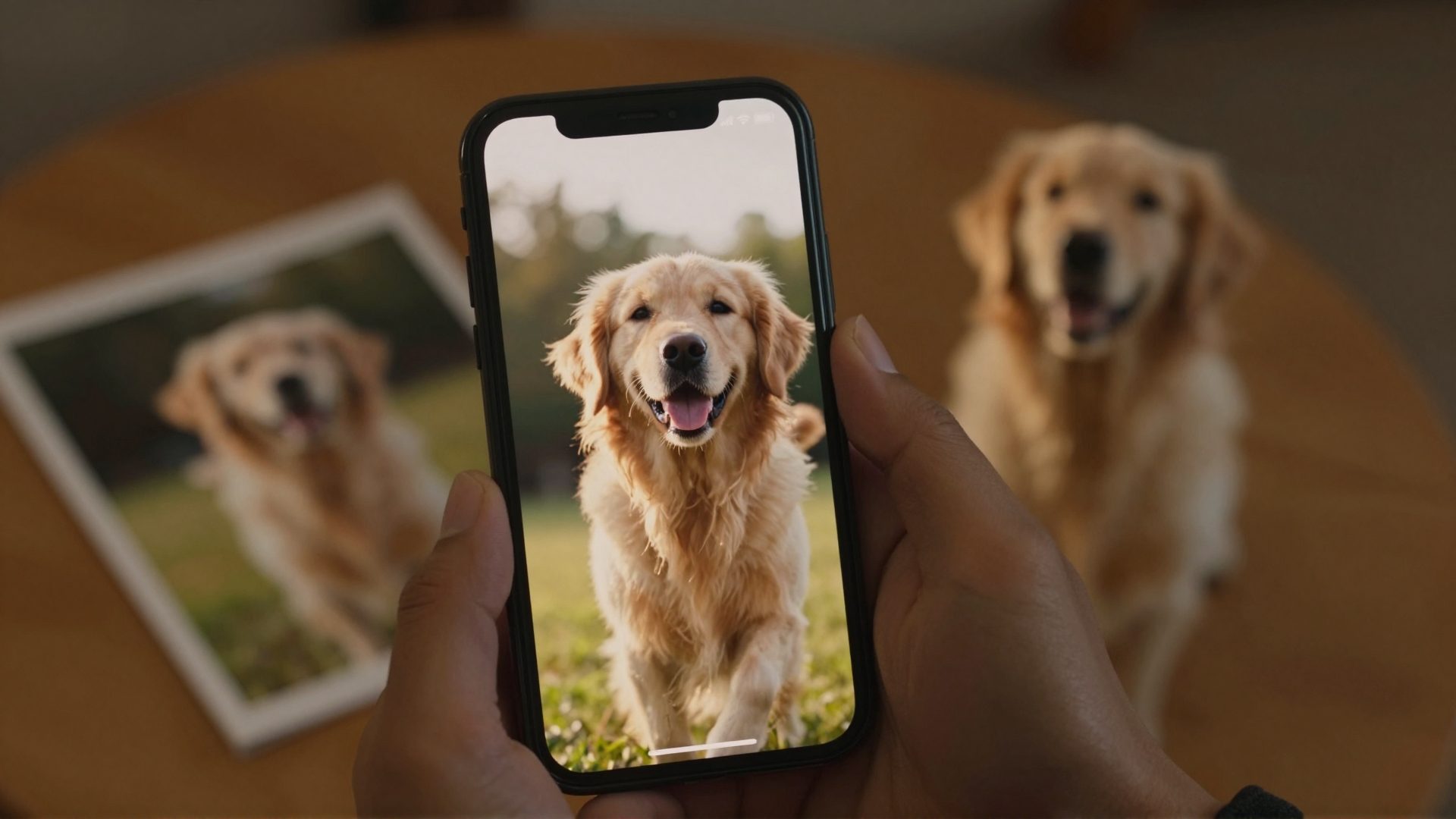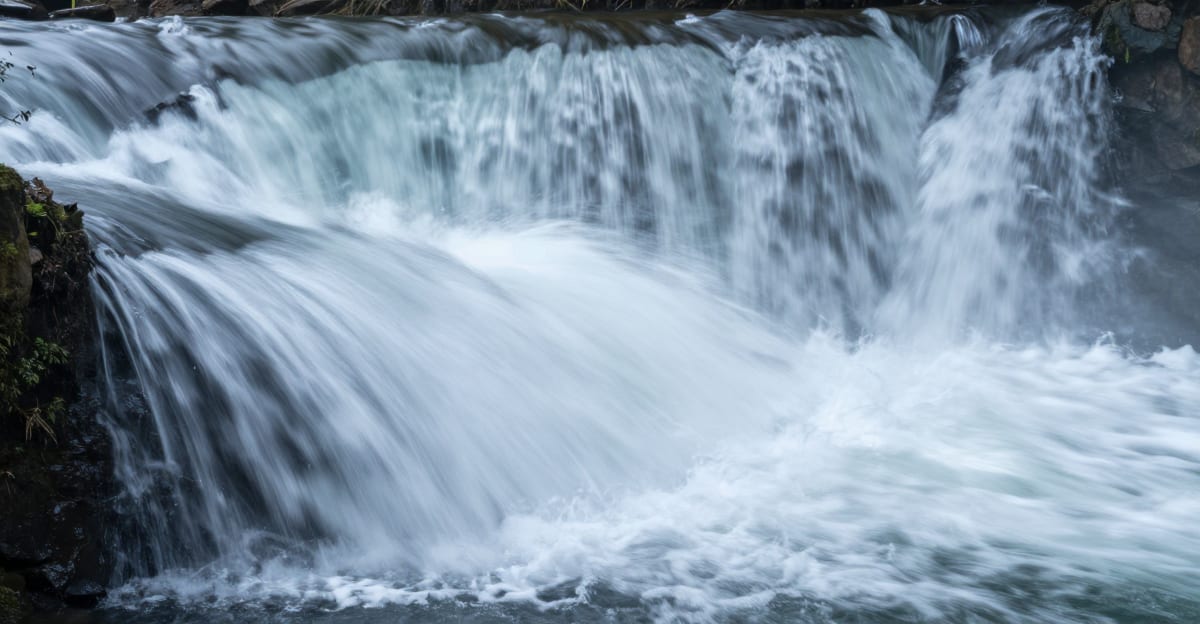
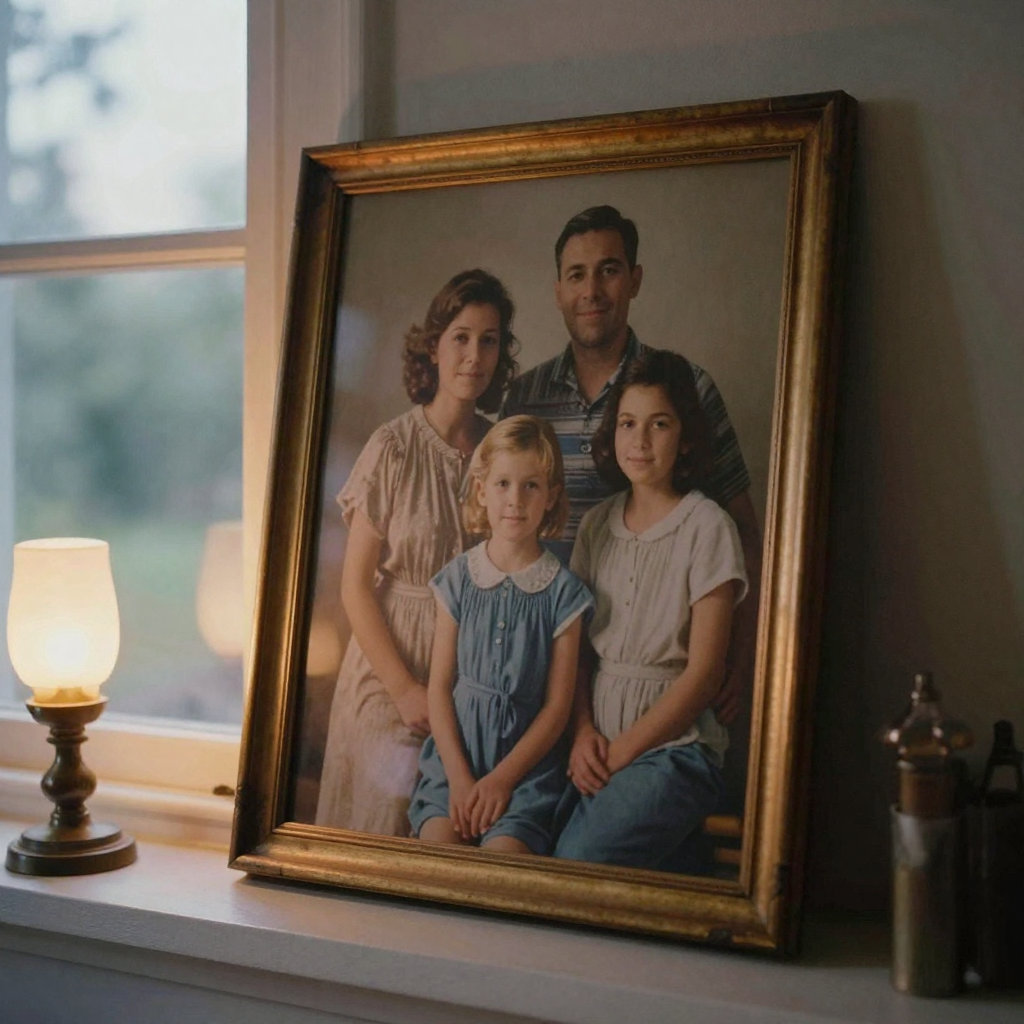
 The ability to animate static photos has transformed from a Hollywood-exclusive technique to something anyone can do in seconds. Image to video AI technology now powers everything from viral TikTok content to professional product demos, turning ordinary photographs into dynamic video content without requiring animation skills or expensive software.
In 2026, AI-powered photo animation has reached a tipping point. What once required After Effects expertise and hours of keyframing now happens automatically through neural networks trained on millions of videos. Whether you're creating faceless YouTube content, bringing family photos to life, or producing marketing materials, understanding how to leverage image to video AI gives you a significant creative advantage.
This guide explores everything you need to know about transforming static images into animated videos using AI, from the underlying technology to practical applications and quality optimization techniques.
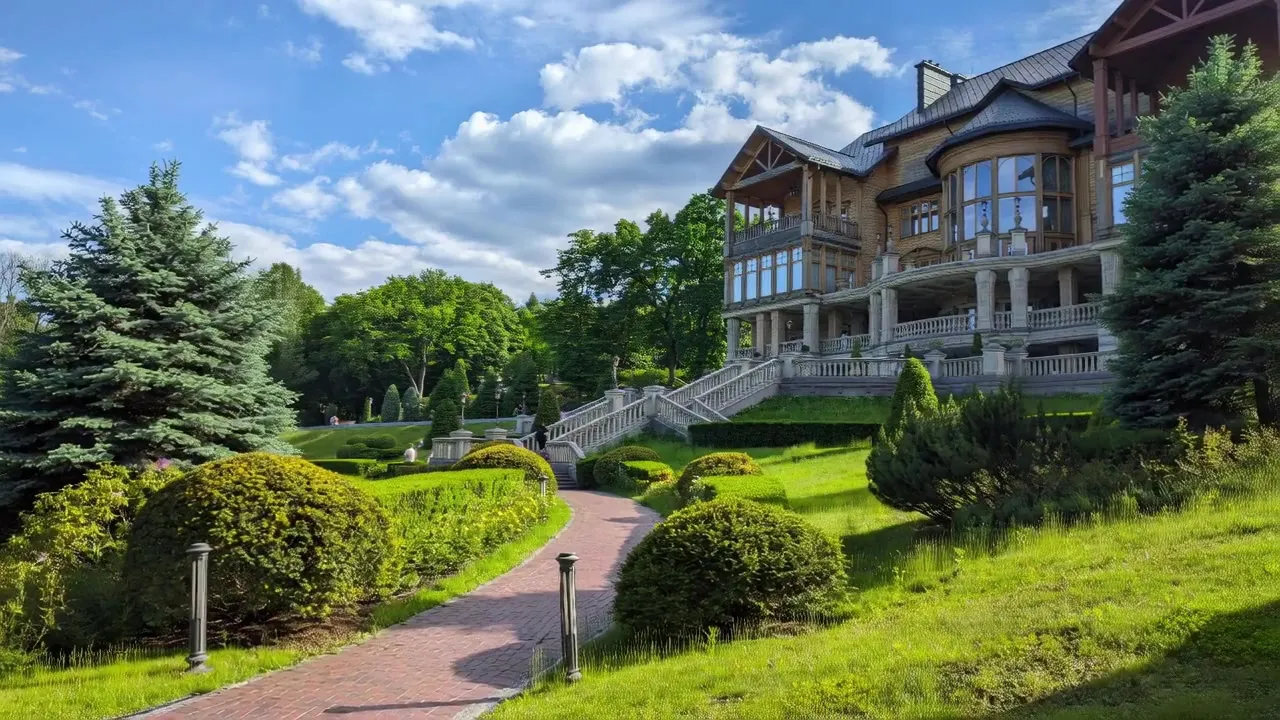
Real Imagera output: a still photo animated into smooth motion.
Quick answer: Imagera turns a single still photo into smooth, natural motion in under 60 seconds, and can animate faces, products, or landscapes into shareable video clips online with no software to install.
1.How long does it take to animate a photo into video with Imagera?
Most clips render in under 60 seconds, far quicker than editing motion by hand. You upload 1 image, pick a motion style, and Imagera generates a 5-second clip you can extend or restyle. Over 100+ preset looks cover portraits, products, and scenery, all in your browser in 2026 with zero downloads.
2.What video quality can Imagera produce from one image?
Imagera outputs crisp 1080p by default and supports upscaling toward 4K for detail-heavy shots, so a single photo becomes a polished clip fit for reels, ads, or listings. Short-form video tends to draw more attention than static images, which is why animating even 1 photo into motion can help your work stand out. You spend credits per clip, with no per-second surcharge, so a 5-second render costs the same predictable amount every time.
3.What Is Image to Video AI?
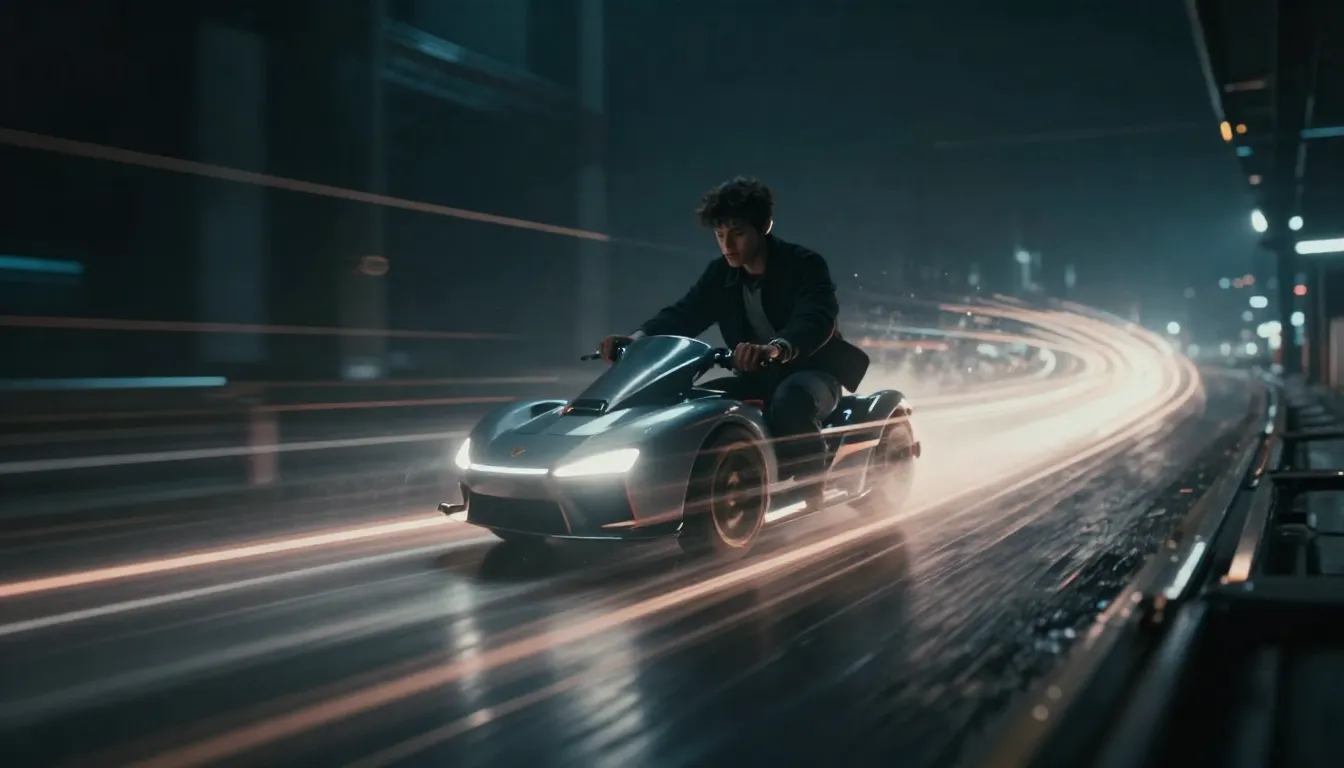
Image to video AI refers to machine learning systems that analyze a static photograph and generate realistic motion, effectively creating a short video clip from a single frame. Unlike traditional animation techniques that require manual keyframing, these AI models predict how elements within an image should move based on patterns learned from vast video datasets.
The technology works by understanding spatial relationships, depth information, and natural motion patterns. When you upload a photo of a landscape, the AI recognizes elements like clouds, water, trees, and foliage, then applies appropriate motion characteristics to each element—clouds drift, water ripples, leaves sway.
Modern AI picture to video generators use advanced diffusion models and temporal consistency algorithms to ensure smooth, natural-looking motion. The WAN 2.2 model, for instance, specializes in cinematic quality output with realistic physics and lighting transitions that maintain the original image's aesthetic while adding convincing movement.
3.1How Image to Video Differs from Text to Video
While both fall under AI video generation, image to video and text to video AI serve different creative needs:
Image to Video starts with a visual reference you control completely. You provide the exact composition, style, subjects, and lighting through your base image. The AI's job is purely to add motion while preserving your creative vision. This approach works best when you have specific visual requirements or want to animate existing photos.
Text to Video AI generates both the visuals and motion from a written prompt. You describe what you want to see, and the AI creates the entire video from scratch. This offers more creative freedom but less control over exact visual outcomes. It excels for conceptual content where you're exploring ideas rather than executing a precise vision.
Many creators use both approaches together—generating initial frames with text-to-image AI, refining them, then using image to video to bring the polished result to life.
4.How Image to Video AI Works: The Technical Foundation
Understanding the underlying mechanics helps you get better results from photo animation AI tools. The process involves several sophisticated steps:
4.1Depth Estimation and Scene Understanding
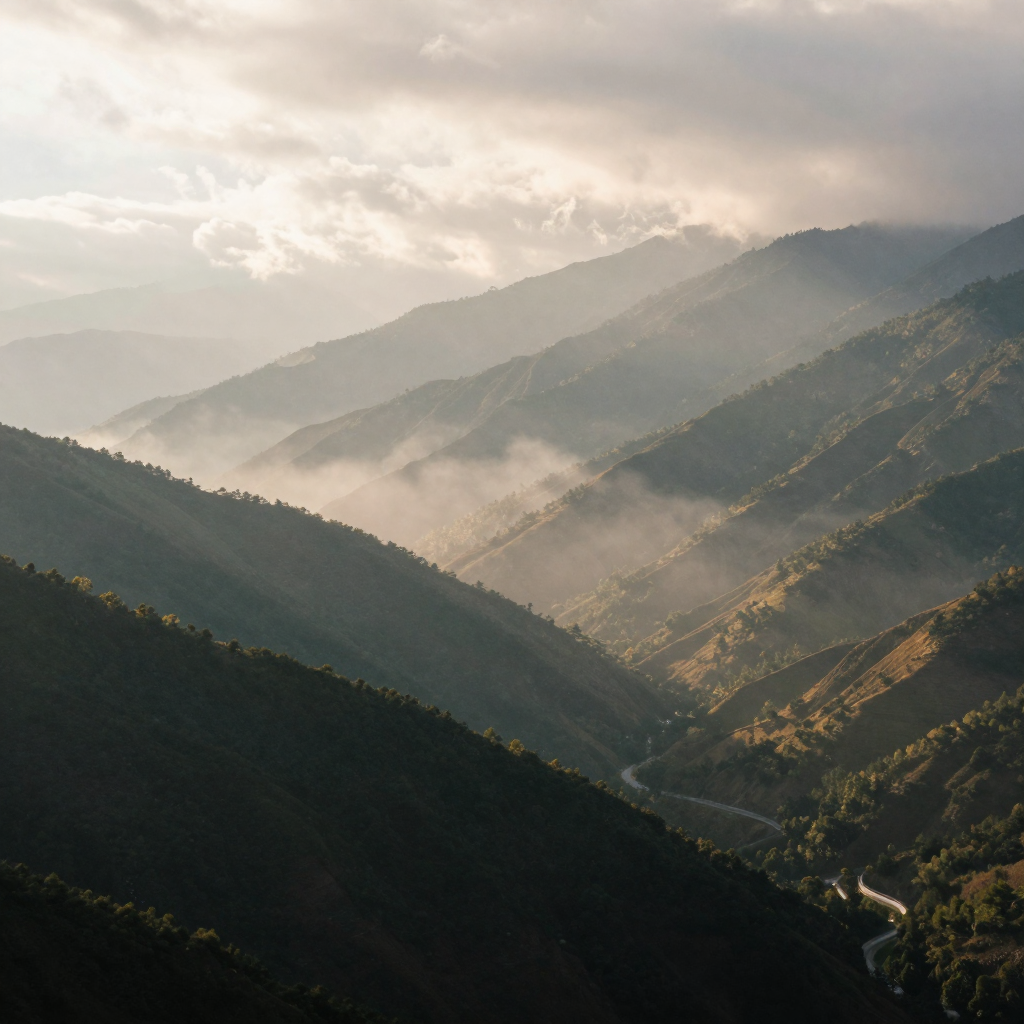
First, the AI analyzes your image to create a depth map—a grayscale representation where brightness indicates distance from the camera. Closer objects appear lighter, distant elements darker. This spatial understanding allows the model to apply parallax effects and realistic motion scaling.
Advanced models also perform semantic segmentation, identifying what each pixel represents: sky, person, building, water, vegetation. This categorization enables element-specific motion patterns—human hair moves differently than tree branches, which move differently than architectural structures.
4.2Motion Prediction and Temporal Consistency
The AI then predicts plausible motion for each scene element based on physics, typical movement patterns, and artistic conventions. A portrait might feature subtle breathing motion and slight camera movement. A landscape could show drifting clouds and swaying foliage.
Temporal consistency algorithms ensure smooth frame-to-frame transitions without flickering or morphing artifacts. The model generates intermediate frames that maintain visual coherence throughout the animation sequence, typically producing 24-30 frames per second for natural-looking motion.
4.3Style Transfer and Enhancement
Modern systems like those in Imagera's AI Video Generator integrate LoRA (Low-Rank Adaptation) models that apply specific artistic styles during the animation process. You can transform a standard photo into an anime sequence, cinematic film look, Y2K aesthetic, or any of 10,000+ style variations while maintaining motion quality.
The ability to chain up to four LoRAs together enables complex style combinations—imagine a cottagecore aesthetic with dark academia color grading and 1990s film grain, all applied while your image comes to life.
5.Practical Use Cases for Image to Video AI
The versatility of animate photo online technology has created opportunities across numerous creative and commercial applications:
5.1Faceless Content Creation for YouTube and TikTok
Faceless channels have exploded on platforms like YouTube and TikTok, covering topics from history to philosophy without showing the creator. AI picture to video generators enable these creators to transform stock photos, AI-generated images, or licensed historical photographs into engaging video content.
A history channel might animate old photographs of historical events, adding subtle motion to bring the past to life. A meditation channel could create calming visuals from nature photography. Educational content creators animate diagrams and infographics to make complex concepts more digestible.
The key advantage: you can produce multiple videos per day without filming, location scouting, or appearing on camera. Combine animated visuals with voiceover narration, and you have complete video content ready for monetization.
5.2Product Demonstrations and E-Commerce
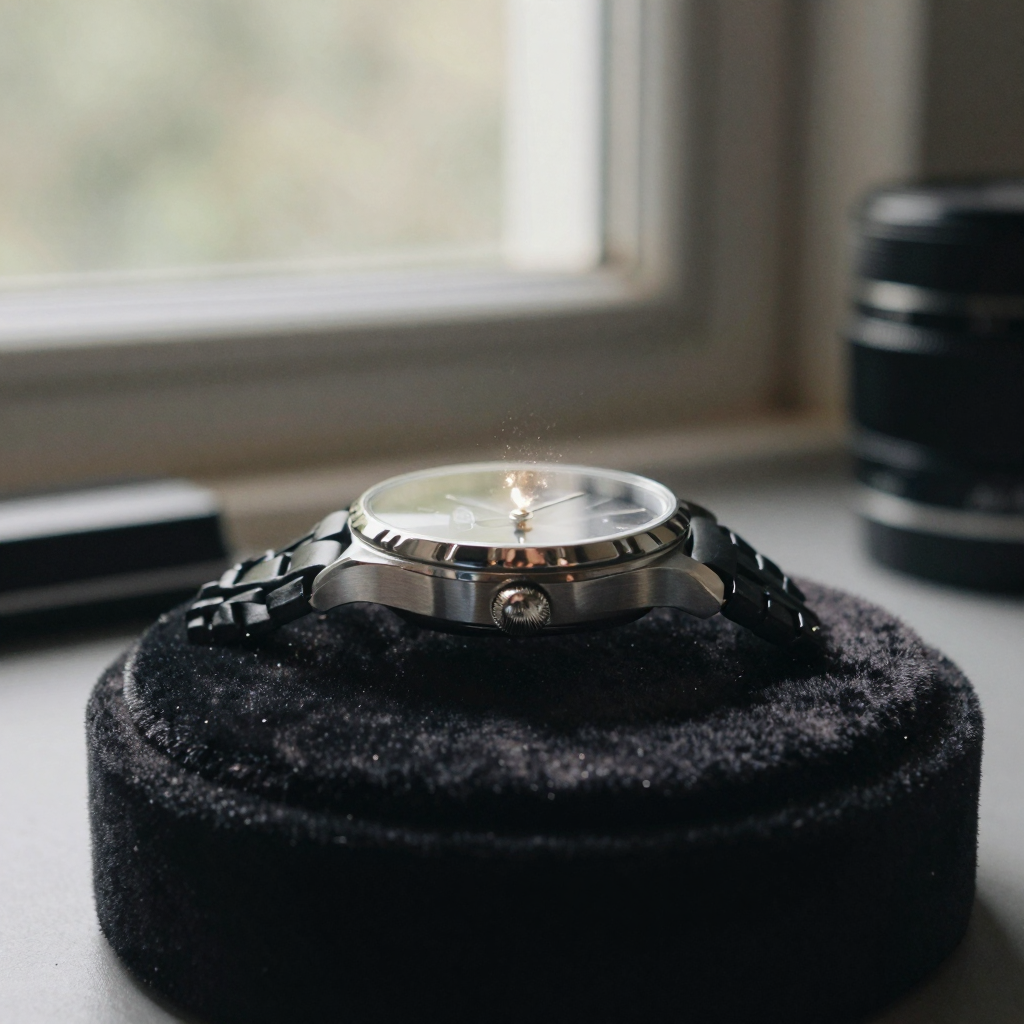
E-commerce brands use photo animation AI to showcase products more dynamically than static images allow. A watch photo might show the second hand moving and light reflecting across the crystal. Jewelry images can feature subtle rotations that catch light from different angles.
These animated product visuals increase engagement rates in social media advertising and improve conversion rates on product pages. The motion draws the eye more effectively than static imagery while still being less demanding than full video production.
Fashion retailers animate clothing photos to show fabric movement and drape. Furniture companies add subtle environmental animations—a breeze through curtains, sunlight shifting across a room—that help customers visualize products in living spaces.
5.3Social Media Content and Storytelling
Instagram Reels, TikTok videos, and YouTube Shorts thrive on eye-catching motion. Creators use image to video AI to transform personal photos into shareable content. Travel photos become cinematic sequences with camera movements and atmospheric effects. Family portraits gain emotional impact through subtle animation.
The 9:16 vertical format support in modern AI video generators makes content perfectly optimized for mobile-first platforms. Generate multiple variations of the same image with different motion patterns to test which performs best with your audience.
5.4Memory Preservation and Personal Projects
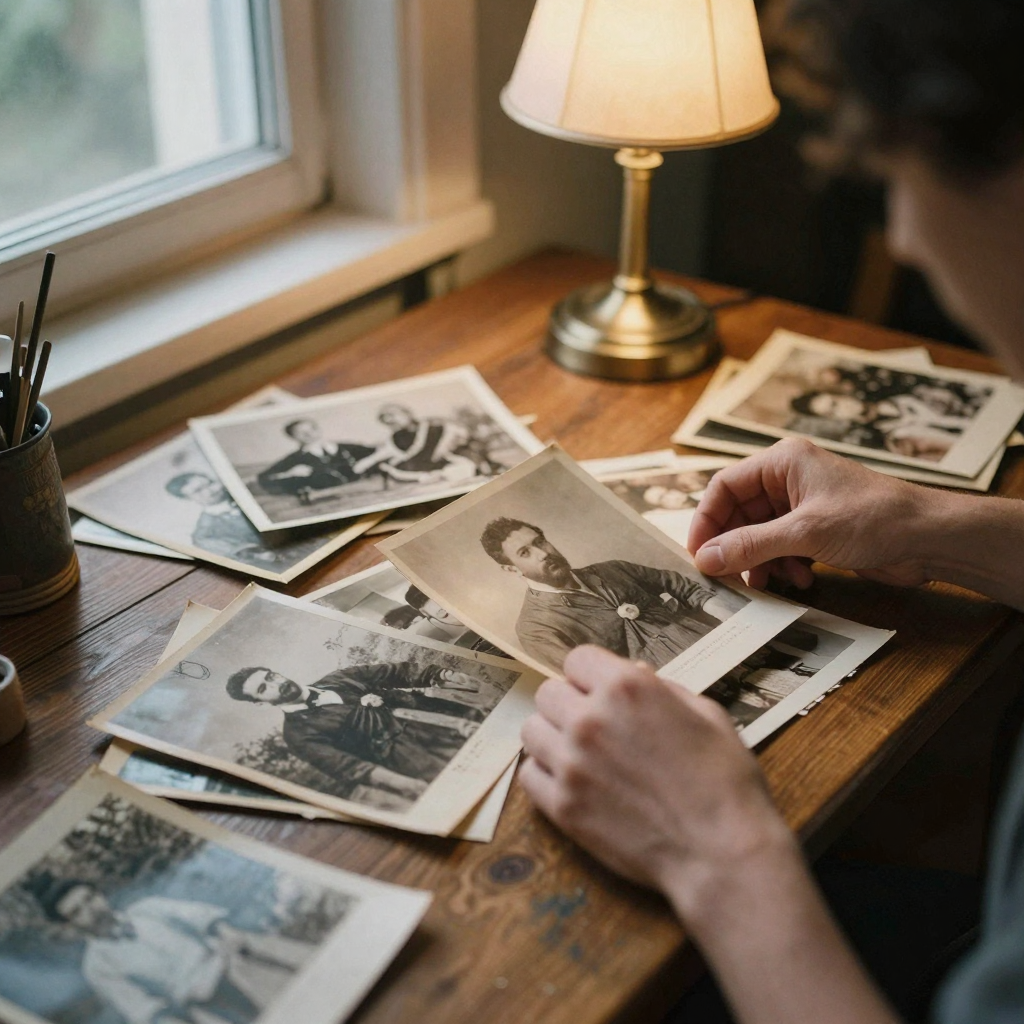
Beyond commercial applications, many people use photo animation technology for personal projects. Animate treasured family photographs to create moving tributes for anniversaries or memorial services. Transform wedding photos into cinematic montages. Bring childhood photos to life for gift presentations.
The emotional impact of seeing a departed loved one's photograph move, even artificially, provides comfort to many families. Historic family photos gain new relevance for younger generations when presented as animated content rather than static prints.
6.Getting Started with Image to Video: Step-by-Step Process
Creating your first AI picture to video is straightforward. Here's how to approach the process:
6.1Selecting and Preparing Your Source Image
Image quality directly impacts animation results. Start with high-resolution photographs—at least 1080p, ideally 2K or higher. Blurry, low-resolution, or heavily compressed images will produce poor motion quality with visible artifacts.
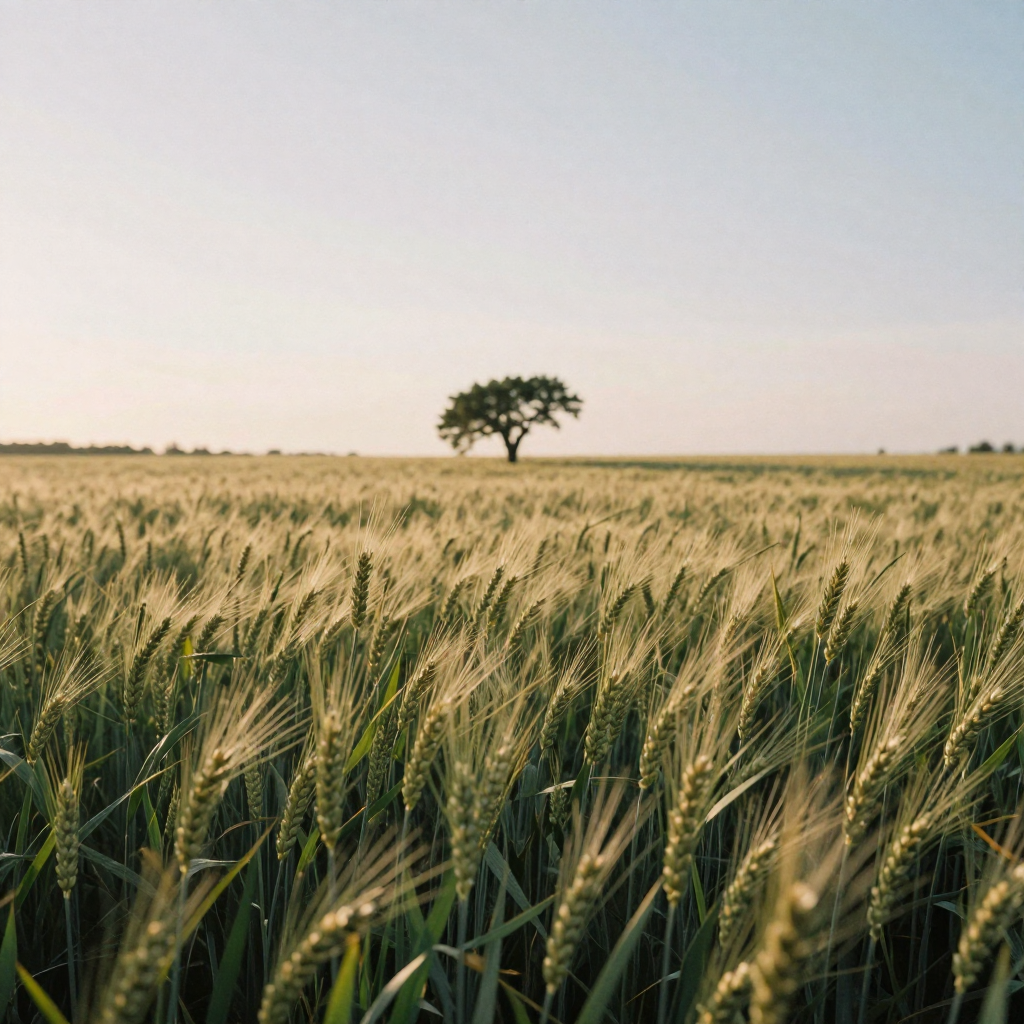
Consider composition and depth. Images with clear foreground, midground, and background elements provide the best results because the AI can apply varied motion to different depth layers. A landscape with foreground flowers, middle-distance trees, and background mountains will animate more impressively than a flat, single-plane image.
Lighting and contrast matter. Well-lit images with good dynamic range allow the AI to better understand scene structure. Extremely dark photos or blown-out highlights reduce the model's ability to predict accurate depth and apply convincing motion.
6.2Choosing Animation Style and Parameters
Most image to video online platforms offer motion intensity controls. Subtle animations work best for portraits and product shots—gentle breathing motion, slight camera drift, ambient atmospheric effects. Dramatic motion suits landscapes and establishing shots where you want pronounced parallax effects and environmental movement.
With Imagera's AI Video Generator, you can apply LoRA style models to transform your animation's aesthetic. A realistic photograph can become an anime sequence, film noir scene, or watercolor painting while animating. Browse the 10,000+ available styles from CivitAI to find looks that match your creative vision.
Aspect ratio selection depends on your distribution platform. Choose 9:16 vertical for TikTok, Instagram Reels, and YouTube Shorts. Use 16:9 landscape for traditional YouTube videos and presentations. Square 1:1 format works for Instagram feed posts.
6.3Quality Settings and Generation Time
Balance quality against credit costs and generation time. Light quality starts at 15 credits and generates in approximately 10 seconds, suitable for testing concepts and draft content. HD quality ranges from 25-70 credits with 20-30 second generation times, delivering the crispness needed for professional distribution.
For client work or content monetization, always use HD settings. The visual difference becomes pronounced on large screens and during platform compression. For personal projects or rapid prototyping, light quality provides sufficient preview capability.
6.4Reviewing and Iterating
AI-generated videos rarely perfect the exact motion you envision on the first attempt. Generate multiple variations using different motion parameters or style combinations. Many creators produce 3-5 versions of each image, then select the best result for their final project.
Pay attention to motion artifacts—areas where the animation glitches, morphs unnaturally, or creates impossible physics. Complex scenes with intricate details (tree branches, hair, reflective surfaces) sometimes produce these issues. If artifacts appear consistently in a specific image area, consider using photo editing to simplify that region before re-animating.
7.Advanced Techniques for Professional Results
Moving beyond basic animation requires understanding nuanced approaches that separate amateur from professional output:
7.1Multi-Image Sequencing with First-and-Last-Frame
The first-and-last-frame technique creates smooth transitions between different scenes by animating from one complete image to another. This approach produces more controlled narrative flow than generating individual clips and cutting between them.
Plan your sequence like a storyboard. Create or select images that share compositional elements—similar color palettes, matching subject positions, or related environments. The AI generates intermediate frames that morph from your starting image to your ending image, creating seamless scene transitions.
This technique excels for music videos, product showcases showing different angles, and storytelling content where you want cinematic continuity between scenes rather than hard cuts.
7.2LoRA Chaining for Unique Aesthetics
Chaining multiple LoRAs creates style combinations impossible to achieve with single models. Combine a color grading LoRA with a texture LoRA and a motion pattern LoRA to develop signature looks that differentiate your content.
Experiment systematically rather than randomly. Start with a base aesthetic LoRA (anime, cinematic, vintage), add a color treatment LoRA (warm tones, desaturated, high contrast), then layer texture or grain effects. Document successful combinations for consistent branding across your video content.
Some LoRA combinations conflict, producing over-processed or unstable results. When this occurs, reduce the number of chained models or adjust their influence weights if your platform supports that control.
7.3Hybrid Workflows: Combining Multiple AI Tools
Professional creators rarely rely on a single AI tool. A typical hybrid workflow might involve:
- Generate base image with text-to-image AI (Stable Diffusion, DALL-E)
- Enhance details with AI upscaling tools
- Apply background changes or object removal with AI editing
- Animate the refined result with image to video AI
- Add AI-generated music or voiceover
- Final editing in traditional video software
This approach leverages each tool's strengths while compensating for individual limitations. The time investment decreases dramatically compared to traditional production while maintaining professional quality standards.
7.4Motion Direction and Camera Movement
While many platforms apply automatic motion prediction, understanding camera movement principles improves results. Vertical camera movements (tilts) work well for tall subjects—buildings, trees, standing figures. Horizontal pans suit wide landscapes and group shots.
Parallax effects—where foreground elements move faster than background elements—create compelling depth. Images with clear layered composition maximize this effect. A photo with close flowers, middle-distance people, and far mountains will show pronounced parallax as the virtual camera moves.
Zoom effects work best on center-composed images with interesting focal points. Rotating camera movements require images with strong central subjects and balanced composition to avoid disorienting results.
8.Limitations and Challenges of Current Technology
Despite impressive capabilities, photo animation AI has constraints worth understanding:
8.1Motion Coherence in Complex Scenes
Images with extreme complexity—dense crowds, intricate patterns, numerous small objects—challenge current models. The AI may generate inconsistent motion where different parts of a single object move at conflicting speeds or directions.
Reflections and transparent surfaces prove particularly difficult. A photograph featuring water reflections, glass windows, or mirrors might show the reflected elements moving independently from their sources, breaking physical realism.
Workaround: Simplify complex images before animation. Use photo editing to reduce visual clutter, remove problematic reflections, or mask areas where you don't want motion applied.
8.2The Uncanny Valley Effect
Human faces and figures in animated photos sometimes exhibit the uncanny valley phenomenon—they're almost realistic but contain subtle wrongness that feels unsettling. Facial features might shift unnaturally, breathing motion may appear mechanical, or eye movements could seem vacant.
Portrait animation works best with subtle motion parameters—gentle camera drift, slight depth-of-field breathing, ambient lighting changes. Avoid aggressive motion settings that amplify unnatural characteristics.
8.3Physical Impossibilities and Artifacts
AI models occasionally generate motion that violates physics. Smoke might flow in impossible directions, hair could move independently of wind direction affecting other elements, or shadows might shift inconsistently with light source changes.
Morphing artifacts appear when the AI struggles to maintain object boundaries during motion. Tree branches might temporarily merge and separate, architectural details could warp, or textures may swim unnaturally. These issues occur more frequently at higher motion intensities.
8.4Resolution and Quality Constraints
Even HD output from image to video online platforms typically maxes out at 1080p. For large-screen presentations, cinema displays, or broadcast applications, this resolution shows limitations. Traditional video production still holds advantages for ultimate quality requirements.
Generation time and credit costs increase with quality and duration. A 10-second HD clip might cost 70 credits, making extensive content production expensive compared to traditional filming for creators with camera access.
9.Cost Comparison: Image to Video AI vs Traditional Production
Understanding the economics of AI video creation helps determine when the technology offers genuine value:
9.1AI Video Generation Costs
Imagera's pricing starts at $19.99/month for 100 credits. Light quality animations consume 15 credits, HD videos range from 25-70 credits depending on duration and complexity. This translates to:
- Budget Plan ( $19.99/month): 6-7 HD videos or 15-20 light quality videos
- Mid-Tier Plan: 15-25 HD videos monthly
- Professional Plan: 50+ HD videos monthly
Each video includes full commercial rights—no licensing restrictions, no attribution requirements, unlimited distribution. This dramatically undercuts traditional stock video licensing where individual clips cost $30-200 each.
9.2Traditional Video Production Costs
Compare this to conventional production:
- Freelance Videographer: $500-2,000 per day
- Stock Footage Licensing: $30-200 per clip
- Video Editing Services: $50-150 per hour
- Animation Services: $1,000-5,000 per minute
- Equipment Costs: $2,000-10,000 for quality camera, lighting, stabilization
For creators producing daily content, AI generation costs represent 5-10% of traditional production expenses while eliminating location requirements, weather dependencies, and scheduling complexity.
9.3The ROI Calculation
A faceless YouTube channel posting daily videos needs 365 video pieces annually. Using AI:
- Annual Cost: $60-180 (depending on plan)
- Production Time: 30-60 minutes daily (mostly writing and editing)
- Scalability: Unlimited style variations, instant revisions
Traditional production for the same output:
- Annual Cost: $18,000-50,000 (freelancer or stock footage)
- Production Time: 2-4 hours daily (filming, editing)
- Scalability: Limited by budget and time
The AI advantage becomes overwhelming for high-volume content creators, marketers managing multiple brands, or educators producing regular course materials.
10.Platform Comparison: Finding the Right Tool
Several platforms offer animate photo online capabilities. Here's how they compare:
10.1Runway ML
Runway positions as the premium option with advanced controls and longer video durations. Their Gen-2 model produces high-quality results but costs $12/month minimum with limited generation credits. Professional plans reach $76/month.
Best for: Film production professionals, agencies with specific style requirements, projects demanding absolute quality control.
Limitations: Higher cost, steeper learning curve, credit consumption rates make daily content creation expensive.
10.2Imagera AI
Imagera balances quality, cost, and versatility as an all-in-one creative suite. Beyond image to video, you access 25+ AI tools including image generation, upscaling, editing, and voice synthesis—all under one subscription.
The 10,000+ LoRA integration provides unmatched style versatility. Chain up to four style models for unique aesthetics impossible with competitors. WAN 2.2 model delivers cinematic quality at price points that enable daily content creation.
Best for: Content creators, social media managers, small businesses, faceless channel operators, anyone needing regular video output without traditional production resources.
Advantages: Affordable volume production, style flexibility, commercial rights included, fast generation times, integrated creative workflow.
10.3Pika Labs
Pika offers a consumer-friendly interface with solid results for casual users. Free tier available but with heavy usage restrictions. Quality falls between Runway's premium output and budget alternatives.
Best for: Personal projects, occasional use, creators testing AI video before committing to subscriptions.
Limitations: Limited style control, slower generation speeds, free tier watermarks.
10.4Stability AI (Stable Video Diffusion)
The open-source option for technically capable users. Run locally with sufficient GPU power, or access through various third-party platforms. Quality varies depending on implementation and model versions.
Best for: Developers, researchers, creators with technical expertise and local GPU resources.
Challenges: Requires setup expertise, inconsistent results across implementations, no guaranteed support.
11.Optimizing Your Workflow for Maximum Efficiency
Successful AI picture to video creation requires systematic approaches:
11.1Batch Processing Strategy
Generate multiple variations simultaneously rather than perfecting individual pieces sequentially. Create 5-10 versions of each scene with different motion settings or styles, then review all results to select the best outcomes.
This parallel approach proves more time-efficient than iterative refinement because you can't always predict which parameter combinations will yield the best results. Reviewing options is faster than speculative re-generation.
11.2Asset Organization Systems
Develop folder structures that separate source images, generated videos, selected finals, and rejected attempts. Name files systematically with descriptive tags: project-scene-style-version.mp4.
Maintain a style reference library documenting successful LoRA combinations, motion settings, and generation parameters. Screenshot settings for repeatable results when you discover winning formulas.
11.3Template Creation for Consistent Branding
If producing series content, create image templates with consistent compositions, color schemes, and element positioning. Generate your base images following these templates, then animate with standardized settings for visual consistency across episodes.
This approach streamlines production while building recognizable brand aesthetics. Viewers should recognize your content's visual signature before reading titles or descriptions.
11.4Quality Control Checklists
Develop systematic review criteria:
- Motion appears physically plausible throughout the clip
- No morphing artifacts in critical areas
- Audio sync points align with visual movement (if adding sound)
- Aspect ratio correctly matches intended platform
- File format compatible with distribution requirements
- Credit to generated content properly allocated
Standardized quality checks prevent publishing flawed content that damages channel credibility or wastes revision time after distribution.
12.The Future of Image to Video AI
Technology trajectory suggests significant developments ahead:
12.1Extended Duration and Narrative Capabilities
Current systems typically generate 3-10 second clips. Research in long-form AI video aims for multi-minute generations with narrative coherence across extended sequences. This would enable complete short-form content from single prompts rather than assembled clips.
Storyboard-to-video systems may soon accept series of images with narrative descriptions, producing complete story arcs with appropriate pacing, transitions, and emotional beats—essentially automated film direction.
12.2Real-Time Animation and Interactive Content
As processing efficiency improves, real-time image to video conversion becomes feasible. Stream video effects that animate photographs during live broadcasts. Create interactive experiences where user input determines motion parameters dynamically.
Virtual production environments may integrate AI animation for instant background generation, allowing filmmakers to describe or show reference images and receive animated environments within seconds rather than weeks of VFX work.
12.3Improved Physical Accuracy and Control
Next-generation models will better understand complex physics—fluid dynamics, cloth simulation, particle effects, accurate lighting changes. This reduces artifacts and expands applicable scenarios to previously problematic subjects.
Granular motion control through natural language ("camera slowly pulls back while focusing on the foreground subject") or visual guidance (drawing motion paths) will provide directors with precise creative control while maintaining AI efficiency benefits.
12.4Integration with Other AI Modalities
Multi-modal AI systems will seamlessly combine image generation, video animation, voice synthesis, and music creation. Describe a complete video concept, and the system generates visuals, animates them, adds appropriate soundtrack, and includes voiceover narration—complete video production from a single prompt.
This convergence of creative AI tools fundamentally changes content production economics and accessibility, democratizing capabilities previously limited to well-funded studios.
13.Deeper guide (practical production)
14.Where to go next (product links)
15.Related tools on Imagera
16.Start Animating Your Photos Today
Image to video AI has progressed from experimental novelty to practical production tool in remarkably short time. Whether you're building a faceless content empire, enhancing marketing materials, or preserving family memories, the technology offers accessible entry into video creation without traditional barriers.
The key to success lies in understanding the technology's strengths and limitations, selecting appropriate source imagery, and developing systematic workflows that leverage AI efficiency while maintaining quality standards. Start with simple animations to build familiarity, experiment with different styles and motion settings, and gradually expand into more complex applications as you discover what works for your specific needs.
Imagera's AI Video Generator provides the tools, styles, and affordability to transform this capability into consistent content production. With 10,000+ LoRA styles, flexible quality tiers, and full commercial rights starting at just $19.99/month, you can begin animating photos today and scale production as your needs grow.
The future of video content isn't choosing between AI generation and traditional production—it's intelligently combining both approaches to maximize creative output while minimizing time and cost constraints. Your static photos contain untapped potential; AI video technology simply unlocks it.