IMAGE TO VIDEO AI ANIMATE ANY PHOTO ONLINE
For advanced users — bring your own LoRA. Words become cinema. Images come alive.
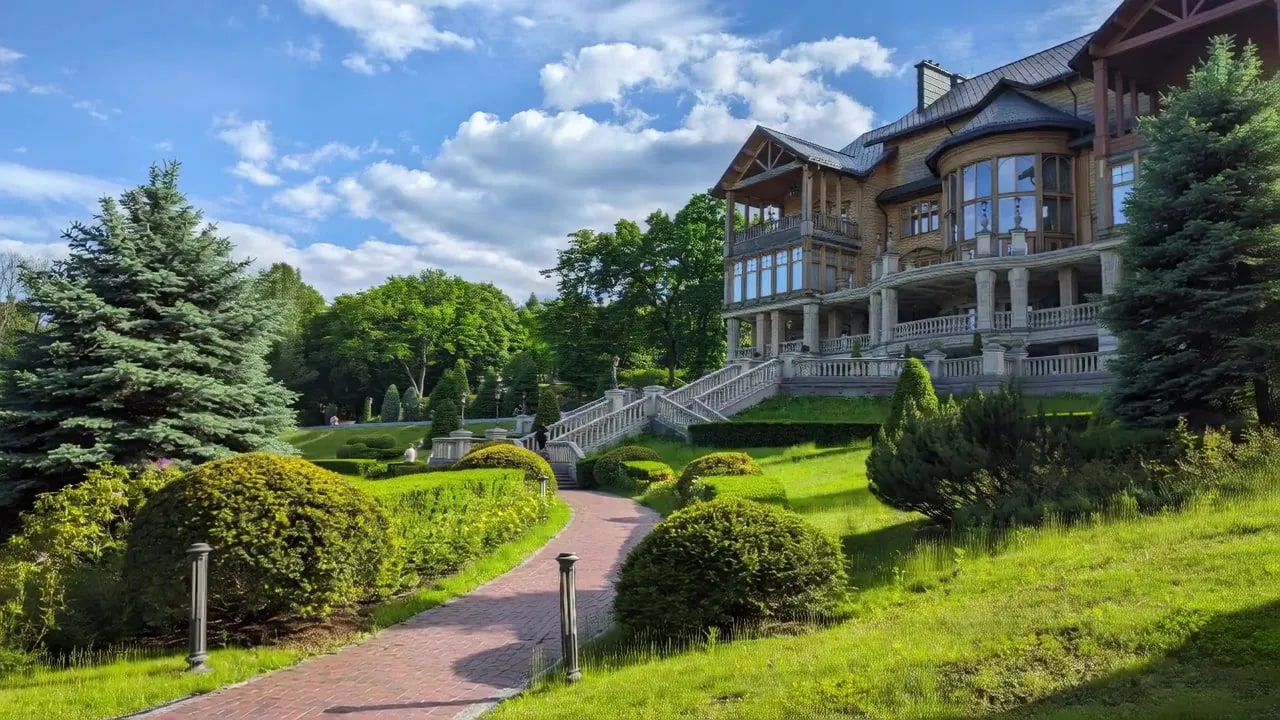
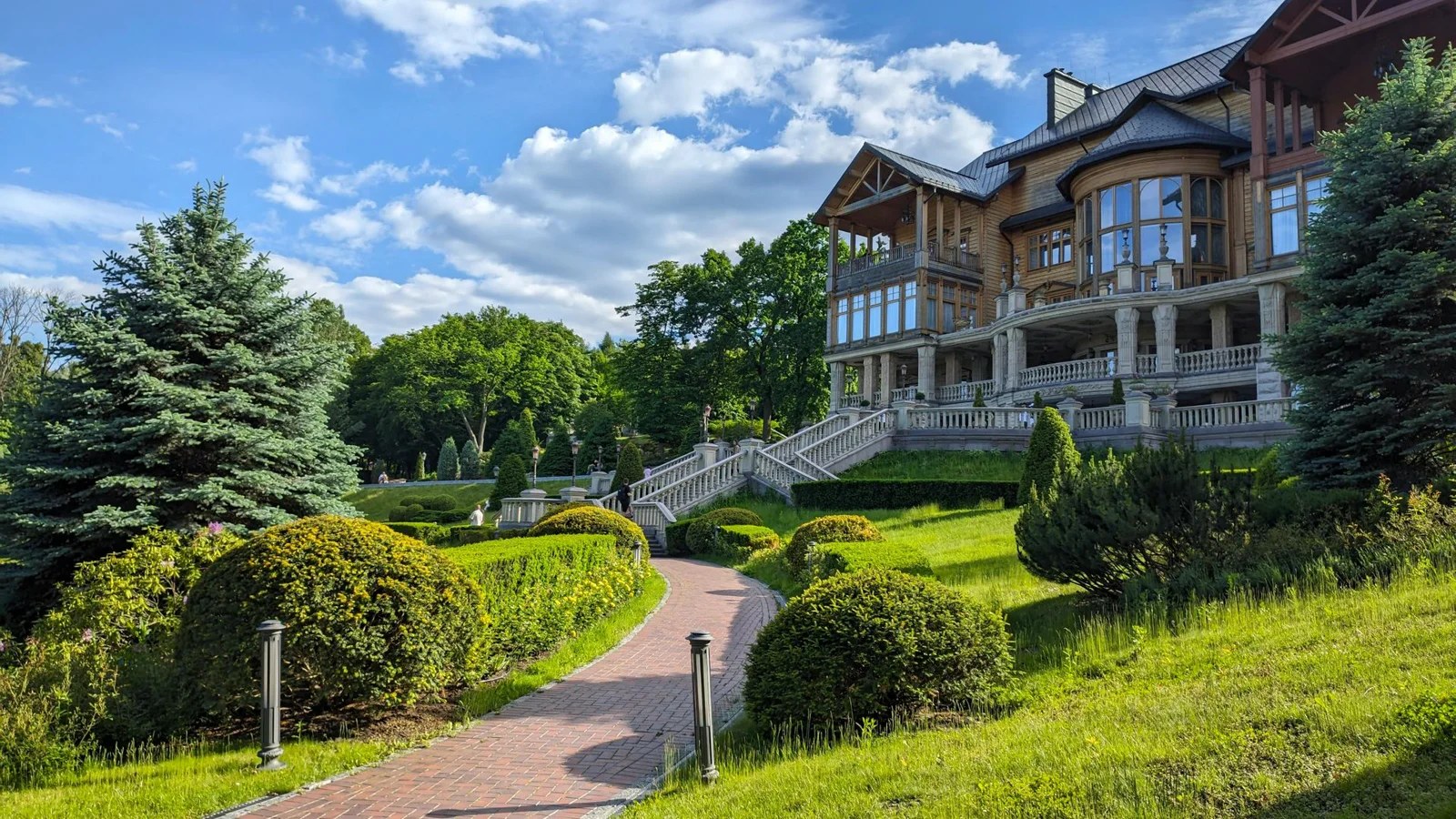 BeforeAfter
How do you turn a photo into a video with AI?
Upload a still photograph and describe the motion you want. The model reads the depth, edges and materials already in the picture, then generates the frames that never existed either side of it — the camera drifts, leaves move, water runs — so the photo plays as footage. The same studio builds a clip from words alone, and extends or restyles a clip you already have. It runs in a browser.
- Credits
- From 30 per clip
- Output
- MP4
- LoRAs
- Up to 4 per clip
Updated September 4, 2026
Cite this page: https://imagera.ai/video/video-generator
Where a clip starts
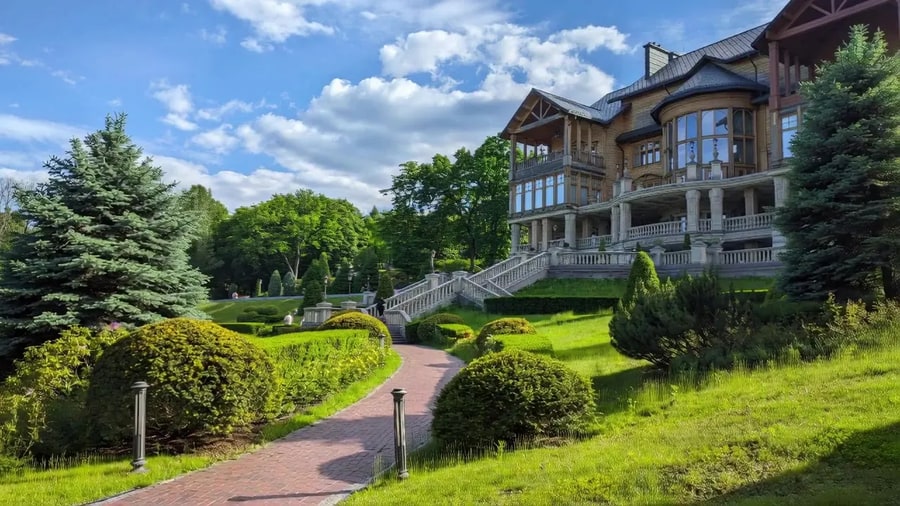
Image to video
Transform a static image into a moving clip with smooth animation and natural motion — the picture you already have, played rather than looked at.
Know more →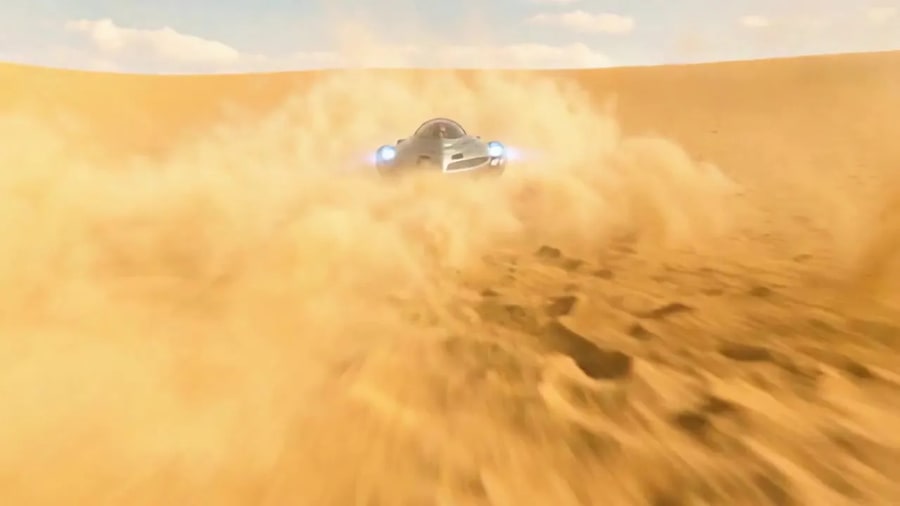
Text to video
Generate a clip from a written description alone. No photo, no footage, no camera — the shot exists only in the prompt until it comes back rendered.
Know more →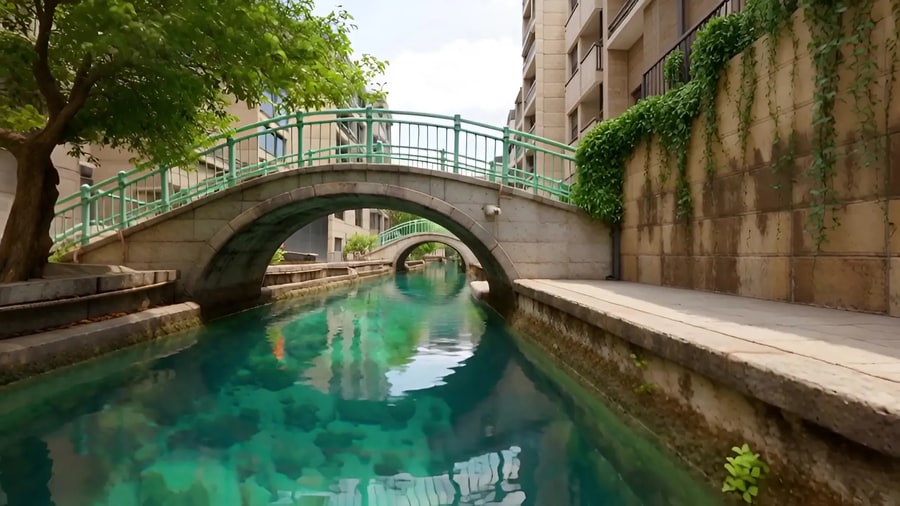
Extend or restyle a clip
Give it a clip you already have and it carries the shot on past its last frame, or re-renders it in a new style while the motion stays.
Know more →What you get that a one-button generator does not
Your own styles, five ways into a clip, and the credit total sitting on the button before you commit to anything.
Bring your own trained style
Most video tools give you one house look and a slider marked "creativity". This one takes a style from its built-in library, your own upload or link, or a style you trained yourself in LoRA Studio, applies it to the clip, and gives you a strength control so you decide how far it pushes — the whole look, or a suggestion of it. Load up to 4 and they combine: a character style under a lighting style, or a motion style over both. That is why the catalog calls this the advanced bench rather than a one-click generator.
Try it now →Five modes, one set of styles
Start from words, a photo or an audio track, or hand it a clip to extend or restyle. Each mode asks only for what it needs, your styles apply to all of them, and the credit total is on the button before you commit — from 30 credits a clip. A run that fails is not charged.
Try it now →Every lever the run depends on is exposed
The mode, the styles you load, their order and how hard each one pulls — none of it is decided for you behind a single magic toggle. The credit total on the button reflects your settings before you spend anything rather than being discovered afterwards. It also means a result is repeatable: the settings that produced the clip you liked are the settings you can write down and use again tomorrow.
Try it now →How to animate a photo
Three decisions, then the clip comes back in the same sitting.
Choose the mode
Image to video animates a still you upload. Text to video builds the clip from words alone. Audio to video, Extend and Restyle start from a track or a clip you supply. The mode decides what the card asks you for, so it is the first thing you pick.
Configure the settings
Load the styles you want (up to 4) from the built-in library, your own uploads or links, or LoRAs you trained, and set how hard each one pulls. The credit total is on the button before you run — from 30 credits a clip.
Generate and download
Run it, watch the clip come back, and download the MP4. It is ready for a 9:16 feed, a 16:9 upload or a 1:1 square without a re-export, and every clip you generate carries full commercial rights.
What people make with it
Faceless short-form
The format the whole niche is built on: story time, motivational cuts, satisfying loops — made without a camera, a location, or your face in frame. Vertical 9:16 out of the box, so nothing needs reframing before it goes up.
Try it now →Anime and aesthetic edits
Anime edits, character videos and aesthetic compilations — cottagecore, dark academia, Y2K — where the look is the entire point of the post. This is where a style loaded by link earns its keep, because the look is the thing you cannot get from a house model.
Try it now →Product and brand content
Product videos, UGC-style spots and showcases without booking a shoot. Animate the product photo you already have, or generate the establishing shot you never filmed, and keep full commercial rights on everything that comes out.
Try it now →Discover more AI features
Video Editing Tools
Ten small tools, one job each — subtitles, join clips, add music, GIFs, convert, denoise. Drop a file, pick a job, done.
Pro LoRA Generator
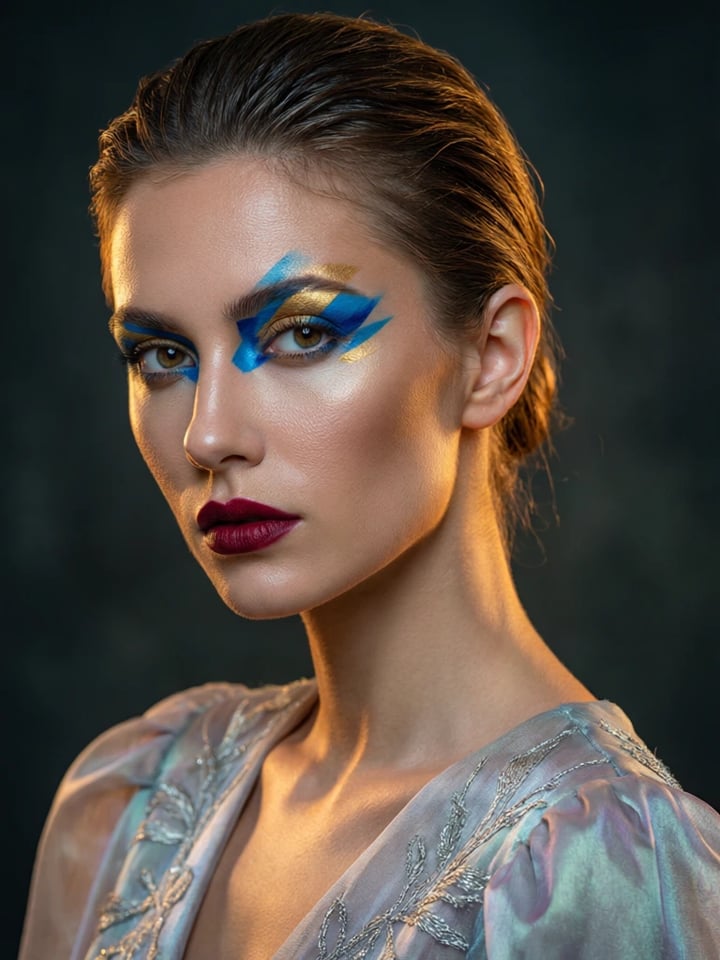
For advanced users — bring your own LoRA for a consistent style or character.
4K Video Enhancer
240p trash to 4K cinema. Every pixel rebuilt. Netflix-grade output.
AI Model Arena
Compare answers from several AI models in one Sandbox conversation.
Frequently asked questions
How do I make viral TikTok videos without showing my face?
Use our AI video generator to create faceless content. Upload any image or type a prompt—no camera, no filming, no face required. Imagera is built for faceless TikTok videos, story content, and viral shorts. Just describe what you want or upload an image, add LoRA styles, and generate.
Can I start a faceless YouTube channel with AI videos?
Yes. Create educational content, storytelling videos, motivational clips, or niche content without ever showing your face. Type a prompt or upload an image; no camera or filming setup is needed.
What is LoRA and why do creators love it?
LoRA is like an Instagram filter on steroids—but for AI videos. It teaches the AI a specific aesthetic: anime, cinematic, realistic, vintage, Y2K, cottagecore, dark academia, or a look you trained yourself. Stack up to 4 LoRAs together to create unique looks that make your content stand out.
Can I use these videos commercially?
Yes. Full commercial rights are included with every video you generate, so you can use them in client work, on your own channels, or in content for brands. Imagera is a video creation tool and makes no promise about what anyone will earn with it.
What video formats work for TikTok, Reels, and Shorts?
Clips download as MP4, ready to post to TikTok, Reels, Shorts or YouTube. To choose the frame shape and resolution yourself, switch to a Sandbox video model that offers those settings.
How fast can I create content?
Generation time depends on the engine, the clip length and the resolution, so no fixed time is promised. A clip renders in the background, so you can queue the next one while it finishes — useful for a daily posting schedule. No complex editing software.
What makes Imagera's video generator different from other AI video tools?
It runs LoRA styles on the clip. Pick from the built-in style library, upload your own file or paste a link, or load a style you trained, and chain up to 4 with a strength for each. The credit total shows on the button before you run.
How much does it cost to make AI videos?
A clip starts at 30 credits in the model the Try button opens. Credits are pay-as-you-go — buy them when you need them, and the exact cost shows on the generate button before you commit. There is a subscription if you would rather have credits arrive monthly, but nothing requires one.
Can I create anime and cartoon content?
Anime content is HUGE on TikTok and YouTube. Load anime and cartoon LoRAs from the built-in style library or your own, then create AI anime characters, story content, or aesthetic compilations.
Do I need editing skills or expensive software?
Zero skills needed. No Premiere Pro, no After Effects, no editing experience required. Our web app handles everything—just type what you want or upload an image. Generate, download, post. That's it. Everything runs in the cloud, works on any device.
How do I make dancing photo videos (AI Sway Dance trend)?
Use our Character Replacement tool in "Animate Photo" mode! Upload any photo + select a dance template video. Your photo copies the dance moves while keeping the background. Massive on TikTok in 2026. The price depends on the clip's length and shows on the Generate button before you run. Perfect for the viral Sway Dance trend!
Can I animate old photos or historical pictures?
Yes! Use Animate Photo mode to bring any still image to life. Upload grandparent photos, historical figures, or childhood pictures. Add dance moves, natural motion, or walking movements. Works with any portrait photo for the viral "dancing ancestor" content.
What about Italian Brainrot video memes?
Generate surrealist AI creature videos with Italian Brainrot vibes. Use text-to-video with prompts like "shark wearing Nike sneakers dancing" (Tralalero Tralala style). Huge with Gen Alpha on TikTok. Chain with animation LoRAs for that signature brainrot aesthetic.
Do I need a CivitAI API key?
No. The video generator does not download from CivitAI, so there is no key to set up. Use a style from the built-in library, upload your own .safetensors file, paste a Hugging Face /resolve/ link, or load a LoRA you trained in LoRA Studio. To use a LoRA from CivitAI, download its .safetensors file and upload it, or host it on Hugging Face.
Learn more
Guides on prompting for motion, loading your own styles, and cutting for short-form.
 Guide
GuideImage to Video AI: Animate Any Photo Online
Complete guide to animating photos with AI — use cases, quality tips, LoRA chaining, and cost comparison
 Article
Runway Alternative
Compare Imagera vs Runway ML — LoRA video generation with pay-per-use pricing
ArticlePika Alternative
Compare Imagera vs Pika for AI video creation — pay-per-use vs subscription
ArticleKling AI Alternative
Compare Imagera vs Kling AI — LoRA video with US/EU data privacy
 Article
Hedra Alternative
Compare Imagera vs Hedra for AI-powered lip-sync and avatar video
Seedance 2.5 — Specs & Prompt Guide
30-second single takes with native synced audio — full specs and a copy-ready prompt library for every mode
CinePage — AI Cinematic Page Builder
Turn a prompt into a scroll-animated landing page with an AI-generated hero video
AI Image Prompts Guide
Create better source images for video generation
AI Video Detection
Detect AI-generated videos from Sora 2, Veo 3.1, Runway Gen-4.5, Kling 3.0
Browse All Comparisons
Side-by-side comparisons of Imagera vs other AI video tools
Key takeaways
How do I make viral TikTok videos without showing my face?
Use our AI video generator to create faceless content. Upload any image or type a prompt—no camera, no filming, no face required. Imagera is built for faceless TikTok videos, story content, and viral shorts. Just describe what you want or upload an image, add LoRA styles, and generate.
What is LoRA and why do creators love it?
LoRA is like an Instagram filter on steroids—but for AI videos. It teaches the AI a specific aesthetic: anime, cinematic, realistic, vintage, Y2K, cottagecore, dark academia, or a look you trained yourself. Stack up to 4 LoRAs together to create unique looks that make your content stand out.
What video formats work for TikTok, Reels, and Shorts?
Clips download as MP4, ready to post to TikTok, Reels, Shorts or YouTube. To choose the frame shape and resolution yourself, switch to a Sandbox video model that offers those settings.
Generating the clip vs filming and editing it
| What matters | Imagera | Filming and editing it yourself |
|---|---|---|
| Time to a finished clip | Type a prompt or drop a photo, and it comes back in the same sitting | Setup, lighting, several takes, then an edit |
| What you need | A browser. No camera, no crew, no editing suite | A camera, a location, and software you know how to drive |
| Cost per clip | From 30 credits, shown on the button before you run | Priced in hours, whoever is spending them |
| Being on camera | Not required — the point of the faceless format | You, or someone you pay, in frame |
| Changing your mind | Generate another take; a run that fails is not charged | Reshoot, or live with it |
| Length | Short by design — priced by length, built for short-form | As long as you are willing to shoot and cut |
Make the picture move
Open the studio with the video generator already selected. Credits show on the button before you run.
Animate this photo →