
Weekly briefing
Pro
$49.99/ month
Review the week’s developments and build your next content plan.
USD, billed monthly. Other billing options on Pricing.
View ProImagera AI - AI content creation platform for generating images, cloning voices, and enhancing videos. Privacy Policy | Terms
Imagera Viral Trend Analyzer
Check the sources, shape the hook, and customize image or video prompts before you generate.
Weekly on Pro. Daily on Business. Included reports use no credits.



Imagera’s Viral Trend Analyzer turns recent web signals into a visual creative briefing: topics, source links, audience notes, hooks and editable prompts for images and videos. Choose a format, customize its steps, download a content kit, and continue in Studio.
For creators, brand teams and marketers planning social content. Product guide by Imagera · Updated .
The inspiration desk
Explore a concept, make the prompt yours, then open it in the studio.
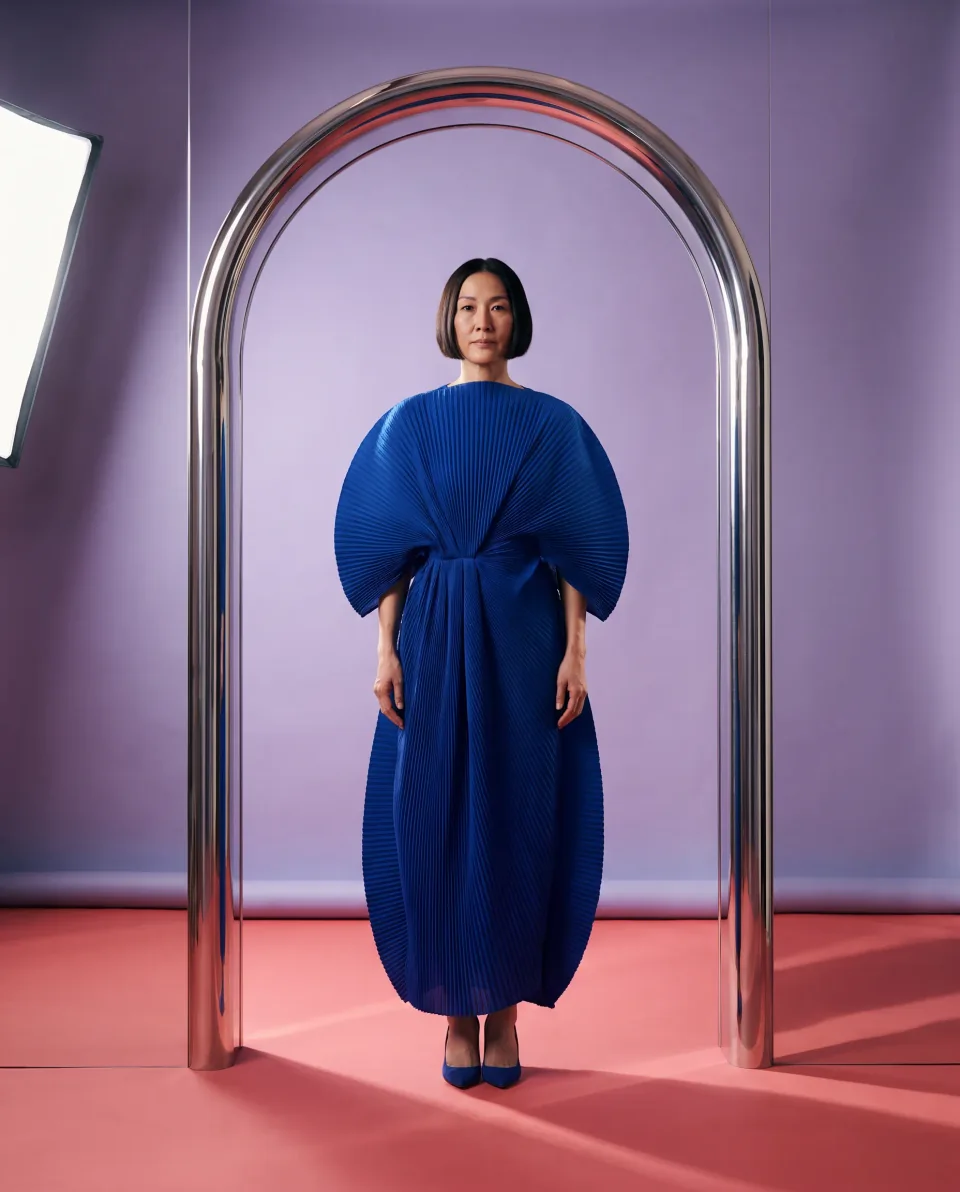
Original AI illustrations for inspiration. These concepts are not live trend reports or performance claims.
Illustration preview. Select output size and resolution in the studio; available options depend on the model.
Product reveal
A bold color, a tactile detail, and one clear subject give a product reveal an immediate visual hook.
“A little citrus. A completely different mood.”
Opening a studio does not start a generation. Review settings and cost before creating.
A practical creative workflow, with a clear next step at every stage.
Read the briefing. Check the sources, audience and timing before choosing a trend.
Choose a format. Edit each visual prompt and caption, then download your content kit with its sources.

Open the prompt in an image or video studio. Choose the supported size and review the generation cost.
Sources & freshness
AI research brings recent web signals into a shared briefing. Use the report’s source links to check the original context, publication date and relevance to your audience.
Already have an idea?
Analyze a topic for current signals, possible angles, suitable formats and reasons it might miss. Check the evidence before you invest in production.
The studio shows the analysis cost before you start. Scores are research guidance, not a prediction of views.
Trend briefings are part of your plan. Read them without spending generation credits.
Weekly briefing
$49.99/ month
Review the week’s developments and build your next content plan.
USD, billed monthly. Other billing options on Pricing.
View ProDaily briefing
$199.99/ month
Check recent signals and choose what fits your audience today.
USD, billed monthly. Other billing options on Pricing.
View BusinessCustom topic analysis and image or video generation are separate. Review the displayed cost and supported resolution in the studio.
Clear expectations, from the first briefing to your next creation.
AI analyzes recent web signals and turns them into a shared editorial briefing. Reports include source links so you can inspect the evidence. Generated visual examples are illustrations of creative ideas, not evidence that a trend is popular.
Daily reports focus on momentum from roughly the last 48 hours. Check the report date, source links and timing notes before using an idea. Weekly reports summarize the week’s developments.
Weekly reports are included with Pro ($49.99/month, billed monthly). Daily reports are included with Business and above (from $199.99/month, billed monthly). Reading an included report uses no generation credits. Custom topic analysis and media generation have separate costs shown before you start.
Daily and weekly briefings are shared editorial reports with audience, platform and brand-safety notes. For a specific idea, use Analyze my topic in the studio to request a separate analysis.
No. These original illustrations and editable prompts are creative inspiration for product, surreal 3D, fashion, food and travel content. Open a dated report in the studio to research recent signals and inspect its sources.
Yes. Open a report template, edit its steps and caption, and download the complete content kit. Continue in Studio with the edited prompt. Video templates also preload the available reference image. Review the selected tool, settings and displayed generation cost before submitting. A video prompt describes a shot; the still artwork on this page is not a generated video.
Available output sizes, aspect ratios and video durations depend on the creation tool selected in the studio. The example explorer previews 4:5, 9:16, 1:1 and 16:9 crops; those previews do not set the generated output size. Choose a supported resolution in the studio before generating.
Open a briefing. Find your angle. Make it yours.
Open the briefingTurn your direction into images, motion or a connected workflow.
Creative tool illustrations