Generate AI video now: Open the Imagera AI Video Generator → — Kling 3.0 Turbo, Seedance 2.0 Mini, HappyHorse 1.1, and 10+ other video models in one dashboard, no GPU required.
Prices: credits are billed per second of output and depend on the model, resolution and speed. Rates change as models are re-priced, so this guide compares capabilities; the Generate button shows the exact quote before you run a clip.
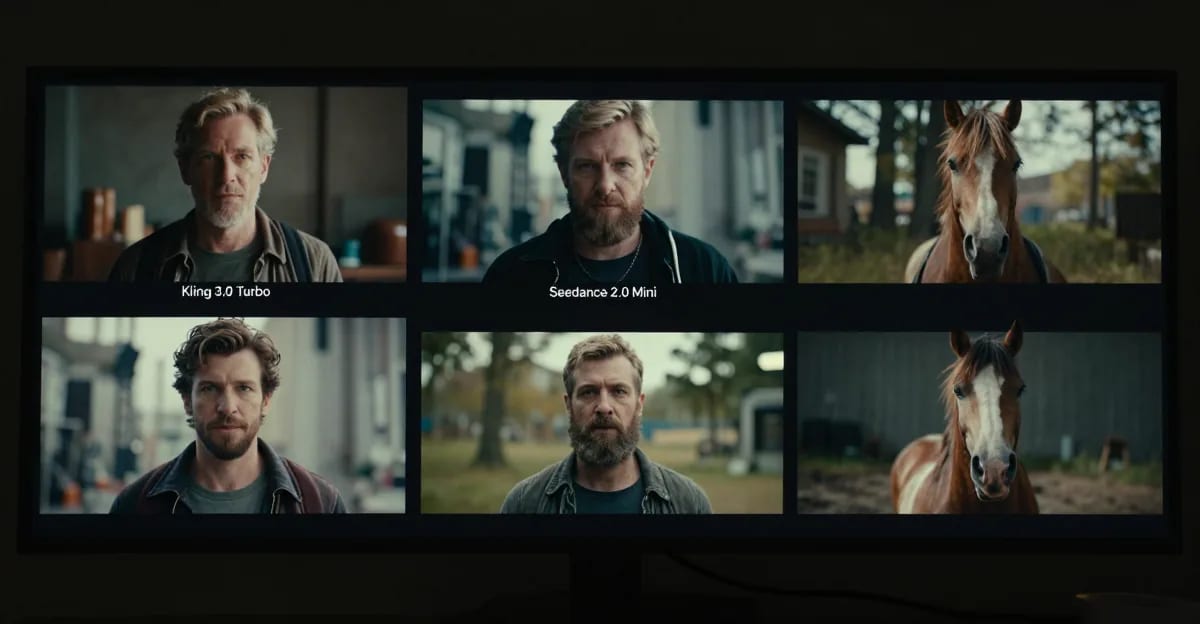
Three new video models landed on Imagera AI in mid-2026: Kling 3.0 Turbo, Seedance 2.0 Mini, and HappyHorse 1.1. Each targets a different creative problem and a different credit budget. This guide breaks down every relevant dimension — resolution ceiling, audio behavior, reference input types, aspect ratio support, and generation mode coverage — so you can pick the right model before you spend a single credit.
The quick answer: Kling 3.0 Turbo is the only one with multi-shot storytelling (up to 6 connected shots). Seedance 2.0 Mini is the only model with 480p output and multimodal reference inputs. HappyHorse 1.1 is the only model with native multilingual lip-sync audio and up to 9 reference images for character consistency across shots.
Read on for the full breakdown.
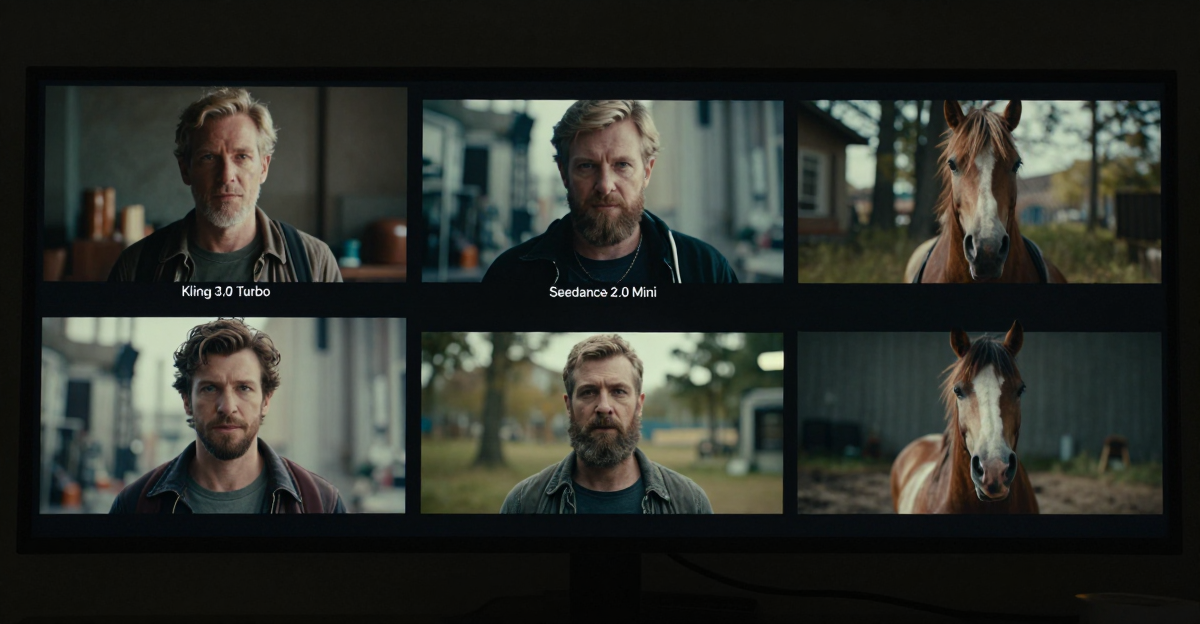
Kling 3.0 Turbo vs Seedance 2.0 Mini vs HappyHorse 1.1: AI Video Model Comparison is a practical Imagera workflow: start from a real source file, describe what should change, generate with credits shown up front, and review before you publish. This guide covers the steps, quality checks, and when to use related tools.
At a Glance: The Three Models
| Feature | Kling 3.0 Turbo | Seedance 2.0 Mini | HappyHorse 1.1 |
|---|---|---|---|
| Tier | Budget / Turbo | Budget / Mini | Premium |
| Resolutions | 720p · 1080p | 480p · 720p | 720p · 1080p |
| Duration range | 3–15 s | 5 / 10 / 15 s | 5 / 10 / 15 s |
| Native audio | Yes (sound) | Yes | Yes (joint, multilingual) |
| Lip-sync audio | No | No | Yes (multilingual) |
| Generation modes | T2V · I2V | T2V · I2V · R2V | T2V · I2V · R2V |
| Max reference images | — | Multimodal† | Up to 9 |
| Aspect ratios | 3 | 6 | 9 |
† Seedance 2.0 Mini R2V accepts image, video, and audio references.
T2V = Text-to-Video. I2V = Image-to-Video. R2V = Reference-to-Video.
Kling 3.0 Turbo — Multi-Shot Storytelling
Kling 3.0 Turbo is the fast, lower-cost variant of Kling 3.0. Its headline capability is multi-shot storytelling: the model accepts up to six connected shots via the multi_prompt parameter, so you can describe a sequence of scenes in a single generation pass instead of stitching individual clips together in post.
Kling 3.0 Turbo Capabilities
| Dimension | Detail |
|---|---|
| Generation modes | Text-to-Video (T2V) · Image-to-Video (I2V) |
| Resolutions | 720p (Standard) · 1080p (Pro) |
| Durations | 3 s through 15 s in single-second increments |
| Aspect ratios | 16:9 · 9:16 · 1:1 |
| Native audio | Yes — audio generated alongside video |
| Multi-shot | Up to 6 connected shots via multi_prompt |
| Reference-to-Video | Not available — Turbo is T2V + I2V only |
When to Choose Kling 3.0 Turbo
- You are generating a sequence of narrative scenes and want multi-shot continuity in a single generation
- You do not need reference images or multimodal input (R2V not available)
- You want the widest duration flexibility (3 s steps from 3 to 15 s)
Seedance 2.0 Mini — Multimodal References at 480p/720p
Seedance 2.0 Mini is the cost-optimized tier of Seedance 2.0. Its distinguishing feature is multimodal reference-to-video (R2V): it accepts image, video, and audio reference inputs simultaneously, letting you constrain the output against visual style, motion style, and audio mood in a single call.
It is the only model of the three that outputs 480p, which suits storyboarding, thumbnail previews, or any use case where resolution is secondary to idea validation.
Seedance 2.0 Mini Capabilities
| Dimension | Detail |
|---|---|
| Generation modes | Text-to-Video (T2V) · Image-to-Video (I2V) · Reference-to-Video (R2V) |
| Resolutions | 480p · 720p (no 1080p — this is the Mini / budget tier) |
| Durations | 5 s · 10 s · 15 s |
| Aspect ratios | 16:9 · 9:16 · 1:1 · 4:3 · 3:4 · 21:9 |
| Native audio | Yes (generate_audio flag, default on) |
| Reference inputs (R2V) | Image references · Video references · Audio references |
| Lip-sync audio | No |
When to Choose Seedance 2.0 Mini
- You need multimodal reference inputs — video or audio references alongside image references
- You want to constrain visual style or motion from a reference clip
- You are generating storyboard previews or concept drafts where 480p is sufficient
HappyHorse 1.1 — Native Multilingual Lip-Sync and 9-Image Reference Control
HappyHorse 1.1 is a cinematic video model with native, synchronized joint audio that includes multilingual lip-sync in a single pass. Unlike Seedance 2.0 Mini, which has a generate_audio on/off flag, HappyHorse 1.1 always generates audio jointly with video — the audio cannot be disabled and is not user-controllable beyond the text prompt. This makes it the right choice when synchronized dialogue or multilingual narration is the core requirement.
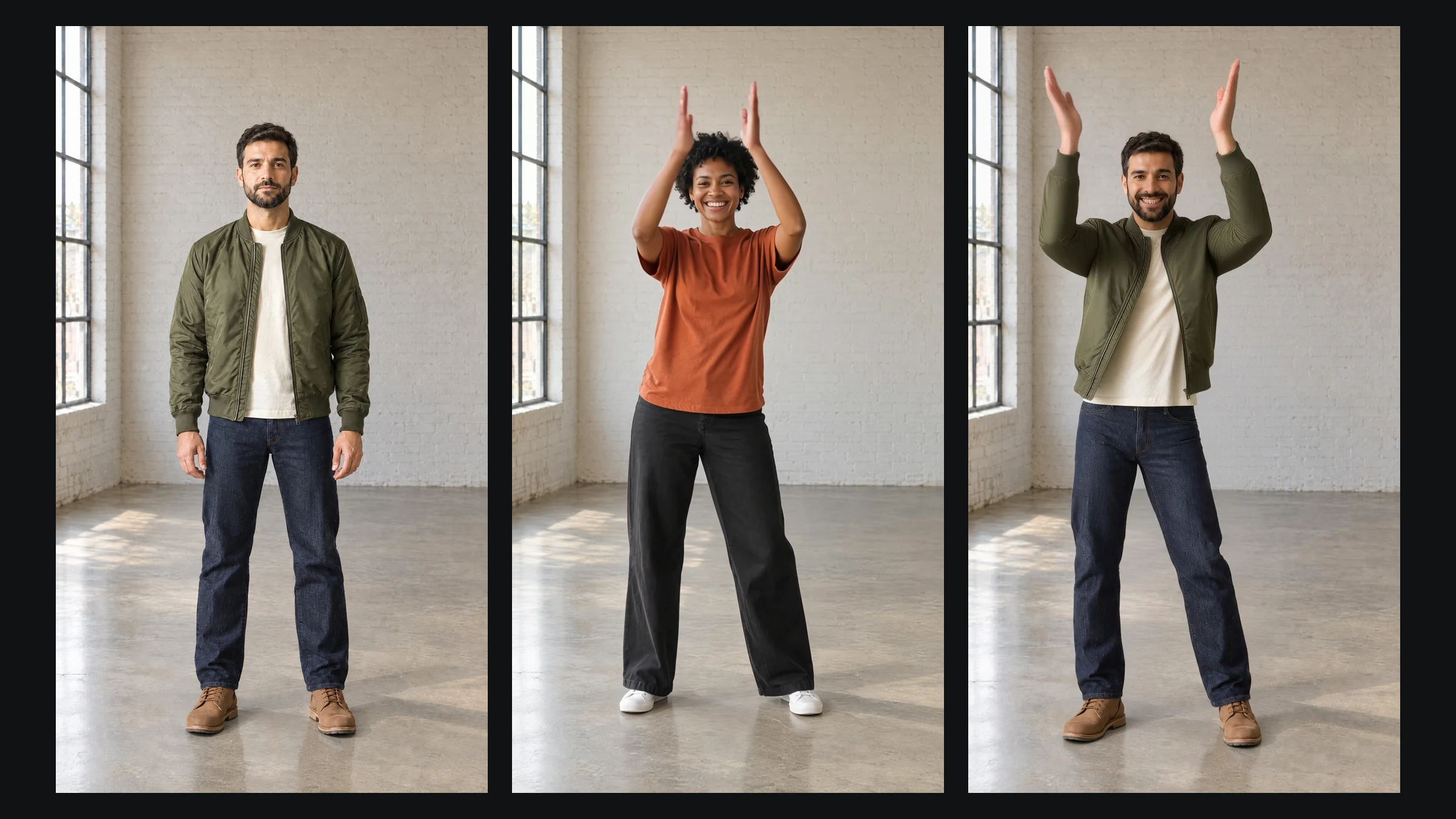
The R2V mode accepts up to 9 reference images, which you address in the prompt as [Image 1] through [Image 9]. This is the highest reference image capacity of the three models, making HappyHorse 1.1 the strongest option for maintaining character or object consistency across multiple shots.
HappyHorse 1.1 Capabilities
| Dimension | Detail |
|---|---|
| Generation modes | Text-to-Video (T2V) · Image-to-Video (I2V) · Reference-to-Video (R2V) |
| Resolutions | 720p · 1080p (no 480p) |
| Durations | 5 s · 10 s · 15 s |
| Aspect ratios | 16:9 · 9:16 · 1:1 · 4:3 · 3:4 · 21:9 · 9:21 · 5:4 · 4:5 (9 ratios — widest of the three) |
| Native audio | Always on — joint generation, multilingual lip-sync |
| Reference inputs (R2V) | Up to 9 image references (image only — no video/audio reference inputs) |
| Lip-sync audio | Yes — multilingual |
When to Choose HappyHorse 1.1
- Synchronized lip-sync audio in any language is a requirement
- You need up to 9 character/object reference images for multi-image consistency
- You need the widest aspect ratio selection (9 options, including 21:9, 9:21, 5:4, 4:5)
Capability Gaps: What Each Model Cannot Do
Understanding the hard limits prevents wasted generations. One limit that is easy to get wrong on any model is which input modes it actually serves — we checked this directly for the H3 family and found several write-ups had it backwards, as documented in MiniMax H3 explained.
| Limitation | Kling 3.0 Turbo | Seedance 2.0 Mini | HappyHorse 1.1 |
|---|---|---|---|
| No R2V mode | Yes — T2V + I2V only | No | No |
| No 480p output | Yes | No | Yes |
| No 1080p output | No | Yes — 720p ceiling | No |
| No lip-sync audio | Yes | Yes | No — always included |
| No user audio control | No — sound flag | No — generate_audio flag | Yes — joint audio, no flag |
| No video/audio references | Yes | No — supports all ref types | Yes — image references only |
| No 9-image reference | Yes | Yes | No — up to 9 |
Use-Case Decision Guide
You Need Multi-Shot Narrative Video → Kling 3.0 Turbo
Multi-shot storytelling (multi_prompt, up to 6 shots) is unique to Kling 3.0 Turbo among these three models. If you are building a mini commercial, a travel reel, or a product story arc where scenes connect, Kling Turbo generates the full sequence in one pass, instead of generating individual clips with Seedance or HappyHorse and splicing them in post.
You Need Storyboard Drafts or 480p Previews → Seedance 2.0 Mini
Seedance 2.0 Mini is the only one of the three with a 480p rung, and lower resolutions cost fewer credits per second. Generate a batch of short idea drafts at 480p; once a concept is approved, re-generate the winner at 720p or switch to a higher-tier model for the final output.
You Need Reference Video or Audio to Constrain the Style → Seedance 2.0 Mini
Only Seedance 2.0 Mini accepts video references and audio references as R2V inputs. If you have a reference clip whose motion rhythm or visual style you want the generation to mirror, Seedance Mini R2V is the only option among these three. HappyHorse 1.1 R2V is image-only; Kling Turbo has no R2V at all.
You Need Synchronized Lip-Sync or Multilingual Dialogue → HappyHorse 1.1
HappyHorse 1.1 is purpose-built for joint audio generation, including multilingual synchronized lip-sync. If your script requires a character speaking on screen in any language — English, Mandarin, Hindi, Spanish — HappyHorse 1.1 is the only option among these three that generates audio and lip motion in the same pass. Kling Turbo and Seedance Mini both generate audio, but without synchronized lip-sync.
You Need 9-Image Character Consistency → HappyHorse 1.1
With up to 9 reference images addressed via [Image 1] through [Image 9] in the prompt, HappyHorse 1.1 R2V offers the highest image-reference capacity of the three models. Use this for maintaining a specific character's appearance, wardrobe, and environment across multiple shots — a critical feature for branded video content, serialized social media, or narrative shorts.
You Need Unusual Aspect Ratios (21:9, 9:21, 5:4, 4:5) → HappyHorse 1.1
HappyHorse 1.1 supports 9 aspect ratios including ultrawide 21:9 and ultra-tall 9:21. Kling 3.0 Turbo covers 3 (16:9, 9:16, 1:1) and Seedance 2.0 Mini covers 6 (adding 4:3, 3:4, 21:9 but not 9:21, 5:4, or 4:5). If your delivery target is a cinema screen (21:9) or a non-standard vertical format (5:4, 4:5), HappyHorse 1.1 is the only option.
Summary Table: Which Model Wins Each Dimension
| Dimension | Winner | Notes |
|---|---|---|
| 480p drafts | Seedance 2.0 Mini | Only model with 480p |
| Multi-shot storytelling | Kling 3.0 Turbo | Up to 6 connected shots |
| Duration flexibility | Kling 3.0 Turbo | 3 s through 15 s in 1 s steps |
| Multimodal references (img+vid+aud) | Seedance 2.0 Mini | Only model supporting video + audio refs |
| Lip-sync audio | HappyHorse 1.1 | Native multilingual joint audio |
| Max reference images | HappyHorse 1.1 | Up to 9 images in R2V |
| Aspect ratio variety | HappyHorse 1.1 | 9 ratios including 21:9, 9:21, 5:4, 4:5 |
How to Access All Three Models on Imagera AI
All three models are available in the Imagera AI Video Generator. Select your model from the dropdown, choose your speed (Normal or Ultra Fast), set resolution and duration, and generate. Credits are charged per second of output; the Generate button shows the current rate.
For post-generation workflows:
- Smooth any output to 60fps with the Frame Interpolator
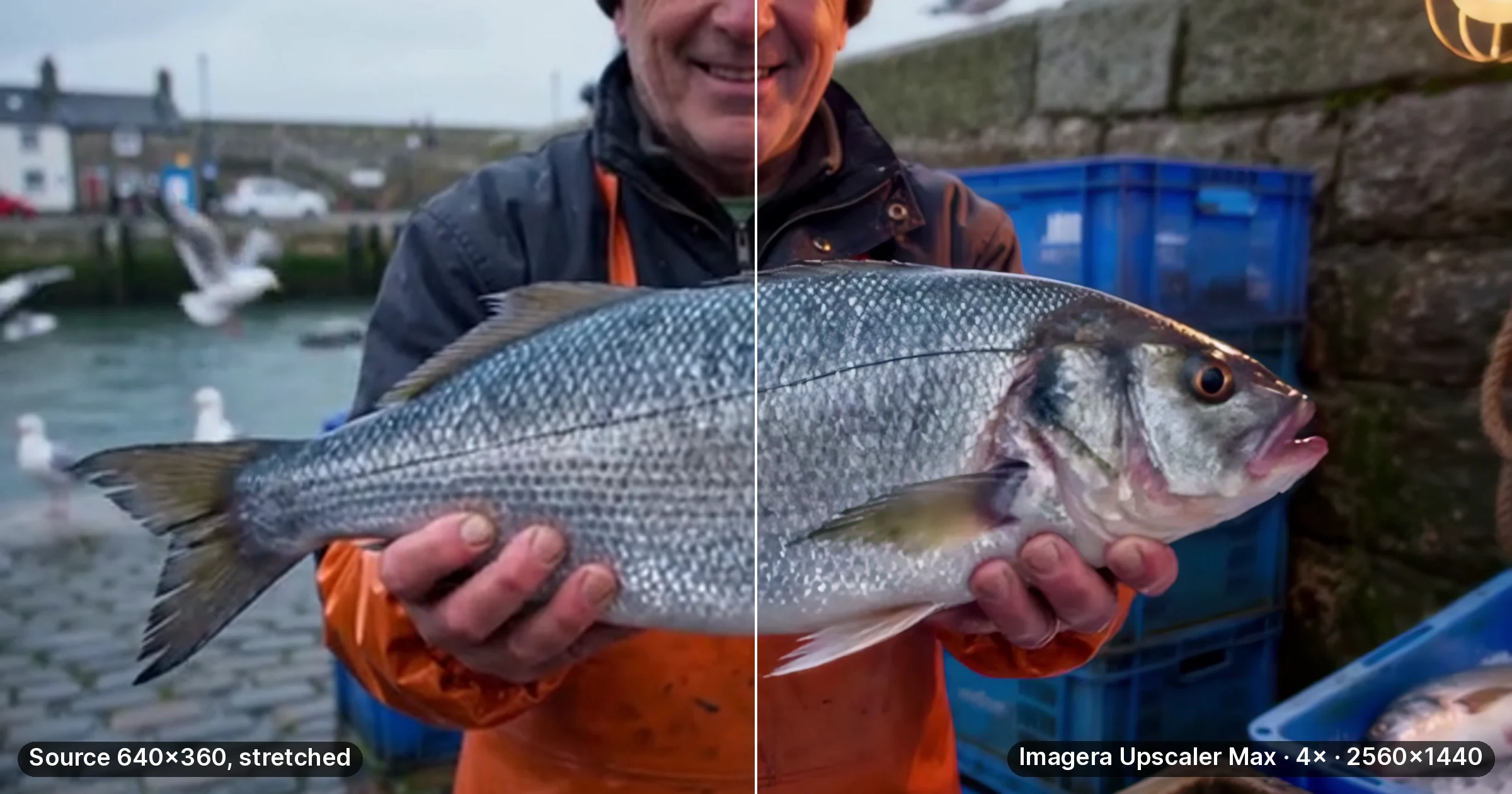
- Upscale resolution with the Video Enhancer
- Add a custom soundtrack with the Music Generator
Open the Imagera Video Generator →
Related tools on Imagera
Related Resources
- AI Frame Interpolator — Smooth any generated video to 60fps
- AI Video Enhancer — Upscale and denoise AI video output
- AI Frame Interpolation Guide — Full guide to RIFE-based frame interpolation
- AI Video Upscaler Comparison — Upscale video resolution after generation
- Imagera AI Video Generator — Generate video with all three models