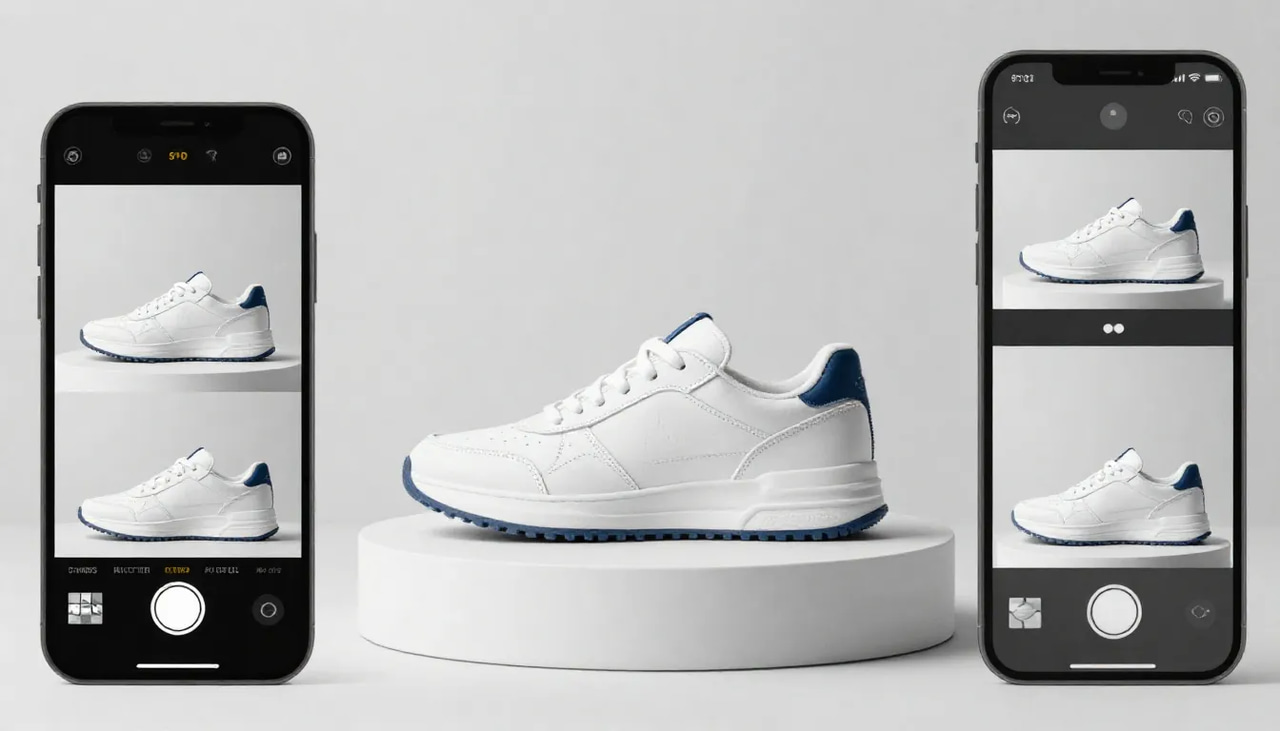
Best AI Product Video Generator 2026 — Photos to Reels That Sell is a practical Imagera workflow: start from a real source file, describe what should change, generate with credits shown up front, and review before you publish. This guide covers the steps, quality checks, and when to use related tools.
Product pages convert better with motion. Hiring UGC creators per SKU does not scale. An AI product video generator turns the photos you already have into reels for Shopify, Etsy, Amazon, and TikTok Shop.
Start: Product reel maker · Video generator · Pricing
Real Imagera output: a product photo turned into a dynamic promo reel.
Quick answer: Imagera's AI product video generator turns a single product photo into a scroll-stopping, sales-ready reel in under a minute, with no filming, studio, or editing skills required.
How does an AI product video generator turn photos into reels that sell?
Imagera analyzes your product photo, then auto-generates motion, camera moves, and captions to build a vertical 9:16 reel in under a minute. You upload 1 image, pick from 100+ styles, and export in 4K. Most sellers spin up several variations from a single photo, so you can test different hooks far faster than editing each clip by hand.
Why do short product videos outperform static images for sales?
Short reels hold attention longer and demonstrate products in motion, showing texture, scale, and use across a few quick shots. Video-enabled listings tend to feel more engaging than static photos alone, giving shoppers a clearer sense of the product. With Imagera you can produce many platform-ready clips from 1 photo, then reuse your best performers across TikTok, Reels, and Shopify.
Quick verdict
| Need | Pick |
|---|---|
| Catalog volume (many SKUs) from stills | Imagera product reels |
| One-off brand film / art direction | Cinematic suites (Runway-class) |
| Test 1–3 reels without a monthly plan | Imagera 350-credit pack |
| Same face + product hybrid ads | Imagera influencer + reels |
Answer-first capsule: The best AI product video generator in 2026 turns existing product photos into short reels without a studio shoot. Imagera’s Product Reel Maker takes up to 9 product photos and your description of the product and vibe, then builds camera motion around the actual product you sell. Pricing is per-second in credits, shown on the generate button before you commit, and packs start at 350 credits. Measure success by add-to-cart and CPA, not demo wow.
What it does
Imagera’s Product Reel Maker takes the still photos you already have — the same catalog and lifestyle shots you use on your product pages — and turns them into a short vertical video. There is no filming, no studio, no turntable rig, no gimbal, and no editor. If you can photograph the product, even on a phone, you can produce a product reel.
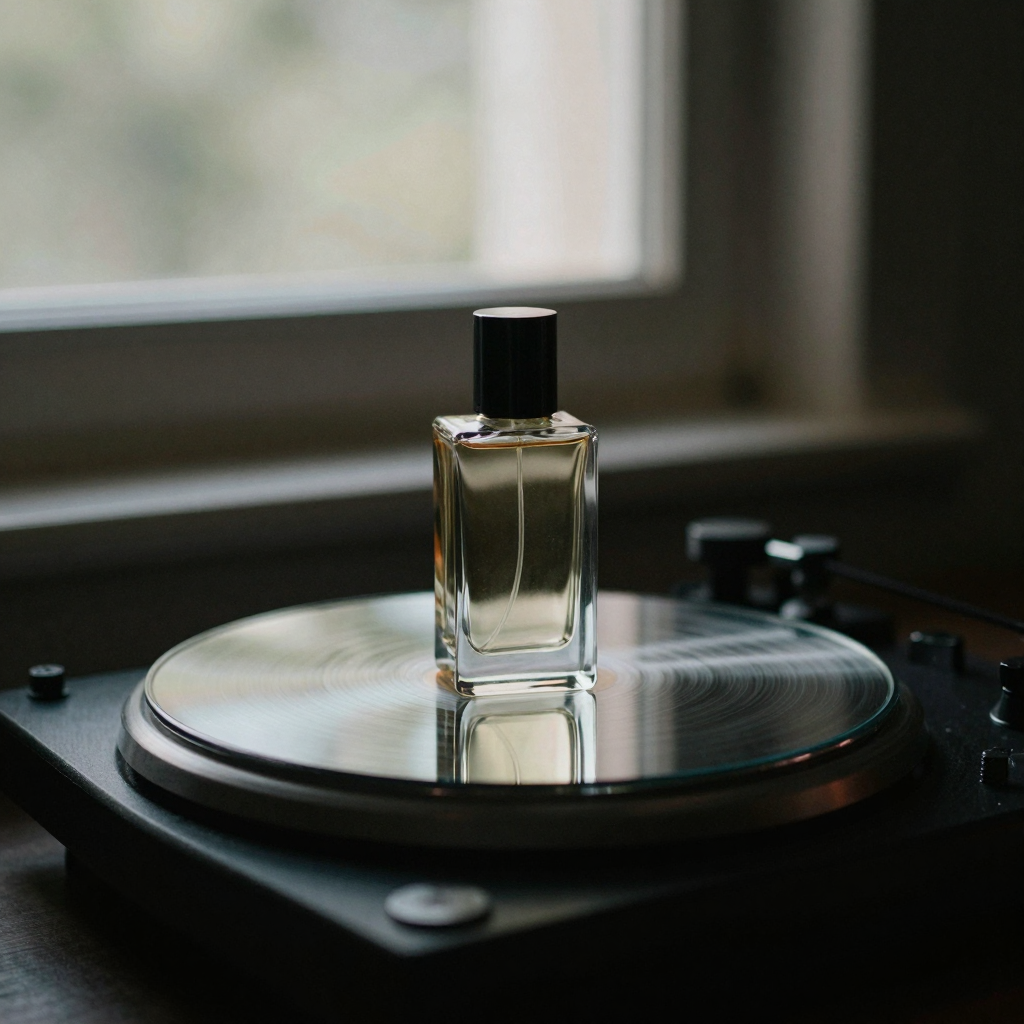
Three things make this different from a generic "AI video" prompt box:
- Your photos anchor every frame. The product on screen is the product you sell, not a lookalike. You upload up to nine shots — front, back, packaging, texture close-ups, in-use moments — and the camera motion is built around them.
- You describe the product and the vibe, and that drives the reel. Unlike rooms or cars, products vary wildly: a candle, a drone, and a serum each need completely different treatment. Your description of what the product is and how it should feel controls the motion, pacing, and mood, so the reel feels made for your brand instead of generic.
- The output is channel-ready. Reels come out in 9:16, 16:9, or 1:1 at up to 1080p, in 5, 10, or 15-second durations depending on the engine you pick — the exact formats TikTok, Instagram Reels, Shopify, Etsy, and Amazon listing videos expect.
Every reel includes full commercial usage rights on paid Imagera plans, so the video can go straight into paid ads and marketplace listings.
Styles you can generate
The studio ships a set of ecommerce-ready styles, plus a fully custom option when none of them fit. Each style is a different camera language, not a different filter:
| Style | What it does | Best for |
|---|---|---|
| Hero Orbit | The product front and center with a slow, premium camera orbit | Skincare, electronics, hero SKUs |
| Turntable | A clean 360 spin on a seamless studio background | Bottles, gadgets, catalog consistency |
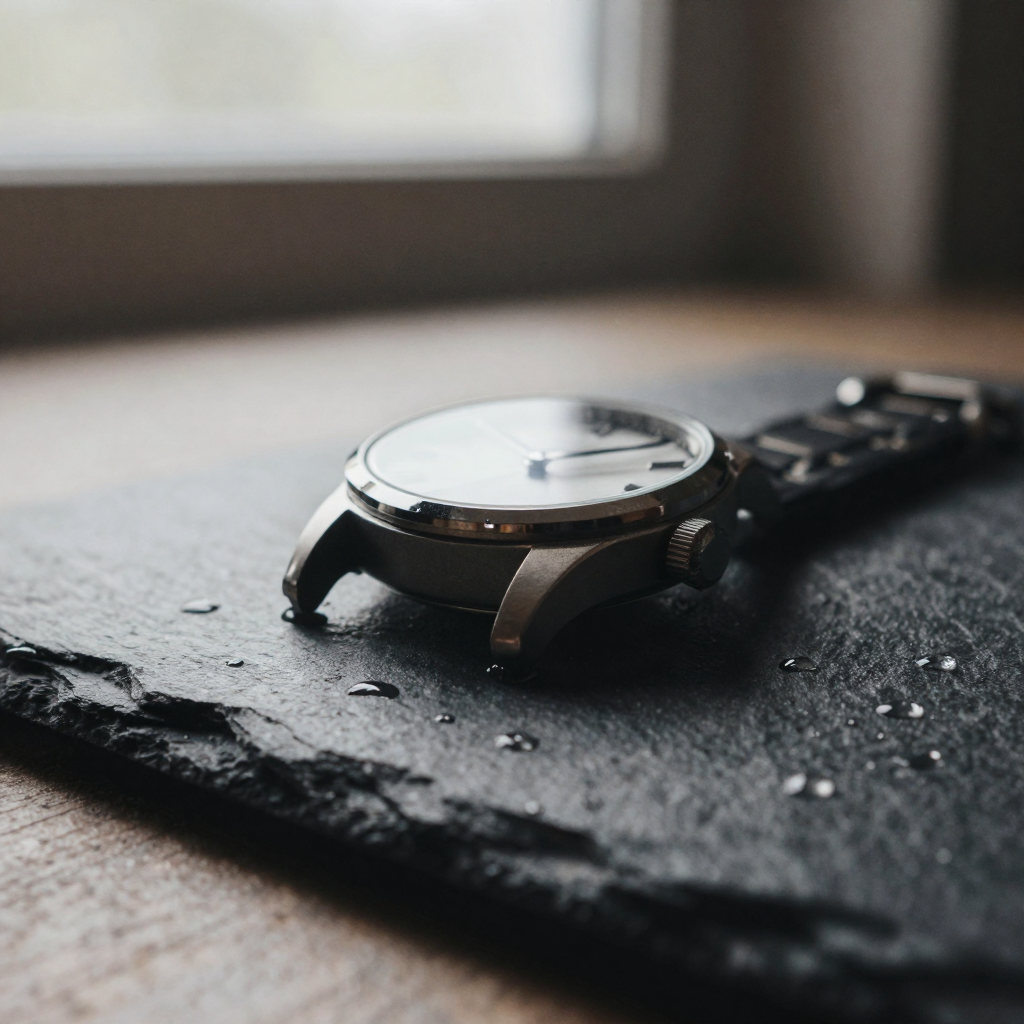
| Macro Details | Extreme close-ups of texture, material, and craftsmanship | Apparel, handmade goods, materials |
| Lifestyle Context | The product in real life — hands, homes, everyday moments | Home goods, food, consumables |
| Dramatic Reveal | A slow push-in as the product emerges from shadow | Launches, premium positioning |
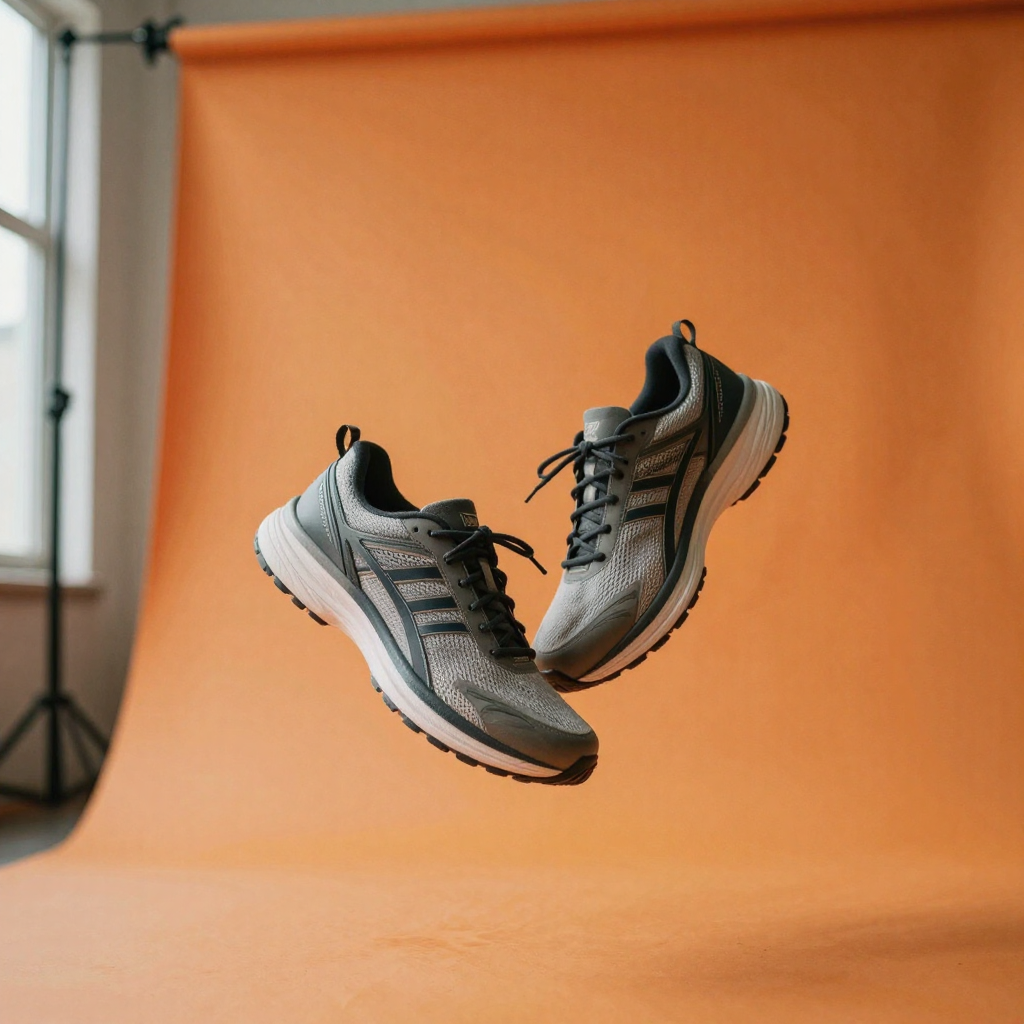
| Floating Rotate | The product floats and slowly rotates on a seamless background | Small objects, accessories |
| Top-Down Flat-Lay | An overhead pan across a styled flat-lay of the product and props | Cosmetics, stationery, kits |
| Custom | Your own written direction drives the motion | Anything the presets don’t cover |
Match the style to the buying decision. A slow premium orbit reads as "considered purchase"; a punchy macro-cut sequence reads as "energy and detail." You do not have to guess — generate two or three styles for a hero SKU and let add-to-cart pick the winner.
What "best" means for ecommerce
| Criterion | Why it matters |
|---|---|
| SKU consistency | Same product every angle — buyers hate morphing logos |
| Speed per SKU | Minutes, not days |
| Cost per published reel | Credits vs creator fees |
| Channel formats | 9:16 vertical ready for Shop / Reels / Shorts |
| Rights | Paid ads allowed on paid plans |
| Batch friendliness | Agencies and catalogs need repetition |
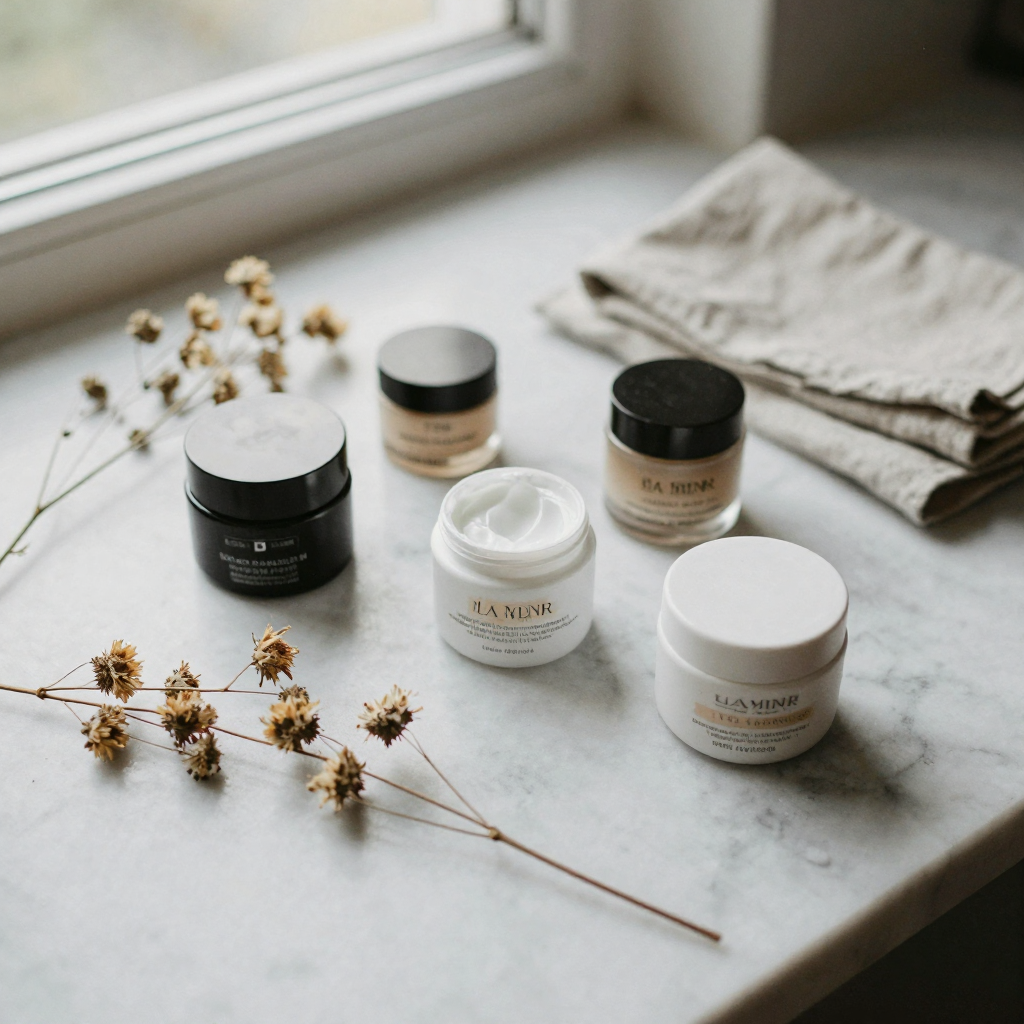
Top pick: Imagera product reels
Why it wins for sellers
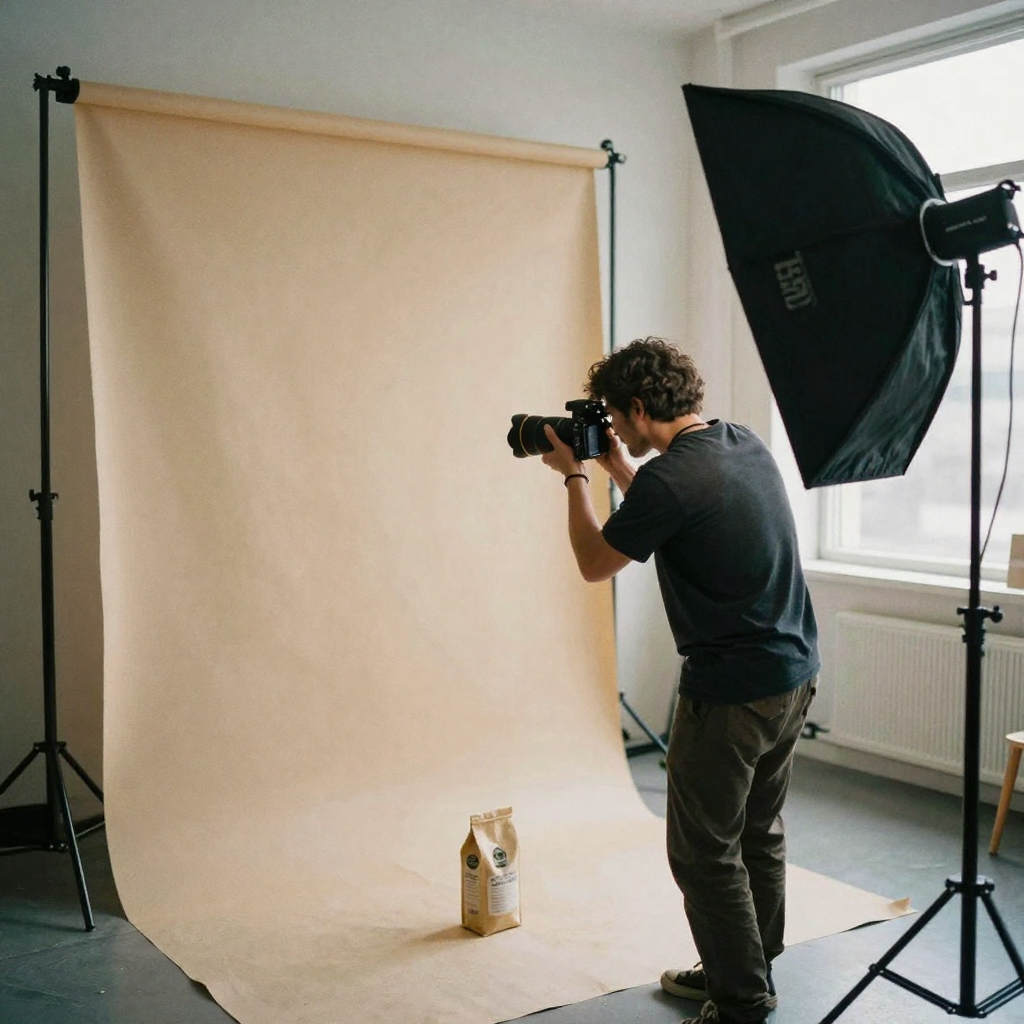
- Purpose-built product / car / real-estate reel styles
- Same credit balance as enhance, humanizer, influencer
- Credit packs from 350 credits
- Online — no desktop GPU farm
Open: Product reel maker · Guides:
Pipeline (repeatable)
- Export catalog images (white / lifestyle) — sharp, well-lit.
- Select a product reel template in product reel maker.
- Generate 2–3 variants per hero SKU.
- Enhance if soft via video enhancer.
- Caption + upload to Shop / TikTok / Meta.
- Kill losers; scale winners.
How it works (real workflow)
The studio walks the same three steps every time, and understanding them helps you get a usable reel on the first generation instead of the third.
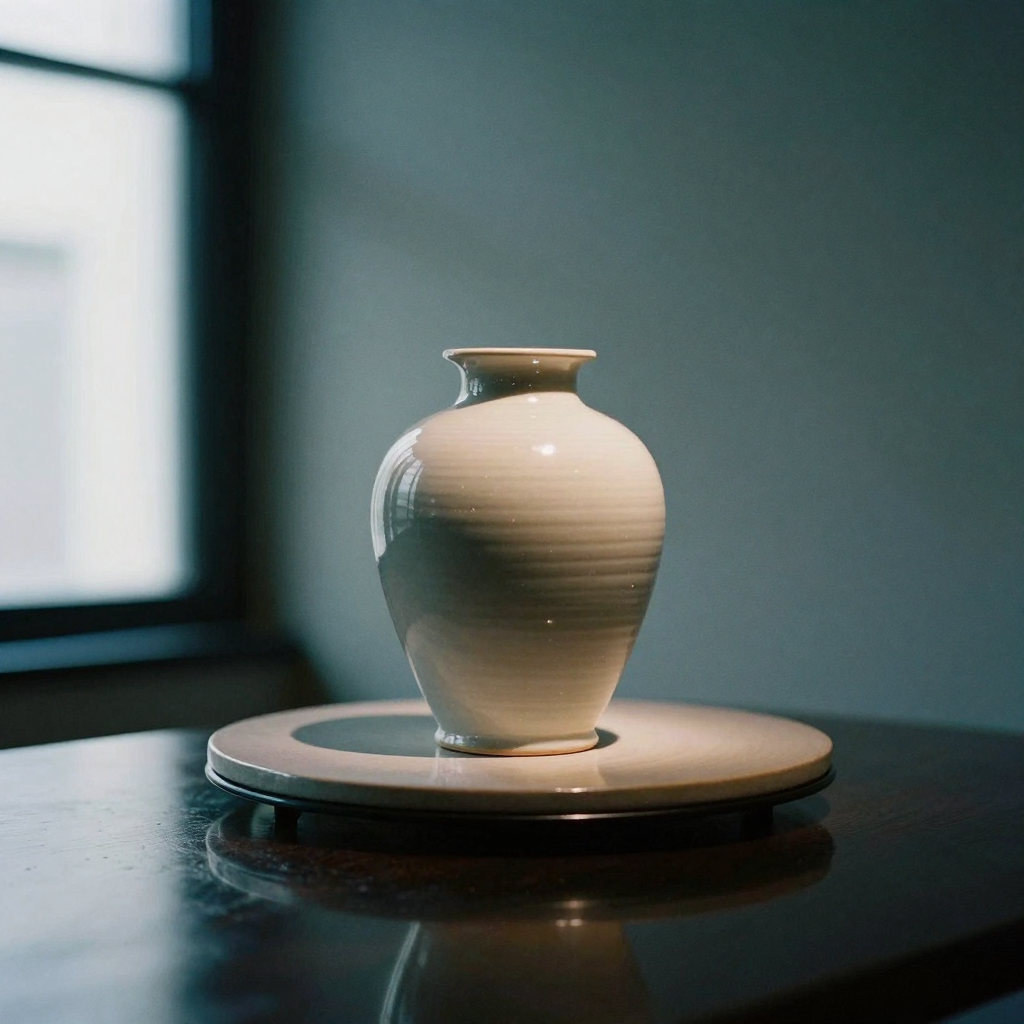
- Upload your product photos. Add up to nine shots. Cover the angles that tell the story — front, back, packaging, a texture close-up, and one in-use moment if you have it. Sharp, well-lit stills produce better motion than heavy, low-light phone snaps, so fix inputs before you spend credits.
- Tag and order the photos. Label each shot ("front", "packaging", "in hand") so the reel knows what it is looking at, and order them the way you want the story to flow. The tags are how the tool anchors motion to the right part of the product.
- Describe the product and the vibe. This step is required, and it is what separates a branded reel from a generic one. Say what the product is and how it should feel — "handmade ceramic pour-over coffee set, warm minimalist morning vibe, slow and premium, end on the logo," for example. That single sentence controls pacing, mood, and camera language.
- Pick a style and format. Choose Hero Orbit, Turntable, Macro Details, Lifestyle Context, or one of the other presets, then set your aspect ratio — 9:16 for TikTok and Reels, 1:1 or 16:9 for Amazon and PDP slots.
- Choose your engine and generate. Per-second credit cost is shown on the generate button before you commit. The Swift engine at 720p is the budget option for testing creatives; the Cinema engine at 1080p is the premium pick for hero assets. The reel renders in a few minutes.
- Review, enhance, and publish. Watch the reel on a phone, not just your desktop, because social apps re-encode aggressively. If a final is soft, run it through the video enhancer. Then caption and post.
Step-by-step: your first product reel
If you have never made one, here is the shortest path to a publishable asset:
- Pick a single hero SKU — your best seller or the product with the weakest current page media.
- Pull three to five clean stills of it: a front shot, a packaging shot, and at least one detail or in-use shot.
- Open the Product Reel Maker studio and upload them.
- Tag each photo and drag them into the order you want the reel to move through.
- Write one honest sentence describing the product and the feeling you want.
- Choose Hero Orbit for a safe, premium first result and set the format to 9:16.
- Start with the Swift engine and a 5-second duration to keep the test cheap.
- Generate, review on your phone, and if it works, regenerate the winner at Cinema 1080p for the final.
That gives you a real, sellable reel and a settings recipe you can reuse across the rest of the catalog.
Common use cases
The tool is built for social commerce, but it lands across a lot of concrete scenarios:
- Amazon listing videos. Add a video to your Amazon listing from the photos you already shot — no studio session. Generate in 16:9 or 1:1 for the product-page video slot and 9:16 for Amazon Posts.
- TikTok Shop and Reels ads. Scroll-stopping vertical product video for organic posts and paid creatives alike.
- Shopify and Etsy product pages. Product-page video lifts conversion; generate one for every SKU without filming any of them.
- Product launches. Tease and launch with cinematic motion built from your render or photo set.
- Kickstarter and pre-orders. Make a crowdfunding page feel real with hero orbits and macro detail shots before the product ships.
- Handmade and small-batch goods. Give handmade items the premium-brand video treatment straight from phone photos.
Who it's for
- Marketers ship ads and social assets without waiting on a production team or booking a shoot.
- Ecommerce operators put motion on every PDP — even the long-tail SKUs a video crew would never justify.
- Creators post more often with consistent, on-brand output from the photos they already have.
- Teams and agencies scale client catalogs without adding headcount for every asset, working from one browser studio and one shared credit balance.
Alternatives (when to use)
| Tool type | Use when |
|---|---|
| Runway / cinematic suites | Brand film, not 200 SKUs — see Runway alternative |
| Higgsfield presets | Viral effects, not catalog lock — Higgsfield alternative |
| CapCut templates | Manual edit heavy, free editor time |
| Traditional 3D / photo studio | High-end hero only |
Comparison: Imagera vs the usual stack
An honest head-to-head against the two most common ways sellers make product video today. Competitor figures are their public list prices; the Imagera column is expressed in credits because the dollar cost per reel depends on your plan.
| Factor | Product studio shoot | Cinematic AI suite | Imagera Product Reel Maker |
|---|---|---|---|
| Starting input | Physical product shipped to a set | Text prompt or a single clip | Up to 9 photos you already have |
| Setup | Book studio, crew, gear | Desktop install or seat | One browser studio |
| Cost model | Per-shoot fees, often $500+ per session | Annual seats billed whether used or not | Credits when you create, per-second, shown before you commit |
| SKU consistency | High but expensive to repeat | Weak — outputs drift between generations | Anchored to your uploaded photos |
| Output formats | Whatever you brief | Varies | 9:16, 16:9, 1:1 up to 1080p |
| Turnaround per SKU | Days | Minutes, with cleanup | Minutes |
| Commercial rights | Yours | Check the plan | Full commercial rights on paid plans |
The takeaway: cinematic suites win when you need one art-directed brand film and do not care about repeating the same product exactly. A studio shoot wins for a single flagship hero. Imagera wins when you have many SKUs, existing photos, and a need for the product to stay itself across every angle.
Cost control (operators)
- Generate stills first for hero angle selection
- Batch similar SKUs
- Upscale finals only
- Track credits per reel that goes live (not per experiment)
- Prefer 350-credit top-up packs for spikes; a monthly plan if volume is steady
Imagera is pay-first — no free unlimited commercial generation. That keeps expectations honest for paid ads. Credits are pay-as-you-go, the per-second price is shown on the generate button before you commit, and every reel is backed by a 9-engine failover pipeline: if one engine fails or declines a render, Imagera re-renders on the next automatically, you are charged once regardless of retries, and in the rare case every engine fails your credits are refunded.
Tips for best results
- Fix the photo before you animate it. A soft, badly cropped still becomes a soft, badly cropped reel. Correct lighting and crop with image tools first.
- Write a specific description. "Nice clean video" gives you nothing to work with. Name the product, the material, the mood, and where the reel should end (usually on the logo).
- Explore short, finalize long. Test creatives at 5 seconds and the Swift engine, then regenerate only the winner at Cinema 1080p and a longer duration.
- Match the style to the product. Turntable and Floating Rotate flatter small hard-surface goods; Macro Details flatters texture; Lifestyle Context flatters consumables and home goods.
- Keep captions muted-safe. Most social video is watched without sound. If the reel needs a message, put it in the caption or on-screen text, not audio.
- Order your photos deliberately. The sequence you upload becomes the story order — lead with the hook shot, end on the brand.
Common mistakes to avoid
- Animating bad stills. Fix lighting and crop first, then animate.
- Running 10-second tests when 3 seconds would do. Explore short, finalize long.
- Upscaling everything. Only enhance approved finals through the video enhancer.
- Ignoring platform compression. Always preview on a phone after export.
- Skipping the description. It is required for a reason — a vague or empty description gives you a generic reel that could be any brand’s.
- Chasing free forever. Free tools train you to accept watermarks and weak rights. Imagera is pay-first: buy credits, then create.
Examples: what to generate for common SKUs
- A skincare serum. Hero Orbit or Dramatic Reveal, 9:16, description emphasizing "clean, premium, dewy," ending on the pump and logo. Great for a PDP loop and a paid social hook.
- A pair of sneakers. Macro Details cut for the texture and stitching, plus a Turntable for the full silhouette. Generate both and A/B them.
- A handmade candle. Lifestyle Context — hands, a warm room, everyday morning light — sells the feeling more than the object. End on the label.
- An electronics gadget. Floating Rotate or Turntable on a seamless background reads as "modern and considered," which matches how buyers evaluate tech.
- A food or beverage product. Top-Down Flat-Lay with styling props, or Lifestyle Context with a pour or a bite, both cue appetite better than a static hero.
Proof of commercial relevance
Imagera’s paid generation activity includes product-reel jobs among purchasers — a real monetized feature path. Pair with video-enhancer and homepage buyer landings already observed in attribution samples.
Related tools on Imagera
Bottom line
The best AI product video generator ships sellable reels per SKU, not demo trailers. Imagera’s product reel path is built for that.
Create product reels · Video generator · Pricing
Channel-specific notes
Shopify / store PDP
Short loops above the fold beat long brand films. Aim for 6–15s, product-first framing, text-safe margins for mobile UI chrome.
TikTok Shop / Reels
Hook in 1s. Avoid tiny logos. Captions must work muted. Generate three hooks per SKU and kill two.
Amazon
Follow listing video policies. Prefer clear product visibility over cinematic bokeh. Pair with Amazon listing video guide.
Paid social
Build variants for A/B: angle A static-to-orbit, angle B lifestyle hand model if available. Track CPA, not likes.
Input quality standards (saves credits)
- Minimum sharp 1MP product stills; higher is better
- Neutral or brand-consistent backgrounds
- No heavy watermarks you do not own
- Consistent crop across SKU family
- Separate transparent PNG when you need composite later
Scoring matrix for tools (use this, not influencer tweets)
| Score | Meaning |
|---|---|
| 5 | Ships ad-ready reels with minimal fixups |
| 3 | Needs heavy CapCut cleanup |
| 1 | Pretty demo, unusable catalog |
Score Imagera, Runway-class, and manual UGC on the same 10 SKUs.
Scaling from 10 SKUs to 500
- Template the prompt/settings that won the bake-off.
- Batch by category (bottles, apparel, electronics).
- Human review only heroes + random sample.
- Enhance only approved finals.
- Archive settings so freelancers do not reinvent.
Tools: product reel maker · video enhancer · pricing
Related reading
Deep dive: how to evaluate any product video alternative in 2026
Use this checklist to judge any product video alternative — Imagera included:
- Job fit — Does the tool ship the artifact you publish weekly?
- Identity — Can you keep a face/product consistent across a campaign?
- Cost math — Price ÷ usable seconds (or reels) after failures.
- Suite tax — How many extra tools do you still need to pay for?
- Ops — Browser vs install, team seats, regional access.
- Rights — Commercial use and disclosure requirements.
- Support — Failures, queues, and refund/credit policies.
Related tools:
Mistakes that waste credits (and how to avoid them)
Mistake 1: Animating bad stills. Fix lighting and crop first with image tools, then animate.
Mistake 2: 10-second tests when 3 seconds would do. Explore short, finalize long.
Mistake 3: Upscaling everything. Only enhance approved finals via video enhancer paths.
Mistake 4: Ignoring platform compression. Always preview on a phone after export.
Mistake 5: Chasing free forever. Free tools train you to accept watermarks and weak rights. Imagera is pay-first: buy credits, then create.
Glossary for buyers
- Product reel — Short vertical video of a SKU built from stills.
- Hero Orbit — A slow premium camera orbit around the product.
- Turntable — A clean 360 spin on a seamless studio background.
- Macro Details — Extreme close-ups of texture and craftsmanship.
- Lifestyle Context — The product shown in real hands and homes.
- Credit pack — Prepaid usage units across Imagera tools.
- Pay-first — No free unlimited generation; purchase before create.
Extended FAQ
Should I generate audio inside the product reel?
Only if it improves conversion tests. Many ads win muted with captions, so treat sound as optional rather than default.
How many variants per SKU?
Three hooks is a good default. More only when the SKU is a top seller worth extra credits.
Can I use lifestyle models?
Yes if you have rights to the images. Product-only stills are safer for pure catalog work.
Which engine should I pick?
Use the Swift engine at 720p for cheap creative testing, then regenerate the winner on the Cinema engine at 1080p for the hero asset you actually publish.
Closing recommendation
If your bake-off shows Imagera is close enough on quality and better on suite economics, standardize on the tools linked above. If a competitor uniquely wins a mandatory feature, keep that tool for that job only — hybrid stacks are fine when deliberate.
Re-run this evaluation every quarter as models and pricing change.
Appendix: prompt and asset hygiene
Keep a shared folder of approved products and brand colors. Name files consistently (sku_red_bottle_front.png). Store your winning descriptions and style choices in a team doc so freelancers do not reinvent them. Review outputs on both light and dark UI backgrounds because social apps re-encode aggressively.
When a generation misses, revisit the inputs before you change tools. Patterns in weak results usually point to soft photos or a vague description, not “the model is broken.” Fix inputs first, then regenerate.