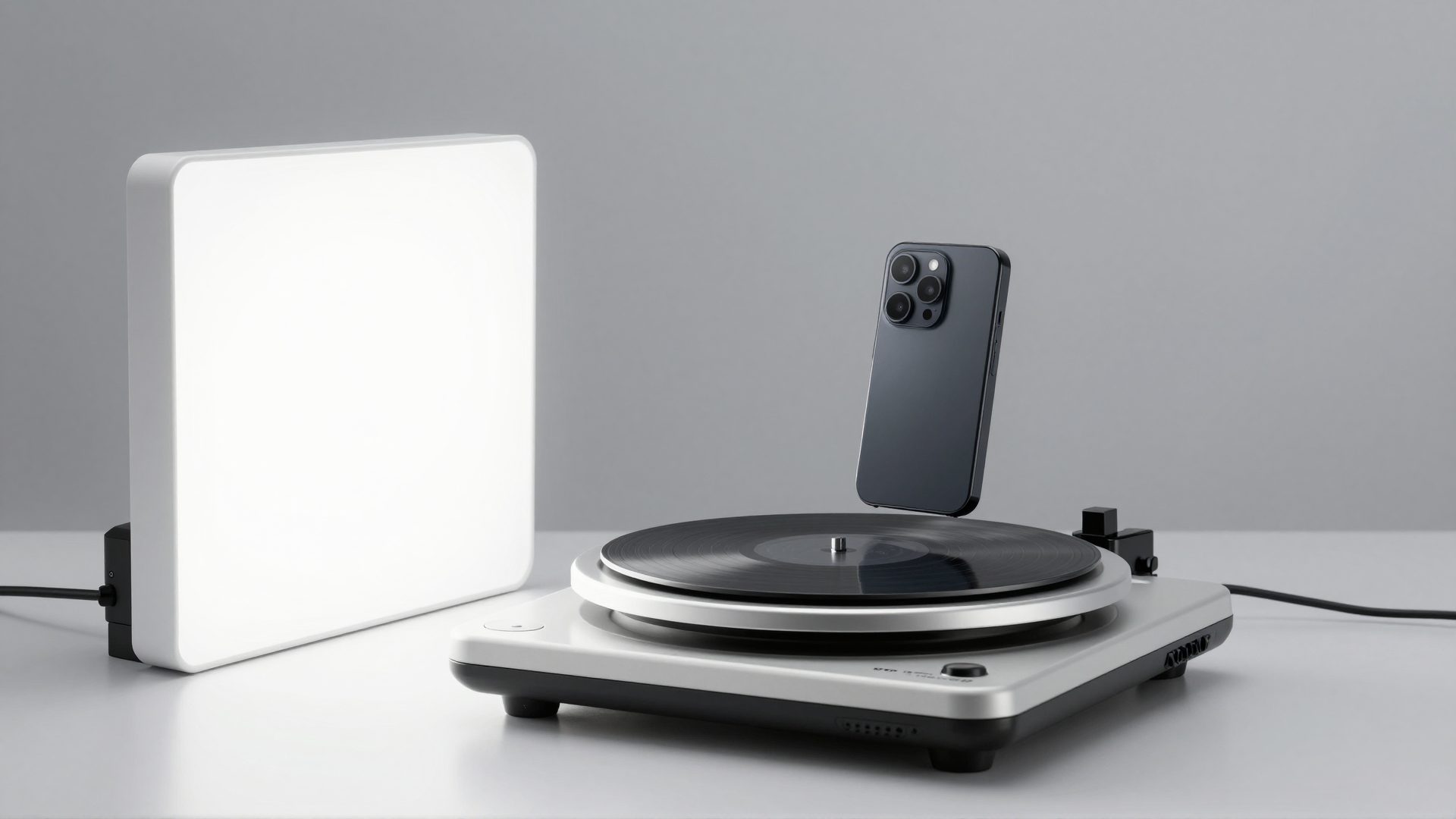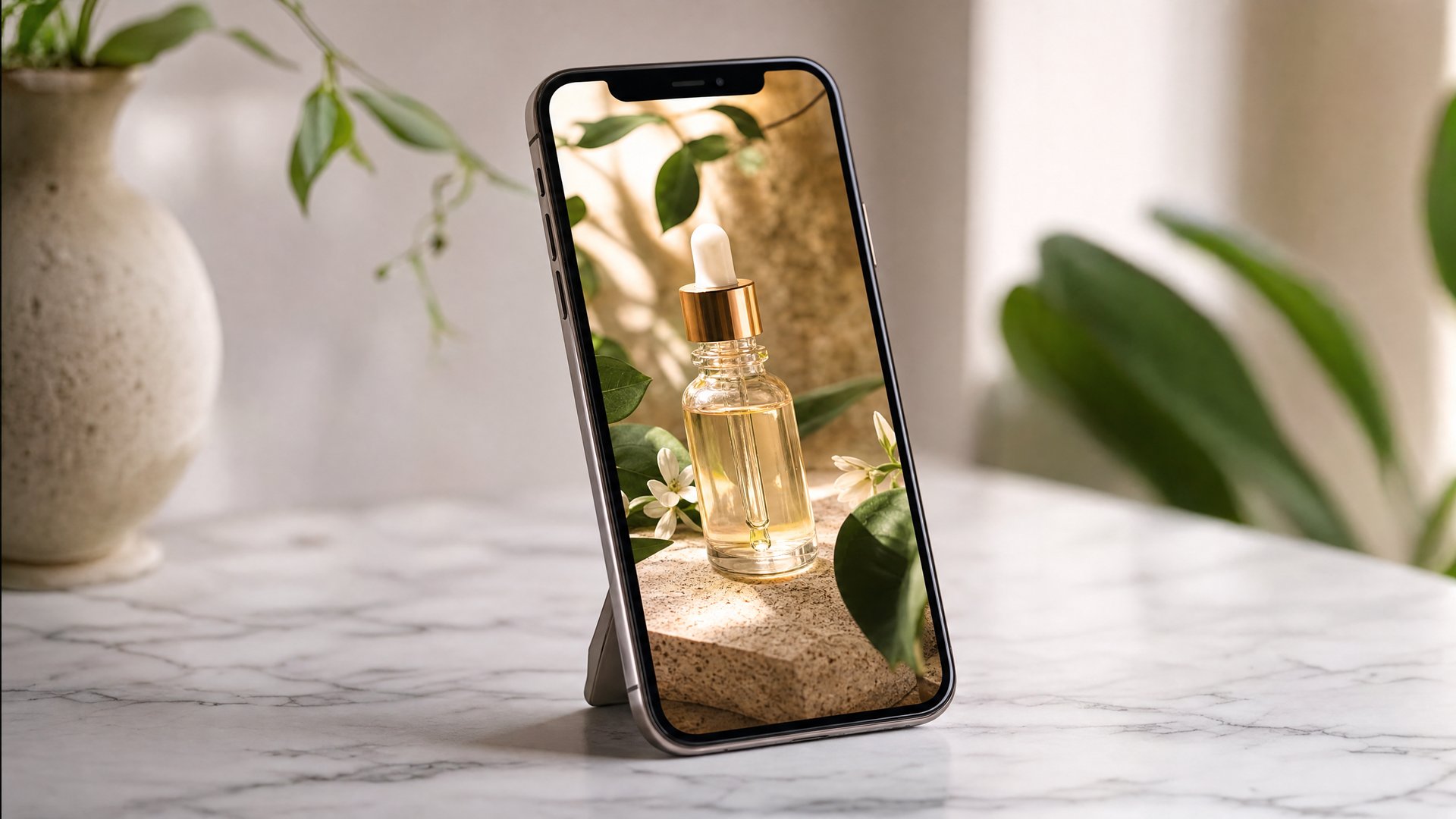
You already did the hard part. Your product photos are shot, edited, and sitting in your Shopify media library or Etsy listings right now. What you don't have is video — and video is what TikTok Shop, Instagram, and increasingly Etsy search itself want to show buyers before they'll show your product to anyone.
The traditional answers don't fit a solo seller's reality. Hiring a UGC creator for every SKU gets expensive fast, and briefing, shipping samples, and waiting on edits doesn't scale to a forty-listing shop. Filming it yourself means learning lighting, stabilization, and editing — while you're also making the product, packing orders, and answering messages. And if you make things by hand, there's a quiet irony: you literally cannot hold a camera while your hands are in the clay.
This guide shows a third path — turning the product photos you already own into product reels with Imagera's Product Reel Maker, a reference-to-video AI that animates your actual product faithfully instead of inventing a lookalike. We'll cover what's working on TikTok Shop right now (with sourced numbers, not vibes), which reel style fits which product, and exactly how to go from one photo to a posted reel.
Quick answer: Product reels turn your existing Shopify or Etsy photos into short vertical videos that showcase items in motion, and Imagera can generate a store-ready 4K reel from a single product photo in under 60 seconds.
1.How do you make product reels for a Shopify or Etsy store?
Upload 1 product photo to Imagera, pick a reel style, and generate a 9:16 vertical clip in under 60 seconds. Most sellers produce 3 to 5 reels per listing to test hooks, export in 4K, and trim each to 15 to 30 seconds so they fit Shopify galleries, Etsy listing videos, and Reels or TikTok in 2026.
2.Why do short product videos help Shopify and Etsy conversions?
Vertical reels loop, load fast, and show scale, texture, and use-cases that static photos cannot. A single reel can give shoppers a clearer sense of your product than a gallery of images alone, and because it is a short vertical clip, you can reuse the same reel across Shopify, Etsy, Instagram Reels, and TikTok without booking a new photoshoot. Imagera renders every clip in 4K, so one photo becomes polished, on-brand content you can post everywhere.
3.Why do Shopify and Etsy sellers suddenly need product video?
The direct answer: because the platforms where buyers now discover products are video-first, and static photos increasingly get filtered out of the discovery layer before a buyer ever sees them. TikTok Shop turned "TikTok made me buy it" from a meme into a checkout flow, Instagram distributes Reels far beyond your follower count, and Etsy gives sellers a listing-video slot precisely because motion holds attention in a scrolling grid of thumbnails.
The shift is bigger than one platform. Analyses of 2026 TikTok video trends for sellers describe a move toward faster proof — showing the product doing its job in the first seconds instead of building up to it — alongside creator-led product education and search-friendly captions that treat TikTok like a search engine, not just a feed. Buyers want to see the thing work, quickly, in a format that feels like a person showing them rather than a brand presenting to them.
The same trend wave carries an encouraging message for small sellers: volume beats celebrity. The winning pattern on TikTok Shop is no longer one big-name deal; it's many small, authentic clips that each earn their own shot at distribution. Creators like Alix Earle popularized the get-ready-with-me format where products appear inside a routine rather than on a pedestal — and that grammar (product-in-context, casual pacing, quick payoff) is now the house style of short-form commerce. ASMR unboxings and live-commerce clip-outs follow the same logic: intimate, unpolished, proof-first. (Those are editorial observations about the format, not endorsements of any tool — including this one.)
Here's what that means practically: you don't need one perfect brand film. You need a steady supply of short, honest product clips — which is exactly the problem photo-based reel generation solves.
4.What is a product reel from photos, and how does it actually work?
A product reel from photos is a short vertical video generated by AI from one or more still images of your product. The critical distinction is how the AI treats your photo. Generic text-to-video tools imagine a product from a description — which means the thing on screen isn't your product. Imagera's Product Reel Maker uses reference-to-video AI: your photo is the reference, and the model's job is to keep the product's shape, color, label, and texture faithful while adding camera motion, lighting, and scene context around it.
That fidelity matters more in ecommerce than anywhere else. A buyer who orders based on a video where the AI subtly changed your product's proportions or label is a return waiting to happen. Faithful animation of the real item is the whole point.
You can see this working on the Product Reel Maker landing page, in the Sample results section: three real generated samples, presented as style tabs — orbit & macro, multi-shot editorial, and slow push-in — all produced from one product photo. Same input, three completely different commercial moods. That's the practical unlock for a solo seller: one good photo becomes a small creative library, not a single asset.
The workflow, end to end:
- Upload a product photo — a clean, well-lit shot of the actual item.
- Pick a style — orbit & macro for detail-forward products, multi-shot editorial for campaign energy, slow push-in for calm, premium focus. You can also write a custom direction in the studio if you have a specific shot in mind.
- Check the cost and generate — pricing is in credits, shown on the generate button before you commit, and it's pay-as-you-go rather than a subscription lock-in. Details are on the pricing page.
- Download the MP4 — ready for TikTok Shop, Reels, Etsy's listing-video slot, your Shopify product page, or an Amazon listing upload.
No camera, no lighting kit, no editor, no creator brief. The bottleneck moves from production to selection — choosing which products and styles to run next.

5.Which product photos should you use for the best reels?
Reference-to-video AI is only as faithful as the reference you give it. The good news is that the photos most Shopify and Etsy sellers already have — clean listing shots — are close to ideal inputs. A few principles:
- Sharp and well-lit beats stylized. The model reads your product's geometry and surface from the photo. Soft focus or heavy filters give it less truth to preserve.
- The product should dominate the frame. A hero shot where the item fills most of the image animates better than a wide lifestyle scene where it's a small element.
- One strong photo is enough to start. You don't need a full shoot — the style tabs exist precisely so one input can yield multiple looks.
If you're deciding which photos from your library to run first, this shot list covers the angles that do the most selling work:
| Shot | What it shows | Why it converts |
|---|---|---|
| Hero on clean background | The full product, true colors and proportions | Becomes your strongest reel opener and listing thumbnail match |
| Macro detail | Texture, stitching, engraving, glaze, label | Justifies the price; quality proof buyers can't get from a grid thumbnail |
| Lifestyle / in-context | Scale and real-world use | Lets buyers picture ownership — the moment desire actually forms |
| Variant lineup | Colors, scents, sizes side by side | Kills the "I wish it came in…" objection before it forms |
| Packaging / gift-ready | The unboxing moment | Feeds ASMR-unboxing-style edits and gift-season campaigns |
Run the hero shot first. If the result sells you, work down the list — each shot type becomes a different reel with a different job in your funnel.
6.What's actually selling on TikTok Shop — and what do the numbers say?
It's worth grounding this in real results, because "video sells" is easy to say and easy to doubt. Recent TikTok Shop analyses give us concrete, sourced cases — and every one of them is a product whose video did the selling, not its photo grid:
| Product | Reported result | Why video did the work |
|---|---|---|
| Wonderskin Lip Stain | Selling roughly one unit every five seconds at peak | The apply-and-reveal moment is pure before/after — impossible to convey in a still |
| Wonderskin Lip Liner Stay-N-Peel | Over $46M in GMV | The peel-off mechanic is inherently visual; every clip is a demo |
| Ninja Cordless Blender | An order surge of over 1,800% | In-hand, blend-anywhere footage proved the portability claim instantly |
| Homeika Cordless Vacuum | Over $25M in GMV | Mess-to-clean transformation clips are the format's oldest reliable hook |
| Wyze Cam | Over $25M in GMV | Real captured footage is the product demo — proof and product are the same clip |
Two patterns worth stealing from that table, whatever you sell:
Proof-first structure. Every one of those winners shows the outcome fast — the lip color revealed, the mess gone, the footage captured. This matches the broader 2026 trend toward faster proof: lead with the payoff, explain after. When you generate a reel, choose the style that makes your product's payoff visible in the opening second — a macro orbit for craftsmanship, a push-in for finish and glow.
The demo doesn't need to be filmed by you. These categories won because many clips existed, from many angles, posted consistently. That's the "volume beats celebrity" dynamic again — and it's precisely the economics that per-SKU creator sourcing breaks and photo-based generation fixes. A beauty brand can brief a hundred creators; a solo Etsy seller can generate a hundred reels.
7.Which reel style fits your product?
Style selection is where most sellers overthink it. The honest answer is that each style encodes a commercial mood, and products have natural matches:
| Reel style | Feel | Best product types |
|---|---|---|
| Orbit & macro | Jewelry-counter lighting; the camera circles and dives into detail | Jewelry, watches, eyewear, cosmetics packaging, small leather goods |
| Multi-shot editorial | Magazine-campaign energy; multiple cuts, varied angles, confident pacing | Skincare, fashion, accessories, lifestyle brands, gift sets |
| Slow push-in | Calm, cinematic focus; the product holds the frame as the camera approaches | Candles, ceramics, home goods, food and drink, wall art |
A few practical pairings from real seller use cases:
- A jewelry reel from photos almost always wants orbit & macro — the style exists to do what a jewelry counter does: rotate the piece under light until it catches.
- A skincare product reel benefits from multi-shot editorial, because skincare buyers are trained by brand campaigns to read that pacing as "premium and legitimate."
- Handmade and home goods — the heart of Etsy — suit the slow push-in. It photographs stillness and care, which is the emotional product Etsy buyers are actually purchasing.
Don't feel locked in, though. The strongest workflow we see is generating two styles from the same photo and letting the platforms vote. What feels right to you and what stops a scroll are frequently different videos.
And if your catalog stretches beyond conventional products: the Universal Reel Maker handles subjects that don't fit the product mold — pets, places, portfolios — while automotive sellers and detailers have a dedicated Car Reel Maker tuned for paint, curves, and rolling-shot energy.
8.How do you turn one photo into a month of content?
This is where the economics get interesting, because the real cost of video for small stores was never one video — it was the ongoing need for variants.
Ad creative fatigue is the silent budget killer. If you run Meta or TikTok ads, you already know the curve: a winning creative decays as the audience saturates, and performance recovers only when you feed the algorithm something new. Agencies solve this with batch shoots. Solo sellers historically couldn't — so they rode dying creatives down. With photo-based generation, refreshing a fatigued ad means generating a new style or scene from the same product photo. The product stays true; the creative stays fresh.
One photo → a distribution calendar. A workable month for a single hero product looks like this:
- Week 1: Orbit & macro reel → TikTok and Instagram Reels, captioned with the search-friendly, question-style captions the 2026 trend analyses recommend ("how I keep candles burning evenly" beats "New candle drop!").
- Week 2: Slow push-in reel → embedded on your Shopify product page as the first media item, and trimmed for Etsy's listing-video slot.
- Week 3: Multi-shot editorial reel → Pinterest and Facebook Reels, where campaign-style pacing travels well.
- Week 4: Your best performer, re-posted with a new caption angle — gifting, occasion, or a customer-review quote.
UGC-style without the UGC pipeline. If you want the casual, creator-led feel — the GRWM-adjacent, product-in-a-routine grammar that dominates TikTok Shop — pair your product reels with the approach in our guide to AI UGC video generation. The combination covers both registers: polished product reels for your listings and ads, casual-feel clips for feed-native discovery.
Amazon sellers, this includes you. Amazon listing video is one of the most under-used conversion surfaces on the platform, largely because the production barrier filtered out small sellers. A clean push-in or orbit reel generated from your existing listing photos gives you a listing video without a studio — the same asset, uploaded to a different surface.
9.Where should you post your product reels?
Everywhere the buyer journey touches, because the same MP4 serves radically different jobs on different surfaces:
- TikTok / TikTok Shop — discovery and impulse. Vertical 9:16, proof in the first second, search-friendly caption. This is where the volume strategy lives: multiple styles, multiple products, steady cadence.
- Instagram Reels — discovery plus brand-building. The editorial style tends to feel most at home here; Reels distribution reaches beyond your followers, making it the best free top-of-funnel most small stores have.
- Pinterest — slow-burn, high-intent traffic. Product reels pinned with gift and occasion framing keep working for months, which suits sellers who can't post daily.
- Your Shopify product page — conversion. Upload the reel into the product media carousel (Products → your product → Media → Add media) and position it as the first item so motion greets every visitor. This is video's quietest, highest-leverage placement: the buyer is already interested; the reel closes.
- Your Etsy listing — Etsy provides a listing-video slot in the listing media section, and a video thumbnail moves in search results while every neighboring listing sits still. Trim your reel to fit Etsy's short listing-video length in Shop Manager.
- Amazon listing — upload as listing video to answer the questions your bullet points can't: finish, scale, presence.
One generation, six surfaces. That multiplication is the actual ROI story of photo-based reels — not that one video is cheap, but that one input feeds an entire distribution footprint.
10.What are the best product reel ideas for 2026?
If you want a starting playbook, these are the concepts we see working across Shopify and Etsy stores, all achievable from photos alone:
- The reveal — macro detail first, full product second. The partial-view opener remains the most reliable scroll-stopper for launches.
- The variant run — every colorway or scent in the same framing, cut in rhythm. Directly attacks the biggest silent objection: "does it come in mine?"
- The proof-first demo — lead with the outcome, in the spirit of the TikTok Shop winners above. Show the glow, the shine, the finished pour.
- The maker's table — for handmade sellers: materials and workspace photos animated into a process-story reel. It's Etsy's native emotional language, and it's the format makers could never film because their hands were busy making.
- The gift answer — occasion-framed reels ("for the friend who…") timed to Q4, Valentine's, and Mother's Day. Pinterest gold.
- The quiet luxury push-in — a single slow push-in with minimal text. Counterprogramming against a loud feed; disproportionately effective for premium-priced goods.
- The restock alert — your best-seller's hero shot, animated, with a back-in-stock caption. Lowest effort, most predictable payoff.
- The ad refresh — whichever of the above is winning, regenerated in a new style the moment ad frequency climbs and clicks sag.
Notice what's absent: nothing above requires a camera, a creator, or a shoot day. Every idea is a photo you likely already have, plus a style choice.
11.See it in action — real Imagera output
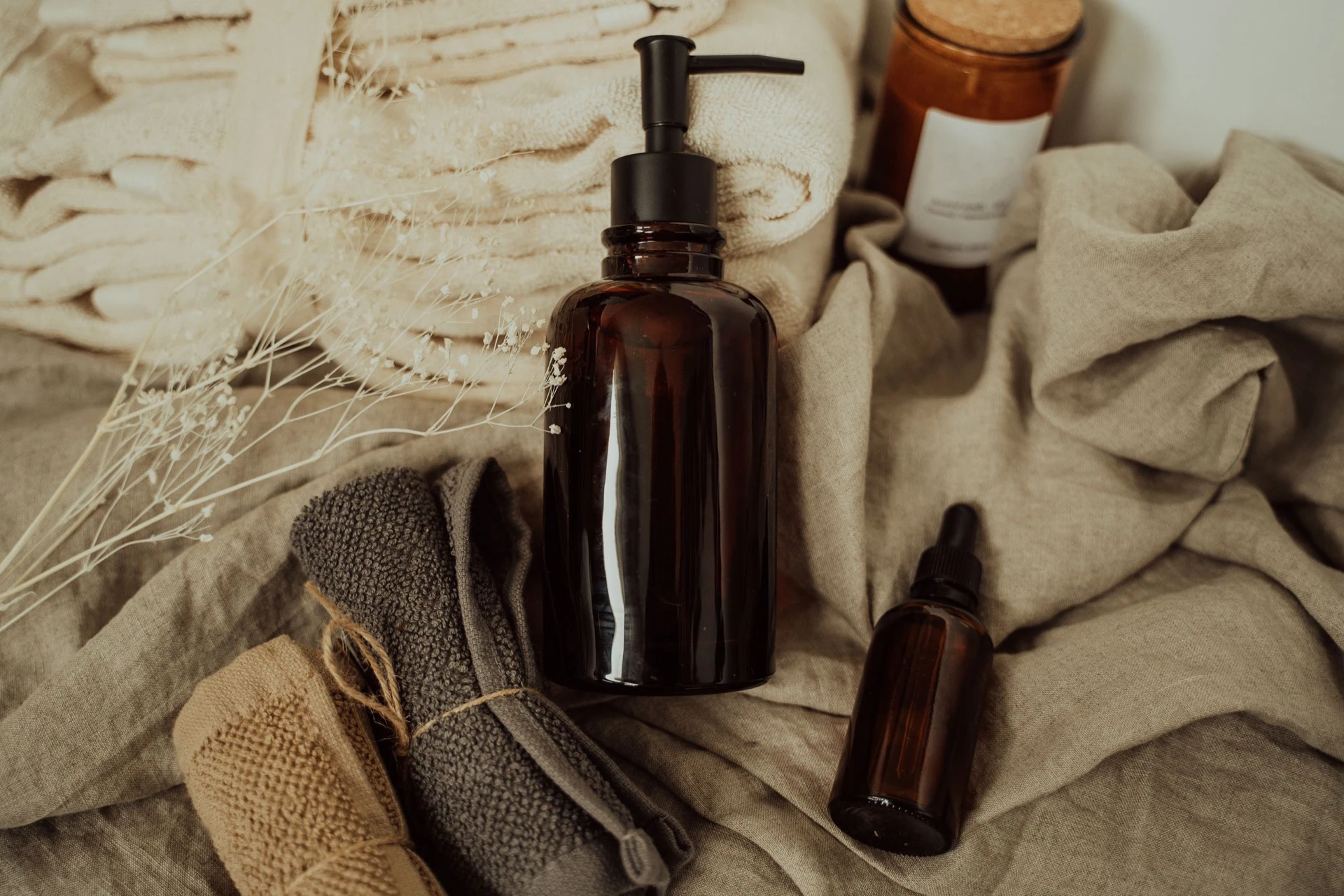
These are real, unedited results from the Imagera product reel — the exact tool this guide covers.
12.Your photos are already the hard part — finish the job
Every argument for product video used to end at the same wall: production. The camera, the creator, the editing, the per-SKU cost — that wall is what kept solo Shopify and Etsy sellers posting stills into feeds that reward motion.
The wall is gone. The photos in your listings are the input; the styles are a menu; the cost is on the button before you spend anything. The sellers winning on TikTok Shop right now are winning on consistent, honest, proof-first video volume — a game a one-person store can finally play.
Pick your best product photo and turn it into a reel with the Product Reel Maker. Watch the three sample styles first, generate your own, and post it where your buyers already are — this week, not after the shoot you were never going to schedule.