
Image-to-video AI turns the still photos you already have into short vertical video for Instagram Reels, TikTok, and YouTube Shorts. You do not need a full shoot day to fill a content calendar — you need clean stills, a 9:16 export, and a tight review loop.
On Imagera, pick the reel studio that matches your subject, generate motion, and pay only when you run. Credit packs start at $19.99.
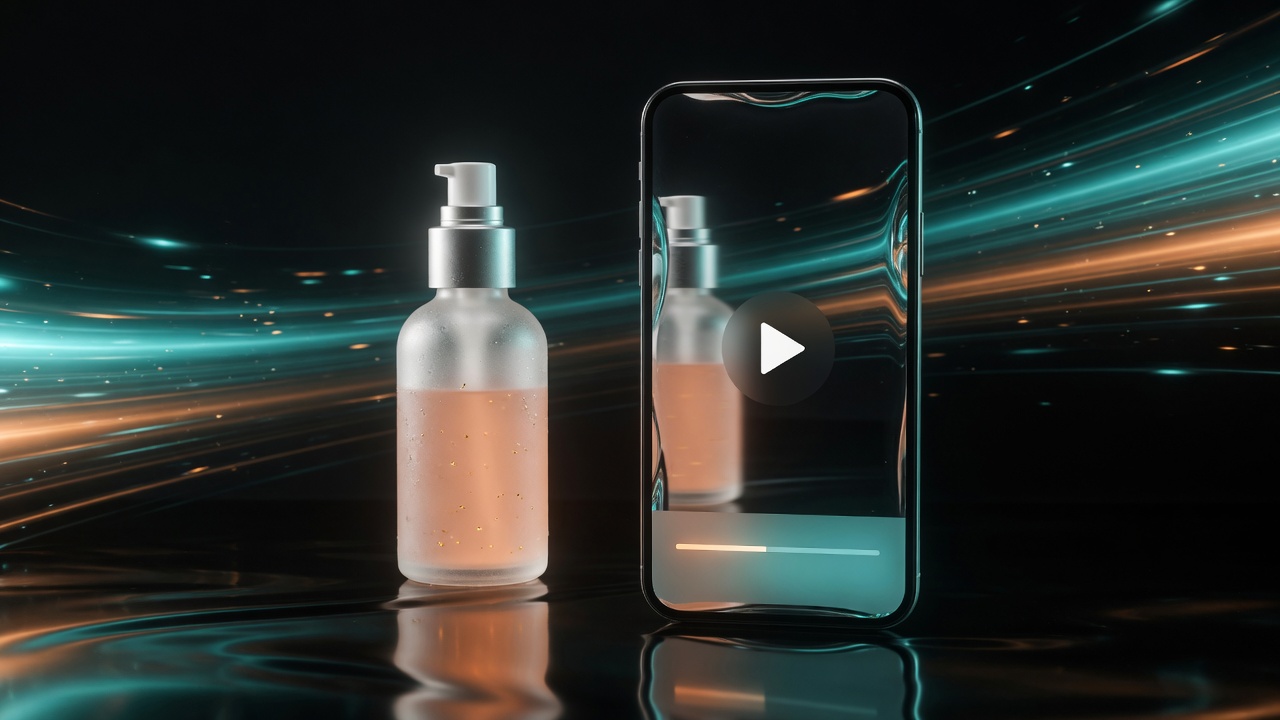
Image to Video AI for Instagram Reels 2026 (From Product & Person Photos) is a practical Imagera workflow: start from a real source file, describe what should change, generate with credits shown up front, and review before you publish. This guide covers the steps, quality checks, and when to use related tools.
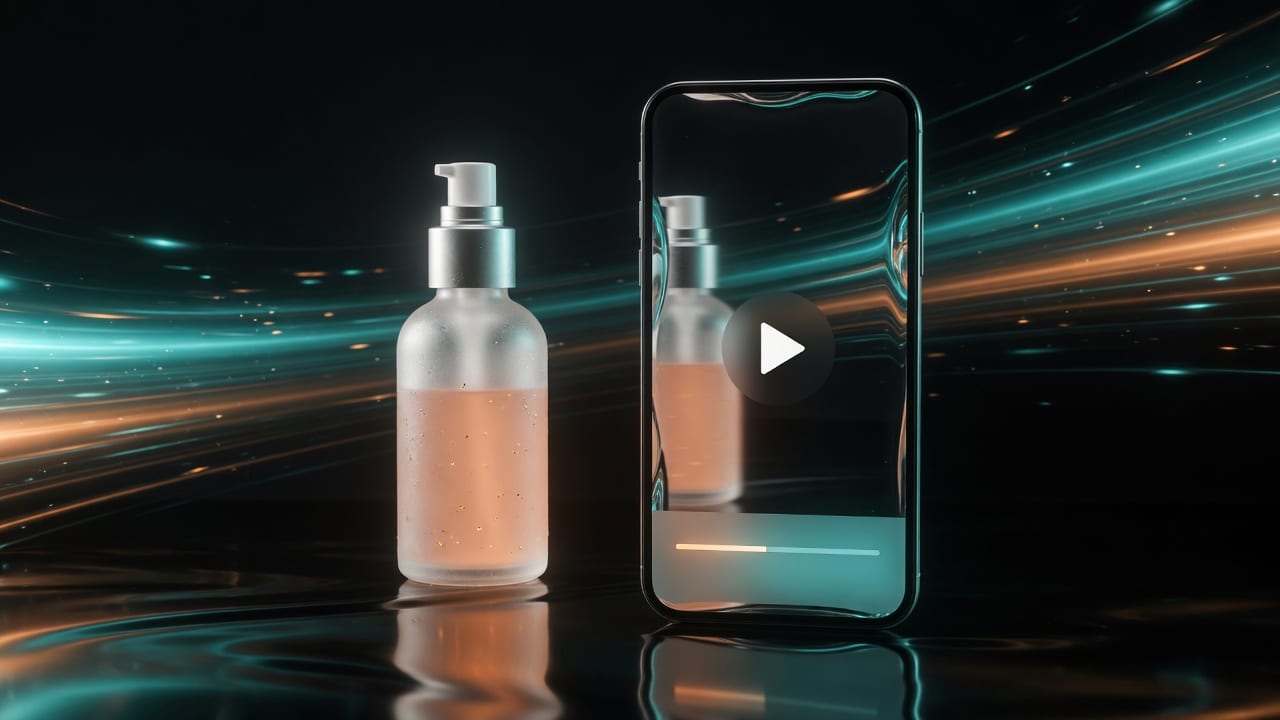
Real Imagera output: a single photo animated into a vertical reel.
Quick answer: Image to video AI turns a single still photo into a motion clip you can post straight to Instagram Reels. With Imagera you upload 1 photo, describe the movement, and export a vertical 9:16 clip in under 60 seconds.
1.How do I turn a photo into an Instagram Reel with AI?
Upload 1 photo to Imagera, type a short motion prompt, and pick the 9:16 vertical frame Reels requires. Imagera generates a 5-10 second clip, ready in under a minute for most jobs. You can export in up to 4K, batch 3-5 variations at once, and each render costs credits, so testing many angles stays affordable before you publish.
2.Why does AI motion outperform static photos on Reels?
Movement holds attention: a short animated clip keeps viewers watching longer than a still they scroll past, and Imagera can produce 10+ variants from one image in a single session. Reels rewards original, motion-first content, so animating a photo into video gives a single shot a real chance to reach more feeds than posting it flat. Start with one strong image, generate a few motion takes, and post the version that reads best in vertical.
3.Which Imagera studio to open
| Input | Studio |
|---|---|
| Product packshots and SKUs | Product Reel Maker |
| People and UGC-style energy | Human Reel Maker |
| Mixed or general stills | Universal Reel Maker |
| Broader multi-model video exploration | Popular AI Video Generator |
| Pricing | Pricing |
4.Why stills beat another full shoot for short-form
Reels and TikTok reward constant motion. Photography budgets do not. Image-to-video compresses the gap between “we shot packshots” and “we need three hooks by Friday.”

It is not a replacement for every campaign film. It is the fastest way to test motion creative from assets you already own.
5.How to turn photos into Reels (step by step)
- Collect masters — highest-resolution originals, not screenshots.
- Fix weak stills first — background clutter in Fast Edit; stiff people poses in Identity Editor.
- Open the matching reel studio — product, person, or universal.
- Generate vertical 9:16 first. Landscape is secondary for Reels.
- Review like a media buyer — logo legibility, hand artifacts, unnatural motion, brand colors.
- Caption for mute autoplay on Instagram and TikTok.
- Ship winners only — track credits per published Reel, not per experiment.
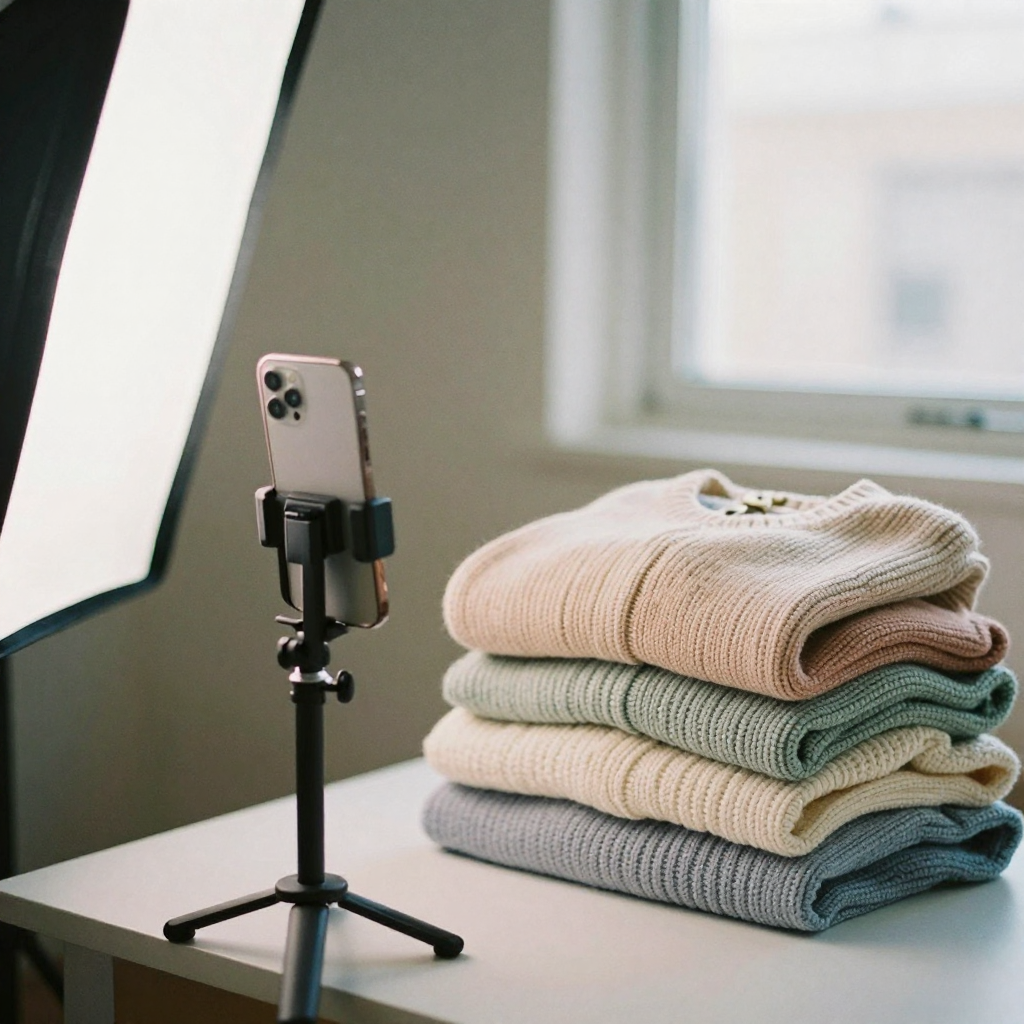
6.Creative formulas that work on Reels
| Formula | Motion idea |
|---|---|
| Reveal | Product turns into light or frame |
| Proof | Texture or detail push-in |
| Lifestyle | Product enters a hand or scene |
| Energy | Subtle camera move + cut to packshot |
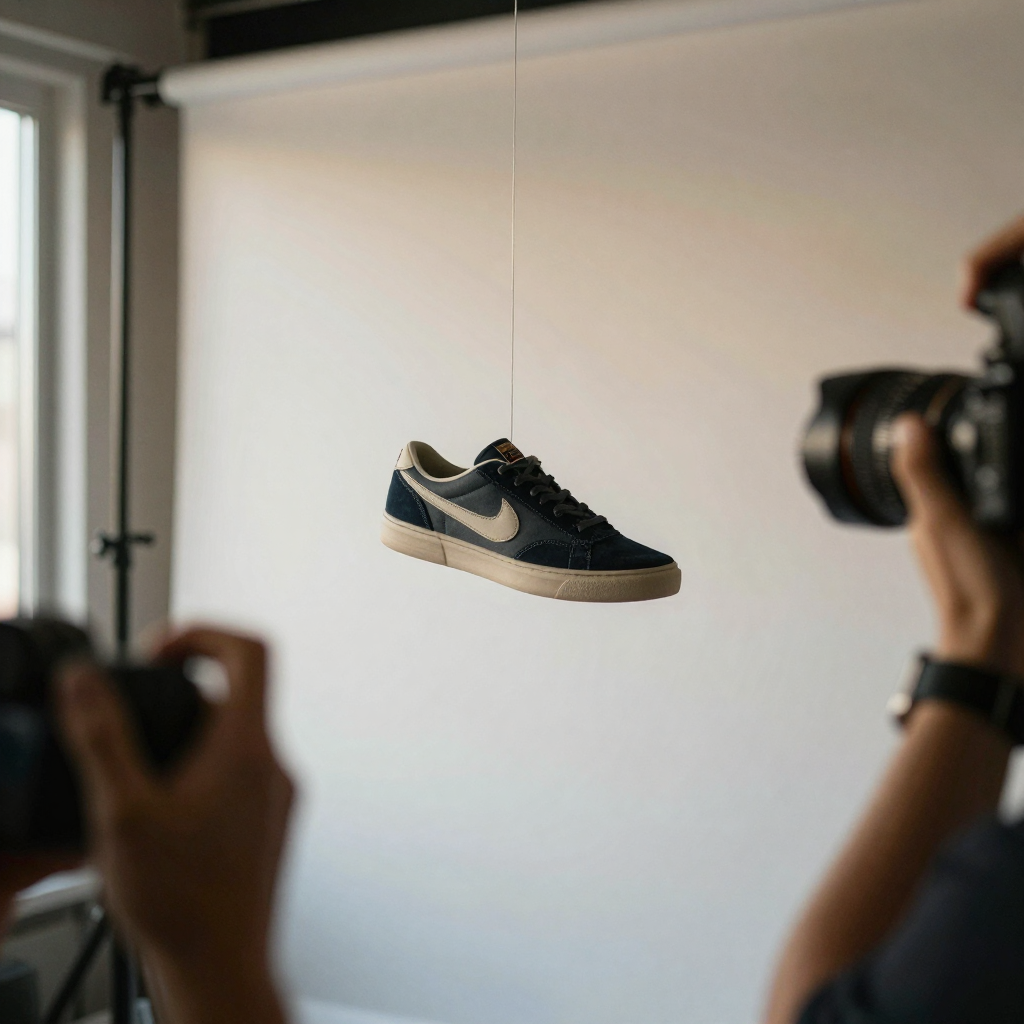
Keep the first second intentional. Scroll culture does not wait for a slow intro.
7.Platform notes
7.1Instagram Reels
Default 9:16. Plan captions for sound-off. Cover frame still matters on the profile grid.
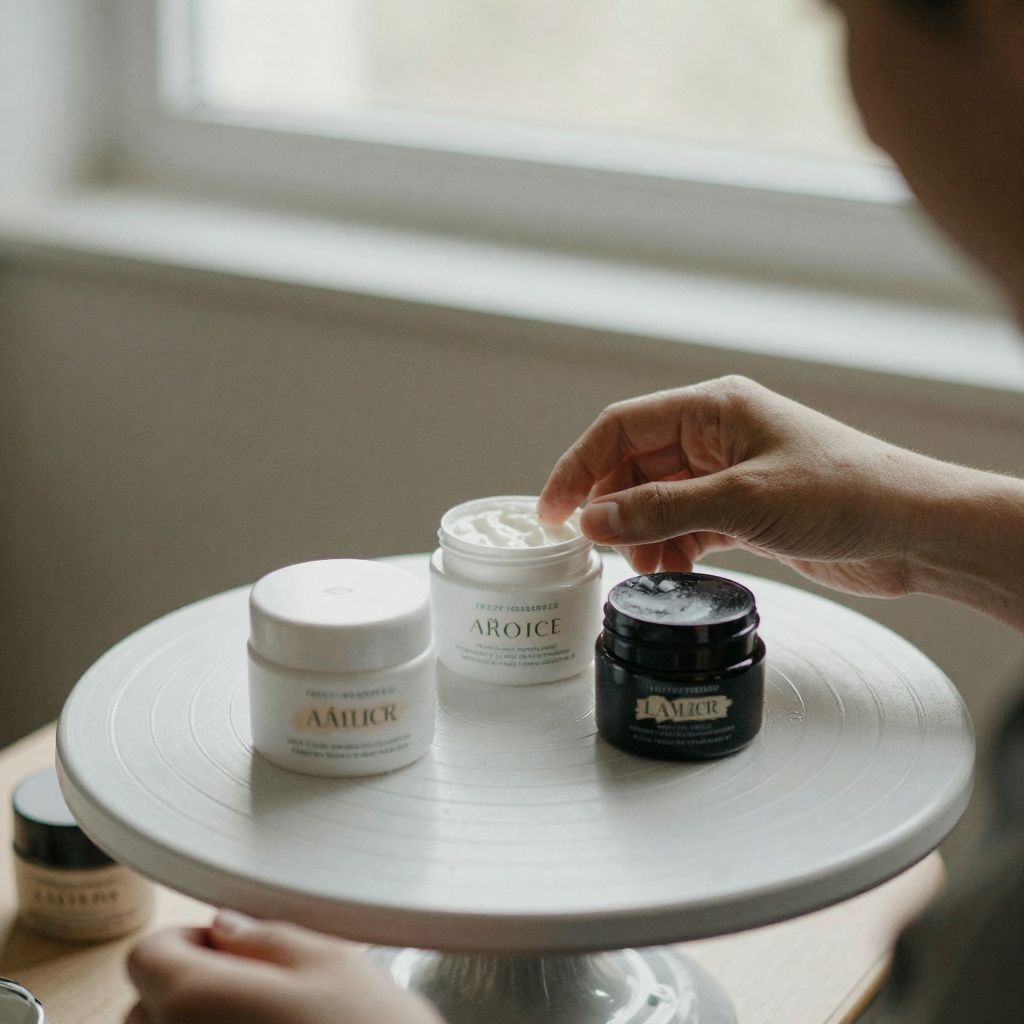
7.2TikTok
Faster cuts often test better than slow cinematic pans for product. Respect audio rights when using trending sounds.
7.3YouTube Shorts
Clear branding earlier can help channel growth. Focus on loopability for completion.
7.4Paid social (Meta / TikTok ads)
Export clean, no watermarks. Keep text out of UI-safe zones. Prove a winner in organic or micro-spend before multiplying aspect ratios.
8.Fix the still before you animate
Garbage still → garbage motion.

| Problem | Fix first |
|---|---|
| Busy background | Fast Edit |
| Stiff person pose | Identity Editor |
| Plastic AI look on synthetic stills | AI Image Humanizer |
| Soft detail | Extreme Detailer or Upscaler after approval |
9.Mistakes that burn credits
| Mistake | Fix |
|---|---|
| Tiny social JPGs as masters | Re-export originals |
| Horizontal-only generation for Reels | Force 9:16 |
| Animating 20 SKUs before one winner | Test 2–4 hooks first |
| No captions | Add on-platform captions |
| Expecting feature-film physics | Use for social and ads, not Oscar reels |
10.Pricing
Cloud video is pay-first. Packs from $19.99. Confirm the live studio meter before batching. Commercial rights on paid plans. Pricing.
11.Weekly production rhythm
| Day | Action |
|---|---|
| Mon | Pick three SKUs or three hooks |
| Tue | Generate a small set of 9:16 clips |
| Wed | QA, captions, cover frames |
| Thu | Organic and micro-paid tests |
| Fri | Kill losers; log winners; request better stills if needed |
This rhythm keeps credits under control. The goal is learning, not filling a drive with unreviewed motion.
12.Audio layer most teams skip
Motion without audio strategy underperforms on Reels and TikTok:
- Plan captions for mute viewing
- Use original voiceover when brand voice matters
- Respect rights on trending audio
- Avoid busy music that fights product narration
If you need VO, generate or record it after the visual winner is clear — not before.
13.When image-to-video is the wrong tool
- You need long-form education video with complex narrative
- Legal requires live on-camera talent for claims
- The still is so weak that motion only multiplies artifacts
Fix stills or book a real shoot for those cases. Use reels tools for testing and always-on short-form volume.
14.Understanding image-to-video for short-form
Image-to-video models invent motion that is consistent with a still: camera push, product turn, fabric flutter, subtle parallax. They do not magically know your brand guidelines. That is why still prep and review matter more than the hype demo.
For Instagram Reels, the unit of work is the first second. If the first second does not communicate product, person, or curiosity, the rest of the clip rarely saves it.
15.Detailed studio routing on Imagera
15.1Product Reel Maker
Best when the hero is a SKU: bottles, boxes, devices, apparel flats, food packs. Keep labels readable. Prefer clean separation from backgrounds. Avoid busy lifestyle scenes as the only master if the label is the sell.
15.2Human Reel Maker
Best when the hook is a face, reaction, or hold. If the person is stiff, fix pose in Identity Editor before animating. If the face is soft, consider headshot polish first.
15.3Universal Reel Maker
Best for mixed boards and exploratory social content that is not strictly product or person led.
15.4Popular AI Video Generator
Best when you are comparing motion styles across engines rather than following a fixed reel template.
16.Production quality bar for paid social
Before you spend ad budget:
- Logo and product text readable at phone size
- Motion does not smear critical branding
- No uncanny hands on person-forward clips
- Captions match claims you can substantiate
- Aspect is 9:16 for the primary placement
- Export has no watermarks
If a clip fails two of these, kill it. Credits spent on a bad clip are cheaper than paid media spent on a bad clip.
17.Hook library for ecommerce Reels
- “Stop scrolling if you use ___.”
- “Three things the label doesn’t show.”
- “I tested this for 30 days.”
- “The version nobody photos properly.”
- “What it looks like in real light.”
Pair each hook with a matching motion: label close-up, texture push, unbox energy, side angle spin.
18.End-to-end example: skincare SKU
- Clean packshot masters (front, side, texture).
- Fast Edit any shelf clutter.
- Generate three Product Reel variants: spin, push-in, lifestyle insert.
- Caption three hooks.
- Micro-test for 48 hours.
- Scale the winner; archive the losers with notes.
19.End-to-end example: founder personal brand
- Strong portrait still.
- Identity Editor for open posture if needed.
- Human Reel Maker for subtle motion energy.
- Optional talking avatar for a spoken CTA instead of pure motion.
- Post with captions; measure profile visits and link clicks, not vanity views alone.
20.Related reading
21.Motion language for product vs person
Product motion should protect label legibility. Prefer controlled spins, pushes, and gentle parallax. Aggressive warps that bend logos destroy trust in ecommerce.
Person motion should protect identity. Subtle breathing-scale motion and soft camera moves beat extreme head turns that break face coherence. If you need big body language changes, fix the still in Identity Editor first, then animate a smaller motion delta.
22.Captions, covers, and first-frame design
22.1First frame
Design the still as if it were a poster. If the first frame is weak, motion will not save it. Consider generating from a stronger still rather than hoping the video “reveals” interest later.
22.2Cover frame for Instagram
Pick a cover that reads at grid size. Often a mid-clip freeze is worse than the original packshot with a bold crop.
22.3Captions
Write captions for mute viewing. Put the claim in text even if VO exists. Keep claims compliant.
23.Measuring success beyond views
Track:
- Hook rate / 3-second views
- Profile visits
- Link clicks
- Add-to-cart or lead events when attributable
- Credits per converting creative
Views without conversion are a vanity trap for ecommerce.
24.Tooling stack example
- Still cleanup — Fast Edit
- Pose fix — Identity Editor (if person)
- Motion — Product/Human/Universal Reel Maker
- Optional realism — Humanizer on AI stills
- Optional VO — Voice Generator
- Optional upscale — only winners
25.Shot lists you can reuse
25.1Product packshot day → week of Reels
From three stills (front, 45°, detail):
- Front → slow push-in
- 45° → gentle orbit energy
- Detail → texture reveal
- Front → cut to detail mid-clip (generate separately and edit outside if needed)
- Lifestyle insert if you have a second scene still
25.2Person content day → week of Reels
From one strong portrait and one mid-shot:
- Subtle motion on portrait for soft posts
- Mid-shot with more body energy for hooks
- Over-shoulder still fixed in Identity Editor, then mild motion
- Talking avatar clip for spoken CTA days
- Static carousel fallback when motion underperforms
26.File and export hygiene
- Keep masters in a lossless or high-quality archive
- Name files with date, SKU, hook ID
- Export Reels at platform-recommended resolution
- Do not re-compress winners multiple times
- Store captions in a spreadsheet next to creative IDs
27.Collaboration between creative and media buying
Creative should deliver:
- Hook text
- First-frame description
- Claim language
- Target funnel stage
Media buying should return:
- Which hooks died and why (thumbstop vs hold vs click)
- Audience notes
- Frequency / fatigue signals
Without that feedback loop, generation volume becomes noise.
28.Common platform pitfalls
Instagram: ignoring cover frames; posting horizontal; missing captions.
TikTok: overlong intros; mismatched audio energy; unclear product in first second.
Paid Meta: too much text in unsafe zones; non-compliant claims; low-resolution exports.
29.Budgeting credits without drama
Assign weekly credit budgets by channel:
- 40% testing new hooks
- 40% iterating winners
- 20% experimental motion styles
If experimental exceeds 20% with no learning log, freeze experiments for a week.
30.A complete creative brief template for image-to-video
Copy this into your team doc before generating:
Objective: (awareness / traffic / conversion)
Audience: (who, what they already believe)
Product truth: (one sentence, no hype)
Must show: (label, colorway, size cue)
Must never show: (claims, competitors, restricted visuals)
Hook options (3):
Motion preference: (spin / push / lifestyle / person)
Length target:
Platform:
Success metric:
Credit budget for this test:
Briefs prevent random generation. Random generation burns credits and confuses learning.
31.Storyboarding without a designer
You do not need fancy frames. Number five beats on paper:
- First frame still
- Motion starts
- Product readable
- Proof moment
- End card / CTA freeze
If you cannot describe beat 3, the clip will not sell.
32.Working with freelancers and agencies
When outsourcing:
- Provide masters, not screenshots
- Provide brand hex and logo clear space
- Provide claim language approved by legal
- Require delivery of prompts and settings used
- Require a kill list with reasons
Agencies that refuse to document process are expensive noise.
33.Seasonal and always-on calendars
Always-on: evergreen product truths, texture, demo.
Seasonal: holiday packaging, weather lifestyle, limited colors.
Generate seasonal motion only after evergreen winners exist. Seasonal without evergreen learning is a discount treadmill.
34.Technical notes for crisp exports
- Prefer highest resolution stills
- Avoid stacking multiple compressions
- Keep text large if burned in
- Test on an actual phone
- Watch on Wi-Fi and cellular compression if ads will auto-transcode
Platform re-encoding will punish soft sources.
35.Bottom line
Short-form commerce runs on stills that move. Open the reel maker that matches your subject, generate vertical, and only scale what passes review.
Next steps: Product Reels · Human Reels · UGC ads playbook · Pricing