You know face content works. You've watched founders with half your expertise build audiences, close clients, and raise rounds on the strength of talking-head reels. You've probably opened your camera app more than once, recorded a take, watched it back, cringed, and deleted it.
That loop — know it works, hate doing it, quit by week two — is the single most common failure pattern in personal branding. It isn't a knowledge problem. It's a production problem: the person with the expertise and the person willing to film themselves daily are rarely the same person.
In 2026, they don't have to be. Reference-to-video AI can now take a single photo of you and generate short vertical clips — including talking-to-camera clips with audio — that hold your identity faithfully. This guide covers exactly how that works, which photos to use, which proven creator formats to recreate, and how to turn one portrait into a sustainable posting schedule.
Quick answer: Yes — with Imagera you can turn 1 photo of yourself into a moving reel with zero filming, generating a natural, motion-rich clip in under a minute from a single upload.
How do you make a reel of yourself from photos without filming?
Upload 1 or more photos, pick a motion style, and Imagera animates your likeness into a vertical 9:16 reel — no camera, lighting, or 2nd take needed. Most clips render in under a minute at up to 4K, and you can queue 3 to 5 variations at once, then export directly for TikTok, Reels, or Shorts in 2 taps.
Why use one photo instead of recording real video?
A clear selfie can become the starting point for a short animated portrait. Request restrained movement and stable framing, then check the selected model's video settings and credit quote. Inspect the result for facial drift and changes to clothing or background before publishing. More variations mean additional generations, so start with one short test.
Can you really make reels of yourself without filming?
Yes. Upload one clear photo of yourself to Imagera's Human Reel Maker and reference-to-video AI generates short vertical video of you — moving, gesturing, and in the talking formats, speaking with native audio — without you ever pressing record. The person in the output is the person in the photo: same face, same features, same wardrobe. You choose a style (lifestyle, talking to camera, office), describe what you want, and the tool renders a reel-ready 9:16 clip you can caption and post.
This is a different category of tool than a slideshow maker or an avatar service. A slideshow pans across your static photo; an avatar service replaces you with a synthetic character. Reference-to-video generation sits in between and above both: it treats your photo as the ground truth for who appears in the video, then generates genuine motion — a walk through an office, a confident piece to camera, a candid lifestyle moment — around that identity.
The honest part matters here, so let's say it plainly. Identity fidelity is the entire value proposition for this kind of content, and it's the thing Imagera's human reels are built and checked around: the output holds the same person, the same face, and the same wardrobe as the uploaded photo, and the sample results shown on the Human Reel Maker page are audited for exactly that before they're published. If a generated clip drifted into "someone who vaguely resembles you," it would be useless for a personal brand — your audience would notice, and trust is the asset you're building. The talking samples also carry native audio generated with the video, not a voiceover bolted on afterward.
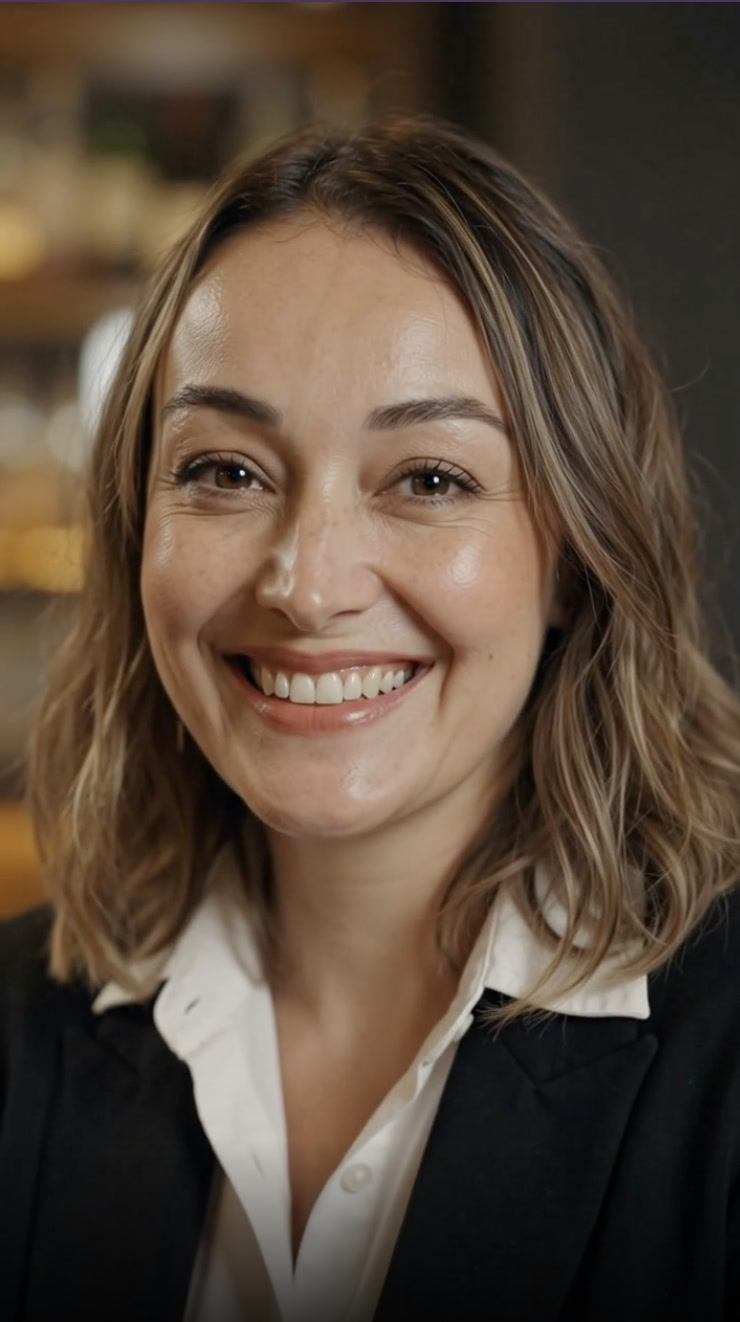
You can see this for yourself before uploading anything: the landing page's Sample results tabs show three real outputs generated from one portrait photo — a lifestyle clip, a talking-to-camera clip (with audio), and an office confidence clip. One photo in, three distinct content formats out. That's the core promise, demonstrated rather than claimed.
Why is talking-head content suddenly non-negotiable?
Because the platforms and the audience both moved. LinkedIn has been aggressively pushing native video into its feed, which means a text-only or faceless presence now competes against colleagues and competitors who show up on camera. On Instagram and TikTok, the talking-head reel has been the default format for expertise-driven accounts for years. If you sell knowledge, services, or yourself — consultant, founder, coach, agency owner — face content has become table stakes rather than a differentiator.
There's a second shift that matters more. The 2026 conversation around personal branding has moved decisively from chasing reach to building credibility — as one widely shared profile of the space put it, personal branding now is about trust, not virality. Nobody needs you to go viral. They need to see your face regularly enough, saying consistent enough things, that when they're ready to buy or partner or hire, you're the person they already feel they know.
Trust compounds through frequency. And frequency is precisely what breaks when every post requires you to set up a camera, deliver a clean take, and edit the result. That's the gap photo-based reels close: they make showing up as yourself cheap enough to do on the schedule trust actually requires.
What's actually stopping you from filming yourself?
If you've stalled on face content, you're almost certainly hitting one of five walls — and it's worth naming yours, because the photo-to-reel workflow solves each one differently.
Camera anxiety. For a large share of professionals, the problem isn't the audience seeing them — it's them seeing them. You film a take, watch it back, fixate on your voice or your expressions, and delete it. A photo sidesteps the whole spiral: you choose one image of yourself you actually like, and every clip is generated from that flattering ground truth.
The founder time trap. You know face content builds pipeline, but you're running a company. A daily filming habit — setup, takes, review, editing — is a part-time job you cannot staff with your own hours. Generating from a photo compresses that job into minutes of describing what you want.
Consistency collapse. Almost everyone can film for a week. Week two is where personal brands die: one busy day breaks the chain, the chain never restarts, and three weeks of silence undoes the momentum. When production doesn't depend on your energy, appearance, or schedule that day, the chain doesn't break.
The faceless-page plateau. Plenty of creators build faceless pages precisely to avoid the camera — quote graphics, screen recordings, b-roll with captions. Those pages grow, then flatline, because audiences bond with people, not templates. Adding your actual face to an established faceless account is the single highest-leverage change you can make, and a photo-based workflow lets you make it without changing anything else about your process.
Zero editing time. Even people who don't mind filming get destroyed by the edit: captions, cuts, pacing, export settings. A generated reel arrives as a finished vertical clip. Your remaining job is a caption and a posting time.
If two or more of those describe you, you're the person this workflow was built for.
What photos should you upload?
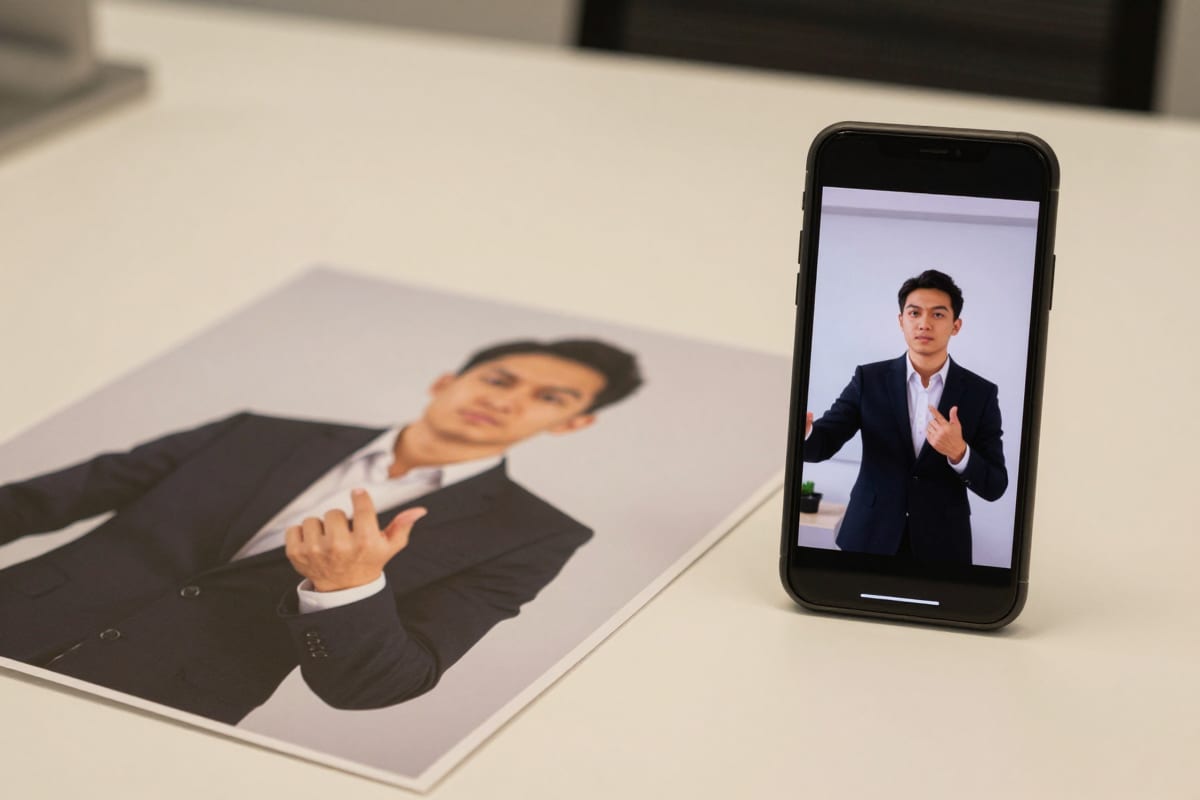
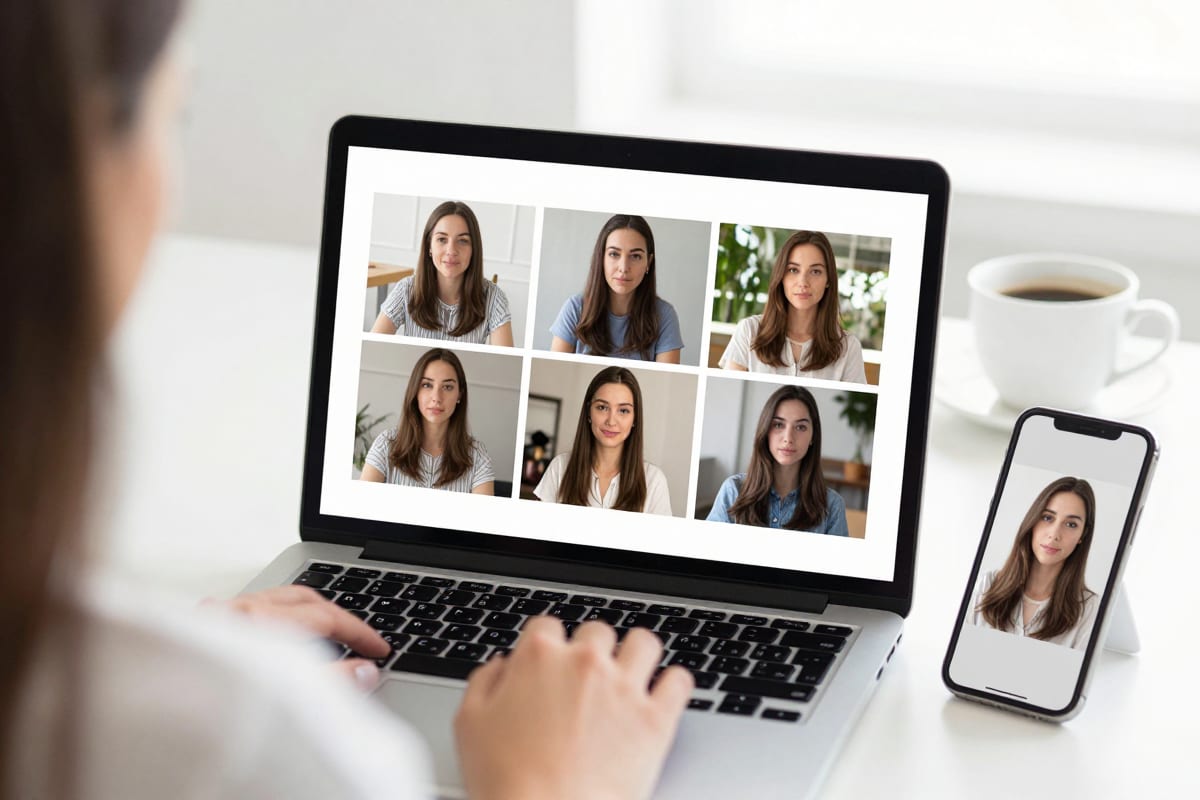
The quality ceiling of your reels is set by the photo you start from, so it pays to be deliberate. You don't need a professional shoot — a good phone photo in decent light is genuinely enough — but different photos unlock different content formats. Build a small "photo wardrobe" of three to five images and you can cover an entire content strategy.
| Photo | Lighting & framing | What it enables |
|---|---|---|
| Head-and-shoulders portrait | Soft, even light on the face; eyes toward camera; plain background | Talking-to-camera reels — your core trust format |
| Waist-up at a desk | Window light from the side; laptop or notebook in frame | Desk explainers and "here's how I think about X" clips |
| Standing, three-quarter body | Full outfit visible; office, studio, or clean wall behind you | Office-confidence and authority b-roll |
| Casual outdoor shot | Golden hour or open shade; relaxed posture | Lifestyle clips that humanize the feed |
| Candid "at work" shot | You mid-task — whiteboard, workshop, screen | Credibility b-roll for process and behind-the-scenes content |
Three practical rules regardless of which photo you use. First, sharp face, clean light: the AI holds identity from what it can see, so a crisp, well-lit face produces the most faithful output. Second, wear what you want to be seen in — the wardrobe in the photo is the wardrobe in the reel, which is actually a feature: pick your "brand outfit" once and you'll look consistent across months of content. Third, avoid heavy filters and sunglasses; anything that obscures your real features works against the fidelity you're paying for.
If you only have one photo, make it the head-and-shoulders portrait. The Sample results on the Human Reel Maker page were generated from exactly one portrait — lifestyle, talking, and office clips all from the same image — so a single strong photo is a complete starting kit.
Which creator formats can you recreate from a photo?
You don't need to invent a content style. The talking-head formats that dominate short-form video are well documented, and most of them translate directly to photo-generated reels. To be clear about framing: the creators below are referenced editorially, as the popularizers of formats you can study — nothing here implies they use or endorse any particular tool.
The most instructive case is Alex Hormozi, who scaled to 11.5 million followers with a dedicated content team built by strategist Caleb Ralston — the same operator behind Gary Vaynerchuk's content machine. Two lessons hide in that sentence. One: the biggest personal brands are systems, not one person filming heroically every day. Two: you probably can't hire a content team — but a photo-to-reel workflow gives a solo operator the production leverage that previously required one.
The formats themselves:
| Format | Why it works | How to recreate it from a photo |
|---|---|---|
| Hormozi-caption talking head | Bold word-by-word captions turn passive watching into active reading, holding viewers on mute | Generate a talking-to-camera clip from your portrait, then add large punchy captions with one key phrase highlighted per line |
| GaryVee clip cadence | Overwhelming presence — many short clips from one idea — wins by frequency, not polish | Write one strong opinion, split it into 3–5 one-point clips, and generate each from the same photo for a week of posts |
| Ali Abdaal desk explainer | Calm, well-lit desk setting signals thoughtfulness; teaching beats pitching | Use your waist-up desk photo; script a single clear explanation with a numbered structure |
| Iman Gadzhi lifestyle-authority mix | Alternating lifestyle moments with direct advice makes the advice feel earned | Rotate your outdoor and office photos: one lifestyle clip for every two talking clips |
| Office confidence b-roll | Motion + setting communicates status before a word lands; ideal under voiceover-style captions | Generate a walking or standing office clip from your three-quarter photo and let the caption carry the message |
Notice what these formats have in common: none of them depend on cinematic footage. They depend on you appearing consistently in a recognizable setting with a clear message. That's precisely what generation from a fixed photo is best at — the same face, same wardrobe, same energy, every single post.
How do you turn one photo into a week of content?
Here's the working process, start to finish. Total hands-on time is closer to a lunch break than a production day.
- Pick your photo(s). Start with your best head-and-shoulders portrait; add a desk and a lifestyle shot if you have them.
- Open the Human Reel Maker studio and upload your photo.
- Choose a style. Lifestyle, talking to camera, or office — matching the three sample formats on the landing page.
- Describe the clip. For talking formats, this is where your message goes: the point you want to make, the tone you want to strike. Shorter and sharper beats long and vague — one idea per reel.
- Check the cost and generate. Reels are priced in credits, and the exact amount is shown on the generate button before you commit — pay-as-you-go, no subscription required to start. Plans and credit packs are on the pricing page.
- Review for fidelity. Confirm it looks like you — face, wardrobe, vibe. This check takes ten seconds and is the quality gate that matters.
- Caption and schedule. Add your hook line and captions, then queue it for your posting slot.
The batching move is what changes your life: in one sitting, generate five to seven clips — say, three talking-to-camera takes on your core topics, two office-confidence clips for caption-led posts, and one or two lifestyle clips. That's a full week of face content produced in a single session, from photos that already exist on your phone.
Two adjacent tools are worth knowing about as your content system grows. If you also post about what you sell, the Product Reel Maker does for your product photos what the Human Reel Maker does for you. And for everything that doesn't fit either bucket — locations, events, mixed subjects — the Universal Reel Maker is the general-purpose sibling. If you're building UGC-style promotional content specifically, our AI UGC video generator guide covers that workflow in depth.
How often should you post — and where?
The trust-not-virality logic points to a clear answer: frequency you can sustain beats intensity you can't. A realistic baseline, once production is no longer the bottleneck:
| Platform | Best format | Sustainable frequency |
|---|---|---|
| Instagram Reels | Talking head with bold captions; lifestyle mix | 3–5 per week |
| TikTok | Fast-open talking clips, one idea each | 4–7 per week |
| Desk explainer or office-confidence clip with a text hook | 2–3 per week | |
| YouTube Shorts | Repurposed talking clips with strong first line | 3–4 per week |
| Facebook Reels | Cross-posts of Instagram content | Mirror Instagram |
A few notes on making this table real rather than aspirational. LinkedIn deserves special attention in 2026: the feed's video push means a founder posting two or three photo-generated talking clips a week — thoughtful, low-key, desk-explainer style — stands out dramatically against a wall of text posts, and it's the platform where face-driven trust converts most directly into pipeline for consultants and B2B founders. A LinkedIn-appropriate clip generated from your professional portrait reads exactly like what it is: you, at work, sharing a view.
Cross-posting is free leverage. The same 9:16 clip works on all five platforms; only the caption conventions change. Generate once, adapt the text, post everywhere.
Protect the streak, not the masterpiece. The entire point of removing filming from the equation is that a busy Tuesday no longer breaks your chain. When you feel the week slipping, generate from your existing photos rather than skipping — a good-enough post that ships beats a perfect post that doesn't.
What does it cost to make reels of yourself?
Imagera's Human Reel Maker is priced in credits on a pay-as-you-go basis — the exact credit cost of each reel is displayed on the generate button before you commit, so there are no surprises and nothing to reverse-engineer. You can start without a subscription, top up as needed, or move to a plan as your posting volume grows; current options are laid out on the pricing page.
The more useful comparison isn't the credit price — it's what the alternative costs. A filmed-and-edited talking-head pipeline means either your own hours (setup, takes, editing, weekly, forever) or hiring help. The content-team route works — it's how the biggest personal brands were built — but it's a payroll decision, not a content decision. Photo-generated reels occupy the practical middle: consistent face content at solo-operator cost, with the spend visible before every single generation.
See it in action — real Imagera output
These are real, unedited results from the Imagera human reel — the exact tool this guide covers.
Start with the photo you already have
Every argument in this guide reduces to one sentence: the thing standing between you and a durable personal brand was never your expertise — it was the production tax on showing your face, and that tax is now optional.
You already have the photo. It's in your camera roll, or on your About page, or in the folder from that one professional shoot. Upload it to the Human Reel Maker, look at what the three sample styles produce from a single portrait, and generate your first talking clip — the cost in credits is on the button before you commit.
Week two is where personal brands usually die. Yours doesn't have to, because this time, showing up daily doesn't require filming at all. Make your first reel of yourself now →