Passport Photo Maker
Free passport, visa, ID & driving licence photo maker, 50+ countries. Auto-crops, fixes background, exact size & DPI in your browser — never uploaded.
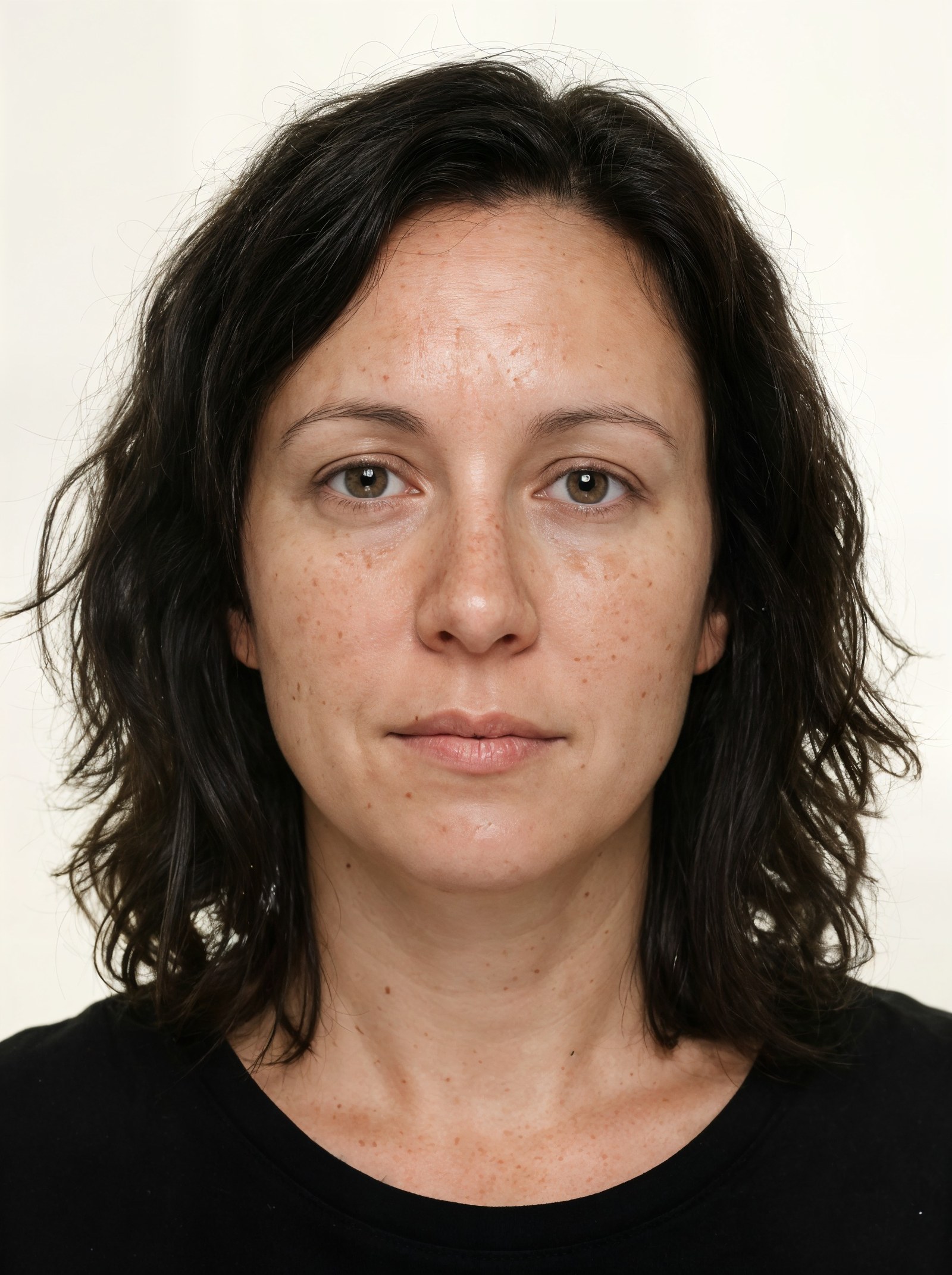
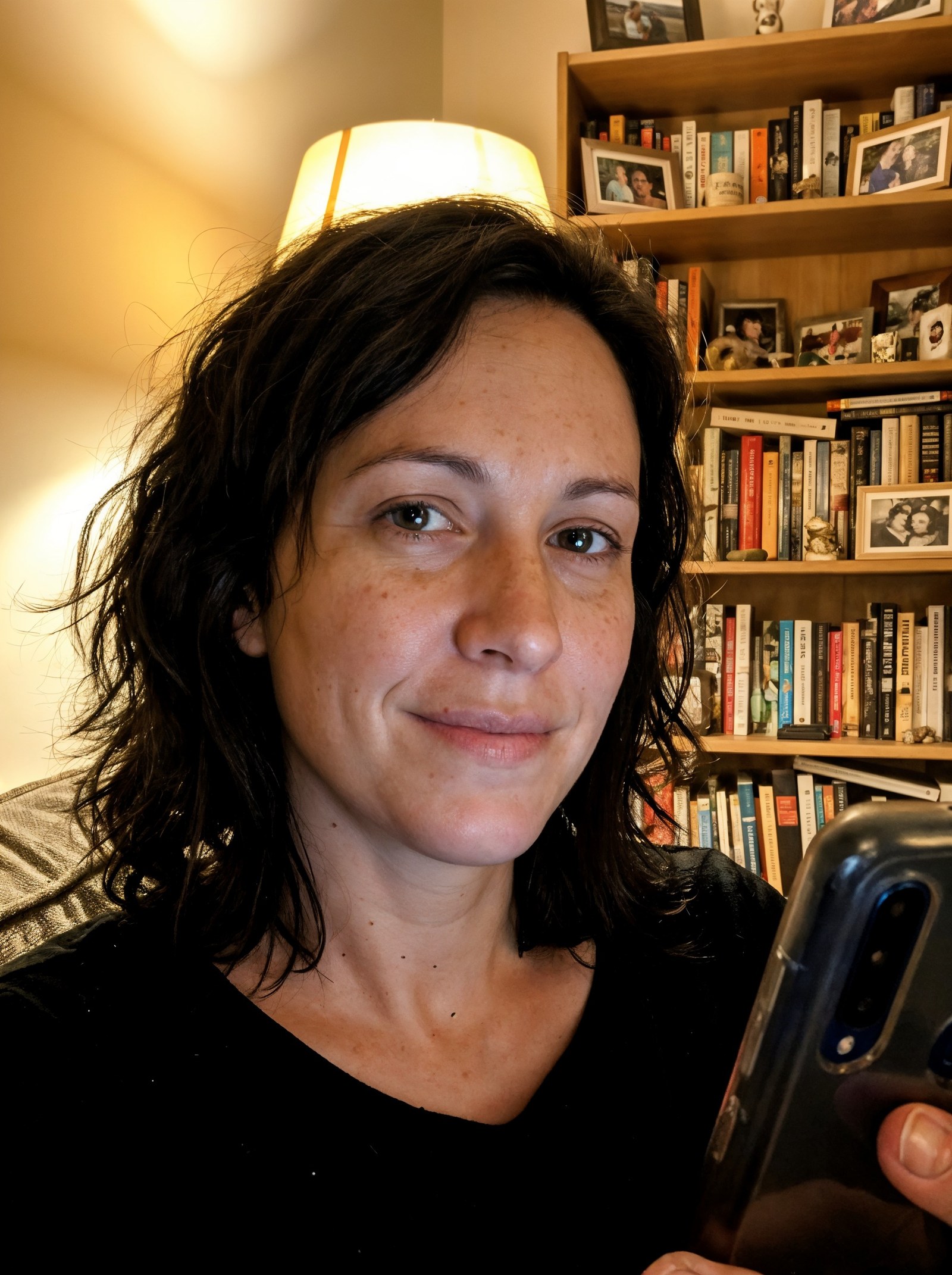 BeforeAfter
How do I make a passport photo at home that meets size rules?
Imagera's Passport & ID Photo maker is an in-browser tool that turns a normal photo into a correctly formatted document photo for 50+ countries — passports, visas, national IDs, driving licences and residence permits. Your first photo is free, and Imagera subscribers get unlimited photos. It auto-crops to the right head size, fixes the background colour and hits the exact pixels, DPI and file size. Your photo never leaves your device.
- Cost
- First photo free — unlimited with an Imagera subscription
- Privacy
- Private · on-device — your photo is never uploaded
- Coverage
- Passports, visas, national IDs, driving licences and residence permits for 50+ countries
- Output
- A finished JPG at the pixel size and background colour the document publishes, clamped into its file-size band
Updated June 30, 2026
Cite this page: https://imagera.ai/image/photo-id-maker
Why people use it
First photo free
Your first photo is free with no sign-up and no watermark — you download a ready-to-use JPG. Imagera subscribers get unlimited photos.
Know more →
Never uploaded
Your photo never leaves your device: everything runs right in your browser, so nothing is uploaded to a server.
Know more →Auto-crop, background and exact size
Automatically finds your face, crops to the document's exact head height and eye line, straightens a tilt, fills in the required background colour and hits the exact pixels, DPI and KB file size.
Know more →What the passport photo maker does
Auto-crop, background fill and exact sizing, applied from each document's own published spec.
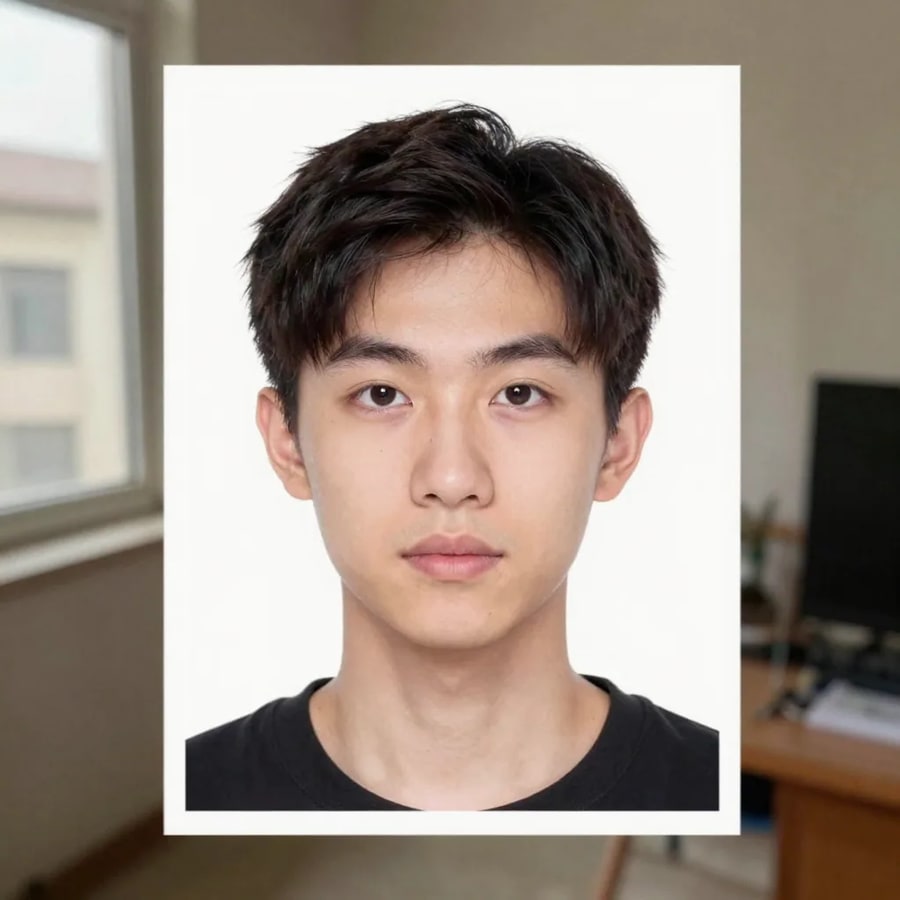
What the free passport photo maker does
Imagera's Passport & ID Photo maker takes an ordinary photo — one you already have or just took on your phone — and reformats it into a document photo that matches the official spec. It finds your face, crops to the right head size and eye line, straightens the picture if it's tilted, replaces the background with the plain colour the document needs, and resizes everything to the exact pixels, DPI and file-size band. You download a finished JPG. It's built for ordinary people in a hurry: anyone renewing a passport, applying for a visa, getting a new driving licence or national ID card, or entering the US Diversity Visa lottery. Your first photo is free with no sign-up and no watermark — Imagera subscribers get unlimited photos — and you don't need any photo-editing skill: the cropping, levelling, background and sizing are all automatic. You work on one photo at a time, pick the country and document you're applying for, and let the tool apply that document's published rules. If you've ever had a photo bounced for being the wrong size or background, this removes the guesswork.
Make my photo →50+ countries: passports, visas, IDs and driving licences
Many photo tools only cover one country. This one carries 340 document presets across more than 50 countries, so the same tool works whether you're in the US, UK, India, Canada, Australia, the Schengen area, China, Japan, Brazil, Nigeria, the UAE or dozens more. It includes passports for 51 countries plus an international ICAO preset; visas (the Schengen visa, the US DV/green-card lottery, and visitor or e-visas for 16+ countries); national ID cards for 17 countries; driving licences for 35 countries; residence permits for 15 countries; and India competitive-exam photo and signature kits. A few well-known sizes show how specs differ: the US passport photo is 2×2 inches (600x600 pixels) on a white background; the UK, Schengen and most Indian passport photos are 35x45 mm; and the Canadian passport photo is 50x70 mm. Backgrounds differ too — the US wants plain white, while the UK and Schengen prefer light grey. Each preset stores that document's exact size in millimetres and pixels, its DPI, its background colour, its head-height percentage and its KB file-size band, so you don't have to look any of it up.
Make my photo →How it hits the exact size, background and file rules
Every document has its own rulebook, and small misses get photos rejected. The tool reads the preset you choose and applies each rule automatically. It locates your face and crops so your head fills the exact share of the frame the spec asks for — for example, the chin-to-crown height many countries require — and lines up your eyes at the correct level. If your photo is slightly tilted, it straightens it. It then replaces whatever is behind you with the plain solid colour the document needs, usually white, off-white or light grey. Finally, it sets the image to the precise pixel dimensions and DPI, and squeezes the JPG into the required file-size band — handy for online forms that reject anything over a set number of kilobytes, such as the US DV lottery's 600x600-pixel, under-240 KB limit. All of this happens automatically, with no manual cropping, no colour-picking and no resizing tools. You just confirm the result looks right and download. The numbers come straight from each document's published spec, so the output is built to match the official requirements.
Make my photo →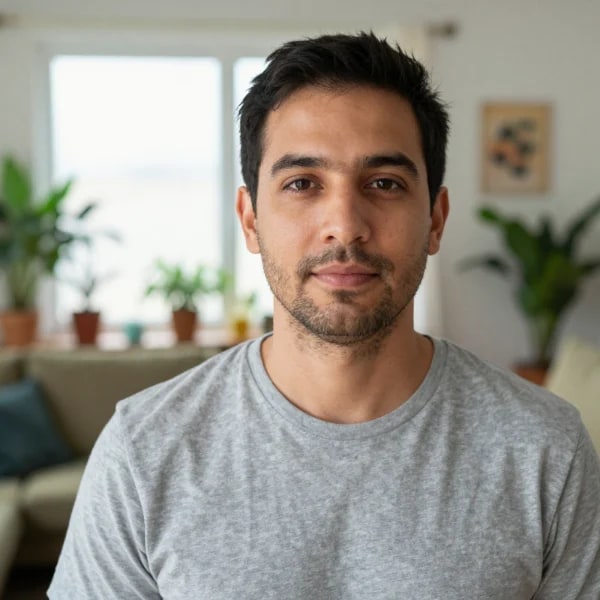
Private by design — your photo never leaves your device
Most online passport-photo sites upload your picture to their servers to process it. This one doesn't. Everything happens right in your browser, on your own phone or computer — your photo is never sent to Imagera or anyone else. The only thing the tool downloads is a small catalogue of document specs (sizes, DPI, background colours); your actual image stays on your device from start to finish. That matters because a passport or visa photo is sensitive personal data, often paired with your name and application. Keeping it on your device means there's no copy sitting on a server to be leaked, sold or kept longer than you'd like. It also means the tool works without an account: there's nothing to sign up for, no email to hand over and no file stored in the cloud. When you're done, you download the finished JPG and that's it — close the tab and nothing remains anywhere else. If privacy is a reason you've avoided online photo tools, this is built to remove that concern while still doing the cropping, background and sizing work for you.
Make my photo →Common passport photo mistakes it fixes for you
Document photos get rejected for a short list of predictable reasons, and the tool heads most of them off. Head too big or too small is the most common — it crops to the exact head height the spec wants, so you're not guessing. Wrong background is next: a busy room, a shadow, or even pure white where the country wants light grey can fail, so it lays in the correct flat colour for your document. A tilted or off-centre photo gets straightened and re-centred, and an image that's the wrong pixel size or DPI is rebuilt to the right ones. Files that are too large or too small for an online form get resized into the required KB band. A couple of things it can't fix for you, because they're about the photo itself: most countries now want your photo taken without glasses, and nearly all require a neutral expression with your mouth closed — so take the photo without glasses and without a big smile. It also won't retouch or change your face; it only crops, levels, swaps the background and resizes, which keeps the result honest and true to how you actually look.
Make my photo →What's free, and what subscribers get
Your first passport or ID photo is free — no sign-up, no watermark, and nothing is uploaded. After that first photo, an Imagera subscription unlocks unlimited passport and ID photos, for every country and document in the catalogue, still processed entirely on your device. A subscription also includes Imagera's full creative toolkit — like the AI headshot generator that creates polished professional portraits from your selfies. The honest boundary between the tools is this: the formatter takes a photo you supply and gets it into the right shape, size, background and file for the document you choose — it won't invent a studio background, retouch your skin or generate a new face. The AI tools are for creating new, styled images. For a passport, visa, ID or licence application, the formatter is all you need — bring a clear, front-facing photo and let it handle the rest.
Make my photo →How to make a passport or ID photo
Five steps, and your photo stays in the browser for every one of them.
Open the passport photo maker
Go to Imagera's Passport & ID Photo maker at /image/photo-id-maker in any modern browser on your phone or computer. There's nothing to install and no account to create.
Add your photo
Choose a clear, front-facing photo — take a fresh one on your phone or pick an existing one. It loads straight into your browser; nothing is uploaded to a server.
Pick your country and document
Select the country and document you're applying for — passport, visa, national ID, driving licence or residence permit. The tool loads that document's exact size, background colour, DPI and file-size rules.
Let it crop, fix the background and resize
The tool finds your face, crops to the right head height and eye line, straightens any tilt, fills in the required background colour and sets the exact pixels, DPI and KB file size — all automatically.
Download your JPG
Check the result and download the finished JPG, ready to upload to an online form or print. Always review your country's published rules before you submit.
Documents people make with it
A US passport or the DV lottery
The US passport photo is 2x2 in (51x51 mm) — 600x600 pixels on a white background — and the DV / green-card lottery entry takes the same 600x600 square with a hard file-size cap on top of it. Pick either preset and the head height, the eye line, the background fill and the file's pixel size and kilobytes are all set from that document's published spec, so the measurements a form rejects on are already right before you upload.
Make my photo →A UK, Schengen, Indian or Canadian passport
The UK passport photo is 35x45 mm on a light grey background and the Schengen visa photo is 35x45 mm on light grey; India uses the same 35x45 mm at 630x810 pixels but wants white; and Canada is different again at 50x70 mm. Those few millimetres and that one background colour are exactly where a home-made photo fails, so the preset carries them for you instead of leaving you to look them up.
Make my photo →A driving licence, national ID or residence permit
Covers 340 document presets across 50+ countries — passports for 51 countries, visas (including Schengen and the US DV/green-card lottery), national IDs, driving licences and residence permits. One tool covers all of them, so a licence renewal, an ID card and a residence-permit application do not each send you to a different site — you pick the country and the document, the preset changes underneath you, and the photo still never leaves your device.
Make my photo →Discover more AI features
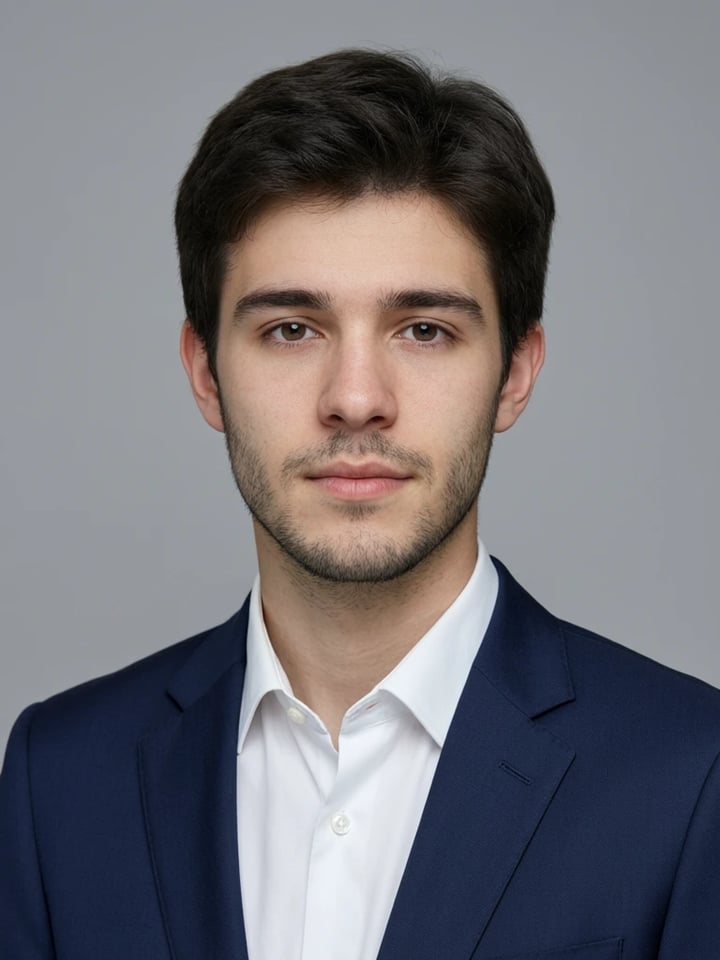

Frequently asked questions
Which countries and documents are supported?
The tool covers 340 document presets across more than 50 countries — passports for 51 countries plus an international ICAO preset, visas (including the Schengen visa and US DV/green-card lottery), national ID cards for 17 countries, driving licences for 35 countries and residence permits for 15 countries. Major countries like the US, UK, India, Canada, Australia and the Schengen area are all included.
Is the passport photo maker really free?
Your first photo is free — no sign-up, no watermark, and you upload nothing. You just download a finished JPG. After the first photo, an Imagera subscription unlocks unlimited passport and ID photos, plus the rest of Imagera's tools like AI headshots. Either way, processing always stays on your device.
Is my photo uploaded anywhere, and is it safe?
Your photo is never uploaded. All the cropping, background and resizing happen right in your browser, on your own device. The only thing fetched is a small catalogue of document specs — your image stays with you the whole time and isn't sent to Imagera or stored on any server.
Can I smile in a passport or visa photo?
Most countries want a neutral expression with your mouth closed and both eyes open, so a big smile can get a photo rejected. The tool crops, levels, sets the background and resizes, but it doesn't change your expression — so keep your face relaxed and neutral when you take the photo.
Can I wear glasses in a passport photo?
Generally no. The US banned glasses in passport photos in 2016, and most other countries now ask you to remove them too, apart from documented medical exceptions. Take the photo without glasses to be safe. The tool can't remove glasses for you — it only handles cropping, background and sizing.
What size and background does my photo need?
It depends on the document. The US passport photo is 2×2 inches (600x600 pixels) on a white background; the UK, Schengen and most Indian passport photos are 35x45 mm; Canada's is 50x70 mm. The US wants plain white while the UK and Schengen prefer light grey. The tool applies the correct size and colour for the document you pick.
How many KB should a passport photo be?
Each online form sets its own limit, and the tool squeezes the JPG to fit. For example, the US DV/green-card lottery requires a 600x600-pixel JPG under 240 KB. When you choose that document, the tool targets its exact pixel size and file-size band automatically, so you don't have to compress the file yourself.
Can I make a passport photo on my iPhone or Android?
Yes. The tool runs in your phone's browser, so you can take a photo with your iPhone or Android camera and format it right there — no app to install. For best results, use even, soft lighting, stand against a plain wall and hold the phone at eye level, facing you front-on.
Does it guarantee my photo will be accepted?
No tool can promise that. We format your photo to each document's official published spec — size, background, head height, DPI and file size — but the final decision always rests with the passport office, embassy or agency. Treat the output as built to match the rules, and check your country's current requirements before you submit.
Can I make a US passport, Schengen visa or DV lottery photo?
Yes — all three are included, each with its own preset. The US passport and DV lottery use a 2×2-inch / 600x600-pixel white-background format (the DV lottery also caps the file under 240 KB), while the Schengen visa uses a 35x45 mm photo on a light background. Pick the exact document and the tool applies its specific rules.
Key takeaways
Which countries and documents are supported?
The tool covers 340 document presets across more than 50 countries — passports for 51 countries plus an international ICAO preset, visas (including the Schengen visa and US DV/green-card lottery), national ID cards for 17 countries, driving licences for 35 countries and residence permits for 15 countries. Major countries like the US, UK, India, Canada, Australia and the Schengen area are all included.
Is the passport photo maker really free?
Your first photo is free — no sign-up, no watermark, and you upload nothing. You just download a finished JPG. After the first photo, an Imagera subscription unlocks unlimited passport and ID photos, plus the rest of Imagera's tools like AI headshots. Either way, processing always stays on your device.
Is my photo uploaded anywhere, and is it safe?
Your photo is never uploaded. All the cropping, background and resizing happen right in your browser, on your own device. The only thing fetched is a small catalogue of document specs — your image stays with you the whole time and isn't sent to Imagera or stored on any server.
On your device vs an upload site vs a booth
| What matters | Imagera | An online passport-photo site | A photo booth or print shop |
|---|---|---|---|
| Where it happens | In your browser, on the phone or laptop you already have | In a browser tab, but the work runs on the site’s servers once your photo is uploaded | A booth, pharmacy counter or shop you have to travel to |
| Where your photo goes | No upload — the image is processed on your device and never sent to a server | Uploaded to the site’s servers, which is how most of them process it | Onto the booth's machine or the operator's computer |
| Retakes | Re-run in the browser — your first photo is free, unlimited on a subscription | Depends on the site — every re-run sends the photo up again | A fixed set of shots, then you pay again |
| Which documents | Passports, visas, national IDs, driving licences and residence permits for 50+ countries | Varies by site | Usually the local passport size, and little else |
| What you get | A JPG at the pixel size and background the document publishes, clamped into the file-size band an online form allows | A file to download from their server | A printed strip you then have to scan for an online form |
Acceptance and official requirements
Imagera formats your real photo to each document's official published specification. Acceptance is always decided by the issuing passport office, embassy or agency — please check your country's current rules before you submit.
Make your passport or ID photo now
First photo free, and your photo never leaves your device.
Make my photo →