Pose Changer
Wrong angle, stiff pose, bad body language? Change the pose while keeping the same face — identity locked, no reshoot.
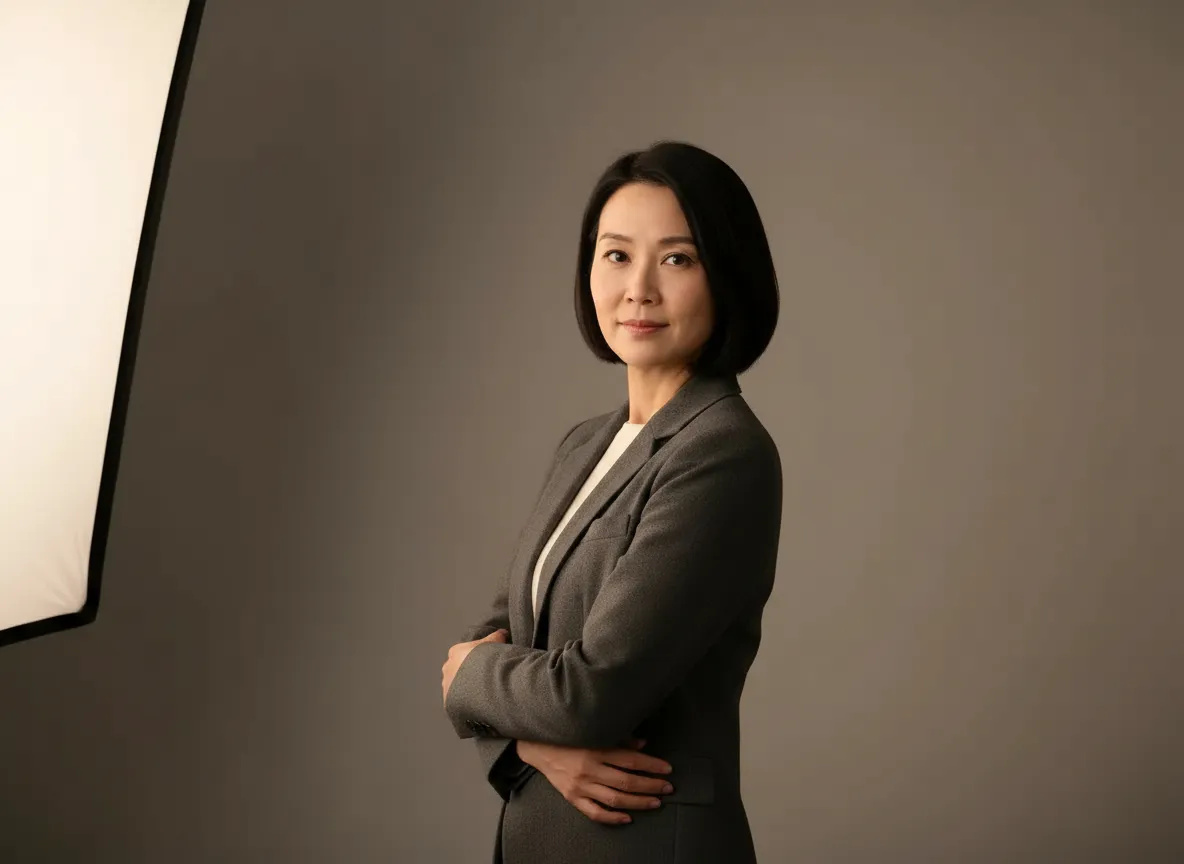
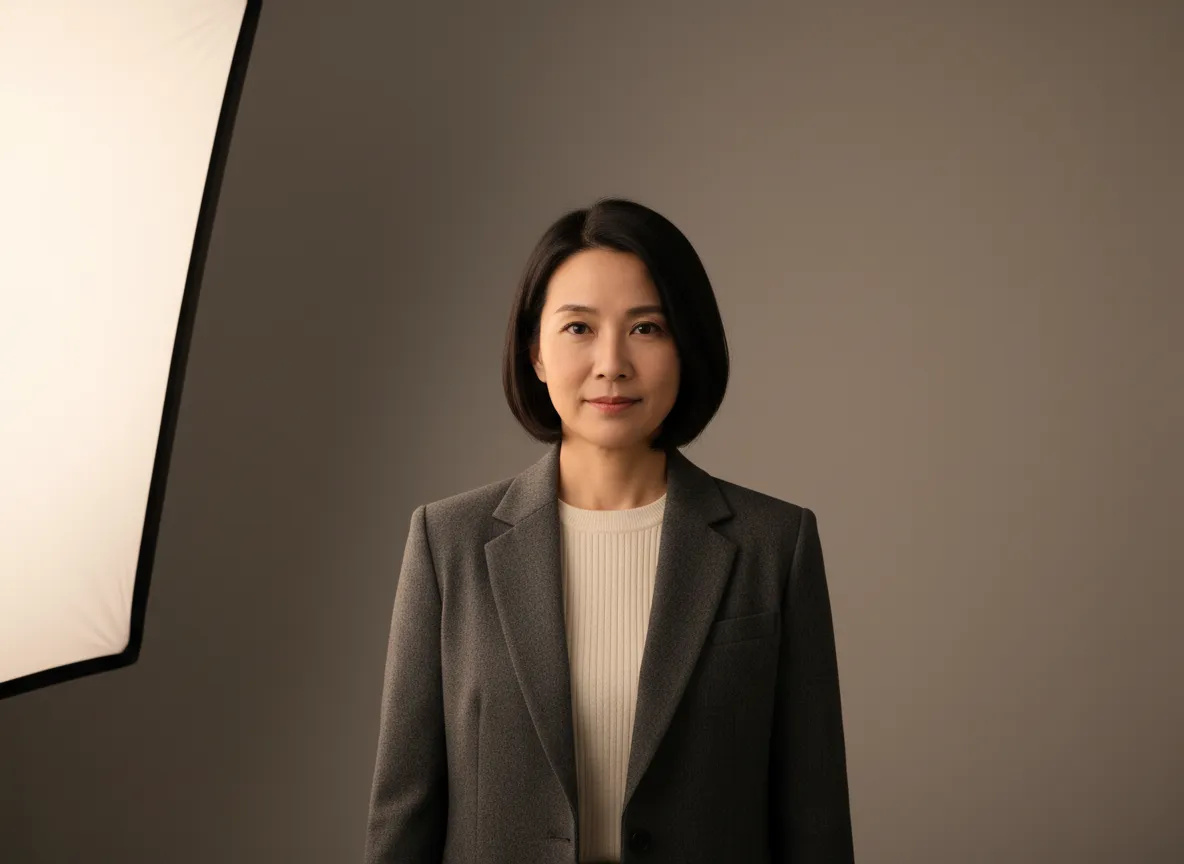 BeforeAfter
How do I change pose in a photo without changing the face?
Pose Changer changes pose, position, or angle in a photo while identity is preserved — same face, same person. Upload one clear photo, describe the new pose in plain English, and it repositions the body and the camera relationship while holding likeness locked. Nothing about the face is redrawn or replaced. It runs in the browser from 10 credits per edit; preview every result before you publish.
- Credits
- From 10 per edit
- Preserved
- Face, likeness, skin tone
- Resolution
- 1K or 2K · 15 credits at 2K
Updated September 4, 2026
Cite this page: https://imagera.ai/image/imagera-identity-editor
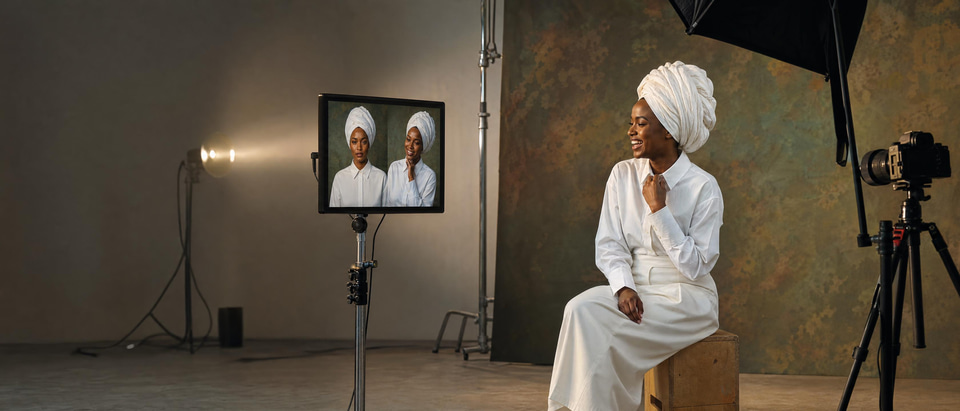 Illustration
What a pose edit actually changes
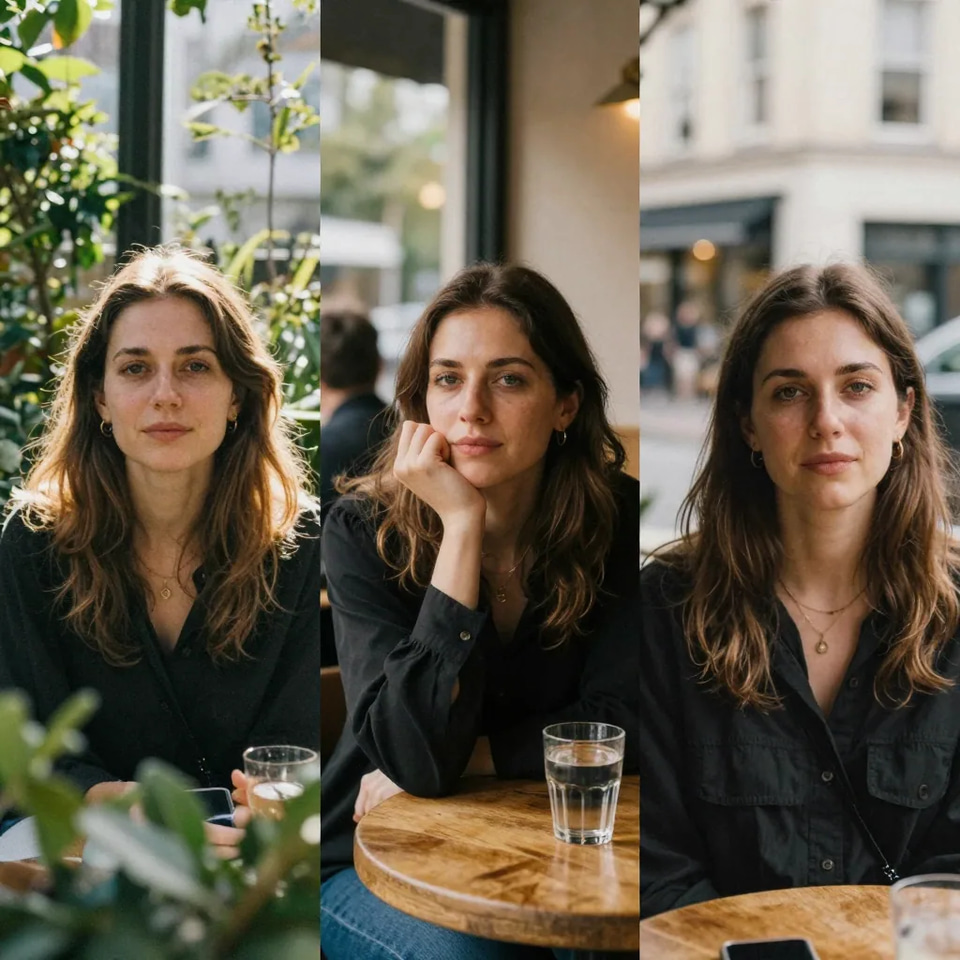
Identity is the fixed point
The shoulder line, the stance and the camera relationship move. The face does not. Likeness, features and skin tone stay locked, so the result is still the person people already recognise.
Know more →Plain-English direction
Describe the pose the way you would to a photographer — “three-quarter turn, chin level, shoulders relaxed” — instead of masking, warping and re-lighting a body by hand.
Know more →No second studio booking
The stiff frame you already captured becomes the relaxed one you needed. No calendar, no talent to re-book, no location to re-hire for one pose you did not get on the day.
Know more →Why this beats a reshoot you cannot schedule
A better angle from the photo you already have, with the person in it still recognisably themselves.
Change the pose, not the person
You change how the body is posed and how it meets the camera; the person themselves stays the reference point. Head and torso can turn toward or away from the lens, the shoulder line can relax, weight can shift, arms can cross, a straight-on shot can become a three-quarter or an over-the-shoulder frame. What holds steady is the part that carries the value: facial identity and likeness, that specific person’s features, skin tone and complexion, and recognisability to the people who actually know them. That split is what keeps a result usable for professional work rather than merely flattering.
Try it now →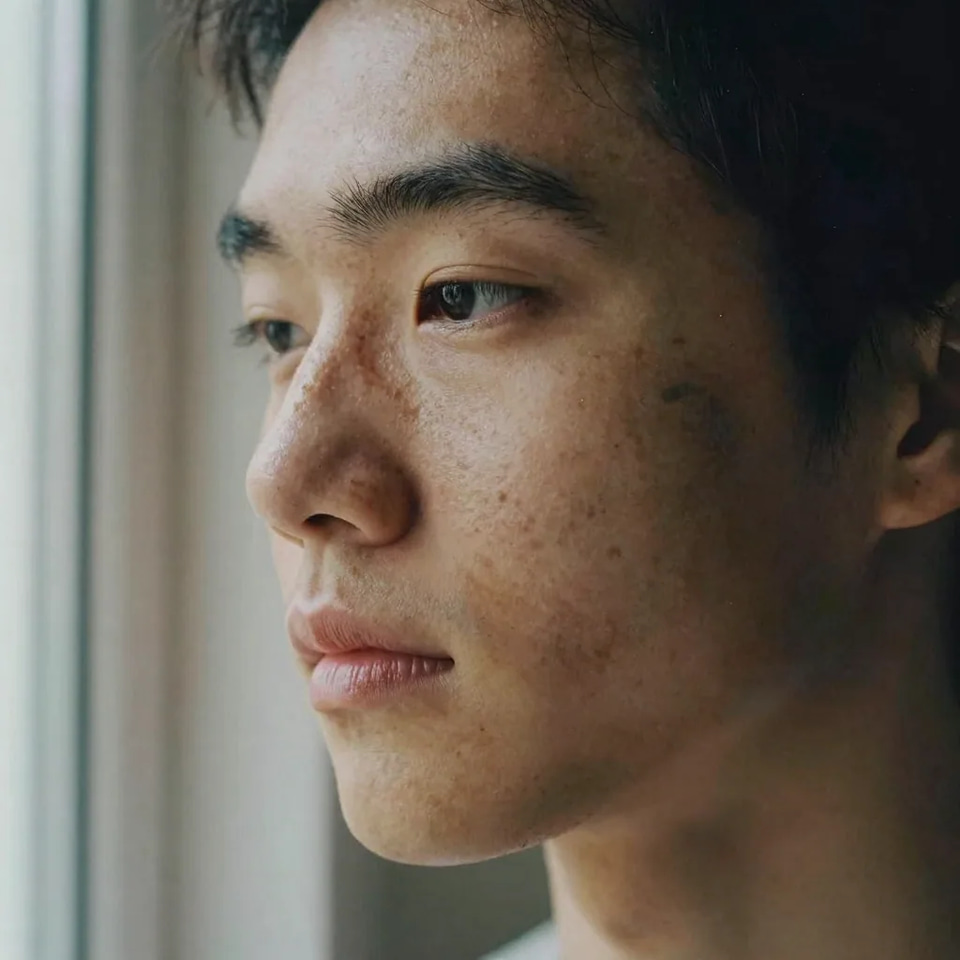
Not a face swap, and not a deepfake
A face swap or deepfake takes one person’s face and puts it onto a different body, or into footage they were never in — it replaces identity. Pose Changer does the opposite: it keeps your subject’s own face and repositions their own body or the camera. There is no stranger’s face involved and no identity-theft workflow. It is a pose and framing editor for the person already in the photo, which is why it is the one to reach for on headshots, press kits, personal brands, ad talent and catalog people shots, where “who is that?” is not an acceptable outcome.
Try it now →Prompts that hold the likeness
The pattern that works is: describe the pose, describe the framing, then explicitly reaffirm identity — “three-quarter turn to the left, chin level, confident posture, keep the exact same face and hair, keep the outfit.” Keep each request to one clear change so the model has a single job to do. That last clause is doing real work: it tells the AI that identity is the fixed point and only the pose is up for change. On a large turn, step there in two gentler passes rather than one jump, and preview at full size before a client or social publish — extreme edits and low-quality inputs can still drift.
Try it now →How to change a pose without changing the face
Three steps in the browser. Nothing to install, nothing to storyboard.
Open Pose Changer
Enter from this page and the studio opens with the editor already selected, so there is no model to pick.
Upload a clear photo of the person
Front-facing or three-quarter, with the face in focus and filling a good part of the frame. Even light gives the tool the most likeness to hold on to.
Describe the new pose
For example: “turn slightly toward camera, shoulders relaxed, same face, soft studio light.” Generate, preview at full size, and download.
Who reshoots less with it
Creators & influencers
One shoot day yields a month of varied poses, all recognisably the same person, so a feed stays consistent without an off-model post drawing “who is that?” in the comments. Instead of shooting every setup you might need just to be safe, you shoot the good ones and change the body language afterwards: turn toward camera for a hook frame, fold the arms for an authority shot, look back over one shoulder for a softer one. The face is the through-line across all of them, which is the whole point of a personal brand.
Professionals & teams
A single decent headshot becomes a relaxed three-quarter version for the about page and a straight-on version for the press kit — same face, no second studio booking. Agencies get the same relief on client photos: a stiff or awkward pose is fixed without re-shooting the client, which is usually the single hardest thing on the schedule. Founders, executives and booked talent are the people you cannot simply put back in front of a camera, and they are exactly the people whose photos need to still look like them.
Ads & e-commerce
Start from the talent frame you already shot and produce the variant angles the placement matrix needs — A/B creative, catalog people shots, campaign resizes — with the talent’s likeness consistent across every one of them. A campaign where the model’s face has quietly drifted between assets invites the exact doubt — “is that really them?” — that the campaign cannot afford, and a catalog with inconsistent-looking models across shots simply reads as sloppy. Holding identity while the pose changes is what lets one shoot cover a whole placement matrix without looking like several different people.
Discover more AI features
Magic Photo Editor
Type what you want changed — backgrounds, clutter, colors, exact text. Fast and Precise engines in one studio.
Fast Edit
Need it done now? Swap backgrounds, remove clutter, fix colors — plain English, seconds not hours. Built for volume and deadlines.
Precise Edit
Campaign-ready control. Multi-image instructions, lighting, text, composites — when the brief is complex and “close enough” isn’t enough.
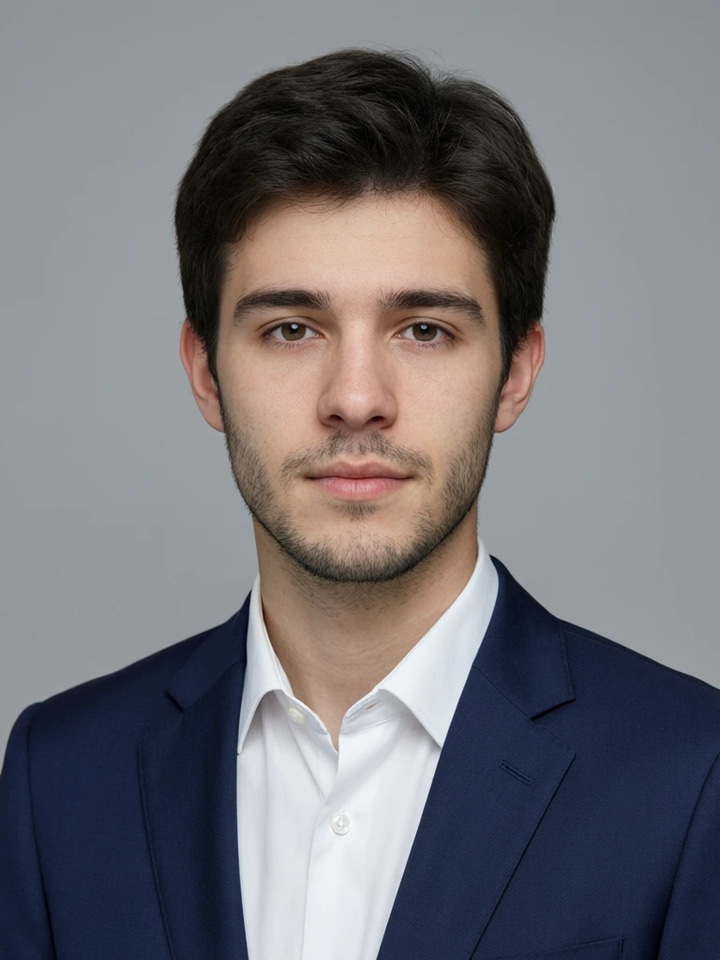
Studio Headshot Maker
Turn a few selfies into a studio-quality professional headshot for LinkedIn, work or your CV.
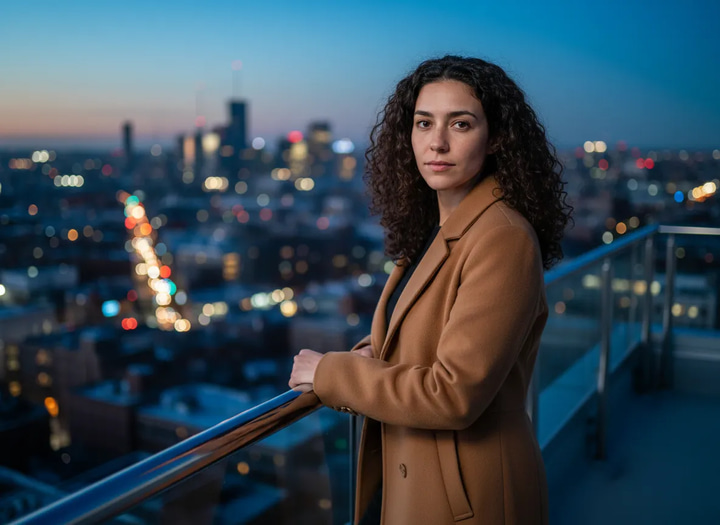
Personal Influencer Maker
Train AI on your face. Generate unlimited photos in any style, pose, or setting.
Frequently asked questions
What is Pose Changer?
Imagera’s best in-house photo editor for people. Change pose, position, or camera angle while identity is preserved — the same face, same person. Open it from the Imagera Image Editor studio.
Is identity really preserved?
Identity preservation is the product design goal: likeness stays locked while pose and framing change. Extreme edits and low-quality inputs can still drift — always preview before client or social publish. That honesty is part of shipping trusted results.
Who is it for?
Creators, influencers, teams, and agencies who reshoot less: LinkedIn poses, ad variants, catalog people shots, and personal-brand content where “who is that?” is unacceptable.
How is this different from face swap?
Face swap replaces a face. Pose Changer keeps your subject’s face and repositions the body or camera relationship — no identity theft workflow, no stranger’s face.
Normal vs Ultra Fast?
Normal uses Imagera’s standard processing route. Ultra Fast prioritizes speed. Same Imagera credits wallet either way.
How much does it cost?
Pay when you generate with Imagera credits (credit packs from $39.99). In-studio credit cost is shown before you run. Commercial rights on paid plans.
How do I change a pose in a photo without changing the face?
Open Pose Changer from this page, upload one clear photo of the person, and describe the new pose in plain English — for example “turn slightly toward camera, shoulders relaxed, same face, soft studio light.” The tool repositions the body and camera relationship while holding the subject’s likeness locked, so it stays the same recognizable person. You never re-draw or replace the face; you only change how the body is posed and how it meets the camera. Preview before publishing and, on extreme angle jumps, run a second pass with a gentler pose so likeness stays tight.
What kinds of pose changes work best?
Believable, in-frame adjustments work most reliably: turning the head or torso a little toward or away from camera, relaxing stiff shoulders, shifting weight, crossing arms, an over-the-shoulder look, or a three-quarter turn from a straight-on shot. Large jumps — a full front-to-back rotation, or a pose that hides most of the face the model gave the AI — are harder because there is less of the original likeness to anchor to. If you need a strict profile from a front shot, the dedicated AI angle changer is a better fit; Pose Changer is tuned for pose and body-language changes that keep the face the reference point.
Can I use the edited photos commercially?
Yes. On paid Imagera plans you get commercial rights on your generated images, so pose-edited headshots, campaign variants, catalog people shots, and personal-brand content are cleared for business use. As with any AI edit of a real person, make sure you have the right to use and alter that person’s likeness in the first place — permission for the photo and the person in it is on you, not the tool.
Is Pose Changer the same as a face swap or a deepfake tool?
No, and the difference matters. A face swap or deepfake takes one person’s face and puts it onto a different body or into footage they were never in — it replaces identity. Pose Changer does the opposite: it keeps your subject’s own face and repositions their own body or the camera. There is no stranger’s face involved and no identity-theft workflow. It is a pose and framing editor for the person already in the photo, which is why it is sold for guarantee-minded, brand-safe work.
What photo should I upload for the best likeness?
Use a sharp, well-lit photo where the face is clearly visible and fills a good part of the frame — front-facing or three-quarter both work. Even, natural light and an in-focus face give the AI the most likeness to preserve. Avoid heavy motion blur, deep shadows over the face, tiny faces far from the camera, or extreme existing angles, since each of those leaves less identity for the tool to lock onto and makes drift more likely on bigger pose changes.
Key takeaways
Pose Changer vs face swap, reshoots and generic editors
| Approach | Keeps the same person? | Best for |
|---|---|---|
| Pose Changer | Yes — identity is the design goal | New pose or angle for the same subject |
| Face swap / deepfake | No — replaces the face | Putting one face onto another body (not brand-safe) |
| Reshoot | Yes — it is the real person | When budget and scheduling allow a new session |
| Generic AI editor | Often no — face drifts | Casual edits where identity does not matter |
Consent and responsible use
As with any AI edit of a real person, make sure you have the right to use and alter that person’s likeness in the first place — permission for the photo and the person in it is on you, not the tool.
Pose Changer keeps your subject’s own face and repositions their own body, so there is no stranger’s face involved and no identity-theft workflow. Imagera’s terms of service prohibit impersonation, non-consensual likenesses and deceptive content.
Ready to keep the face — change the pose?
Open the studio from this page and the editor is already selected — there is no model to pick. The credit cost shows on the button before you run.
Change the pose →