AI Skin Detailer Freckles, Tattoo Removal & Virtual Makeup
Add freckles, pores, scars, tattoos. Remove blemishes. Fix plastic AI skin instantly.
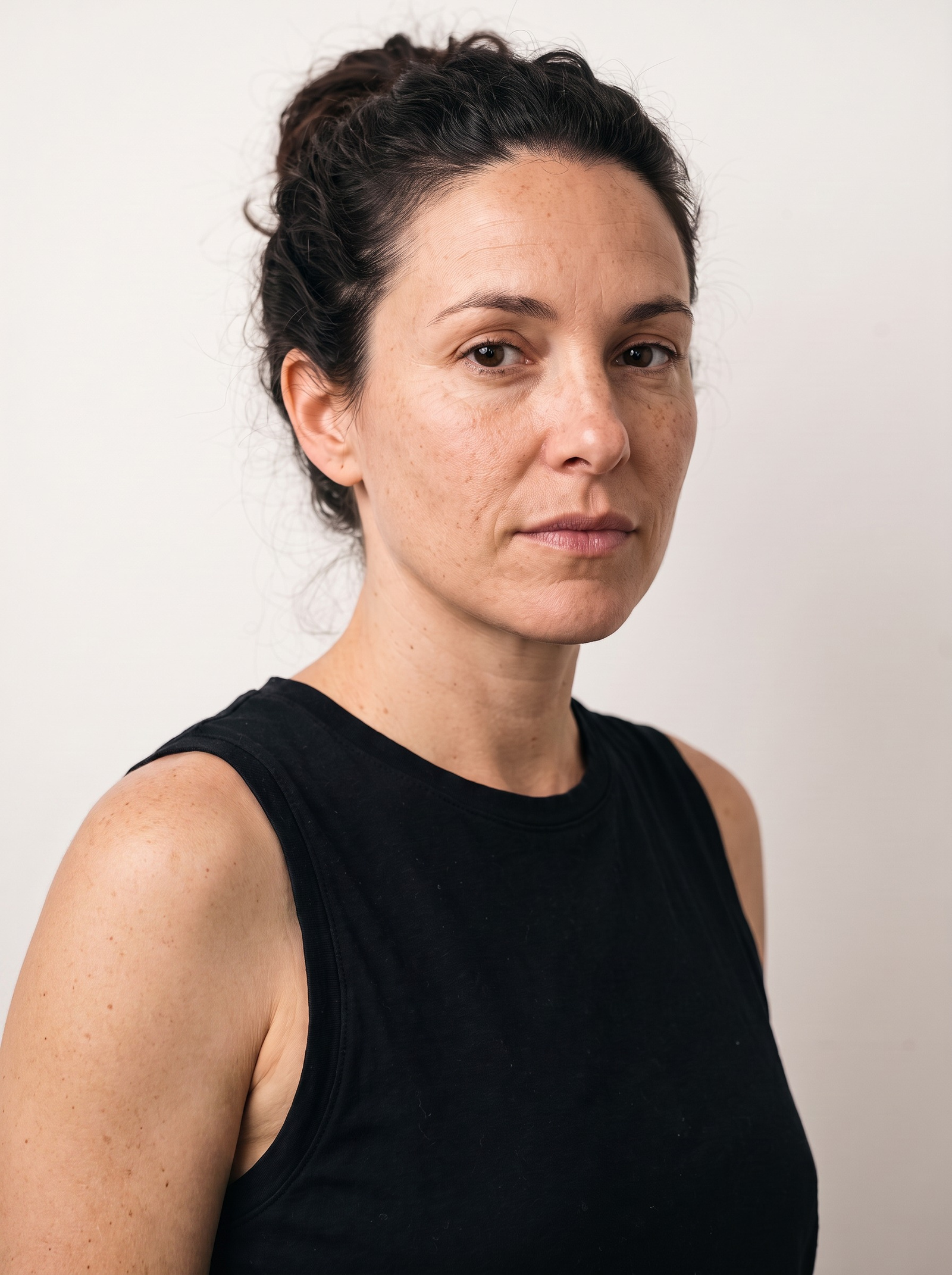
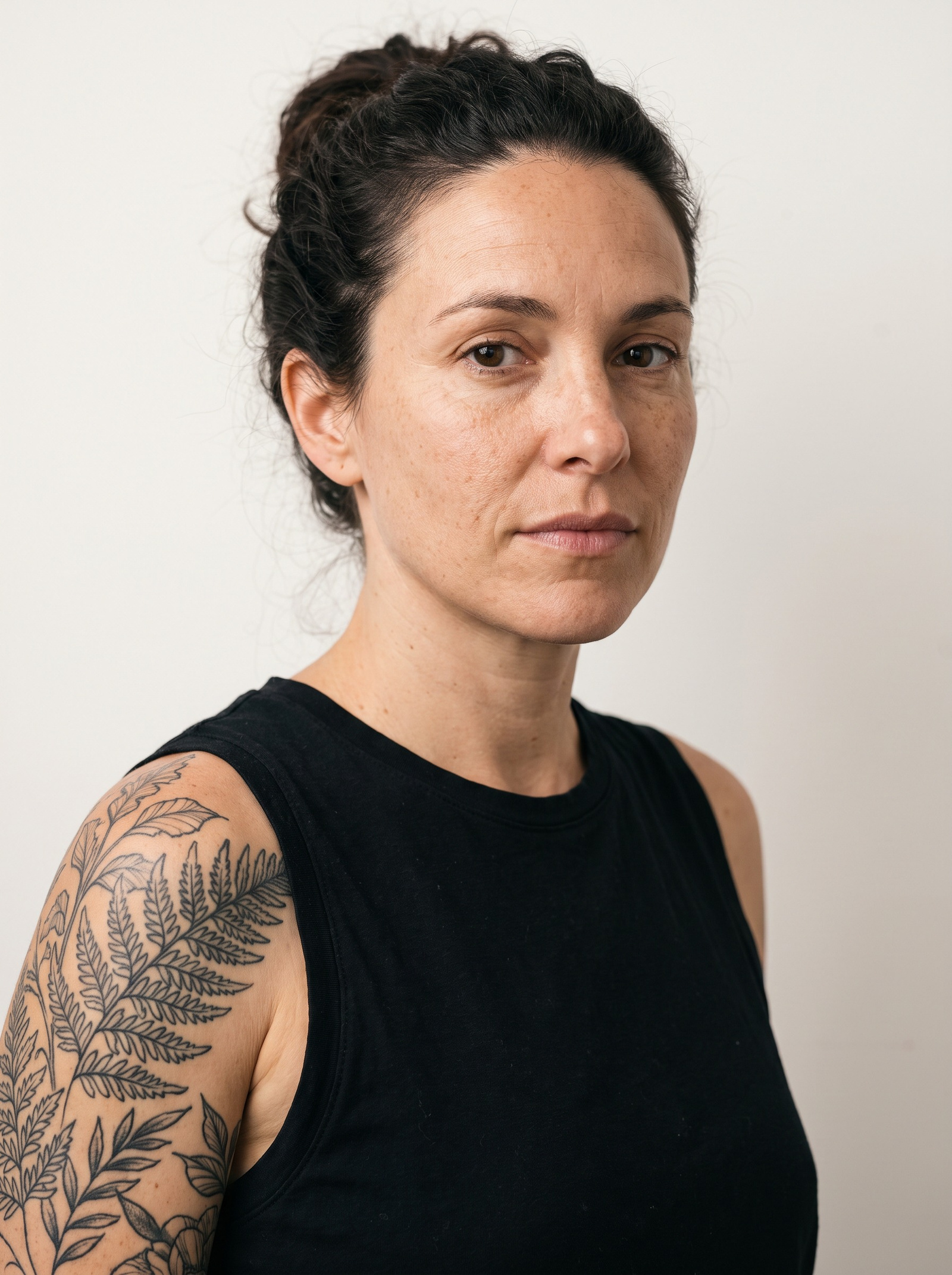 BeforeAfter
What does an AI skin detailer do?
An AI skin detailer edits skin without repainting the face. Pick a mode — add freckles, pores, stubble, scars or a tattoo; remove acne, dark circles, redness or existing ink; or apply virtual makeup — then set how hard it pushes, from a texture-only nudge to a full transformation. It also rebuilds real pore detail on plastic-looking generated portraits, and can upscale the result for print.
- Credits
- From 10 per image
- Formats
- JPG, PNG, WEBP in · JPEG out
- Upscale
- 2K +15 · 4K +30 credits
Updated September 4, 2026
Cite this page: https://imagera.ai/image/skin-detailer
What the skin pass actually changes
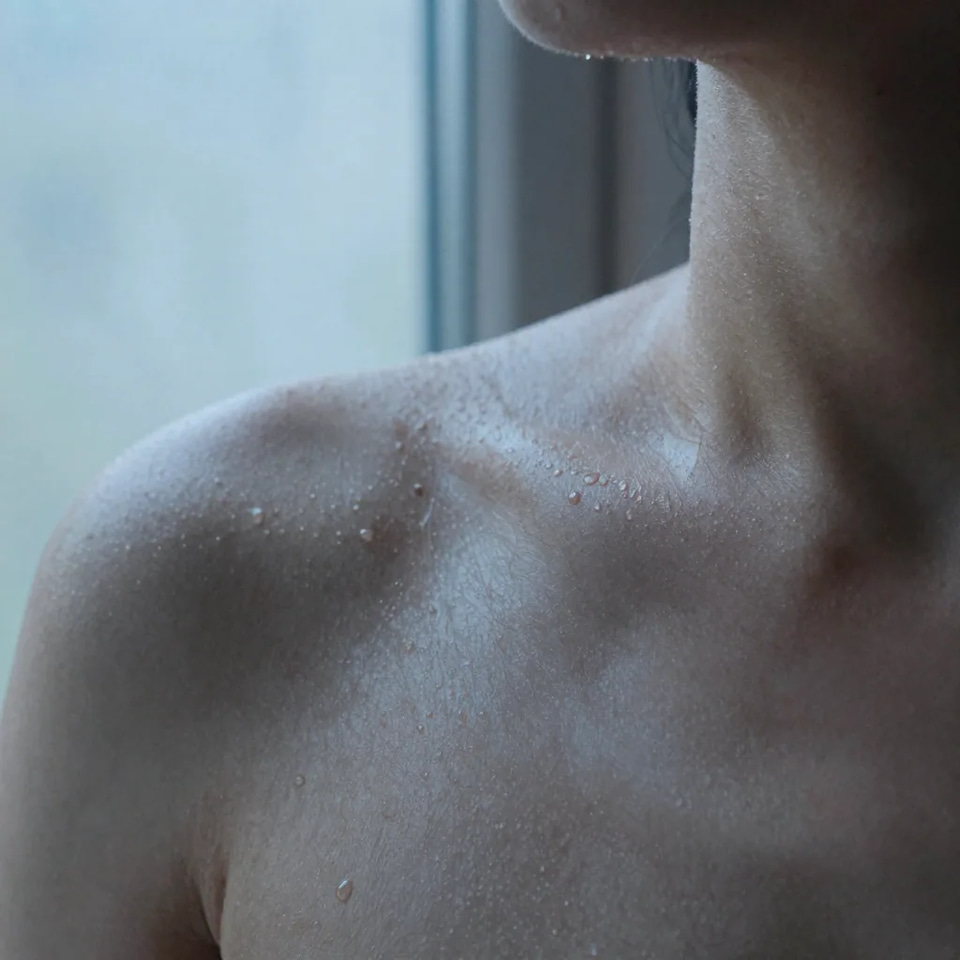
AI Skin Transformation
Transform skin appearance with specialized AI prompts. Add or remove features like freckles, pores, scars, and tattoos with photorealistic results.
Know more →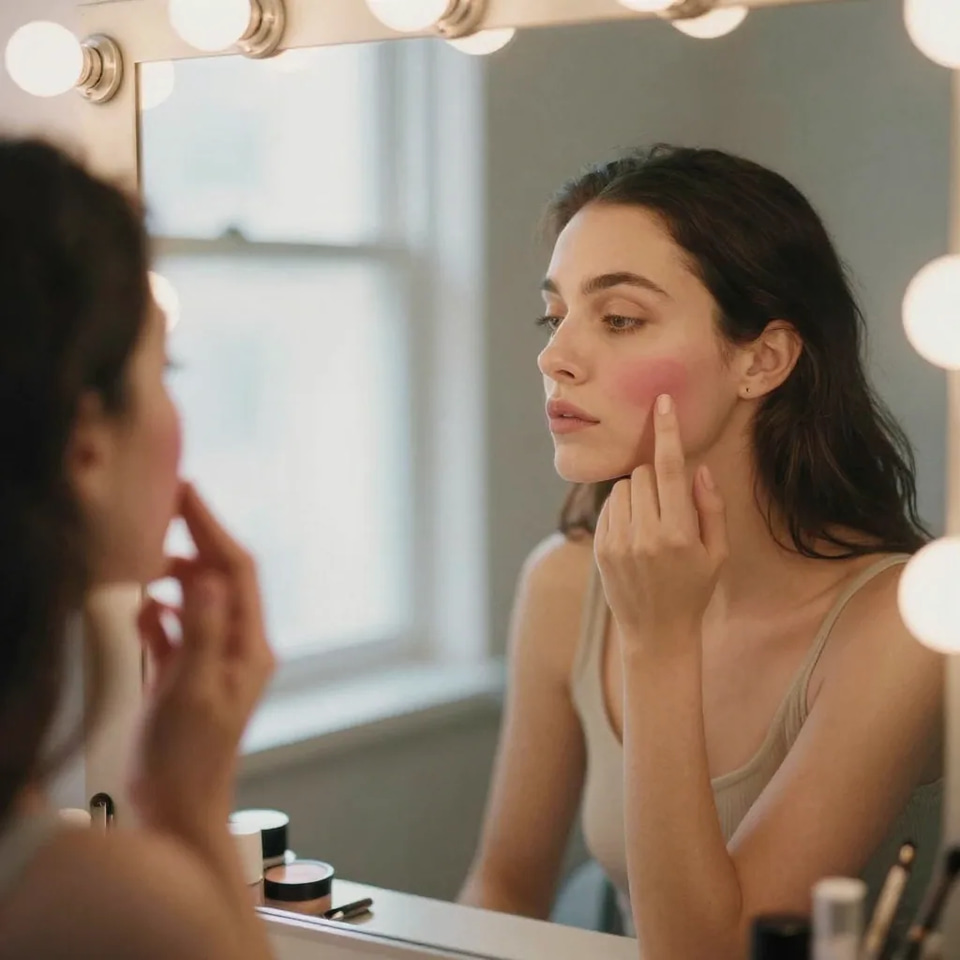
25+ Skin Modes
Choose from 25+ specialized skin modification modes across 4 categories: Beautify, Add, Remove, and Makeup effects.
Know more →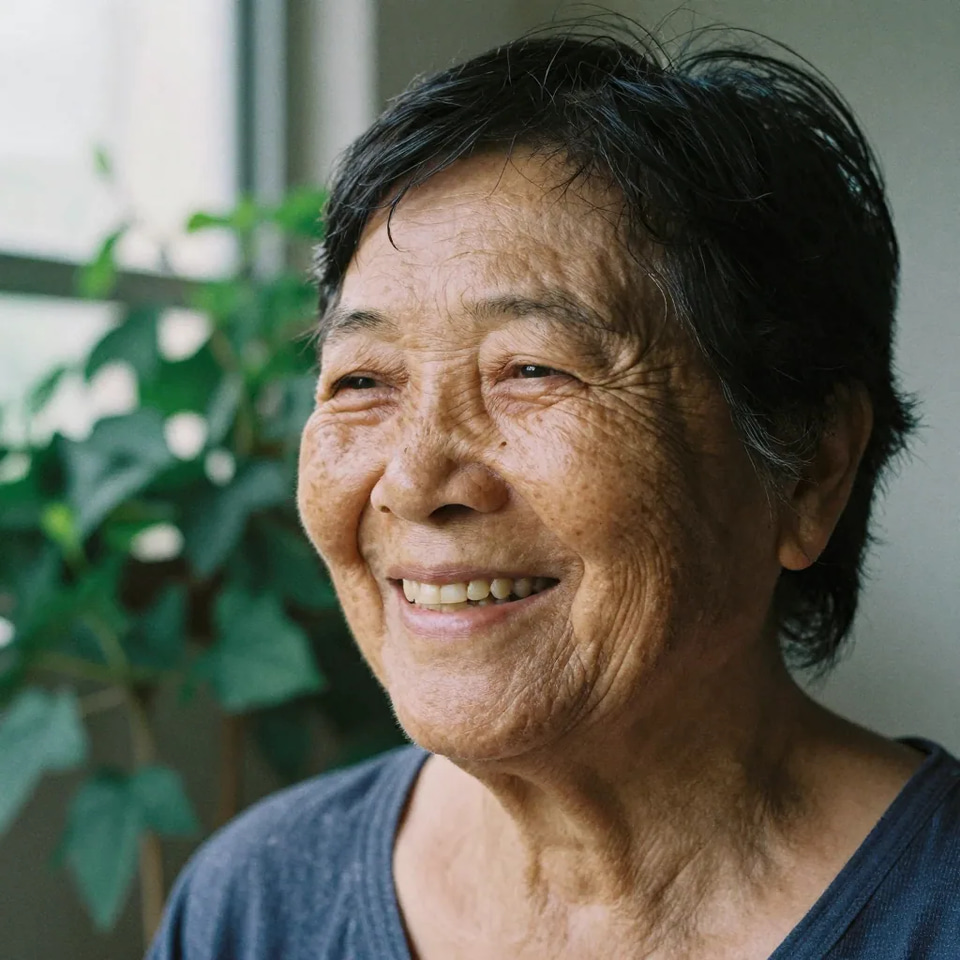
Natural Results
Our AI preserves skin authenticity while applying modifications. Results look natural and integrate seamlessly with existing skin texture.
Know more →Freckles, tattoos and makeup in one pass
The rare editor that adds skin features as readily as it removes them.
25+ Specialized Skin Modes
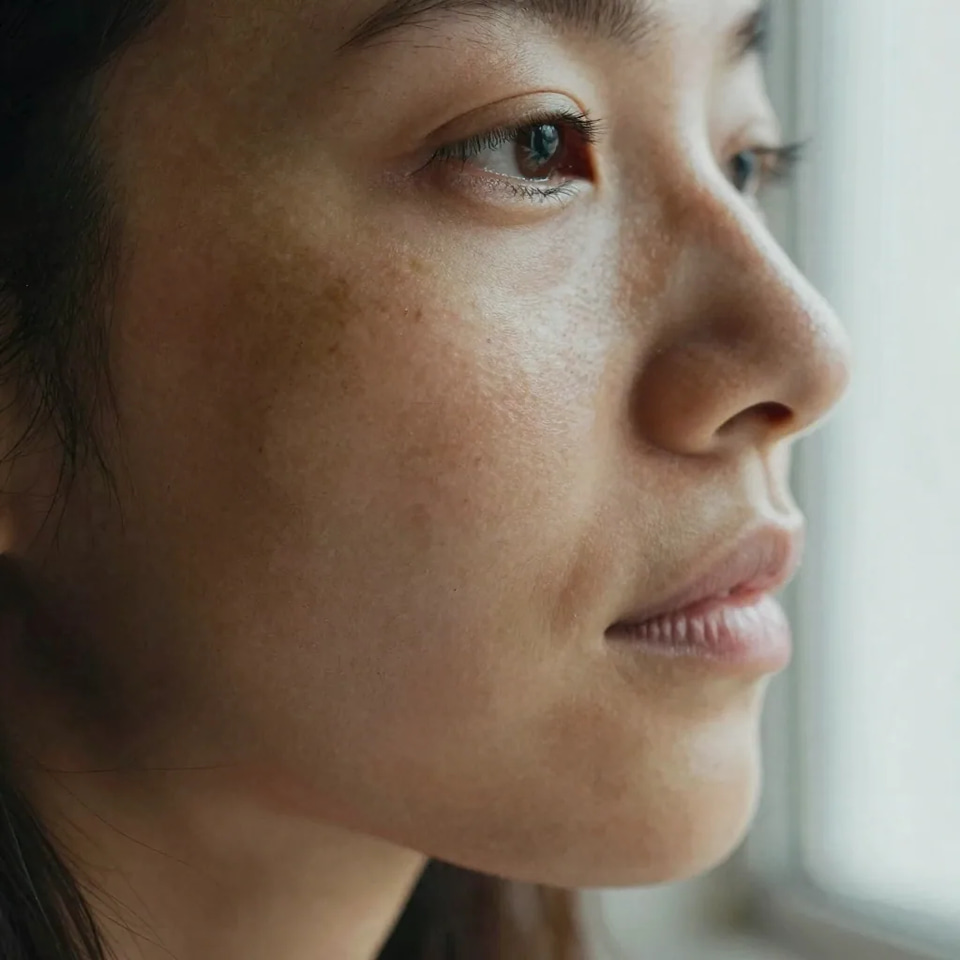
Unlike generic enhancement tools, we offer 25+ targeted skin modifications across 4 categories. Add freckles for a sun-kissed look, remove pimples while keeping texture, or transform AI plastic skin into photorealistic portraits. Mode-specific optimized prompts with category-specific parameters. The library breaks down into 5 Beautify, 11 Add, 7 Remove and 4 Makeup modes — 27 in total — and every one of them ships with its own positive and negative prompt pair, which you can open and rewrite in the Advanced panel before the run if the stock wording is not quite the look you are after.
Try it now →Add or Remove Tattoos
Visualize tattoo ideas before committing, or clean up photos by removing unwanted tattoos. Our AI intelligently handles ink integration and skin reconstruction. Skin texture reconstruction with smart inpainting. Face Tattoo and Remove Tattoo are two modes on the same upload, so a client can see ink placed and then taken away again in one sitting, and the strength setting decides whether the result reads as fresh work or as a faded old piece. Removal rebuilds the skin underneath rather than smudging over it, so the pores and tone around the cover site still match the rest of the face.
Try it now →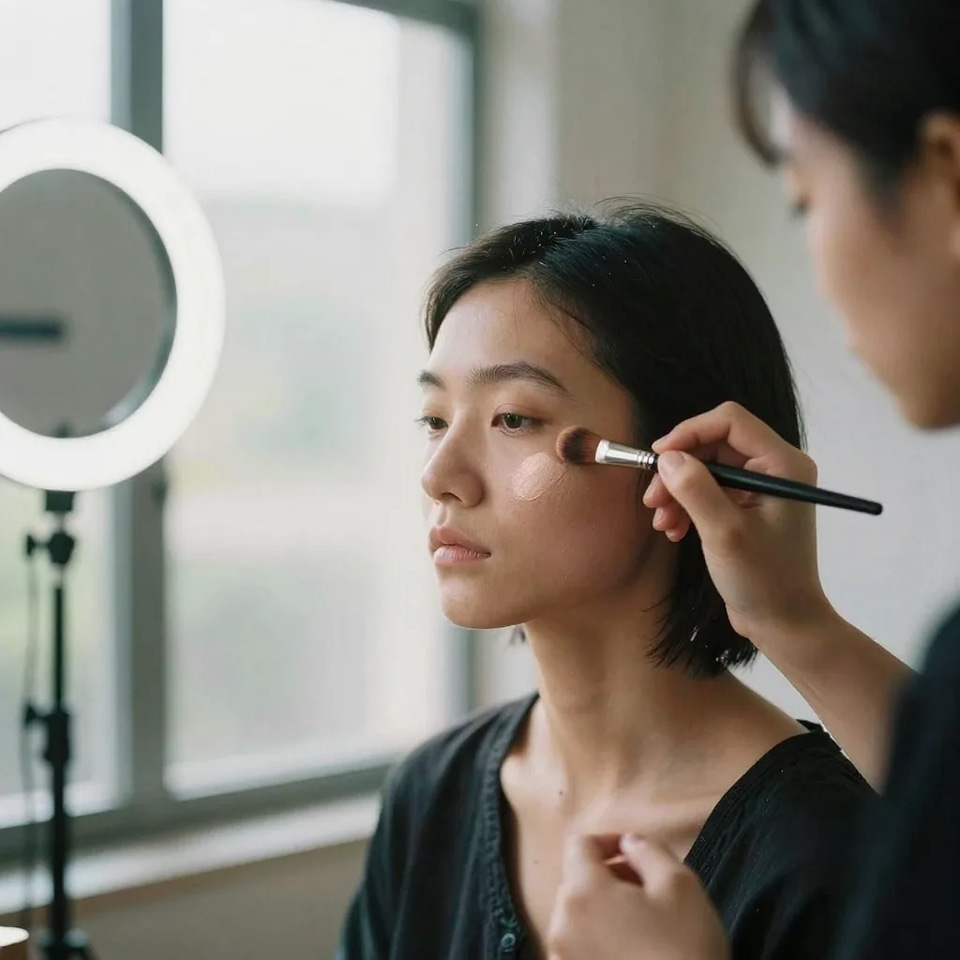
Professional Makeup Effects
Apply virtual makeup from subtle no-makeup looks to full glam and high-fashion editorial styles. Perfect for testing looks or creating beauty content. Makeup-specific prompts preserving skin texture underneath. The 4 makeup modes — Natural Makeup, Glam Makeup, Editorial Look, Bold Lips — sit on top of the skin instead of replacing it, so pores, freckles and fine lines stay where they were and the face still reads as the same person under the colour. Useful when you want to test a look on a real photograph before anyone buys a product or books a chair.
Try it now →How to edit skin in a photo
Upload the portrait, pick a mode, choose how hard it pushes.
Upload Your Portrait
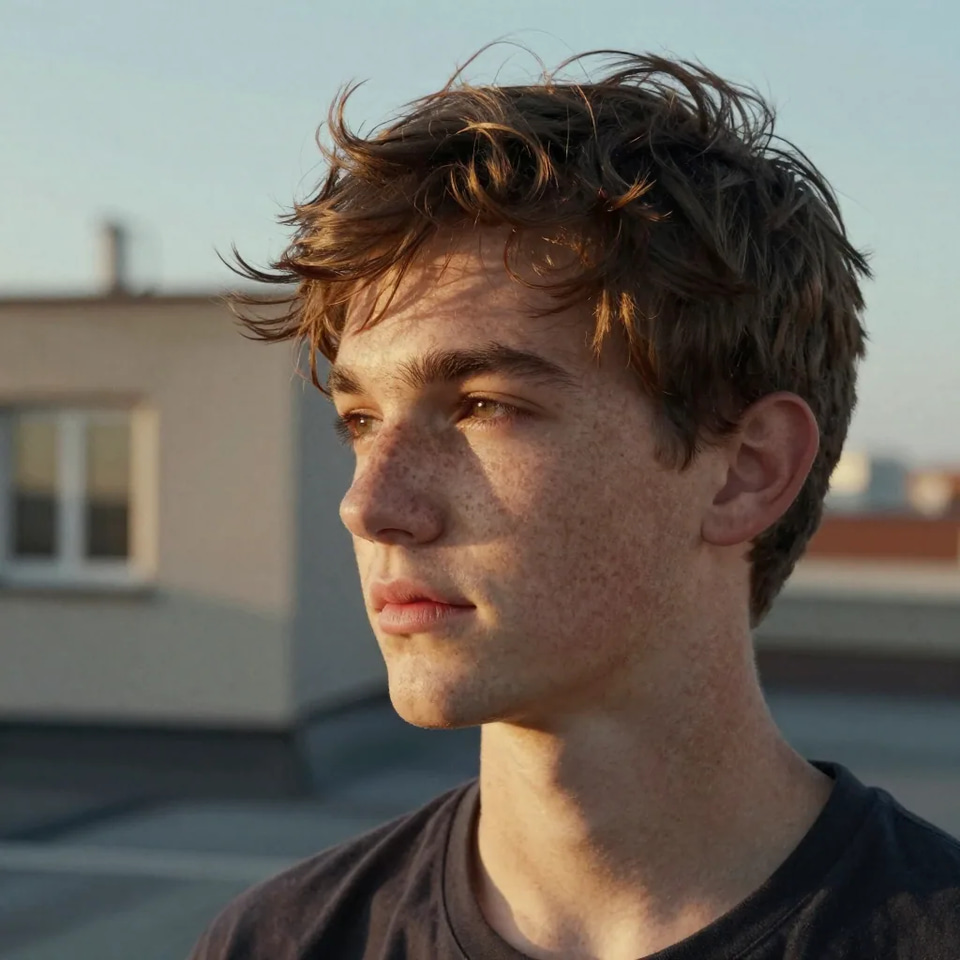
Drag and drop any portrait photo. Works with selfies, professional headshots, AI art, and more. Supports PNG, JPG, WebP up to 100MB.
Choose Skin Mode
Browse 25+ modes across 4 categories: Beautify, Add, Remove, Makeup. Each mode is optimized for specific skin transformations. Strength runs from Very subtle, which touches texture and nothing else, up to Maximum, where the face itself can move — Subtle is the default because it is the safe setting for likeness.
Download, or upscale first
Get the edited portrait back and download it as a high-quality JPEG. If it has to hold up in print, chain the optional upscaling pass onto the same run — 2K for +15 credits or 4K for +30 credits — rather than re-uploading the result later.
When people reach for this
Portrait Retouching
Professional-grade skin editing. Remove dark circles, clear acne, reduce wrinkles, or mattify oily skin while keeping texture natural. Modes: Clear Acne, Remove Dark Circles, Reduce Wrinkles, Mattify Skin. Built for portrait photographers, headshot studios.
Try it now →AI Image Enhancement
Fix the plastic look in AI-generated portraits. Add realistic pores, freckles, and natural imperfections to make AI art look photographed. Modes: Make Realistic, Visible Pores, Freckles, Natural Blush. Built for ai artists, digital creators, nft designers.
Try it now →Beauty & Editorial
Create magazine-quality skin finishes. From dewy glass skin to porcelain perfection, achieve any editorial aesthetic. Modes: Dewy Glow, Porcelain Finish, Smooth Skin, Healthy Tan. Built for fashion photographers, magazine editors.
Try it now →Discover more AI features
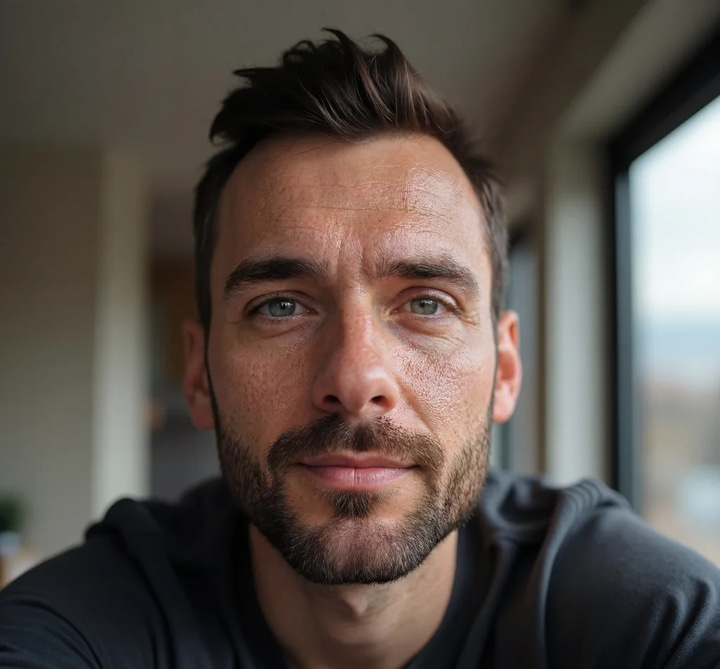
Plastic Skin Fixer
Fix plastic AI skin. Add realistic details. Make AI images photorealistic.
Print-Ready 16K Upscaler
Too small to print? Enlarge a photo to 4K, 8K or 16K (15,360 px on the long edge).
AI Image Humanizer
Make AI images look natural and photorealistic — pass as real.
Perfect Face Swapper
Swap faces and fix melted AI faces. One-click miracle.
GlowCam — Live Beauty Filter
Look camera-ready on every call, live
Frequently asked questions
What is the Skin Detailer?
The Skin Detailer is an AI-powered tool that modifies skin appearance in images. It can add or remove features like freckles, pores, pimples, scars, tattoos, and wrinkles while maintaining a natural, photorealistic look.
What categories of skin modes are available?
We offer 4 categories: Beautify (make realistic, smooth skin, dewy glow, porcelain finish, healthy tan), Add (freckles, pores, acne, scars, tattoos, wrinkles, moles, stubble, blush, vitiligo), Remove (acne, tattoos, wrinkles, scars, dark circles, redness, oiliness), and Makeup (natural, glam, editorial, bold lips).
How does the "Make Realistic" mode work?
This mode removes the plastic, airbrushed look common in AI-generated images. It adds natural pores, subtle imperfections, and authentic skin texture to make portraits look like real photographs.
Can I combine skin modifications with super resolution?
Yes! After applying skin modifications, you can optionally upscale your image to 2K, 4K, or 8K resolution. This is perfect for high-quality prints or professional use.
Will the modifications look natural?
Absolutely. Our AI uses mode-specific optimized prompts trained on high-resolution portrait photography. Results integrate seamlessly with existing skin, maintaining natural color variations, lighting, and texture.
How much does it cost?
Square images (1:1): 10 credits. Landscape or Portrait: 15 credits. Super Resolution adds: 2K (+15 credits), 4K (+30 credits), 8K (+60 credits). Orientation is auto-detected.
Can I edit the prompts?
Yes! Each mode comes with optimized positive and negative prompts that you can customize in the Advanced section. This gives you full control over the AI generation.
What about makeup effects?
We offer makeup modes including Natural Makeup (no-makeup makeup look), Glam (full evening makeup), Editorial (high fashion artistic), and Bold Lips (statement lip colors).
Does it work on AI-generated images?
Yes! Skin Detailer is perfect for enhancing AI art. The "Make Realistic" mode is specifically designed to fix the plastic look common in AI-generated portraits.
What image formats are supported?
Upload images in PNG, JPG, JPEG, or WebP format. Maximum file size is 100MB. Output is delivered as high-quality JPEG with 95% quality settings.
How long does processing take?
Most images process in 15-30 seconds. Adding super resolution may add 10-20 seconds more. Complex images with high intensity settings may take up to 60 seconds.
Can I use results commercially?
Yes, all processed images come with full commercial usage rights. You retain complete ownership of your content.
Can I add virtual makeup to AI caricatures?
Yes! The February 2026 AI Caricature trend creates fun portraits, but they often lack makeup. Use our Makeup modes (Natural, Glam, Editorial, Bold Lips) to add virtual makeup to your AI caricature before printing. Perfect for creating professional-looking caricature wall art or gifts.
How do I fix skin on AI Action Figure Box images?
The viral AI Action Figure Box trend creates amazing collectible mockups, but faces often look plastic. Use our "Make Realistic" mode to add natural pores and skin texture. Then apply subtle blush or dewy glow for that premium action figure packaging look. Many creators sell these as prints on Etsy!
Can I add freckles to Ghibli-style AI portraits?
Absolutely! Studio Ghibli-style portraits look amazing with natural freckles. Our Freckles mode adds charming sun-kissed spots that blend perfectly with the anime aesthetic. Combine with Super Resolution upscaling to create print-quality Ghibli wall art. Over 700 million Ghibli-style images have been created—make yours unique!
How do I use Skin Detailer for my Sway Dance AI videos?
The Dancing Photo (Sway Dance) trend creates videos from still photos. Before generating your dance video, use Skin Detailer to perfect your portrait: clear blemishes, add natural blush, apply virtual makeup. Better source photos = better dance videos. Then use our Video Generator for the dancing effect!
Can I add tattoos to AI portraits for Brainrot memes?
Yes! Italian Brainrot characters like Tralalero Tralala and Bombardiro Crocodilo look even more absurdist with face tattoos. Use our Face Tattoo mode to add realistic ink, then pair with our Image Generator for maximum creative chaos. The surrealist aesthetic actually enhances tattoo visibility.
Learn more
Guides on portrait retouching, skin texture, and making generated faces read as photographs.
Use caseAI Image Upscaler — 4K, 8K & 16K
Enlarge and sharpen your result to 16K after finishing — neural upscaling, no quality loss
 Guide
GuideReal Camera Mode Guide
Add realistic skin texture for photorealistic AI portraits
 Article
AI Headshot Generator
Turn a few selfies into a polished professional headshot
How to Make AI Images Look Real
Skin detail is a key step in making AI portraits look professionally shot
AI Image Prompts Guide
Create portraits optimized for skin detail enhancement
Best LoRA Models for Realism
Combine skin detail with the best face and texture LoRA models
DALL-E Alternative
Generate and refine portrait skin detail — compare Imagera vs DALL-E
Browse All Guides
Step-by-step tutorials for portrait enhancement and skin detail
Key takeaways
What is the Skin Detailer?
The Skin Detailer is an AI-powered tool that modifies skin appearance in images. It can add or remove features like freckles, pores, pimples, scars, tattoos, and wrinkles while maintaining a natural, photorealistic look.
What categories of skin modes are available?
We offer 4 categories: Beautify (make realistic, smooth skin, dewy glow, porcelain finish, healthy tan), Add (freckles, pores, acne, scars, tattoos, wrinkles, moles, stubble, blush, vitiligo), Remove (acne, tattoos, wrinkles, scars, dark circles, redness, oiliness), and Makeup (natural, glam, editorial, bold lips).
How does the "Make Realistic" mode work?
This mode removes the plastic, airbrushed look common in AI-generated images. It adds natural pores, subtle imperfections, and authentic skin texture to make portraits look like real photographs.
Skin editing here vs a retouch app
| What matters | Imagera Skin Detailer | Facetune |
|---|---|---|
| Add Features (freckles, scars, tattoos) | 15+ Add modes | Remove only |
| Remove Features (acne, tattoos) | 7+ Remove modes | Good |
| Virtual Makeup | 4 styles + custom | Limited |
| Tattoo Visualization | Add & Remove | No |
| Pricing Model | Pay-per-use, from 10 credits per image | Weekly subscription |
Try a mode on your own portrait
Open the studio with the Skin Detailer already selected. Credits show on the button before you run.
Edit this skin →