AI Headshot Generator Studio headshots from your selfies, in minutes
Turn a few selfies into a studio-quality professional headshot for LinkedIn, work or your CV.
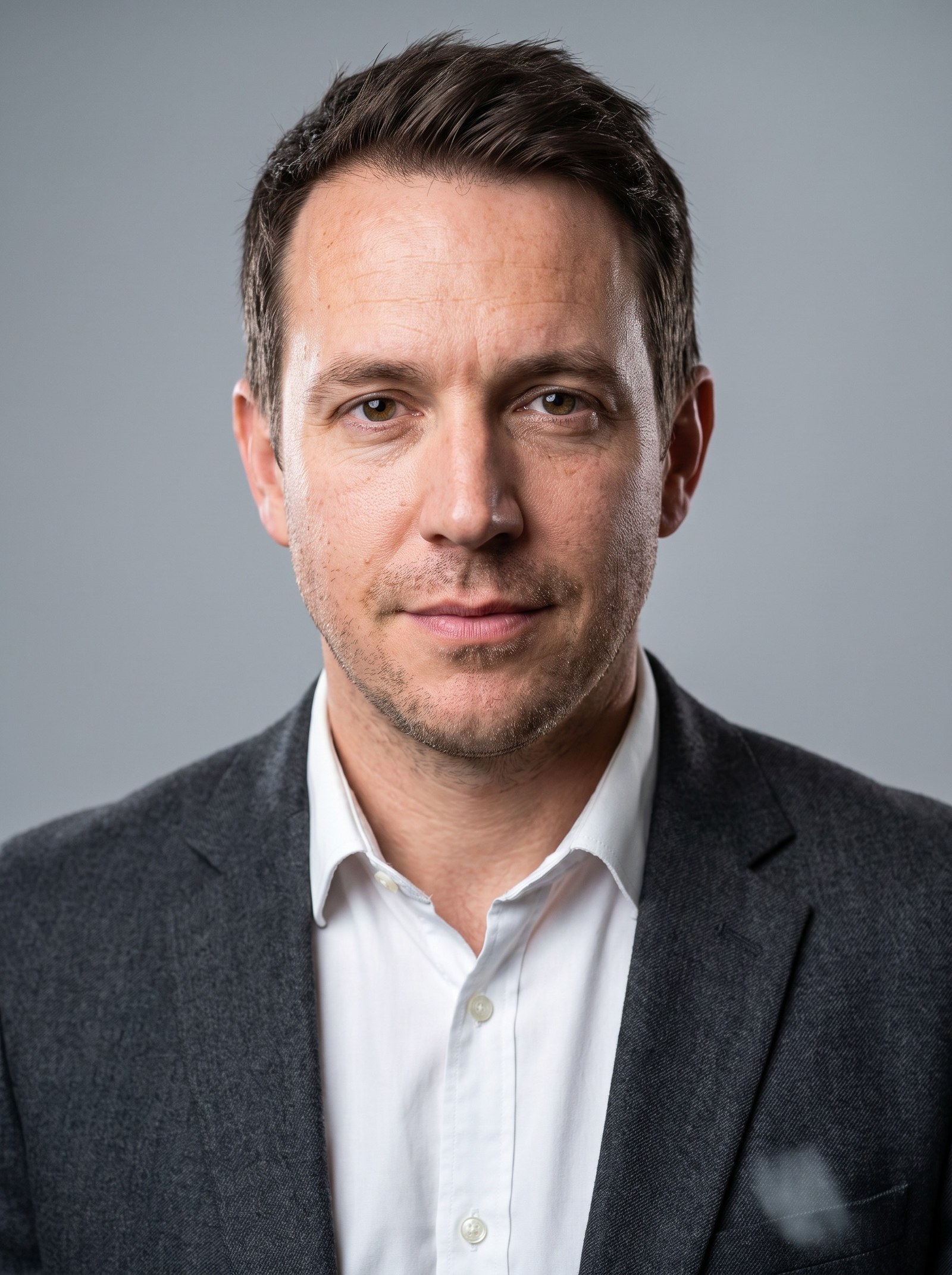
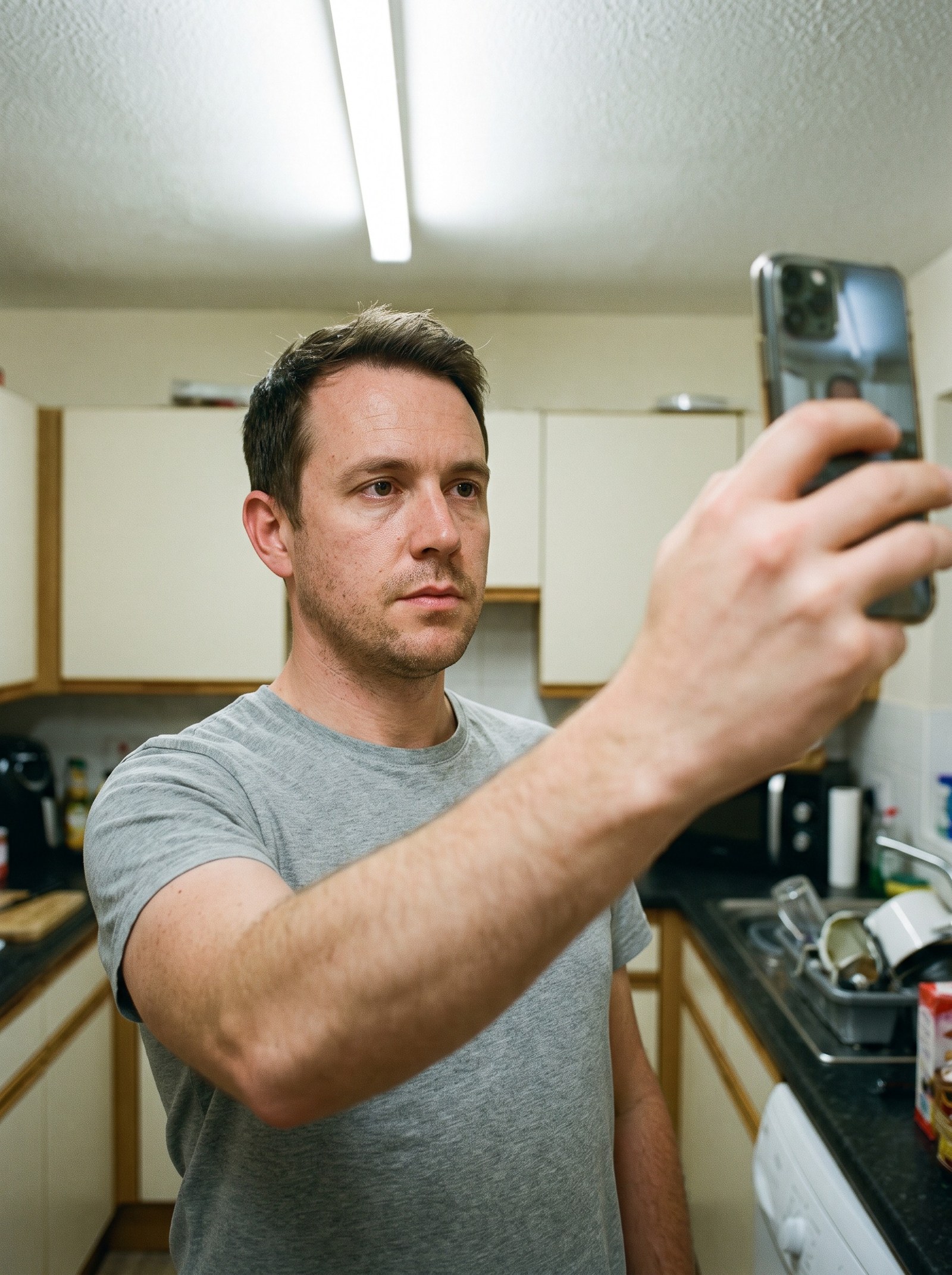 BeforeAfter
How do I get a professional headshot from a selfie?
An AI headshot generator turns a few ordinary selfies into a studio portrait. Imagera reads your face across the photos you upload, then renders a new head-and-shoulders shot with studio lighting, a clean background and business attire — while keeping your real features. Pick a style for where it will live, generate in minutes, and download a portrait that still looks like you.
- Credits
- From 20 per photo
- Output
- Up to 4K · JPEG, PNG, WEBP in
- Per run
- Up to 4 reference selfies
Updated September 4, 2026
Cite this page: https://imagera.ai/image/ai-headshot
What a few selfies get you

Built from your own photos
You upload a few selfies and pick a style. Imagera studies your face across those photos and renders a new, studio-lit portrait that keeps your real features while improving the lighting, framing and background. You are not retouching one photo — you are getting a fresh professional headshot built from your likeness.
Know more →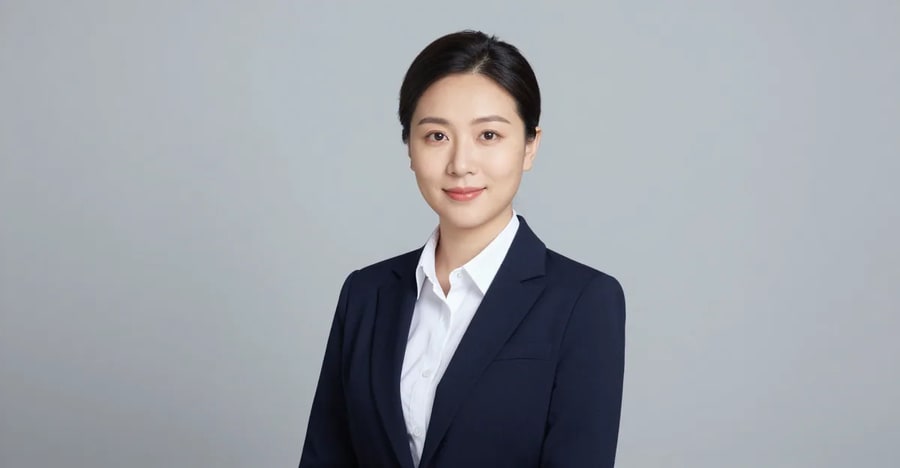
Ready for LinkedIn
Yes. LinkedIn permits AI-assisted profile photos as long as the image genuinely reflects your likeness — which is exactly how Imagera works. Because your headshot is built from your own photos rather than an invented face, it stays true to you.
Know more →
Back in minutes, not a booking
Minutes. You upload, choose a style and generate — the portrait renders and lands in your history ready to download, with no scheduling, travel or back-and-forth editing.
Know more →Key features of the AI Headshot Generator
6 studio looks from one upload — the same identity-preserving engine, tuned to where your headshot will actually be seen.
Your real face, not a flattering stranger
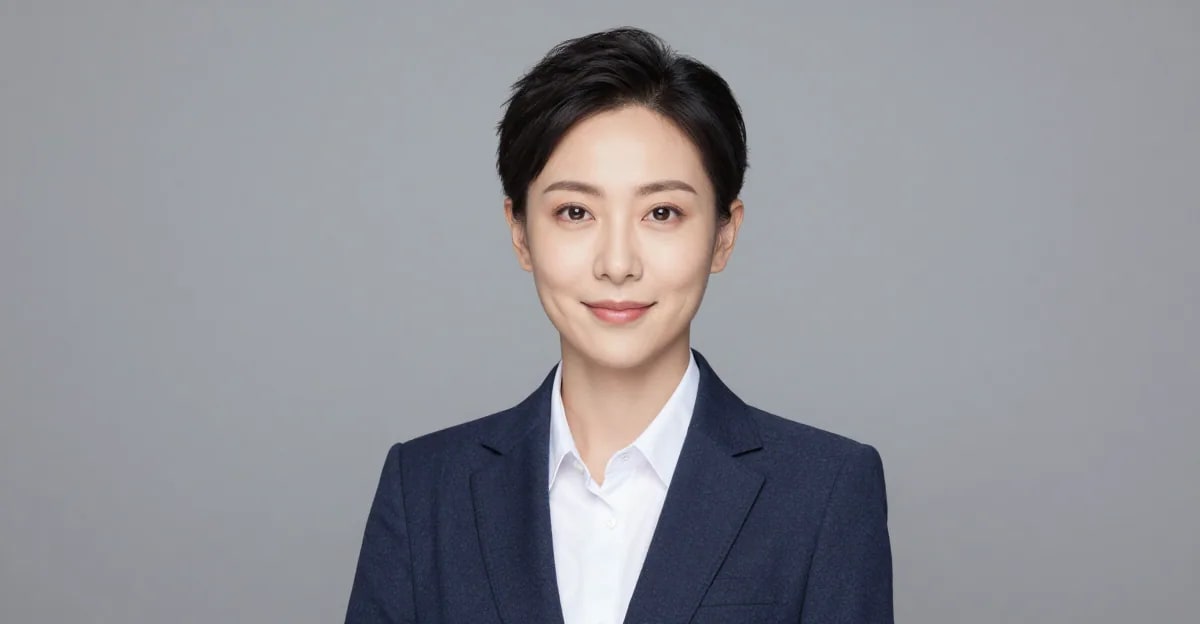
That is the whole point, and it is the main thing we optimise for. Imagera preserves your real facial identity and only refines the setting, grooming and lighting. Uploading several clear, recent photos from slightly different angles gives the most faithful result. The Pro quality tier is tuned for the truest likeness.
Try it now →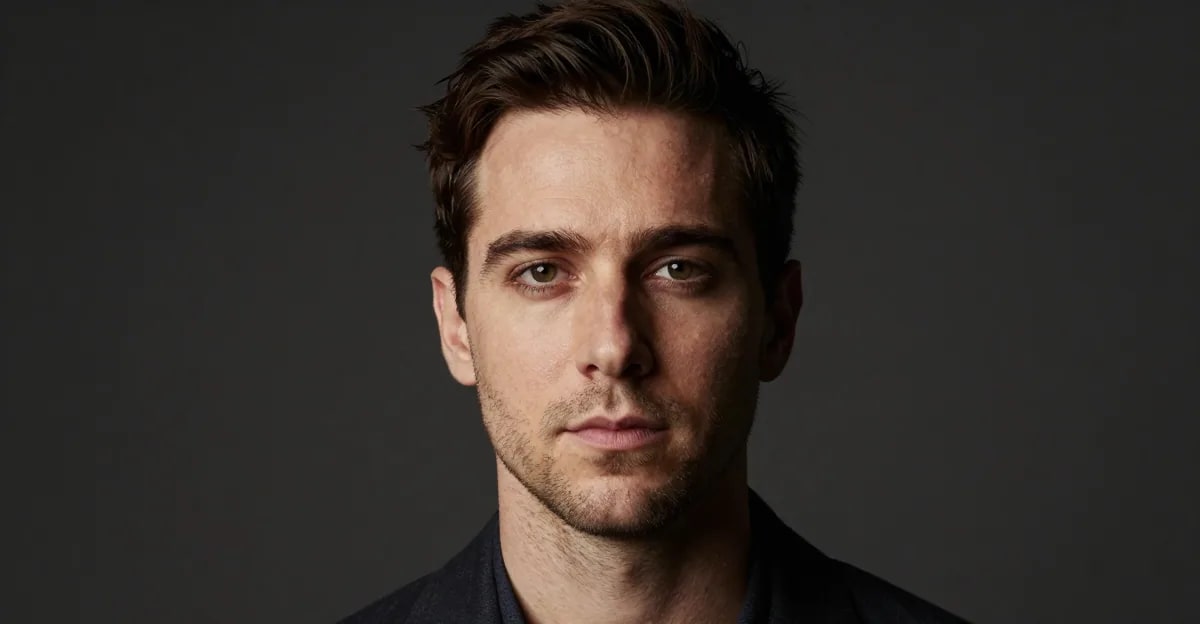
A style for wherever the photo will live
Match the style to where the photo will live. The LinkedIn style gives an approachable profile look with a soft office backdrop; Corporate is a business-suit look on a clean studio background for boardroom and About-page use; Real estate is bright and trustworthy for listings and signage; Creative / Actor uses editorial lighting and a more characterful expression for casting profiles. Because you regenerate from the same upload, you can try several and keep the ones that fit.
Try it now →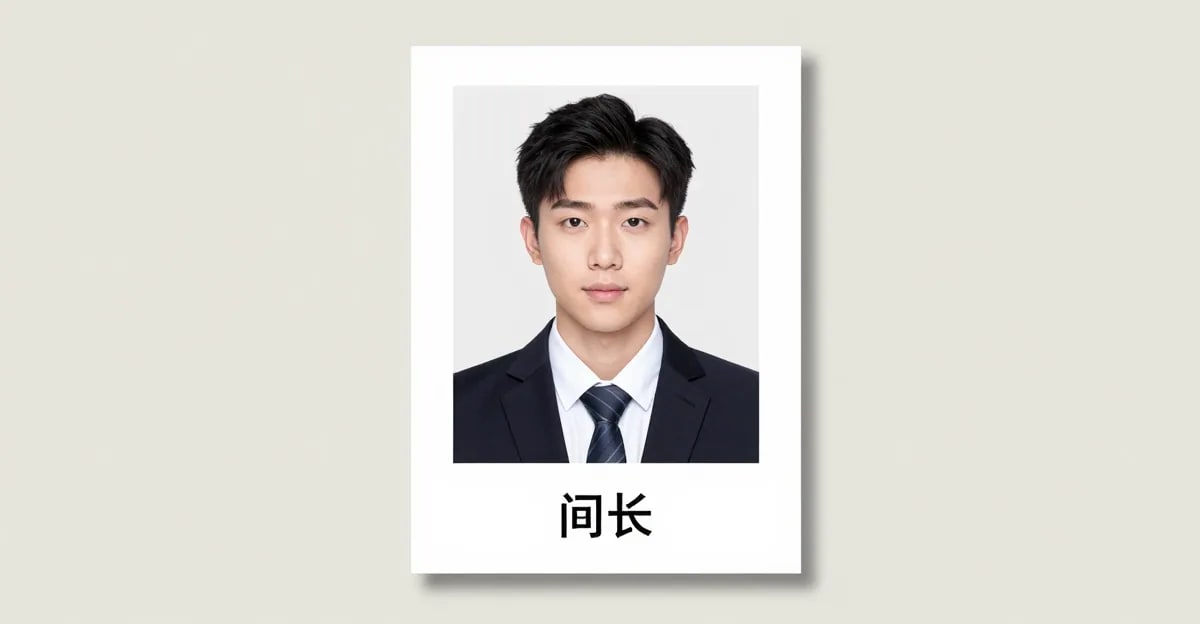
Files that hold up from avatar to print
Imagera offers Standard, Pro and Premium quality tiers, with output up to 4K on the higher tiers. A high-resolution export means one file stays sharp everywhere it goes — a full-width About-page banner, a printed CV photo, a real-estate yard sign or a tiny profile avatar — without the softness you get from upscaling a small image. Pick the tier and resolution that match where your headshot will actually be used.
Try it now →How to make an AI headshot from your selfies
No camera to set up, no studio to book, no editing software to learn.
Upload a few selfies
Add up to four clear photos of yourself from slightly different angles. More variety means a stronger likeness.
Pick your style & quality
Choose a look — LinkedIn, corporate, real-estate, creative — plus the quality tier and resolution that fits where the photo will be used.
Download your headshots
Your studio-grade portrait is generated and saved to your history, ready to download and use anywhere.
One upload, every professional look
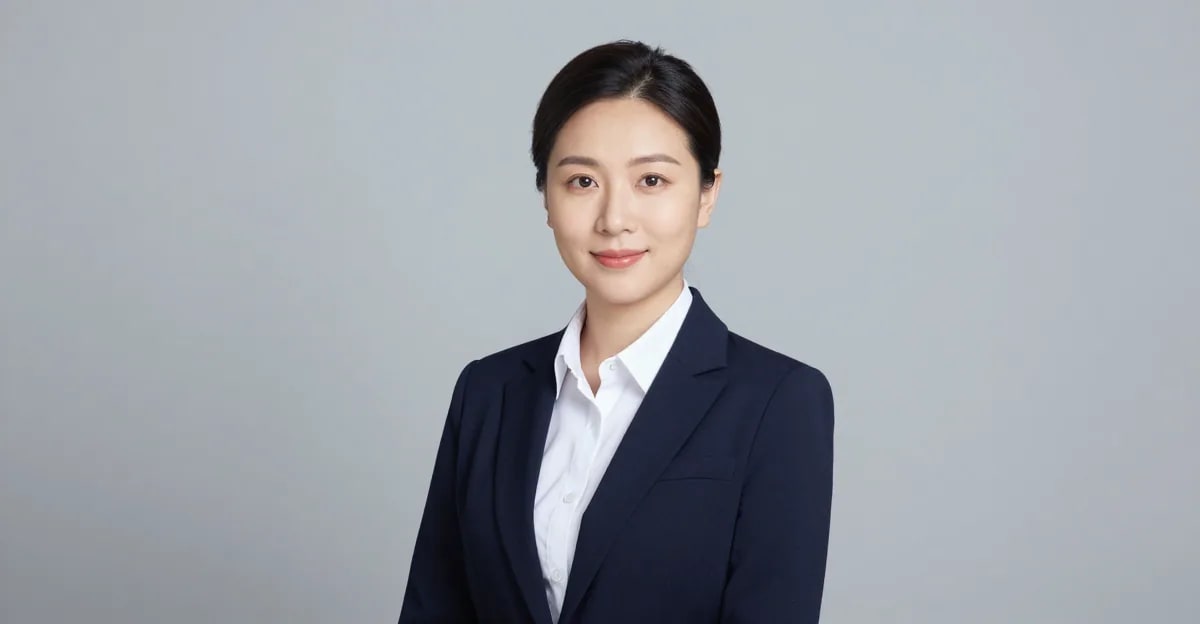
LinkedIn headshots
A clean, approachable profile photo that looks like you on your best day — the first thing recruiters and clients see.
Try it now →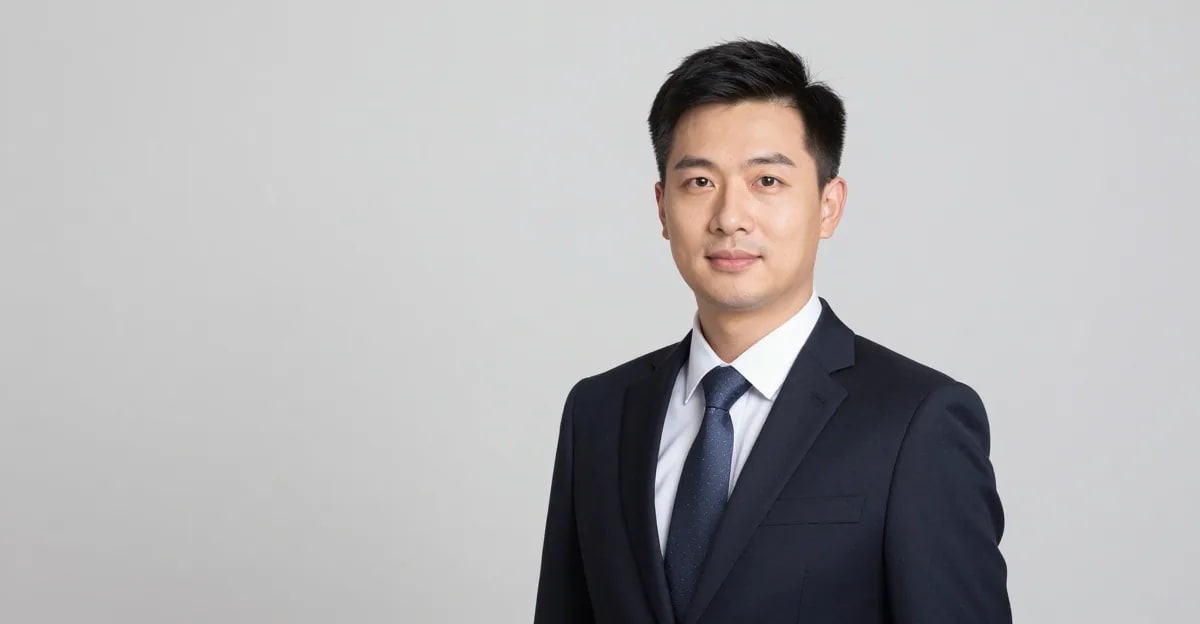
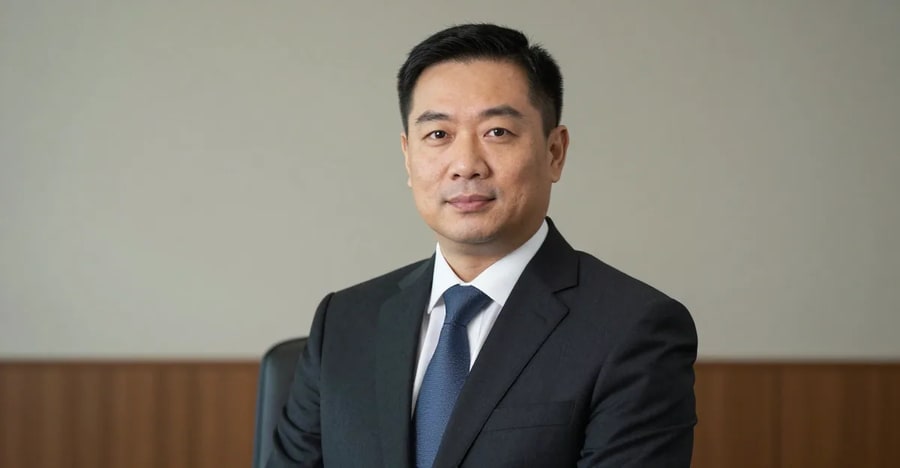
Corporate & team headshots
Consistent business headshots for an entire team or about-page, shot in the same studio style without booking a photographer.
Try it now →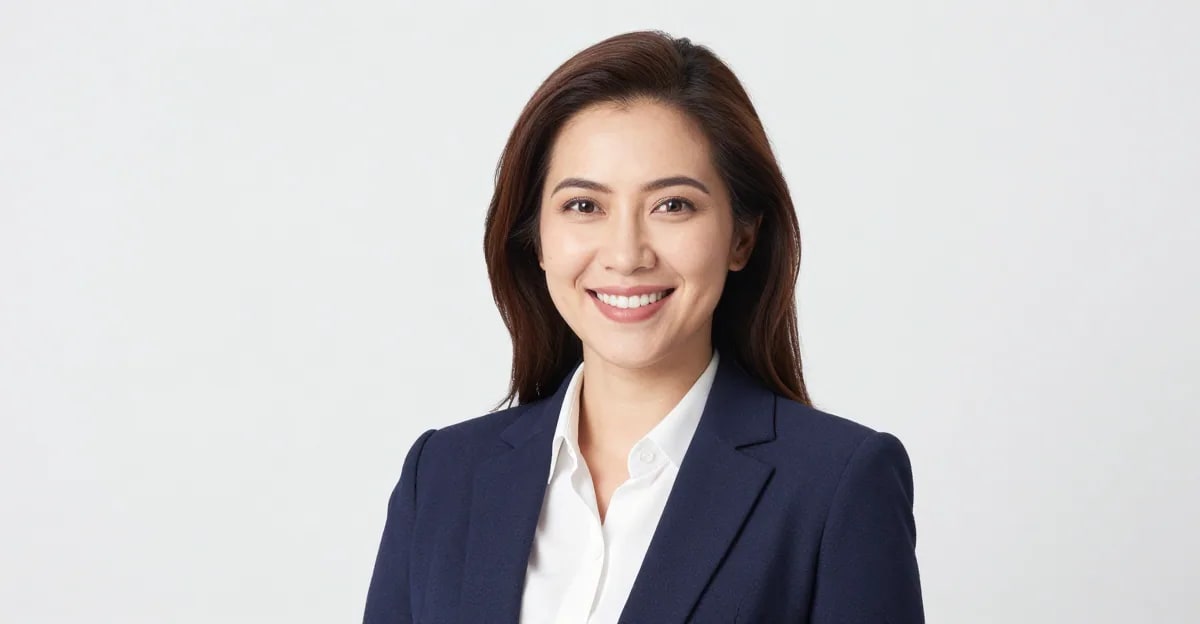
Real-estate agent headshots
A bright, trustworthy agent photo for listings, signage and your brokerage profile.
Try it now →Discover more AI features

Free Passport Photo Maker
Free passport, visa & ID photos — auto-cropped to any country's exact size, background and file size, right on your device.

Magic Pose Changer
Wrong angle, stiff pose, bad body language? Change the pose while keeping the same face — identity locked, no reshoot.
Print-Ready 16K Upscaler
Too small to print? Enlarge a photo to 4K, 8K or 16K (15,360 px on the long edge).
Frequently asked questions
How does an AI headshot generator work?
You upload a few selfies and pick a style. Imagera studies your face across those photos and renders a new, studio-lit portrait that keeps your real features while improving the lighting, framing and background. You are not retouching one photo — you are getting a fresh professional headshot built from your likeness.
Will my AI headshot actually look like me?
That is the whole point, and it is the main thing we optimise for. Imagera preserves your real facial identity and only refines the setting, grooming and lighting. Uploading several clear, recent photos from slightly different angles gives the most faithful result. The Pro quality tier is tuned for the truest likeness.
Can I use an AI headshot on LinkedIn?
Yes. LinkedIn permits AI-assisted profile photos as long as the image genuinely reflects your likeness — which is exactly how Imagera works. Because your headshot is built from your own photos rather than an invented face, it stays true to you.
How many selfies should I upload?
Between one and four. One good photo works, but two to four images taken from slightly different angles and in different lighting noticeably improve the likeness and give the model more to work with.
What kind of photos should I upload for the best result?
Clear, recent, well-lit photos where your face is fully visible and roughly front-facing. Avoid heavy filters, sunglasses, group shots and anything blurry or low-resolution. Natural daylight selfies usually work best.
How long does it take to get my headshots?
Minutes. You upload, choose a style and generate — the portrait renders and lands in your history ready to download, with no scheduling, travel or back-and-forth editing.
Who owns the headshots I create?
You do. The headshots you generate are yours to use for your profiles, applications, websites and marketing.
What happens to the photos I upload?
Your uploads are used to generate your headshots and are tied to your account. We do not sell your photos or use them to advertise to other people.
How much does an AI headshot cost?
Headshots run on Imagera credits, starting at a small per-image cost that is a fraction of a studio session. You can top up credits as you go, and a single upload can produce several looks — far cheaper than booking and re-booking a photographer.
Can a general AI image tool make professional headshots?
General image tools can produce a portrait, but they tend to re-render or stylise faces and drift away from your actual likeness. Imagera is built specifically for identity-preserving headshots, so the result still looks like you rather than a lookalike.
What should I wear for a professional headshot?
For LinkedIn and corporate looks, solid, muted colours and simple necklines photograph best — a blazer, collared shirt or smart knit. Imagera’s styles already apply business attire, but starting from neat, uncluttered clothing in your uploads helps.
Should I smile in my LinkedIn or professional headshot?
A relaxed, genuine smile reads as approachable and is a safe choice for LinkedIn and most business contexts. For actor or editorial looks a more neutral, characterful expression can work better. Imagera’s style presets are tuned to the right expression for each use case.
How often should I update my professional headshot?
Every couple of years, or whenever your appearance changes noticeably or you change roles. Because regenerating with Imagera takes minutes, it is easy to refresh your photo far more often than a studio shoot would allow.
Can I use an AI headshot on a resume or CV?
It depends on where you are applying. Employers in much of continental Europe expect a professional photo on a CV, while recruiters in the US, UK, Canada and Australia generally prefer no photo. When a photo is expected, a clean Imagera headshot is a strong, professional choice.
Can I get headshots for my whole team or company?
Yes. Each person uploads their own photos and picks the same style, so an entire team ends up with a consistent, on-brand set of headshots for your about page or directory — without coordinating a single shoot.
What resolution and file quality do I get?
Imagera offers Standard, Pro and Premium quality tiers, with output up to 4K on the higher tiers. A high-resolution export means one file stays sharp everywhere it goes — a full-width About-page banner, a printed CV photo, a real-estate yard sign or a tiny profile avatar — without the softness you get from upscaling a small image. Pick the tier and resolution that match where your headshot will actually be used.
Which style should I pick — LinkedIn, corporate, real estate or creative?
Match the style to where the photo will live. The LinkedIn style gives an approachable profile look with a soft office backdrop; Corporate is a business-suit look on a clean studio background for boardroom and About-page use; Real estate is bright and trustworthy for listings and signage; Creative / Actor uses editorial lighting and a more characterful expression for casting profiles. Because you regenerate from the same upload, you can try several and keep the ones that fit.
Are AI headshots allowed for passports, visas or official ID?
No — a passport, visa or ID photo must be an unedited photo of your real face taken to an official spec, and generated or heavily edited images are not accepted. This tool is for professional, marketing and profile headshots. If you need a compliant document photo, use the separate Passport & ID Photo maker, which formats your real photo to the official size and background rules rather than generating a new portrait.
How is an AI headshot generator different from a photo filter or beauty app?
A filter or beauty app edits a single photo — smoothing skin or adjusting colour on the image you already have. An AI headshot generator studies your face across several selfies and renders a new, studio-lit portrait with different lighting, background, framing and attire, while keeping your real likeness. The result reads as a deliberate professional photo rather than a touched-up snapshot, which is why it works where a filtered selfie would not.
What should I avoid so my headshot looks natural, not obviously AI?
Upload clear, recent, front-facing selfies and avoid heavy glamour edits that change your age, weight or bone structure — an accurate likeness is what keeps a headshot believable and useful. Skip sunglasses, hats, busy backgrounds and group photos in your source images. Our guide on whether AI headshots look real (/blog/do-ai-headshots-look-real) covers the tell-tale signs to avoid and how to get the truest result.
How long do I keep access to my headshots?
Your generated headshots are saved to your account history, so you can come back and download them again whenever you need a copy for a new profile, application or print. Because your uploads and results stay tied to your account, refreshing or re-downloading later takes seconds rather than starting over.
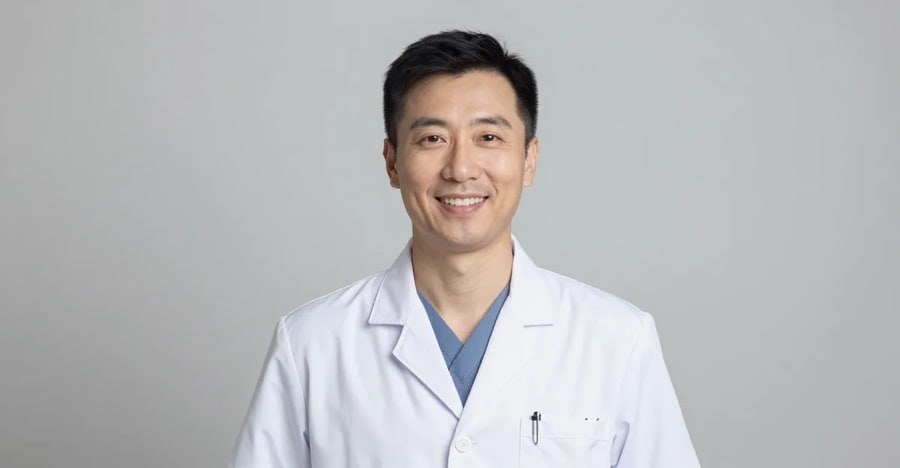
Can I get a specific profession look, like a doctor in a white coat or a lawyer in a dark suit?
Yes. Beyond the core styles, the engine can render profession-specific attire and settings — a white coat or scrubs for medical staff, a conservative dark suit for attorneys, a bright approachable look for real-estate agents. Each profession also has a dedicated guide covering its attire, background and platform rules: see the lawyer, doctor, real-estate and LinkedIn headshot pages for the specifics.
Do I need any design or photography skill to use it?
None. You upload a few selfies, pick a style, quality tier and resolution, and generate — the tool handles the lighting, background, framing and attire. There is no camera to set up, no studio to book and no editing software to learn. The whole process runs in your browser and finishes in minutes, so a first-time user gets a professional result on the first try.
Key takeaways
How many selfies should I upload?
Between one and four. One good photo works, but two to four images taken from slightly different angles and in different lighting noticeably improve the likeness and give the model more to work with.
Who owns the headshots I create?
You do. The headshots you generate are yours to use for your profiles, applications, websites and marketing.
Are AI headshots allowed for passports, visas or official ID?
No — a passport, visa or ID photo must be an unedited photo of your real face taken to an official spec, and generated or heavily edited images are not accepted. This tool is for professional, marketing and profile headshots. If you need a compliant document photo, use the separate Passport & ID Photo maker, which formats your real photo to the official size and background rules rather than generating a new portrait.
Imagera vs a studio shoot
| What matters | Imagera | Photographer |
|---|---|---|
| Turnaround | Minutes, from your couch | Days to book, travel, then wait for edits |
| Outfits & looks | Several styles from one upload | One sitting, limited changes |
| Reshoots | Generate again any time | Pay for another session |
| Whole team | Same studio look for everyone | Coordinate schedules and locations |
| Your likeness | Built from your real photos | Your real photo |
Your next headshot is a few selfies away
Upload your photos, pick a style, and get a professional portrait that looks like you — in minutes.
Create my headshot →