Nothing is uploaded
The file is read by this browser tab and processed on your device. It never reaches our servers.
Imagera AI - AI content creation platform for generating images, cloning voices, creating avatars, and enhancing videos. Privacy Policy | Terms
Private · runs on your device
61 tools for the everyday fixes — enhance, cut out, crop, convert and share. Your photo is processed in this browser and never leaves your device.
No upload · no watermark · 5 free downloads, then a free sign-in

All tools
Every tool opens instantly and works on phone and desktop. HEIC photos from an iPhone are accepted everywhere.
 Enhance
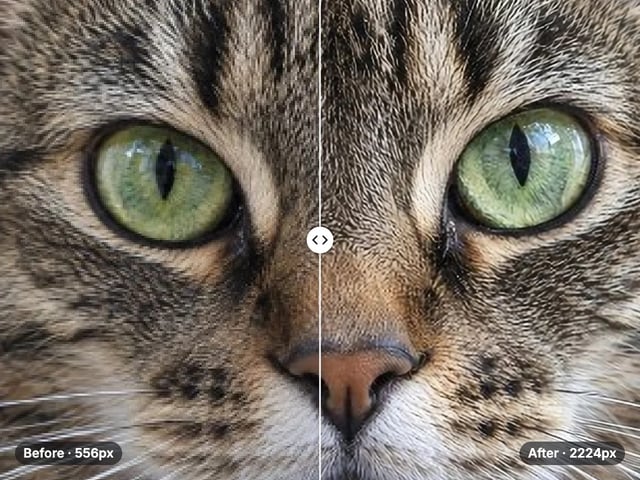
Enlarge & sharpen photos up to 4×
Open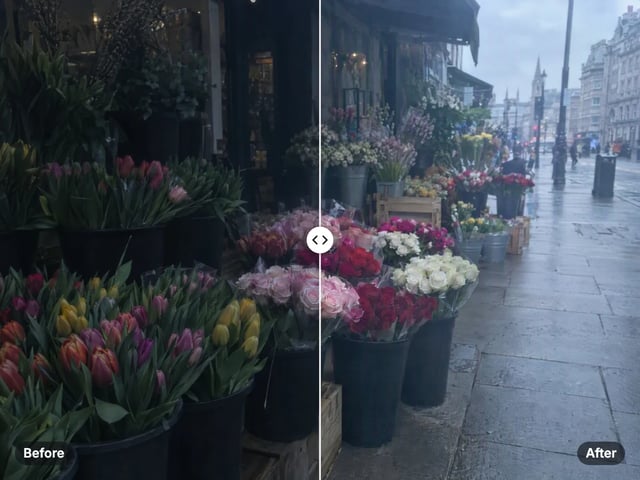 Enhance
Fix dull light, color and detail in one click
Open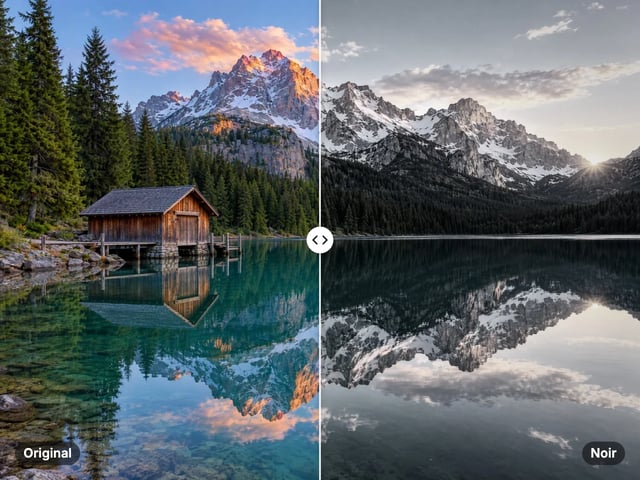 Enhance
Film, black and white, vintage and cinematic looks
Open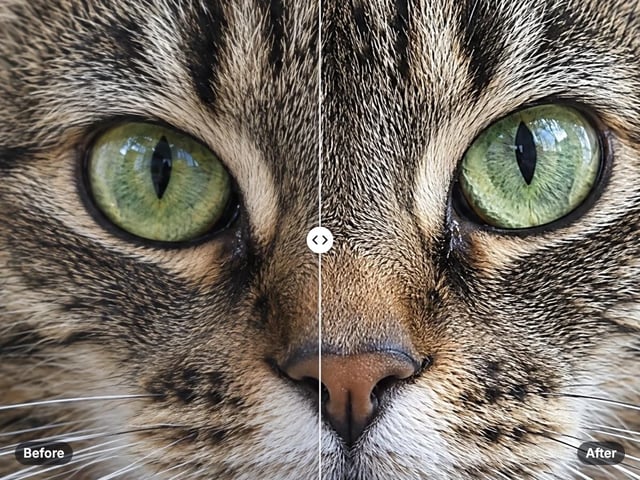 Enhance
Make soft edges and textures crisp
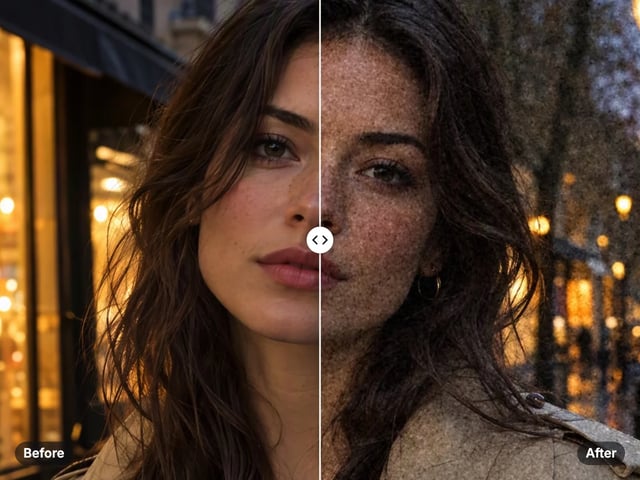
OpenEnhanceRealistic film grain with size, amount and roughness
Open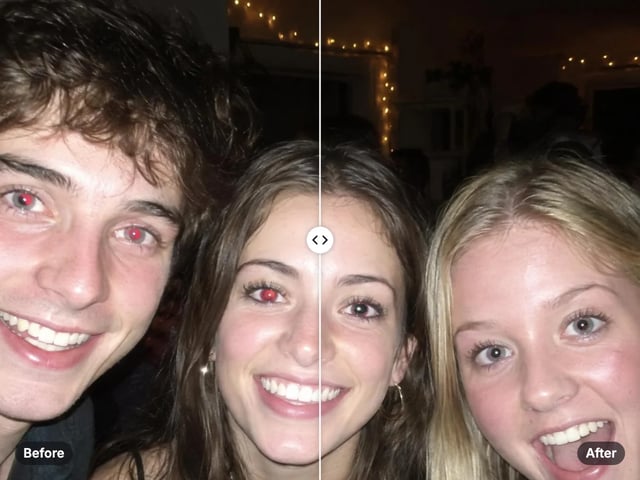 Faces
FacesFind the eyes and remove red-eye automatically
Open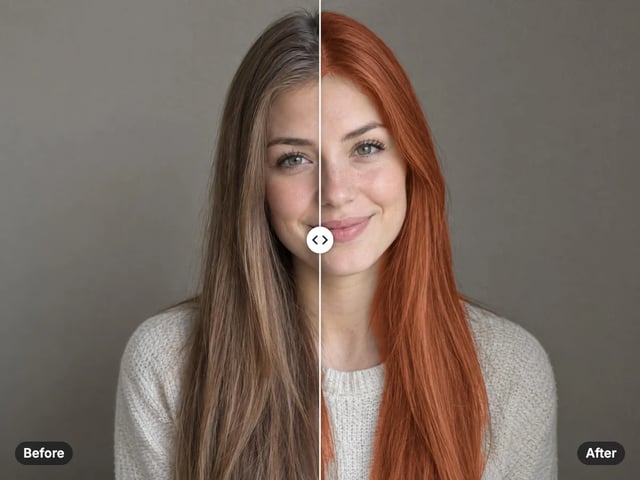 Faces
FacesTry a new hair color on your own photo
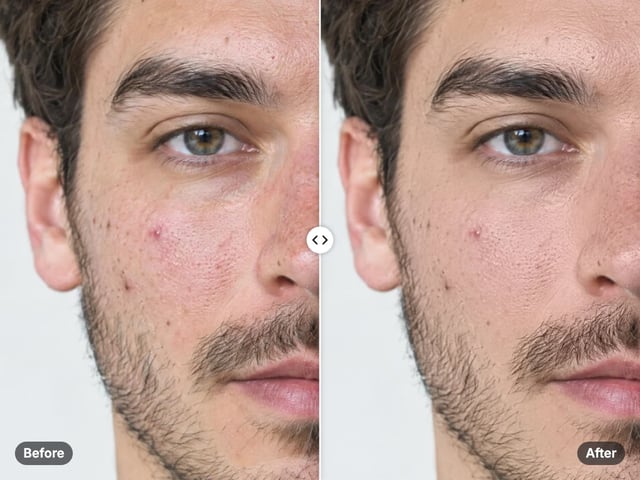
OpenFacesSoften blemishes and even skin tone, keeping real texture
Open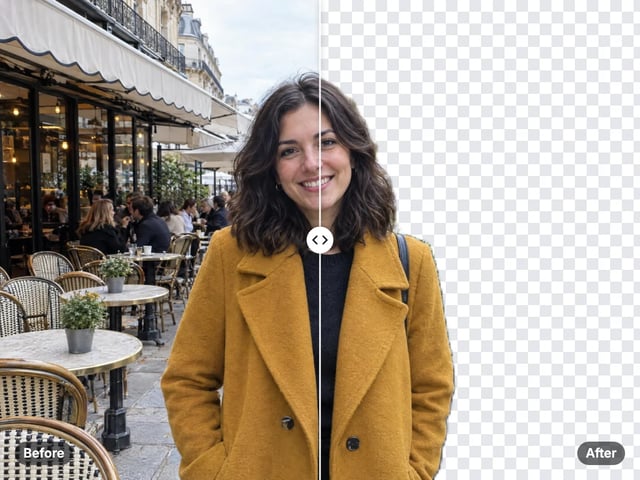 Cutout & background
Cut out the subject in one click
Open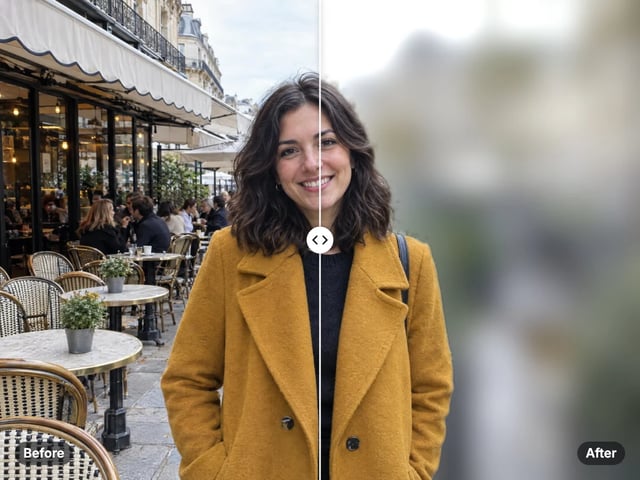 Cutout & background
Portrait-style blur behind your subject
Open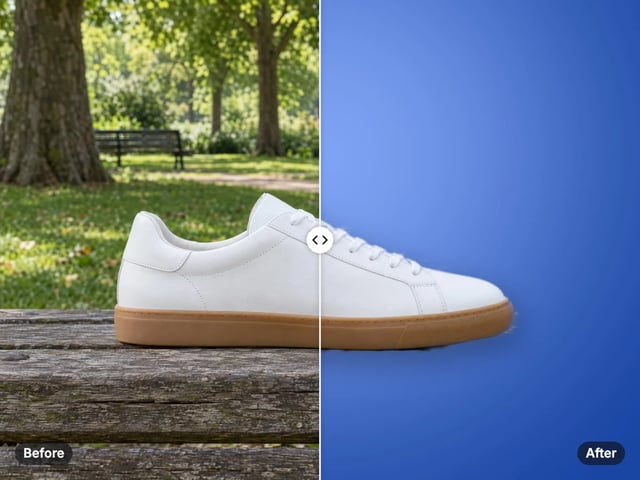 Cutout & background
Put your subject on white, black or any color
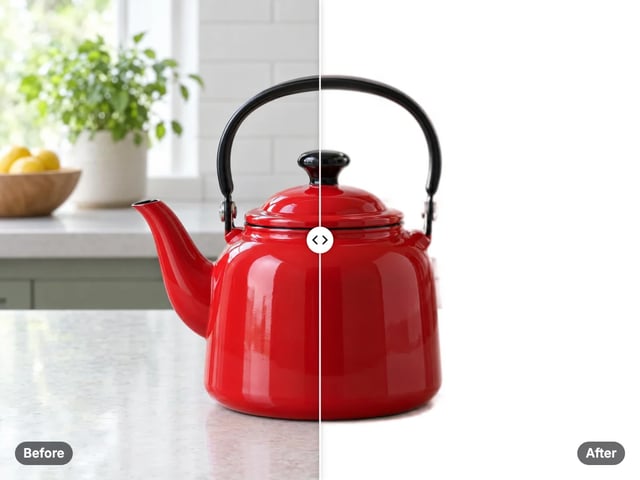
OpenCutout & backgroundPut any subject on pure white in one step
Open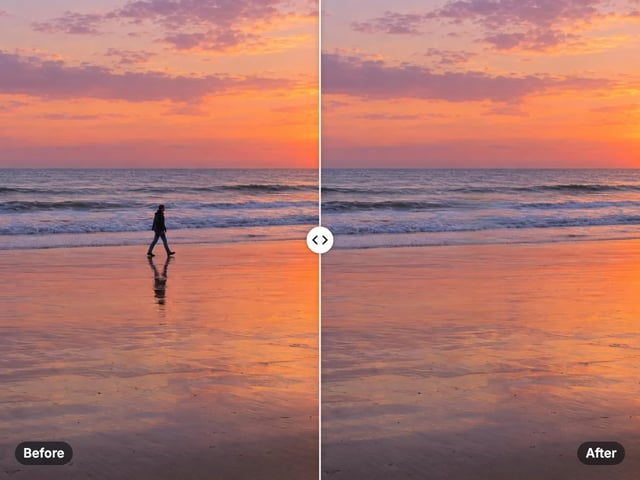 Edit & retouch
Erase anything from your photo
Open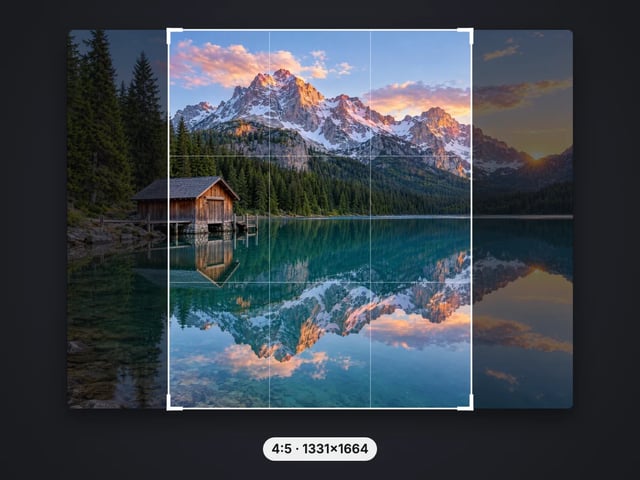 Edit & retouch
Crop to 1:1, 4:5, 9:16 or 16:9 in one tap
Open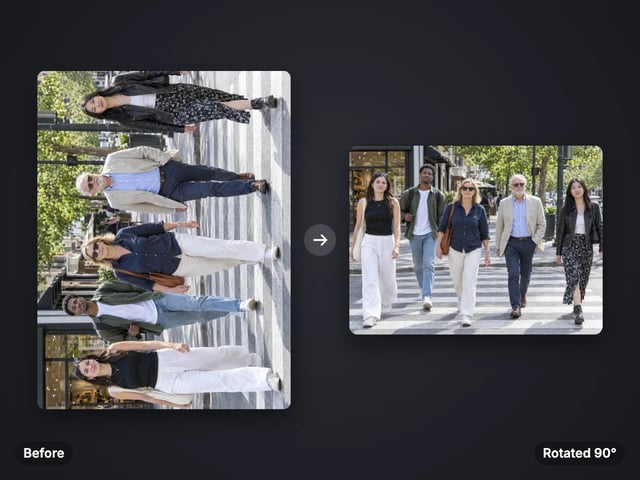 Edit & retouch
Turn, mirror or straighten a photo
Open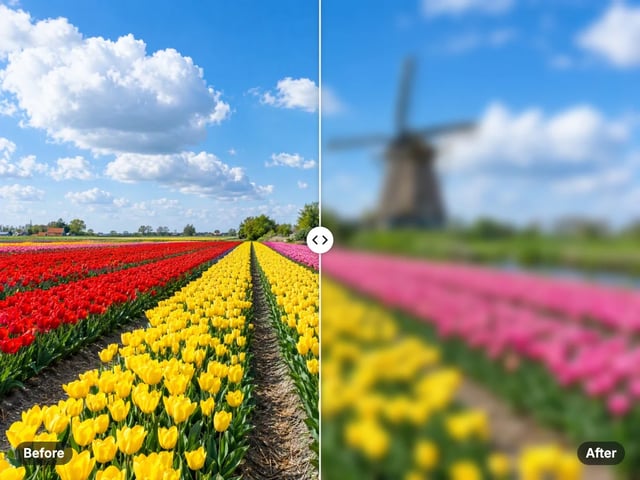 Edit & retouch
Soft, motion or zoom blur over the whole picture
OpenEdit & retouchRound image corners with a transparent background
Open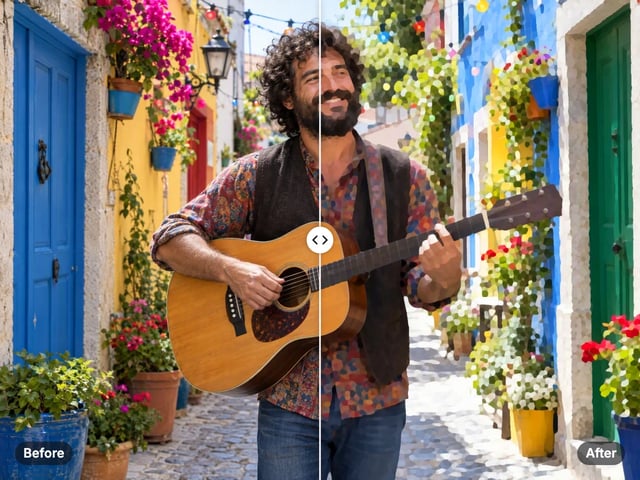 Social & creative
Turn a photo into a comic, painted or soft toon picture
Open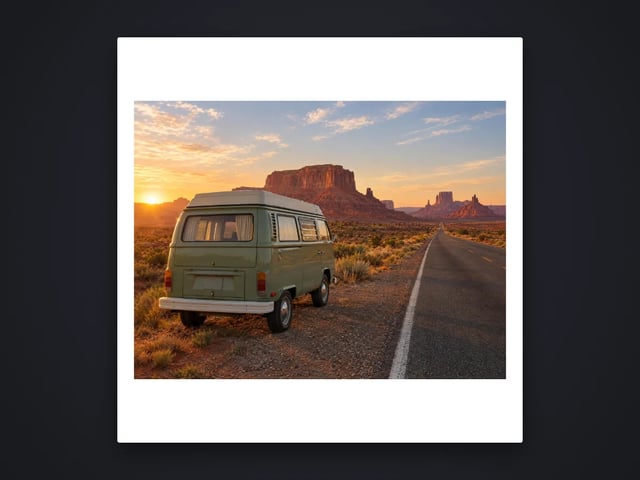 Social & creative
Add a border or fit a photo to 4:5 without cropping
Open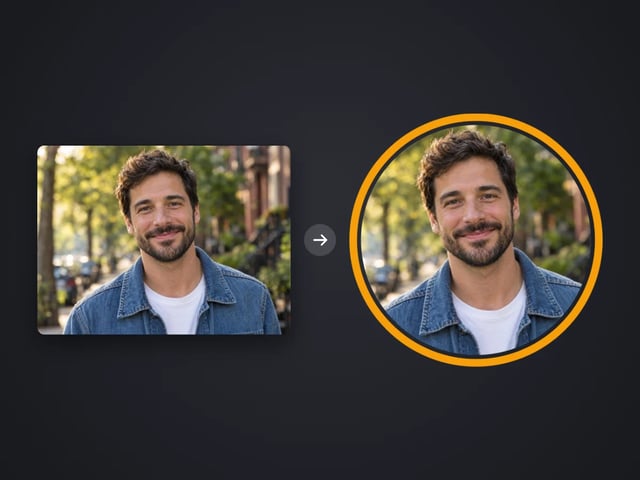 Social & creative
Round profile photo with a colored ring
Open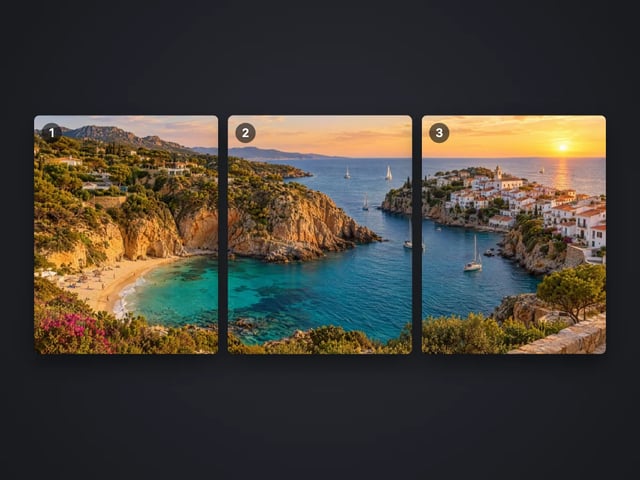 Social & creative
Split a photo into a carousel or a 3×3 grid
Open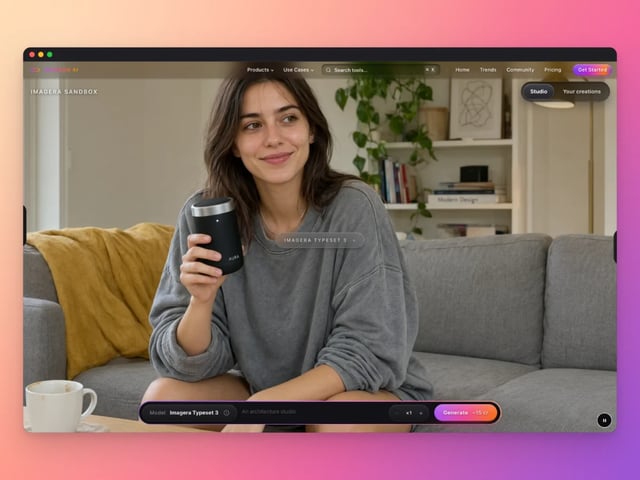 Social & creative
Frame a screenshot on a gradient with a shadow
Open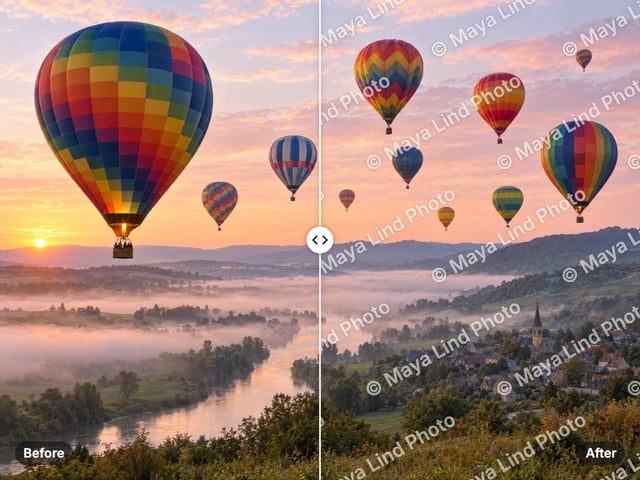 Social & creative
Add your name or © to a photo
Open Social & creative
Top and bottom text on your own image
Open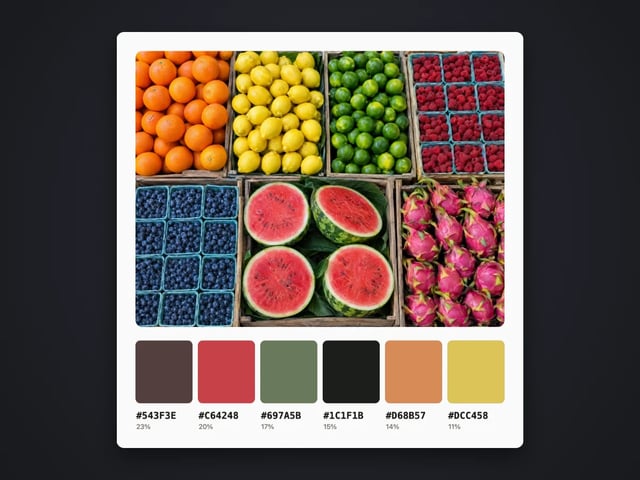 Social & creative
Pull the main colors and HEX codes from a photo
Open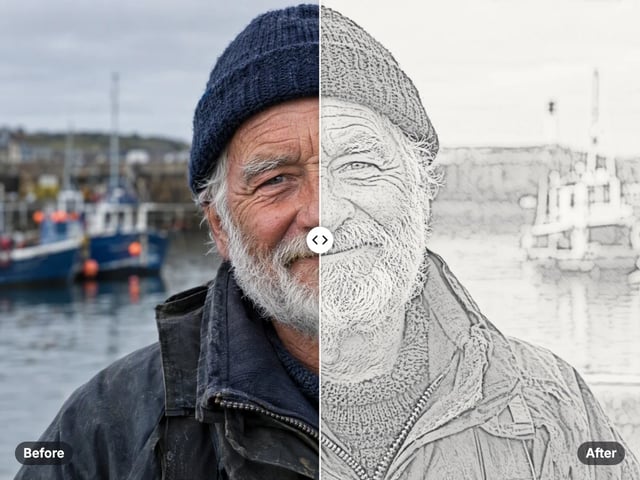 Social & creative
Turn a photo into a pencil or charcoal drawing
Open Social & creative
Put your logo on a photo, in a corner or tiled
Open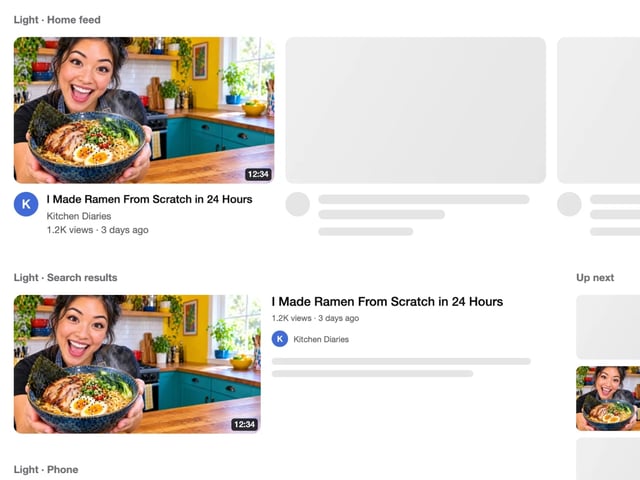 Social & creative
See your thumbnail in feed, search and phone layouts
Open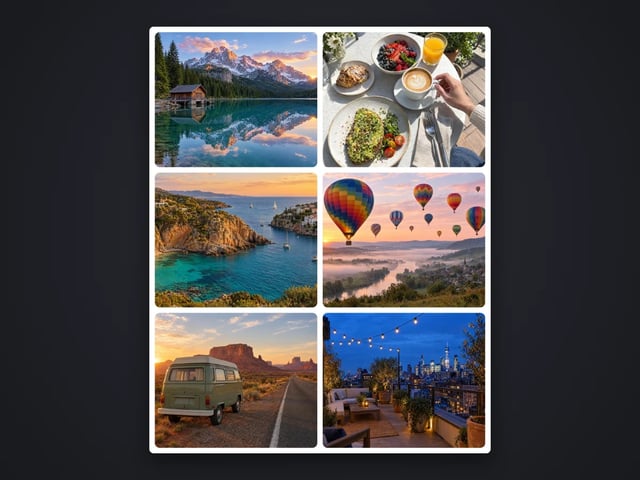 Social & creative
Put 2 to 9 photos in one grid
Open Social & creative
Captions in five styles, auto-fitted
OpenSocial & creativeMake a QR code for a link or text
Open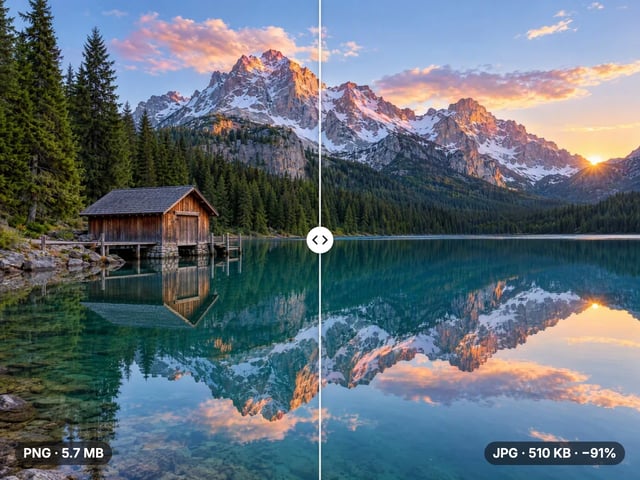 Convert & compress
Compress, convert & resize to any size
Open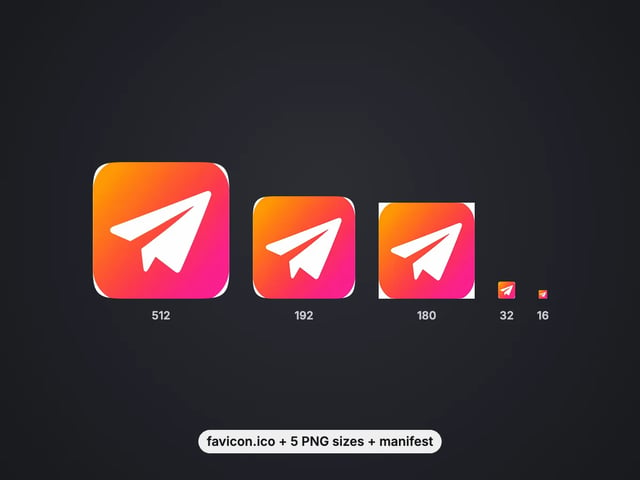 Convert & compress
favicon.ico, PNG icons and site.webmanifest from one image
Open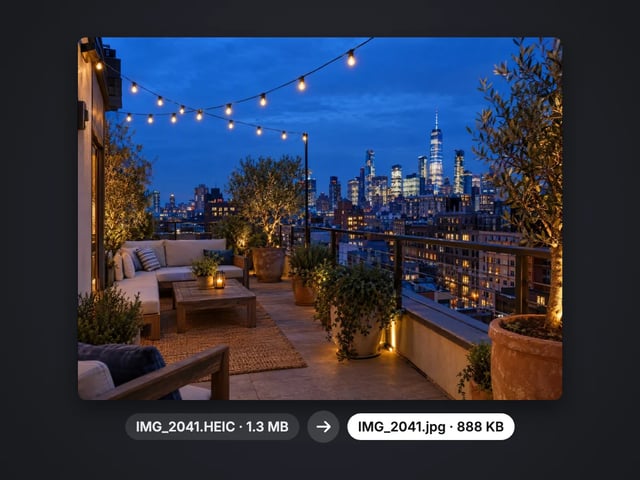 Convert & compress
Turn iPhone photos into JPG, PNG or WebP
Open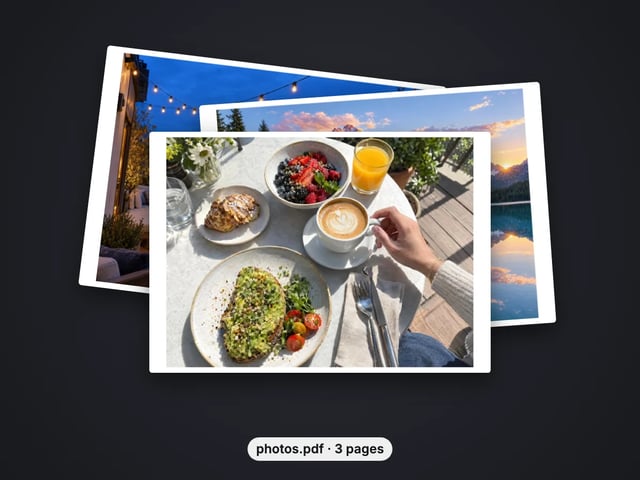 Convert & compress
Combine images into one PDF
Open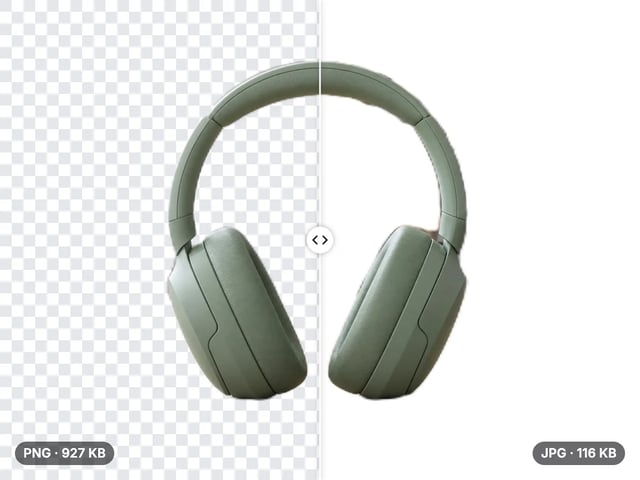 Convert & compress
Smaller JPG files, white background
Open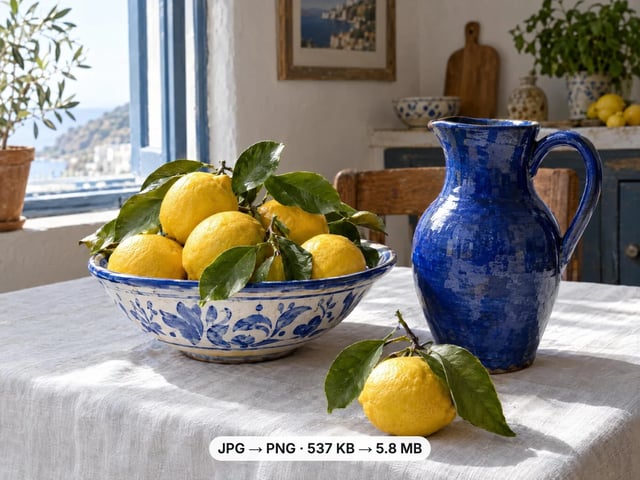 Convert & compress
A lossless PNG copy of any photo
Open Convert & compress
Open web images in any app
Open Convert & compress
Keep transparency, open anywhere
Open Convert & compress
Smaller web images, transparency kept
Open Convert & compress
Lighter photos for faster pages
Open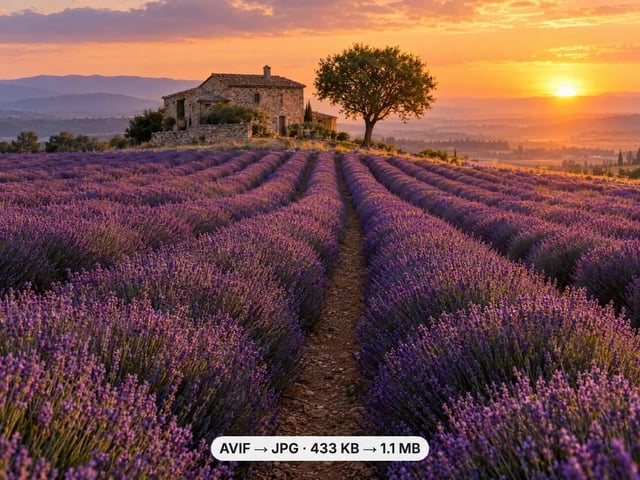 Convert & compress
Open AVIF images in any app
Open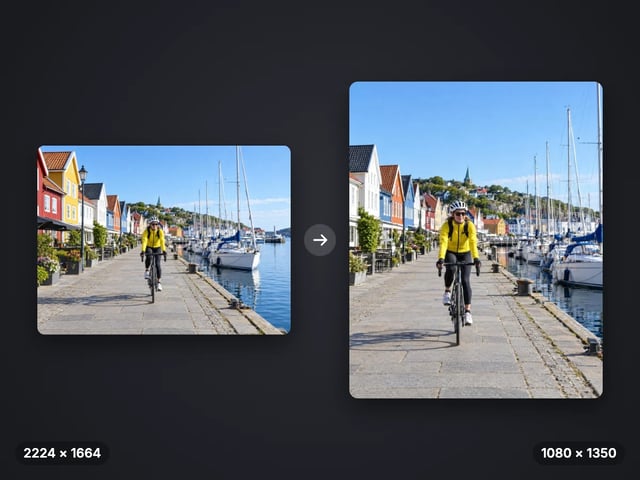 Convert & compress
Exact pixel sizes and social presets
Open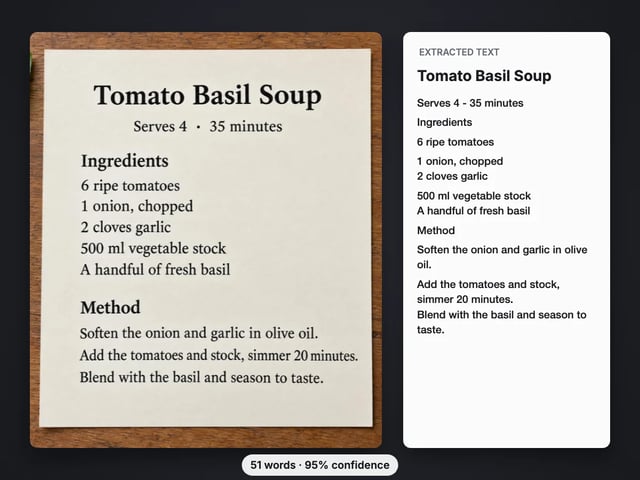 Convert & compress
Copy the text out of a screenshot, photo or scan
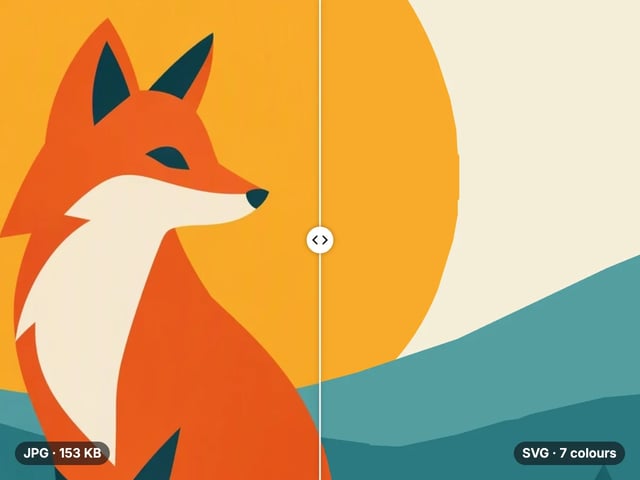
OpenConvert & compressTrace a PNG or JPG into a scalable SVG
Open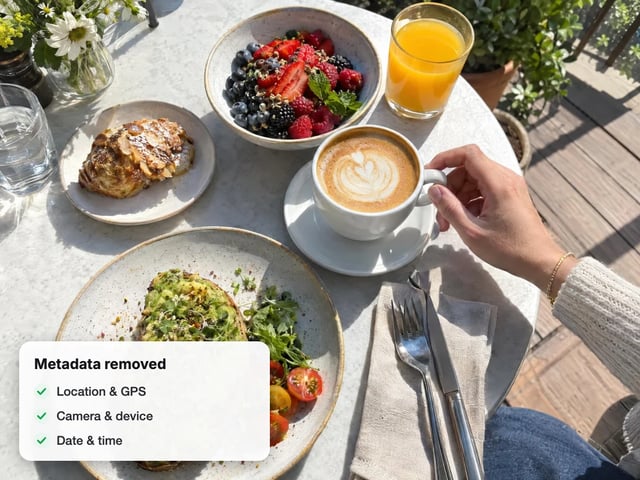 Privacy
Strip GPS & camera data from photos
Open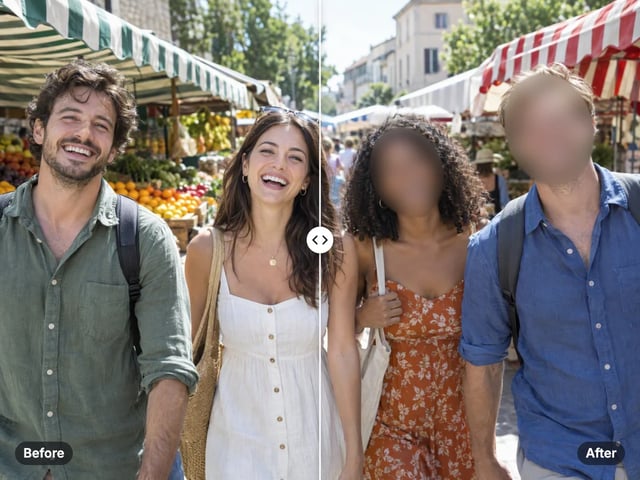 Privacy
Hide every face in a photo automatically
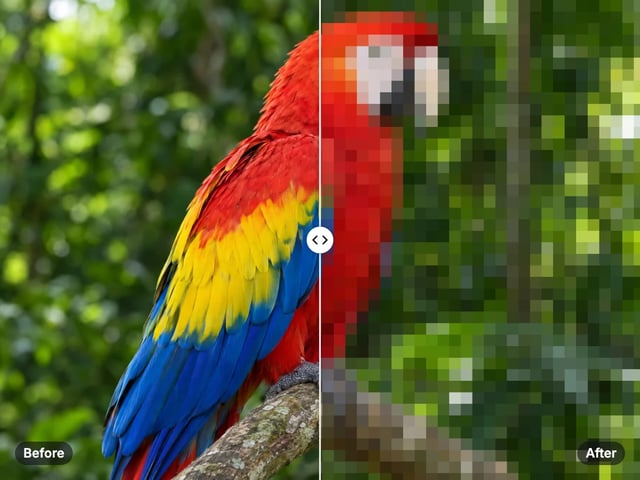
OpenPrivacyTurn a whole image into a pixel mosaic
Open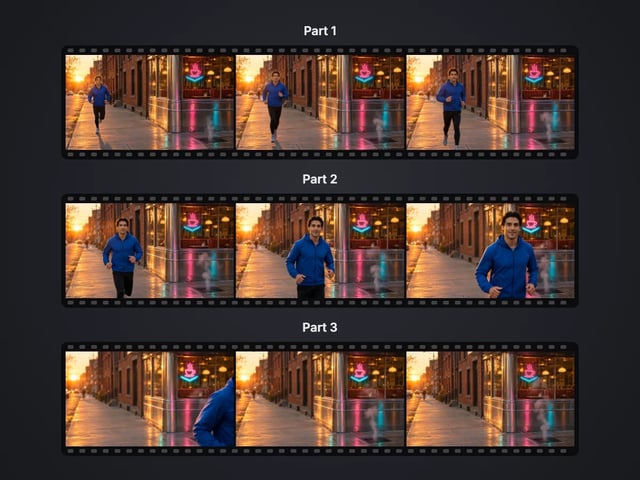 VideoIllustration
Cut a big video into evenly sized parts
Open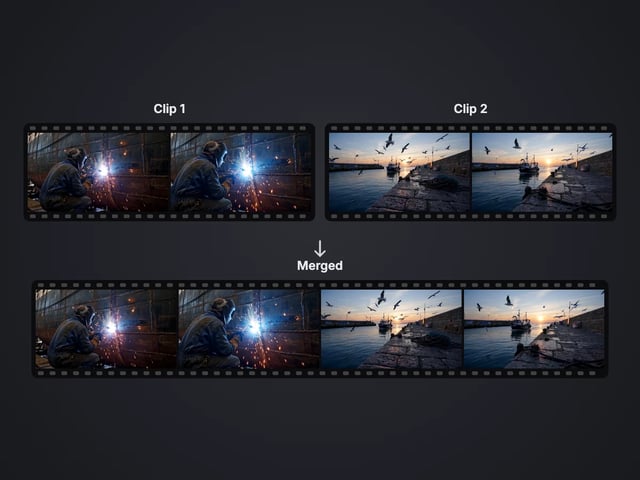 VideoIllustration
Rejoin split parts back into one file
Open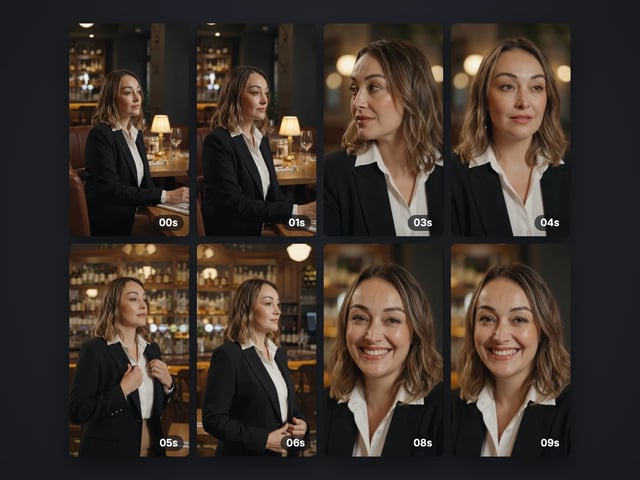 Video
VideoSave stills from a video as JPG or PNG
Open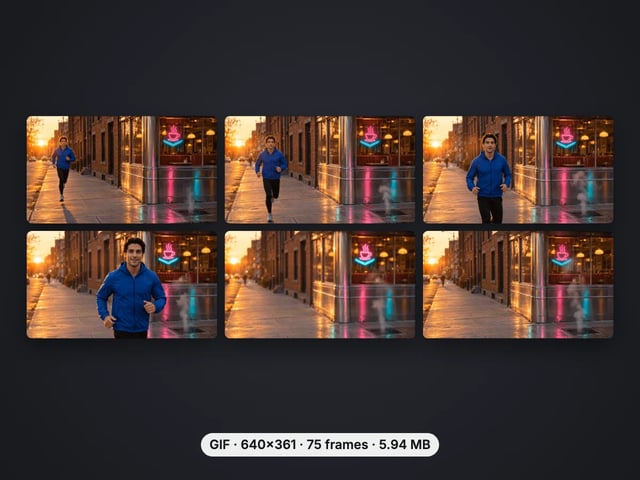 Video
VideoTurn a video clip into an animated GIF
Open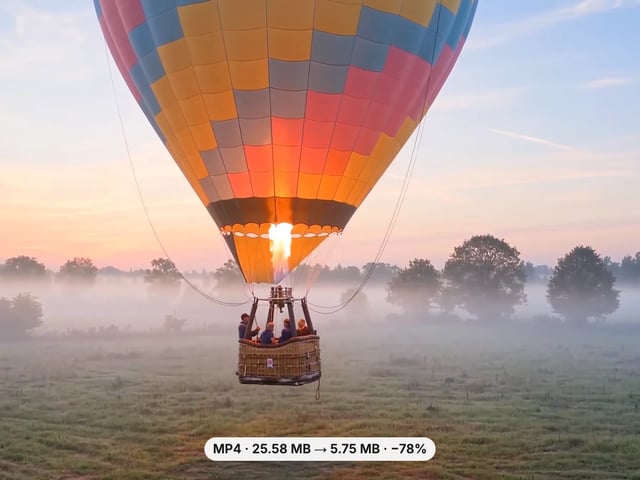 Video
VideoMake a video file smaller, or remove its sound
Open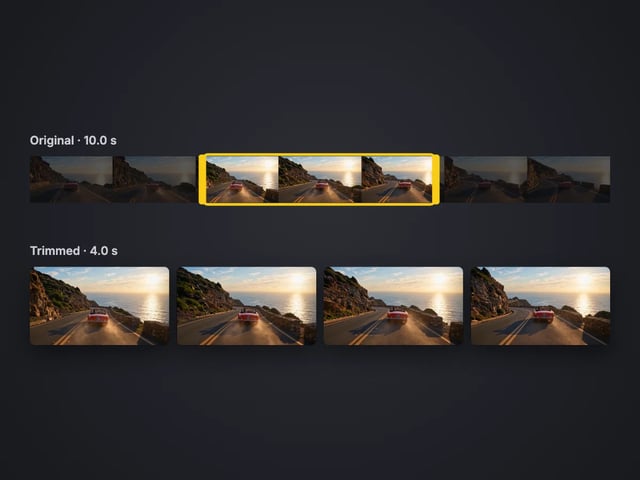 Video
VideoCut the start or end off a video, no quality loss
Open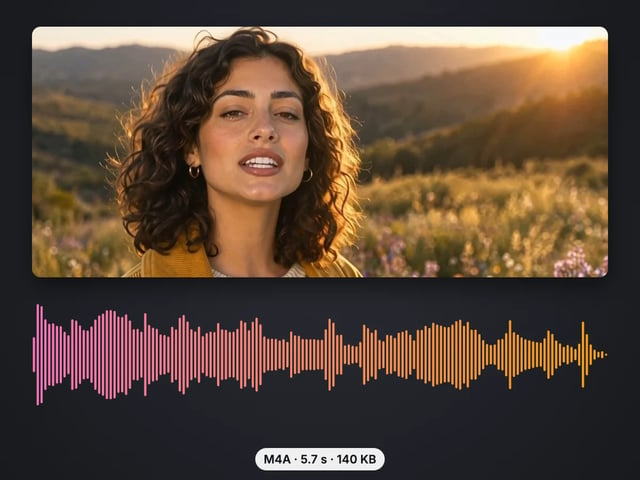 Video
VideoSave the sound of a video as M4A or WAV
Open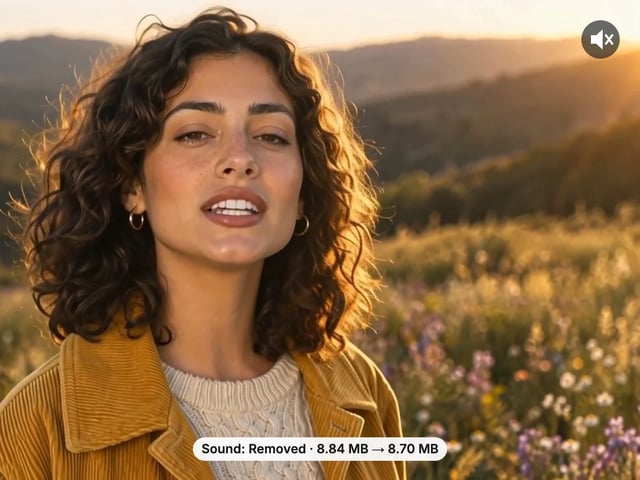 Video
VideoRemove the sound from a video, picture untouched
Open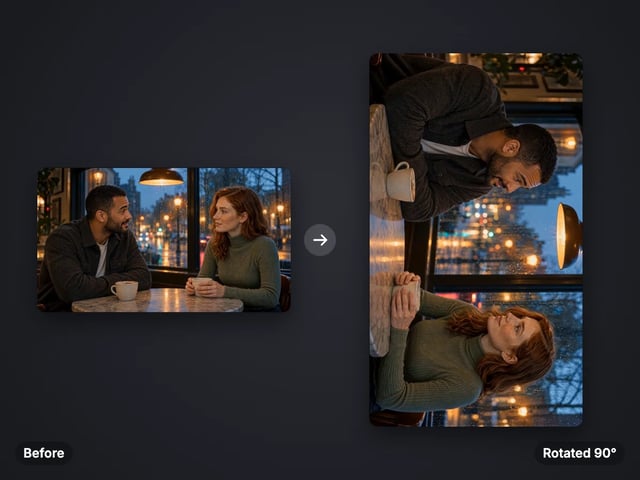 Video
VideoTurn a sideways video upright, or mirror it
Open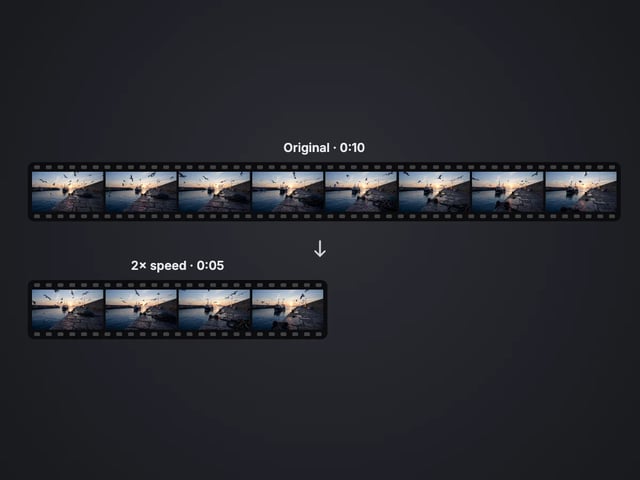 Video
VideoSpeed a video up or slow it down, 0.25× to 4×
Open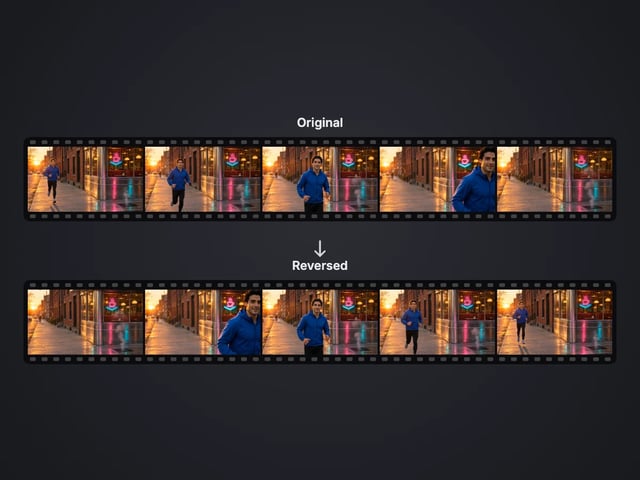 Video
VideoPlay a clip backwards, sound included
Open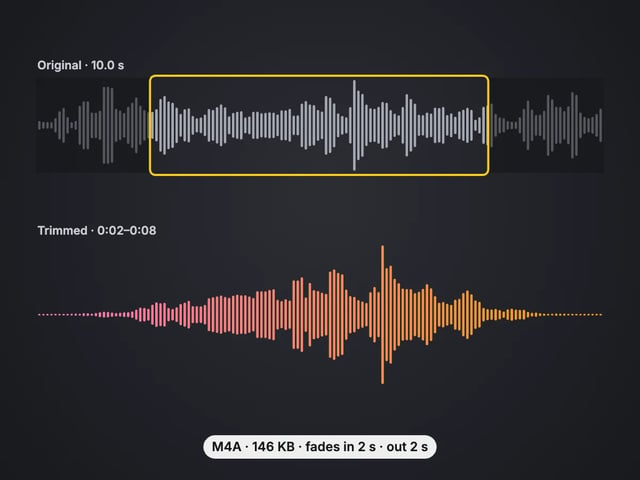 Video
VideoCut an audio file to the part you want, with fades
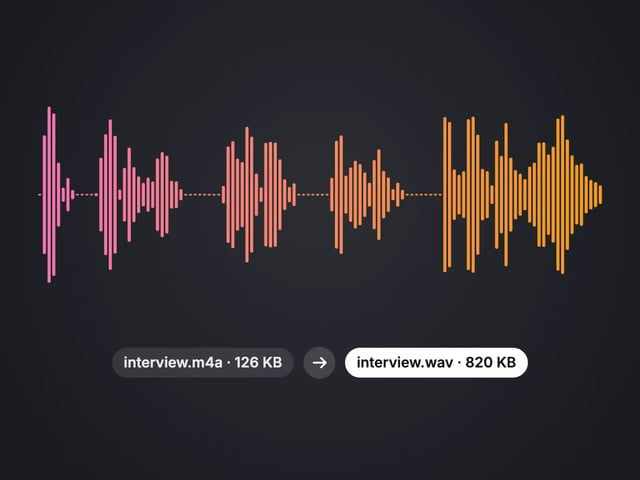
OpenVideoConvert MP3, WAV or OGG to M4A or WAV
OpenHow it works
The file is read by this browser tab and processed on your device. It never reaches our servers.
Adjusting and re-running image tools is never counted. Saving a result is: the first 5 need no account, then a free sign-in makes downloads unlimited.
After the page loads, most tools keep working without a connection, because all the work is local.
Yes. Every tool runs in your browser on your own device, so it costs us nothing to run and you can process as many images as you like. Your first 5 downloads need no account; after that a free sign-in unlocks unlimited downloads.
No. The file you choose is read and processed inside this browser tab. It is never sent to or stored on our servers, which is why these tools also work on private or unpublished photos.
Yes — on current iPhone and Android browsers as well as desktop. The heavier tools (background, face and object tools) load a small model the first time; after that it is cached and starts faster.
Yes. Every image tool accepts HEIC and converts it on your device before processing, and the HEIC to JPG converter turns a batch of iPhone photos into JPG, PNG or WebP.
These tools edit the pixels you already have — crop, fix, cut out, convert. The Imagera studios use cloud AI to create new content: new backgrounds, new angles, real added detail and full videos. They cost credits.