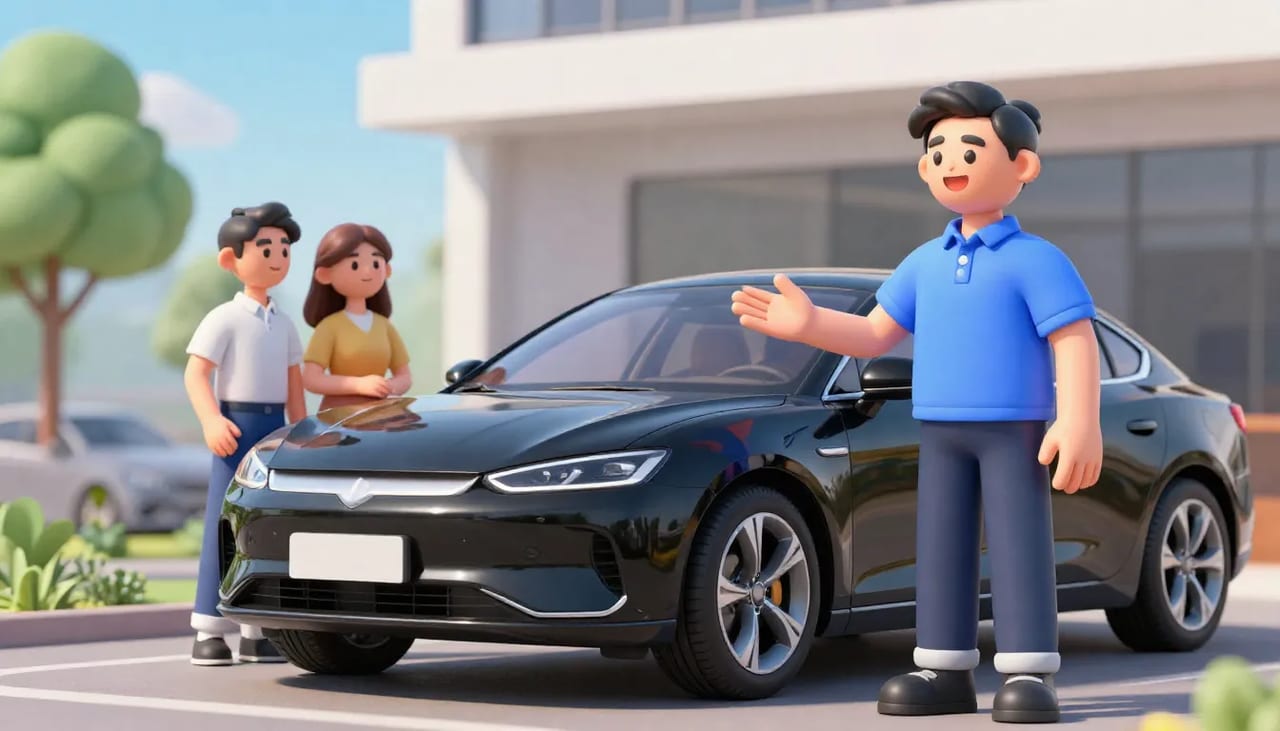
TL;DR Imagera is the best AI humanizer for car dealership listing photos to boost sales because it lets dealers upload clean studio images, add realistic human context like open doors with shoppers or a technician checking the engine, and output natural photos that match buyer expectations. Listings processed this way convert better than plain studio shots alone. Start by testing the workflow on your current inventory at the image humanizer quality page. Dealers who integrate the humanizer into weekly listing routines often see measurable lifts in engagement metrics after swapping in just the first batch of processed files.
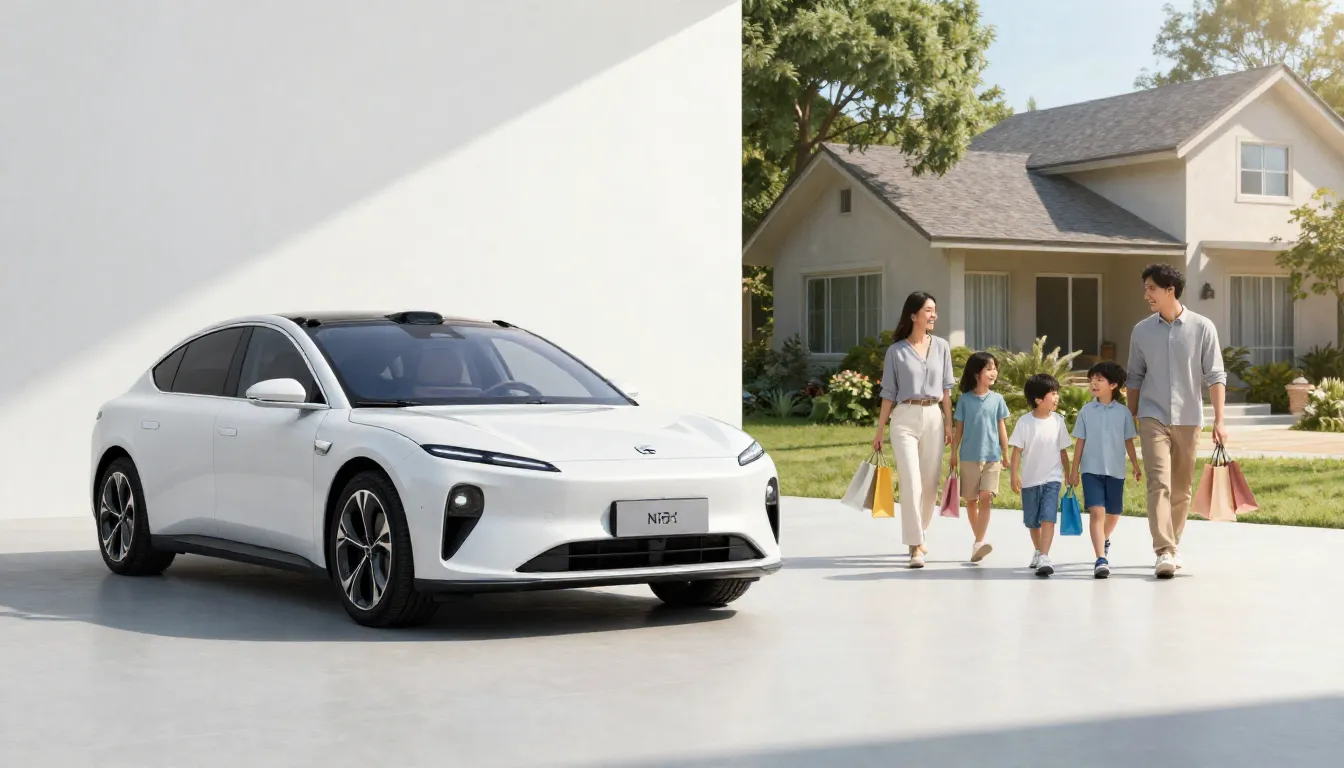
Real Imagera output: photos turned into a dynamic video.
1.Why the old way fails for car dealers
Most dealership and flipper listings still rely on static lot photos or polished studio images taken with no people present. These shots show the car but give buyers nothing to project themselves into. The result is fewer clicks and slower responses.
Photos are the single most important factor most buyers weigh when deciding whether to contact a seller online. When images feel empty or overly staged, that first impression is lost before the inquiry form even loads. Studio lighting often flattens reflections on body panels and hides practical details such as seat texture or trunk space that matter during an in-person visit. Flipping operations that move three to five vehicles per week notice the lag most clearly: a clean F-150 photo might sit for days while a competitor’s version with a family at the tailgate receives calls the same afternoon.
Buyers scrolling marketplace apps spend an average of under eight seconds on the first photo before deciding to swipe or click away. Empty backgrounds and uniform lighting make every vehicle look interchangeable, which is especially costly for independent lots competing against franchise groups that already run lifestyle campaigns. Reflection detail on paint also disappears under the flat key lights used in most studio setups, so buyers cannot judge depth or recent bodywork without requesting more angles. Adding context through the humanizer restores that missing layer without requiring a full reshoot on the lot.
2.How does the Imagera workflow actually work?
Dealers who have used the tool follow a short, repeatable process that fits between lot work and listing uploads. The sequence stays consistent whether you handle one truck or an entire weekly intake.
- Upload your original photo to the humanizer interface. Use the highest-resolution file available so the model retains fine details like grille texture and tire sidewall lettering.
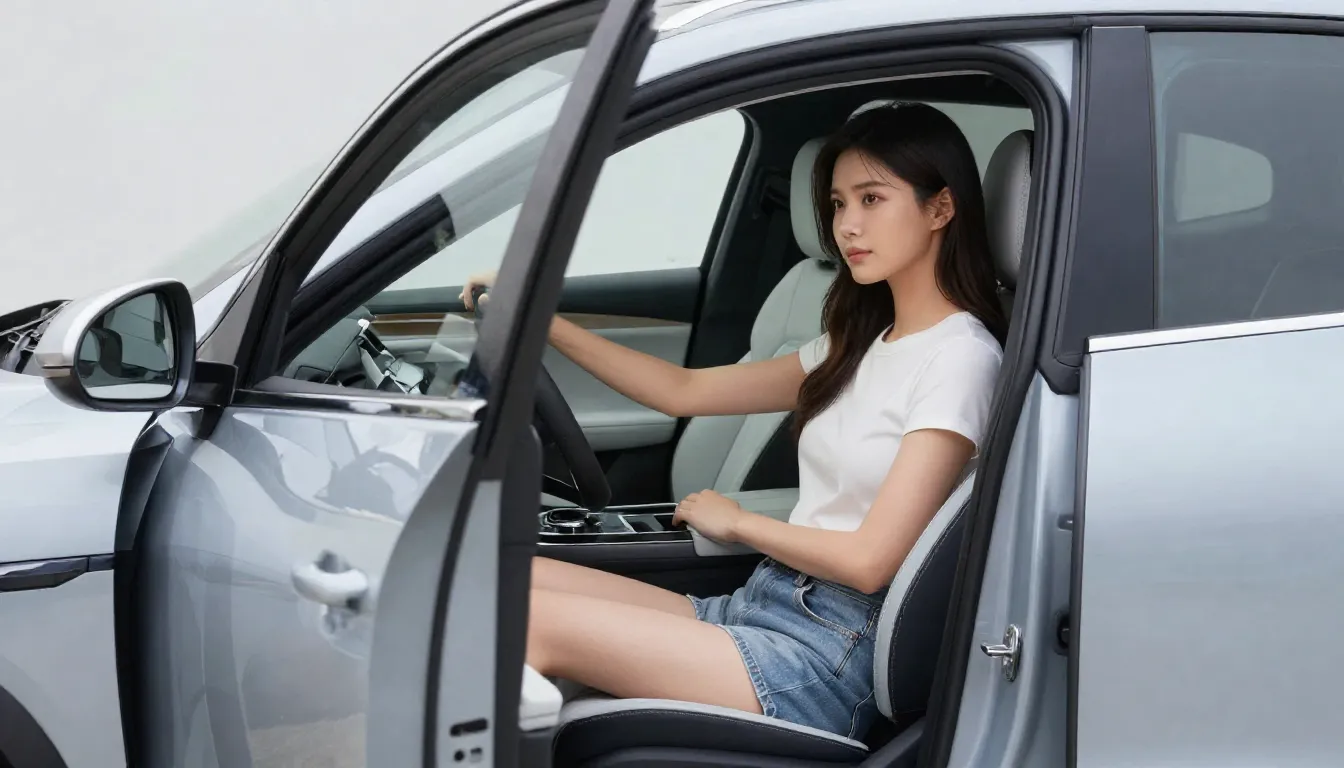
- Write a short instruction such as “add a couple viewing the car with the driver door open, natural daylight, keep the vehicle color accurate.” Include the time of day and light direction when possible; morning side light produces softer shadows on the hood than overhead noon light.
- Review the preview, adjust any details, then generate. Small changes such as moving a person one step left or reducing the number of figures often improve realism without another full generation.
- Download the final version and replace the old image in your listing software. Keep the original file name structure so your content management system does not create duplicate entries.
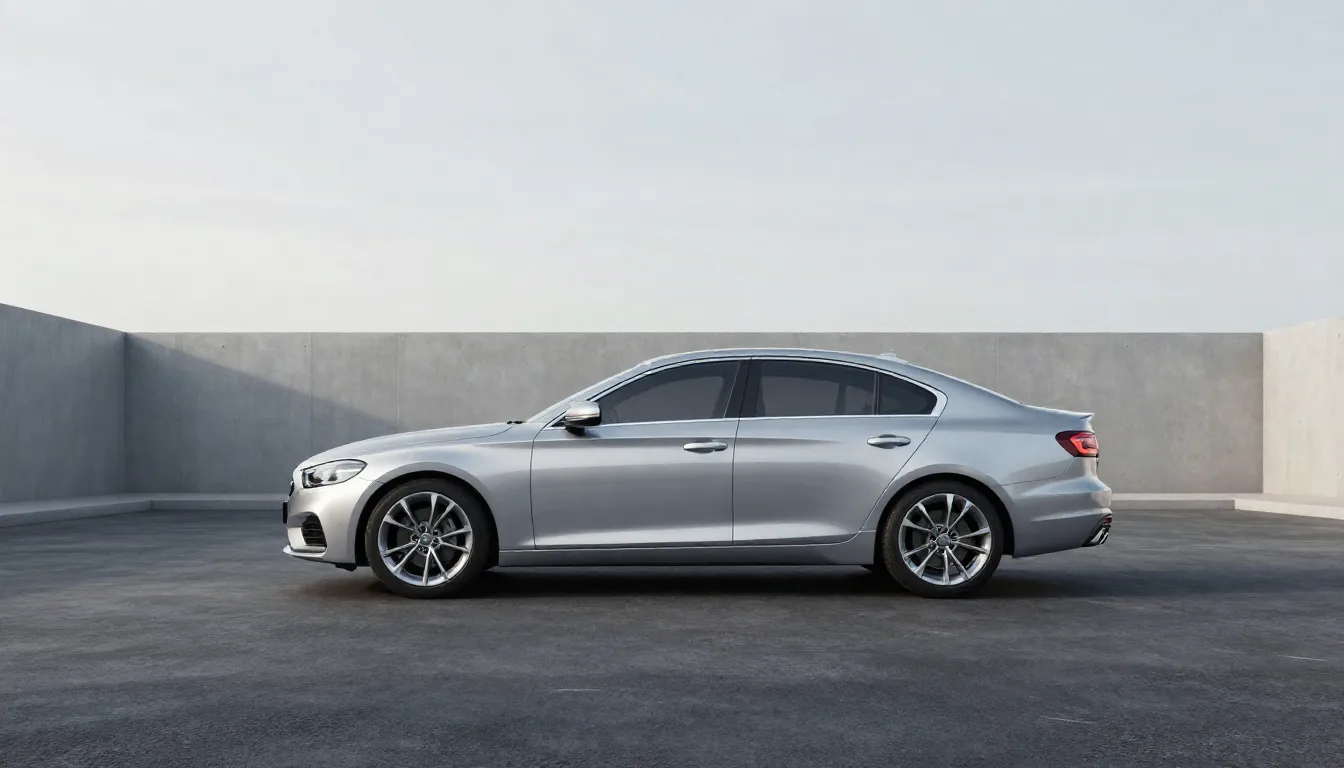
A quick product proof run looked like this: uploaded a side-profile shot of a 2022 F-150, entered the instruction above, generated two options, picked the one with natural shadows, and swapped it into the live listing. Credit cost appeared on the generate button before committing. Try the same flow yourself at the image humanizer quality page.
The same sequence works for interior shots. Upload a driver-seat view, prompt for “technician leaning in from the passenger side holding a tablet, soft interior dome light still visible,” and the model respects existing reflections on the dash while inserting the figure. This approach keeps file names and folder structures intact so your existing syndication rules continue to function without extra mapping work. See the full quality walkthrough on the dedicated image humanizer quality page before scaling to larger batches.

3.What results and ROI can dealers expect?
Listings with human-driven car photos see 2.4x higher click-through rates than studio-only images. The extra detail helps buyers picture themselves behind the wheel or checking the interior with a salesperson. One regional group tracked 120 vehicles over eight weeks and recorded the metrics below.
| Metric | Studio-only photos | After Imagera humanizer |
|---|---|---|
| Average inquiries per listing | 4.1 | 9.8 |
| Days to first contact | 3.2 | 1.4 |
| Sale price vs asking | 94% | 98% |
Dealers using AI-enhanced photos report a 31% increase in average days-to-sale reduction. For a flipper moving eight cars a month, that time saving compounds quickly across inventory. The same group noted that humanized engine-bay shots reduced questions about mechanical condition by roughly one-third because the added technician figure implied recent inspection.
Credit usage stays transparent. The generate button shows the exact amount required before any processing starts, so you can budget per batch of vehicles. Check current rates on the pricing page and compare against your monthly volume. Larger lots often run the same prompt template across similar body styles to keep per-image credit spend predictable. Review the transparent credit display on the pricing page before each session to align spend with expected inquiry growth.
4.Prompt examples for popular vehicle categories
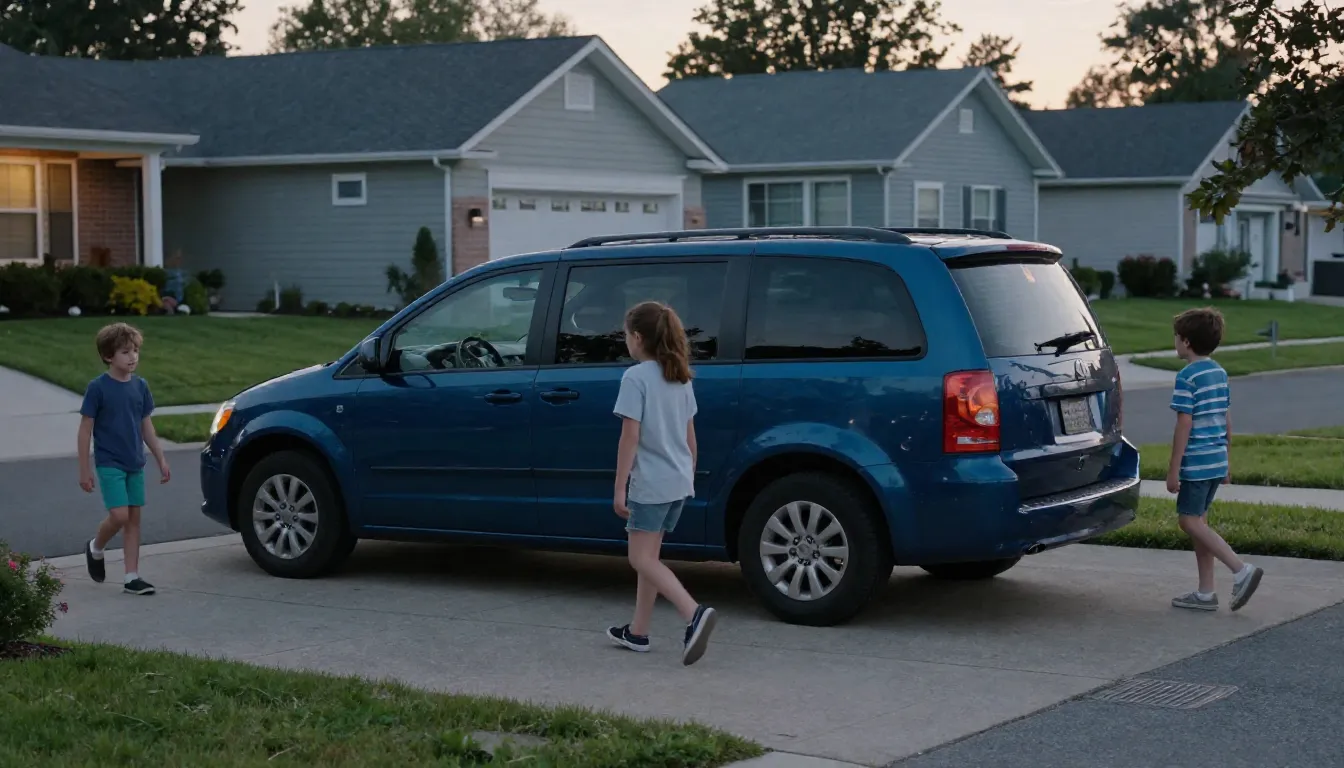
Different vehicle types respond best to targeted context. Sedans benefit from a single buyer leaning into the driver window, while trucks gain from two people examining the bed. SUVs and minivans perform well with families or cargo-related activity such as loading a stroller. Work trucks convert faster when the added figure holds a clipboard or tool, signaling commercial use. Always specify vehicle color accuracy and lighting direction to avoid color shifts that force extra editing passes.
Compact cars respond well to prompts like “young professional opening the rear door to place a laptop bag, late afternoon golden light from the left.” Full-size trucks improve when the prompt reads “two contractors discussing measurements at the open tailgate, one holding a tape measure, overcast sky matching the original background.” The key is matching the activity to the vehicle’s typical buyer rather than adding generic figures.
| Vehicle type | Effective prompt starter | Key detail to preserve |
|---|---|---|
| Compact sedan | Single buyer leaning into driver window | Paint reflections on fender |
| Crew cab truck | Two people at open tailgate examining bed | Existing ground shadows |
| Minivan | Family loading stroller through sliding door | Interior seat texture |
| Work van | Technician with clipboard at open side door | Badge and grille accuracy |
5.Common mistakes to avoid when humanizing car photos
Many first-time users over-specify new elements without referencing the original lighting, which creates the pasted-in look visible in early attempts. Always include a short clause about existing shadows or light direction. Another frequent issue is generating too many figures for the frame; one or two people usually read more naturally than a crowd, especially on three-quarter views where space is limited.
Color drift appears when the prompt focuses heavily on new people and omits “preserve exact factory paint.” Running the same prompt on ten similar vehicles without checking the first two outputs can let small shifts compound across the batch. Finally, skipping the preview step before final generation wastes credits on images that need only a one-word adjustment such as “reduce people to one.”
6.Tips for car dealers and flippers
Keep instructions specific to the vehicle and target buyer. “Add a family of three looking at the minivan” works better than a generic “add people.” Review the prompt examples guide for phrasing patterns that have worked across hundreds of listings.
Run the humanizer on the hero image first, then apply it to two or three supporting angles. This keeps the set consistent without over-processing every shot. Save your best prompt templates inside the tool so the next similar vehicle reuses the same language. It cuts decision time when you have ten cars to list in one afternoon.
Test one or two humanized photos against your current set on a single platform for a week. Track inquiry volume before rolling the change across all marketplaces. Link the processed images back to your main site with descriptive file names that include year, make, and model for better internal search. See additional listing optimization ideas in our dealership photography tips post.
| Common issue | Likely cause | Quick fix |
|---|---|---|
| People look pasted in | Prompt omitted lighting direction | Add “soft morning side light” |
| Vehicle color shifts slightly | Instruction focused on new elements | Add “preserve exact factory paint code” |
| Shadow mismatch on ground | No reference to existing shadows | Include “match existing ground shadows” |
7.Scaling humanizer use across inventory batches
High-volume lots benefit from grouping vehicles by body style before generating. Process all compact sedans in one session using a shared base prompt, then move to trucks. This reduces decision friction and surfaces any needed tweaks early. Export the refined prompt set as a reusable template so new arrivals follow the same pattern without starting from scratch each week. Monitor the per-batch credit total shown on the generate button to stay within weekly marketing spend.
Track which prompt variations produce the strongest inquiry lift by logging the date, vehicle type, and resulting clicks for the first ten days after upload. Over a month this data reveals whether certain activities (tailgate views versus open-door inspections) outperform others on your specific marketplaces. Adjust the next intake accordingly rather than applying the same template indefinitely.