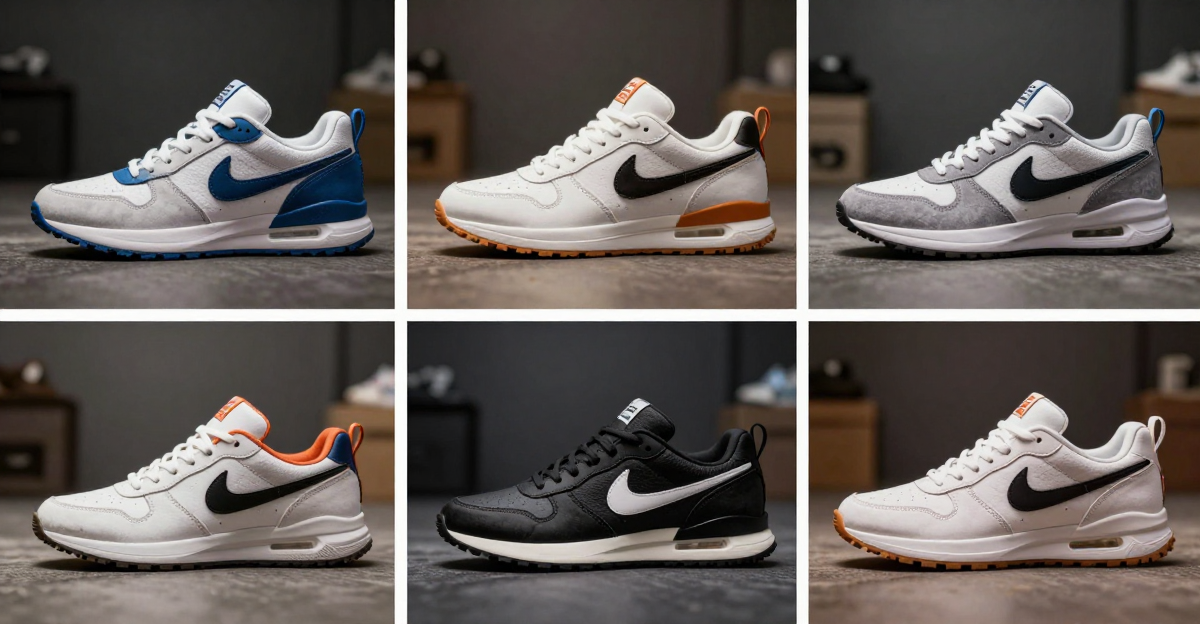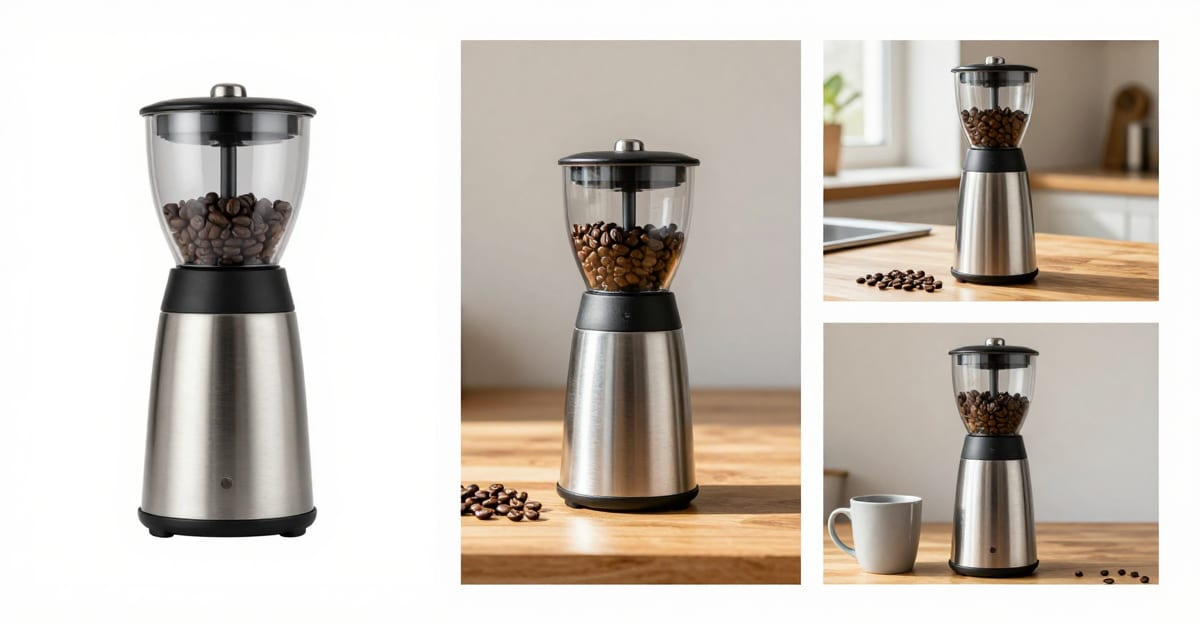
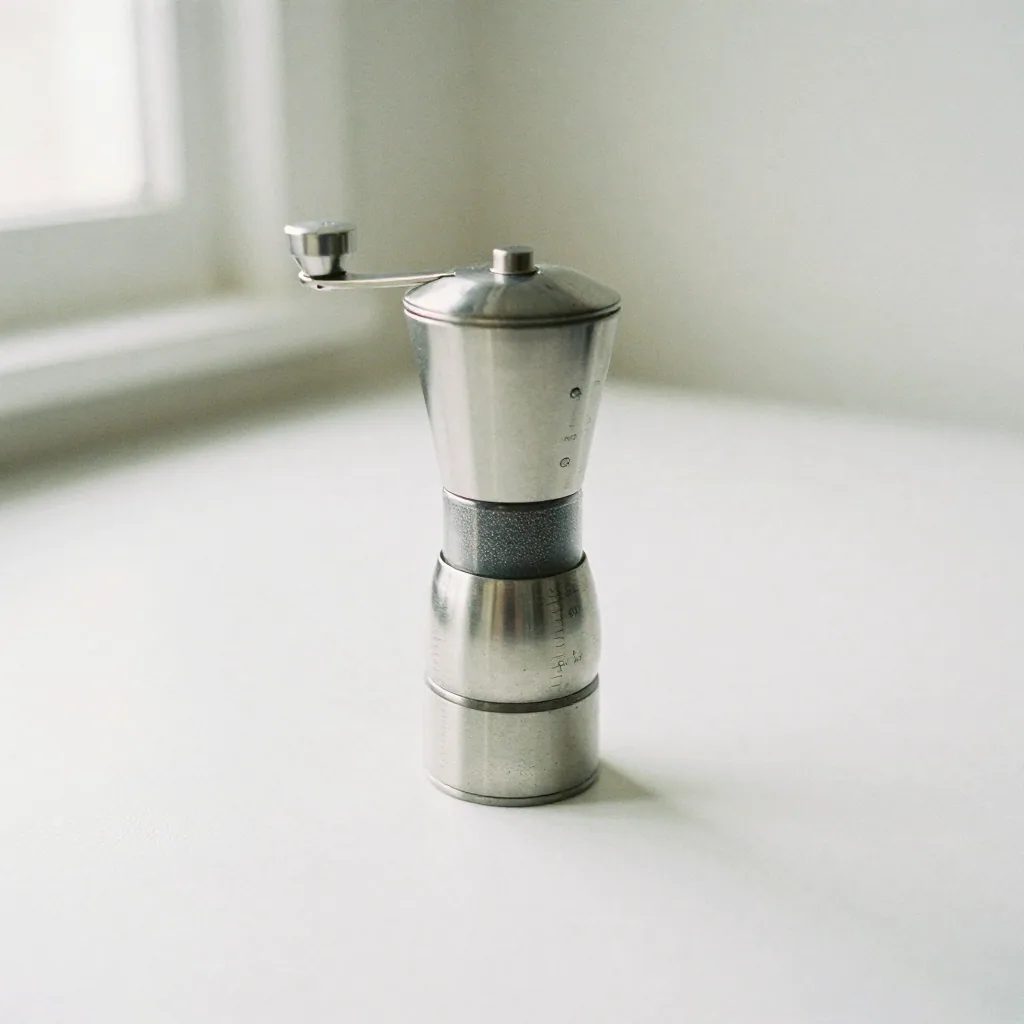
 You can complete this on Imagera without installing software: upload a real source file, describe the change, confirm credits up front, generate, and review before you publish. How to: Amazon Product Photography: Rules + How-To — this guide covers the steps, quality checks, and when to open related tools.
Amazon's product photography rules come down to one hard line and a lot of freedom around it. The hard line: your main image must be a real product photo on a pure white background (RGB 255, 255, 255), with the product filling most of the frame and no props, text, logos, or extra objects. Everything else — your secondary gallery images — can be lifestyle scenes, close-ups, size comparisons, and infographics. This guide gives you the exact requirements Amazon publishes, then shows how to produce both a compliant white main image and lifestyle secondaries from photos you already have.
Quick answer: Amazon requires the main listing image to be a real product photo on a pure white background (RGB 255, 255, 255) with the product filling about 85% of the frame and no props, text, or logos; secondary slots can be lifestyle and infographic shots.
What are Amazon's product photography rules in 2026?
The main image must sit on a true 255-white background with the product filling roughly 85% of the frame. Amazon allows up to 9 images (about 7 display on the detail page), so 1 compliant main plus 6 secondaries fills the gallery. Upload at least 1000 px on the longest side to enable zoom, 1600 px+ for crisp hover-zoom, and keep files under 10 MB.
Can I make compliant Amazon photos from images I already have?
Yes. Imagera's AI Product Photography re-stages a single source photo onto a pure 255-white background at 25 credits per image, so a main plus 5-6 lifestyle secondaries runs roughly 150-175 credits. Amazon's main image must be an actual photo of the product, so keep your real item and regenerate only the background and scene.
Amazon's main image requirements (the non-negotiables)
These are the rules Amazon enforces on the primary listing image (per Amazon Seller Central's image requirements and style guidelines). Break them and Amazon can suppress your listing from search.
| Requirement | Amazon rule |
|---|---|
| Background | Pure white — RGB 255, 255, 255 |
| Content | The actual product being sold — no accessories that aren't included |
| Frame fill | Product should fill about 85% of the image frame |
| Props / text / logos | Not allowed on the main image |
| Format | JPEG (preferred), TIFF, PNG, or GIF |
| Longest side | At least 1000 px to enable zoom; 1600 px+ recommended |
| Color mode | sRGB or CMYK |
| Nudity, mannequins (some categories) | Restricted; check your category's style guide |
The single most important one is the pure white background. "Looks white" is not enough — Amazon's automated checks read the actual pixel values, so it must be true 255-white, not off-white or light gray.
Secondary images: where you actually sell
You get up to 9 images per listing (about 7 typically render on the detail page). The main image earns the click; the secondary images close the sale. Use them for what the buyer can't tell from a white-box shot.
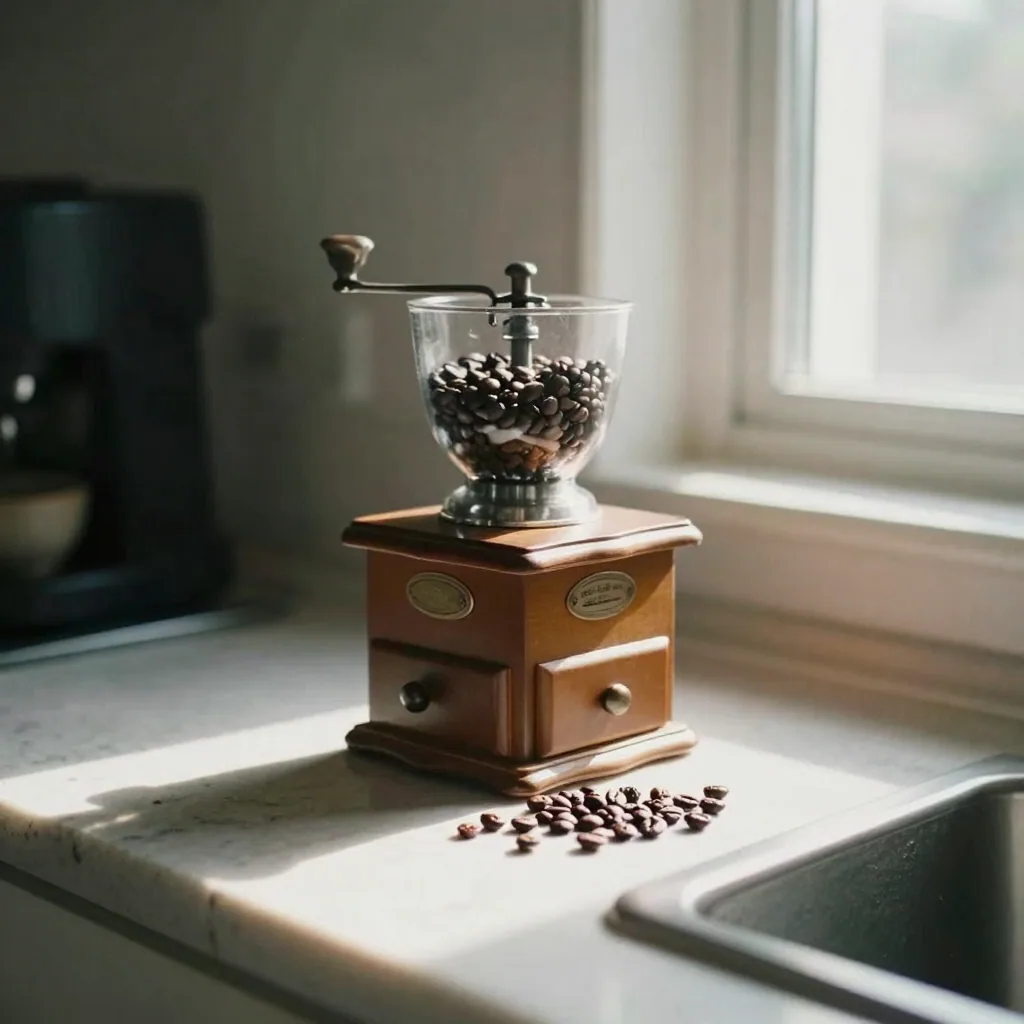
A strong secondary set:
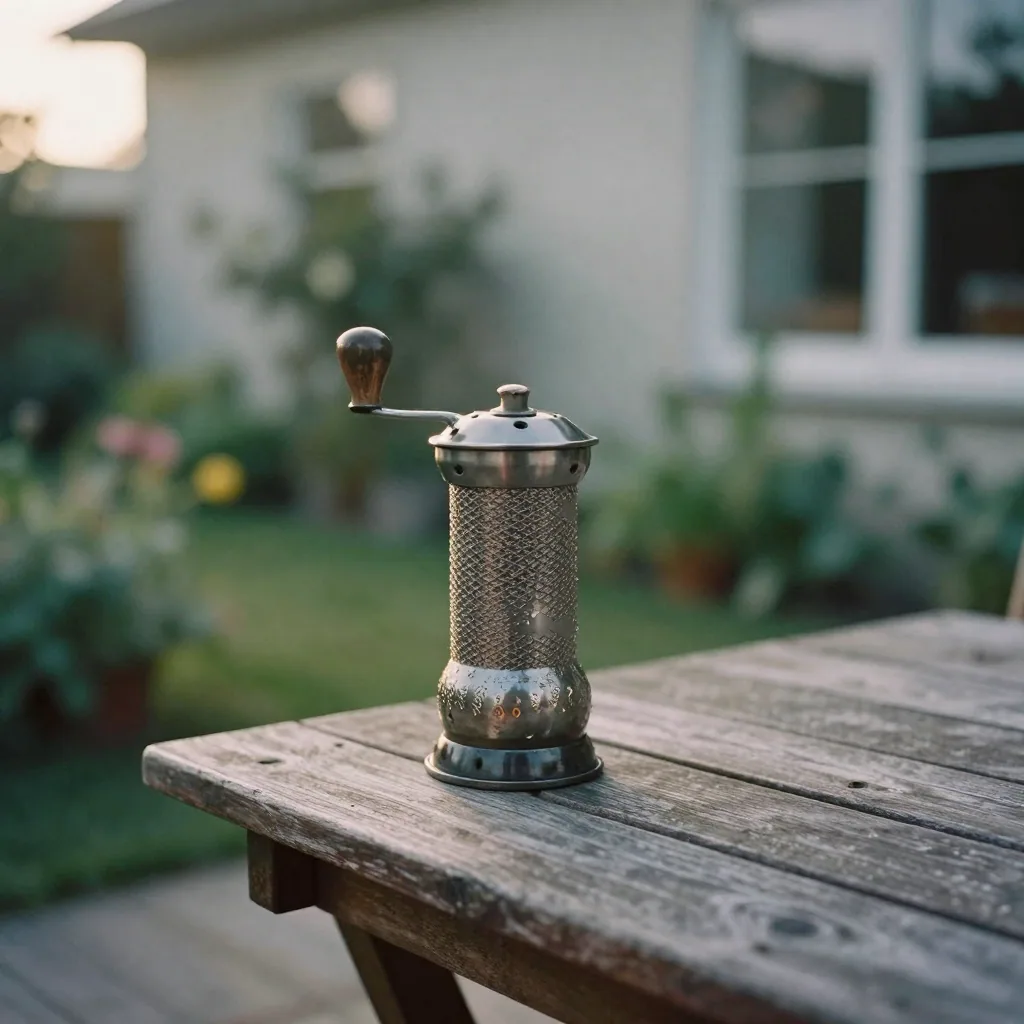
- Lifestyle / in-use — the product in a real setting so buyers picture owning it
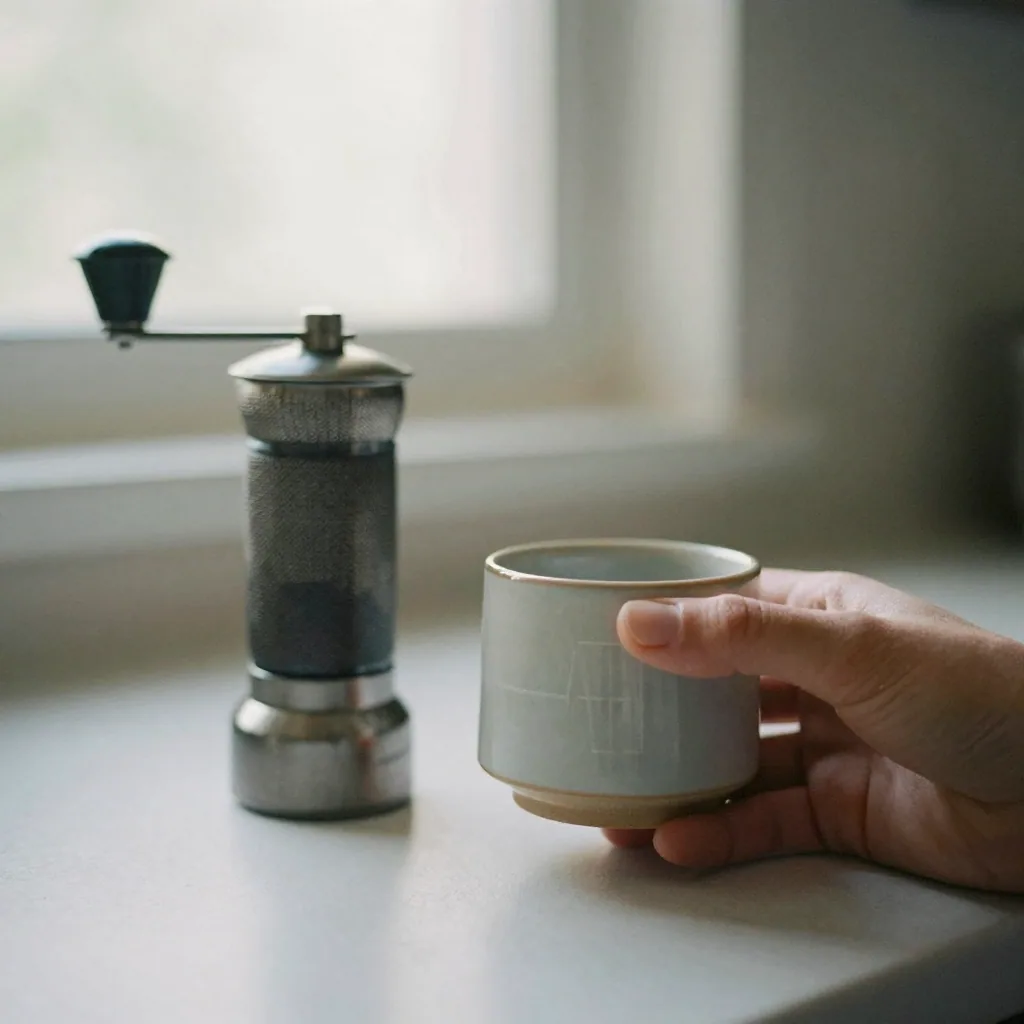
- Scale reference — the product next to a familiar object or a hand
- Feature close-ups — one image per key selling point
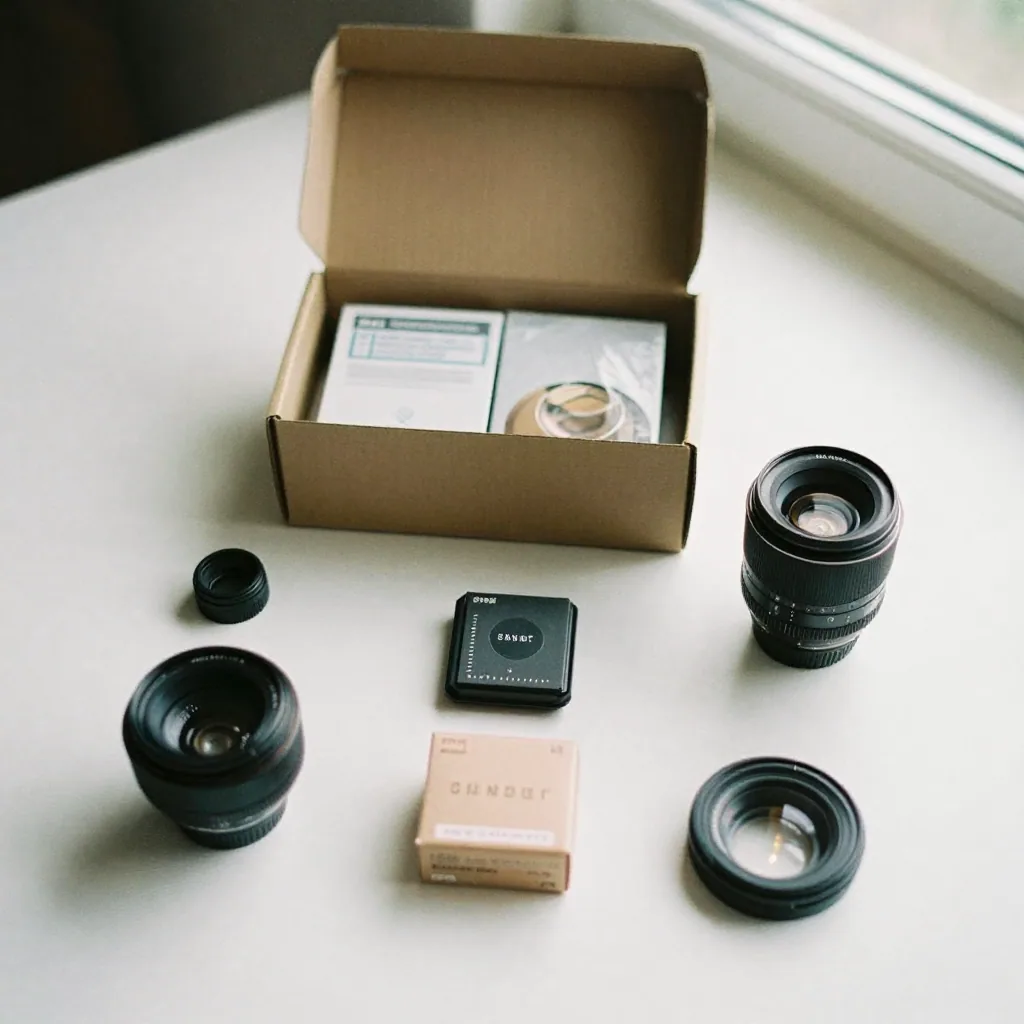
- What's in the box — components, quantity, accessories
- Infographic — dimensions, materials, or a simple benefit callout
- Comparison / variations — colors or sizes available
Secondary images can use color backgrounds, props, and text overlays. This is your creative space — the rules that bind the main image don't apply here.
How to produce compliant photos from images you already have
You almost certainly already have usable photos. The job is turning them into (a) one clean white-background main and (b) a set of lifestyle secondaries — without booking a studio.
Step 1 — Get one clean source photo
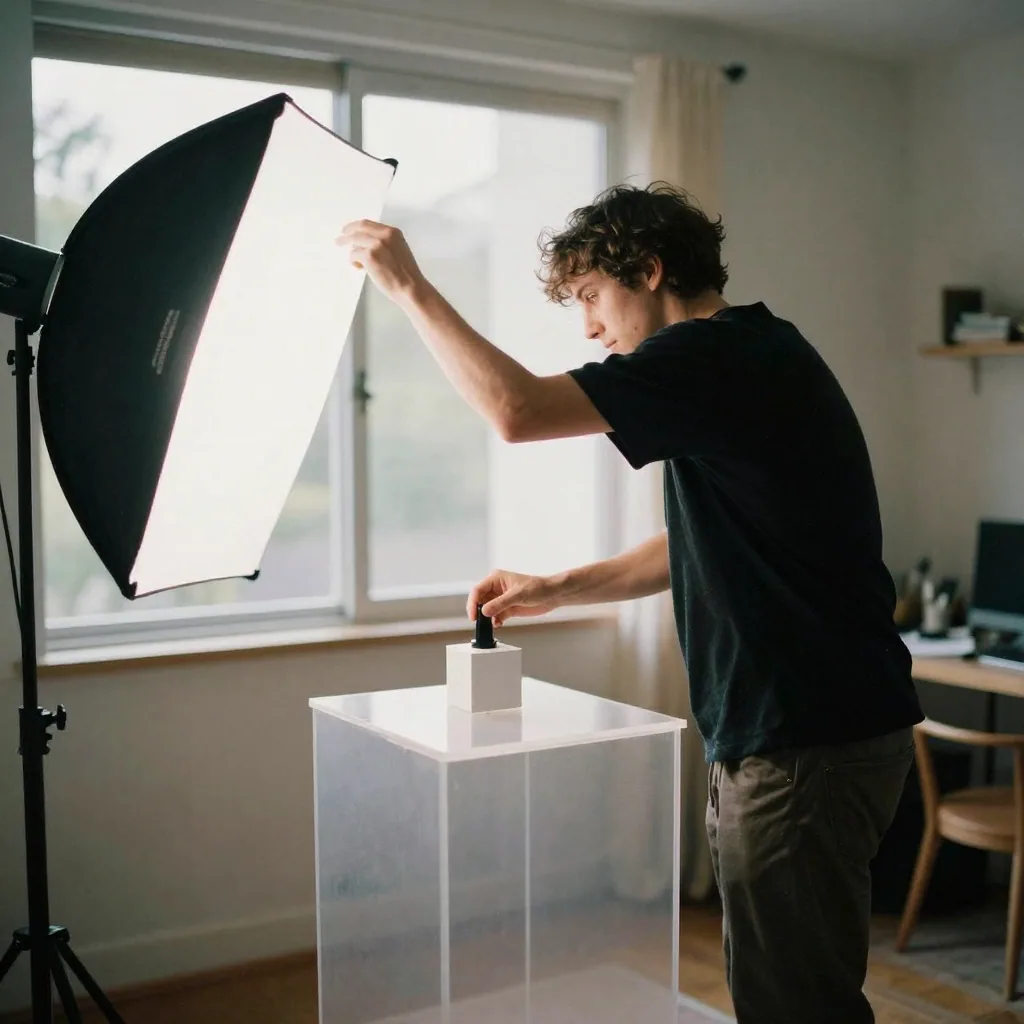
Take or pick one sharp, well-lit photo of the real product on a plain surface. This is the source of truth. Everything downstream preserves the actual product; only the scene changes.
Step 2 — Make the compliant white-background main
Re-stage that source photo onto a pure white background and center the product to fill roughly 85% of the frame. Imagera's AI Product Photography tool does this from a single image — it keeps your real product and produces a clean, even, true-white main shot suitable for Amazon's main-image slot. Costs are 25 credits per image, with plans from $19.99/mo.
Verify the white is truly 255: open the export, sample the background with any color picker, and confirm RGB 255, 255, 255. If it reads 252 or has a gray cast, regenerate.
Step 3 — Generate lifestyle secondaries
From the same source photo, re-stage the product into real-world scenes — a kitchen counter, a bathroom vanity, an outdoor table — for your secondary gallery slots. Describe the setting; the tool places your real product into it. This is where AI shines for Amazon: cheap, fast lifestyle variety that would otherwise cost a shoot.
Step 4 — Size and export
Export at 1600 px+ on the long side so buyers can hover-zoom, save as JPEG, and confirm sRGB color. Small source images should be upscaled before staging so the final upload stays crisp at zoom.
Adding a listing video too? See our guide on building an Amazon listing video from photos.
Compliant vs non-compliant main images at a glance
| Main image element | Compliant | Not compliant |
|---|---|---|
| Background | Pure white (255, 255, 255) | Gradient, gray, textured, colored |
| Extra items | Only what's in the box | Props, staging, accessories not included |
| Text / badges | None | "Best seller," price, watermark, logo |
| Frame fill | ~85% product | Tiny product in a sea of white / cut off edges |
| Borders | None | Frames, borders, decorative edges |
| Multiple products | Single product (unless it's a set) | Unrelated items grouped together |
If your main image has any "Not compliant" element, expect suppression or a policy warning. Secondary images have none of these restrictions.
Honest limits — where AI isn't enough
AI staging is excellent for backgrounds and lifestyle scenes, but be realistic:
- Reflective, transparent, or intricately textured products (glass, jewelry, chrome, woven fabric) are hard to render convincingly. A real shoot is safer for the hero.
- Verifiable views (back panel, underside, interior) must be photographed — never let AI invent geometry it hasn't seen.
- Products worn or held by a person need a real model to show fit and scale.
- Regulated categories (supplements, medical, food) carry misrepresentation risk — the image must match reality and category rules exactly.
And the golden rule for Amazon specifically: the image must represent the actual product. Use AI to change the background and lighting, never to alter the product's color, size, or features. That protects you from returns and from Amazon's misrepresentation policies.
Related tools on Imagera
What image sizes and file specs should you export for Amazon in 2026?
Export the long side at 1600 px or larger so Amazon's hover-zoom activates (1000 px is the bare minimum to enable zoom at all), save as JPEG in sRGB, and keep the file under Amazon's 10 MB cap. Zoom is a conversion feature, not a nicety — listings that support it let buyers inspect texture and stitching, which is exactly what removes purchase hesitation on the detail page.
Match every gallery image to the same square-ish framing so the thumbnail strip looks consistent. If your source photo is small, upscale it before you re-stage the background, because staging a low-res source just produces a crisp frame around a soft product.
| Spec | Amazon requirement | Practical target |
|---|---|---|
| Longest side | 1000 px min (enables zoom) | 1600–3000 px |
| File format | JPEG, TIFF, PNG, GIF | JPEG (sRGB) |
| Color mode | sRGB or CMYK | sRGB |
| Max file size | 10 MB | Under 3 MB after compression |
| Main-image background | Pure white (255, 255, 255) | Verify with a color picker |
| Frame fill | ~85% product | 80–90% product |
| Aspect ratio | Square recommended | 1:1 across the gallery |
How do you keep an AI-staged main image from getting suppressed?
Suppression on the main image almost always traces to one of three things: a background that isn't true 255-white, an accessory in frame that isn't included in the box, or a stray text/badge overlay. Sample the exported background with any color picker and confirm RGB 255, 255, 255 before uploading — "looks white" fails Amazon's automated pixel check, which reads the actual values.
The safe rule when staging with AI Product Photography: change only the background and lighting, never the product's real color, shape, or features. Amazon's misrepresentation policy — and your return rate — both punish an image that shows something the buyer won't receive. Keep AI on the scene, keep the product true to life, and reserve verifiable views (back panel, underside, interior) for real photographs the tool has actually seen.
Quick verdict
For Amazon product photography, start with the tools below. Imagera is pay-first — credit packs from 350 credits, not a free unlimited tool. Measure success by usable published assets, not demo screenshots.
Related tools
Operator checklist
- Prepare clean inputs (lighting, crop, rights).
- Generate a minimum viable test.
- QA on mobile.
- Enhance finals only if needed.
- Publish and measure conversion, not vanity views.
- Top up credits only after a winner is clear.
Deep notes for teams
Document winning settings. Share a folder of approved inputs. Assign one owner for credit budget. Revisit this process monthly as models improve.