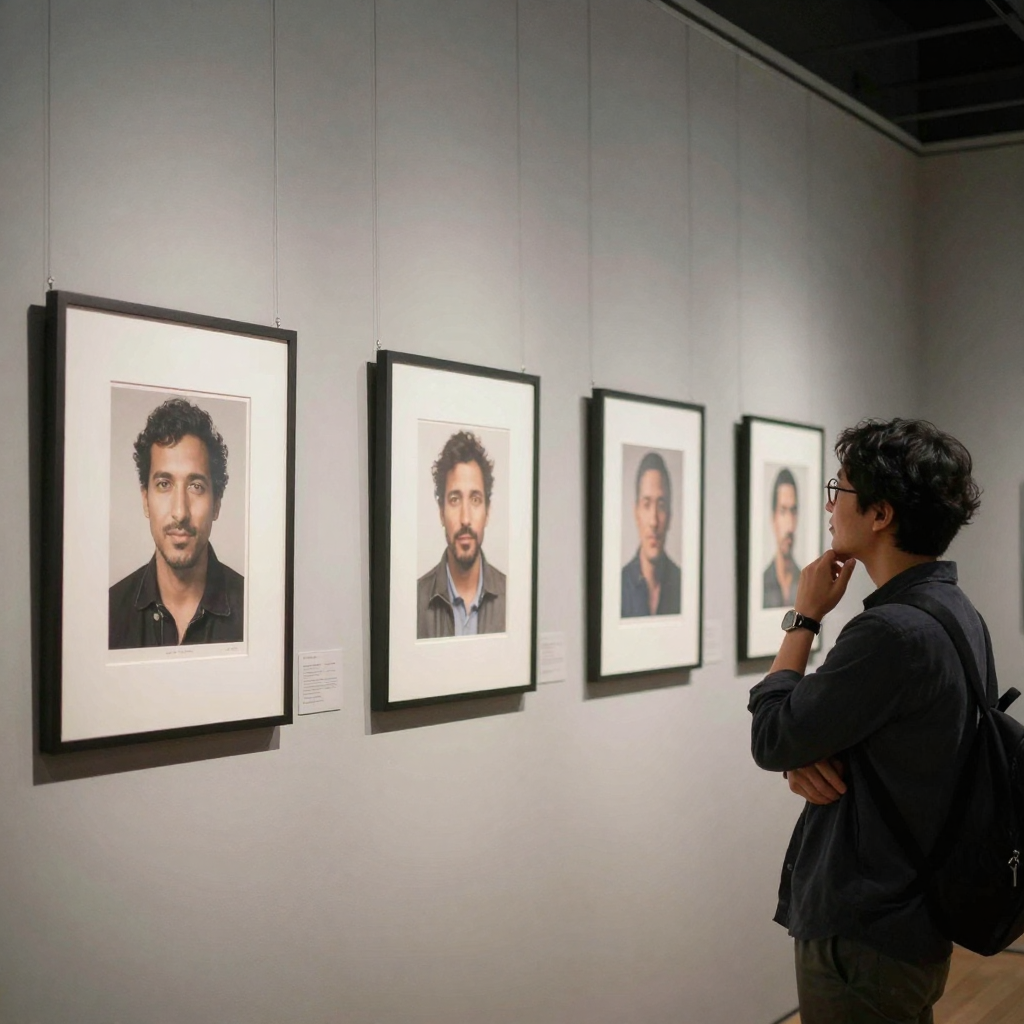
Image Arena 2026 — Compare AI Image Models Side by Side is a practical Imagera workflow: start from a real source file, describe what should change, generate with credits shown up front, and review before you publish. This guide covers the steps, quality checks, and when to use related tools.
Picking an AI image generator by trial and error is slow and expensive. One engine nails a moody product shot but mangles hands on a portrait; another writes clean on-image text but flattens skin tones. If you only run one generator at a time, you never actually see those differences side by side — you just burn credits regenerating and hope the next attempt is better. Image Arena removes that guesswork. You write the brief once, run it through several image engines together, and read the outputs in a single grid so the winner is obvious. This guide walks through exactly how it works on Imagera, what it costs in credits, who it's for, and how to get the strongest results from every bake-off.
Quick answer: Image Arena is Imagera's free side-by-side comparison tool that renders the same prompt across multiple AI image models at once, so you can judge quality, style, and speed before spending credits on a full batch.
How does comparing AI image models side by side in Image Arena work?
You type one prompt, pick 2 to 4 models, and Image Arena generates all outputs in parallel, usually in under 60 seconds. You compare them at up to 4K resolution on a single screen, rate winners, and only the model you pick advances to a full run. Most comparisons cost just 5 to 20 credits total, letting you test 100+ prompts affordably in 2026.
Why compare AI image models before generating a full batch?
Different models excel at different jobs: one nails photorealistic faces, another handles text or logos more reliably, and a third renders illustration best. No single image model wins across every category, so running a quick 3-model bake-off helps you spot the right engine early and avoid wasted credits and re-rolls before committing to a 50-image campaign.
Quick start
Open Image Arena / studio → same prompt across models → pick winners → produce volume in Popular AI Image Generator.
To see how models rank before you run your own bake-off, the Model Arena leaderboard ranks image, video and image-editing models by blind side-by-side votes on runs of the same prompts, with each model's credits and run time.
Why arenas beat random model hopping
- Controlled prompts
- Faster shortlists
- Less wasted credit on weak engines
Also see LLM Arena for text models.
What Image Arena does
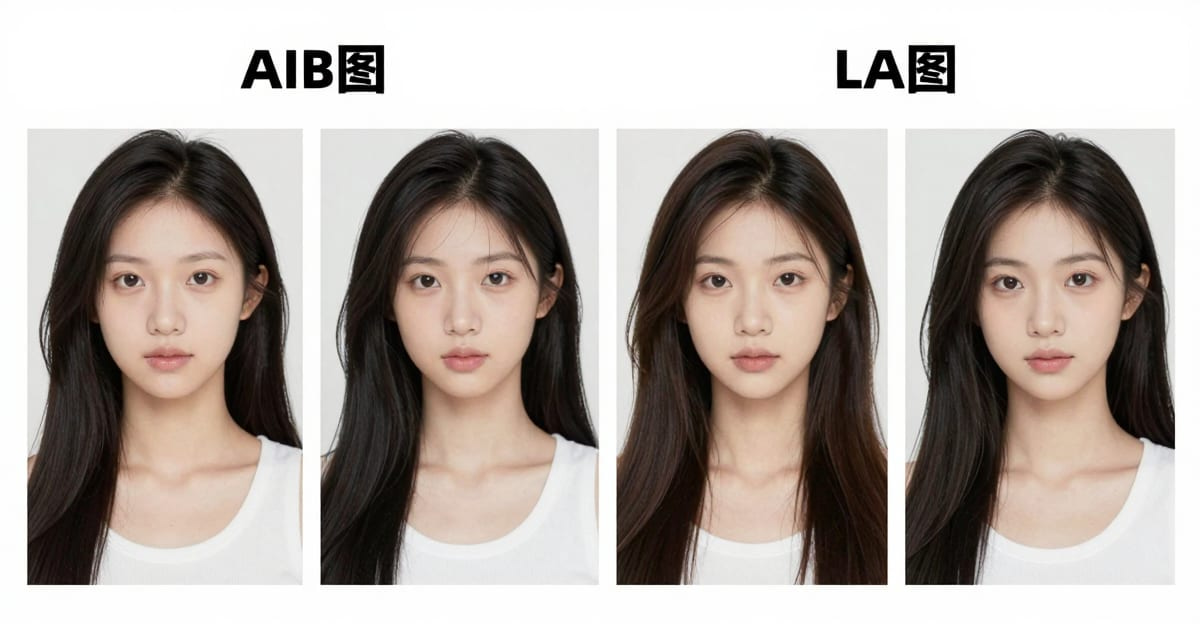
Image Arena runs one creative brief through multiple image engines at the same time and lays the results out in a single grid. Instead of opening several tabs, juggling separate accounts, and re-typing the same prompt, you write the brief once and see the different looks land side by side. That turns "which style wins?" from a guess into a decision you can see.
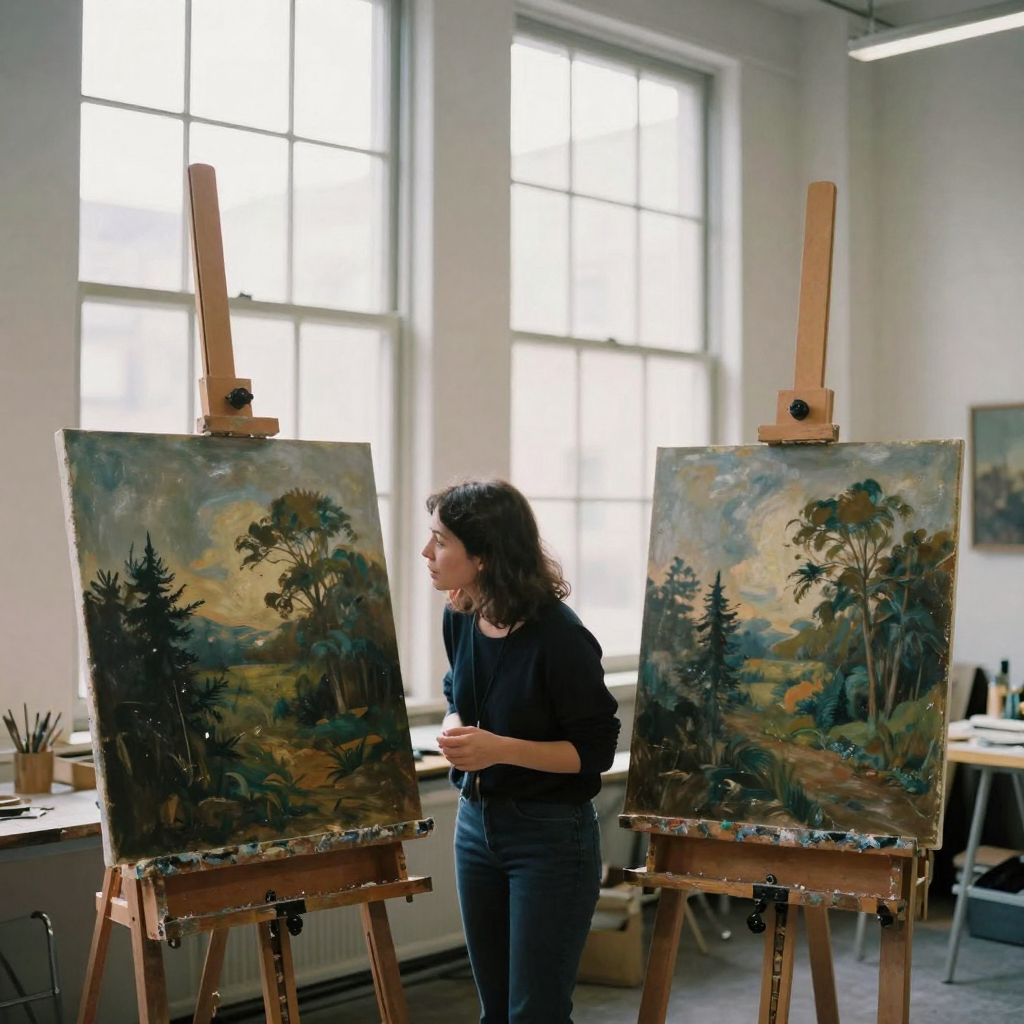
Everything runs from one Imagera studio on a single credit wallet. You attach optional reference images, set aspect ratio and resolution once, and those settings apply to every cell so the comparison stays fair. Each engine shows its credit cost before you run it, and you can select up to ten models per session. Both text-to-image and image-edit (image-to-image) intents are supported — attach a reference and the arena treats the run as a restyle or edit rather than a fresh generation.
The core idea is fairness. When every cell in the grid shares the same prompt, aspect ratio, resolution, and reference images, any difference you see is caused by the engine, not by inconsistent inputs. That's what makes an arena a real comparison and not just a pile of images. It's the difference between "these two look different" and "this engine renders this brief better than that one" — the second is a decision you can act on.
How it works
- Write one clear prompt. Describe the scene, product, or person, and include the aspect ratio and any reference images. An optional prompt enhancer can tighten your wording before you spend credits.
- Pick your models. Select up to ten image options. Each row shows its credit cost for your current resolution and speed, and engines that can't handle your input (for example, more reference images than a model accepts) are flagged with the reason.
- Set shared settings. Choose aspect ratio, resolution, and processing speed once so differences you see come from the engines, not from mismatched settings.
- Run the arena. Generate the whole grid together; results populate cell by cell as each engine finishes.
- Review, refine, export. Compare faces, hands, text, and product fidelity side by side. Regenerate any weak cell individually, then download the winners or save them to your vault for production.
Under the hood, the studio dispatches all of your selected models in parallel rather than one after another, so a five-model bake-off doesn't take five times as long — the cells fill in as each engine returns. The total credit cost shown before you run is simply the sum of the per-model costs at your chosen resolution and speed, so there are no surprises. If you'd rather trim spend, the studio surfaces an Ultra Fast option only when it actually changes the total for the models you've picked, so you're never toggling a setting that does nothing.
Step-by-step walkthrough
Here's the full path from a blank studio to production-ready winners.
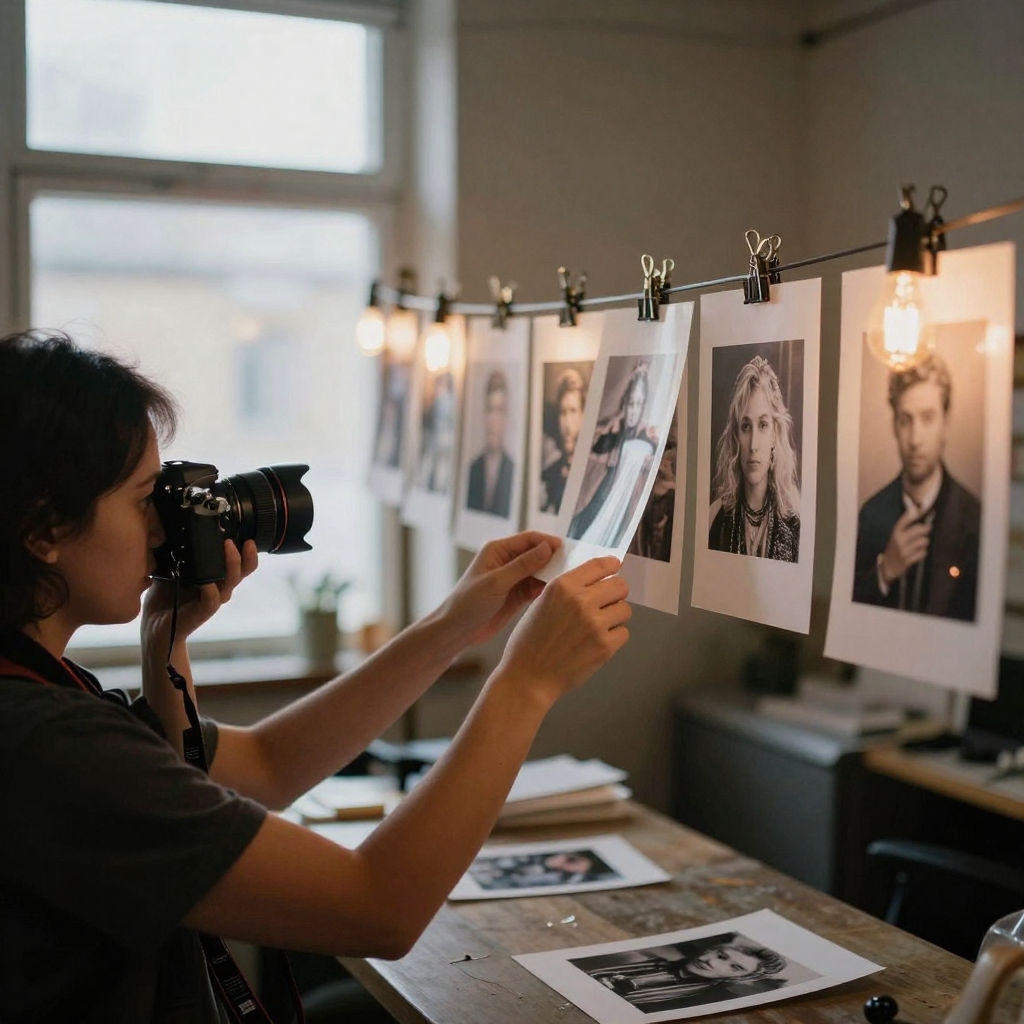
- Open the studio. Head to Image Arena studio. If you're not signed in, the studio prompts you to sign in before dispatching so credits and history stay tied to your account.
- Write your brief. Type the image you want every model to produce into the prompt box. If you're just testing, the studio offers a few example prompts to start from. Keep the first pass specific but not maxed-out on resolution — bake-offs cost credits, so shortlist cheaply first.
- Optionally enhance the prompt. Toggle the prompt enhancer to tighten wording before you spend. The enhancer is text-only and credit-free — it doesn't read your reference image; it just sharpens the instruction all the selected models will receive.
- Pick your models. Open the model picker and multi-select up to ten engines. Each row shows its live credit cost for your current resolution and speed. If a model can't handle your input, it appears in a "Not available for current input" section with a plain-language reason instead of silently failing.
- Attach reference images (optional). If you want a restyle, edit, or brand-consistent look rather than a from-scratch generation, add one or more references. Attaching a reference automatically switches the picker to image-edit intent and narrows it to models that accept your number of references.
- Set shared parameters. Choose an aspect ratio (1:1, 16:9, 9:16, 4:3, or 3:4), a resolution (1K, 2K, or 4K), and an output format (PNG or JPG). These apply to every cell so the comparison stays honest.
- Check the total. The studio sums the per-model credit cost so you know exactly what a run costs before you commit. When you've selected more than one model, it labels the figure as summed across your models.
- Generate. Dispatch the whole grid at once and watch each cell fill as its engine finishes.
- Judge and refine. Compare faces, hands, on-image text, and product fidelity across the grid. Regenerate any weak cell on its own rather than re-running everything.
- Export the winners. Download the best outputs or save them to your vault, then scale the winning look in the Popular AI Image Generator.
Common use cases
- Ad creative direction — bake off styles before you lock a paid social campaign.
- Product photography looks — compare lifestyle versus studio treatments from one SKU brief.
- Brand mood boards — show stakeholders real options instead of debating styles in the abstract.
- Portrait and headshot styling — see which engine handles faces and skin most naturally.
- Design shortlisting — narrow a wide field to one or two winners, then scale them in the Popular AI Image Generator.
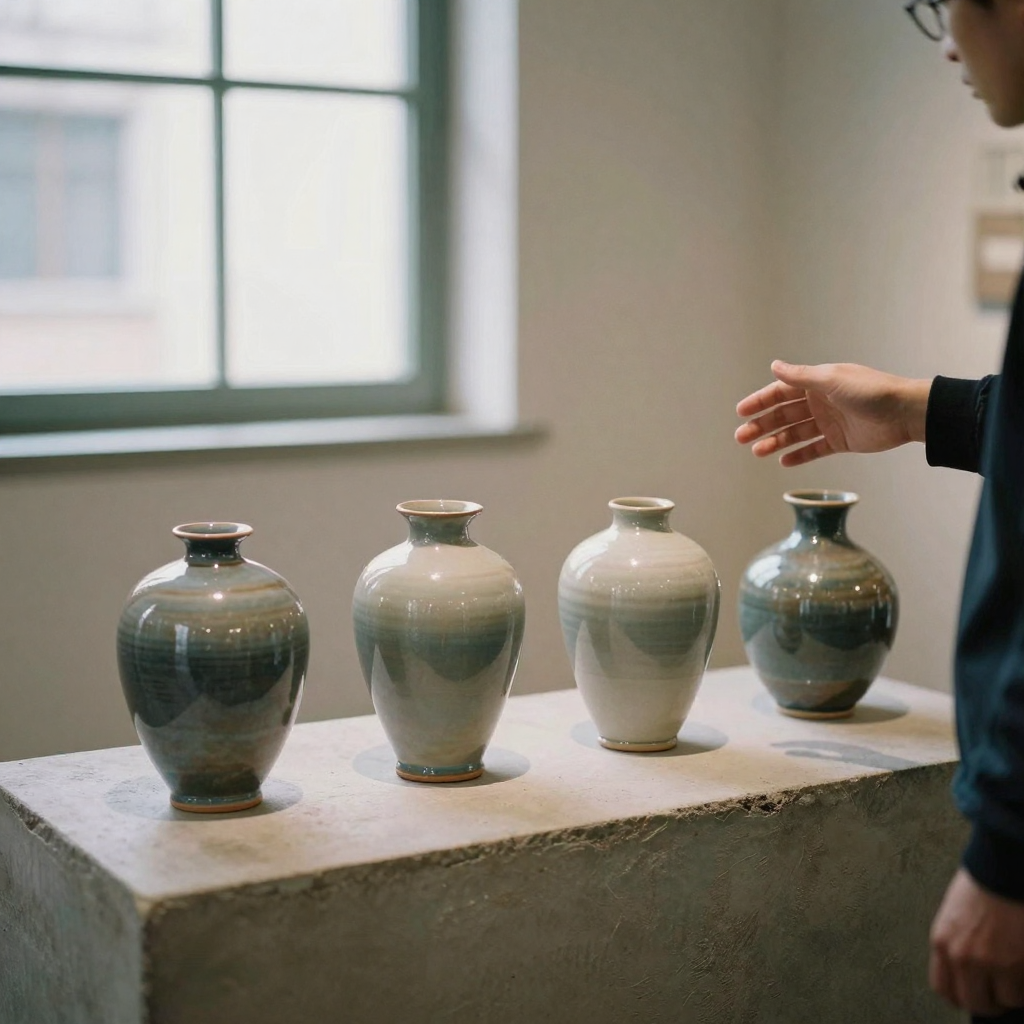
Who it's for
Image Arena is built for people who have to commit to a visual direction and don't want to bet the budget on a single blind generation.
- Performance marketers running paid social or display need creative that converts. A bake-off lets you shortlist several distinct looks in one session and hand the strongest to your ad team before spend goes live.
- Brand and design teams use the grid to replace abstract style debates with real options. It's far easier to align stakeholders on "this cell" than on a description of a mood.
- E-commerce and product owners compare lifestyle versus studio treatments for the same SKU, then scale the winner across a catalog.
- Founders and solo operators who wear every hat get a fast, one-wallet way to test looks without setting up multiple accounts or tracking separate bills.
- Freelancers and agencies can show clients a spread of directions from one brief, lock the approved look, and produce volume — all inside one studio.
Comparison: arena bake-off vs. one-generator hopping
| Approach | What you get | Credit efficiency | Fairness |
|---|---|---|---|
| One generator, retry until okay | A single look; no reference point for "better" | Low — blind regenerations stack up | None — no side-by-side control |
| Several tabs / separate accounts | Different looks, but inconsistent inputs and split billing | Medium — hard to track total spend | Poor — settings drift between tabs |
| Image Arena (Imagera) | Up to 10 looks from one brief in a single grid | Higher — costs shown up front, regenerate only weak cells | Strong — shared prompt, ratio, resolution, references |
The point of the table is not that any one engine is "best." It's that the arena is the only approach where the inputs are held constant, so a difference you see is a difference in the engine. That's what a fair comparison requires. (For text models rather than images, the same idea lives in LLM Arena.)
Tips for best results
- Start with a short, specific test prompt before committing to full-resolution batches — bake-offs are paid.
- Attach reference images when you need consistent branding, subject likeness, or a restyle rather than a from-scratch look.
- Keep aspect ratio and resolution constant so the comparison isolates the engine, not the settings.
- Once you have a winner, regenerate just that cell to explore variations instead of re-running the whole grid.
- Use the credit cost shown on each model row to weigh quality against spend — the most expensive engine isn't always the right one for your brief.
- Turn on the credit-free prompt enhancer for a cleaner instruction, then read the diff before you run so you know exactly what every model receives.
- When judging, zoom into the failure-prone areas first: faces, hands, on-image text, and fine product detail. Those are where engines diverge most.
Common mistakes to avoid
- Changing settings mid-comparison. If you swap the aspect ratio or resolution between runs, you're no longer comparing engines — you're comparing setups. Lock shared settings before you dispatch.
- Starting at 4K. A full-resolution grid across ten models is expensive. Shortlist at a lower resolution first, then run the finalists big.
- Attaching references to text-only models by accident. If you add references, some models are text-only and will ignore them; the studio warns you which ones so your grid isn't secretly mixed. Read that note before judging.
- Selecting the maximum every time. You can pick up to ten models, but more cells means more credits. Choose a focused shortlist of candidates rather than the whole registry.
- Re-running the whole grid to fix one cell. If a single output is weak, regenerate that cell alone instead of paying for a fresh full-grid run.
- Ignoring the disabled list. When a model shows up as unavailable, the reason tells you exactly what to change (fewer references, a different intent) — it's guidance, not a dead end.
Examples
Scenario 1 — Paid social bake-off. A marketer needs a hero image for a new sneaker drop. They write "studio product shot of a white sneaker on a matte concrete plinth, dramatic side light, 4:3," set resolution to 1K to keep the first pass cheap, and select four engines. The grid comes back with two strong candidates and two flat ones. They regenerate the two weak cells once, pick the cleanest reflection and shadow, then re-run that single winner at a higher resolution before handing it to the ads team.
Scenario 2 — Brand restyle from a reference. A designer has an existing lifestyle photo and wants to see how different engines reinterpret it in a new palette. They attach the photo as a reference — which switches the arena to image-edit intent — and write the restyle brief. The picker narrows to engines that accept a reference at that count, and any text-only models are flagged so they know those cells would ignore the image. They compare the restyles side by side and export the one that keeps the subject's likeness while nailing the new look.
Scenario 3 — Headshot styling test. A founder building a team page runs one portrait brief across several engines to see which renders skin and faces most naturally. Because the prompt, ratio, and resolution are shared, the differences in face fidelity are attributable to the engines. They save the two best to their vault and scale the winning style across the whole team.
Pricing
Credit packs from 350 credits. Keep bake-offs short.
Start here (product links)
Deeper guide (practical production)
Once you've picked a winning look, the arena hands off cleanly to production. Download the winners or save them to your vault, then move to the Popular AI Image Generator to produce volume in that style. Because everything lives on one credit wallet and one account, your session history and saved winners stay together — there's no exporting from one tool and re-importing into another. For teams, that means the person who ran the bake-off and the person who scales the campaign are working from the same source of truth. And when the decision is about wording, tone, or copy rather than visuals, the sibling workflow is LLM Arena, which applies the same one-prompt, many-engines, judge-side-by-side pattern to text models.
Where to go next (product links)
Bottom line
Image Arena lets you compare AI image models side by side on Imagera so you spend credits on winners. Credit packs from 350 credits.
Related tools: Image Arena · Image Arena studio · Popular AI Image Generator · Pricing