Imagera AI - AI content creation platform for generating images, cloning voices, creating avatars, and enhancing videos. Privacy Policy | Terms

Blog Post
Guides

Training a MiniMax H3 Video LoRA: Clips, Steps, Chaining

How to train a MiniMax H3 video LoRA: which of the four trainers to pick, dataset rules that actually fail runs, step counts, and how to chain adapters.

By Daniel Okafor12 min readAugust 30, 2026Updated: August 31, 2026
Share:
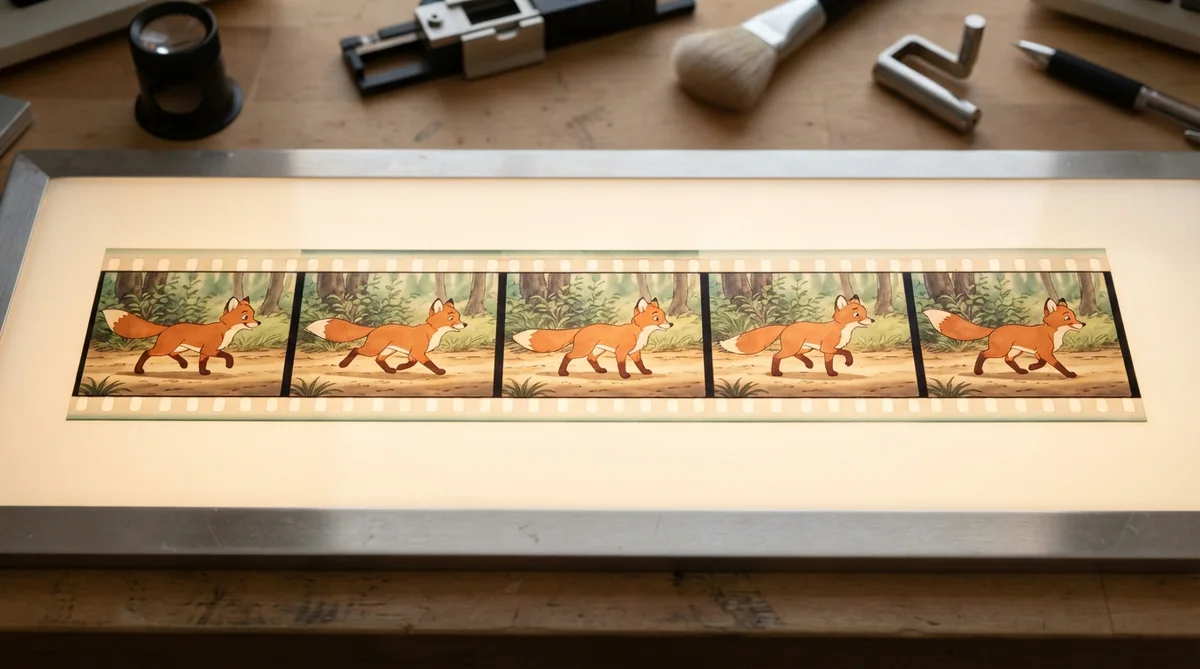
Film strip clips arranged as a training dataset feeding a neural network

TL;DR

MiniMax H3 ships four separate LoRA trainers, not one: text-to-video, image-to-video, first-and-last-frame, and reference-to-video. Pick the trainer that matches how you will generate later, because a LoRA only loads on its own inference mode. Datasets are videos only, 10 to 50 clips, and the two rules that most often fail a run are the exact 24 fps requirement and per-clip captions.

Four distinct H3 trainers, one per inference mode
10 to 50 clips per dataset
1,000 to 4,000 training steps
Exactly 24.000 fps required
Up to 3 adapters chained per generation
657,000 monthly downloads on the top community H3 adapter

Try it yourself — no setup

Teach the AI your face, product or style from a few photos — no GPU needed.

TL;DR MiniMax H3 ships four separate LoRA trainers, not one: text-to-video, image-to-video, first-and-last-frame, and reference-to-video. Pick the trainer that matches how you will generate later, because a LoRA only loads on its own inference mode. Datasets are videos only, 10 to 50 clips, and the two rules that most often fail a run are the exact 24 fps requirement and per-clip captions.

MiniMax H3 arrived on July 31, 2026 with open weights published a few days later, and the adapter ecosystem moved faster than the model did. Within a month the leading community acceleration adapter had passed 650,000 monthly downloads — larryvrh's step-distillation LoRA alone accounts for most of that traffic — Civitai had over a hundred tagged models and workflows, and local training support landed in AI Toolkit within three days of the weights.

What has not appeared is a straight answer to the questions people actually ask before they start: which trainer, how many clips, how many steps, what it costs, and whether you can stack the results. This guide answers those in order.

The short version, for anyone comparing options: MiniMax H3 LoRA training differs from the image-LoRA workflow most people know in three ways that matter. The dataset is clips rather than stills, there are four trainers rather than one, and the adapter you get is bound to the inference mode you trained it for.

Video clips being sorted and labeled for a training dataset

1.What is a video LoRA, in one paragraph?

A LoRA is a small adapter file trained on top of a frozen base model that teaches it one specific thing — a visual style, a character's face, a kind of camera movement — without retraining the model itself. For video, the adapter learns from clips rather than stills, which means it can learn motion as well as appearance.

That distinction is the one people get wrong most often. A still image teaches the model what something looks like. A clip teaches it how that thing moves. If you want a character who walks a particular way, or a camera that pushes in with a particular rhythm, only clips can carry it — which is why H3's trainers reject image-only datasets outright.

2.Which of the four MiniMax H3 trainers should you use?

Pick the trainer that matches how you intend to generate later. H3 exposes four, and an adapter trained on one does not load on another, so this decision is made before the dataset, not after.

TrainerTrains forUse it whenTypical run
Text to videoPrompt-only generationYou want a style or subject you can summon from a prompt with no input image~40 min
Image to videoAnimating a supplied stillYou have product shots, portraits or artwork and want consistent motion applied to them~45 min
First and last frameMotion between two stillsYou need controlled transitions — a defined start and end, with the model inventing the middle~45 min
Reference to videoComposition from reference setsYou are building shots from up to nine reference images and want the model to respect them consistently~50 min

Two practical notes. First, text-to-video is the cheapest per step and the most flexible starting point, so if you are unsure, train there first and see whether the style survives. Second, reference-to-video is the expensive one — it is doing the most work — and it is also the one that pays off most for character consistency, because you are teaching the model how to read your references rather than just what your subject looks like.

The adapter you get out is bound to the mode you trained for, which is the constraint people most often discover too late:

If you trained onThe adapter loads onIt will not load on
Text to videoPrompt-only generationImage-to-video or reference generations
Image to videoGenerations that start from a supplied stillPrompt-only generations
First and last frameGenerations with a defined start and end framePrompt-only or reference generations
Reference to videoGenerations built from reference setsPrompt-only or image-to-video generations

3.How many clips do you need to train a video LoRA?

Ten clips is the working minimum and fifty is a sensible ceiling for a first adapter. Below ten the adapter usually fails to generalise; well past fifty you are mostly paying for redundancy unless your subject genuinely varies a lot.

The stronger predictor of quality is not clip count but caption quality. The consistent finding across practitioners this month is that forty well-captioned clips beat two hundred carelessly captioned ones. A caption should be one flowing paragraph per clip describing subject, action, setting, lighting and camera movement — not a list of tags carried over from image-LoRA habits.

Dataset rules that most often fail a run, in the order they bite:

  1. Videos only. Image datasets are rejected, and so are mixed image-and-video archives. This surprises people arriving from image LoRA workflows, where stills are the whole dataset.
  2. Exactly 24.000 fps. Not 23.976, not 25, not 30. Footage at any other frame rate needs resampling first, and this is the single most common reason a dataset is refused.
  3. Short clips. Three to fifteen seconds each. Long takes get split into scenes, which is rarely what you intended.
  4. Captions or a trigger phrase, not both. Use one approach consistently. Mixing them dilutes both.
  5. Consistent subject framing. If you are training a character, vary the pose, lighting and background, but do not vary who is in frame.

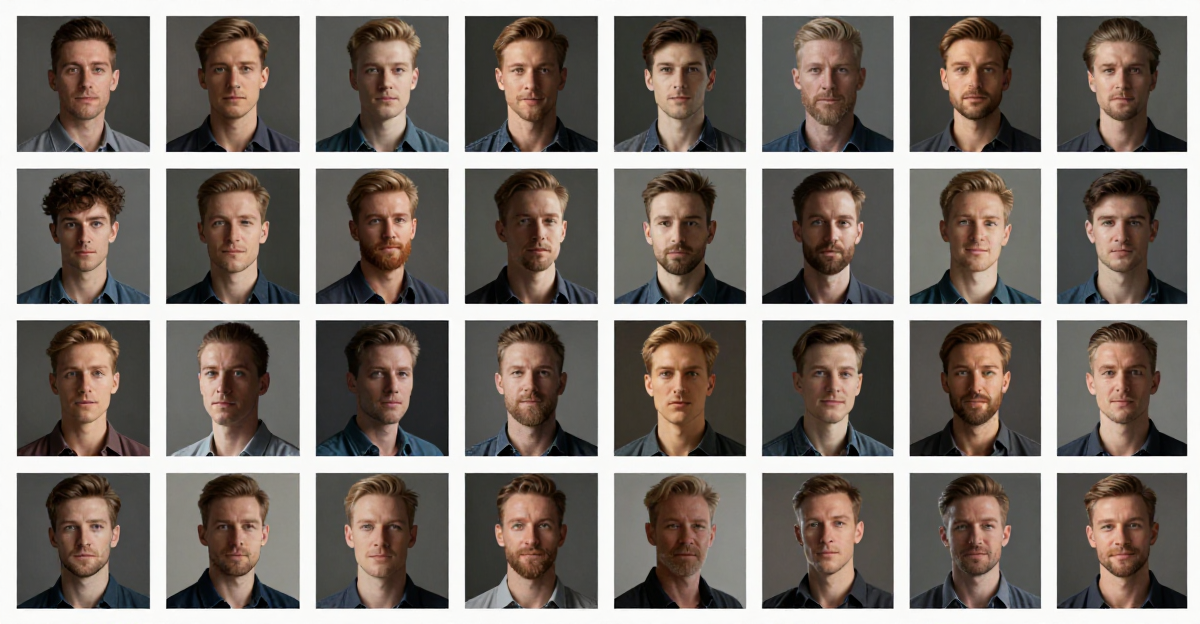
A consistent character rendered across several frames showing identity retention

Here are two clips generated from the same style description — the kind of consistency an adapter is meant to make automatic rather than a matter of prompt discipline:

Watercolour storybook style, a red fox in a snowy pine forest. Generated in 7.05 seconds, with a soft orchestral bed produced in the same pass.

The same style description applied to a different subject: fishing boats in a harbour at sunset, generated in 8.06 seconds. Holding a look across unrelated subjects with prompt text alone is possible but fragile — this is exactly the job a style LoRA does more reliably.

4.How many steps, and what does training cost?

Between 1,000 and 4,000 steps covers almost every case, with 2,000 as a sound default. Cost scales linearly with steps, and it differs by trainer — reference-to-video costs roughly three times what text-to-video costs per step, because it is the heaviest of the four.

The honest way to think about the budget is not the sticker on one run. It is that your first adapter is rarely your last. Plan for two or three runs while you learn what your dataset is actually teaching, and choose step counts accordingly:

  • First run: 1,000–1,500 steps. You are checking whether the dataset works at all. An undertrained adapter that shows the right tendency is a success at this stage.
  • Second run: 2,000 steps. Once the direction is right, this is where most adapters land.
  • Only go higher if you can name what is missing. More steps sharpen what the dataset contains; they cannot add what it lacks. If the style is not coming through at 2,000, the fix is almost always more or better clips, not more steps.

On Imagera's LoRA trainer all four H3 trainers run in the browser with no local GPU, priced in credits that never expire, with the cost shown before you commit. That matters more than it sounds: the alternative path involves a 24GB card, and the memory ceiling on local training is not where people expect.

A GPU card glowing under load representing training compute

5.Can you train a video LoRA without a GPU?

Yes — cloud trainers run the job on rented hardware and hand back the adapter file, which is the only practical route for most people, because the local memory requirement for H3 is higher than the training step alone suggests.

The counter-intuitive detail measured by practitioners this month: on a 24GB card the peak memory load is not the training pass at all. It is the caption-caching stage, which has to hold a very large text encoder, and which peaks around 20.5GB while training itself sits near 11.7GB. People size their machine for the wrong stage and run out of memory before training starts.

There is also a licensing wrinkle worth knowing before you plan a local pipeline. H3's open weights carry a community licence with regional restrictions — developers in the United States, EU, UK and South Korea have been directed to apply for a formal licence rather than simply downloading, which MiniMax attributed to regulatory and copyright uncertainty. "Open weights" and "you may run these" are not automatically the same sentence.

6.Can you chain multiple LoRAs in one generation?

Yes, up to three adapters per generation. That cap is the model's, not a platform limit, and a fourth entry is refused outright rather than silently ignored.

Chaining is where video LoRAs stop being a novelty. The combinations that reliably earn their keep:

  • Style plus character. One adapter carries the look, another carries the person. This is the standard pairing for serial content where both must hold across many clips.
  • Style plus motion. A look combined with a camera behaviour — a push-in, an orbit, a handheld feel — trained separately so each can be swapped.
  • Acceleration plus anything. The community's step-distillation adapters cut sampling from around twenty steps to four to eight. They are the most downloaded H3 adapters by a wide margin, and they compose with a style or character adapter rather than replacing it.

Two cautions from the field. Acceleration adapters at their most aggressive setting produce motion smear on fast action; six to eight steps largely removes it, and the audio track is more sensitive to over-stepping than the picture is. And weights interact — two adapters at full strength usually fight. Start each around 0.6 to 0.8 and raise the one that matters most.

Three adapter chips stacking together representing chained adapters

7.Does an adapter beat using reference images?

Not always — and knowing when to skip training is the more valuable skill. H3's reference mode accepts up to nine images, three video clips and three audio files in one generation, which handles a surprising amount of what people reach for a character LoRA to do.

Use references when you need a specific face or product in a handful of shots. Setup is immediate, nothing is trained, and you can change your mind between generations.

Train an adapter when you need the same identity or style across dozens of clips, when references keep drifting between shots, or when what you want is a behaviour — a way of moving, a lighting signature — that a still reference cannot express. The break-even in practice sits somewhere around twenty clips of the same subject. Below that, references usually win on time; above it, the adapter wins on consistency and on every subsequent generation being one prompt rather than one prompt plus a reference set.

8.A dataset checklist that avoids most failed runs

Before you upload, confirm all of the following. Most rejected datasets fail on one of the first three.

  1. Every file is a video. No stills anywhere in the archive.
  2. Every clip is exactly 24.000 fps. Resample anything that is not.
  3. Each clip is 3–15 seconds and contains one continuous shot.
  4. Between 10 and 50 clips total.
  5. Each clip has a one-paragraph caption covering subject, action, setting, lighting, camera.
  6. You have used either captions or a trigger phrase, not both.
  7. The subject is consistent; the pose, lighting and background vary.
  8. You have chosen the trainer that matches how you will generate later.

If you are new to adapters generally, our guide to training a LoRA online without a GPU covers the fundamentals that apply across model families, and the roundup of LoRA models for realistic output is a useful survey of what other people have trained and why.

A cost meter dial representing per step training cost

9.Where to use the adapter once it exists

An H3 adapter loads on the inference mode it was trained for, and generation with an adapter attached behaves exactly like generation without one, apart from the result. In practice that means the workflow you already have does not change — you attach the adapter and keep going.

Two things worth planning for. Generation speed at the fast tier is now measured in seconds rather than minutes, which we timed across eleven runs, so an adapter you trained this morning can be iterated against dozens of times this afternoon. And if the finished clips need cutting for short-form, video to reels handles that step separately, so the adapter does not need to know anything about aspect ratios you have not trained for.

For a fuller picture of what the underlying model can do — resolutions, audio, reference limits, licensing — see our explainer on MiniMax H3, or start generating in the video studio.

Frequently Asked Questions

How do you train a LoRA for MiniMax H3?
MiniMax H3 LoRA training follows four steps. Choose one of the four trainers based on how you will generate later, assemble 10 to 50 video clips at exactly 24 fps with one paragraph caption each, upload the dataset as a single archive, and run 1,000 to 2,000 steps. Training takes roughly 40 to 50 minutes depending on the trainer, and the output is an adapter file you attach at generation time.
How many clips do you need to train a video LoRA?
Ten is the practical minimum and 50 is a reasonable ceiling for a first adapter. Caption quality matters more than volume — around 40 well-captioned clips typically outperform a much larger carelessly captioned set. Vary pose, lighting and background while keeping the subject consistent.
How much does it cost to train a video LoRA?
Cost scales with step count and varies by trainer, with reference-to-video costing roughly three times text-to-video per step. Budget for two or three runs rather than one, since the first is usually diagnostic. On Imagera the four H3 trainers are priced in credits that never expire, with the cost shown before the run starts.
Can you train a video LoRA without a GPU?
Yes. Cloud trainers run the job on rented hardware and return the adapter file. This is the practical route for most people, because local H3 training peaks around 20.5GB of memory during the caption-caching stage — higher than the training pass itself, and above what many 24GB setups leave free.
Can you stack multiple video LoRAs?
Up to three adapters per generation. Common pairings are style plus character, style plus camera motion, and an acceleration adapter combined with either. Start each adapter around 0.6 to 0.8 strength rather than full, since adapters at maximum weight tend to compete with one another.
Do MiniMax H3 LoRA datasets accept still images?
No. The trainers accept video only, and mixed image-and-video archives are rejected as well. This differs from image LoRA workflows and from some other video models that allow stills. If you only have photographs, use the model's reference-image mode instead of training.
Should I train a character LoRA or use reference images?
Use reference images for a handful of shots — up to nine images can be supplied per generation with no training at all. Train an adapter when you need the same identity across dozens of clips, when references drift between shots, or when you need a behaviour like a movement style that a still cannot express. The break-even is around twenty clips of the same subject.

Daniel Okafor

Contributing Author

Daniel Okafor contributes practical guides and analysis for the Imagera AI editorial program.

Areas of Expertise:

AI Image GenerationAI Voice RecreationAI Avatar CreationContent Marketing

Put this guide to work

Teach the AI your face, product or style from a few photos — no GPU needed.