
AI Head Swap
ImageCombine a head reference with a target photo for catalog and portrait projects
Swap head/face from one image onto another body. AI-powered seamless blending.
Imagera AI - AI content creation platform for generating images, cloning voices, creating avatars, and enhancing videos. Privacy Policy | Terms
Turn plastic, obviously-AI images into photos that read as real — for social, ecommerce, and client work. The Real Camera engine embeds authentic sensor noise, film grain, and natural texture into the image structure — not a filter on top. One click, composition untouched. Paid credits; Pro unlocks the best rate.
20 credits per image · From $19.99/mo · commercial use
Drag the slider — feel the difference. Then run the same pipeline on your file.
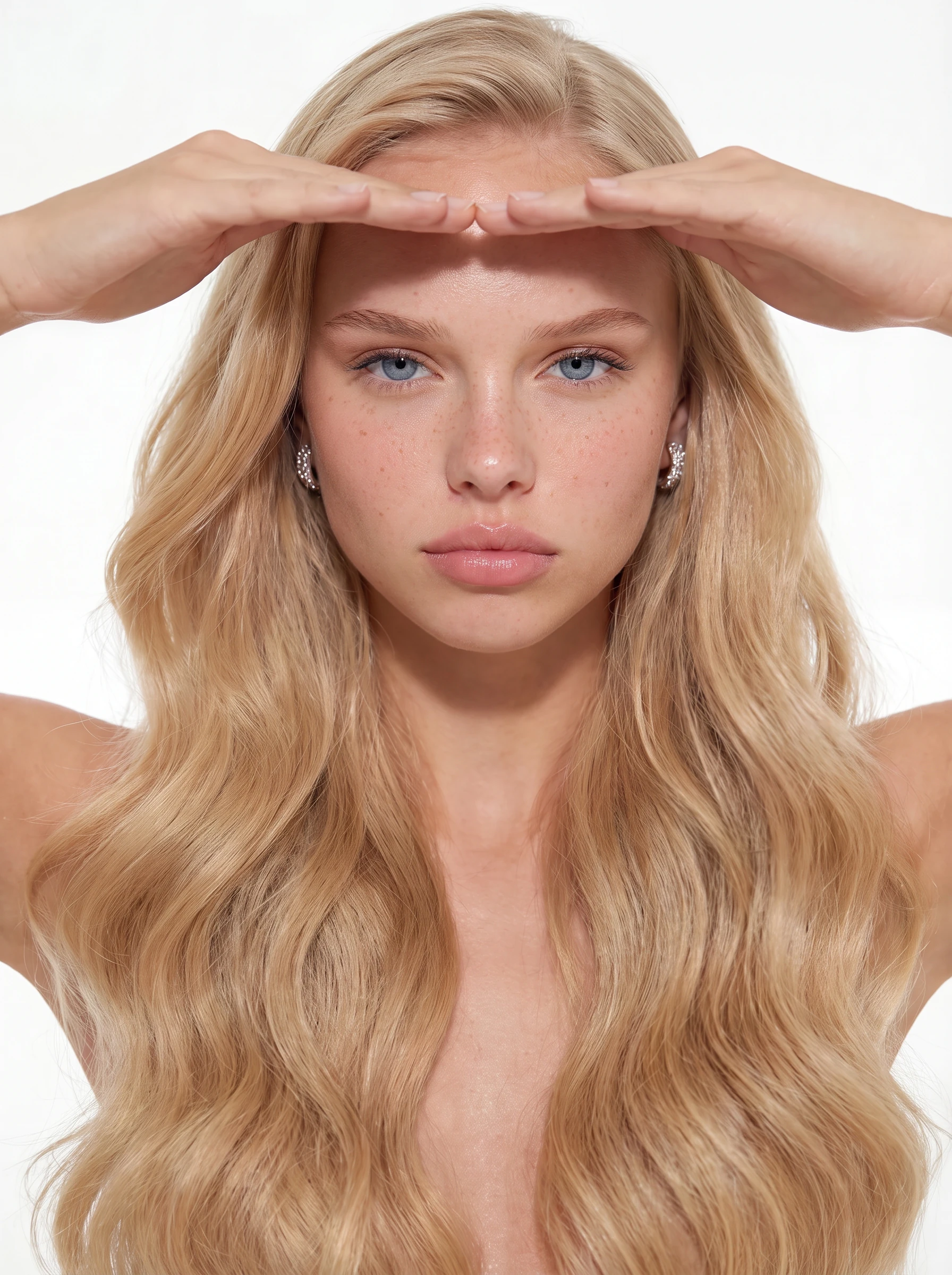
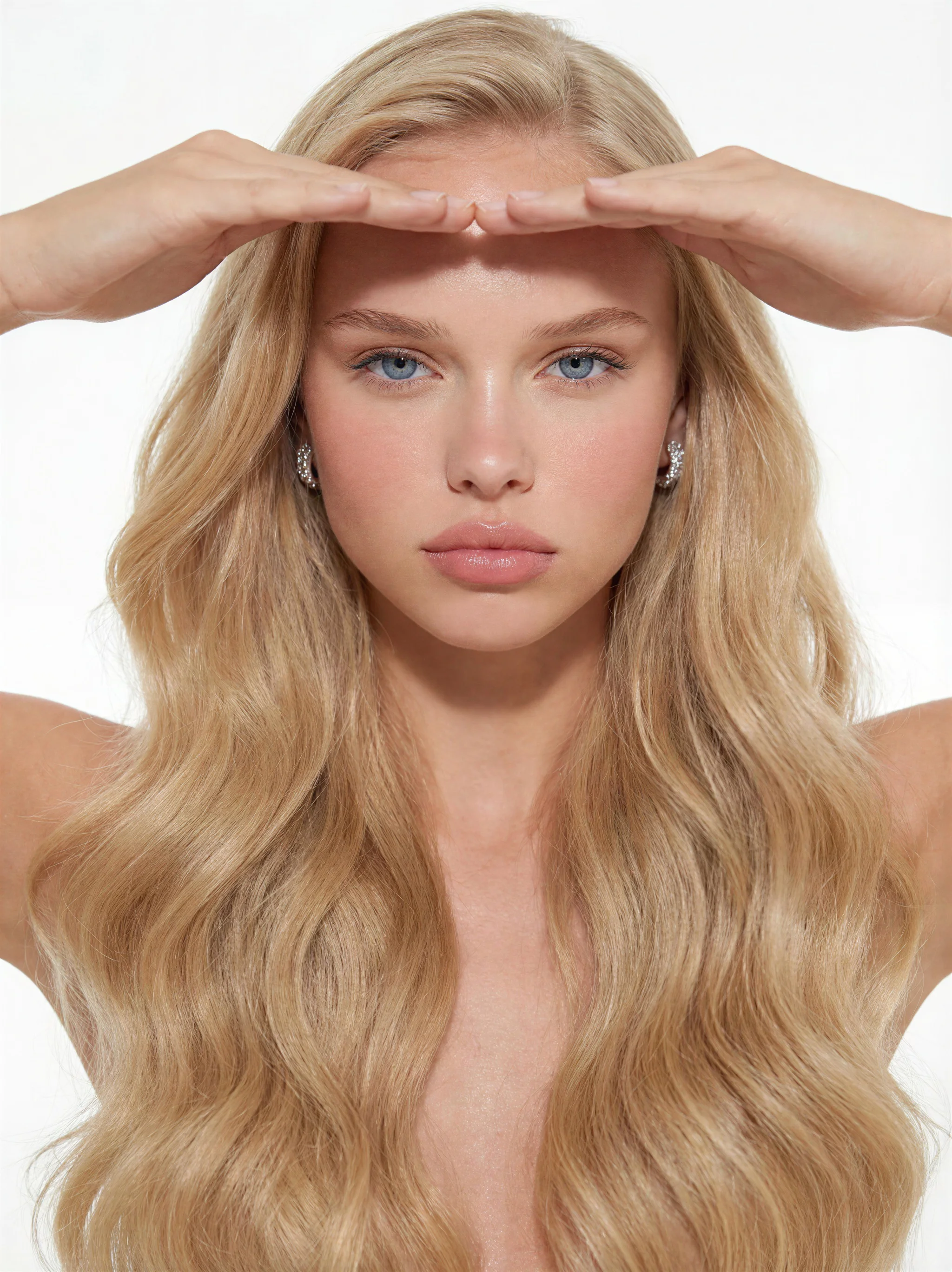
Same composition — sensor noise, grain, and micro-texture added. Drag to feel the difference buyers pay for.
20 credits per image · Plans start at $19.99
Source: Imagera platform specifications · Updated September 2026
Over-smooth skin and perfect cleanliness scream “generated.” Humanize adds real-camera texture so images pass as photographic.
The human eye is tuned to the imperfections of real photography. Raw AI output is too perfect — and that perfection is exactly what gives it away.
AI renders skin as a smooth, poreless surface. Real skin has micro-texture, subtle tonal shifts, and tiny imperfections that the eye expects — and instantly misses.
Every real camera sensor produces faint, luminance-dependent noise. AI output is mathematically smooth — and that sterile cleanliness is one of the strongest "computer-made" signals.
Fabric, hair, foliage, and surfaces in AI images often repeat in unnaturally even patterns. Real photographs carry irregular, organic micro-detail throughout the frame.
AI lighting is too evenly diffused and AI bokeh too perfectly circular. Real lenses introduce character — vignetting, slight aberration, and uneven highlight falloff.
No prompts. No sliders. No learning curve. Upload, click, download.
Drop in any AI-generated image — PNG, JPG, JPEG, or WebP up to 10MB. It works no matter which generator created it.
No prompts, no sliders. The engine analyzes your image and embeds authentic sensor noise, film grain, and natural micro-texture into the image structure.
Get back the same image with the warmth and texture of real photography — composition untouched, realism transformed. Full commercial rights included.
Every humanized image gets the full set of camera characteristics that separate a photograph from a render.
Luminance-aware noise that matches how real camera sensors from Canon, Sony, and Fuji capture light — varying by brightness, color channel, and exposure.
Grain woven into the image structure, not stamped on top. It behaves like real film stock — denser in shadows, finer in highlights.
Restores the organic surface detail AI smooths away — skin texture, fabric weave, and environmental grit that make an image read as captured, not computed.
Subtle optical imperfections — natural falloff and tonal variation — that replace the sterile, mathematically perfect look of raw AI output.
The 2026 photography consensus: authenticity is the new luxury. Humanized images carry the emotional warmth of real photographs.
Every humanized image comes with full commercial rights — marketing, client work, e-commerce, social, and print.
Signal by signal, here is what separates a raw AI render from a humanized image — and what the tool deliberately leaves untouched.
| Realism signal | Raw AI image | After Humanize |
|---|---|---|
| Skin & surface texture | Over-smoothed, waxy pores gone | Real micro-texture and pore detail restored |
| Sensor noise & film grain | Absent — flat, digital cleanliness | Camera-accurate grain added across tones |
| Lens characteristics | Uniform, no optical falloff | Subtle vignetting and edge softness |
| Colour & lighting response | Synthetic, evenly lit | Photographic contrast and highlight roll-off |
| Composition & subject | As generated | Untouched — only texture-level realism changes |
| Effort | Manual editing in Photoshop | One click, no prompts or sliders |
| Cost | — | 20 credits per image, credits never expire |
Humanize works at the texture level only — it never rewrites your composition, subject or layout.
The "AI look" is quietly costing you
Viewers scroll past images that read as synthetic. One click adds the sensor noise, grain and micro-texture that make an AI image read as a photograph — for just 20 credits an image.
Humanize an image now →20 credits per image · From $19.99/mo or credit packs · commercial use
Powered by cutting-edge AI technology that delivers unmatched quality and performance
Filters and grain overlays stamp a flat texture on top of your image. The Imagera humanizer embeds noise that varies by luminance, color channel, and exposure — exactly how real camera hardware captures light. The result reads as photography, not post-processing.
Desktop tools make you tune ISO sliders, grain size, and opacity by hand. Imagera is upload-and-done: the engine analyzes your image and applies the right camera profile automatically. No skill required, no settings to misjudge.
The realism is embedded in the image structure — sensor-level noise that varies by luminance, color channel, and exposure, plus authentic grain and micro-texture. Because it is built into the pixels rather than stamped on top, the result reads as a genuine photograph even under close inspection. Photorealism varies by image, but the gain over raw AI output is consistent.
Pro photo suites cost hundreds per year whether you use them or not. Imagera is pay-per-use at 20 credits per image — or 15 for the lighter grain-only pass. Plans start at $19.99 — humanize what you need, skip what you don’t.
Humanize output from Midjourney, DALL-E, Stable Diffusion, Flux, or images generated inside Imagera. The engine works from the pixels alone, so any source image benefits equally.
No desktop GPU, no installation. The humanizer runs on cloud GPUs through your browser — phone, tablet, or laptop. Process images on location, in transit, or at your desk.
Anywhere an image needs to be trusted, natural-looking output wins.
Portraits with visible film grain read as photographs rather than renders, and audiences respond to that. Humanized visuals feel personal — sterile, plastic-looking output does not.
Product and campaign imagery that looks photographed builds trust. Humanize AI shots so they sit naturally beside real photography in your catalog.
Keep mixed portfolios visually consistent. Humanized AI frames match the sensor character of your camera-shot originals instead of standing out as renders.
Client-ready, natural-looking imagery at scale. One-click processing keeps high-volume workflows fast while every export reads as professionally shot.
The humanizer pairs with the rest of the Imagera realism stack — detail first, texture last, then verify.
Upload your AI-generated image to the Imagera AI Image Humanizer and click once. The engine embeds authentic sensor noise, film grain, and natural micro-texture into the image structure so it reads as real photography. 20 credits per image, composition untouched.
AI Image Humanizer The Imagera AI Image Humanizer makes AI-generated images look natural and photorealistic by embedding authentic camera characteristics — sensor noise, film grain, lens character, and micro-texture — into the image structure. One click, browser-based, 20 credits per image. From $19.99/mo.
Built on Imagera Real Camera technology — sensor noise, grain and micro-texture tuned on real Canon, Sony and Fuji profiles.
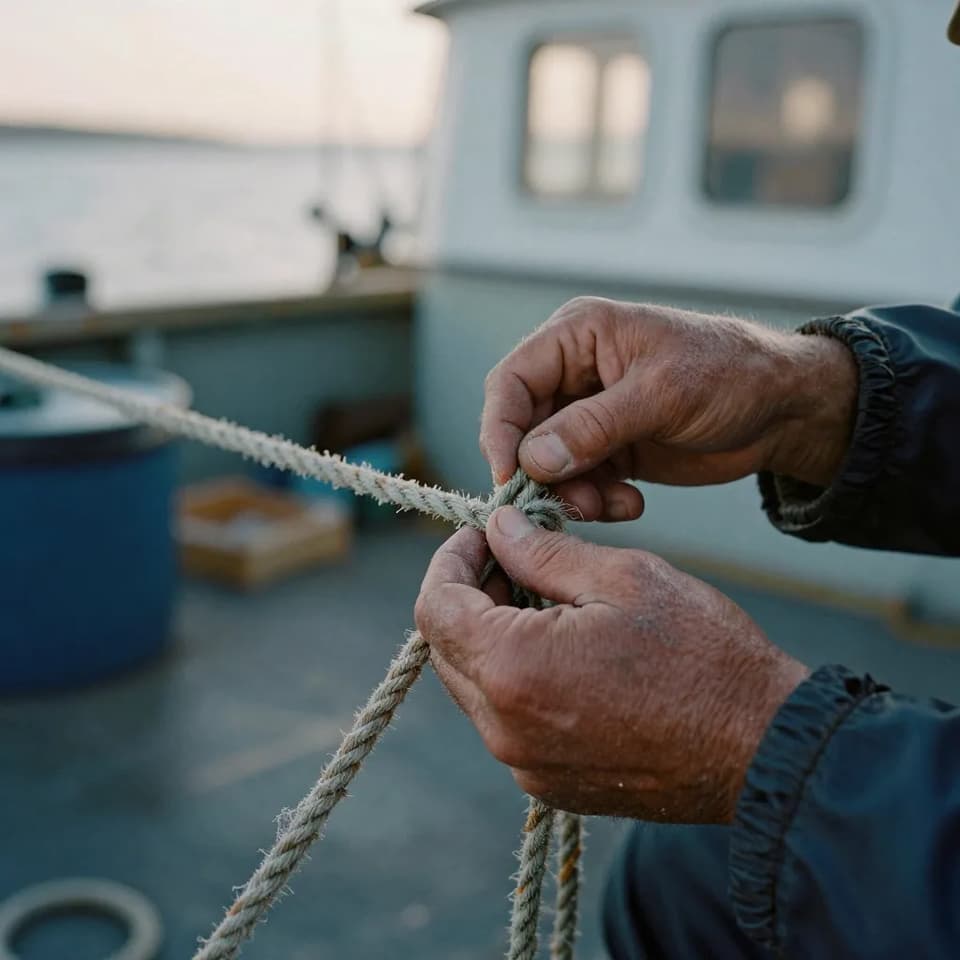
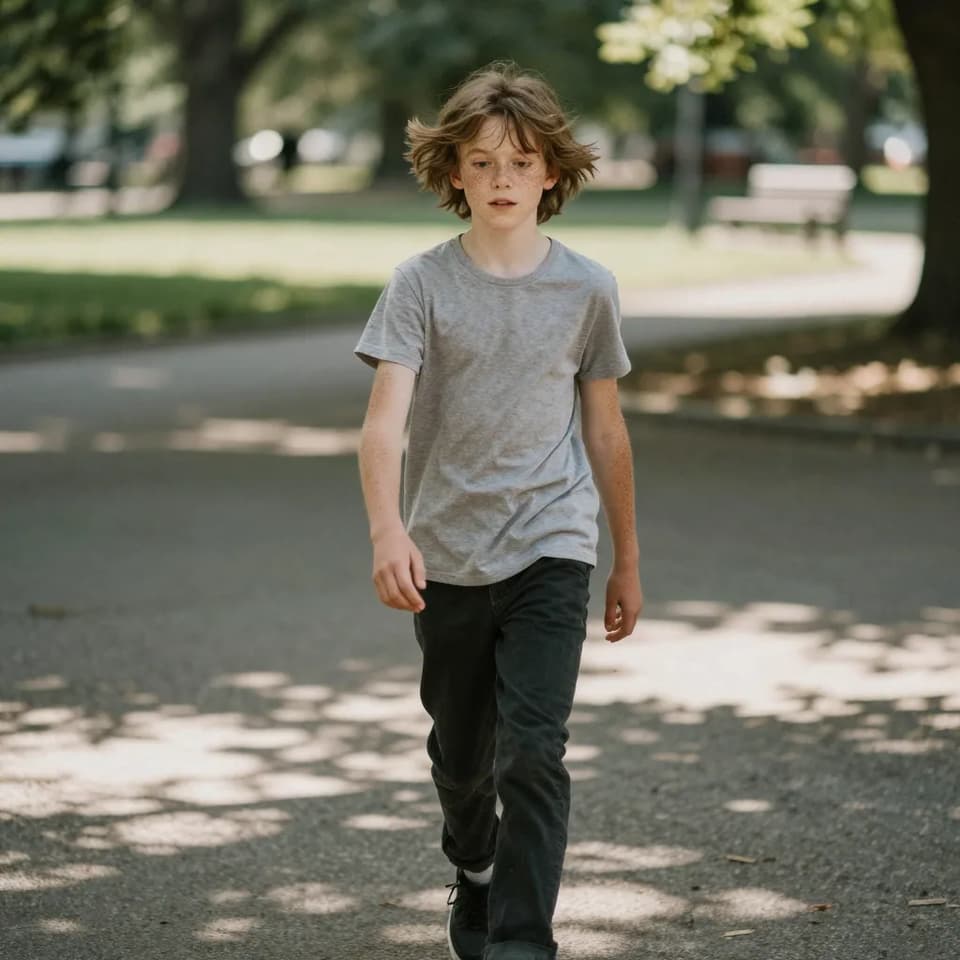
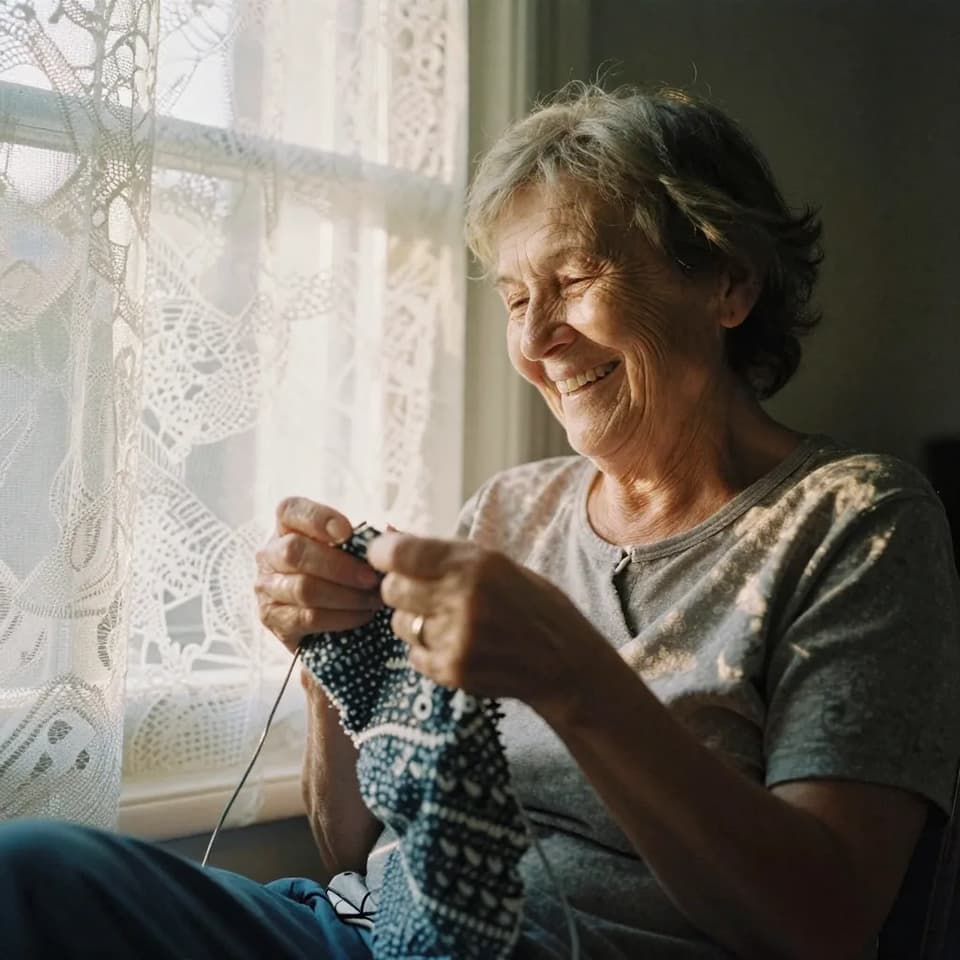
Natural, camera-real portraits and scenes — the kind of authentic texture the humanizer restores.
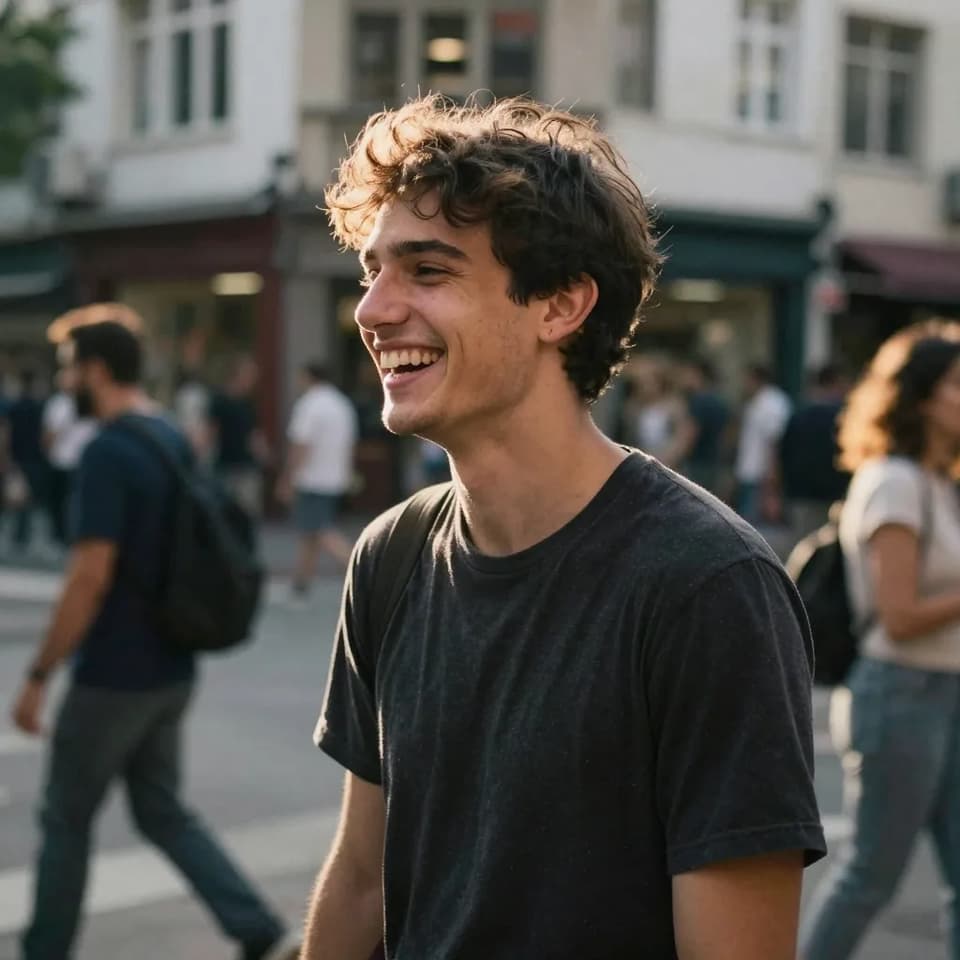
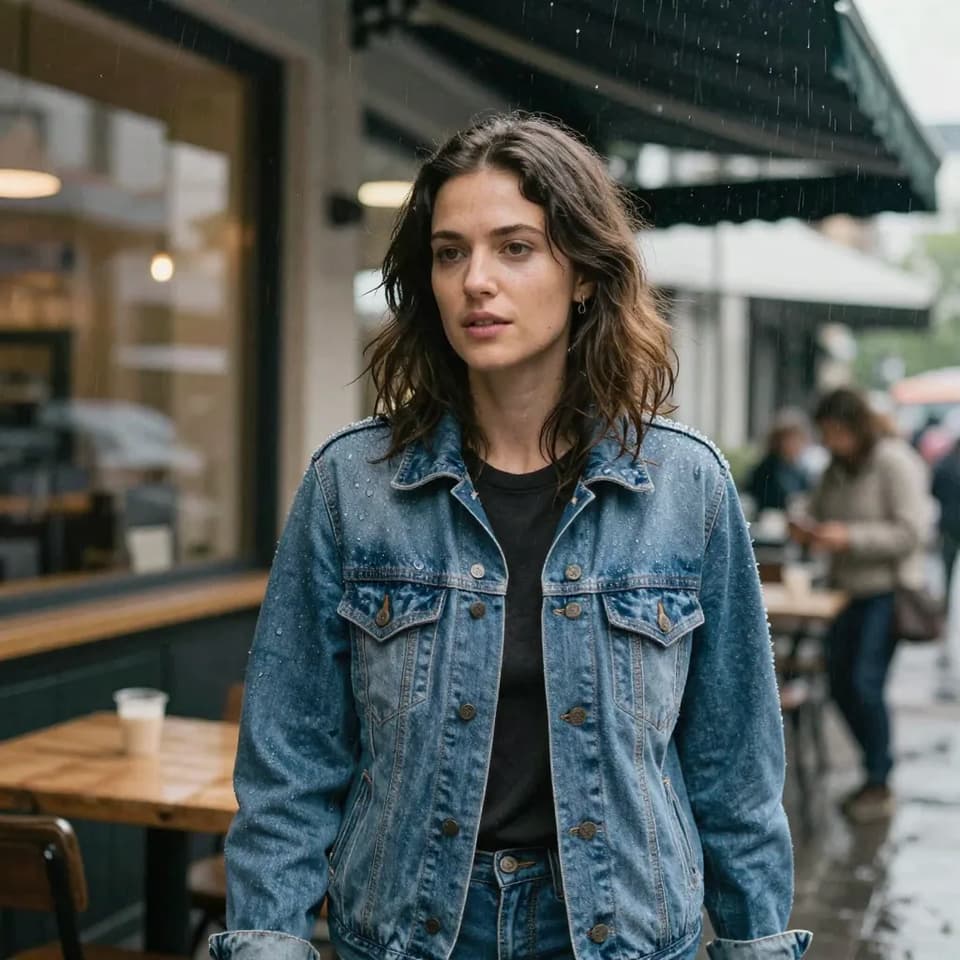
AI researchers, engineers & content specialists
Imagera is a unified AI creation platform for images, video, voice and avatars. Outputs ship at up to 16K resolution with no watermark and a commercial license included — choose from 140+ media models in a single workspace.
Questions
Everything you need to know about humanizing AI images
An AI image humanizer is a tool that makes AI-generated images look natural and photorealistic — like they were captured with a real camera instead of rendered by software. Imagera does this by embedding authentic camera characteristics into the image: sensor noise, film grain, lens character, and the micro-texture real photographs carry. Upload an image, one click, 20 credits. It runs online in your browser — nothing to install — and the same pass works whether you call it an AI photo humanizer, a picture humanizer, or an image humanizer; they are the same job on the same pixels.
Imagera uses its Real Camera realism engine. It analyzes your image and embeds luminance-aware sensor noise, authentic film grain, and natural micro-detail directly into the image structure — the same imperfections produced by real camera hardware from Canon, Sony, and Fuji. The result is an image that reads as photographed, not computed.
Raw AI output is mathematically smooth: poreless skin, a noise floor that is too clean, evenly repeating texture, and sterile lighting. Human eyes are tuned to the subtle imperfections of real photography, so the absence of grain, sensor noise, and micro-texture instantly signals "computer-made." Humanizing restores those missing signals.
Most users see a significant realism improvement over raw AI output — the humanized image reads as a genuine photograph, with authentic camera noise, grain, and micro-texture throughout the frame. Realism is inherently a matter of degree and varies by image and content type, so we do not claim a guaranteed outcome, but the gain over untreated AI output is consistent.
No. The composition, subject, colors, and details of your image stay exactly as they are. Humanizing works at the texture level — it adds the camera-realistic noise, grain, and micro-detail that raw AI output lacks, without redrawing or altering what is in the frame. It also does not re-generate or re-prompt your picture. Some tools redraw the image from scratch, which changes faces and detail; this pass adds real-camera sensor characteristics to the pixels you uploaded and nothing else. It does not change the fact that the image was AI-generated, and it makes no claim about any detector.
Humanizing costs 20 credits per image, so a 40-shot set is 800 credits. The lighter grain-only pass is 15 credits if all you want is texture. Buy credits as a pay-as-you-go pack or on a monthly plan — both start at $19.99, and the monthly tiers step up from there. Credits work across every Imagera feature, so there is no separate subscription for this tool.
No. The humanizer is a one-click tool. Upload your image and the engine handles everything — there are no prompts, sliders, or manual adjustments. It analyzes your image automatically and applies the appropriate camera realism profile.
Yes. Upload AI images from any generator — Midjourney, DALL-E, Stable Diffusion, Flux, or images created inside Imagera. The humanizer works purely from the pixels, so every source benefits equally.
Filters and overlay packs stamp one flat texture across the whole frame. Imagera applies sensor-level noise that varies by luminance, color channel, and exposure — denser in shadows, finer in highlights — exactly how real cameras capture light. The realism is embedded in the image structure, which is why the result holds up under close inspection.
PNG, JPG, JPEG, and WebP, up to 10MB per image. The humanized output keeps your original resolution with the camera-realistic texture applied throughout the frame.
Yes. Every image processed with Imagera includes full commercial rights — marketing, social media, client deliverables, e-commerce listings, stock submissions, and print.
The vast majority of images see a clear realism improvement from a single pass — sensor noise, grain and micro-texture are added at the structure level, so the effect is physical, not cosmetic. Like all AI processing, the degree varies with the source image, and we ship pipeline improvements regularly to keep raising the floor. At 20 credits an image, most users simply run a test image first and judge with their own eyes.
AI images look fake because they are too perfect: poreless skin, a noise floor that is unnaturally clean, evenly repeating texture, and sterile lighting with no optical character. Real photographs carry the opposite: sensor noise, film grain, subtle lens imperfections, and organic micro-texture throughout the frame. The Imagera AI Image Humanizer restores those missing signals in one click — embedding luminance-aware noise, authentic grain, and natural texture into the image structure so it reads as a real photograph rather than a render. Composition and content are untouched; only the realism signals are added.
Real camera photos carry characteristics that raw AI output lacks: luminance-aware sensor noise, film grain woven into the image, natural lens character, and organic micro-texture. The Imagera Real Camera engine embeds those exact characteristics into your AI image in one click, matching the sensor behavior of cameras from Canon, Sony, and Fuji. The result reads as professionally photographed rather than computer-generated — the same warmth and authenticity audiences associate with real photography — while your composition stays untouched.
Raw AI output is mathematically smooth: waxy, poreless skin, a too-clean noise floor, repeating texture patterns, and evenly diffused lighting. Human eyes are tuned to the subtle imperfections of real photography, so the absence of grain, sensor noise, and micro-texture instantly reads as "computer-made." Humanizing restores those missing camera signals so the image looks captured, not rendered.
The goal is photorealism — an image that reads as a genuine photograph to the human eye. The Real Camera engine adds authentic sensor noise, film grain, lens character, and micro-texture, and most users see a significant realism improvement over raw AI output. Results vary by image and content type, and photorealism is inherently a matter of degree, so we do not claim any guaranteed outcome — but the realism gain over untreated AI output is consistent.
Sensor noise • Film grain • Natural texture — commercial-ready camera quality
20 credits per image · From $19.99/mo · commercial use
Powered by Imagera Real Camera technology — realism tuned on real Canon, Sony & Fuji sensor profiles
Complete your workflow
These pair with Real Film Grain. Every tile says what the tool actually does — without leaving this page.
Combine a head reference with a target photo for catalog and portrait projects
The Real Camera showcase — see photorealistic results with authentic sensor noise and grain
One-pass workflow to make any AI image read as a real photo
Generate AI images then add authentic camera texture
Upscale images before or after adding camera noise
AI-edit images then apply camera noise for realism
Free passport, visa & ID photos — auto-cropped to any country's exact size, background and file size, right on your device.
AI upscaling to 1080p/2K/4K. Ultra-high resolution. Batch process up to 5 images.
Add freckles, pores, scars, tattoos. Remove blemishes. Fix plastic AI skin instantly.
Remove flyaway hair and fix fine imperfections with surgical AI precision.
Explore our guides and resources to get the most out of this tool
Enlarge and sharpen your result to 16K after finishing — neural upscaling, no quality loss
Make any AI image look like a real camera photo in one pass
Add authentic camera characteristics to AI images
The six camera tells that make AI images look fake, and how to fix each one
Which AI detectors flag AI images — and how real camera noise adds photo-authentic texture
Create better AI images to enhance with camera texture
Generate photorealistic images with camera noise — compare Imagera vs Midjourney
Add camera texture to Stable Diffusion-style images without local setup
Combine camera noise with the best LoRA models for maximum photorealism
In-depth articles about AI image realism and detection avoidance