 You can complete this on Imagera without installing software: upload a real source file, describe the change, confirm credits up front, generate, and review before you publish. Just Listed Video Ideas for Real Estate Agents — this guide covers the steps, quality checks, and when to open related tools.
Most agents publish one video per listing — a walkthrough from the exterior in. That is a missed opportunity. A single listing can support six to ten different reel formats targeting different buyer emotions, search behaviors, and distribution windows. You have the photos already. What changes is the framing, the order, and the on-screen copy.
Below are ten formats that work in 2026, each with a prompt recipe (what to write in your caption and text overlay) and a style note for the AI reel maker.
Last updated July 2026.
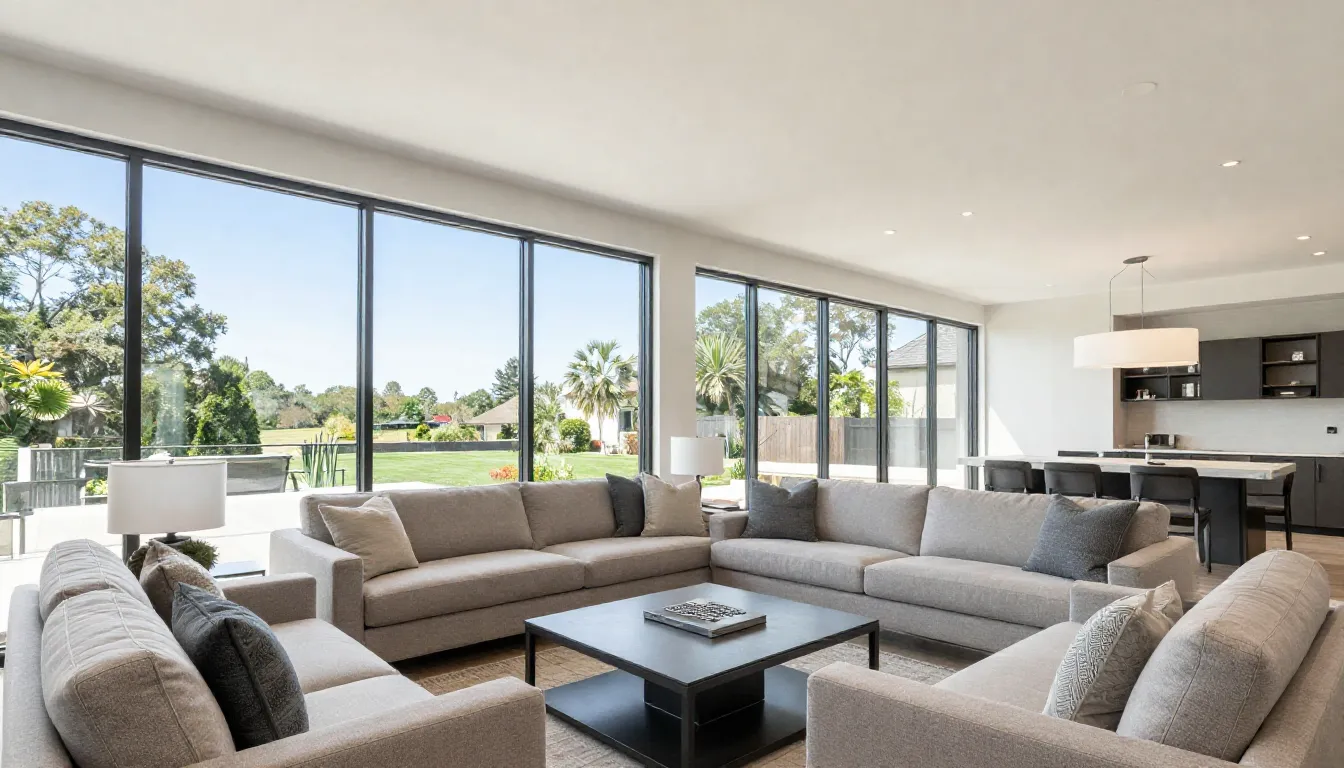
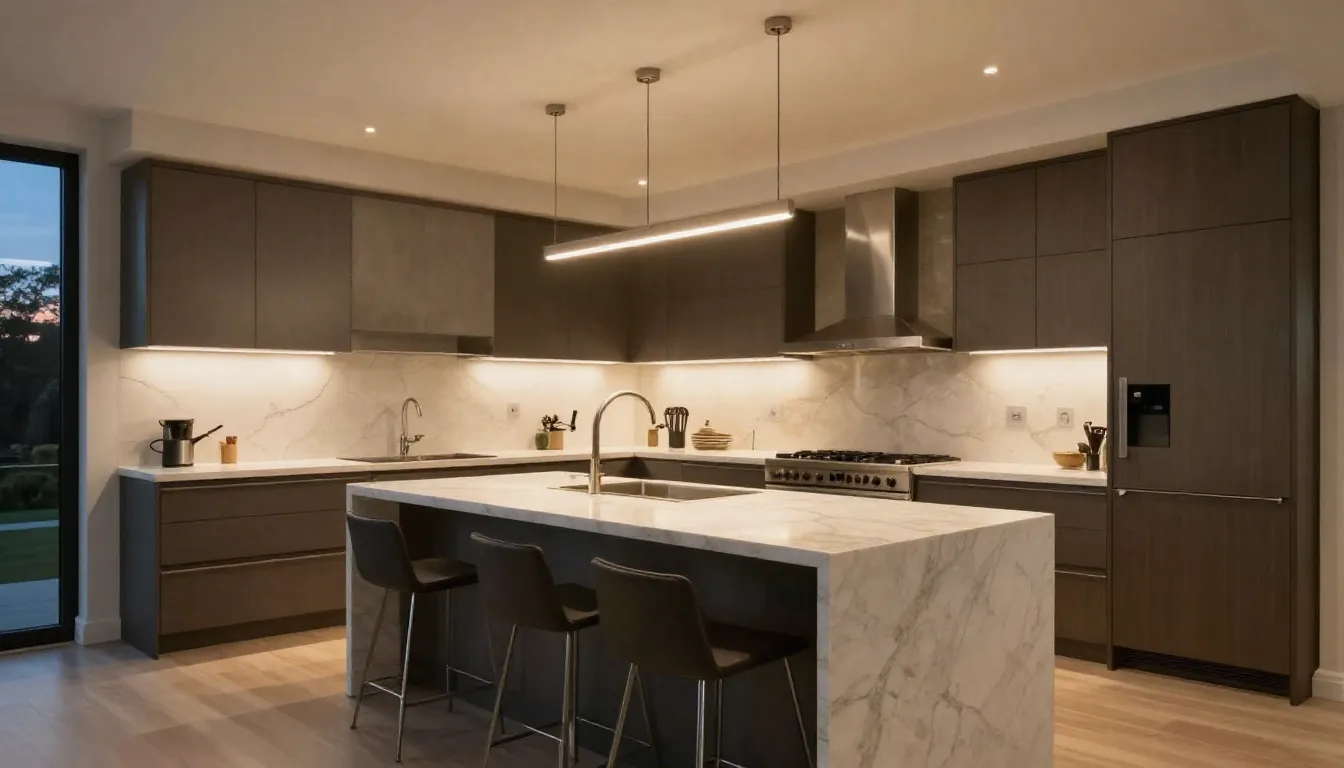
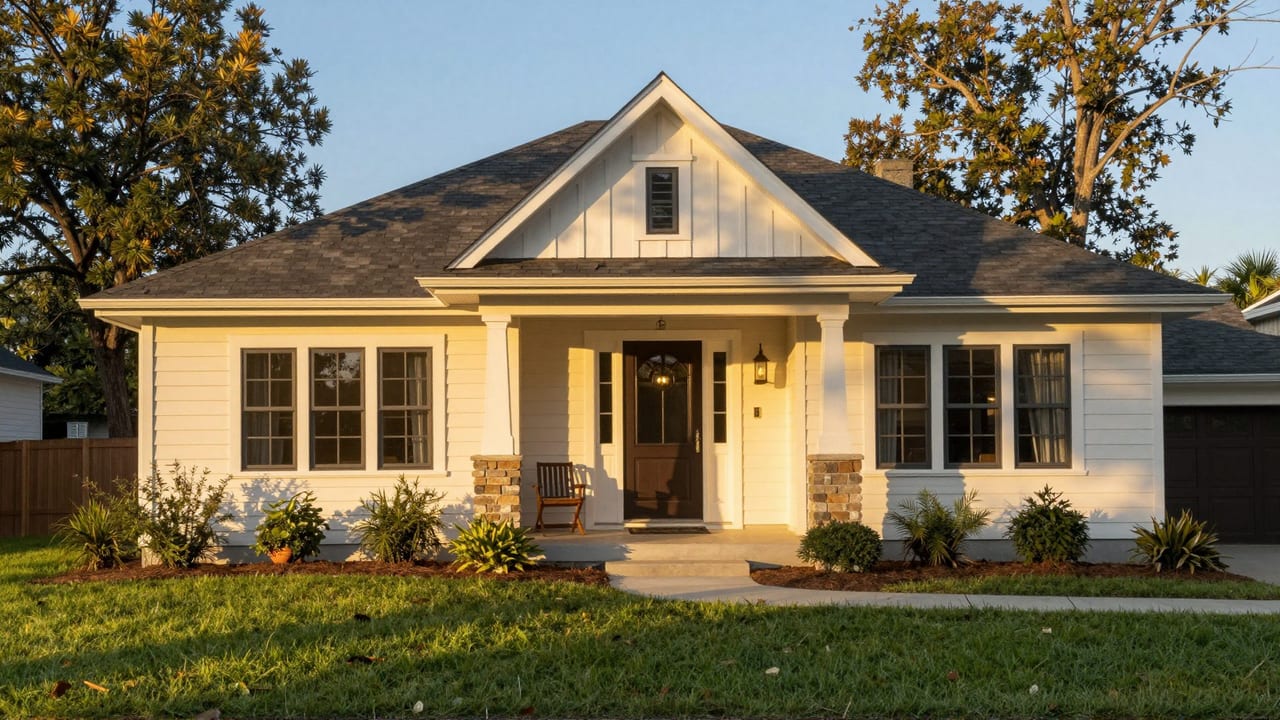
Real Imagera output: listing photos turned into a scroll-stopping property reel.
Quick answer: The best just-listed video ideas are a 30-to-60-second cinematic property walkthrough, a 15-second hook teaser, a neighborhood lifestyle tour, and an agent-to-camera intro, all rendered from listing photos in Imagera at up to 4K.
1.How long should a just-listed real estate video be in 2026?
Keep it short: aim for 15 to 60 seconds for social feeds, where shorter clips tend to hold attention through to the end far better than long cuts. Post 3 to 5 versions per listing (a 15-second hook, a 30-second walkthrough, a 60-second lifestyle tour) and Imagera can turn 10 to 20 listing photos into a 4K reel in under 5 minutes.
2.Do just listed videos actually help agents sell homes faster?
Yes, motion tends to outperform static photos on listing engagement. Repurpose 1 shoot into 5-plus vertical clips at 4K, then A/B test 2 thumbnails per platform. Most buyers now begin their home search online, so video-first listings capture attention where that journey starts, and Imagera lets you refresh a full set in 2026 within minutes.
3.Why multiple formats from one listing
Posting the same reel twice to the same audience gets you nowhere. But posting ten different formats — spaced across the listing window — reaches different segments of the algorithm's recommendation graph:
- Buyers searching for specific features (#KitchenGoals, #BackyardPool)
- Passive browsers who respond to lifestyle content
- Active buyers watching open house countdown content
- Bargain hunters who engage with price drop alerts
Each format below is designed to tap a distinct discovery pathway while using the same photo set. That means ten pieces of content, one photo shoot.
4.Format overview
| # | Format | Best timing | Primary emotion |
|---|---|---|---|
| 1 | Just Listed Reveal | Day 1 | Excitement / urgency |
| 2 | Room Feature Spotlight | Day 2–3 | Desire |
| 3 | Open House Countdown | 48–72 hrs before open house | Action |
| 4 | Neighborhood + Lifestyle | Day 3–5 | Aspiration |
| 5 | "Here's What $[X] Gets You" | Day 2–4 | Curiosity |
| 6 | Price Drop Alert | Day of price reduction | Urgency |
| 7 | Luxury Lifestyle Walkthrough | Day 1 (premium listings) | Aspiration / status |
| 8 | Before/After or Renovation Story | If applicable | Emotional payoff |
| 9 | "Your Questions Answered" | Day 7+ | Trust / engagement |
| 10 | Sold / Pending Celebration | Offer accepted | Social proof |
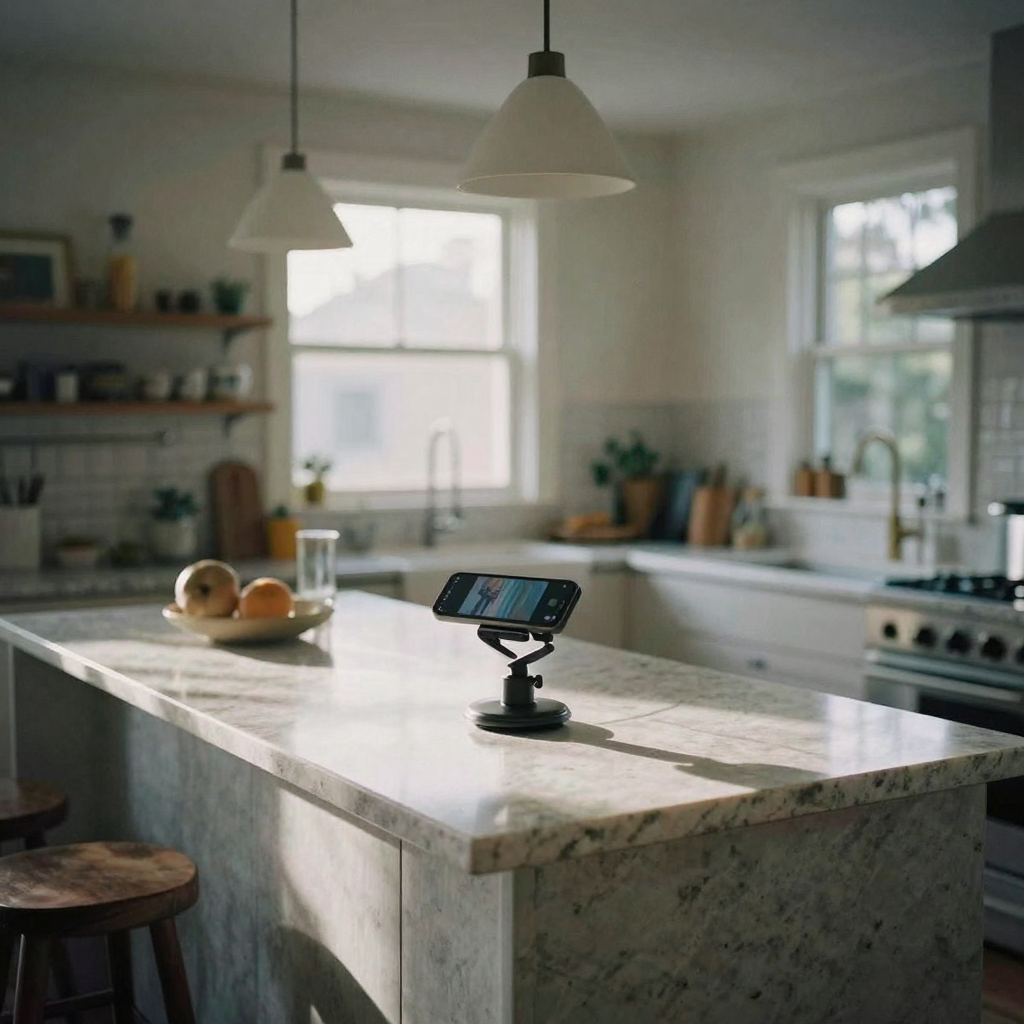
5.Format 1 — Just Listed Reveal
What it is: The classic listing announcement. Short, punchy, covers the key stats.
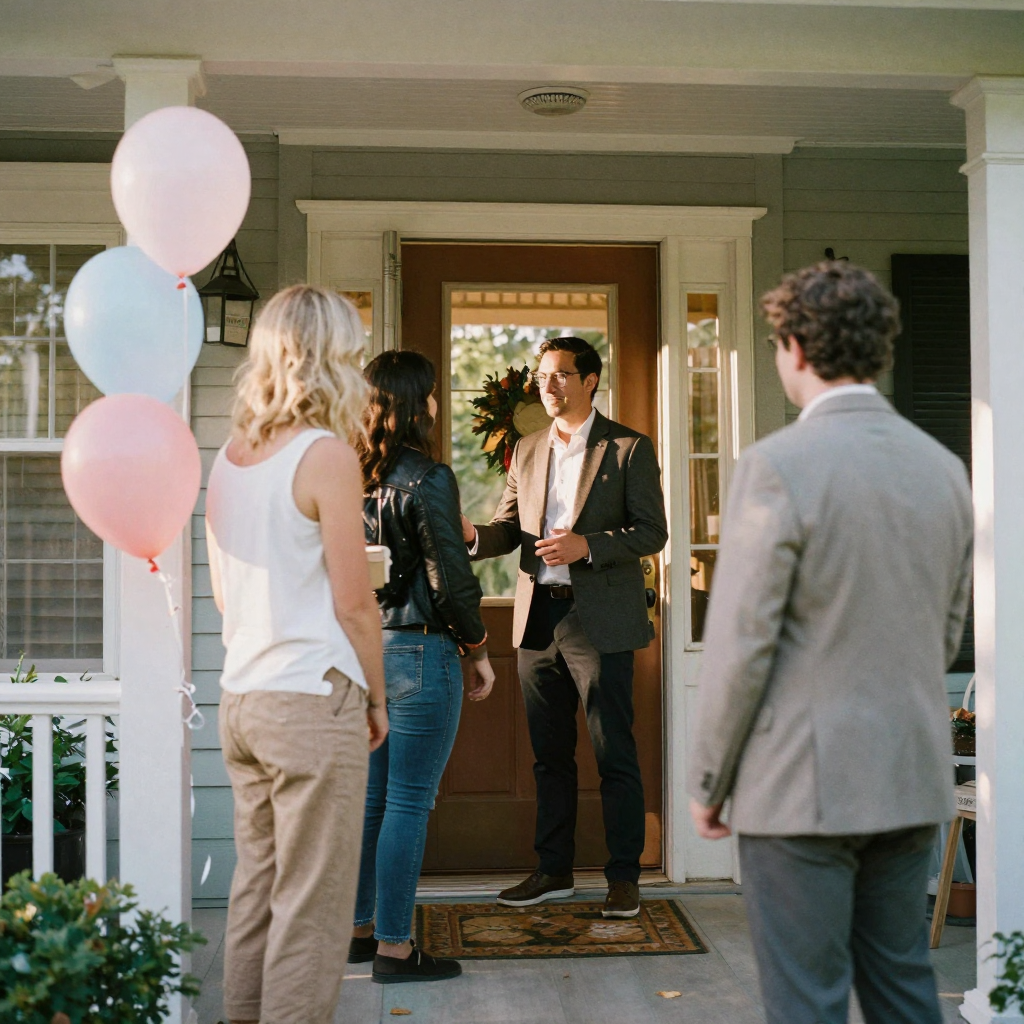
Photo recipe: Lead with the exterior, hit the kitchen, master bedroom, and one outdoor shot. End on a "Final Card" with price, beds/baths, and address.
Text overlay prompt:
[City], [State] | [Beds] BD / [Baths] BA $[Price] Just Listed — DM for a showing
Caption prompt:
Just listed in [Neighborhood]! [X] beds, [Y] baths, [Z] sqft. [1 sentence about the standout feature.] Starting at $[Price]. DM or comment TOUR to get showing times. #JustListed #[CityName]RealEstate #HomeTour #[Neighborhood]Homes
Style note: Keep it under 35 seconds. The goal is the hook — get viewers to DM, not to learn everything from the reel.
6.Format 2 — Room Feature Spotlight
What it is: A reel focused on one standout room or feature (kitchen, primary bathroom, backyard, home office). Performs well as a mid-listing post.
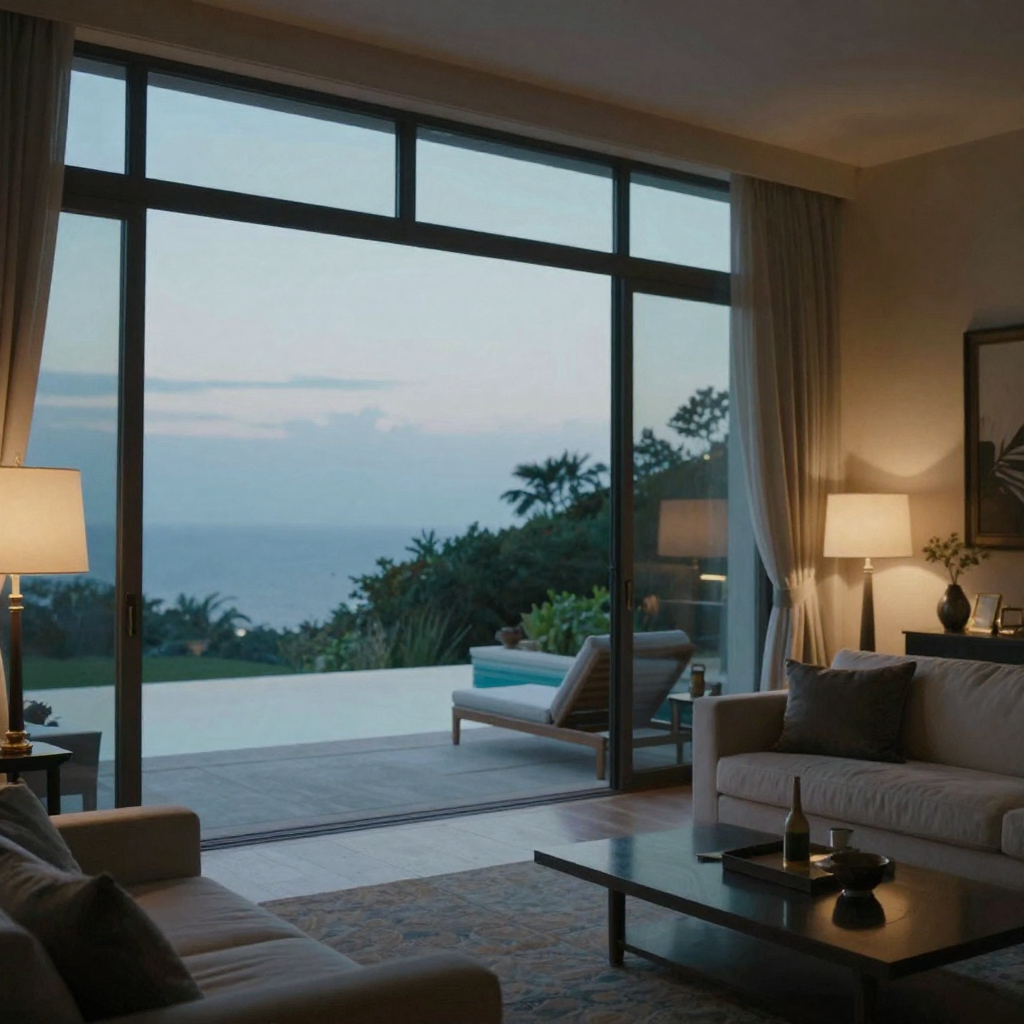
Photo recipe: 6–8 photos all of the same room or feature set. Include wide shots and detail/close-up shots.
Text overlay prompt:
The Kitchen That Will Make You Want to Cook $[Price] | [City] Link in bio for full tour
Caption prompt:
This kitchen is doing a lot of the heavy lifting on [Address]. [Quartz counters / gas range / waterfall island / etc.] — DM for details. $[Price] | [Beds] bd [Baths] ba | [City] #KitchenGoals #[CityName]Homes #RealEstateReels
Style note: Close-up detail shots look especially strong in this format. If your listing photos have great hardware, tile, or material shots, this is where they earn their keep.
7.Format 3 — Open House Countdown
What it is: A teaser published 48–72 hours before the open house. Works best on Instagram (Stories + Reels) and Facebook.
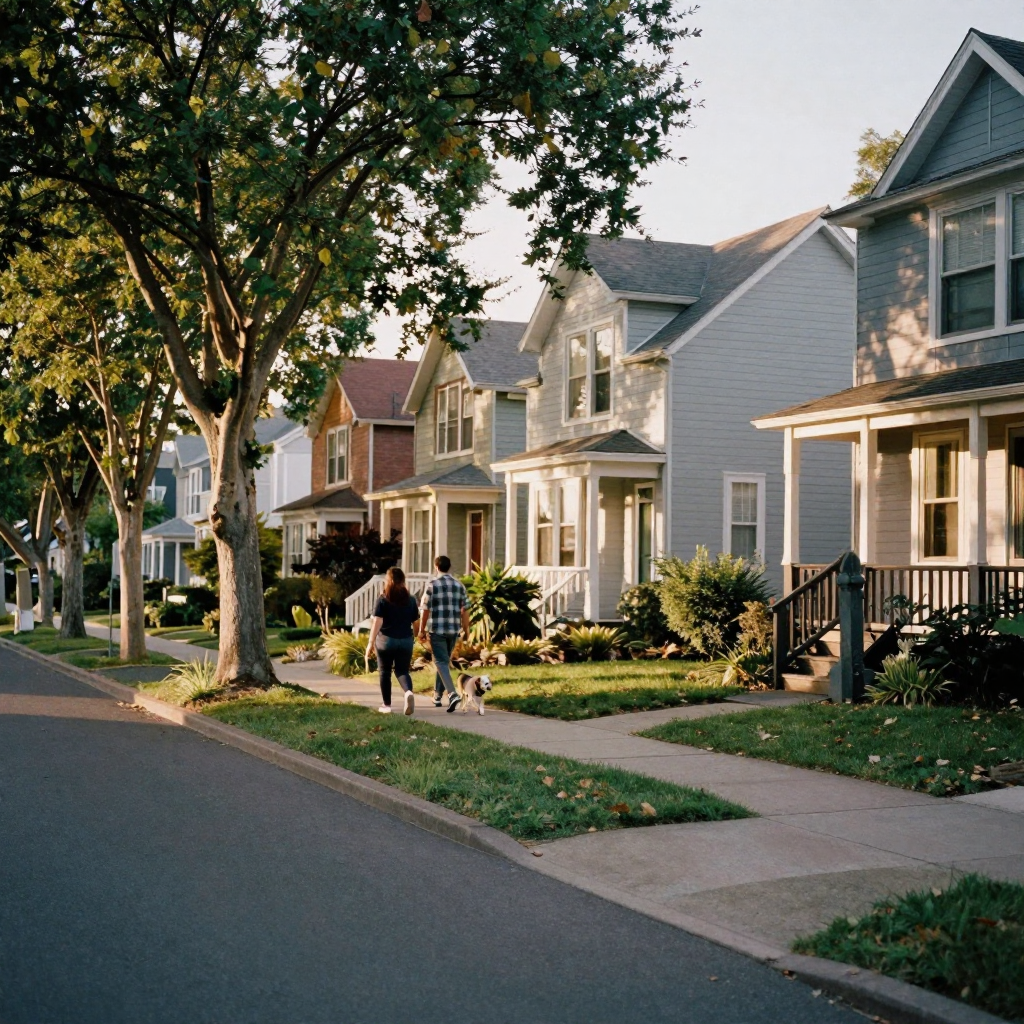
Photo recipe: 5–7 photos, exterior-heavy, ending on the date/time card.
Text overlay prompt:
OPEN HOUSE [Day], [Date] | [Time] [Address] Come See It In Person
Caption prompt:
Open House this [Sunday] at [Address]! [Time] — come walk through, no appointment needed. [Beds] bd / [Baths] ba / [Sqft] sqft | $[Price] Save this post so you don't forget. #OpenHouse #[CityName]OpenHouse #[Neighborhood]
Style note: Add a countdown sticker in Stories format (if your platform supports it). The urgency drives saves and reminders.
8.Format 4 — Neighborhood and Lifestyle
What it is: A reel that sells the location, not just the property. Most effective for relocating buyers and lifestyle-motivated searches.
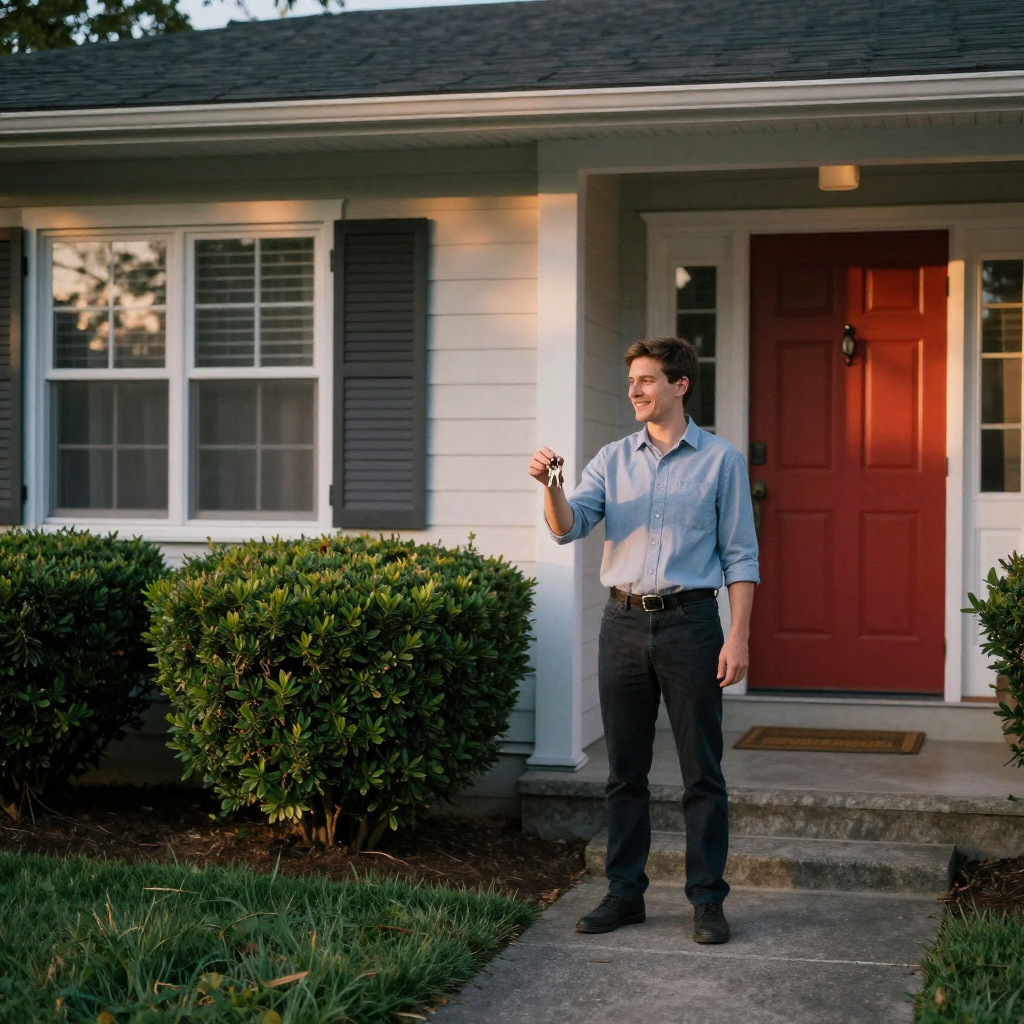
Photo recipe: Mix exterior shots of the listing with 2–3 neighborhood photos (local park, main street, amenity nearby). If you only have listing photos, use the outdoor and street-facing shots to build the location feel.
Text overlay prompt:
[Neighborhood Name] — [City], [State] [X] min to downtown / [X] min to [School/Park/Beach] $[Price] | [Beds] bd [Baths] ba
Caption prompt:
Not just a house — a neighborhood. [Address] is [X] blocks from [Local Landmark] and feeds into [School Name]. $[Price] | [Beds] bd / [Baths] ba What matters most to you in a neighborhood? Drop it below. #[CityName]RealEstate #[Neighborhood]Homes #RelocationReady
Style note: Engagement-bait questions in the caption ("What matters most to you in a neighborhood?") work especially well for this format — they generate comments, which boost reach.
9.Format 5 — "Here's What $[X] Gets You"
What it is: A comparison or value-framing reel. Works well in markets where buyers are surprised by what they can afford, or where you want to target out-of-area buyers.
Photo recipe: Lead with the price as text on the screen, then reveal the property. The juxtaposition is the hook.
Text overlay prompt:
What $[Price] Gets You in [City] Right Now [Beds] bd / [Baths] ba / [Sqft] sqft [Special feature in 4 words]
Caption prompt:
$[Price] in [City] gets you: [Beds] beds, [Baths] baths, [Sqft] sqft, [Feature 1], [Feature 2], and [Feature 3]. Still think you can't afford [City]? DM me. #[CityName]RealEstate #AffordableHomes #RealEstateTips
Style note: This format performs particularly well for first-time buyers and younger demographics. It creates a "reveal moment" that holds attention through the full reel.
10.Format 6 — Price Drop Alert
What it is: Published the same day a price reduction goes live. High urgency, high shareability.
Photo recipe: Best 5–6 photos — exterior, kitchen, highlight room. Move fast; this reel should feel urgent.
Text overlay prompt:
PRICE DROP Was $[Old Price] → Now $[New Price] [City] | [Beds] bd [Baths] ba Still Available
Caption prompt:
Price just dropped on [Address] — now listed at $[New Price] (was $[Old Price]). Same [Beds] beds, [Baths] baths, and [Key Feature]. Just a better deal. DM "PRICE" for showing availability. Moving fast. #PriceDrop #[CityName]RealEstate #JustListed
Style note: Bold red or amber text overlay color signals urgency. This reel tends to get higher DM conversion than any other format.
11.Format 7 — Luxury Lifestyle Walkthrough
What it is: For premium listings, a cinematic, slower-paced reel that emphasizes aspiration over information. Less text, more immersion.
Photo recipe: 10–14 photos — lead with the most visually spectacular shot (view, pool, great room). Sequence by visual impact, not room order. Detail shots are essential.
Text overlay prompt:
[City] | $[Price] [One evocative line — "Wake up to this."] Inquiries by appointment
Caption prompt:
[One sentence that sets a scene: "Morning coffee on the terrace above the city."] [Address] | $[Price] [Beds] bd / [Baths] ba / [Sqft] sqft Showing by appointment — DM or email [your contact]. #LuxuryRealEstate #[CityName]LuxuryHomes #DreamHome
Style note: Use slow zoom motion effects, not quick cuts. The pacing should feel cinematic. Minimal text on screen. Let the photos carry the luxury signal.
12.Format 8 — Renovation Story (if applicable)
What it is: Only relevant for flips, recently renovated homes, or new builds. A before/after or "how we transformed this" arc.
Photo recipe: If before photos are available, alternate before/after pairs. If not, use progress or construction photos, ending with finished rooms.
Text overlay prompt:
Before → After [Year Built] Original | [Year] Renovation [City] | $[Price]
Style note: This format typically gets the highest share rate because it satisfies curiosity. If the sellers have good before photos, use them. This format works even with a modestly priced listing if the transformation is dramatic.
13.Format 9 — "Your Questions Answered"
What it is: Published 7+ days into the listing, addressing the most common questions you've received via DM or phone. Builds trust and keeps the listing in the algorithm.
Photo recipe: 5–8 photos cycling through the listing as b-roll behind on-screen text answers.
Text overlay prompt:
Q: Is [Feature] included? A: Yes — [Answer in 5 words] Q: Can I do a virtual tour? A: Yes — DM me
Caption prompt:
Most common questions I get on [Address]: 1. [Q1] — [A1] 2. [Q2] — [A2] 3. [Q3] — [A3] Still have one? Drop it in the comments or DM. #RealEstateTips #[CityName]Homes #AskAnAgent
Style note: Keep it conversational — this format performs best when it feels personal, not scripted.
14.Format 10 — Sold or Pending Celebration
What it is: Published when you accept an offer or close. Social proof, referral magnet, and team credibility signal.
Photo recipe: 4–6 of your best photos from the listing with a "SOLD" or "PENDING" overlay. End on your headshot or team logo card.
Text overlay prompt:
SOLD [Days on Market] Days | [Number of Offers] Offers Listed at $[Price] | Sold for $[Sale Price]
Caption prompt:
Another one closed! [Address] went under contract in [X] days with [Y] offers. Thinking about selling in [City]? Let's talk about what your home is worth. DM me or call [Phone]. #JustSold #[CityName]RealEstate #SoldByAgent
Style note: Include the sale price if it is above list — this is your single strongest trust-building number. Omit if below list.
15.Making all 10 from one listing
With Imagera's Real Estate Reel Maker, you can run the same photo set through the tool multiple times, selecting different photo subsets and ordering them differently for each format. You are not re-editing or re-filming — you are remixing the same assets to reach different audiences.
For a standard listing in a competitive market, formats 1, 3, and 6 (or 10 at close) are the minimum. Formats 4, 5, and 7 are worth adding for mid-price and luxury listings. Formats 2, 8, and 9 extend the content life of a listing that has been on the market for more than two weeks.