Turn Listing Photos into Real Estate Reels
Upload the photos you already have, label the rooms, pick a tour style — and get a cinematic AI real estate video from photos in minutes. No videographer, no drone, no editing timeline.
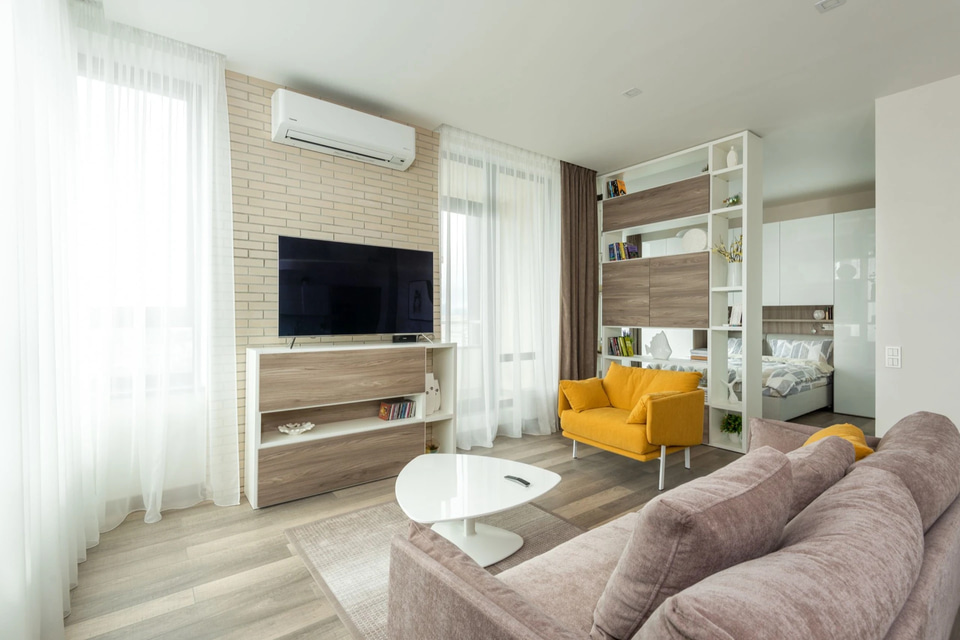
How do I turn listing photos into property reels?
A real estate reel maker turns the listing photos you already have into a short property video. Each photo anchors a scene, and reference-to-video AI generates real camera motion between them — a glide through the kitchen, a push toward the facade, a drone-style reveal of the lot. The rooms buyers see are the rooms in your photos, in the tour order you set, delivered vertical and reel-ready in minutes.
- Credits
- From 20 per reel
- Photos in
- Up to 9 per reel
- Length
- 4–15 seconds
- Ratios
- 9:16 · 16:9 · 1:1
Updated September 4, 2026
Cite this page: https://imagera.ai/video/real-estate-reel-maker
Your photos are the video — the AI adds the motion
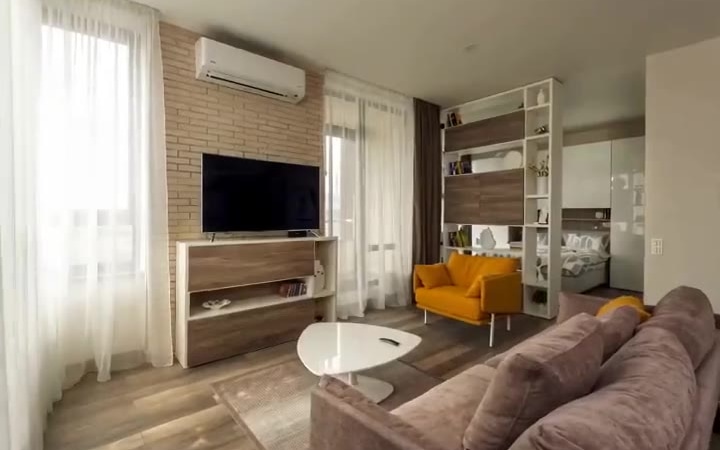
Your photos are the video
This is not a slideshow with Ken Burns zooms. Reference-to-video AI uses each of your listing photos as a scene anchor and generates real camera motion between them — a glide through the kitchen, a golden-hour push toward the facade, a drone-style reveal of the lot. The home buyers see is the home in your photos, in the order you set.
Know more →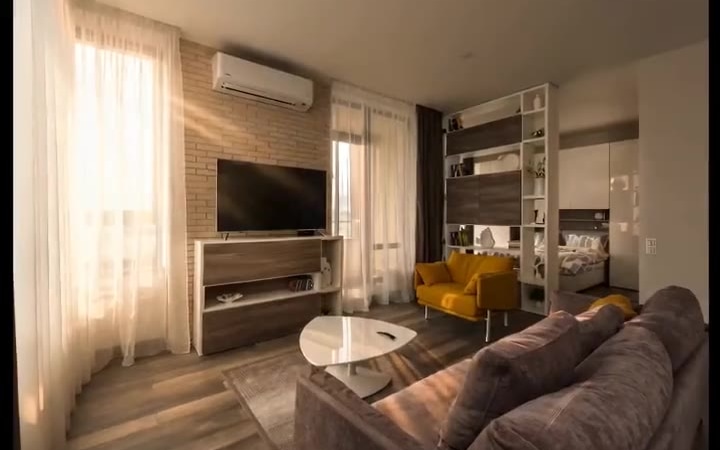
6 listing-ready tour styles
Walkthrough Tour, Golden Hour Showcase, Aerial-style Establishing, Cozy Interior Pan, Twilight Exterior, Kitchen & Detail Glide. Match the style to the property — flowing room-to-room walkthrough, like a buyer touring the home, or warm sunset light, glowing exteriors and inviting interiors — then regenerate the same photo set in a second style to see which hook performs on your feed.
Know more →Minutes, not shoot days
Upload the photo set, order the tour, pick a style, and generate. The reel renders in minutes, so a new listing can launch on Instagram the same hour it hits the portal — no videographer to book, no shoot day to schedule. Every reel carries full commercial usage rights, so it goes straight into a listing, a paid ad or a client hand-off.
Know more →The questions agents ask before they run one
How the motion is generated, which style suits which property, and how to shoot photos the camera can glide through.
Can AI really make a real estate video from listing photos?
Yes, and it looks like a filmed tour rather than a photo slideshow. Reference-to-video AI uses each of your listing photos as the visual anchor for a scene, then generates realistic motion between them — a glide through the kitchen, a golden-hour push toward the facade, a drone-style reveal of the lot, an interior sweep across a staged living room. The rooms buyers see are the rooms in your photos, in the tour order you set, not stock footage or an invented interior. That distinction matters: a slideshow with Ken Burns zooms is obviously a slideshow, while a reel with real camera motion reads as a genuine walkthrough — and gets watched, saved and shared like one.
Which listing reel style fits which property?
A luxury home, a cozy starter and a rental all sell on different feelings. Match the style to the property, and regenerate a second style from the same photos to test which hook performs on your feed. A luxury or view property wants Aerial-style Establishing or Twilight Exterior — a sweeping reveal or a dusk-lit facade signals premium value. A family home wants Walkthrough Tour, because room-to-room flow answers "how does it live" in one reel. A staged or compact listing wants Cozy Interior Pan, where slow warm pans make a smaller space feel inviting. A chef's kitchen or high-end finishes want Kitchen & Detail Glide, which glides across the details buyers pay for. And a rental or short-stay listing wants Golden Hour Showcase, whose warm, inviting light lifts it above the rest of the feed.
How do I prep listing photos so the walkthrough motion looks clean?
Because each photo becomes a scene anchor, the quality of the source frame decides the quality of the generated motion. Wide, level, brightly-lit shots give the AI clear architectural lines to glide along — straight walls, a defined floor plane and open sightlines let the camera path read as a real walkthrough. A well-composed kitchen photo with the counters, cabinetry and a window in frame produces a smoother push than a tight crop of a single fixture, because there is more depth for the motion to travel through. A few habits from the listing shoot carry straight over: shoot from chest height with the camera level so verticals stay vertical and the reveal does not lean; keep counters and floors clear, because clutter reads as visual noise once the frame starts moving; favour daylight or evenly-lit interiors over mixed harsh shadow, since the AI extends the lighting it sees in the still. And give it range — an establishing exterior, a couple of main living spaces and a standout feature give the reel a beginning, middle and payoff. If a room comes back stiff, swap in a wider photo of the same space and regenerate: the source frame is the lever.
How to make a reel from listing photos
Three steps, starting from the photo set your listing shoot already produced.
Upload your listing photos
Add up to 9 photos straight from the MLS shoot — exterior, kitchen, living room, backyard.
Label and order the tour
Tag each photo ("kitchen", "front exterior") and drag them into the order a buyer would walk the home.
Pick a style and generate
Choose Walkthrough Tour, Golden Hour, Aerial-style or Cozy Interior — the reel renders in minutes, vertical-ready.
One photo set, every channel
Instagram & TikTok listings
Vertical 9:16 reels that stop the scroll — the format buyers actually watch homes on.
New listing launches
Turn the photo set into a launch video the same hour the listing goes live.
Email & MLS boosts
Listings with video get more attention — add a reel without booking a videographer.
Old listings, new life
Re-cut a stale listing's photos into a fresh reel to re-run it on social.
Rentals & Airbnbs
Give rental and short-stay listings the same cinematic treatment as million-dollar homes.
Personal agent brand
A steady stream of property reels keeps your agent profile active between closings.
Discover more AI features
Frequently asked questions
How do I make a reel from listing photos?
Upload up to 9 listing photos to the Real Estate Reel studio, give each a short label (like "kitchen" or "front exterior"), drag them into tour order, pick a style such as Walkthrough Tour or Golden Hour Showcase, and generate. The AI adds camera motion, lighting and transitions between your photos and delivers a vertical 9:16 reel (16:9 and 1:1 are also available) in a few minutes.
Can AI really make a real estate video from photos?
Yes. Reference-to-video AI uses your actual listing photos as the visual anchor for every scene, then generates realistic motion between them — walkthrough-style pans, drone-style establishing shots and interior sweeps. The rooms in the video are the rooms in your photos, not stock footage.
Do I need a videographer or drone footage?
No. The whole point is to use the photos you already have from the listing shoot. Aerial-style establishing shots are generated in the drone aesthetic — no drone, permit or extra shoot required.
What formats and lengths can I make?
Reels come in 9:16 (Instagram Reels/TikTok), 16:9 (YouTube/MLS) and 1:1, at up to 1080p, in 5, 10 or 15-second clips depending on the engine you pick. 10 seconds in 9:16 is the sweet spot for social listings.
How much does a real estate reel cost?
Pricing is per-second in credits and shown on the generate button before you commit — nothing is charged until you confirm. Reels start at 20 credits at the shortest length and smallest size, and rise with duration, resolution and the engine you choose; you control all three. No subscription is required to try a single reel — credits are pay-as-you-go.
Can I use the reels commercially?
Yes — every generated reel includes full commercial usage rights, so you can post it on social media, embed it in listings, use it in paid ads and share it with clients.
What happens if a generation fails?
Every real estate reel is backed by a multi-engine failover pipeline. If an engine fails or declines a render, Imagera automatically re-renders on the next engine — you are charged once regardless of retries, and in the rare case every engine fails, your credits are refunded automatically.
Which listing photos should I upload for the best property reel?
Use the same set your MLS shoot already produced — a front exterior, the kitchen, the main living space, a primary bedroom, a bathroom and the backyard or view. Six to nine well-lit, wide photos give the AI enough to build a full tour. Straight-on, level, brightly-lit rooms produce the cleanest walkthrough motion; skip blurry or heavily-cluttered shots.
How should I order the photos so the reel tells a tour?
Order them the way a buyer would experience the home: an establishing exterior, then the entry and main living area, the kitchen, bedrooms, bathrooms, and finish on the standout feature — a view, a pool or the backyard. You label each photo and drag it into place, and the AI generates motion between your shots in that sequence, so the reel walks the property like a real showing.
What length and aspect ratio works best for a listing reel?
A 10-second 9:16 reel is the sweet spot for Instagram Reels and TikTok, where most buyers now discover homes. Use 16:9 for a YouTube tour, an MLS media slot or a website hero, and 1:1 for a feed post. You can regenerate the same listing in a different ratio without re-shooting, so one photo set covers every channel you post to.
Can I make reels for rentals, Airbnbs and short-term stays?
Yes. The tool does not care whether the property is for sale or for rent — upload the photos for a rental unit or a short-stay listing, pick Cozy Interior Pan or Golden Hour Showcase, and give it the same cinematic treatment agents use for million-dollar homes. It is a fast way to make an Airbnb or long-let listing stand out in a crowded feed.
Will the reel show the real rooms or AI-invented interiors?
Your listing photos anchor every scene, so the rooms in the reel are the rooms in your photos — same layout, finishes and furniture. Reference-to-video AI adds camera motion, lighting and transitions between your stills; it does not stage a different home or invent rooms that are not there. Buyers see an accurate walkthrough of the actual property.
Do I need drone footage for the aerial-style establishing shot?
No. The Aerial-style Establishing style generates a sweeping drone-aesthetic reveal from your ground-level or existing exterior photos — no drone, pilot licence, permit or extra shoot required. If you do have a real aerial photo, add it to the set and label it as the opener; otherwise the establishing motion is generated from the exterior shots you already have.
Reel maker vs. booking a real estate videographer
| Factor | Real Estate Reel Maker | Videographer |
|---|---|---|
| Starting point | The MLS photos you already have | Book crew and a shoot day |
| Turnaround | Minutes — same hour the listing goes live | Days after the shoot |
| Cost at volume | Per-second credits — viable for every listing | Per-listing fee — luxury only |
| Re-runs | Re-cut the same photos into a fresh reel | Re-book to refresh a stale listing |
Your next listing deserves a reel
Upload the listing photos, set the tour order, pick a style — and post the reel today.
Make my listing reel →