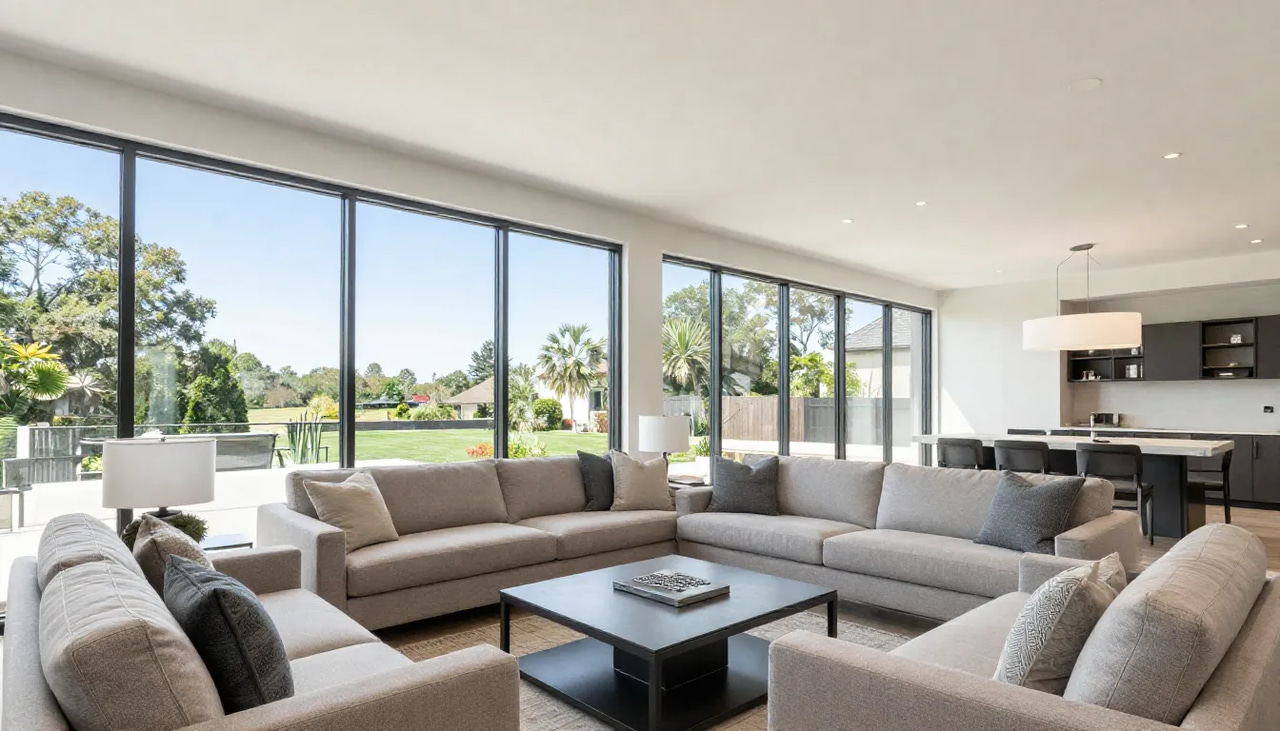
The listing goes live Thursday. The videographer's first opening is next Wednesday — maybe. The edit comes back a week after that, and by then the open house has come and gone and the hottest 72 hours of buyer attention were spent on a static photo carousel.
That scheduling gap is the quiet reason most agents don't do video consistently. It's rarely a lack of belief — it's that professional video costs real money per listing, takes days you don't have, and usually requires you to perform on camera when you'd rather be negotiating. So video becomes a luxury-listing perk, the bread-and-butter inventory gets a photo grid, and the seller who was promised "full video marketing" in the listing presentation starts wondering where the video is.
Here's the part that changed: the photos already sitting in your MLS upload folder are enough. Reference-to-video AI can now turn those stills into a walkthrough-style vertical reel — the day the listing goes live, for every listing, without a camera crew or a single second of filmed footage.
This guide covers the complete workflow for real estate reels from listing photos: which photos to pick, the exact reel formats worth rotating, how the top real estate creators structure their videos (and how to recreate those formats from stills), and how to keep everything faithful to the actual property.
Quick answer: Yes—with Imagera you can turn a handful of static listing photos into a polished vertical real estate reel in under 60 seconds, no filming, drone, or editing skills required.
How do you make a real estate reel from listing photos in 2026?
Upload 5 to 10 listing photos to Imagera, pick a walkthrough style, and it animates them into smooth 4K pan-and-zoom motion, then stitches a 15 to 30 second vertical reel sized 9:16 for Instagram, TikTok, and YouTube Shorts. Most agents finish a shareable draft in under 60 seconds and export in multiple aspect ratios for cross-posting.
Why should agents use AI reels instead of static listing photos?
Short vertical video tends to stop the scroll in a way that still images can't—motion holds attention and gives buyers a feel for how a space flows. Reels also plug directly into the short-form discovery feeds where so much home browsing now happens, while photo carousels often get skipped. A quick 20-second Imagera reel exported in 4K meets buyers on the mobile feeds they already scroll, turning one photo set into content you can post across every channel.
Can You Make a Real Estate Reel from Listing Photos Alone?
Yes. A modern reference-to-video AI tool takes the still photos from your listing shoot and generates realistic camera motion from them — slow push-ins through the kitchen, lateral drifts across the living room, a rising reveal on the exterior — then sequences those moves into a 9:16 vertical reel ready for Instagram, TikTok, Facebook, and YouTube Shorts. You never film anything. The photos you already paid for become the footage.
This is a genuinely different approach from the "slideshow with zooms" tools agents tried a few years ago. A pan-and-zoom slideshow moves a flat rectangle around; reference-to-video AI generates motion within the scene, so the camera appears to travel through the room the way a gimbal operator would move. The result reads as video, not as a Ken Burns effect on a photo.
If you want to see the difference before uploading anything, the Real Estate Reel Maker landing page has a Sample results section with a real walkthrough reel generated from an actual listing photo — drag the comparison slider and you can see the exact source still next to the finished motion. That's the honest way to evaluate any AI video tool: look at the input and the output side by side, not just a cherry-picked highlight.
What this unlocks for a working agent:
- Speed: the reel exists the day the listing goes live, not a week later.
- Cost: pay-as-you-go credits per reel instead of a per-shoot videographer invoice.
- No performance anxiety: the property is the star; you never have to be on camera.
- Consistency: the same polish for a starter home as for the waterfront listing.
Why Does Every Listing Need a Reel in 2026?
Because the audience has already moved, and the sellers know it. Luxury housing content now surpasses 18 billion annual social views, and top property videos regularly clear 20 million views — property video isn't a niche format anymore; it's one of the most-watched content categories on social platforms. Buyers scroll listings the way they scroll everything else, and a reel occupies the full phone screen in a way a photo grid never will.
The competitive bar is being set by agents who treat content as core business infrastructure. Ryan Serhant's brokerage passed $5.1 billion in annual sales volume while building an AI-powered marketing platform into the brokerage itself — video isn't a side project there, it's the operating model. As one industry analysis of celebrity agents puts it, the modern top-producing agent is a media company. You don't need Serhant's team to act on that insight; you need a repeatable way to publish a listing video without a videographer.
There's also a listing-side reason that matters more than reach: sellers now expect video in the listing presentation. When a homeowner interviews three agents and one of them can show a portfolio of polished reels for every recent listing — not just the expensive ones — that agent walks in with visible proof of marketing effort. A reel-per-listing habit is as much a listing-winning tool as a buyer-finding one. If you want to sell a listing with reels, the first sale the reel makes is often to the seller.
Which Listing Photos Make the Best Reel?
Aim for 8–12 photos per reel, ordered the way a buyer would physically walk the home: exterior, entry and living spaces, kitchen, primary suite, outdoor space, then the detail shots that create desire. Motion generated from a great photo looks great; motion generated from a cluttered, dim photo looks like a cluttered, dim video that moves. Curate first.
Here's the shot list that consistently translates well from MLS photos to a property walkthrough video from photos:
| Room / area | The shot to pick | Why it sells |
|---|---|---|
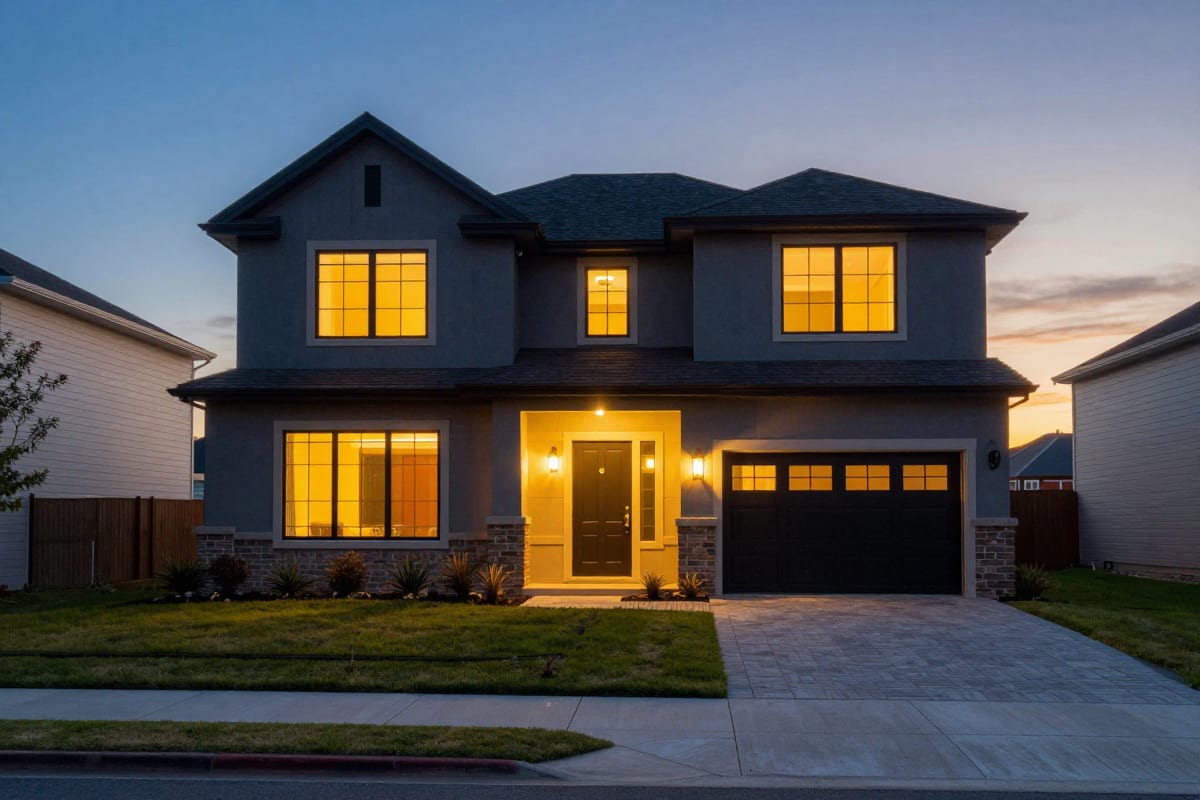
| Hero exterior | Front elevation, blue sky or golden hour | The scroll-stopping establishing frame; sets price expectations |
| Entry / living room | Wide shot showing flow into the next room | Triggers the "walking in" feeling that photos alone can't |
| Kitchen | Full kitchen plus one close-up (island, range, counters) | The single most decision-driving room for most buyers |
| Primary bedroom | Bed-centered wide with natural light | Buyers project themselves into this room first |
| Primary bath | Vanity-to-shower angle | Signals renovation quality faster than any caption |
| Outdoor space | Backyard, deck, pool, or view | The lifestyle layer — this is what gets the reel shared |
| Detail shots | Fixtures, finishes, built-ins, views | The "desire" beats between rooms; great for the final third |
| Closer | Twilight exterior or best remaining angle | Ends on aspiration, right before your call to action |
A few curation rules worth being strict about:
- Skip duplicates. Two angles of the same bedroom read as padding, and padding is where viewers drop off.
- Skip clutter and utility rooms unless the laundry room genuinely sells the house.
- Fix soft photos before you animate them. Motion amplifies whatever the photo already is — sharpness included. If your MLS set has dim, tilted, or over-compressed shots, clean them up first; our guide to AI real estate photo editing in 2026 covers the full prep workflow.
- Favor photos with a clear subject in the center of the frame. Landscape MLS photos get reframed to vertical, and centered subjects survive the crop best.

How Do You Turn MLS Photos into a Walkthrough Reel?
The workflow inside Imagera takes minutes, not days. Here's the end-to-end process for a property video from MLS photos:
- Open the studio. Go to the Real Estate Reel Studio and upload your curated photo set — the same JPEGs you uploaded to the MLS.
- Pick your format and length. Choose the reel style (more on formats below) and a duration that matches your photo count; a tight reel beats a padded one every time.
- Add context, not fiction. A short description of the property — "bright coastal three-bed, renovated kitchen, walkable street" — helps the reference-to-video AI choose motion that flatters what's actually in the photos.
- Check the credit cost, then generate. Pricing is in credits and pay-as-you-go — the exact cost is shown on the generate button before you commit, so there's no invoice surprise and no subscription required to make your first reel. See pricing for how credits work.
- Review and export. The output is a native 9:16 vertical video sized for Instagram Reels, TikTok, Facebook Reels, and YouTube Shorts. Post it natively to each platform rather than cross-sharing watermarked versions.
Two publishing details that separate professional-looking reels from amateur ones:
- Add a text overlay in your posting app — price, beds/baths, and city — because a large share of social video is watched with the sound off, and a muted reel with no context is just pretty rooms.
- Write the caption for the algorithm and the buyer at once: neighborhood name, price, key features, and a direct call to action. "DM me for a showing time" gives you a lead in your inbox; "link in bio" gives you a click you can't follow up on.
From photo selection to published post, the realistic budget is under fifteen minutes per listing — which is the whole point. A workflow that takes an afternoon happens for one listing; a workflow that takes fifteen minutes happens for every listing.
Will the Reel Faithfully Match the Actual Property?
This question deserves a straight answer, because real estate marketing has accuracy obligations that a fashion brand or a restaurant doesn't. Imagera's reel maker generates camera motion from your real photos — pans, push-ins, parallax, walkthrough-style moves through the scenes you actually shot. It does not invent rooms, furniture, finishes, or views that aren't in your photos. For an agent, that's not a limitation; it's the feature that makes the tool usable in this business. The buyer who saves your reel and books a showing walks into the same house they saw on Instagram, your marketing stays consistent with your MLS media, and you never have to field the "the video showed a different kitchen" conversation. Fast video and faithful video are not in tension here — the reel is your listing photography, set in motion.
That fidelity is also why photo prep matters so much: the reel can only be as flattering as the stills you feed it. Great photography in, great video out.
What Reel Formats Should Agents Rotate Through?
One-off reels get one-off results. The agents who build audiences treat reels as a small set of repeatable templates tied to the listing lifecycle — which also means every listing generates three or four pieces of content, not one. Here are the core formats, including the just listed reel template that should be your default:
| Format | The hook (first 2 seconds) | Photos needed | When to post |
|---|---|---|---|
| Just Listed | Best single frame — kitchen, view, or twilight exterior | 8–12, full walkthrough order | The day the listing goes live |
| Open House | The room people will talk about at the open house | 5–8, hero rooms only | 2–3 days before the event |
| Price Improvement | Strongest lifestyle shot + new-price context in overlay | 5–7, best-of selection | The day the price changes |
| Just Sold | Exterior hero; story shifts to the result | 4–6, plus your branding in caption | Within days of closing |
| Coming Soon | One teaser room, deliberately incomplete | 3–5, tease don't tour | 3–7 days before going live |
Notes on making these work:
- Just Listed is your volume play — it's the format buyers search and share, and the one sellers screenshot to show their friends. Open with your strongest frame, not automatically the exterior.
- Open House reel ideas work best when they create mild FOMO: show the three best rooms, put the date and time in the overlay and caption, and end before the tour feels complete.
- Price Improvement reframes an awkward update as a fresh opportunity — new audience, new hook, same great photos, re-sequenced so it doesn't read as a repost.
- Just Sold is a listing-winning format disguised as a buyer format: its real audience is the neighbors deciding who to call when they sell.
Rotating formats also solves the "what do I post" problem that kills consistency. Four listings a month across this table is twelve to sixteen reels — a real content calendar generated from photos you already have.
How Do the Top Real Estate Creators Structure Their Videos?
You don't need to invent a style; you need to study the formats that already work and rebuild them from stills. (Editorial note: the creators below are discussed as public examples of format and style only — none of them use or endorse Imagera.)
| Creator style | What makes it work | Photo-based recreation |
|---|---|---|
| Ryan Serhant (SERHANT) | Treats the brokerage as a media company; polished, high-energy property showcases with relentless publishing cadence | Adopt the cadence, not the crew: a reel per listing per lifecycle stage, published the day it's relevant |
| Jason Oppenheim (Selling Sunset) | Property as aspirational drama — luxury framing, glamour, the lifestyle around the home | Lead with twilight exteriors, pool and view shots; sequence for glamour, save the practical rooms for mid-reel |
| Glennda Baker (Atlanta) | Storytelling first — every home gets a narrative, delivered with personality | Write a one-line story in the overlay and caption ("the house that made us rethink our budget"), then let the room sequence pay it off |
| Enes Yilmazer (YouTube tours) | Architectural pacing — long, patient reveals that let spaces breathe | Use fewer photos with slower motion; let the reference-to-video AI hold each room longer instead of rapid-cutting |
| BAM / Broke Agent Media | Commentary and relatability — industry in-jokes, agent-life honesty | Pair a straightforward listing reel with a self-aware caption; the reel is the visual, the voice is the caption |
The pattern across all five: format consistency beats production budget. Serhant's machine publishes constantly; Baker's stories are instantly recognizable; Yilmazer's pacing is a signature. Pick one style that matches your market and personality, and let the reel maker handle the production floor so your energy goes into the hook and the caption.
The Selling Sunset observation comes with a practical footnote: luxury framing is a style, not a price tier. A well-staged mid-market listing shot at golden hour and sequenced for aspiration reads as premium. A luxury listing video maker workflow is really just deliberate photo selection plus patient pacing — both fully available to you at any price point.
What If You Hate Being on Camera?
You're in the majority, and it's fine. The property-first formats above require zero on-camera time — the listing is the star and your name is on the caption. Camera-shyness has probably killed more agent video strategies than budget ever did, and photo-based reels remove that blocker completely.
That said, personal-brand content does compound: buyers and sellers hire people, and a face they recognize converts better than a logo. When you're ready for that layer without becoming a videographer's subject, the Human Reel Maker builds motion around photos of a real person — your existing headshots and brand photos — so your face can anchor an agent-intro or market-update reel without you recording a take, re-recording it, and hating both versions. Start with listing reels for volume, then add one person-forward reel a week as the trust layer.
And if your personal brand leans into the lifestyle aesthetic — the car, the city, the market you serve — the same photos-to-motion approach extends beyond property: a car reel built from a few clean photos fills the lifestyle slot in your content mix without another shoot.
How Do Teams Produce Reels for Every Listing, Not Just Luxury Ones?
Volume is where photo-based reels stop being a trick and start being infrastructure. A team running fifteen or twenty active listings can't schedule fifteen video shoots a month — but it can absolutely run fifteen photo sets through a fifteen-minute workflow, because the marginal cost of each additional reel is a few minutes and a credit cost you see on the generate button before committing.
A team playbook that works:
- Standardize the shot list. Give your photographers (or agents shooting on phones) the eight-shot table from earlier in this guide so every listing arrives reel-ready.
- Assign the workflow, not the creativity. One coordinator can produce every Just Listed reel from the MLS photo drops; agents personalize captions and post from their own accounts.
- Tie formats to the listing lifecycle. Just Listed on day one, Open House before the event, Price Improvement on adjustment, Just Sold at closing — the calendar writes itself.
- Keep brand consistency in the wrapper. Same caption structure, same overlay style, same call to action across every agent; the reels look like a brokerage, not a hobby.
This is also the honest answer to the consistency problem solo agents face. The reason most agents post video sporadically isn't discipline — it's that each video used to be a project. When a reel takes fifteen minutes from photos you already have, consistency becomes a checklist item instead of a resolution.
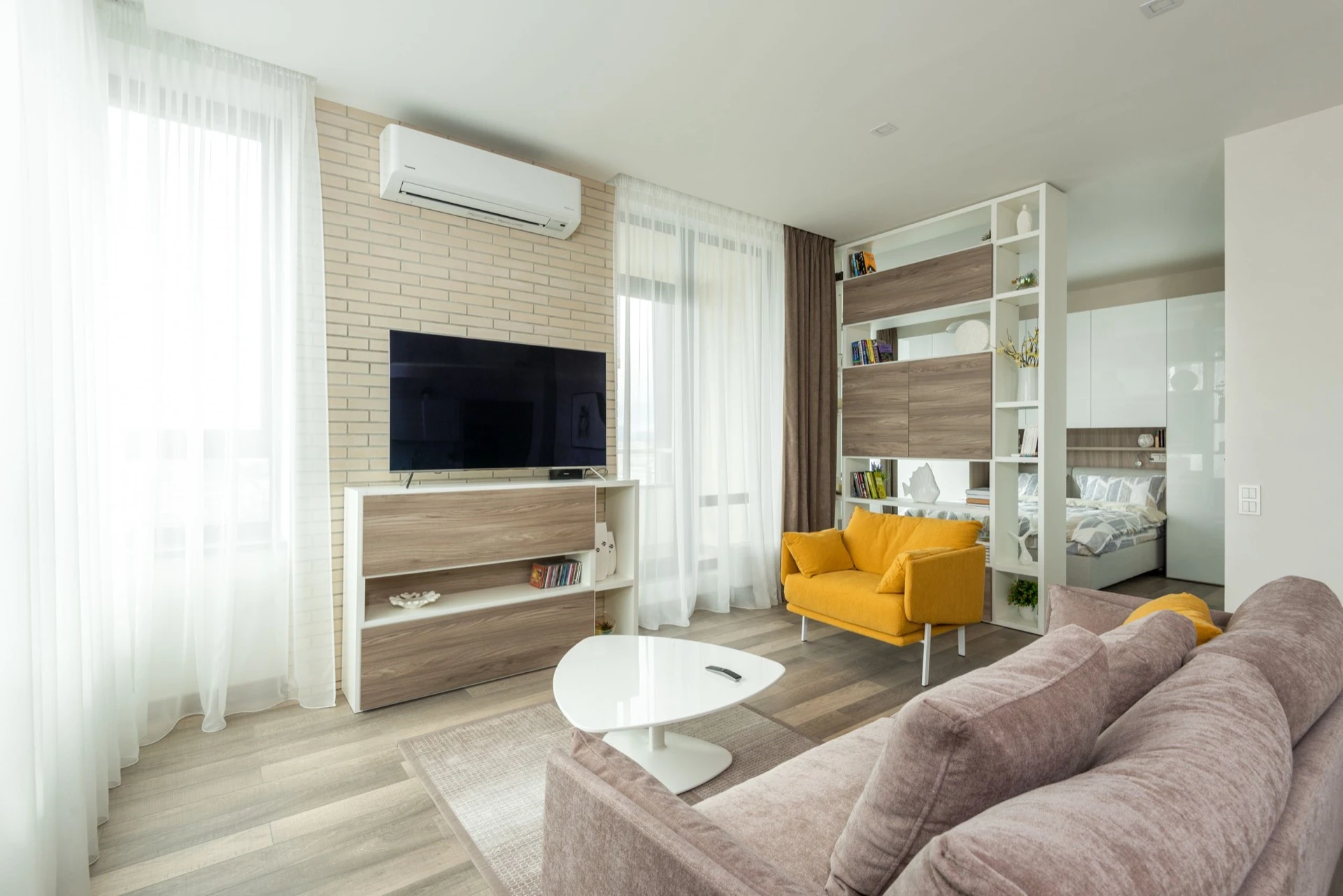
See it in action — real Imagera output
These are real, unedited results from the Imagera real estate reel — the exact tool this guide covers.
Ready to Turn Your Next Listing into a Reel?
The math has changed. Video used to be a per-listing production decision; now it's a fifteen-minute step between "photos uploaded to the MLS" and "listing live everywhere your buyers scroll." The agents winning attention in 2026 aren't necessarily the best on camera — they're the ones who publish for every listing, in formats buyers already watch, with marketing that faithfully matches the property.
Your next listing's photos are already sitting in a folder. Open the Real Estate Reel Maker, check the sample results slider, upload your best eight to twelve shots, and have the Just Listed reel published before the sign goes in the yard.