The question most agents ask when they start making listing videos is: "Can I just use a slideshow app?" The answer is technically yes — but the buyer experience is noticeably different, and in a competitive market, "noticeably different" translates directly to time on listing and leads generated.
This guide breaks down exactly what separates a basic photo slideshow from a true AI real estate video, when each is worth using, and how to produce the better version without any filming or editing skills.
Last updated July 2026.
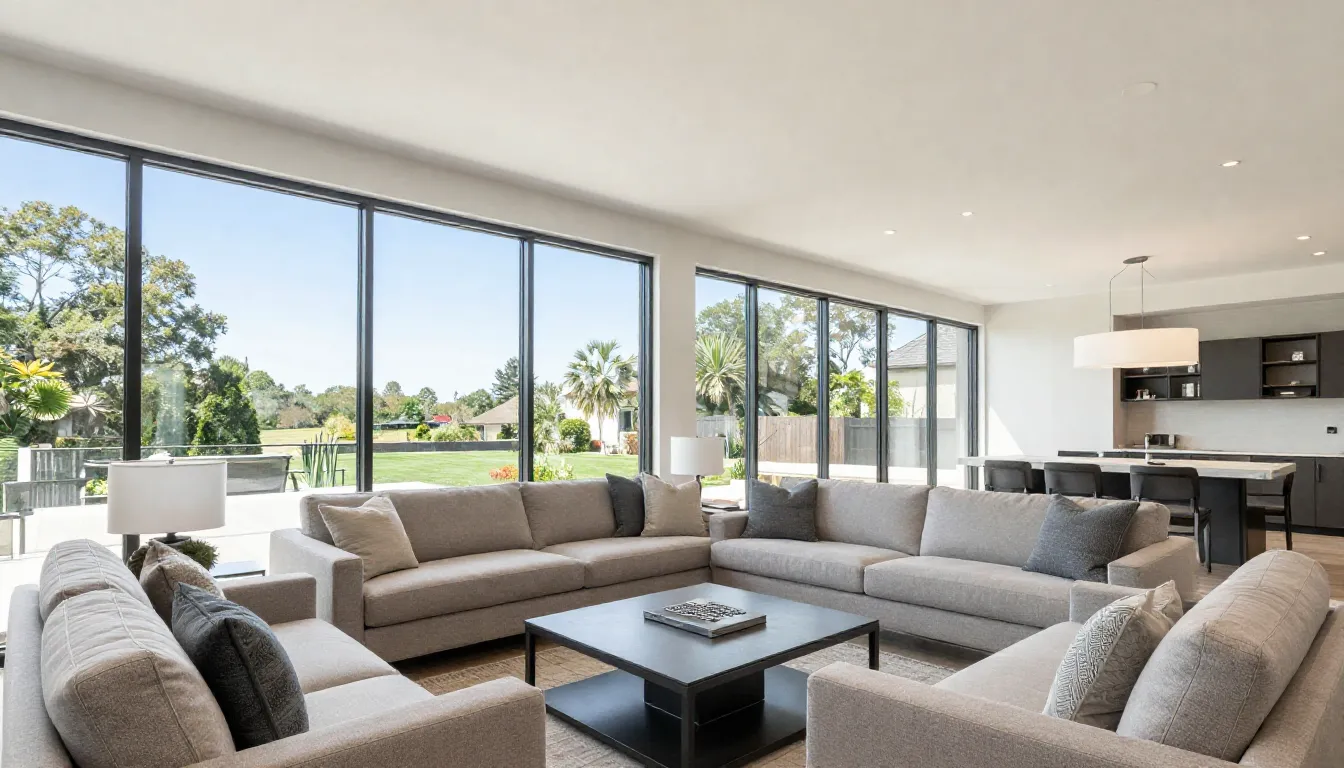
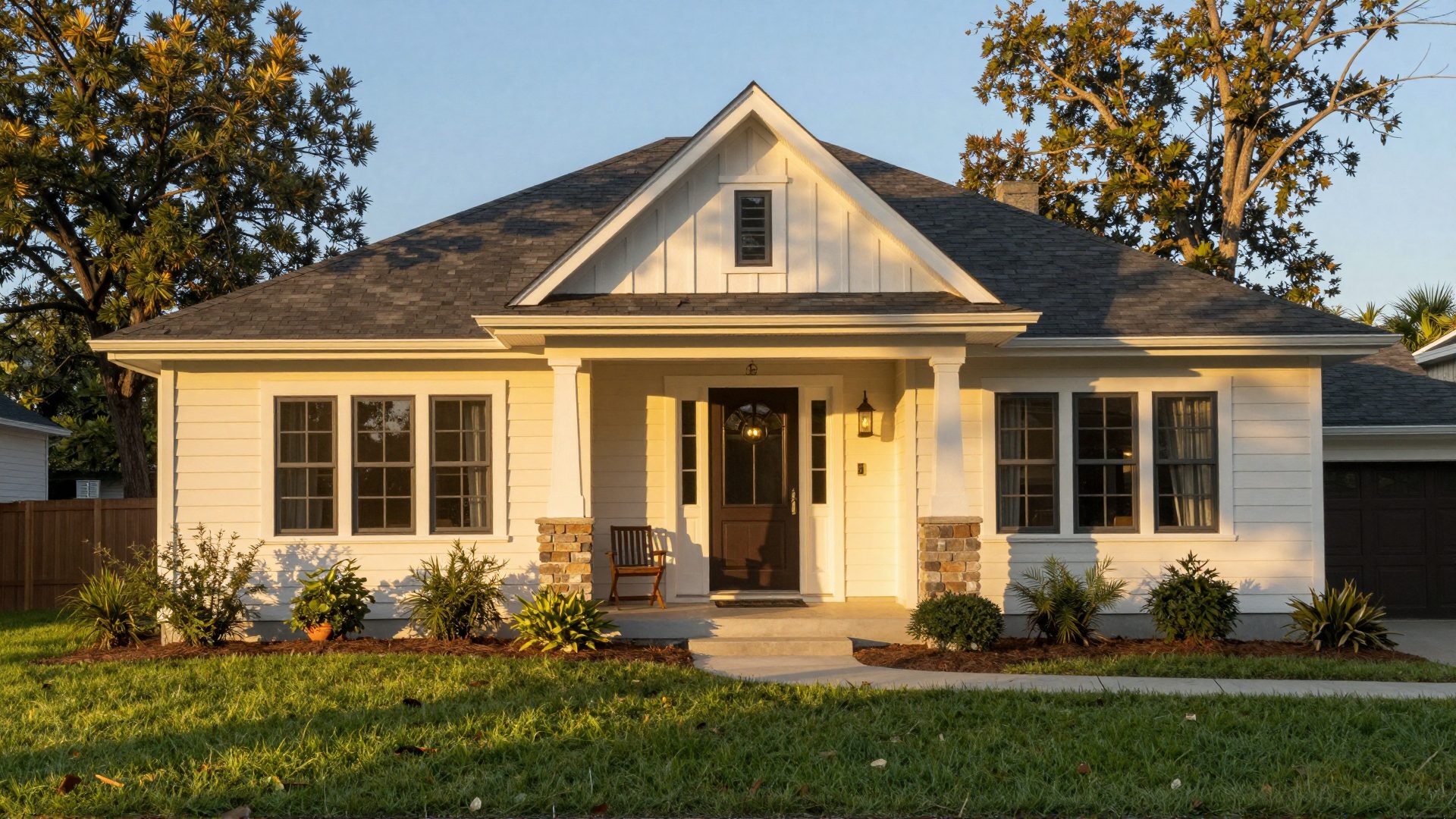
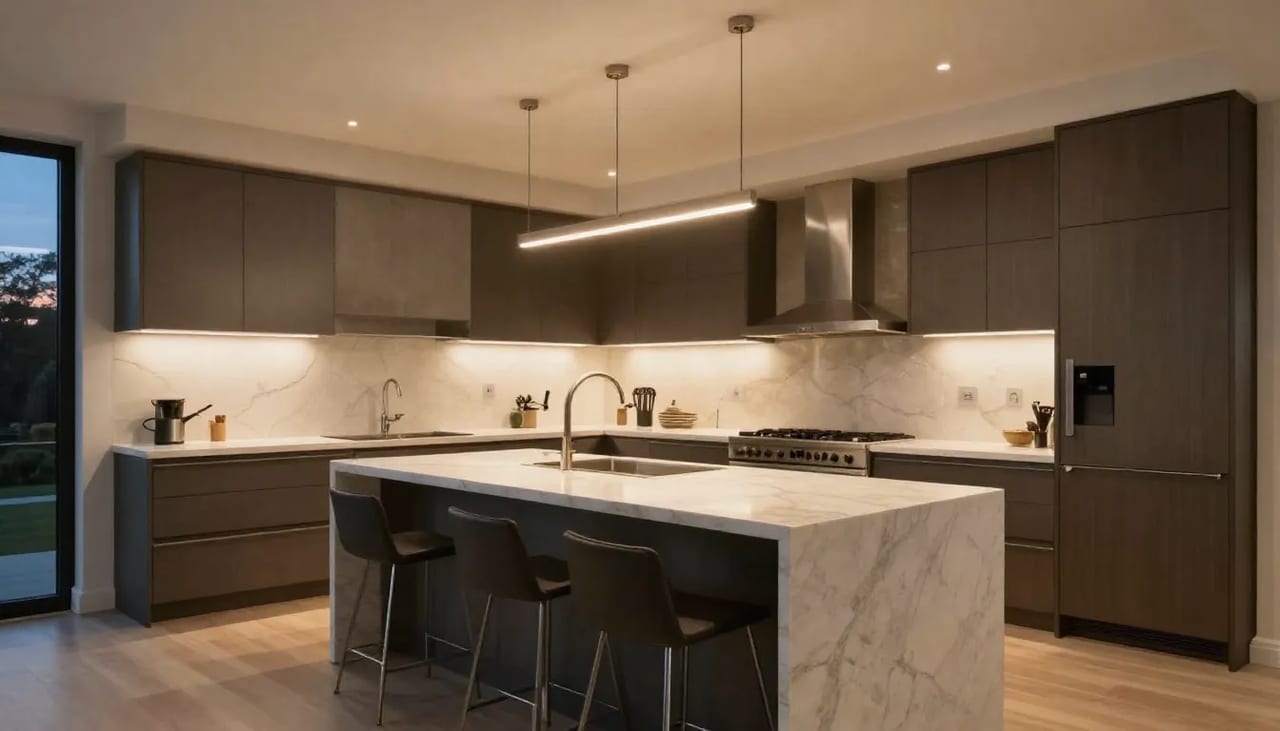
Real Imagera output: still property photos turned into a cinematic walkthrough reel.
Quick answer: Yes — in 2026 you can turn 8 to 20 still listing photos into a cinematic AI real estate video with Imagera in under 60 seconds, no filming, drone, or editing required. Unlike a basic slideshow, the AI adds motion, smart cropping, and pacing so the result looks like filmed footage rather than a photo album.
1.How is an AI real estate video from photos different from a slideshow?
A slideshow does 3 things: shows photos, adds a crossfade, and plays music, leaving each image a static rectangle. An Imagera AI real estate video from photos analyzes all 10 to 20 shots, applies parallax motion, intelligent cropping, and content-aware pacing, then renders in 4K. The motion draws the eye through each room, so viewers stay engaged instead of skimming a set of static stills.
2.Should a listing video be short, and how long does rendering take?
Keep it tight: 30 to 60 seconds covers a full walkthrough, while clips over 90 seconds tend to lose viewers before the final room. A short, motion-driven video gives buyers a clearer sense of flow and space than photos alone. With Imagera, you upload 100+ photos if you want, pick 12 to 15, and generate a finished 4K reel in under 60 seconds — pricing starts from a small credit amount per render.
3.The core difference: static display vs. intelligent motion
A traditional slideshow does three things: it displays your photos in sequence, adds a transition between them, and plays music underneath. That is it. The photos themselves are unchanged — static rectangles displayed for a set number of seconds each.
An AI real estate video from photos goes further at every step:
- Generated camera motion — instead of leaving a photo static, the AI treats each listing photo as a scene anchor and generates realistic movement through it: a glide across the kitchen, a slow push toward the facade, an interior sweep of the living room. The result reads like footage from a moving camera even though no camera ever moved.
- Content-aware cropping — when converting landscape photos to vertical (9:16) for Reels or Shorts, the AI crops around the subject rather than just center-cutting, so no key features disappear.
- Beat-matched pacing — transitions align with the music tempo rather than being set to an arbitrary two-second interval.
- Style-driven look — a golden-hour treatment warms the exteriors, a twilight treatment lights the windows at dusk, an aerial-style treatment reveals the lot from above — all applied consistently across the reel.
The net effect is a video that buyers perceive as closer to filmed footage — with natural movement and visual continuity — rather than a digital photo album set to music.
With Imagera's Real Estate Reel Maker, the rooms in the finished video are the rooms in your photos. Reference-to-video AI uses your actual listing photos as the visual anchor for every scene, so the kitchen buyers see on screen is your kitchen — not a stock interior or a generic AI-invented room.
4.What it does
The Real Estate Reel Maker takes a set of listing photos you already have and turns them into a short, motion-filled property video ready for social feeds and portals. Here is what happens under the hood, in plain terms:
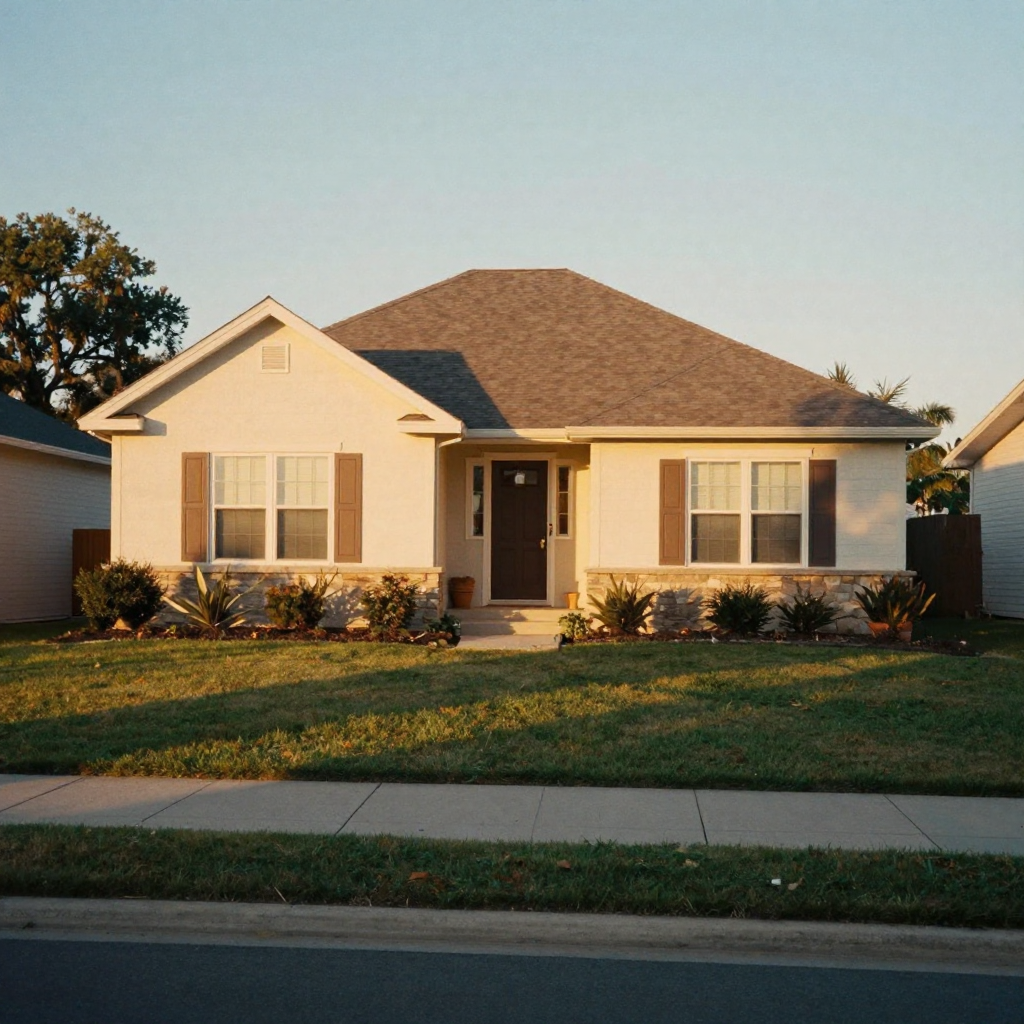
- You upload the stills. Up to nine photos from the listing shoot — phone photos or professional MLS images both work.
- You label each room. A short tag like "front exterior", "kitchen", or "primary bedroom" tells the AI what it is looking at, which keeps the generated motion and framing sensible for that space.
- You set the tour order. Drag the photos into the sequence a buyer would walk the home, so the reel flows like an actual showing.
- You pick a style. Each style changes the mood and camera behaviour of the whole reel (styles are covered in detail below).
- The AI generates the video. It creates motion between and within your photos, applies the chosen style, adds transitions, and renders a vertical reel — typically in a few minutes.
- You export and post. The output is a standard file that uploads anywhere a filmed video would.
Because it is built on your real photos, you are not gambling on whether the AI will invent a room that does not exist. The home in the reel is the home in the listing.
5.How it works: the styles
Rather than a single generic effect, the Real Estate Reel Maker offers several listing-ready tour styles. Each one sets the camera behaviour and lighting mood for the entire reel:
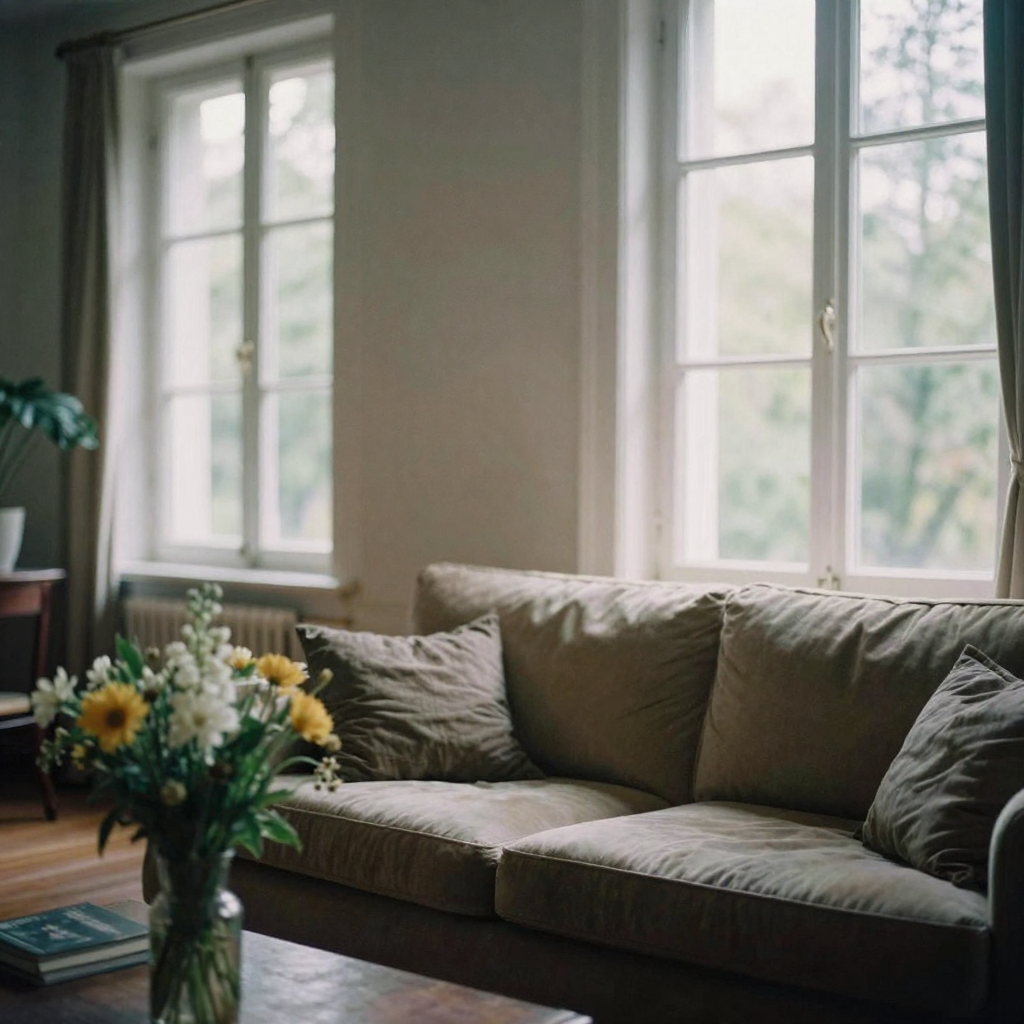
- Walkthrough Tour — a flowing room-to-room walkthrough, like a buyer touring the home. This is the safe default for most standard listings.
- Golden Hour Showcase — warm sunset light with glowing exteriors and inviting interiors. Good for homes where the natural light or curb appeal is the selling point.
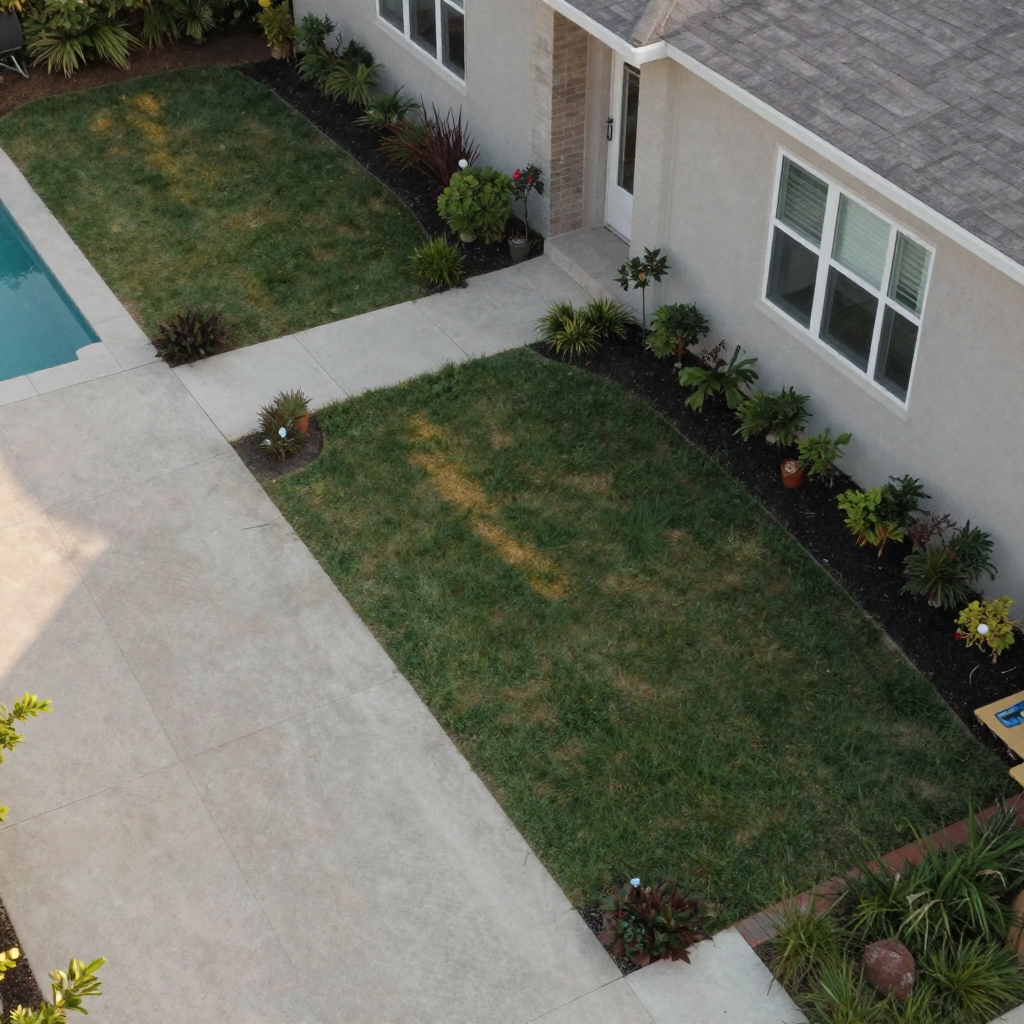
- Aerial-style Establishing — a sweeping, drone-style reveal of the property and its surroundings. You get the establishing "drone" shot without owning a drone, pulling a permit, or booking a second shoot.
- Cozy Interior Pan — slow, warm pans across living spaces and staged details. Best for staged interiors where the styling is doing the work.
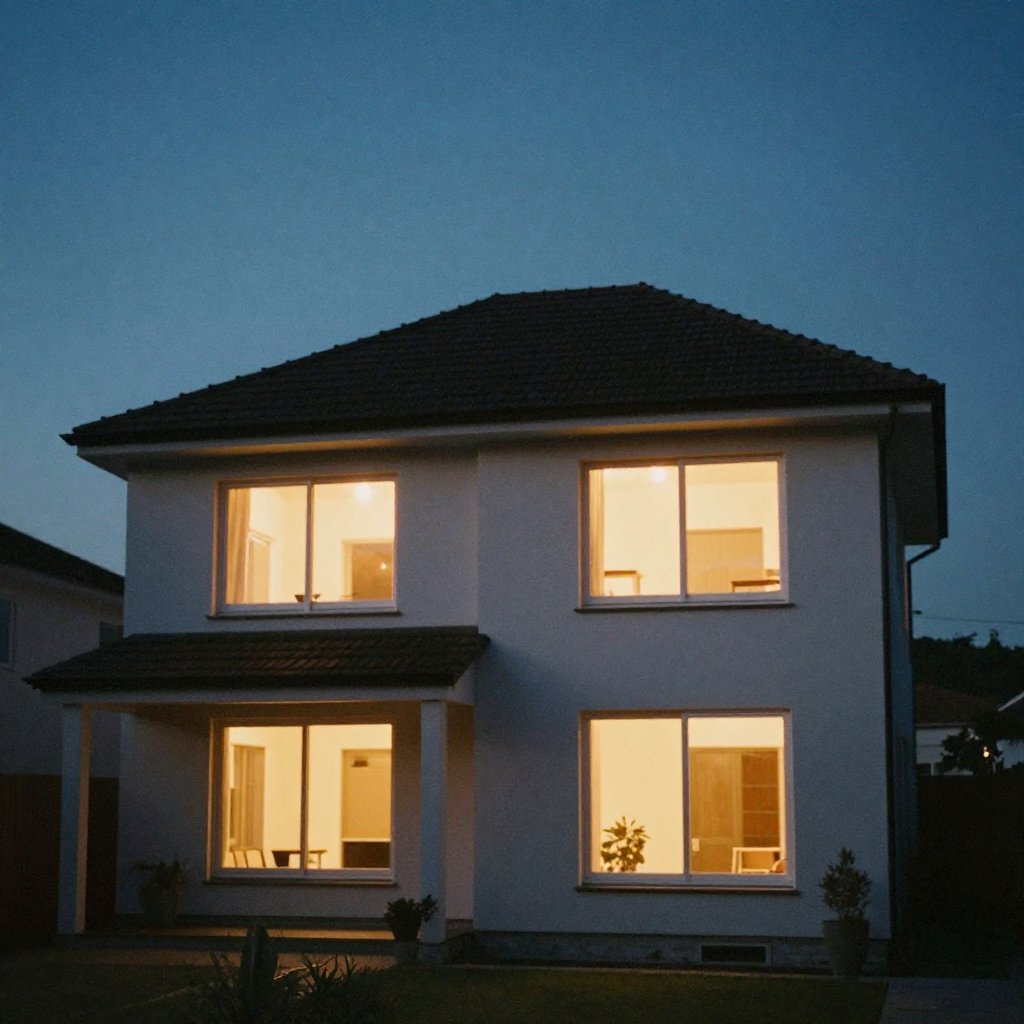
- Twilight Exterior — a dusk exterior with warm lights glowing through the windows. A classic premium-listing look.
- Kitchen & Detail Glide — a slow glide across the kitchen and premium finishes, for listings where the renovation or high-end fittings are the hero.
There is also a custom style option if you want to describe a specific look in your own words.
6.Side-by-side comparison
| Feature | Basic slideshow | AI real estate video (Imagera) |
|---|---|---|
| Motion in each photo | None (static) | Generated camera motion toward the subject |
| 9:16 crop method | Center-cut | Content-aware (subject-anchored) |
| Transition timing | Fixed interval (e.g. 2 sec each) | Beat-matched to music |
| Uses your real rooms | Yes (as static images) | Yes (as motion scene anchors) |
| Looks like filming | No — clearly a photo deck | Closer to filmed walkthrough |
| Perceived production quality | Low–Medium | Medium–High |
| Time to produce | 5–10 minutes | A few minutes per reel |
| Cost | Often free | Per-second in credits, shown before you commit |
| Requires filming | No | No |
| Commercial usage rights | Varies by app | Included on every reel |
| Suitable for MLS embed | Yes | Yes |
| Suitable for paid social ads | Borderline | Yes |
7.Step-by-step: making the reel
The workflow is simpler than most agents expect, and it lives entirely in the browser — no desktop install, no editing timeline.
7.1What you need
- Up to 9 listing photos (phone photos work fine; edited MLS photos are better)
- Photos in buyer-journey order: exterior → living spaces → kitchen → bedrooms → bathrooms → feature shots → outdoor
- An internet connection
7.2The workflow
- Open Imagera's Real Estate Reel Maker and enter the studio.
- Upload your ordered set of listing photos (up to 9).
- Give each photo a short label — "kitchen", "front exterior", "backyard" — so the AI understands the space.
- Drag the photos into the order a buyer would walk the home.
- Pick a style — Walkthrough Tour for a standard tour, Golden Hour or Twilight for curb appeal, Aerial-style for an establishing reveal, Kitchen & Detail Glide for a renovation.
- Choose your output format and length (see the format section below), and pick a rendering engine — a faster, lower-resolution engine for a quick social clip, or a premium engine at 1080p for a hero listing.
- Optionally add a short note in the description field — for example, "3 bed / 2 bath craftsman, newly renovated kitchen, end with the backyard at dusk" — to steer the reel.
- Confirm the per-second credit cost shown on the generate button, then generate. The reel renders in a few minutes.
- Review the result, then export the file and upload it to your channels.
There is no re-uploading between apps and no exporting through a separate editor — the whole job happens in one studio under one account.
8.Common use cases: who it's for
The same photo set can feed every channel an agent posts to. Concrete scenarios:
- Instagram & TikTok listings — vertical 9:16 reels in the format buyers actually watch homes on. Stop the scroll with motion instead of a static carousel.
- New listing launches — turn the photo set into a launch video the same hour the listing goes live, instead of waiting on a videographer's edit.
- Email & MLS boosts — add a walkthrough reel to a listing email or portal entry without booking a shoot.
- Old listings, new life — re-cut a stale listing's existing photos into a fresh reel and re-run it on social to reset its momentum.
- Rentals & Airbnbs — give rental and short-stay listings the same cinematic treatment as high-end homes, where a full video shoot is rarely justified by the commission.
- Personal agent brand — a steady stream of property reels keeps your agent profile active and posting between closings, which is often what wins the next listing.
- Team and brokerage output — scale reel production across a roster of listings without adding a videographer to headcount.
If the listing is above your local median price point, or if you are running paid social ads for it, a slideshow is unlikely to perform as well as an AI-generated reel with real motion.
9.When a slideshow is enough
A slideshow is not worthless. It earns its place in specific scenarios:
- Low-end listings where production cost needs to stay near zero
- Turnaround under a few minutes where a slideshow app is faster and the extra polish is not worth it
- Supplementary content for an already-filmed listing video (a slideshow for one channel, the filmed video for another)
Everywhere else — hero listings, launches, paid social, agent branding — the AI reel is the better step, and it does not require you to own or learn a video editor.
10.What buyers see (and why it matters)
Buyers do not consciously evaluate whether a listing video was shot by a videographer or assembled from photos. They do, however, feel a difference. A video with perceived movement and visual continuity keeps them watching longer — and the longer they watch, the more likely they are to book a showing.
Listing platforms and agent marketing surveys have long reported that listings with video tend to draw more attention than photo-only listings — the National Association of Realtors' annual technology surveys, for example, consistently rank video among the marketing tools agents find effective. To be precise: these are self-reported industry figures and survey findings, not a controlled study, and the size of any lift varies by market, price point, and video quality — individual results vary. What is more reliable is the mechanism: the quality of that video matters less than the presence of motion and pacing that keeps a viewer engaged through the full 30–60 seconds.
The goal is to pass the "filmed footage" threshold in the viewer's subconscious. An AI real estate video from photos does that. A basic slideshow usually does not.
11.Format options: which to produce
Most agents should produce more than one version from a single photo set.
| Format | Aspect ratio | Use case |
|---|---|---|
| Vertical reel | 9:16 | Instagram Reels, TikTok, Facebook Reels, YouTube Shorts |
| Horizontal | 16:9 | MLS video embed, YouTube, email campaigns |
| Square | 1:1 | Facebook feed, LinkedIn |
Imagera's Real Estate Reel Maker supports 9:16, 16:9 and 1:1 output at up to 1080p, in 5, 10 or 15-second clips depending on the engine you pick. For social listings, 10 seconds in 9:16 is the sweet spot — long enough to show the home in motion, short enough to hold completion rate.
12.Photo quality considerations
The AI can do a great deal with mediocre input photos, but it works from what you give it. Before uploading:
- Blurry or soft photos: Run them through the AI image enhancer to sharpen detail. See our guide on fixing pixelated images for the underlying technique — it applies to photos too.
- Mixed color temperatures: Photos taken under different lighting (daylight vs. incandescent) can look inconsistent in sequence. Choosing a single style — Golden Hour or Twilight, for example — helps unify the overall mood across the reel.
- Very dark rooms: Brightening them in your photo editor before the video is made gives the AI better material to work with.
- Weak shots: Quality matters more than quantity — a handful of strong photos beats a dozen weak ones. Order them so the reel opens on your best exterior and closes on a memorable feature shot.
13.Tips for best results
- Order for the story, not the file names. Open on curb appeal, move room to room the way a buyer walks a home, and end on a feature — a renovated kitchen, a view, a backyard at dusk.
- Label rooms accurately. The short tag you give each photo helps the AI frame the motion sensibly, so "kitchen" behaves differently from "backyard".
- Match the style to the selling point. Renovation? Kitchen & Detail Glide. Curb appeal or light? Golden Hour or Twilight Exterior. Big lot or location? Aerial-style Establishing.
- Keep social versions short. 10 seconds in 9:16 usually holds attention better than a longer cut on a feed.
- Use the description field. A one-line note about the home ("newly renovated, end on the backyard") steers the reel more than you might expect.
- Start with a faster engine to test. Try a quick, lower-cost render to check the flow, then re-run on a premium engine at 1080p once you are happy with the order and style.
14.Common mistakes to avoid
- Uploading photos in random order. The reel follows your sequence — an out-of-order set produces a disorienting tour.
- Cramming in every photo. More is not better. Pick the strongest shots so the pacing does not feel rushed or repetitive.
- Skipping the labels. Unlabeled photos give the AI less to work with; a two-word tag costs nothing and improves framing.
- Center-cutting landscape photos yourself before upload. Let the content-aware crop handle vertical framing so key features are not lost.
- Treating one format as enough. Export the vertical for social and the horizontal for MLS/email from the same photo set rather than redoing the work.
- Expecting the AI to fix a genuinely bad photo. Enhance dark, blurry, or overexposed shots first — the reel is only as good as the stills feeding it.
15.Examples: three quick scenarios
- The new craftsman listing. Nine MLS photos, ordered exterior → living → renovated kitchen → bedrooms → backyard. Style: Walkthrough Tour. Output: 10-second 9:16 reel for Instagram plus a 16:9 version for the MLS embed. Posted the same hour the listing went live.
- The stale luxury home. A listing that has sat for weeks. The agent re-cuts the existing photos with the Twilight Exterior style to lead on the glowing-windows hero shot, exports a fresh 9:16 reel, and re-runs it on social to reset momentum — no new shoot.
- The short-stay rental. A small furnished apartment where a full video shoot would never pay for itself. The host uses Cozy Interior Pan on six staged photos to produce a warm walkthrough for the booking listing and social, for a fraction of a videographer's day rate.
16.Comparison: AI reel vs. slideshow app vs. hiring a videographer
| Slideshow app | AI reel (Imagera) | Hired videographer | |
|---|---|---|---|
| Filming required | No | No | Yes |
| Real camera motion | No | Yes (generated) | Yes |
| Turnaround | Minutes | Minutes | Days |
| Typical cost | Often free | Per-second in credits | Hundreds of dollars per listing |
| Skill needed | Low | Low | N/A (outsourced) |
| Best for | Budget / supplementary | Most listings, launches, social | Flagship / high-budget listings |
Competitor slideshow apps are cheap but static; a videographer produces the highest ceiling but at a cost and turnaround that rarely fits every listing. The AI reel sits in the middle — motion and a filmed feel, produced in minutes, priced per second in credits — which makes it the right upgrade step for the majority of listings before you invest in a full shoot.
17.How much it costs
Reels are priced per second in credits, and the exact credit cost for your chosen length, resolution and engine is shown on the generate button before you commit — so there are no surprises. A shorter clip on a faster, lower-resolution engine is the budget option; a premium engine at 1080p is the pick for a hero listing. Credits are pay-as-you-go, so you can try a single reel without a subscription. See the full breakdown on the pricing page.
18.Related tools on Imagera
- Real Estate Reel Maker — the tool this guide covers
- Product Reel Maker — the same treatment for product listings
- AI image enhancer — sharpen soft listing photos before you upload
- Pricing
19.Bottom line
A slideshow shows a buyer your photos. An AI real estate video makes those same photos feel like a filmed walkthrough — with generated camera motion, style-driven lighting, and beat-matched pacing that keeps viewers watching. For most listings, launches, and social posts, that difference is worth the few extra minutes it takes to produce, and you do not need a videographer, a drone, or any editing skills to get it.
20.Quick start (high-intent)
- Open the Real Estate Reel Maker and enter the studio.
- Upload up to 9 listing photos and label each room.
- Drag them into tour order and pick a style.
- Confirm the per-second credits shown on the generate button.
- Generate, review, then post the winners.
Pricing · All tools · Image Editor · Product Reel Maker · AI Headshot