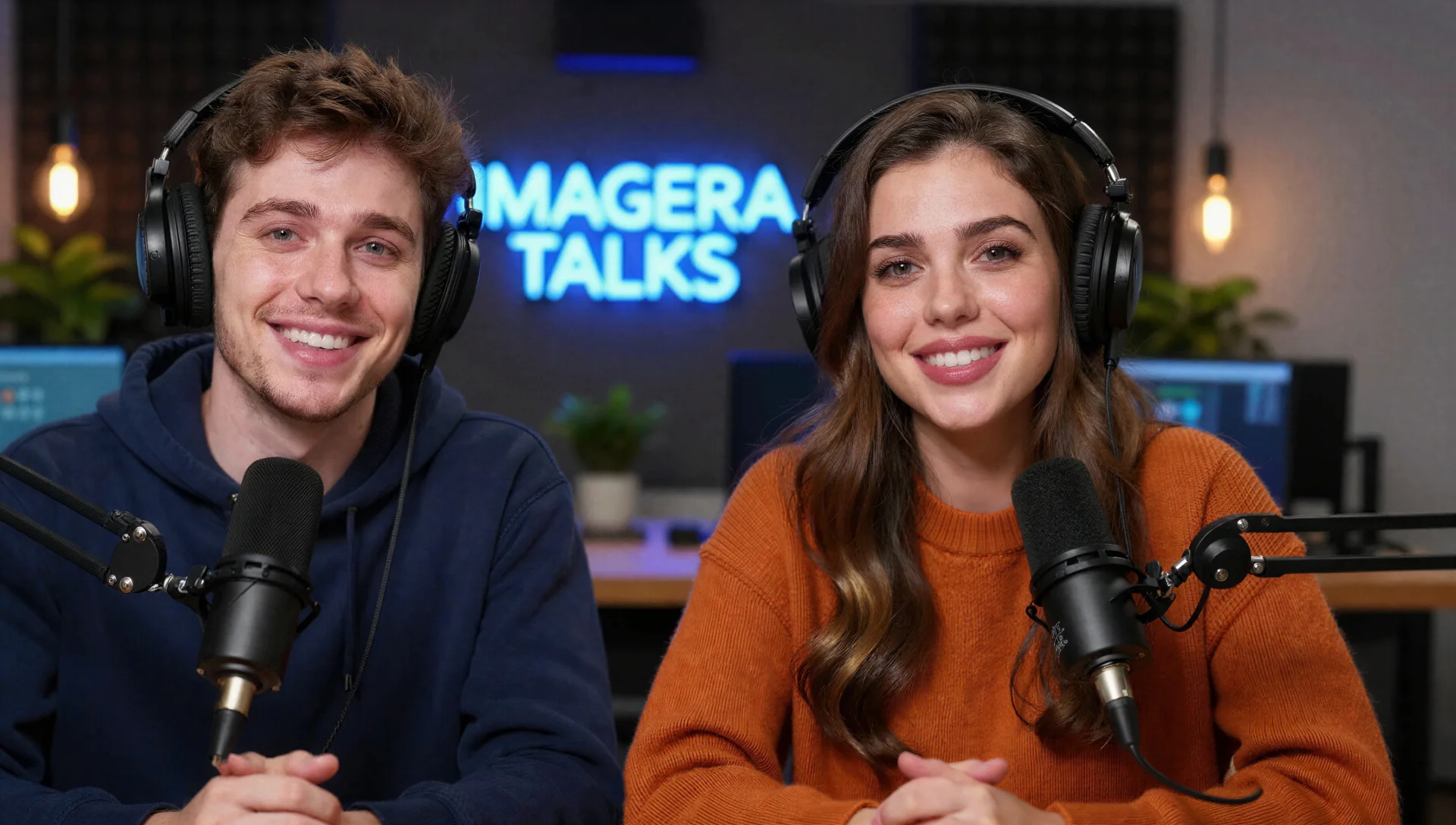
Traditional podcast production requires a microphone ($100-500), recording software ($0-300/year), a quiet room, audio editing skills, and hours of post-production. AI podcast generators eliminate all of that. You write a script, the AI generates a finished episode with multiple realistic speakers — in under 60 seconds.
This guide walks you through the entire process: from writing your first script to publishing a finished episode.
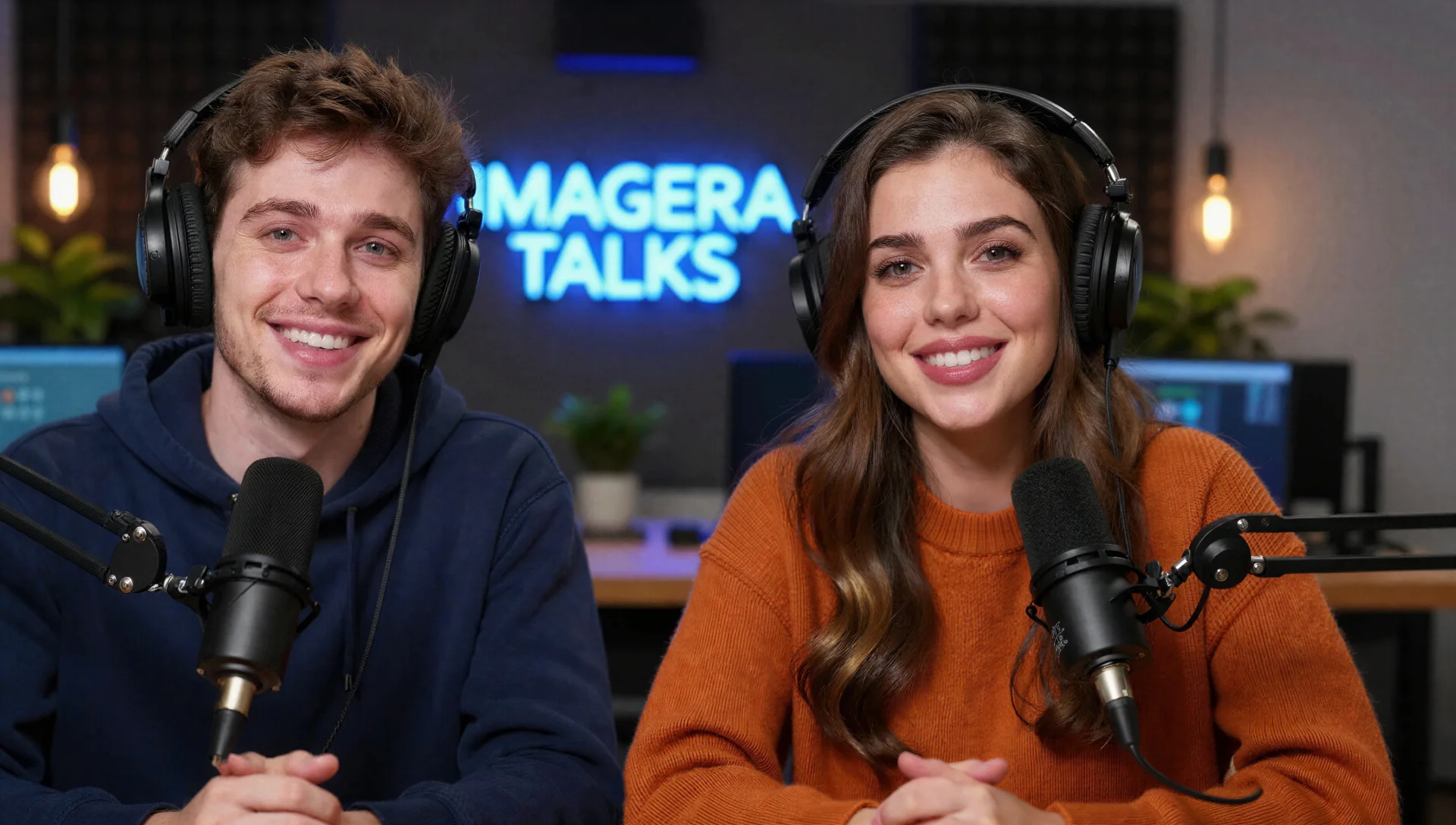
How to Create a Podcast with AI — Complete 2026 Guide is a practical Imagera workflow: start from a real source file, describe what should change, generate with credits shown up front, and review before you publish. This guide covers the steps, quality checks, and when to use related tools.
Quick answer: You create a podcast with AI on Imagera by turning a script or outline into studio-grade narration, then generating matching cover art, audiograms, and short video clips from a single dashboard — no mic, editing suite, or voice-acting budget required.
1.How long does it take to make a podcast episode with AI in 2026?
With Imagera in 2026, a 20-minute episode goes from script to publish-ready audio in under 60 minutes, far quicker than a traditional record-edit-master cycle. You can spin up several voice variations to A/B test tone, export audiograms at up to 4K for social, and produce multiple promo clips per episode without re-recording a single line.
2.Why do creators use AI podcast tools instead of a studio setup?
Cost and speed drive the shift. A home studio means investing in a mic, interface, and acoustic treatment, while Imagera charges only credits per generation — letting solo creators ship more episodes on a tighter schedule. Reusable AI voices also keep your tone consistent from one episode to the next, so a growing back catalog still sounds like the same show.
3.What Is an AI Podcast Generator?
An AI podcast generator is a tool that converts a written text script into realistic audio with multiple AI-generated voices. You assign speaker roles (Host, Guest, Expert, etc.), and the AI produces a conversation that sounds like a real recorded podcast.
What it does:
- Converts text scripts into multi-speaker audio
- Creates distinct, natural-sounding voices for each speaker
- Adds realistic pacing, intonation, and conversational flow
- Outputs downloadable audio files (MP3, WAV)
What it does NOT do:
- Generate scripts from scratch (you write the script or use AI writing tools separately)
- Replace investigative journalism or original reporting
- Create perfect voice clones of specific people
Think of it as a text-to-speech engine built specifically for conversational audio — not a robotic reader, but a system that understands dialogue flow.
4.Who Uses AI Podcasts?
AI-generated podcasts serve several practical purposes:
| Use Case | Why AI Works | Example |
|---|---|---|
| Content marketing | Repurpose blog posts, whitepapers, and reports as audio | SaaS company turns quarterly report into podcast |
| Education | Convert lecture notes and textbooks into listenable audio | Student turns 200 pages of notes into 10 podcast episodes |
| Internal training | Create training modules without recording every subject matter expert | Company creates onboarding podcast from HR documents |
| Multilingual content | Generate the same episode in multiple languages | YouTuber creates podcast in English, Spanish, and Hindi |
| Accessibility | Make written content available as audio for visually impaired users | Blog publishes audio versions of every article |
| Prototyping | Test podcast concepts before investing in production | Entrepreneur tests 5 show formats before choosing one |
5.Step-by-Step: Create Your First AI Podcast
5.1Step 1: Write Your Script
The script is the most important part. The AI will follow your script exactly — it does not improvise or add content. Write the conversation you want to hear.
Script format:
Host: Welcome to the show. Today we're talking about remote work trends in 2026. Guest: Thanks for having me. The data this year is interesting — 67% of knowledge workers now work hybrid, up from 58% last year. Host: What's driving that increase? Guest: Two things. First, companies realized that forced return-to-office policies were driving up attrition. Second, async collaboration tools got dramatically better.
Script tips:
- Label each speaker clearly (Host:, Guest:, Expert:, etc.)
- Write natural dialogue — contractions, short sentences, occasional filler
- Keep episodes between 500-3,000 words (roughly 3-15 minutes of audio)
- Include transitions and topic changes for pacing
- Avoid walls of text from a single speaker — alternate every 2-3 sentences
5.2Step 2: Choose Your Speakers
AI podcast generators offer multiple voice options. When selecting voices, consider:
- Tone match: A business podcast needs professional voices; a casual show can use more conversational ones
- Contrast: Choose voices that sound distinct from each other so listeners can tell speakers apart
- Gender and style variety: Mix different voice characteristics for a more natural feel
5.3Step 3: Generate the Audio
Using Imagera's AI Podcast Generator:
- Open the podcast generator
- Paste your script with speaker labels
- Select voice preferences for each speaker
- Click Generate
Processing takes 50-70 seconds depending on script length. The system creates the complete audio file with natural pacing, intonation, and speaker transitions.
5.4Step 4: Download and Review
The generated audio downloads as an MP3 or WAV file. Listen through the full episode and check for:
- Speaker transitions (do they sound natural?)
- Pronunciation of technical terms or names
- Pacing (too fast? too slow?)
- Any artifacts or unnatural pauses
If something sounds off, adjust the script wording and regenerate. Shorter, more conversational sentences typically produce the most natural results.
5.5Step 5: Publish
Once you have a finished episode, distribute it through your preferred channels:
- Podcast platforms: Upload to Spotify, Apple Podcasts, Google Podcasts via a hosting service (Buzzsprout, Anchor, Podbean)
- Website embed: Add an audio player to your blog post or page
- Social media: Extract clips for short-form video content
- YouTube: Upload with a static image or animated waveform for YouTube podcasts
6.AI Podcast Generators Compared (2026)
| Tool | Pricing | Multi-Speaker | Script Control | Output | Best For |
|---|---|---|---|---|---|
| Imagera | ~$0.20/episode (pay-per-use) | Yes (2+ speakers) | Full script control | MP3/WAV | Creators who want exact script control without subscription |
| NotebookLM (Google) | Currently available at no cost | Yes (2 speakers) | No — auto-generates script from sources | Streaming only | Quick summaries of documents you upload |
| Wondercraft | $19/month | Yes | Yes | MP3 | Regular podcast producers |
| ElevenLabs | $5-22/month | Yes (via Projects) | Yes | MP3/WAV | Professional voice quality |
| Descript | $24/month | Limited | Yes (via editing) | MP3/WAV | Podcast editing with AI features |
Key differences:
- NotebookLM auto-generates scripts from your sources — you cannot edit the conversation. Good for quick overviews, but you lose creative control. See our detailed NotebookLM comparison.
- Imagera gives you full script control at pay-per-use pricing. No subscription, no monthly commitment.
- Wondercraft and ElevenLabs are subscription-based — better if you produce multiple episodes weekly.


7.How Much Does AI Podcast Production Cost?
Traditional podcast production costs:
| Component | Traditional Cost | AI Alternative |
|---|---|---|
| Microphone | $100-500 (one-time) | $0 |
| Recording software | $0-300/year | $0 |
| Soundproof space | $500-5,000 | $0 |
| Audio editing (per episode) | $50-300 (freelancer) or 2-4 hours (DIY) | $0 |
| AI generation | N/A | ~$0.20/episode |
| Total per episode | $50-300+ | ~$0.20 |
For context, Imagera charges approximately 20 credits per 1,000 characters of script. A typical 10-minute episode (about 1,500 words / 8,000 characters) costs roughly 160 credits, or about $4.80. Shorter episodes (3-5 minutes) cost around $0.60-2.00.
8.Tips for Better AI Podcast Scripts
1. Write like people talk, not like people write.
Bad: "The implications of artificial intelligence on the contemporary workforce are multifaceted and require careful examination."
Good: "AI is changing how people work — and it's happening faster than most of us expected. Let me give you three specific examples."
2. Use speaker interruptions and reactions.
Host: So the entire migration took six months? Guest: Actually, closer to four. We finished ahead of schedule because — Host: Wait, ahead of schedule? In enterprise software? Guest: I know, I was surprised too.
3. Include specific numbers and examples.
Vague: "A lot of companies are adopting AI tools."
Specific: "Salesforce reported that 72% of their enterprise customers now use at least one AI automation feature, up from 34% in 2024."
4. Keep individual speaker turns short.
Each speaker turn should be 1-4 sentences. Long monologues sound like someone reading an essay, not having a conversation.
5. End episodes with a clear takeaway.
Host: So if someone listening right now wants to get started with AI in their workflow, what's the single best first step? Guest: Start with the task you hate most. Whatever you spend time on that feels repetitive and draining — that's where AI will give you the biggest immediate win.
9.Common Questions About AI Podcasts
9.1Can listeners tell it's AI-generated?
Modern AI voices have improved significantly. Most casual listeners won't notice if the script is well-written and conversational. The quality gap between AI and human voices is narrowing each year. That said, professional voice actors still deliver more emotional range and natural improv. Always disclose AI-generated audio where platform policies require it.
9.2Is it legal to publish AI-generated podcasts?
Yes. AI-generated audio is legal to publish in most jurisdictions. You own the output. The main considerations are:
- Don't impersonate real people without consent
- Disclose AI generation where required by platform terms of service
- Don't use AI voices to create misleading content (fake interviews, etc.)
9.3Can I monetize AI podcasts?
Most podcast platforms allow AI-generated content. Spotify, Apple Podcasts, and YouTube do not prohibit AI-generated audio as of February 2026, though they may require disclosure. Ad networks and sponsors generally care about audience size and engagement, not production method.
9.4How long should AI podcast episodes be?
There is no ideal length. Match the content:
- Quick tips or news: 3-5 minutes (500-800 words)
- Topic deep-dives: 10-15 minutes (1,500-2,500 words)
- Comprehensive guides: 20-30 minutes (3,000-5,000 words)
Shorter episodes tend to have higher completion rates. Start with 5-10 minute episodes and expand based on listener feedback.
9.5Can I combine AI audio with my own recordings?
Yes. Generate AI segments and combine them with your own recorded audio in any audio editor (Audacity, GarageBand, Descript). This is useful for adding AI-generated expert quotes, multi-language segments, or supplementary content to a human-hosted show.
10.What AI Podcasts Cannot Replace
AI podcast generators are production tools, not creative replacements. They work best when you have:
- A clear topic and structure
- A written script with specific information
- A distribution plan for the finished content
They do not replace:
- Original reporting and interviews
- Live audience interaction
- Personal storytelling and authentic experience sharing
- Investigative journalism
The best use of AI podcasts is scaling content production — turning existing written content into audio format, creating training materials, prototyping show concepts, and reaching audiences who prefer listening over reading.
11.Get Started
If you have a script ready, you can generate your first episode right now. Imagera's AI Podcast Generator produces multi-speaker audio from your script in under 60 seconds. No subscription — pay only for the episodes you create.
For more specific use cases, see our guides on AI Podcasts for Studying, Converting PDFs to Podcasts, and our NotebookLM Comparison.
12.Tools and next steps
| Goal | Open |
|---|---|
| Image edits & pose | Imagera Image Editor · Identity Editor |
| Headshots | AI Headshot |
| Product / person reels | Product Reel Maker · Human Reel Maker |
| Talking photo | Avatar Generator · Talking Avatar |
| Pricing | Pricing |
How to ship: upload a master file → write a clear instruction → confirm credits → generate → review on phone → export winners only.
13.See it in action — real Imagera output
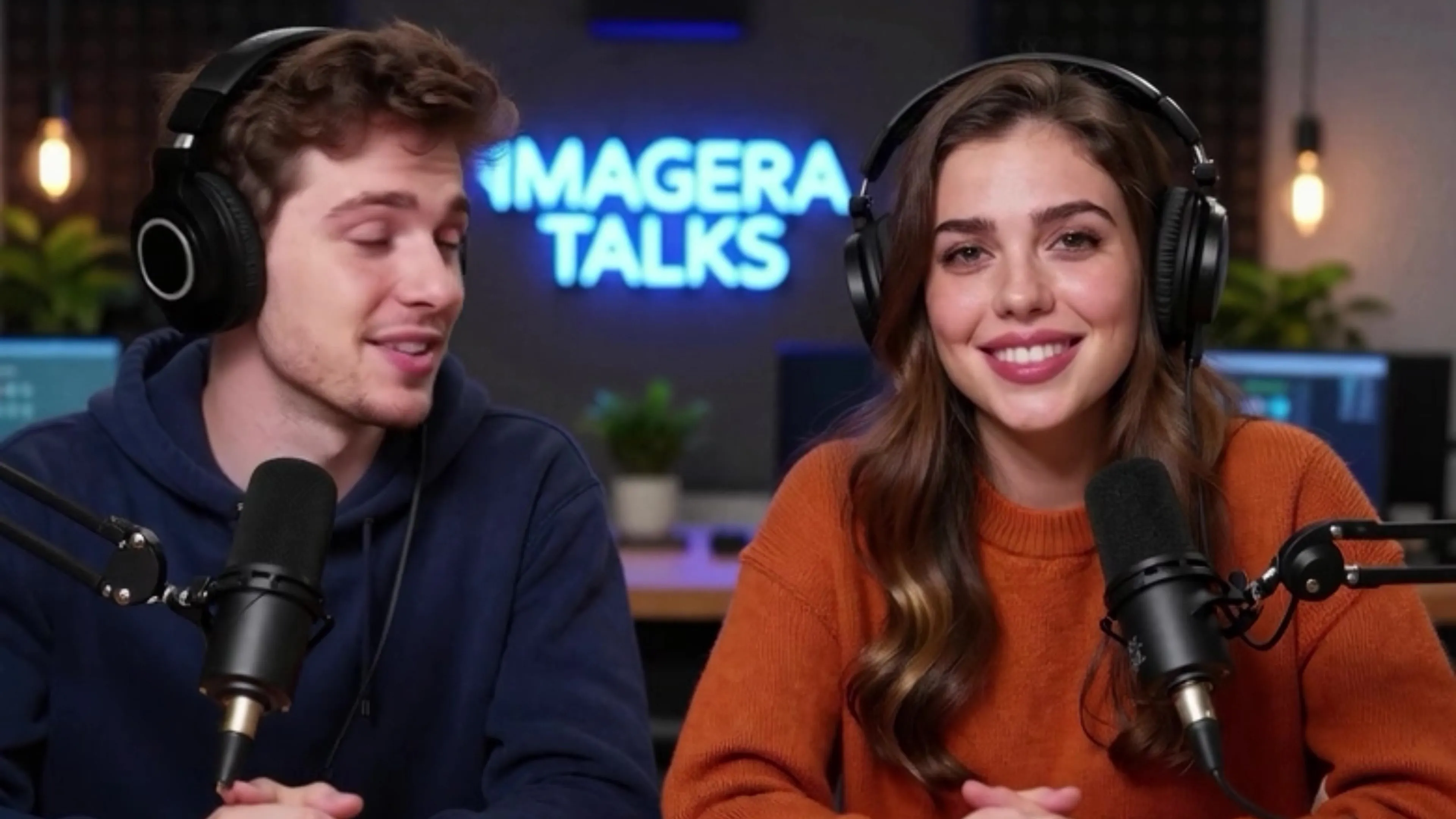
These are real, unedited results from the Imagera podcast generator — the exact tool this guide covers.