Turn a Photo of a Person into a Cinematic Reel
Turn photos of a person into cinematic human reels
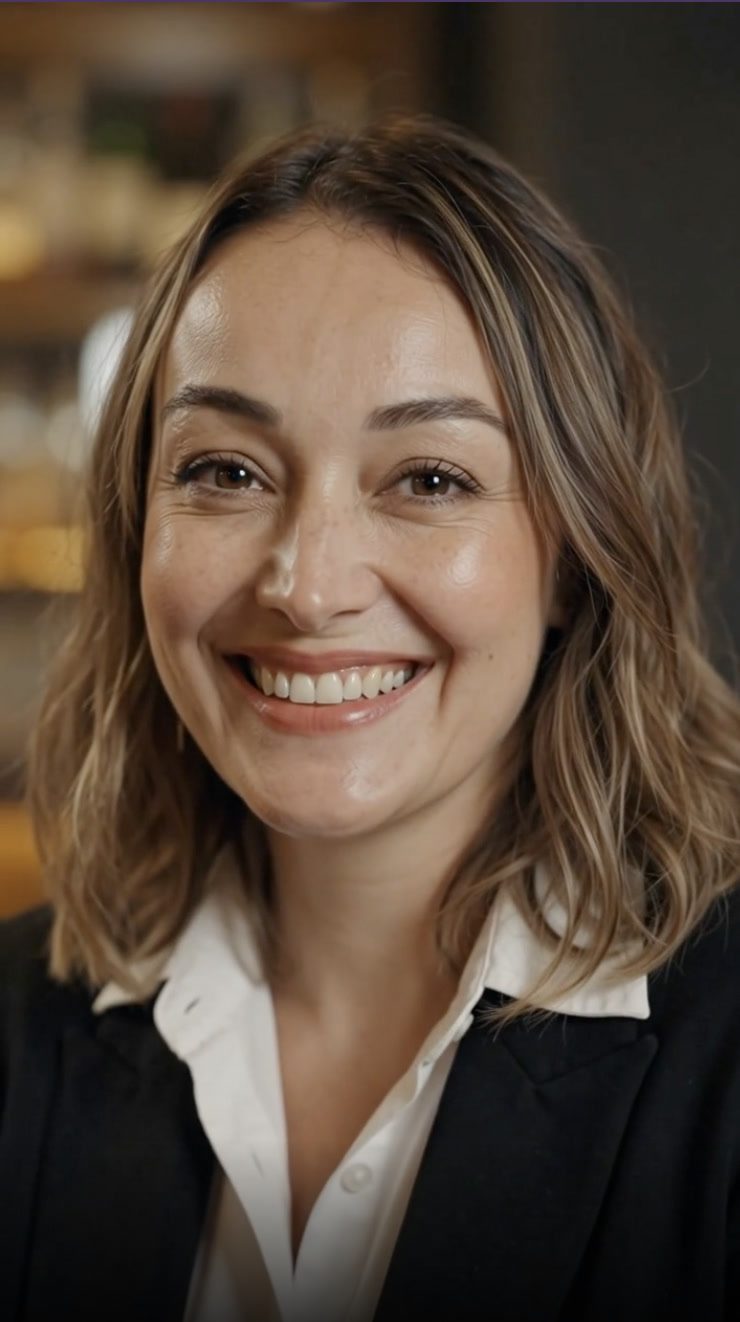
How do I turn a photo of a person into a video?
A human reel maker turns one still photo of a person into a short cinematic video. You upload a clear photo, describe who the person is and the tone you want, choose a motion style, and the reel renders in minutes — vertical for TikTok and Reels, or wide for a website. Nothing is filmed: the movement, framing and lighting are generated around the person already in your photo.
- Credits
- 60 for a 5-second reel, 170 for 15
- Lengths
- 5, 8, 10, 15 seconds
- Frames
- 9:16, 16:9, 1:1
Updated September 4, 2026
Cite this page: https://imagera.ai/video/human-reel-maker
Why it feels human
Natural expression
Subtle blinks, micro-movements and a lifelike gaze — the face moves like a person, not a puppet. It is the part a still photograph cannot show you, which is why the hero on this page plays rather than slides.
Know more →Consistent likeness
Your photo anchors every frame, so the take you keep is the person you uploaded — same face, same wardrobe. Generation is not deterministic: regenerate and keep the take that holds, which is exactly how the samples on this page were chosen.
Know more →Cinematic lighting
Studio-grade light and depth wrap the subject, so a plain headshot taken on a phone reads as a filmed moment rather than a photo with a pan across it.
Know more →Your vibe, the real person, in motion
You describe who the person is and how it should feel, and the camera language is built around them — a steady, confident talking-head for a founder intro, a breezy golden-hour push-in for a lifestyle creator. Your photo anchors every frame.
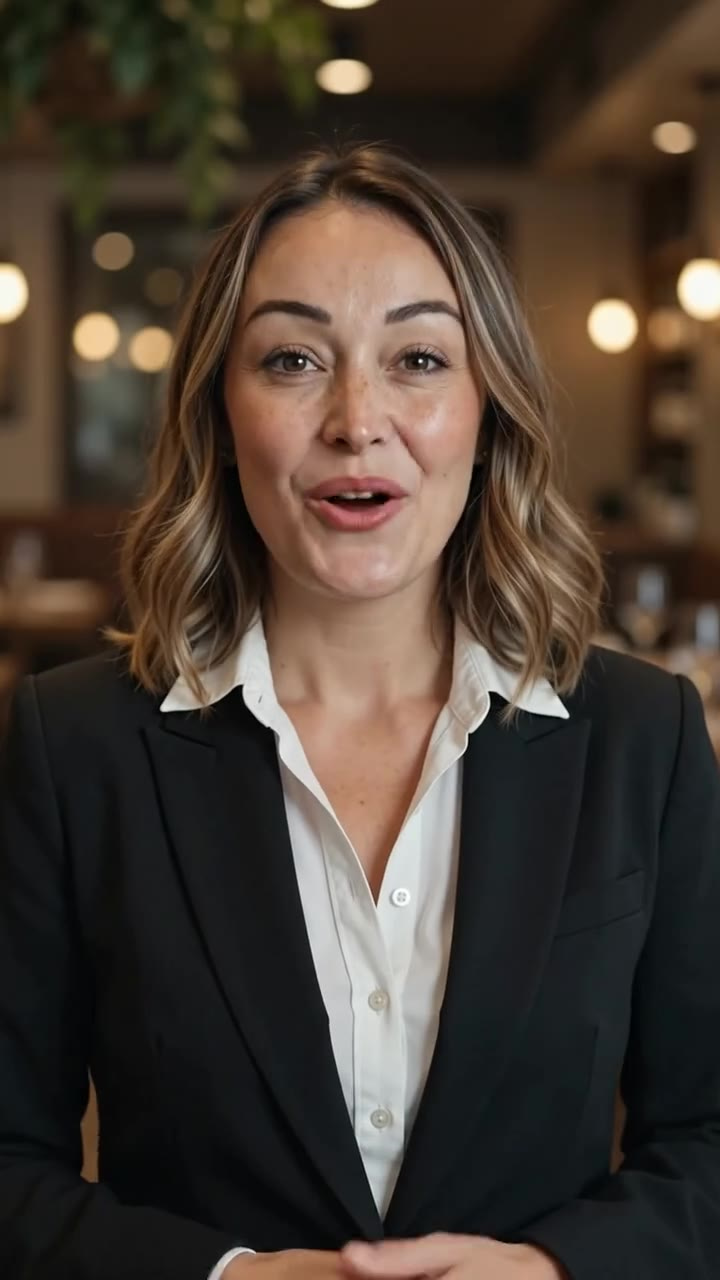
Talking to camera, without a camera
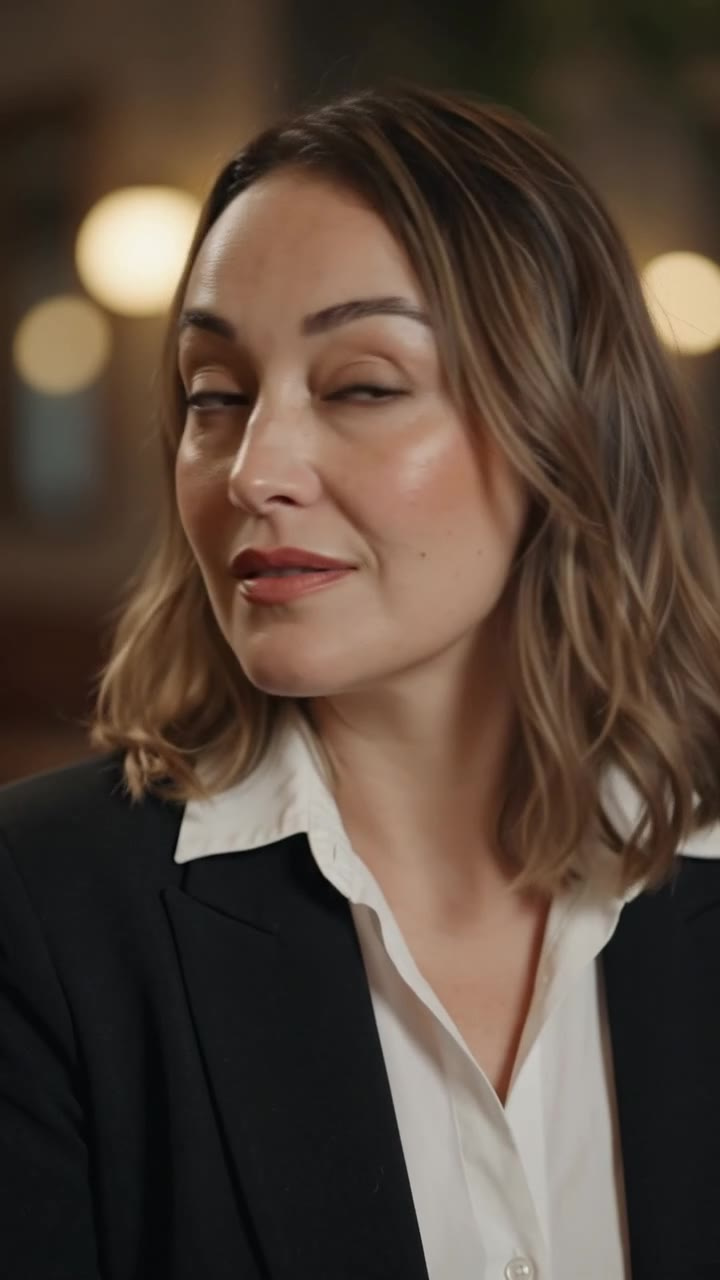
The person speaks to camera with natural, subtle motion — the shot a founder intro, a product explainer or a spokesperson clip is usually built around, and the one that normally costs a shoot day, a crew and a booking. The still on this row is a frame from a take generated from the same single portrait the hero starts with: same person, same blazer, mid-sentence. Upload one clear headshot, say what tone you want, and the reel renders in minutes — nothing filmed, nobody booked, no gimbal and no editor.
Try it now →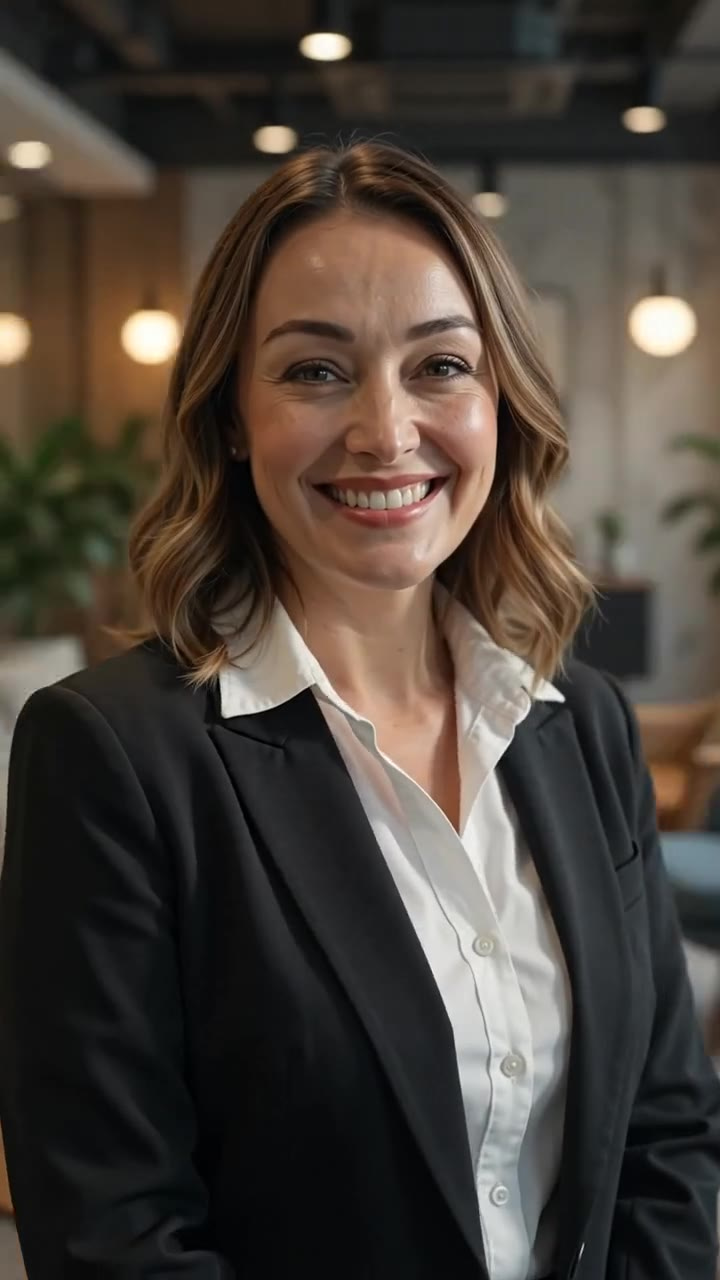
One photo, more than one reel
The same portrait can be regenerated in a different style, ratio and length, so it is worth treating as the seed of a small library rather than as one clip. A common pattern: a portrait orbit for a founder's profile, a talking-to-camera take for the website hero, a golden-hour cut for the feed — three placements, one upload. Describe the person the same way each time and vary only the style, and the tone stays consistent across all of them. The still on this row is a second take of that same person from that same source photo.
Try it now →Match the style to the goal
6 named styles ship with the studio — Talking to Camera, Walk & Turn, Lifestyle Candid, Portrait Orbit, Golden Hour, Fashion Strut — plus a free-text option for a shot none of them describes. They are not interchangeable. A steady talking-to-camera delivery reads as credible for a founder or spokesperson intro; a slow portrait orbit turns a plain headshot into something polished enough for a profile or a pitch deck; lifestyle candid and golden hour feel native to a creator feed; a walk and turn gives a staff photo movement for a team page; and a fashion strut suits editorial. Regenerating the same photo in a second style costs another render and nothing else, so try two before you decide.
How it works
One photo, an optional line about the person, a style. Nothing is filmed.
Upload a photo of the person
One clear photo is enough — a headshot, a full-body shot, or a favorite portrait of yourself, your founder or your talent. The face is what the motion anchors to, so pick a frame where it is sharp, evenly lit and unobstructed, and where the eyes are open and roughly level with the lens.
Describe the person & the vibe
Optional, and worth doing: tell it who this is and how the reel should feel — "confident founder intro", "warm lifestyle creator", "editorial fashion moment". A style preset on its own will render, but the description is what drives the motion, pacing and mood, so the reel reads as made for this person rather than generic.
Pick a style and generate
Choose from Talking to Camera, Walk & Turn, Lifestyle Candid, Portrait Orbit, Golden Hour, Fashion Strut, set the frame — 9:16, 16:9, 1:1 — and the length, and the credit cost appears on the generate button before anything runs. The reel comes back in minutes, vertical-ready for every feed.
One photo, every channel
Spokesperson & explainer reels
Put a real person on camera introducing your product or brand — built from one photo, no shoot day, no crew.
Personal brand & LinkedIn
Turn a single professional headshot into a polished talking-head reel for LinkedIn, your site or a pitch deck.
Creator & influencer content
Keep your feed alive with fresh cinematic reels of yourself — even on days you never picked up a camera.
Fashion & lifestyle
Give a portrait fashion energy — a fashion strut, a golden-hour push-in, an editorial full-body reveal.
Testimonials & intros
Create warm, human intro and testimonial reels from a headshot when filming everyone in person isn’t practical.
Founders & team pages
Give a startup an on-camera face — founder intros and team reels generated straight from staff photos.
Discover more AI features
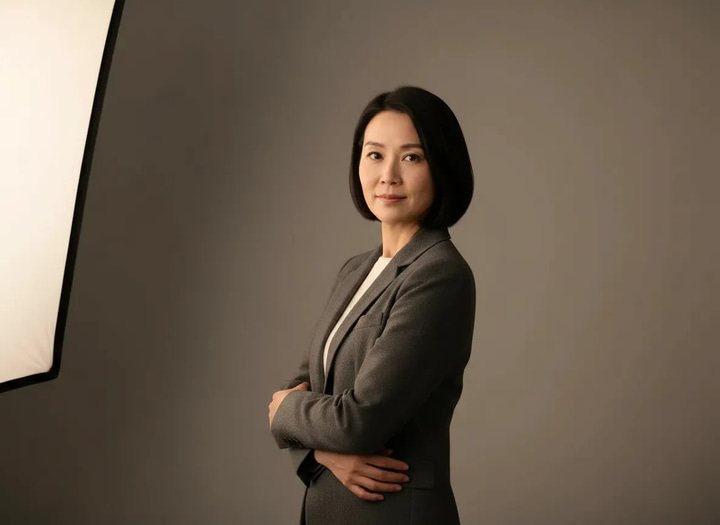
Magic Pose Changer
Wrong angle, stiff pose, bad body language? Change the pose while keeping the same face — identity locked, no reshoot.
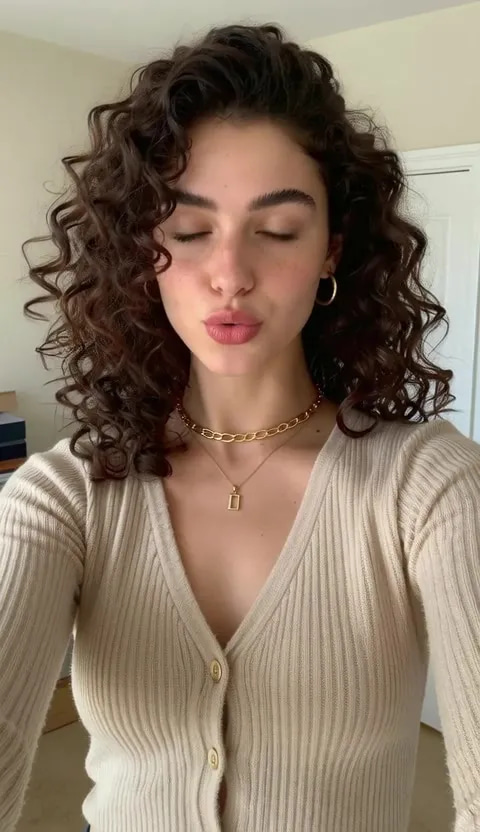
Lipsync Studio
No camera, no shoot, no retakes — a photo and a voice note become a video of that person saying it, or a clip you already shot says something new.
Product Reel Maker
Turn product photos into scroll-stopping reels
Frequently asked questions
How do I turn a photo of a person into a video?
Upload one clear photo of the person to the Human Reel studio, describe who they are and the vibe you want, pick a style like Talking to Camera or Portrait Orbit, and generate. Imagera builds natural camera motion and lifelike movement around the actual person in your photo and delivers a vertical reel in a few minutes.
Do I need to film anything?
No — that is the whole point. The reel is generated from a still photo. No camera crew, no studio, no gimbal, no editor. If you have one good photo of yourself, your founder or your talent, you can have a human reel.
Does it handle real faces naturally?
Yes — that is what the people-facing engines in the studio are built for: real faces with natural movement, expression and lighting, so the person on screen looks and moves like themselves rather than a stiff cutout. Not every engine will accept a photograph of a real person, and the picker flags the ones that do before you spend anything. For anyone other than yourself, get their permission before creating a reel of them — you are responsible for having the rights to the photo you upload.
Why is the description required?
It is not required — the notes box is optional and a style preset on its own will render a reel. It is worth writing anyway. People and intentions vary: a confident founder intro, a warm lifestyle creator and an editorial fashion moment all need very different treatment, and your description of the person and the vibe drives the motion, pacing and mood, so the reel feels made for them rather than generic.
What styles and formats are available?
Styles are Talking to Camera, Walk & Turn, Lifestyle Candid, Portrait Orbit, Golden Hour, Fashion Strut, plus a free-text option for a shot none of them describes. Frames are 9:16, 16:9, 1:1. On the engine the studio opens with, lengths are 5, 8, 10, 15 seconds. Length, resolution and the ratios on offer all follow the engine you pick, and the studio only lists the combinations that engine will actually render, so nothing you can choose comes back refused.
How much does a human reel cost?
Reels are priced in credits, and the cost scales with length, resolution and the engine you choose — the exact number is on the generate button before you commit. On the engine the studio opens with, a 5-second reel is 60 credits and a 15-second one is 170. Credits are pay-as-you-go, and no subscription is needed to make a single reel.
What happens if a generation fails?
Every human reel is backed by a multi-engine failover chain. If an engine fails or declines a render, Imagera automatically re-renders on the next engine — you are charged once regardless of retries, and in the rare case every engine fails, your credits are refunded automatically.
What kind of photo of a person works best for a human reel?
One clear, well-lit photo where the face is sharp and unobstructed. A straight-on or three-quarter headshot is ideal for Talking to Camera and Portrait Orbit; a full-body shot suits Walk & Turn and Fashion Strut. Avoid heavy shadow across the face, extreme angles, or sunglasses covering the eyes — the clearer the face in the source, the more natural the movement in the reel.
Can I make a talking-head or spokesperson reel from a photo?
Yes. Pick the Talking to Camera style, upload a clear headshot, and describe the person and the tone — "confident founder intro", "warm product explainer". Imagera builds natural camera motion and lifelike facial movement around the person in your photo. It is the fastest way to put a real face on camera for a product intro, explainer or spokesperson clip without booking a shoot or a UGC creator.
Do I need the person's permission to make a reel of them?
Yes. You are responsible for having the rights to any photo you upload and for the consent of the person in it. Making a reel of yourself, or of a founder, employee or talent who has agreed, is exactly what the tool is for. Do not upload a photo of someone who has not given permission — that applies here the same way it does to any use of a person's likeness.
Which style should I choose for LinkedIn, TikTok or a pitch deck?
For LinkedIn and a pitch deck, Talking to Camera or Portrait Orbit in a professional tone reads as polished and credible. For TikTok, Instagram Reels and creator content, Lifestyle Candid, Golden Hour or Walk & Turn feel native to the feed. Fashion Strut suits editorial and fashion. You can regenerate the same photo in a different style and ratio, so one headshot covers a formal profile and a casual feed.
Will the reel keep the exact face, or does it change the person?
Your photo anchors every frame and the reel engines are built to hold a consistent likeness, so the take you keep is the person in your photo across the whole reel — same face, same wardrobe. The engine adds natural motion, expression and cinematic lighting; it does not swap the identity or restyle the person into someone else. Generation is not deterministic, so look at the result before you publish it and regenerate if a detail has drifted.
Key takeaways
How do I turn a photo of a person into a video?
Upload one clear photo of the person to the Human Reel studio, describe who they are and the vibe you want, pick a style like Talking to Camera or Portrait Orbit, and generate. Imagera builds natural camera motion and lifelike movement around the actual person in your photo and delivers a vertical reel in a few minutes.
Will the reel keep the exact face, or does it change the person?
Your photo anchors every frame and the reel engines are built to hold a consistent likeness, so the take you keep is the person in your photo across the whole reel — same face, same wardrobe. The engine adds natural motion, expression and cinematic lighting; it does not swap the identity or restyle the person into someone else. Generation is not deterministic, so look at the result before you publish it and regenerate if a detail has drifted.
Human Reel Maker vs booking a UGC creator or a shoot
| Factor | Human Reel Maker | UGC creator or shoot |
|---|---|---|
| Starting point | One photo you have the rights to | Brief, book, schedule talent |
| Turnaround | Minutes per reel | Days to weeks |
| Who's on camera | You, your founder or your own talent | A hired creator |
| Cost model | Credits per reel, scaling with length — 60 for 5 seconds | Per-clip talent fee |
Photos, permission and likeness
Yes. You are responsible for having the rights to any photo you upload and for the consent of the person in it. Making a reel of yourself, or of a founder, employee or talent who has agreed, is exactly what the tool is for. Do not upload a photo of someone who has not given permission — that applies here the same way it does to any use of a person's likeness.
Reels are generated from a photo you have the rights to use and your description.
One photo is all it takes to be on camera
Upload the photo, describe the vibe, pick a style — and post the reel today.
Make my human reel →