Same face. New pose.
Imagera Identity Editor is the best in-house photo editor for people shots: change angle, stance, or framing while identity stays locked. Plus Fast Edit and Precise Edit in one studio.
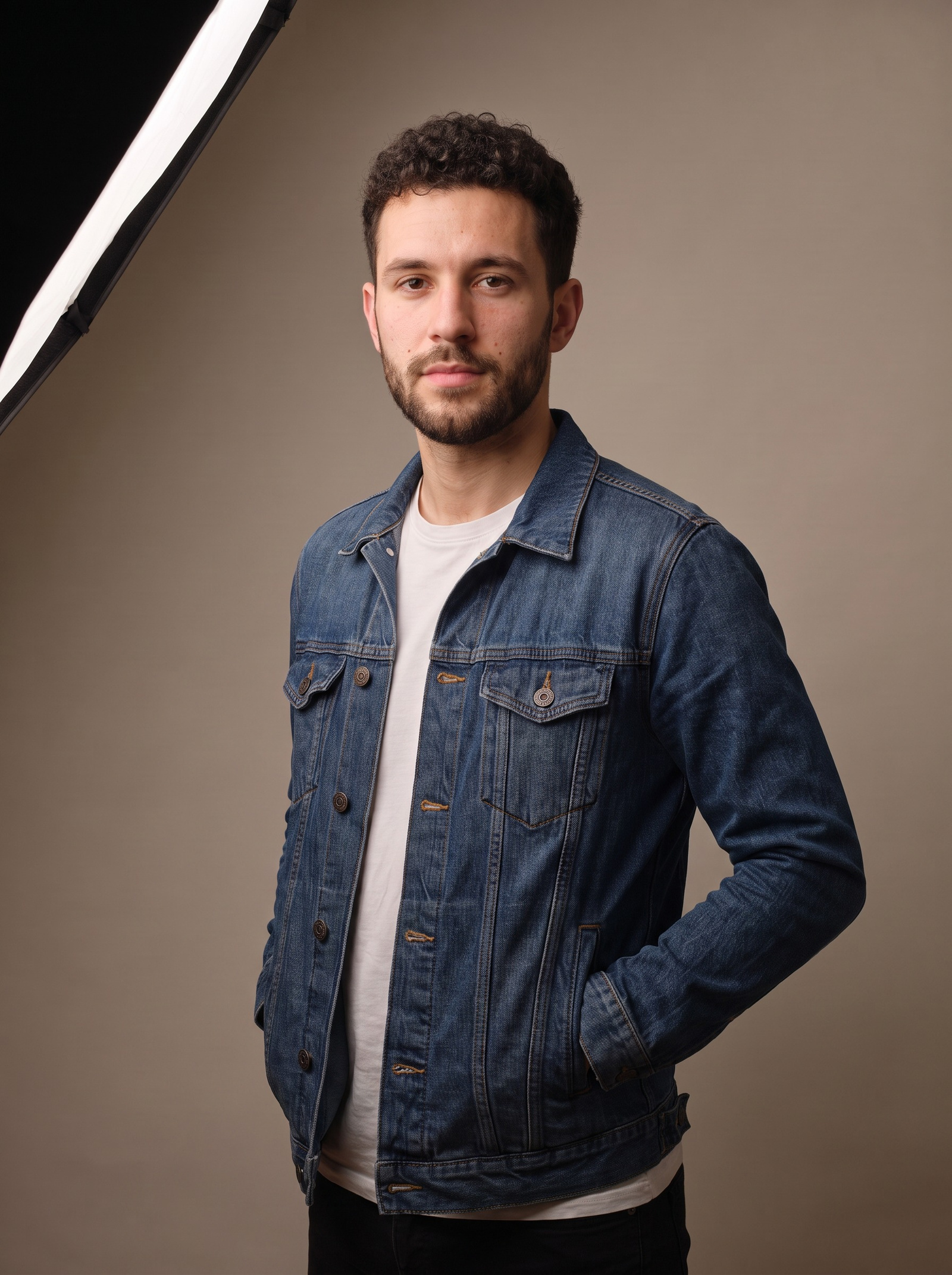
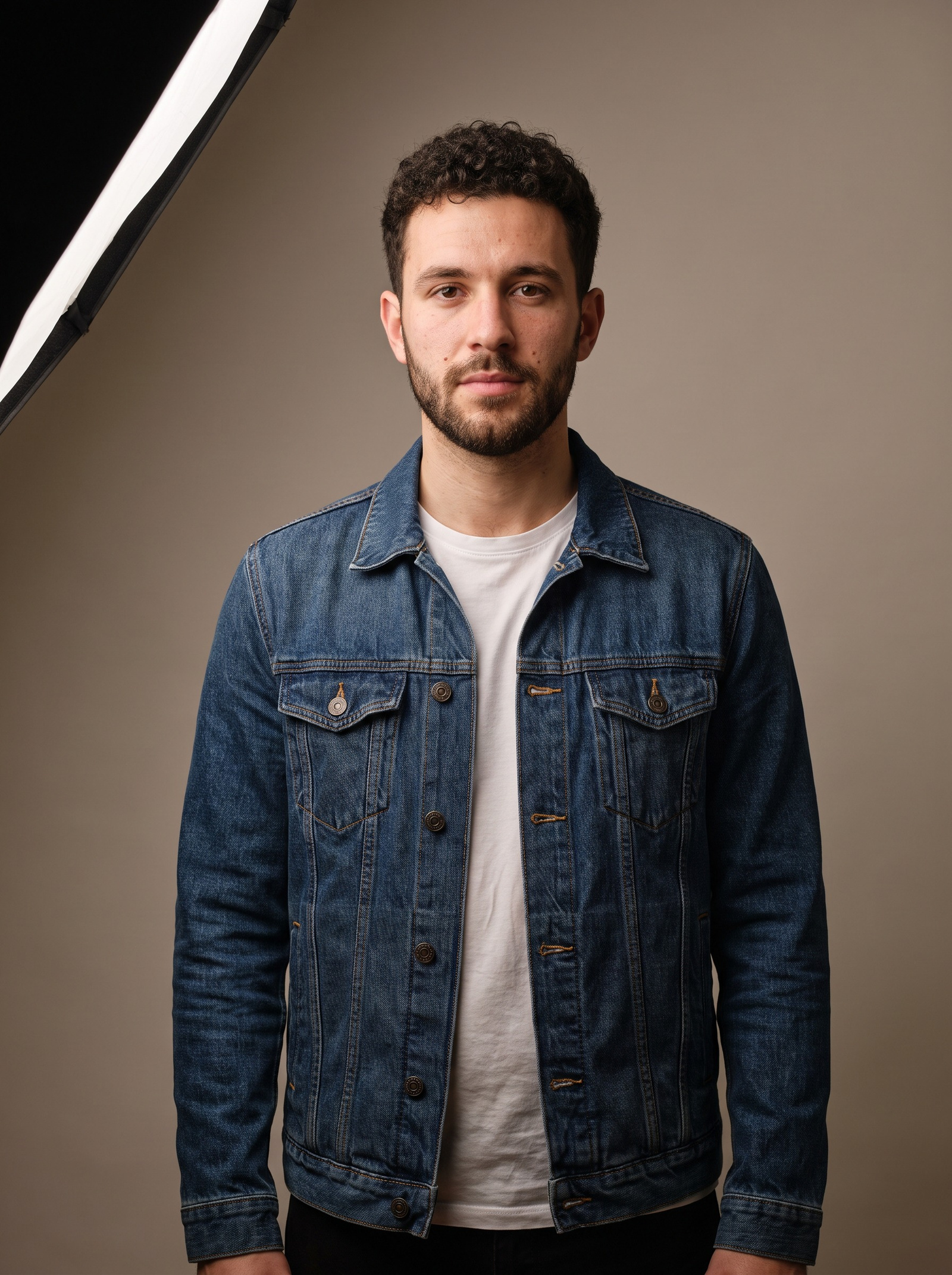 BeforeAfter
What Imagera Image Editor does
Imagera Image Editor is a multi-engine photo studio. Use Imagera Identity Editor (also listed as Magic Pose Changer) to change pose or position while identity is preserved — same face, same person — or switch to Fast Edit and Precise Edit for cleanup and campaign-level control. Upload a photo, describe the change in plain English, and download the result. Browser-based, pay when you generate.
- Credits
- From 15 per edit
- Editors
- 3 featured · 29 in the studio
- Speed
- Normal or Ultra Fast
Updated October 19, 2026
Cite this page: https://imagera.ai/image/popular-ai-image-editor
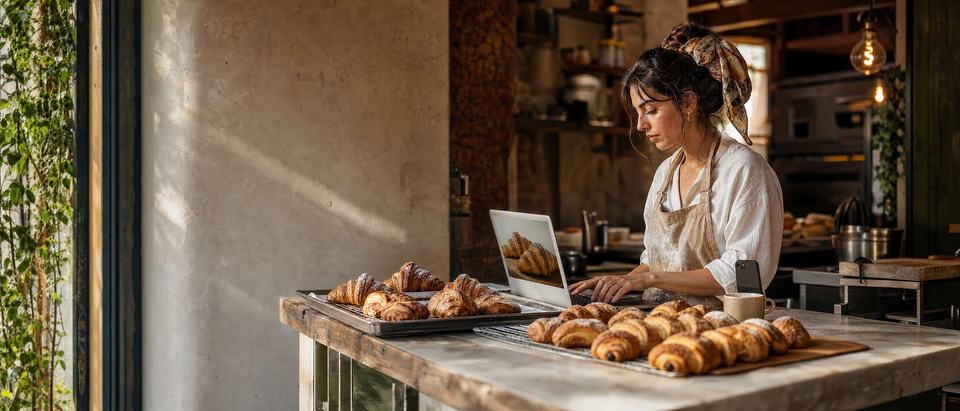 Illustration
3 featured editors. 29 in the studio.
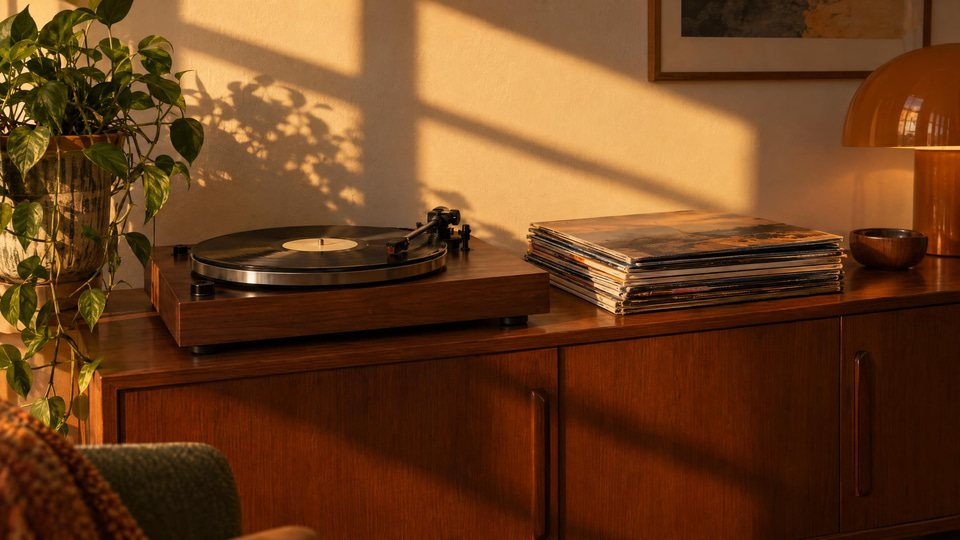
Magic Pose Changer
Skip the reshoot. Keep the person. Ship the better frame. Wrong pose kills the shot. New angle — same face. From 15 credits.
Know more →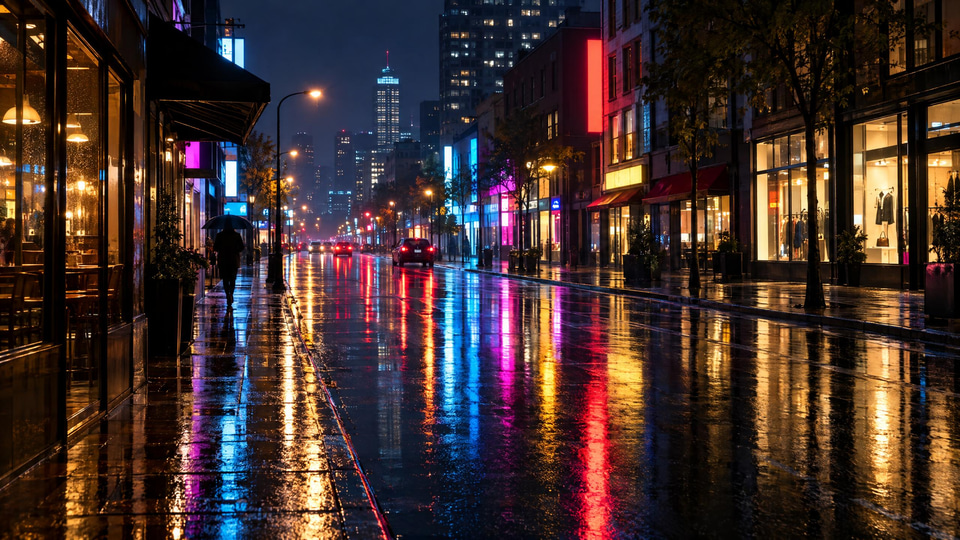
Fast Edit
Backgrounds, clutter, color — fixed before the meeting starts. Deadlines don’t wait. One sentence. Clean photo. From 15 credits.
Know more →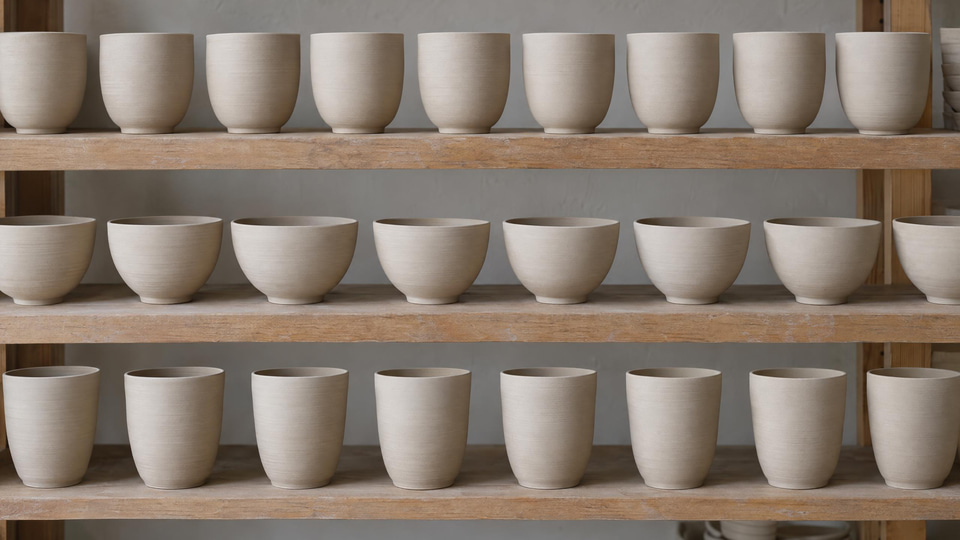
Precise Edit
Campaign-level control when the brief is unforgiving. “Close enough” loses the client. Get exact. From 15 credits.
Know more →What each editor actually changes
Start with Identity Editor when the face must stay. Use Fast Edit under deadline. Use Precise Edit when the brief is complex.
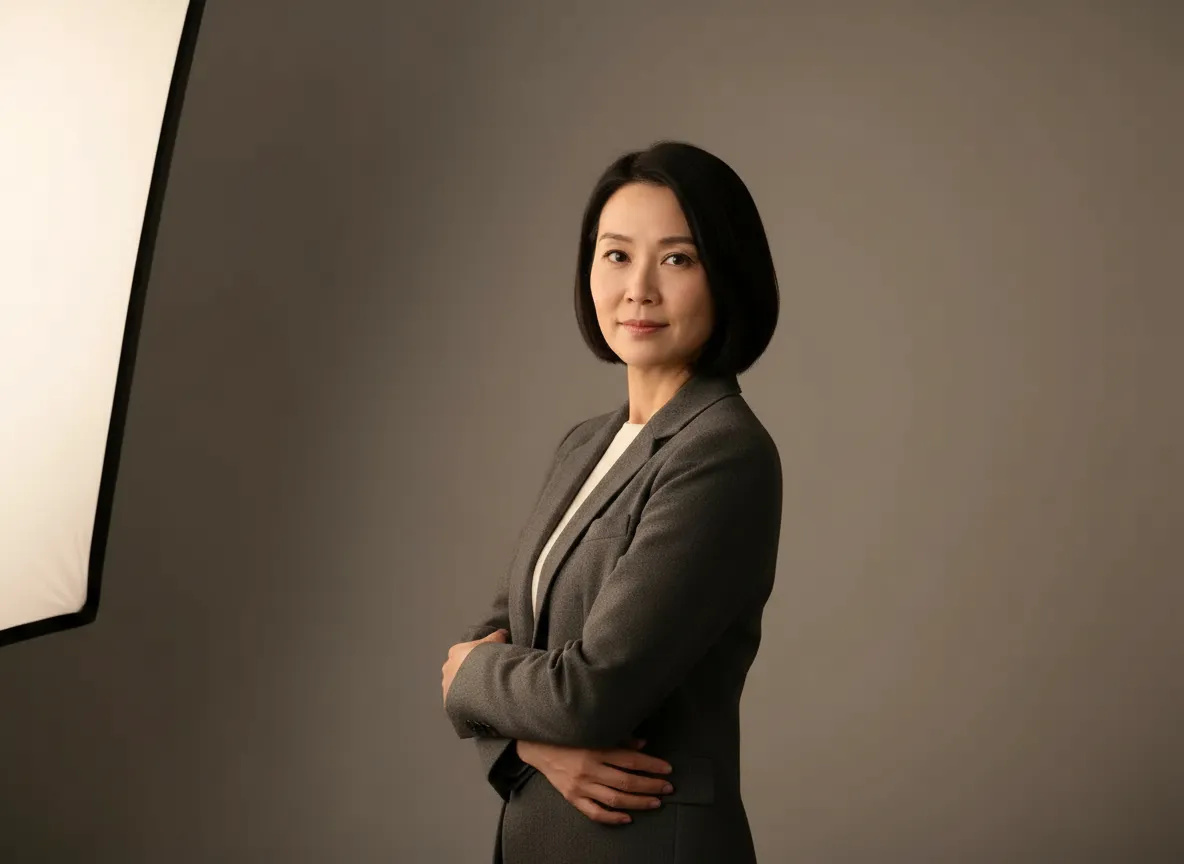
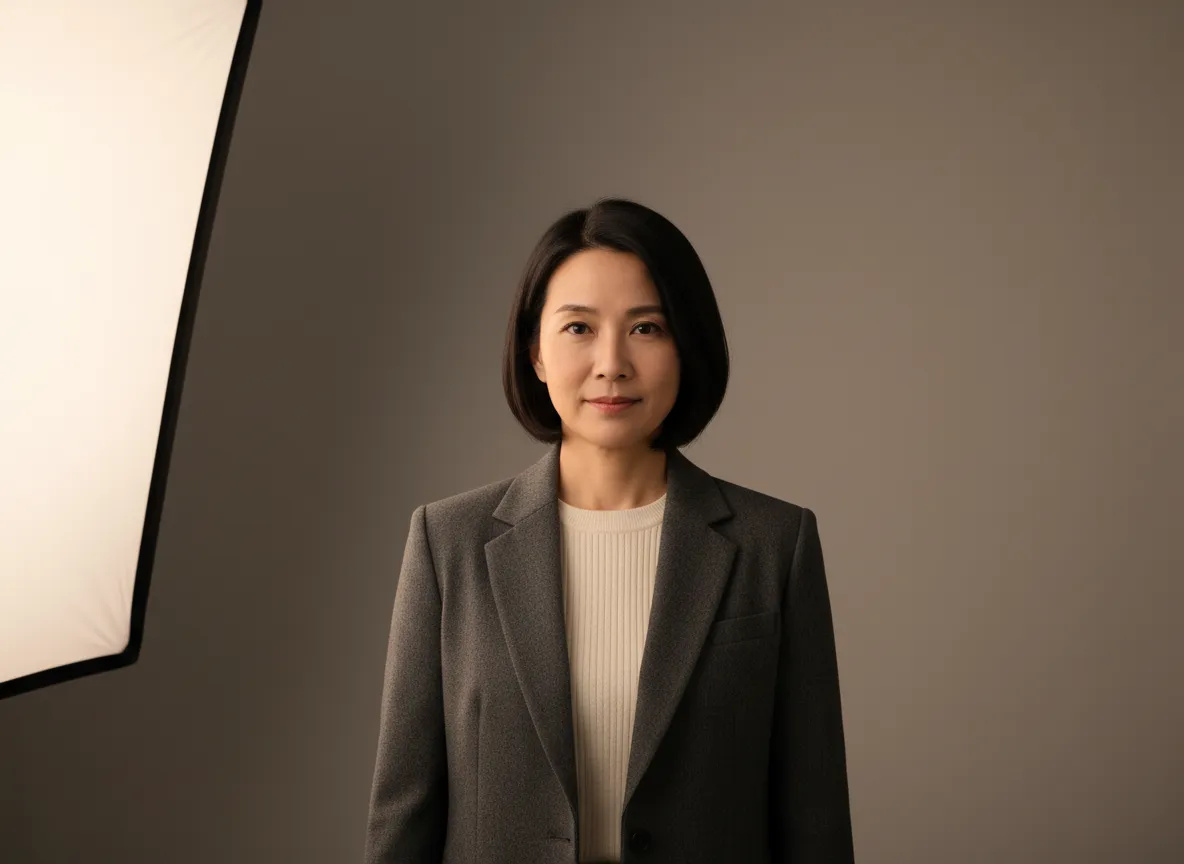 BeforeAfter
Identity Editor — the face is the anchor, the pose is the variable
A general-purpose AI editor is optimized to produce a good-looking image, and to do that it often regenerates the face along with everything else. The output looks polished, but it is subtly a different person — the reason edited portraits sometimes feel "off" even when you cannot say why. This engine is built the other way around: bone structure, eye shape and likeness are what the edit is asked to hold, while pose, angle, framing and background are the variables. You direct the pose, and one strong photo becomes a small set instead of a booked reshoot. How faithfully the likeness carries still depends on the source photo and on how extreme the change is, so review the frame before you publish it.
Try it now →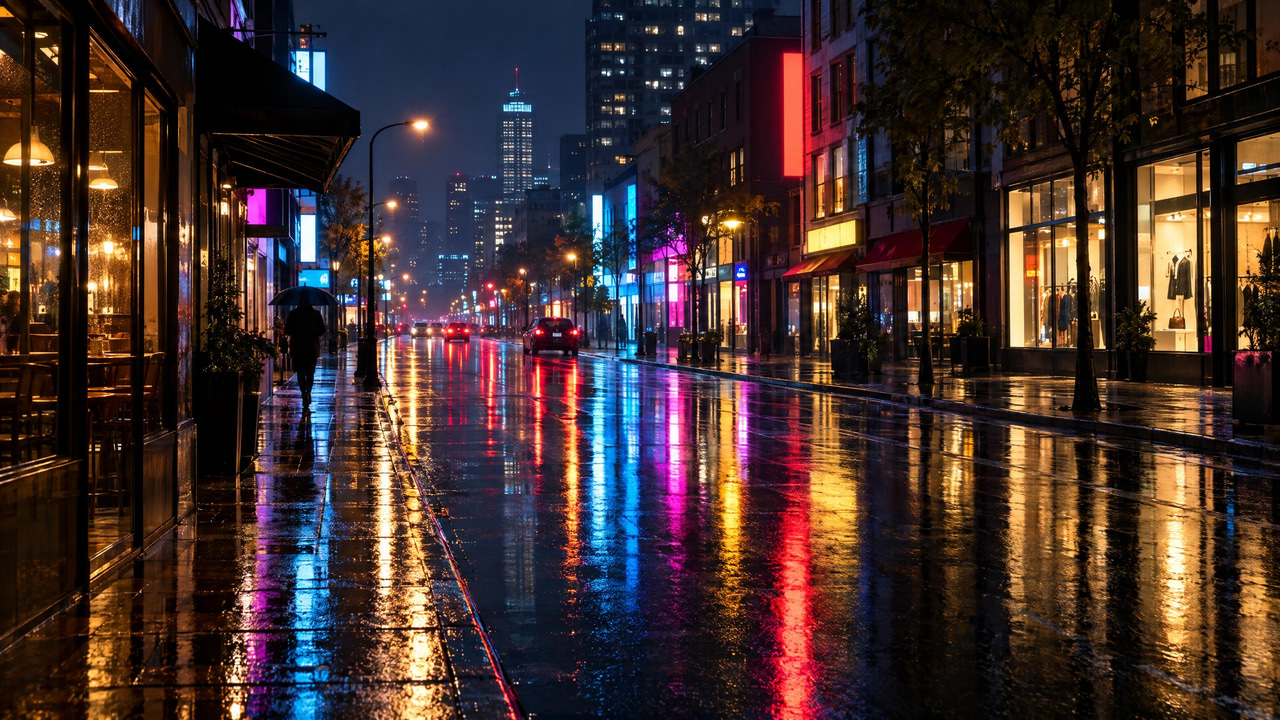
 BeforeAfter
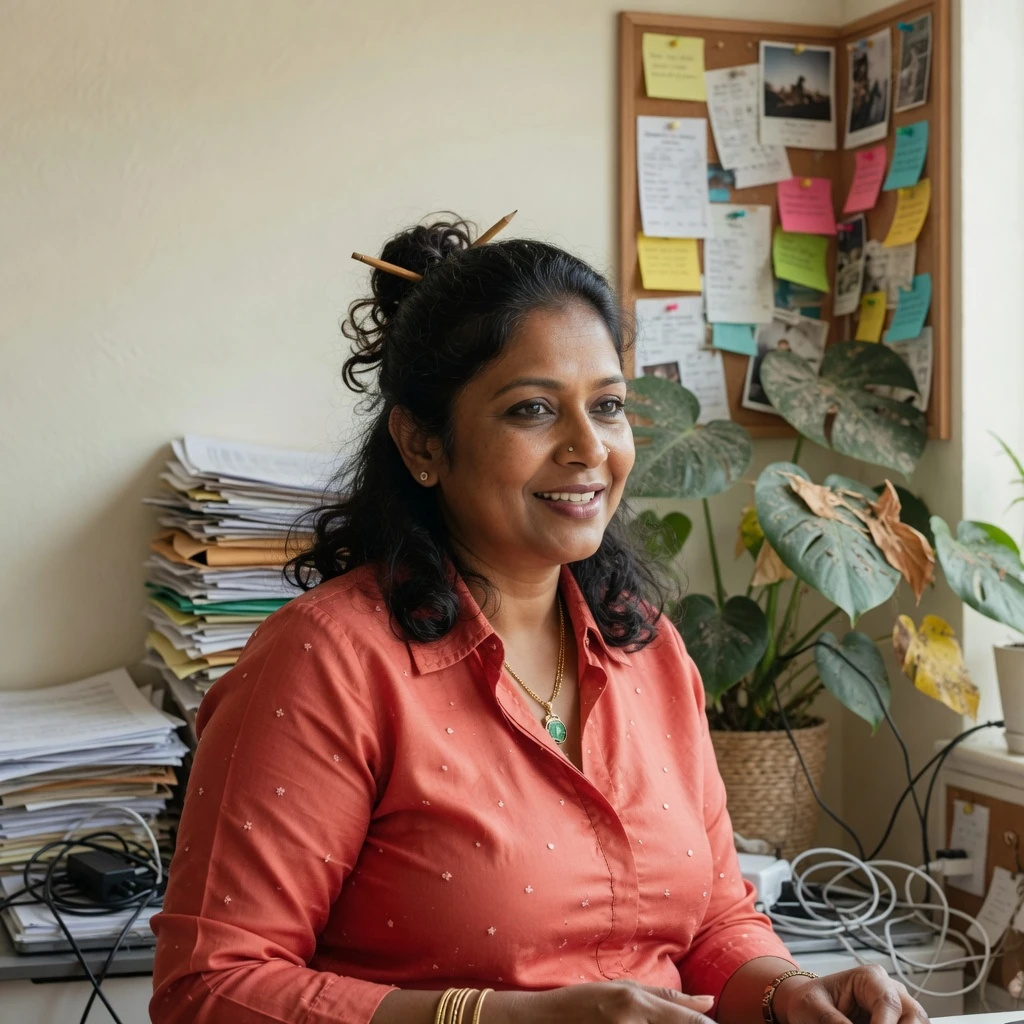
Fast Edit — one sentence instead of a Photoshop session
Photoshop is a manual, layer-based tool: you select regions, mask, transform and retouch by hand, which gives total control but demands skill and time. Here you describe the change in a sentence — "clear the pinboard and the paper stacks behind me, keep the light" — and the edit comes back. There is nothing to install and no learning curve; the whole studio runs in the browser on desktop and mobile. Photoshop still wins for pixel-exact, art-directed compositing on a single hero frame, and plenty of people use both: the fast pass here, the manual polish there.
Try it now →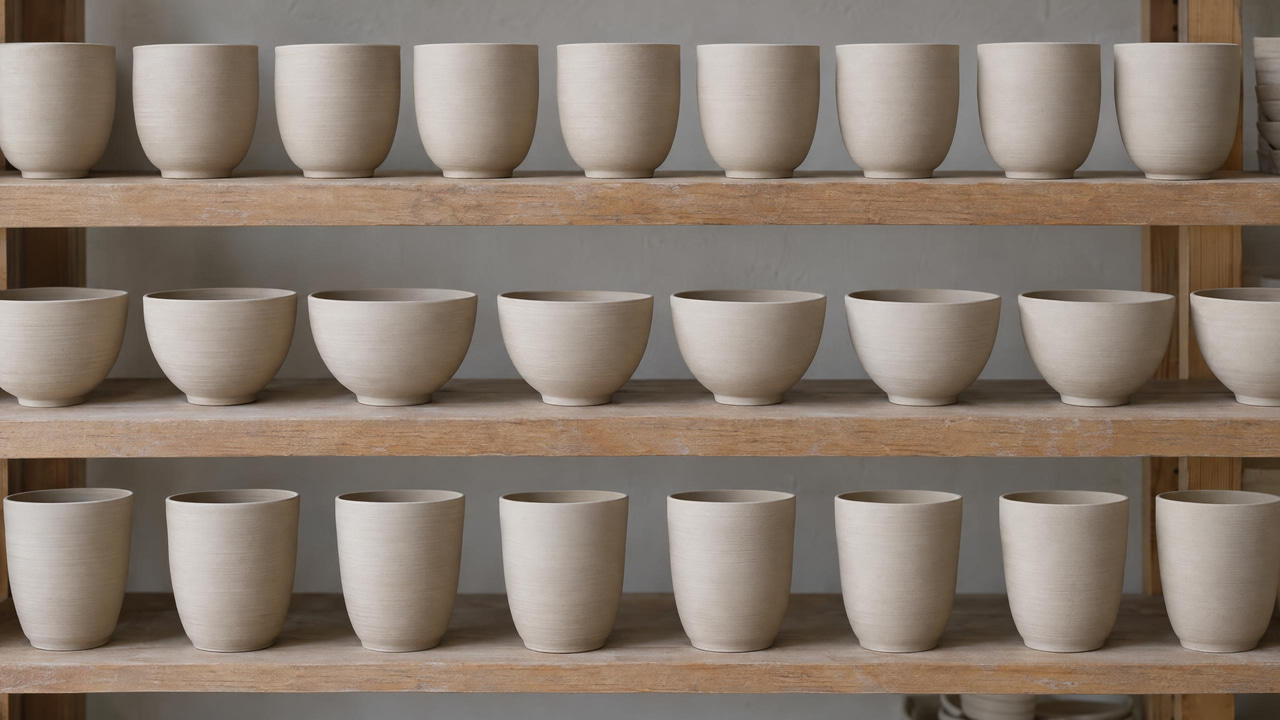
 BeforeAfter
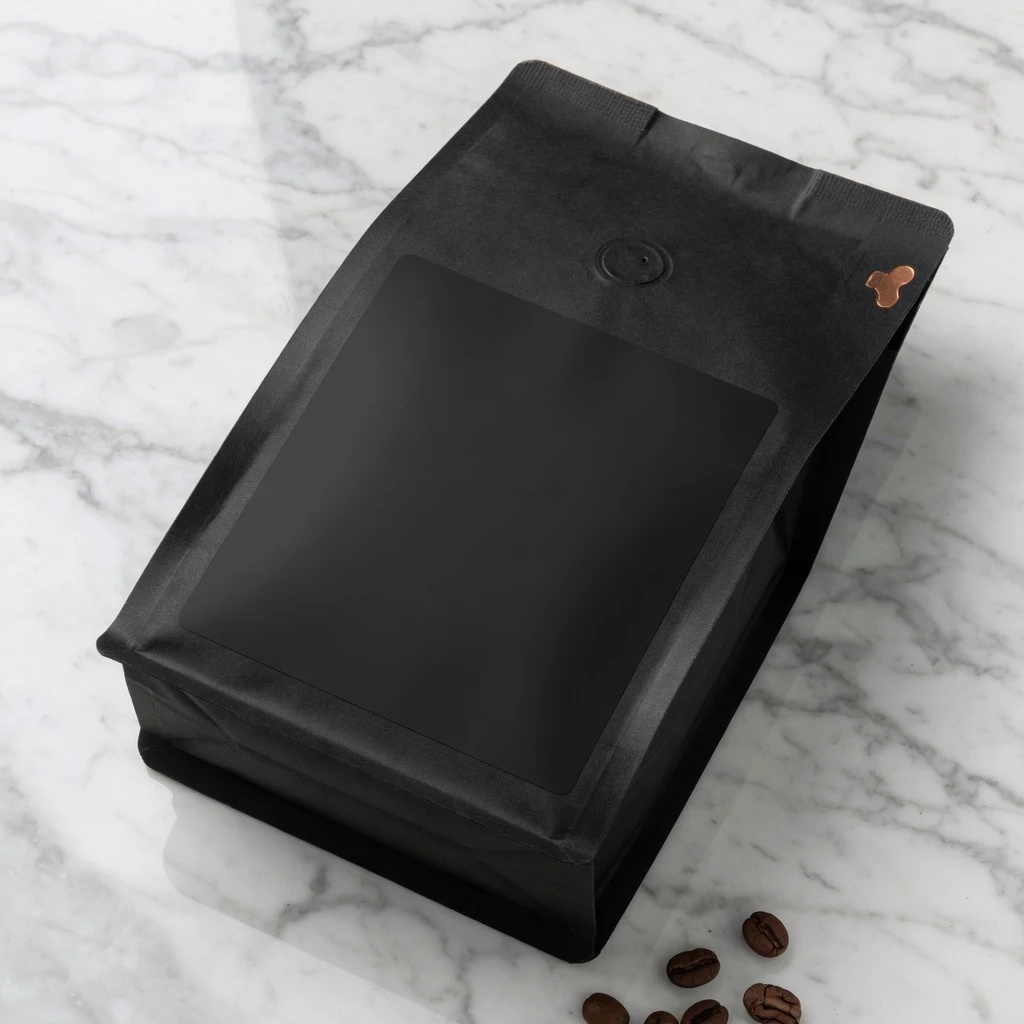
Precise Edit — exact text, exact brief
Some briefs are not one sentence: a label that has to read exactly right, lighting direction, several images that have to match, a composite. That is what Precise Edit is for — campaign-level control across a complex request, including printed text inside the photo. You set the wording, the placement and the look; in the pair here the label is the only thing that changed, so the shot comes back ready to use rather than ready to fix.
Try it now →How it works
Upload a photo, choose Identity Editor for likeness-safe pose changes (or Fast/Precise Edit), describe the edit, and download. Every editor in the studio runs on one shared Imagera credit wallet — edits start from 15 credits — and you pay when you generate rather than on a fixed monthly desktop seat. Normal uses the standard route for the cleanest final frame; Ultra Fast uses a priority route when you want to explore quickly, and if the primary path has trouble on a given job, same-family backup routing may step in so the generation still completes.
Upload your photo
Clear face or product shot works best for identity-safe edits.
Pick Identity, Fast, or Precise Edit
Identity Editor keeps the same person on a new pose. Fast Edit is one-sentence cleanup. Precise Edit handles complex briefs.
Describe the change and generate
Example: “turn her slightly toward camera, same face, soft studio light.” Download when it looks right.
How do people actually use identity-preserved editing?
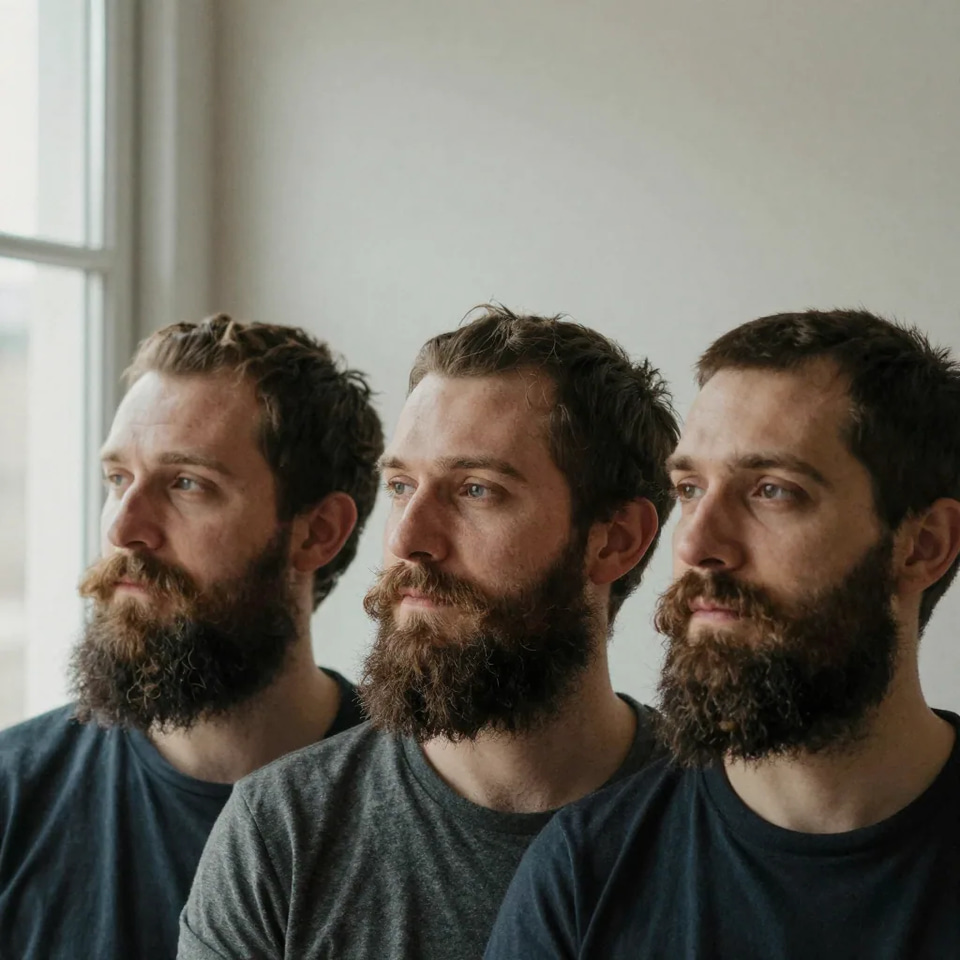
Creators & personal brands
New poses and angles from one good face photo — without looking like a different creator. Turn a single strong frame into several poses and angles for a content calendar, so every post looks like the same person rather than a slightly different one each week. The recurring theme is always the same: you have one photo that works and you need more from it without reshooting, so the angle, stance and framing move while the face stays the anchor.
Try it now →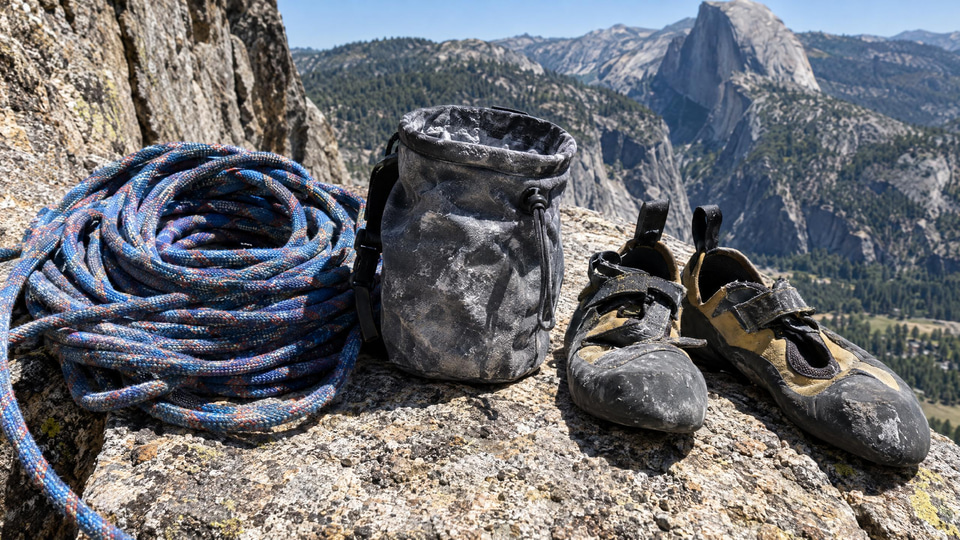
Headshots & team pages
Fix stiff body language for LinkedIn or about-pages without a studio reshoot. A closed-off stance, shoulders squared the wrong way, a head turned too far from camera — all of it is directable in plain English, and the person keeps their real likeness throughout. A clear, well-lit source shot with the face sharp and unobstructed is what makes this hold: front-facing or gentle three-quarter angles carry identity better than extreme profiles or heavy shadow.
Try it now →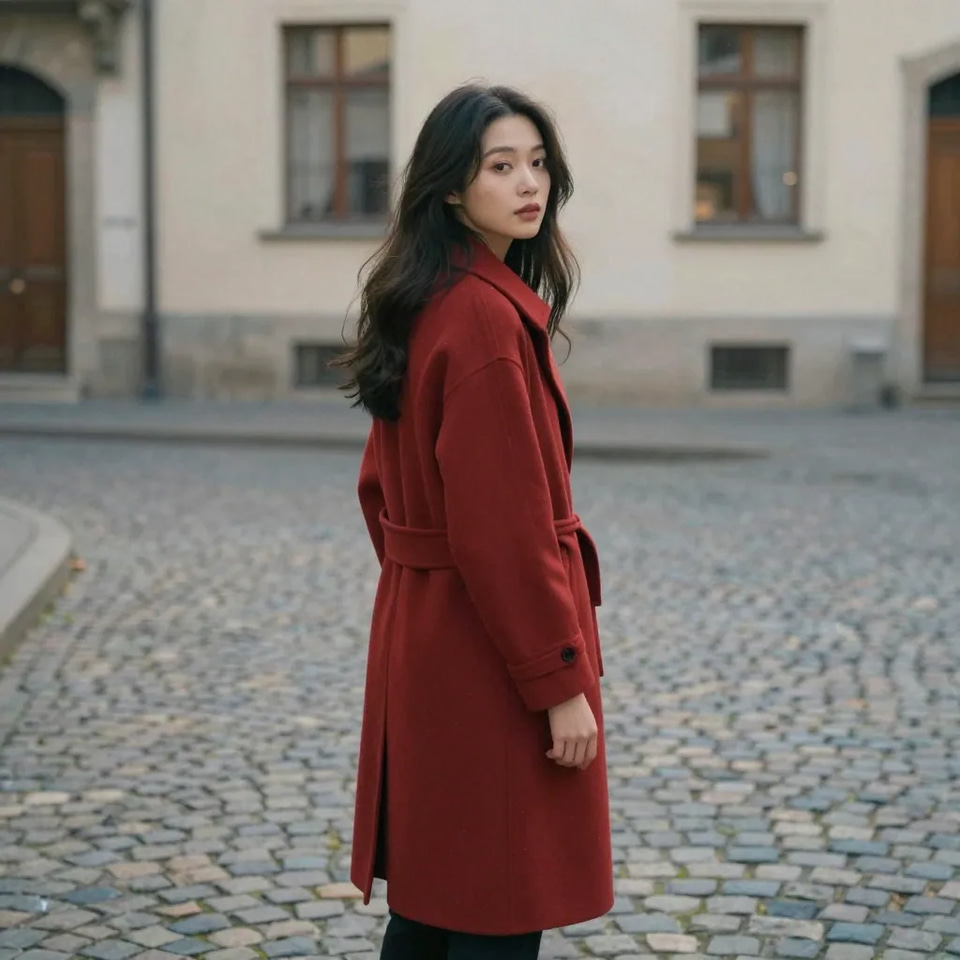
Ads & catalog variants
Reposition people or products for variants while likeness and brand stay consistent, so a whole campaign set reads as one shoot instead of a patchwork. The same studio turns an item, changes its angle or adjusts composition for listing variants while the product itself stays recognizable. Choose the identity-preserving editor whenever what must stay constant is a specific subject — a face or a branded product — across a set of edits.
Try it now →Discover more AI features
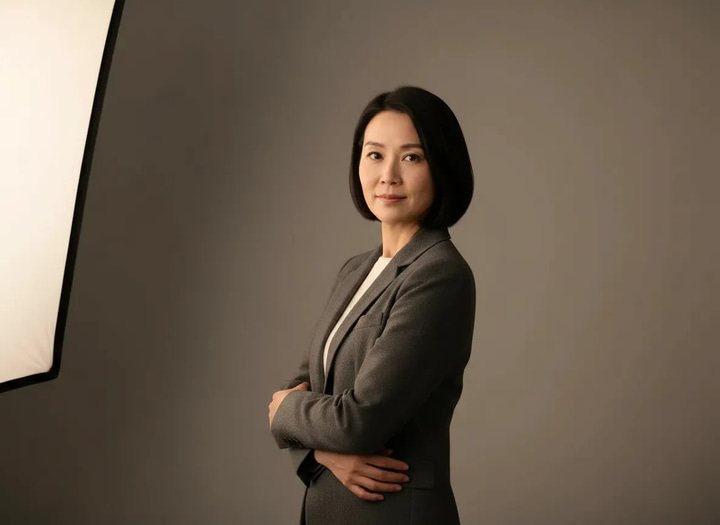
Magic Pose Changer
Wrong angle, stiff pose, bad body language? Change the pose while keeping the same face — identity locked, no reshoot.
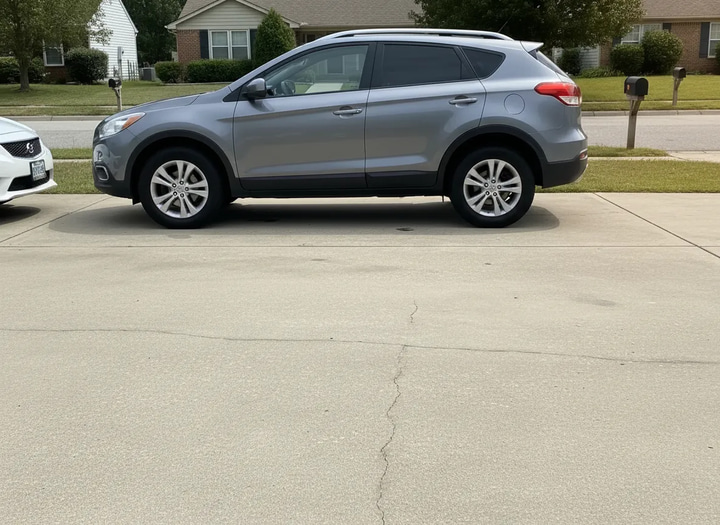
Fast Edit
Need it done now? Swap backgrounds, remove clutter, fix colors — plain English, seconds not hours. Built for volume and deadlines.
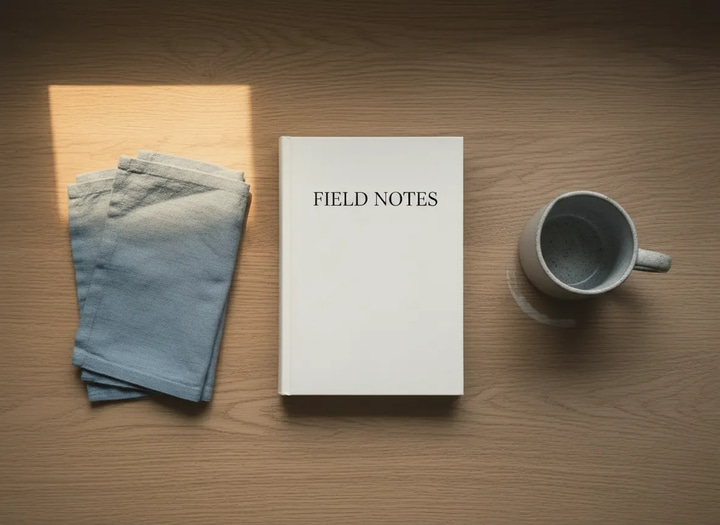
Precise Edit
Campaign-ready control. Multi-image instructions, lighting, text, composites — when the brief is complex and “close enough” isn’t enough.
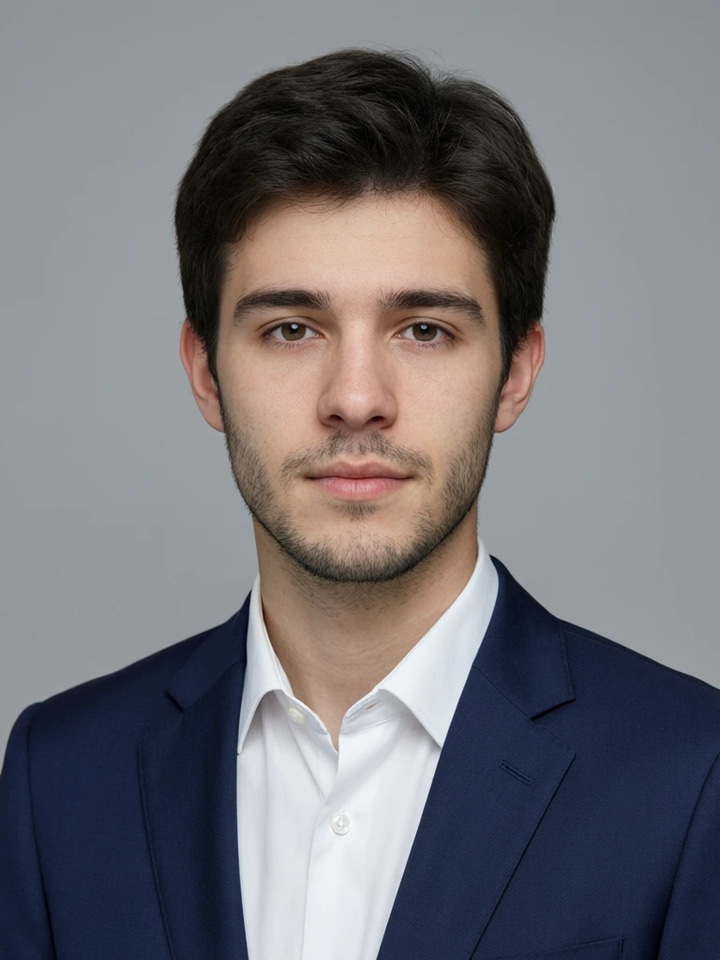
Studio Headshot Maker
Turn a few selfies into a studio-quality professional headshot for LinkedIn, work or your CV.
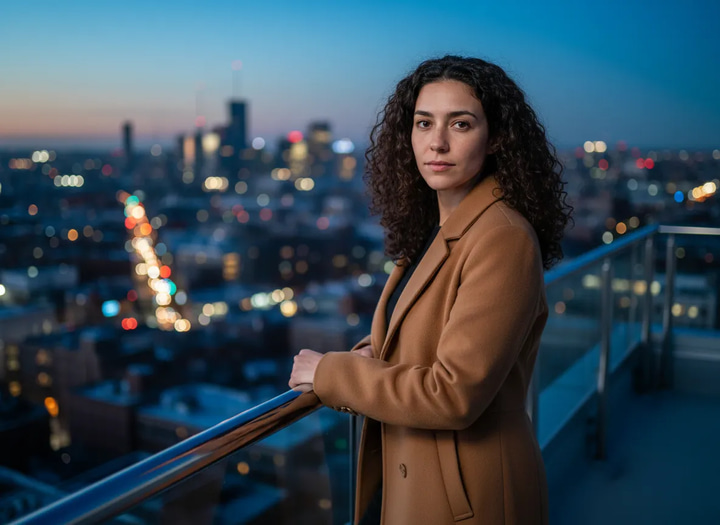
Personal Influencer Maker
Train AI on your face. Generate unlimited photos in any style, pose, or setting.
Frequently asked questions
What is the Imagera Image Editor?
A multi-engine photo studio on Imagera. Start with Imagera Identity Editor — change pose or position while keeping the same face — or switch to Fast Edit for one-sentence fixes and Precise Edit for campaign-level instructions. One credit wallet, browser-based.
Does Imagera Identity Editor keep identity preserved?
Yes — that is the product promise. Identity Editor is built so pose, angle, and position can change while the person stays recognizably the same. Results still depend on photo quality and how extreme the edit is; always review before you publish.
When should I use Fast Edit vs Precise Edit vs Identity Editor?
Identity Editor (best) for people shots where likeness is non-negotiable. Fast Edit for backgrounds, clutter, and color under deadline. Precise Edit for multi-image briefs, lighting, text, and composites.
Is there a Normal and Ultra Fast mode?
Yes. Normal uses Imagera’s standard route; Ultra Fast uses the priority route when you need speed. If the primary path fails, same-family backup routing may apply. You only pay when you generate.
Do I need Photoshop?
No. Upload a photo, describe the change in plain English, download the result. Built for creators and teams who refuse desktop-editor friction.
Can I use edits commercially?
Yes on paid Imagera plans, per commercial terms — ads, client work, social, and catalogs. Check pricing before a large campaign.
How do I change a pose in a photo without changing the face?
Open Imagera Identity Editor, upload one clear photo of the person, and describe the pose or angle you want in plain English — for example "turn her slightly toward camera, same face, soft studio light" or "shift his stance so both shoulders face forward." Identity Editor is built so the angle, stance, and framing can change while the person stays recognizably the same. The face is the fixed anchor; the pose is the variable. Because likeness holds, you can generate several angles from a single strong headshot instead of booking a reshoot, then pick the frame that fits the layout. Always review the result before publishing, since how extreme the pose change is and how good the source photo is both affect how faithfully identity carries through.
What makes Identity Editor different from a generic AI image editor?
Most general-purpose AI editors optimize for a nice-looking output, and in doing so they quietly regenerate the face — the result is polished but is subtly a different person. Clients and followers notice. Identity Editor treats the person's likeness as the thing that must not move: it changes pose, angle, background, or framing while holding the face constant. That is a deliberate product promise, not a happy accident, which is why it is the recommended engine whenever the shot is of a real person and looking like themselves is non-negotiable. Fast Edit and Precise Edit sit alongside it for jobs where identity is not the priority — cleanup, backgrounds, and complex multi-image briefs.
Does Ultra Fast mode produce lower quality than Normal?
Ultra Fast trades a little refinement for speed by using a priority route, so it is ideal for quick iterations, drafts, and high-volume passes where you want to see many directions fast. Normal uses the standard route and is the safer choice for the final frame you plan to publish. A practical workflow is to explore in Ultra Fast, lock the pose and composition you want, then re-run that winner in Normal for the cleanest output. If the primary path has trouble, same-family backup routing may step in so a job still completes. You only pay when you generate, so testing in Ultra Fast before committing to a Normal final pass keeps credit spend efficient.
What image quality does Identity Editor need to work well?
A clear, well-lit photo where the face is sharp and unobstructed gives the best identity-preserved results. Front-facing or gentle three-quarter angles work better than extreme profiles or heavily shadowed shots, because the AI has more facial reference to anchor to. Group photos, low-resolution crops, motion blur, and faces partly hidden by hair, hands, or sunglasses make faithful likeness harder. If your first result drifts, try a stronger source photo before pushing the pose further — the quality of the input is usually the biggest lever on how recognizable the output stays.
Can I use Identity Editor on product photos, not just people?
Yes. While the flagship use is people shots where likeness must hold, the same studio repositions and re-frames products for listing variants — turning an item, changing its angle, or adjusting composition while the product itself stays consistent. For pure background swaps and lifestyle scenes around a product, Fast Edit and the dedicated background tools are usually the faster route. Choose Identity Editor when what must stay constant is a specific, recognizable subject — a person's face or a branded product — across a set of edits, so the whole set reads as one coherent shoot rather than separate images.
How is Imagera Image Editor different from Photoshop for photo edits?
Photoshop is a manual, layer-based tool: you select regions, mask, transform, and retouch by hand, which gives total control but demands skill and time, and it has no built-in notion of keeping a person's identity intact through a pose change. Imagera Image Editor is instruction-based — you describe the change in plain English and the AI applies it, with Identity Editor specifically engineered to hold the face constant while pose, angle, and framing move. Photoshop still wins for pixel-exact, art-directed compositing on a single hero image. Imagera wins for speed, for likeness-safe pose changes that Photoshop cannot do automatically, and for producing many consistent variations without repeating manual work. Many people use both: AI for the fast, identity-safe pass, Photoshop for a final manual polish when a frame needs it.
Can I edit backgrounds, clutter, and colors as well as pose?
Yes — that is what Fast Edit and Precise Edit are for. Fast Edit handles one-sentence cleanups: remove a distracting object, swap or simplify a background, adjust a color, tidy clutter. Precise Edit steps up to campaign-level briefs that touch several things at once — lighting direction, text, multi-image composites, and more complex instructions. Identity Editor is the specialist for when the person's face must stay the same through a pose or angle change. Because all three share one credit wallet and one studio, you can move between a pose edit, a background swap, and a complex composite without switching tools or accounts, which is why the studio suits a full editing workflow rather than a single narrow task.
Guides and tutorials
Deeper reading on editing photos with plain-English instructions — backgrounds, text, prompt craft and upscaling the result.
 Use case
AI Image Upscaler — 4K, 8K & 16K
Enlarge and sharpen your result to 16K after finishing — neural upscaling, no quality loss
 Use case
AI Head Swap
Swap the entire head — hair and angle intact — with automatic skin-tone and lighting match
 Use case
Edit Text in Image
Replace words or fix typos in any image while AI matches the original font
Edit Images with AI Text Prompts
Complete guide to inpainting, object removal, outfit changes, and background swaps using text prompts
AI Image Prompts Guide
Write better prompts for more precise AI image edits
Photography Studio
Explore all 7 specialized AI photo editing tools
Prompt Writing Guide
Master prompt writing for surgical AI edits
Best Free Background Remover (2026)
One-click transparent PNGs tested on hair, products and fine edges
AI Background Changer for E-Commerce
Swap product backgrounds for professional e-commerce photography
Midjourney Alternative
Generate and edit images in one platform — compare Imagera vs Midjourney
Browse All Guides
Step-by-step tutorials for AI image editing and manipulation
Key takeaways
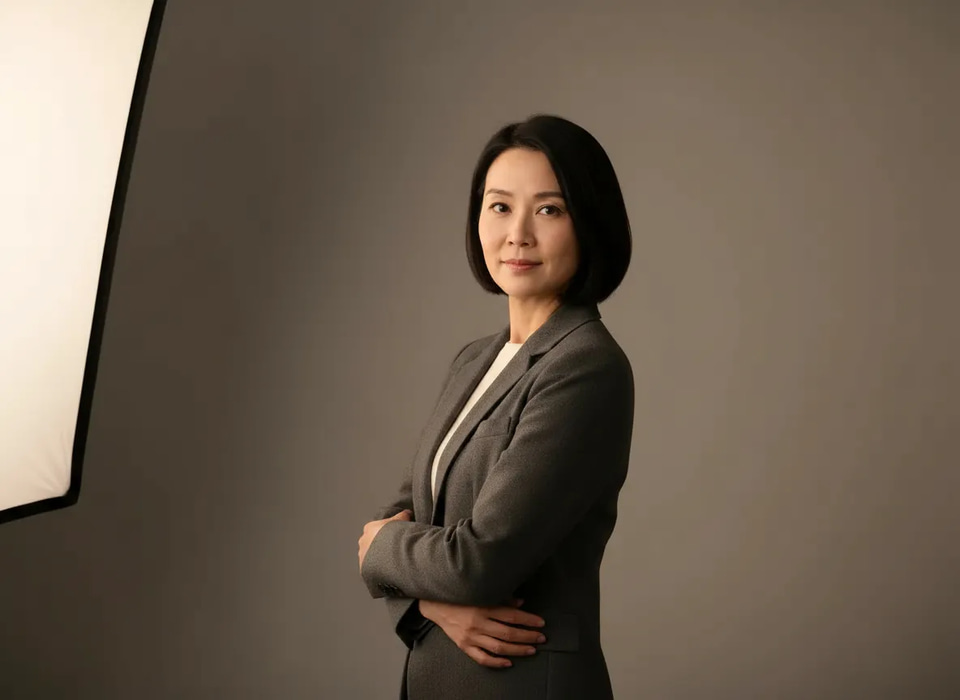
Identity promise
Imagera Identity Editor is built for same face, new pose — the best editor when likeness is non-negotiable.
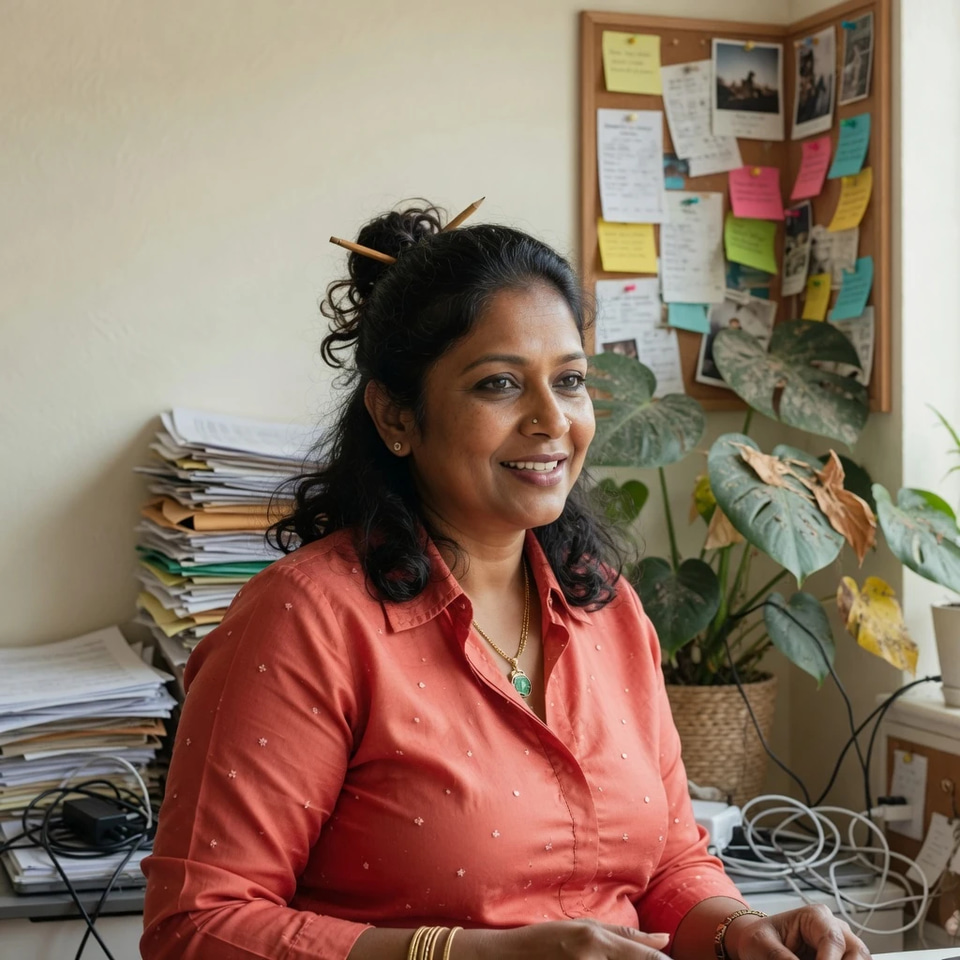
When to use each engine
Identity for people. Fast for deadlines. Precise for multi-image campaign briefs.
Pricing
Shared Imagera credits. Pay when you generate. Commercial rights on paid plans.
Speed modes
Normal (standard route) and Ultra Fast (priority route), with same-family backup when needed.
Which editor should I use for my edit?
| Your job | Best editor | Why |
|---|---|---|
| Change a person’s pose or angle | Identity Editor | Same face, new pose — likeness stays locked |
| Remove clutter or swap a background fast | Fast Edit | One-sentence fixes under deadline |
| Multi-image brief, lighting, text, composite | Precise Edit | Campaign-level control across a complex request |
| Test many directions quickly | Any engine · Ultra Fast | Priority route for drafts, then finalize in Normal |
Stop reshooting for a better angle
Open Imagera Identity Editor, upload one strong photo, and get a new pose without losing who they are.
Open Identity Editor →