AI Voice Generator Online Realistic Text to Speech & Voice Cloning
Paste a script, add a 3–10 second recording of the voice you want it read in, and get the narration back as an audio file. Emotion is set separately from the voice, so one sample covers a calm read and an energetic one.
What is an AI voice generator?
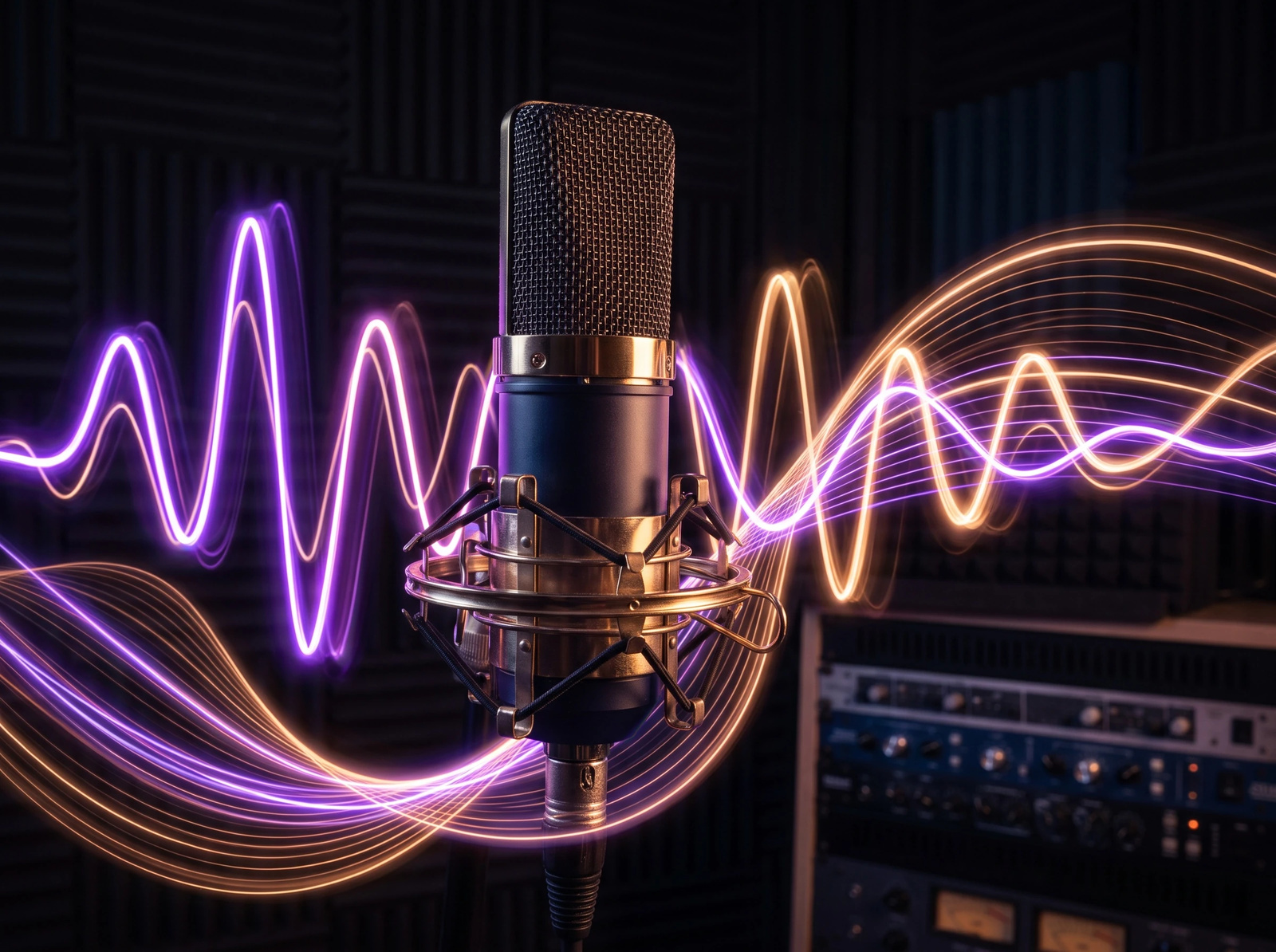
An AI voice generator turns written text into spoken audio. Imagera reads your script in a voice cloned from a single 3–10 second reference recording you upload — there is no training run and no preset voice library on this route, so the sample is what you get back. Emotion is controlled separately from the voice, so the same sample can read calmly or energetically. Billed at 10 credits per 500 characters.
- Credits
- From 10 per 500 characters
- You provide
- A 3–10 second recording of one speaker — required
- Output
- One WAV file, watermark-free
- Per run
- Up to 5,000 characters · 100 credits at the maximum
Updated September 4, 2026
Cite this page: https://imagera.ai/audio/voice-generator
What the generator actually gives you
Custom Voices
Clone the voice in your reference recording — no training run, no dataset to assemble
Know more →Emotion Control
Set the emotional delivery separately from the reference recording, so the voice stays the same
Know more →Professional Quality
Uncompressed WAV output, watermark-free, ready for commercials, podcasts, and videos
Know more →Why this beats a monthly text-to-speech plan
Cloning from one short sample, emotion you can change without changing the voice, and a price that scales with the script rather than the calendar.
Clone a voice from one short sample
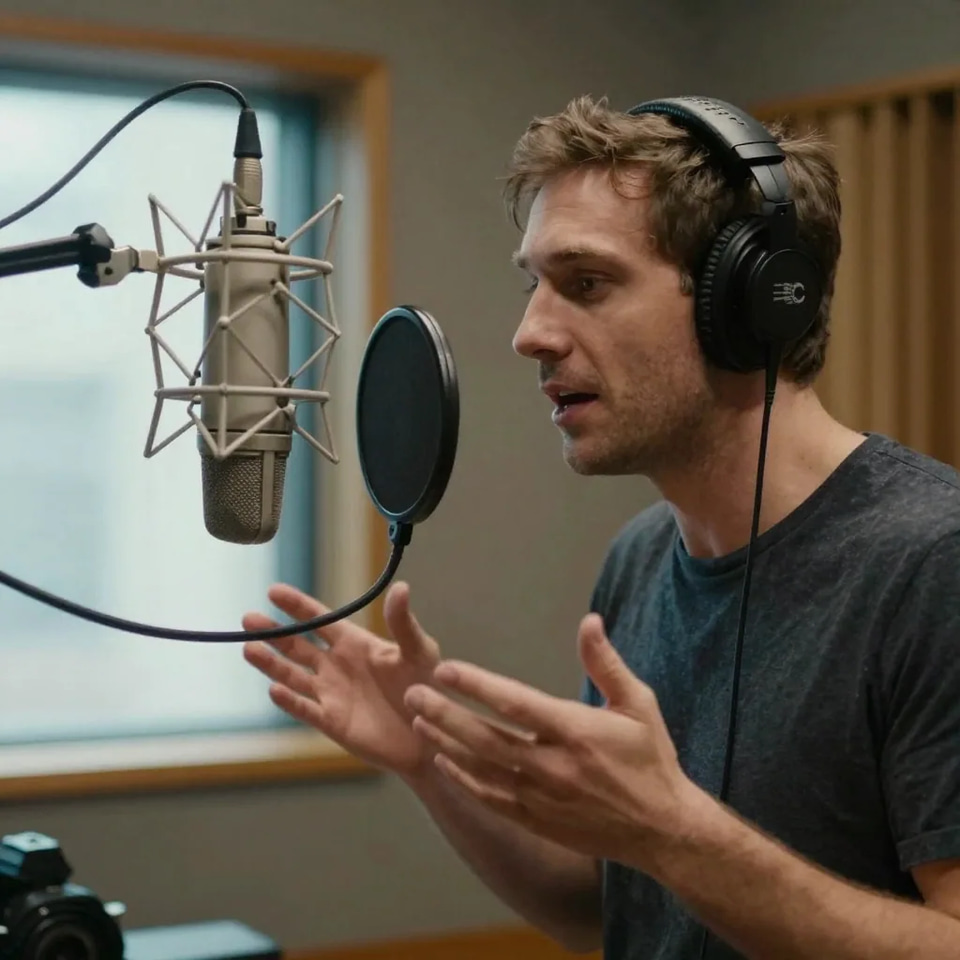
Zero-shot cloning means the engine recreates a voice from one short reference clip without training a custom model. Upload a clean 3–10 second sample and the voice engine works from its timbre, accent and speaking rhythm to read any new text. There is no training queue, no dataset to assemble and no per-voice setup fee — the reference alone drives the output, which is also why it is required: without a sample the generator has no voice to read in and the run is refused. Sample quality matters more than length: a dry recording with no background music, no reverb and one speaker produces the closest match. Because emotion is set separately from the reference, the same voice can deliver a calm audiobook chapter and an energetic ad read while still sounding like the same person across every generation in a series.
Try it now →Priced by the script, not by the month
Voiceovers are billed at 10 credits per 500 characters, so cost scales with script length instead of a flat monthly fee. A 500-character intro is 10 credits; a full 5,000-character generation — the per-run maximum — is 100 credits. There is no subscription: you spend credits only when you generate, which suits creators who publish in bursts rather than every single day. Longer scripts that pass 5,000 characters split into multiple generations, and each further block of 500 characters adds another 10 credits, so you can estimate a project's cost from its word count before you start.
Emotion is a control, not a different voice
The reference recording fixes who the voice sounds like; a separate emotion control decides how the line lands. Leave it on the speaker’s own emotion and the delivery follows the reference clip; switch to random for variation between takes; or open the custom vectors and set joy, anger, sadness, fear, disgust, depression, surprise and calm one slider at a time, with a single weight deciding how hard the setting pushes. None of that touches the reference, which is why a series can move from a calm intro to an energetic hook and still sound like one narrator on episode forty.
How to generate an AI voiceover
Three steps in the browser, with the credit cost visible before you generate.
Enter Your Script
Type or paste the text you want to convert to speech. Up to 5,000 characters per generation; the credit cost — 10 per 500 characters — shows on the button before you run.
Add the Voice Sample
Upload a dry 3-10 second recording of the voice the script should be read in. Emotion is set separately from the recording, so the same voice can read any tone.
Generate Audio & download
Click generate and listen to the result. Download the WAV file and drop it into your project.
Who it is for
Faceless YouTube & TikTok
Paste each episode script, reuse the same cloned voice across the whole channel, and drop the generated audio into your editor. Consistent narration across every upload is what makes a faceless channel repeatable without a mic booth: the voice on video forty sounds like the voice on video one, because it is the same reference sample reading a new script. Turn the finished long-form video into vertical clips with the reel cutter linked below.
Ads & product explainers
Generate clean voiceover for landing-page demos, paid-social spots and app walkthroughs. Adjust emotion — energetic for a hook, calm for a value proposition — without changing the reference sample, so a campaign keeps one brand voice across every asset instead of drifting between takes and talent. The generated file drops straight into a video timeline.
Localization & cloning
Voice a solo show from a script and keep one narrator across the whole run: clone once from a clean 3–10 second sample and every later generation reads from that same reference, so episode forty sounds like episode one. Localisation is a different job and a different tool — the dubbing studio linked below is the one with a language picker, and it translates the speech in a finished video and replaces it rather than reading a script you paste. For turning finished episodes into shorts and social clips, the podcast guide linked below walks the whole pipeline end to end.
Audiobooks & long-form reading
Split a manuscript into 5,000-character chapters and generate each one from the same reference recording, so a title keeps a single voice from cover to cover. Every chapter is billed the same way — 10 credits per 500 characters — which means you can price a whole book from its word count before you generate the first chapter, and the audio comes back watermark-free with no attribution requirement.
Discover more AI features
AI Podcast Maker
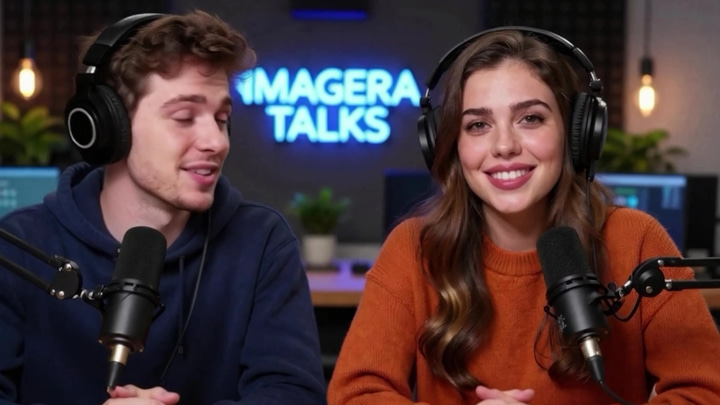
Script to full episode. Multiple AI hosts that sound completely human.
Lipsync Studio
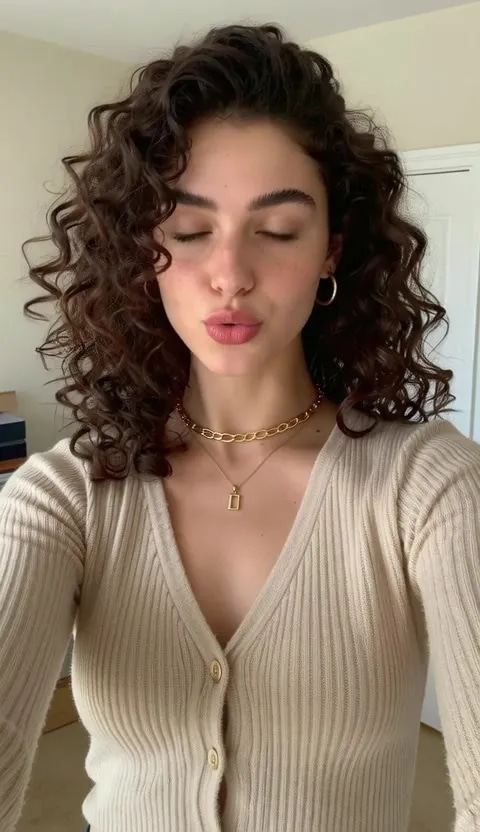
No camera, no shoot, no retakes — a photo and a voice note become a video of that person saying it, or a clip you already shot says something new.
Voice Studio
Transcribe, translate, dub, and lip-sync audio in one place
Music Factory
Full AI music studio. Generate, extend, remix, add vocals, separate stems, and more.
AI Model Arena
Compare answers from several AI models in one Sandbox conversation.
Frequently asked questions
How many voices can I generate?
It depends on your credit balance. Credits are consumed based on text length. Voice generation costs 10 credits per 500 characters of audio. Check our pricing page for packages starting at $19.99.
What languages are supported?
This route has no language setting. The reference recording decides what the voice sounds like and the script decides what is said — nothing here translates, and we do not publish a supported-language list for this engine, so treat a non-English script as untested and generate a short line first. To move a finished video into another language, the Multilingual Dubber is the tool built for it: it carries its own language list, translates the speech and replaces it in the original speaker's voice.
Can I use voices commercially?
Yes! All generated voices come with full commercial rights. Use them in ads, videos, podcasts, audiobooks, and more.
How long does generation take?
Generation runs in the background and the studio updates the moment the job finishes, so you do not have to sit on the tab. Longer scripts take proportionally longer, and the finished audio lands in your history either way.
Can I clone my own voice?
Yes! Our zero-shot AI voice recreation feature creates a custom voice profile from a single 3-10 second audio sample. No training sets required.
What audio quality can I expect?
Generations come back as an uncompressed WAV file — the format you want for editing in a DAW or dropping into a video timeline, with no lossy re-encode between the generator and your edit.
How is this different from a single-purpose voice app?
Imagera is pay-per-use: you spend 10 credits per 500 characters when you generate, and nothing in the months you do not, instead of holding a plan with a monthly character quota. Emotion is also a separate input from the voice here, so one reference recording covers a calm read and an energetic one. And the same credit balance runs the dubbing, lip-sync and podcast tools, so a narration moves into a video workflow without a second subscription.
What is emotion-timbre disentanglement?
Emotion and voice identity are two separate inputs. The reference recording fixes who the voice sounds like; a separate emotion setting — joy, anger, sadness, fear, surprise, calm and others — decides how the line is delivered. Change the emotion and the speaker stays the same, so a series can move between a calm intro and an energetic hook without the voice drifting.
Can I use a cloned voice in other languages?
The generator reads the script you paste in the voice from your reference recording; it does not translate, and there is no language setting on this route. Because we do not publish a language list for this engine, a script in another language is untested — spend one short generation on it before committing a chapter. For content you have already finished, the Multilingual Dubber does the translation and the re-voicing in one pass and keeps the original speaker's voice.
Is there a character limit?
You can generate up to 5,000 characters per generation — the studio counts as you type and stops there. For longer content, split the script into consecutive generations; each block of 500 characters is 10 credits either way, so splitting costs nothing extra.
Do AI voices have watermarks?
No. All Imagera voice outputs are watermark-free and ready for professional use. No audio watermarks, no attribution required.
What audio quality does Imagera provide?
Imagera's high-fidelity voice engine delivers studio-grade audio with strong naturalness, stability, and similarity to the original speaker.
Can I use AI voice for faceless YouTube automation (2026 trend)?
Yes. A cloned voice is fixed by the reference recording you upload, so the same sample reads every episode and the narration is identical from the first upload to the fiftieth — which is exactly the part a faceless channel needs and the part a human read is worst at. Paste each script, generate, and drop the audio into your editor.
How do I create AI-narrated audiobooks like the trending AI audiobook market?
Upload a 3-10 second recording of the voice you want to narrate in, paste the text a chapter at a time (up to 5,000 characters per generation), and download each chapter as a WAV. The same reference keeps one voice from cover to cover, and outputs are watermark-free, so the files can go to Amazon KDP or your own storefront.
Can AI voices do the viral podcast clone trend?
You can generate a full episode from a script using a voice cloned from a 3-10 second sample — a solo show read in your own voice, or a translated version of an episode you already published, read from the same reference. Clone only a voice you own or have written permission to use; impersonating someone without consent is not a use we support.
What about AI dubbing for viral TikTok translations?
Dubbing an existing clip is the Multilingual Dubber's job rather than this one's: it takes the finished video, translates the speech and puts it back in the original speaker's voice, and it is the tool with the language picker. The Voice Generator reads a script you paste, in the voice from your reference recording — the right tool when you are writing the narration yourself, not when you are translating a video you already published.
How much does a 1,000-word YouTube script cost to voice?
A 1,000-word script is roughly 5,500-6,500 characters, so it exceeds the 5,000-character per-generation limit and splits into two runs. At 10 credits per 500 characters, a 5,000-character generation is 100 credits and the remainder is another 15-30 credits. Budget roughly 115-130 credits for a full 1,000-word narration — you pay per generation, never a monthly subscription.
What file formats can I download voiceovers in?
Generations come back as a WAV file. WAV is uncompressed, which is what you want for editing in a DAW or dropping into a video timeline; convert it to MP3 in your editor if a podcast host or platform wants a smaller upload. All exports are watermark-free and carry full commercial rights on paid credits, so you can publish to YouTube, Spotify, Amazon KDP, or client work without attribution.
Can I preview a voice before spending credits?
The voice you get is the recording you upload, so the preview is your own sample: the studio plays the clip back before you generate, and that clip is what the narration will sound like. There is no preset voice library to audition on this route. Credits are only consumed when you generate, and cost scales with character count, so a short test line costs a fraction of a full script — 10 credits covers up to 500 characters.
Is the Voice Generator different from Voice Studio and Voice Design?
Voice Generator is the fast text-to-speech and cloning tool for turning a script into a voiceover. Voice Studio is the fuller workspace for transcription, translation, dubbing, and lip-sync workflows. Voice Design lets you build a brand-new synthetic voice from a text description rather than cloning an existing sample. Many creators start in Voice Generator and move to Voice Studio when they need dubbing or lip-sync.
How do I keep a cloned voice consistent across a series of videos?
Clone once from a clean 3-10 second sample and reuse that voice profile for every generation in the series. Because emotion and timbre are controlled independently, you can shift tone between calm intros and energetic hooks while the voice identity stays identical episode to episode. Keep your source sample dry (no background music) for the closest match.
Learn more
Guides on writing a script, choosing a voice, and what to do with the audio once you have it.
GuideLipsync Studio
Use generated voices to create lip-synced talking videos
 Article
Hedra Alternative
Pair AI voices with lip-synced avatars — compare Imagera vs Hedra
ElevenLabs Alternative: Affordable AI Voice Generator
Compare Imagera vs ElevenLabs — pay-per-use voice cloning and text to speech without subscription
Prompt Writing Guide
Write scripts and prompts for AI voice generation
All AI Tools
Explore the complete Imagera audio toolkit
AI Audio Detection
Check recordings for AI voice clones and synthetic speech
Suno Alternative
Compare Imagera vs Suno for AI audio — voice generation and music creation
Browse All Comparisons
Side-by-side comparisons of Imagera vs other AI voice tools
Key takeaways
What you need before you start
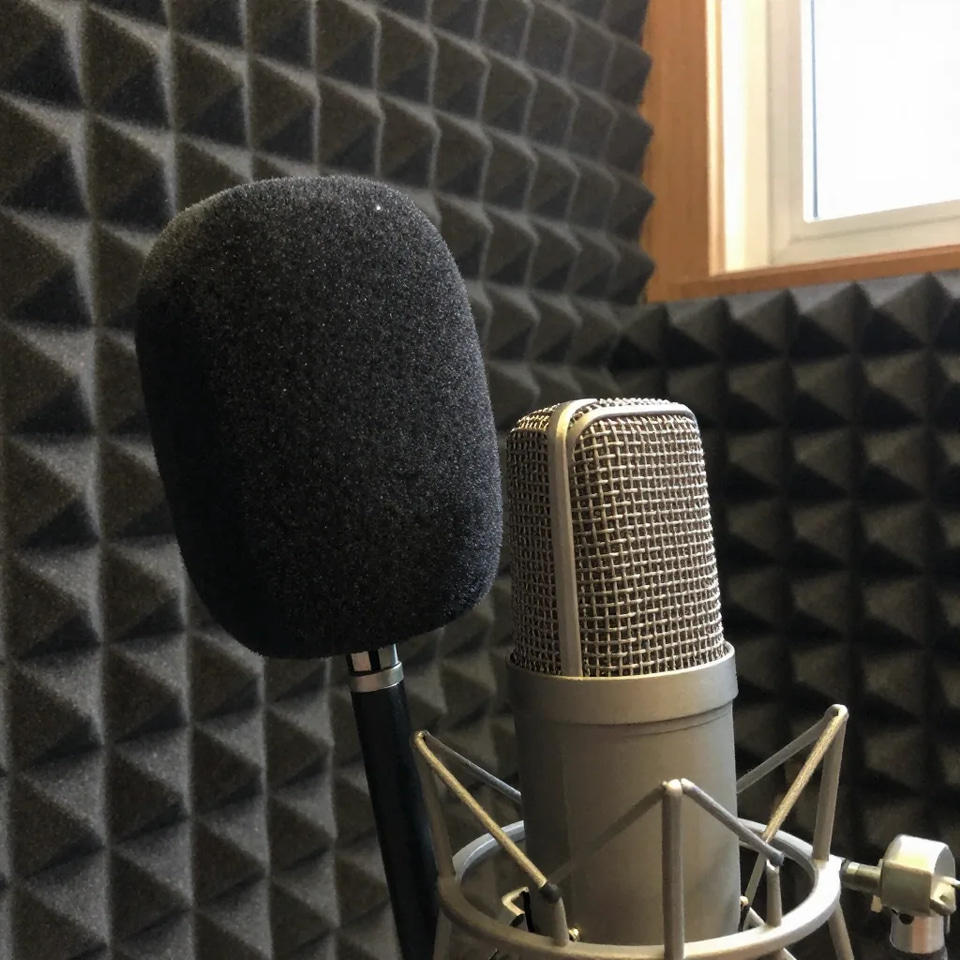
The script, and a 3–10 second recording of the voice it should be read in. The recording is required — this route clones the sample you give it and has no preset voice library, so without one the generation is refused. A dry clip of a single speaker, no music and no reverb, gives the closest match.
What a run costs
10 credits per 500 characters, charged when you generate rather than monthly. A single run takes up to 5,000 characters, so the most one generation can cost is 100 credits, and the studio shows the figure on the button before you press it.
What you get back
One WAV file per generation, with no audio watermark and no attribution requirement. Paid credits carry commercial rights, so the file can go straight into a video timeline, a podcast host or a client deliverable.
Pay-per-use voice generation vs a subscription plan
| Capability | Imagera Voice Generator | Subscription voice apps |
|---|---|---|
| Voice sample needed to clone | One 3–10 second clip, no training step | Longer samples, or a training step |
| Emotion control | Set separately from the reference recording | Usually tied to the chosen voice |
| Pricing model | 10 credits per 500 characters, only when you generate | A monthly fee with a character quota |
| Watermarks | Never | Common on free tiers |
Start generating voices
Open the studio with the voice generator already selected. The credit cost updates as you paste the script.
Generate the voiceover →