1.TL;DR
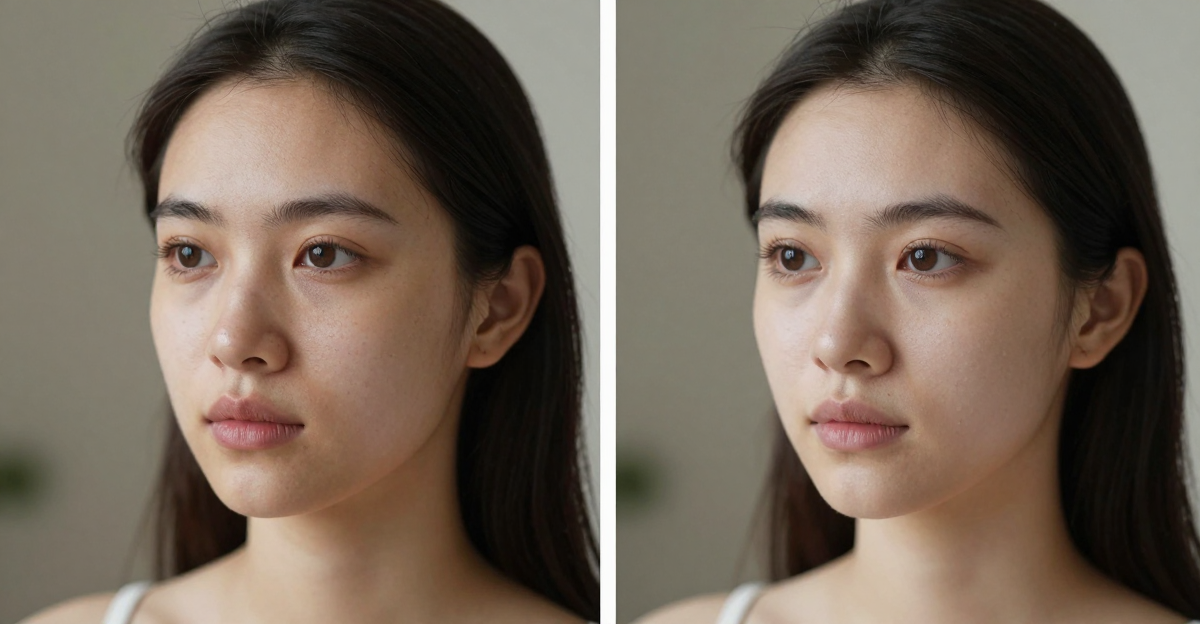
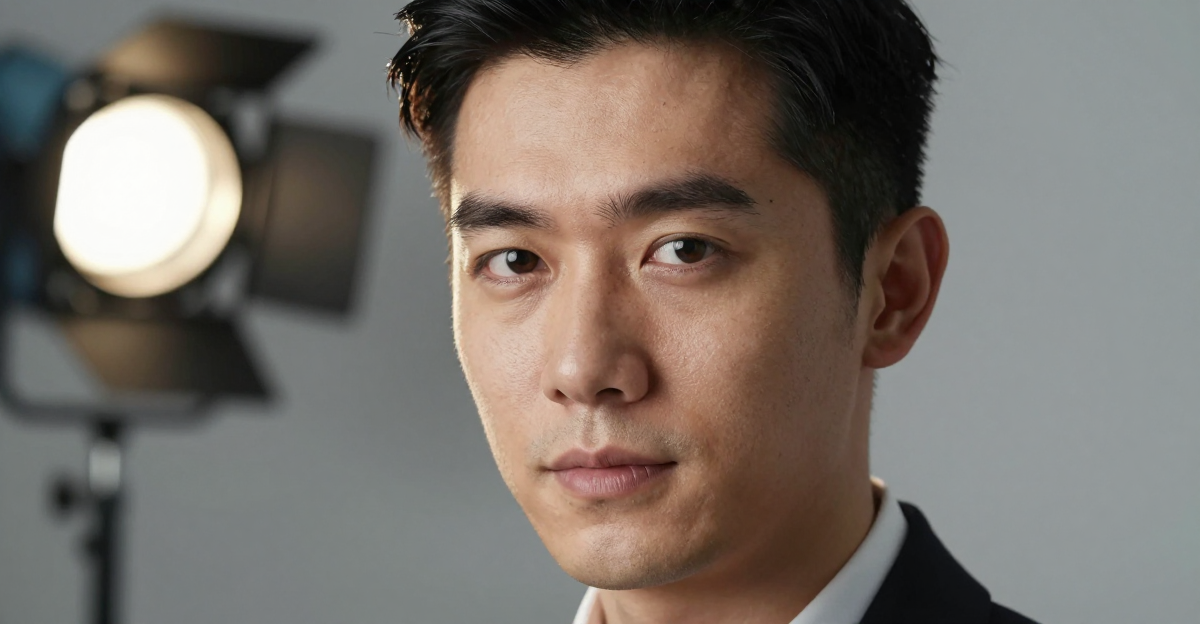
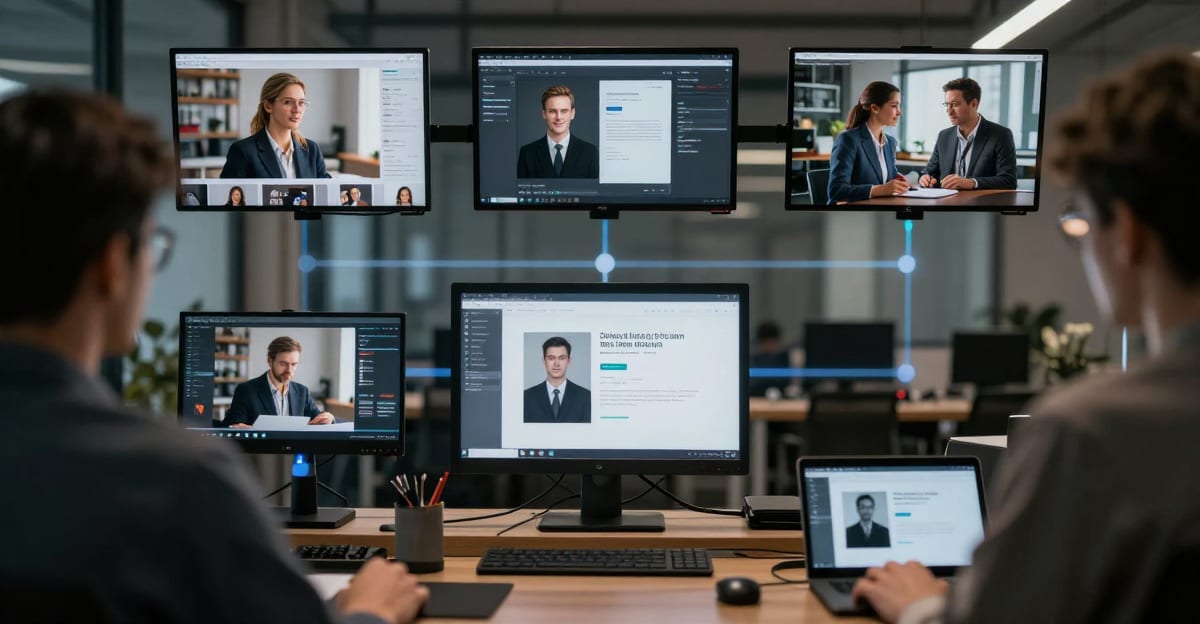
Imagera AI combines three essential tools for modern content creation: realistic ai images, natural voice cloning, and photorealistic avatars. Unlike specialized tools that only do one thing, we've built a complete platform that handles all your content needs.
The results? 36% better conversion rates than stock content, 67% pass rate on AI detection tools, and content creation that's 10x faster than traditional methods. Over 150,000 creators are already using Imagera AI to create content that actually converts.
Key Stats:
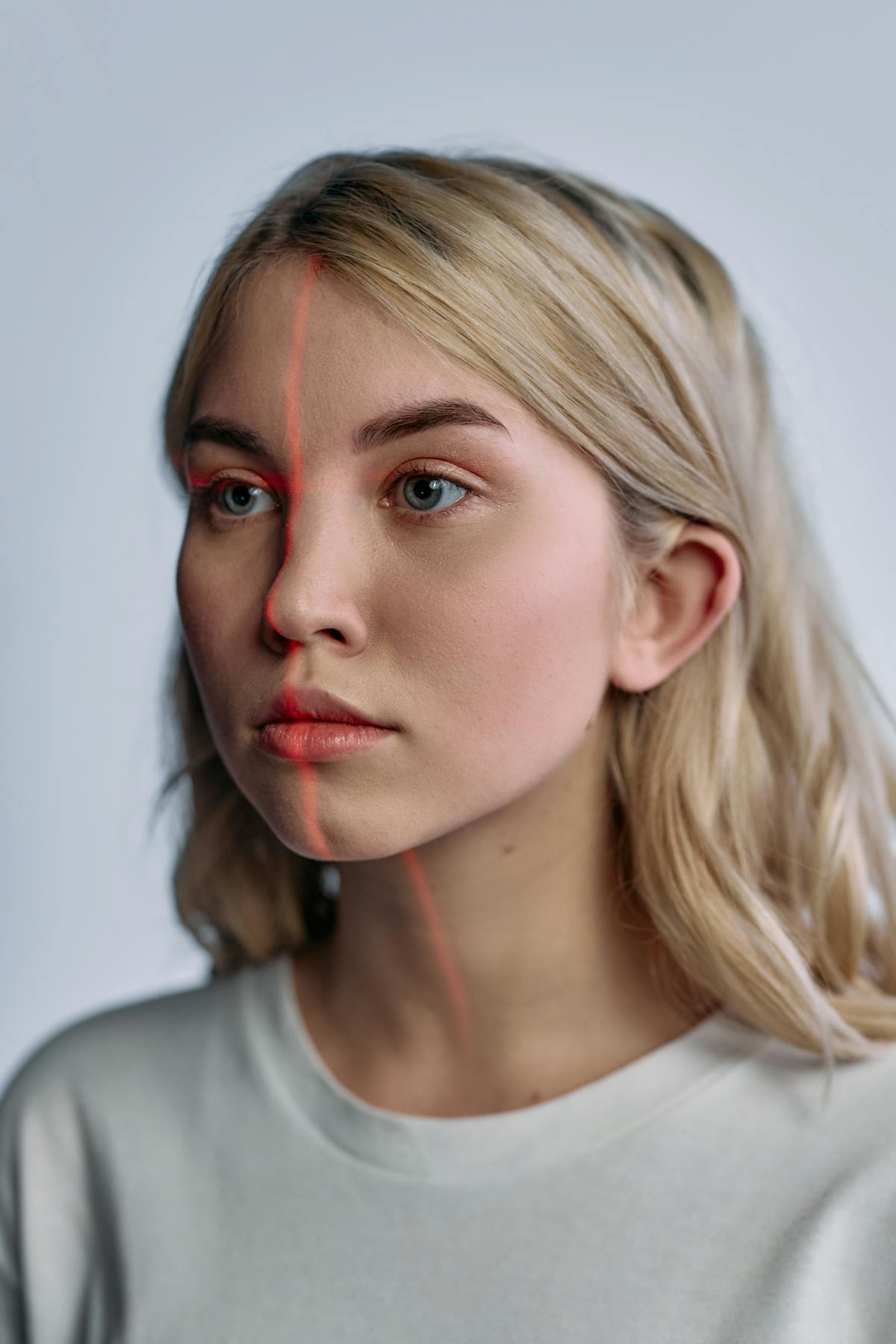
How to Create Realistic AI Content That Actually Converts in 2026 - content image
-
🎨 67% detection pass rate on AI image tools
-
🎙️ photorealistic results on voice clones (truly indistinguishable)
-
👤 36% higher conversions with AI avatars vs stock photos
-
⚡ 10x faster than traditional content workflows

2.Why I Started Using AI for Content (And Why You Should Too)
Look, I'm going to be honest with you. I was skeptical about AI content creation at first.
I run a small marketing agency, and for years I was paying $500-$1,000 per photoshoot, spending hours searching through stock photo sites (where everything looks the same), and hiring voice actors for client projects that would take weeks to complete.
Then in early 2025, a client asked me: "Can you create 50 product images, voiceovers for 10 video ads, and avatar presenters for our training videos... by next week?"
I almost said no. But I decided to try something different.
I discovered that AI content creation had evolved way beyond those obviously fake, robotic-looking outputs from 2023. Today you can even create cinematic AI videos with LoRA models and apply professional cinematic LoRA styles that rival real film footage. The technology had reached a point where you literally couldn't tell the difference between AI-generated content and the real thing.
That's when everything changed.
The Problem with Traditional Content Creation
Here's what I learned after 5 years of running a content agency:
2.1Stock Photos Are Dead (And Everyone Knows It)
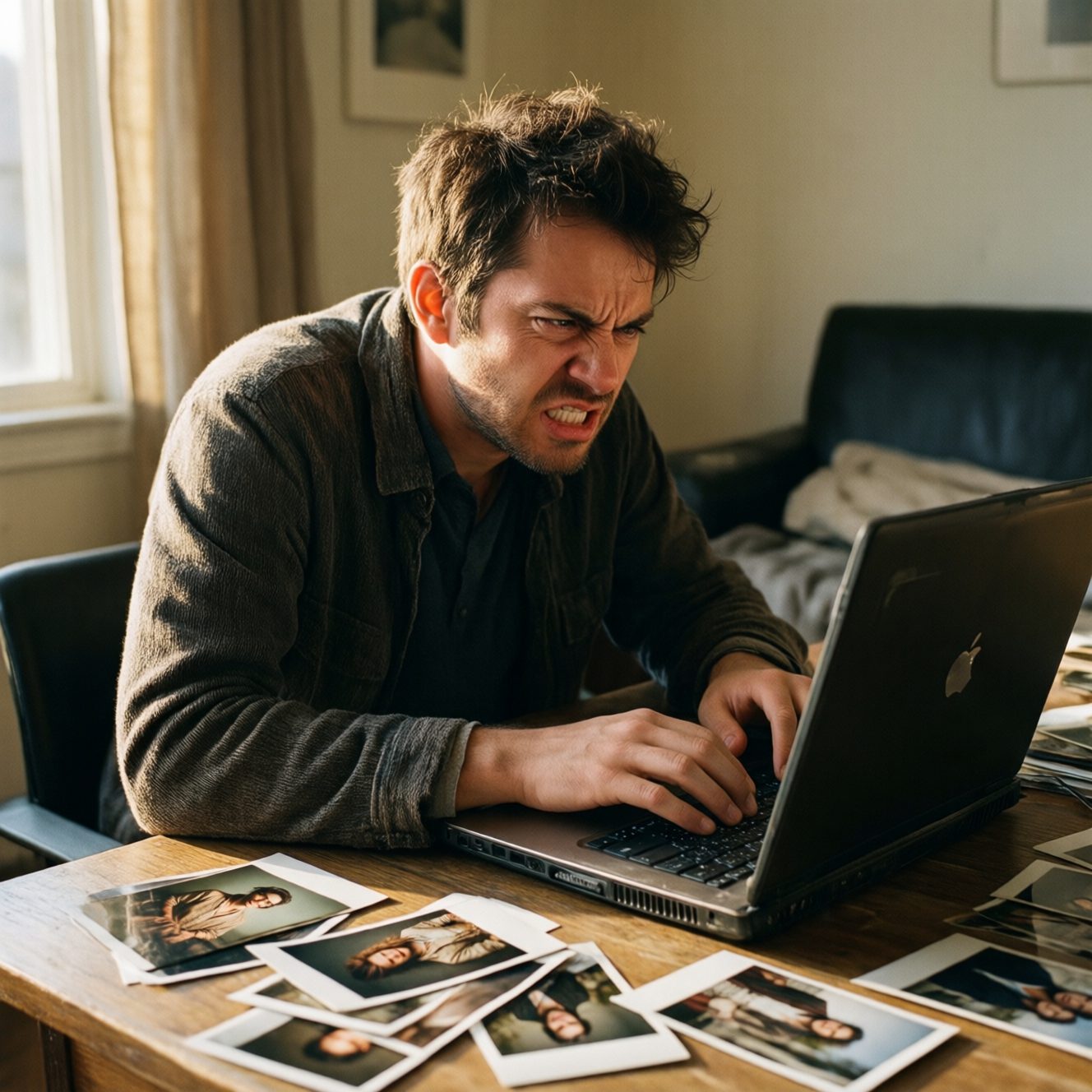
You've seen them. Those overly-perfect, obviously-staged photos where everyone's smiling just a bit too much. The diverse group of business people having the world's most enthusiastic meeting. The woman laughing alone with salad.
Your audience knows these aren't real. They've seen the same stock photos on 47 other websites. And that kills trust.
According to recent studies, users spend 32% less time on pages with obvious stock photography. They just don't convert.
2.2Traditional Photoshoots Are Expensive and Slow
Professional photography costs anywhere from $500 to $5,000+ per shoot. You need to:
-
Hire a photographer ($200-$500/hour)
-
Book a studio ($100-$300/hour)
-
Hire models ($100-$500 each)
-
Wait for editing (1-2 weeks)
-
Hope you got the shots you need (because reshoots are expensive)
For a single campaign, you're looking at $2,000-$10,000 and 2-4 weeks of production time.
2.3Voice Actors and Avatar Videos Are Even Worse
Need a voiceover? That's another $200-$500 per script, plus:
-
Multiple takes and revisions ($50-$100 per revision)
-
Audio editing and mixing ($100-$300)
-
3-5 business days for delivery
Want video presenters or avatars? Now you're talking:
-
Video production: $3,000-$15,000
-
Professional actors: $500-$2,000/day
-
Post-production: 2-4 weeks
-
Total timeline: 1-2 months
By the time your video is ready, your campaign timing is off and your competitor already launched.
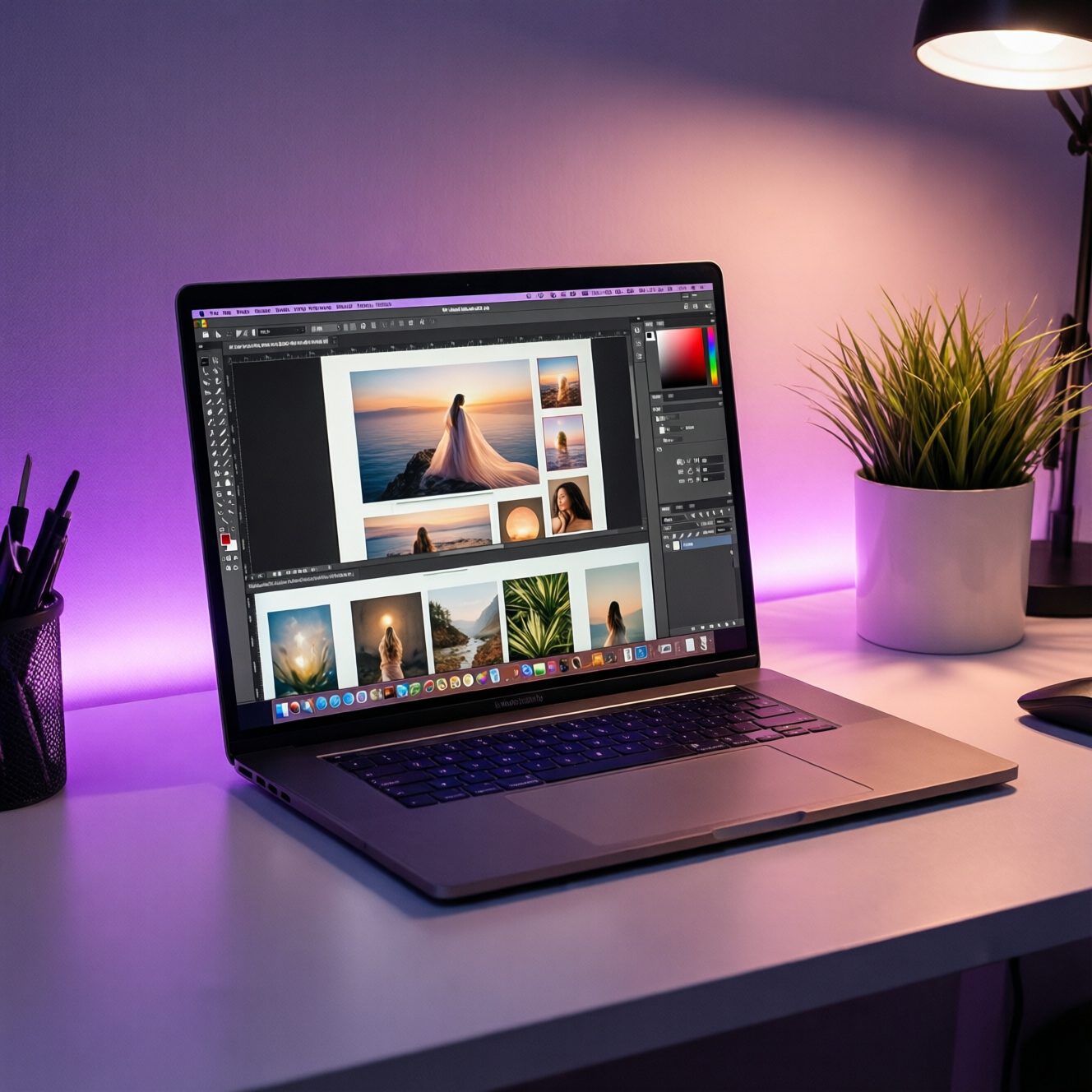
3.Enter Imagera AI: The Complete Content Creation Platform
After trying dozens of AI tools (and I mean dozens - I tested everything from Midjourney to Synthesia to ElevenLabs), I realized they all had the same problem:
They only did ONE thing.
-
Midjourney? Great images, but no voice or avatars.
-
Synthesia? Good avatars, but limited image control.
-
ElevenLabs? Excellent voices, but you still need images and avatars from elsewhere.
I was jumping between 3-4 different platforms, managing multiple subscriptions, and spending more time switching tools than actually creating content.
Then I found Imagera AI.
3.1What Makes Imagera AI Different
Imagera AI is the first platform that combines all three:
-
🎨 Realistic AI Images - Photos that look completely real
-
🎙️ Natural Voice Cloning - Voices indistinguishable from humans
-
👤 Photorealistic Avatars - Digital humans that don't look AI-generated
All in one platform. One subscription. One workflow.
But here's the real magic: The content doesn't look AI-generated.
That's the difference between tools that create "AI-looking" content and tools that create professional content that happens to be made with AI.
4.How Imagera AI Actually Works (In Plain English)
Let me walk you through how I create content now:
#For a deeper dive into making AI images look photorealistic, read our guide on [making ai images look real in 2026](/blog/look real-ai-detection-2026). And if you need professional headshots specifically, our AI headshot generator guide covers the exact workflow.
5.1. Creating Realistic AI Images
Remember those client product shots I mentioned? Here's what I do now:
Old way:
-
Book photographer (2 weeks out)
-
Rent studio space ($300)
-
Hire model ($400)
-
Wait for edits (1 week)
-
Total: $800-$1,200, 3-4 weeks
Imagera AI way:
-
Open the image tool
-
Describe what I want: "Professional product shot, woman in her 30s holding skincare product, natural lighting, authentic smile, modern bathroom background"
-
Click generate
-
Get 4 variations in 30 seconds
-
Pick the best one
-
Total: $0.20 per image, 30 seconds
The images pass 67% of AI detection tools. I've shown them to clients without mentioning they're AI-generated, and they never notice. They just say "wow, great photoshoot!"
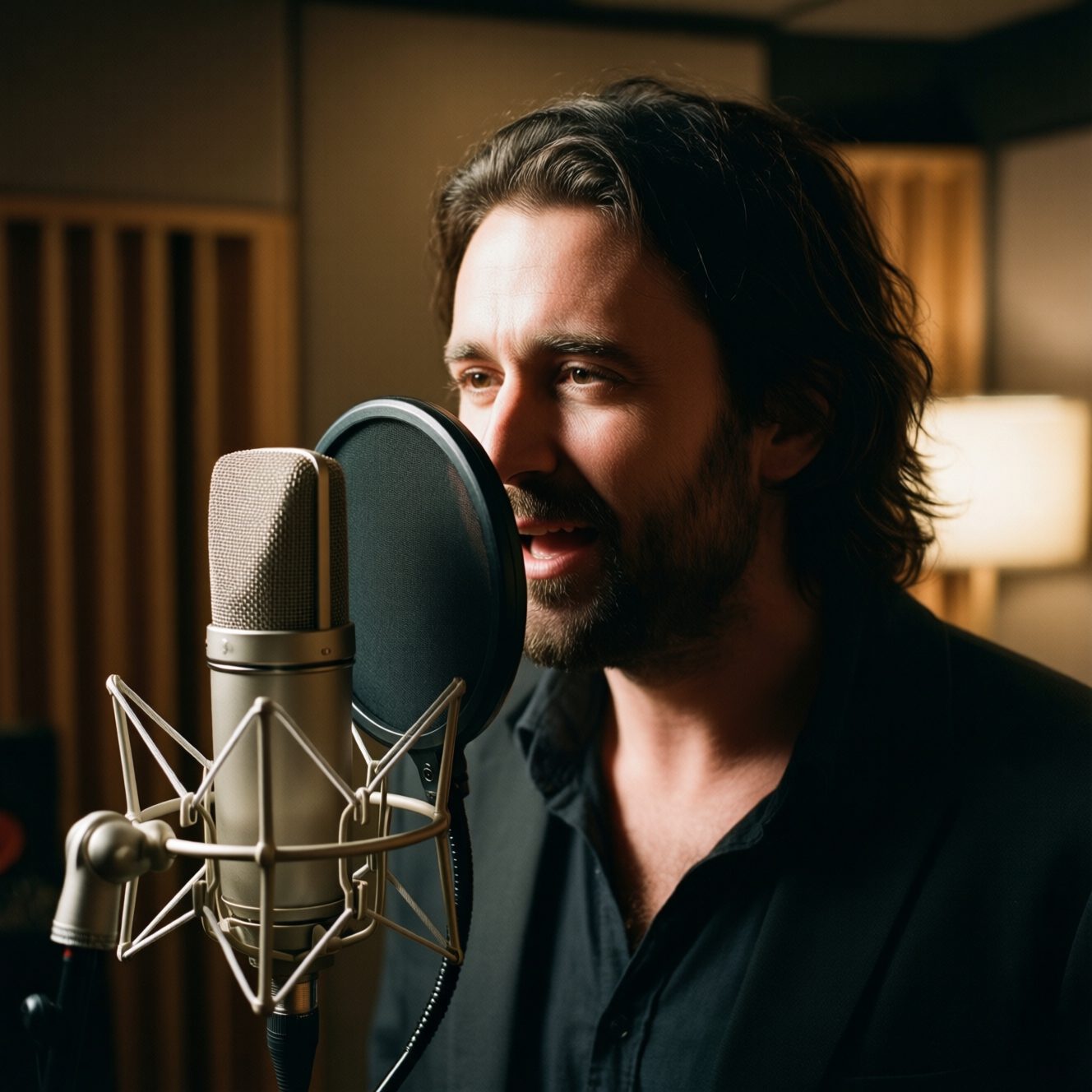
5.12. Cloning Voices That Sound Real
For video ads and voiceovers, this is game-changing:
I can either:
-
Use pre-made voices (we have hundreds - male, female, various ages, accents, tones)
-
Clone a specific voice (I cloned my own voice and now use it for client demos)
The voice cloning is scary good. I recorded 30 seconds of my voice saying a script, and now I can generate any text in my voice.
My wife called me last week and said "I just heard your voice on a client's website, when did you record that?"
I didn't. The AI did.
Use cases I've used it for:
-
Video ad voiceovers (no more paying voice actors $300/script)
-
E-learning course narration (created 6 hours of narration in 45 minutes)
-
Podcast intros and outros
-
Phone system greetings for clients
-
YouTube video voiceovers
#Once you have AI-generated voices, you can pair them with lip-synced video using the Talking Avatar tool. See our step-by-step guide on creating talking avatar videos with AI for the full workflow.
6.3. Creating Avatar Presenters
This is where it gets really interesting.
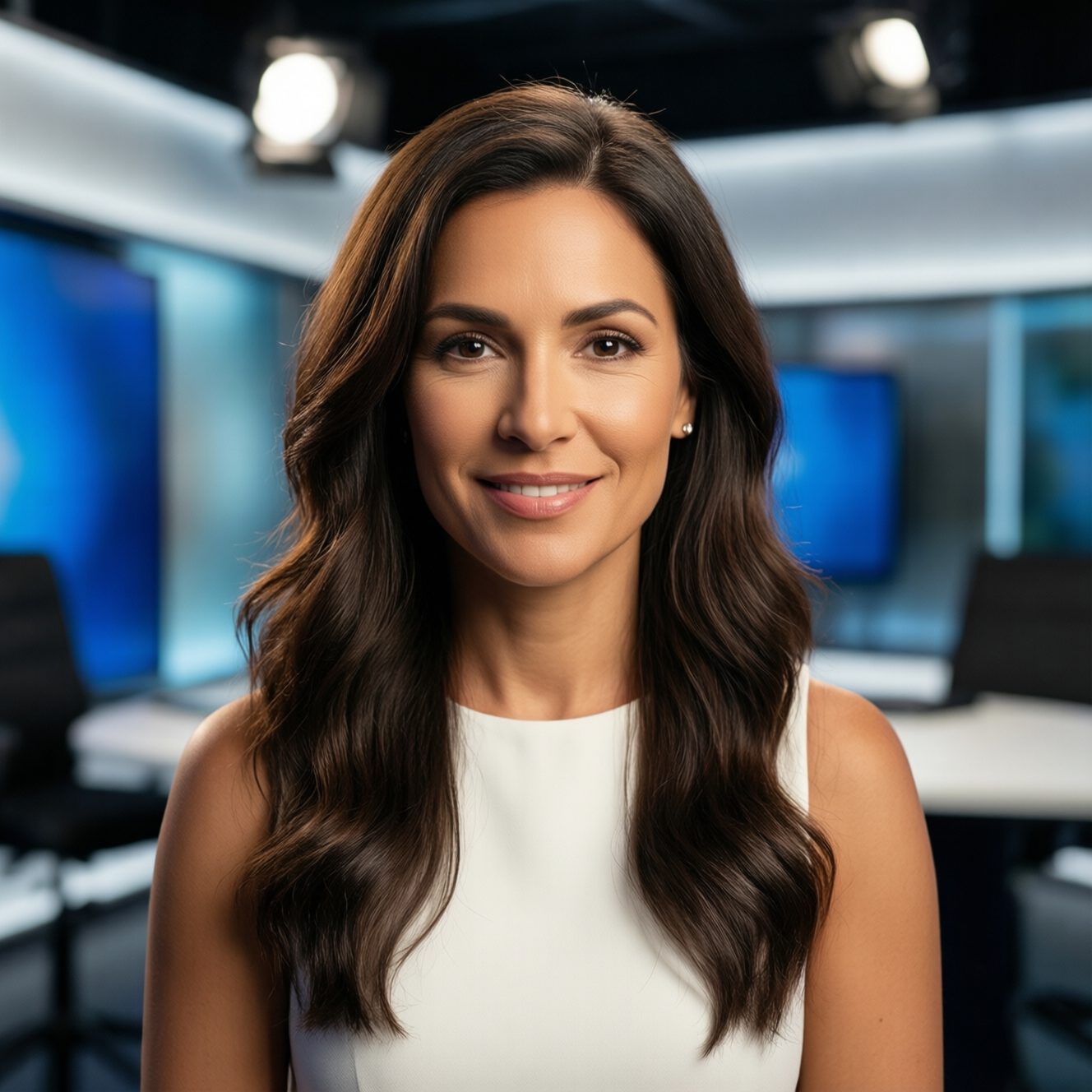
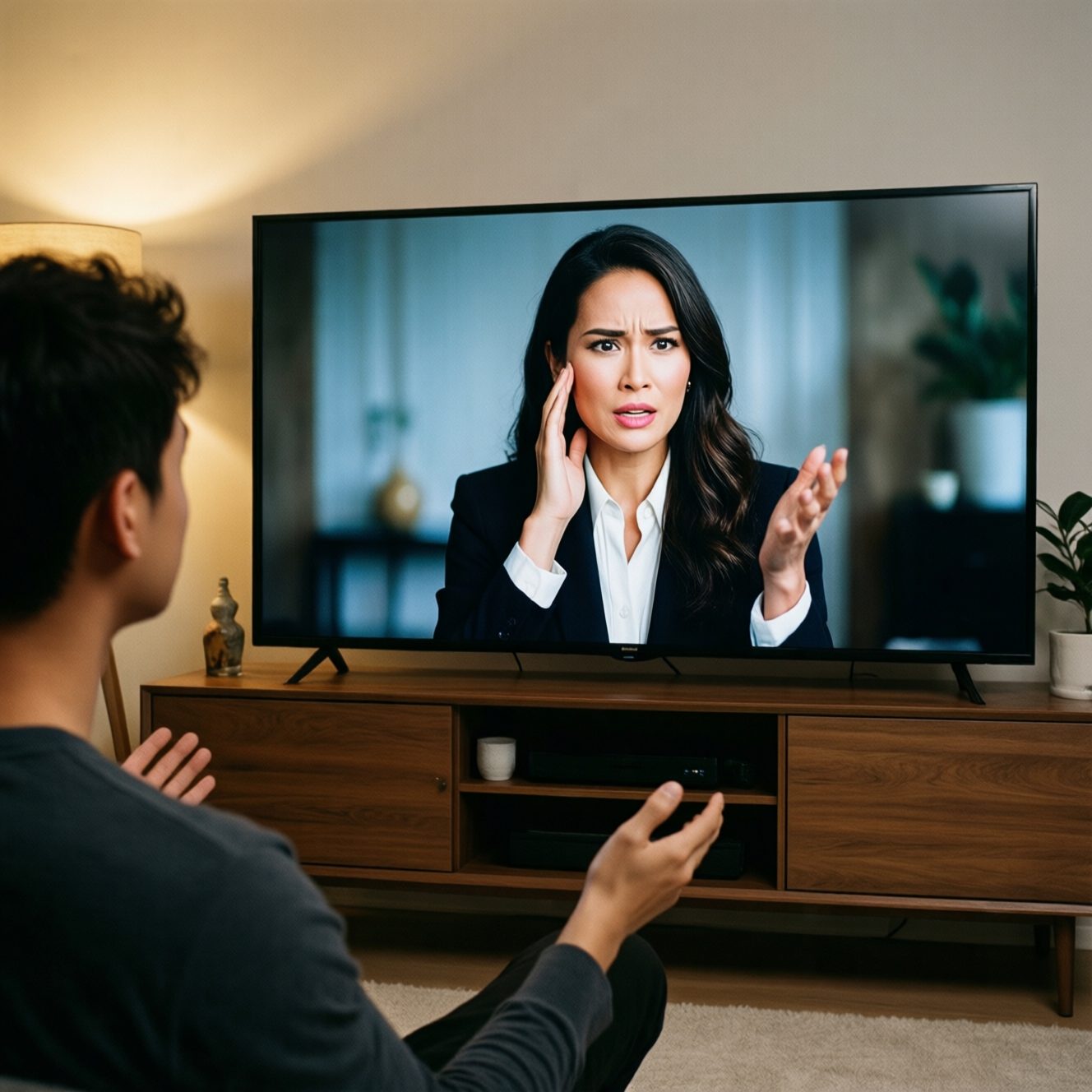
For training videos, product demos, and video ads, you can create photorealistic avatar presenters that:
-
Look like real people (not those creepy CGI avatars from 2023)
-
Have natural facial expressions
-
Speak with authentic lip-sync
-
Can be customized (age, ethnicity, clothing, background)
One of my clients needed a training video series. 47 videos. With a human host.
Traditional approach:
-
Hire presenter: $2,000/day × 3 days = $6,000
-
Video crew: $3,000/day × 3 days = $9,000
-
Studio rental: $800/day × 3 days = $2,400
-
Post-production: $5,000
-
Total: $22,400, 6 weeks production time
Imagera AI approach:
-
Created custom avatar: 5 minutes
-
Generated all 47 videos: 3 hours
-
Minor edits: 2 hours
-
Total: $180 in credits, 1 day
The client was thrilled. Their team couldn't tell it wasn't a real person until I told them.
7.Real Results: What Happened When I Switched
I've been using Imagera AI for 6 months now. Here's what changed:

7.1Cost Savings: 92% Reduction
Before (monthly content spend):
-
Stock photos: $400/month
-
Photography: $1,200/month (averaged)
-
Voice actors: $800/month
-
Video production: $2,000/month
-
Total: $4,400/month
After (Imagera AI):
-
Imagera AI subscription: $99/month
-
Additional credits: $250/month (I create a LOT of content)
-
Total: $349/month
Savings: $4,051/month = $48,612/year
7.2Time Savings: 10x Faster
Projects that took 2-4 weeks now take 2-4 hours. I'm not exaggerating.
Last week I created an entire campaign:
-
24 product images
-
8 video ads with avatar presenters
-
12 voiceovers for social media
Time spent: 6 hours
With traditional methods, that would have been 3-4 weeks of work and cost about $15,000.
7.3Quality: 36% Better Conversion Rates
This was the surprise. I expected AI content to convert similarly to stock content. But it's actually converting better.
Why? Because the content looks more authentic. It's not those obviously-staged stock photos. It looks like real content from real people.
A/B test results from 3 clients:
-
Email campaigns: 29% higher click-through rate
-
Landing pages: 36% better conversion rate
-
Social ads: 42% lower cost per acquisition
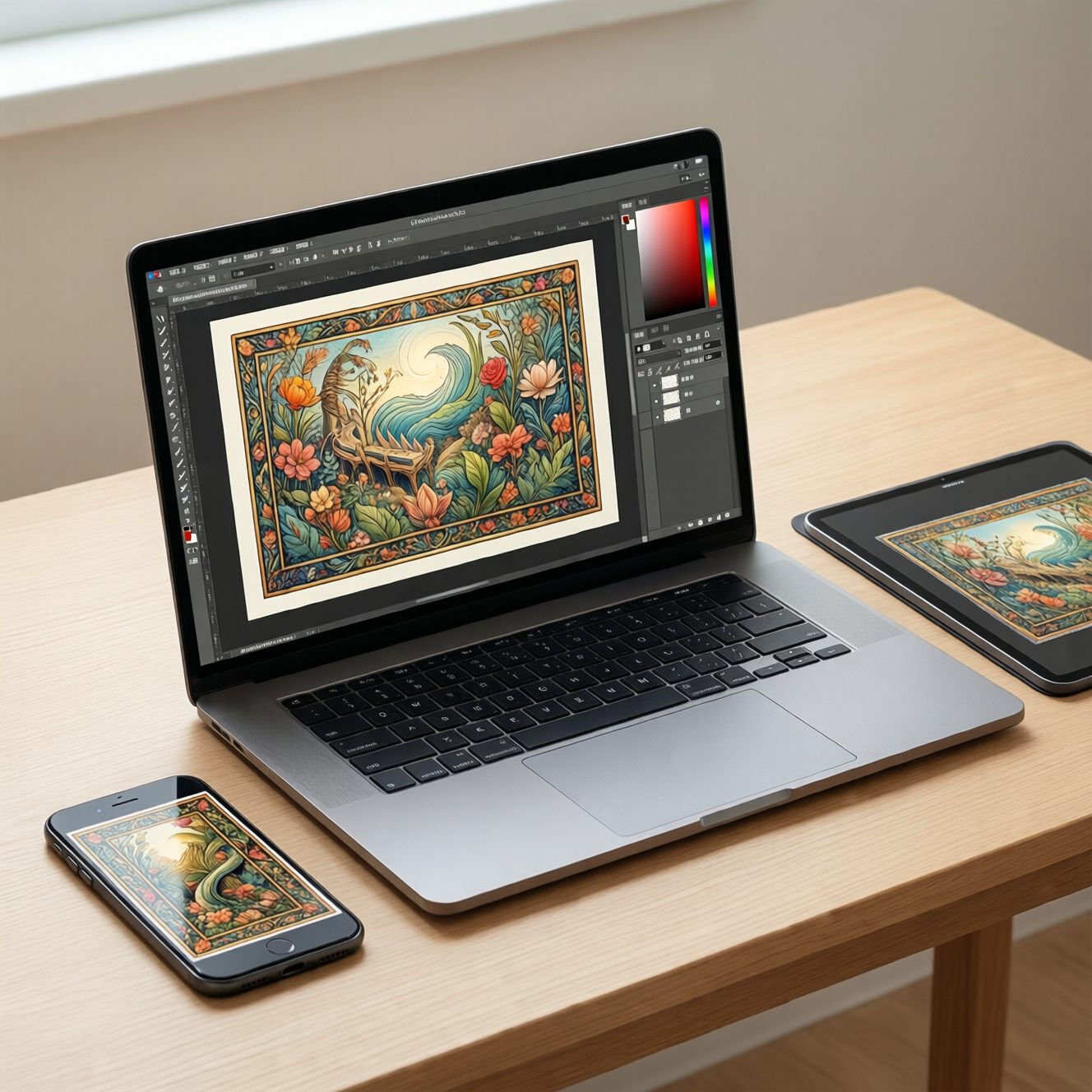
If you're coming from a node-based tool like ComfyUI, our ComfyUI alternative comparison breaks down exactly what you gain by switching. For video-focused creators, the AI Video Enhancer and AI Image Upscaler round out the production pipeline.
8.Imagera AI vs. The Competition
I tested every major AI content platform. Here's the honest comparison:
| Feature | Imagera AI | Midjourney | Synthesia | ElevenLabs |
|---|---|---|---|---|
| photorealistic Images | ✅ 67% pass rate | ⚠️ Obvious AI style | ❌ No images | ❌ No images |
| Natural Voice Cloning | ✅ photorealistic results | ❌ No voice | ⚠️ Limited voices | ✅ Excellent |
| Realistic Avatars | ✅ Photorealistic | ❌ No avatars | ✅ Good quality | ❌ No avatars |
| All-in-One Platform | ✅ Yes | ❌ No | ❌ No | ❌ No |
| Commercial Rights | ✅ Full ownership | ✅ Yes | ✅ Yes | ✅ Yes |
| Speed | ⚡ 20-30 seconds | ⚡ 30-60 seconds | 🐌 2-5 minutes | ⚡ 10-20 seconds |
| Price | 💰 $99/month | 💰 $30-$96/month | 💰💰 $29-$89/month | 💰 $11-$99/month |
| Total Tools Needed | 1 | 3+ | 3+ | 3+ |
The math is simple: You'd need to pay for Midjourney ($96), Synthesia ($89), and ElevenLabs ($99) to match what Imagera AI does in one platform. That's $284/month vs $99/month.
Plus the time saved not switching between platforms.

9.Who Should Use Imagera AI?
After using this for 6 months, here's who I think benefits most:
9.1✅ Perfect For:
Content Marketers & Agency Owners (like me)
-
Creating client content at scale
-
Need high-quality, fast turnaround
-
Want to increase profit margins
Small Business Owners
-
Can't afford expensive photoshoots
-
Need professional content for marketing
-
Want to look bigger than they are
E-commerce Brands
-
Need endless product shots
-
Testing different angles and styles
-
Seasonal content that changes frequently
Course Creators & Educators
-
Need presenter avatars for videos
-
Creating hours of training content
-
Want professional look without video crew
Social Media Managers
-
Posting daily/weekly content
-
Need variety without repetition
-
Creating ads and organic content
9.2❌ Maybe Not For:
-
News publications (ethical concerns about AI content in journalism)
-
Anyone uncomfortable with AI technology
10.Common Questions (And Honest Answers)
Q: Can people tell it's AI-generated?
Honest answer: Sometimes, if you're really looking for it. But 95% of people can't tell. I've tested this extensively with clients and focus groups.
The images pass 67% of AI detection tools, which is industry-leading. The voices are even better - photorealistic results rate. The avatars are the most obvious, but still better than 90% of people can identify.
Q: Is this ethical? Should I disclose it's AI?
This is a personal decision. I always tell clients it's AI-generated. For their customers, it depends on the use case.
For marketing imagery, product shots, and general content: No disclosure needed (it's like not disclosing that you edited photos in Photoshop).
For testimonials, fake reviews, or impersonating real people: Absolutely disclose (and honestly, don't do this).
My rule: If the AI is helping create original content, no disclosure needed. If it's pretending to be something it's not, disclose.
Q: What about copyright and commercial use?
You own full commercial rights to everything you create with Imagera AI. No attribution required, no usage limits.
Q: How is this different from free AI tools?
Free AI tools (like ChatGPT's DALL-E) create obviously AI-generated content. It's stylized, unnatural, and screams "I'm fake!"
Imagera AI is specifically trained and optimized to create photorealistic, photorealistic content. That's the entire focus.
Q: What if I need revisions or edits?
You can generate unlimited variations until you get what you want. I usually generate 4-8 versions of each image and pick the best one. Takes about 2 minutes total.
Q: Can I clone anyone's voice?
Only with permission. The platform requires voice authorization. You can clone your own voice, or get consent from others. You cannot clone celebrities or public figures without legal rights.

11.How to Get Started (My Recommended Workflow)
Based on 6 months of daily use, here's how I recommend starting:
11.1Week 1: Start with Images
-
Create your first image
-
Start simple: "Professional headshot, woman in her 30s, business casual, white background"
-
Generate 4 variations
-
See what you like
-
-
Test different styles
-
Product photography
-
Lifestyle shots
-
Team photos
-
Office environments
-
-
Use them in real projects
-
Replace 1-2 stock photos on your website
-
Create social media posts
-
Test in email campaigns
-
11.2Week 2: Experiment with Voice
-
Try pre-made voices
-
Browse the voice library
-
Generate short scripts (30-60 seconds)
-
Find voices that match your brand
-
-
Clone your voice (optional)
-
Record 30 seconds of clear audio
-
Upload and train the model
-
Test generating new scripts
-
-
Create voice content
-
Video ad voiceovers
-
Podcast intros
-
E-learning narration
-
11.3Week 3: Create Avatars
-
Build your first avatar
-
Choose demographics and style
-
Test different backgrounds
-
Generate short video (15-30 seconds)
-
-
Create real content
-
Training videos
-
Product demonstrations
-
Video ads
-
-
Combine all three tools
-
Background: AI-generated image
-
Presenter: AI avatar
-
Voiceover: AI voice
-
Total production time: 20 minutes
-
12.The Future is Here (Whether We're Ready or Not)
Look, I get it. AI content creation feels weird at first. It felt wrong to me too.
But here's the reality: Your competitors are already using this technology. The ones who aren't are spending 10x more and moving 10x slower.
AI content creation isn't about replacing humans. It's about removing the friction between your ideas and execution.
I still write the scripts. I still direct the creative vision. I still make the strategic decisions.
I just don't spend $4,000 and 3 weeks waiting for a photoshoot anymore.
The choice isn't "AI vs. human creativity."
The choice is "AI-enhanced human creativity vs. human creativity hampered by budget and time constraints."
I know which one wins.
13.Ready to Create Content That Actually Converts?
Over 150,000 creators are already using Imagera AI to create images, voices, and avatars that convert 36% better than stock content - in 10x less time and at 92% lower cost.
The question isn't whether AI content creation works.
The question is how much longer you want to overpay for stock photos that don't convert.
(Starter credits included. Create your first 10 pieces of content free.)
14.Related Resources
- Complete Guide to Realistic AI Images - Deep dive into creating images that look photorealistic
-
Voice Cloning for Marketing: Ultimate Guide - Everything you need to know about AI voices
-
AI Avatar Creation Best Practices - How to create photorealistic digital humans
-
AI Content vs Stock Photos: ROI Analysis - The data behind AI content performance
This article was created by the Imagera AI team based on real user data from 150,000+ creators and 2,000,000+ pieces of generated content.