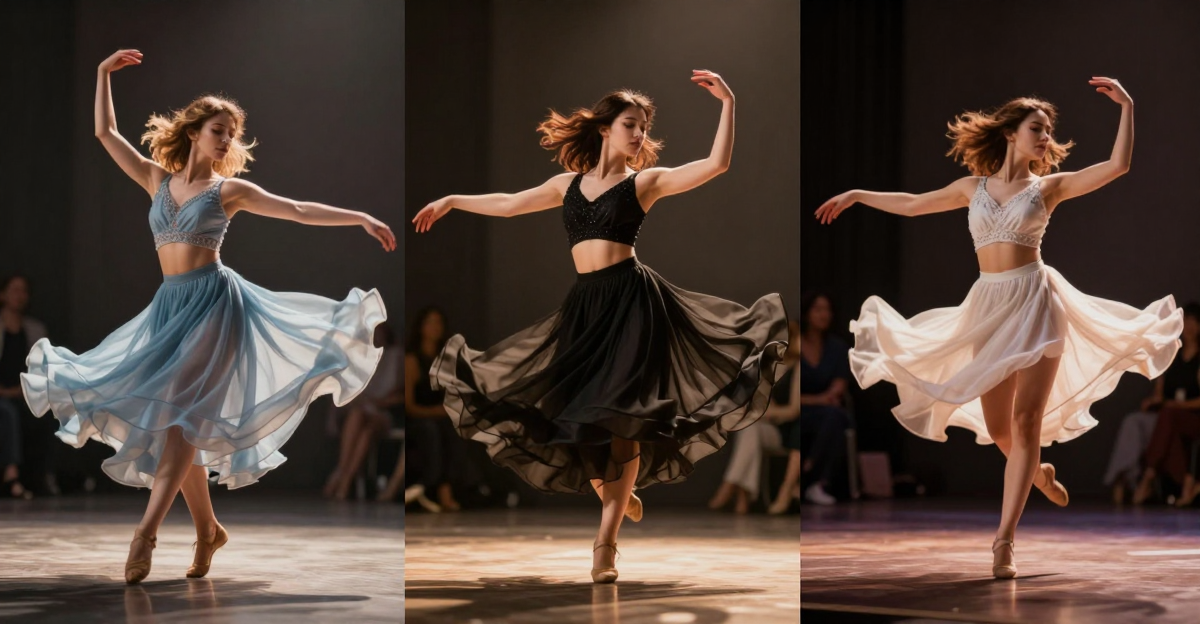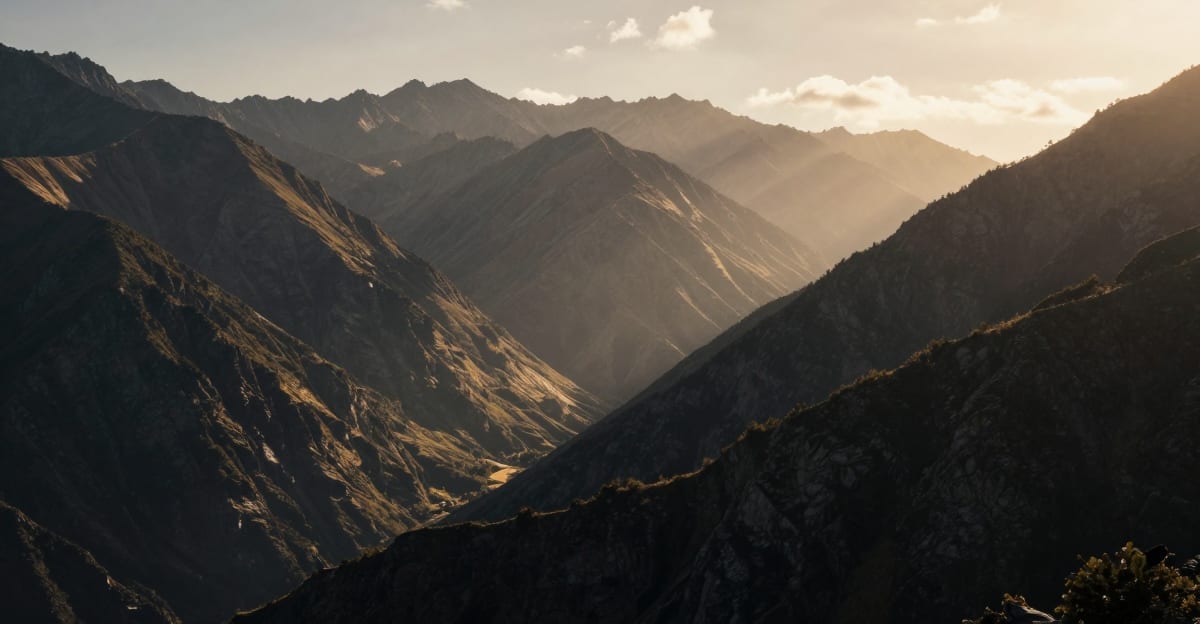
WAN 2.2 and WAN 2.1 from Alibaba are open-source video generation models that produce remarkably good output — but the base models default to a specific visual aesthetic. LoRA (Low-Rank Adaptation) models let you push the output toward cinematic film quality, photorealism, specific art styles, or faster generation speeds without retraining the entire model.
The LoRA ecosystem for WAN models has exploded in 2026. This guide covers the best cinematic and realistic LoRAs currently available, with tested settings, practical tips, and where to find them. If you want a hands-on tutorial for using these LoRAs, see our step-by-step guide to creating cinematic AI video online.
For context on how LoRA-based generation compares to closed-source tools like Seedance 2.0, Sora 2, and others — none of which support custom LoRA models — the Seedance 2.0 review and alternatives post covers that comparison in detail.
Quick answer: The best cinematic LoRAs for WAN 2.2 and 2.1 in 2026 include WAN 25 Realistic, Cinematic Flare, FusionX, and CausVid, each adding film-grade lighting, color, and motion; on Imagera you can stack them in-browser with no local install.
1.What LoRA strength should you set for cinematic WAN 2.2 video?
Most cinematic LoRAs sit comfortably in the 0.6-0.85 strength range on WAN 2.2, whose dual-path Mixture-of-Experts architecture splits work across two expert paths. Push the strength too high and clips can over-bake into plastic skin or motion smear. A reliable approach: start at 0.7, render a 5-second test, and step up in 0.05 increments until the grade holds without artifacts.
2.How many cinematic LoRAs can you access without training your own?
Imagera exposes 100+ curated cinematic LoRAs and a library of 100,000+ total models covering WAN 2.2 and 2.1, so you skip the 30-60 minute local setups entirely. CausVid is built for faster renders while keeping detail intact. In practice, stacking a realism LoRA with a color-grade LoRA tends to produce a richer film look than any single model on its own, since each one handles a different part of the grade.
3.Understanding WAN 2.2's Architecture (Why It Matters for LoRA)
Before diving into specific LoRAs, you need to understand one thing about WAN 2.2 that affects every LoRA you use: it has a dual-path Mixture-of-Experts (MoE) architecture.
Best Cinematic LoRAs for WAN 2.2 & WAN 2.1 AI Video Generation is a practical Imagera workflow: start from a real source file, describe what should change, generate with credits shown up front, and review before you publish. This guide covers the steps, quality checks, and when to use related tools.
This means WAN 2.2 uses two separate expert pathways:
- High-noise expert: Handles the early denoising steps (broad composition, overall structure)
- Low-noise expert: Handles the later steps (fine detail, textures, sharpness)
Why this matters for LoRA: A LoRA trained for WAN 2.2 needs to affect both pathways correctly. LoRAs designed for WAN 2.1 (single-path architecture) may not work properly on WAN 2.2 — they often cause artifacts, color shifts, or ignore the fine-detail path entirely.
Practical rule: Always check if a LoRA is specifically marked as WAN 2.2 compatible. LoRAs labeled for WAN 2.1 may work but require lower strength settings (0.4-0.6) to avoid artifacts on WAN 2.2.
4.Best Cinematic & Realistic LoRAs for WAN 2.2
4.11. WAN 25 Realistic — Best for Photorealism
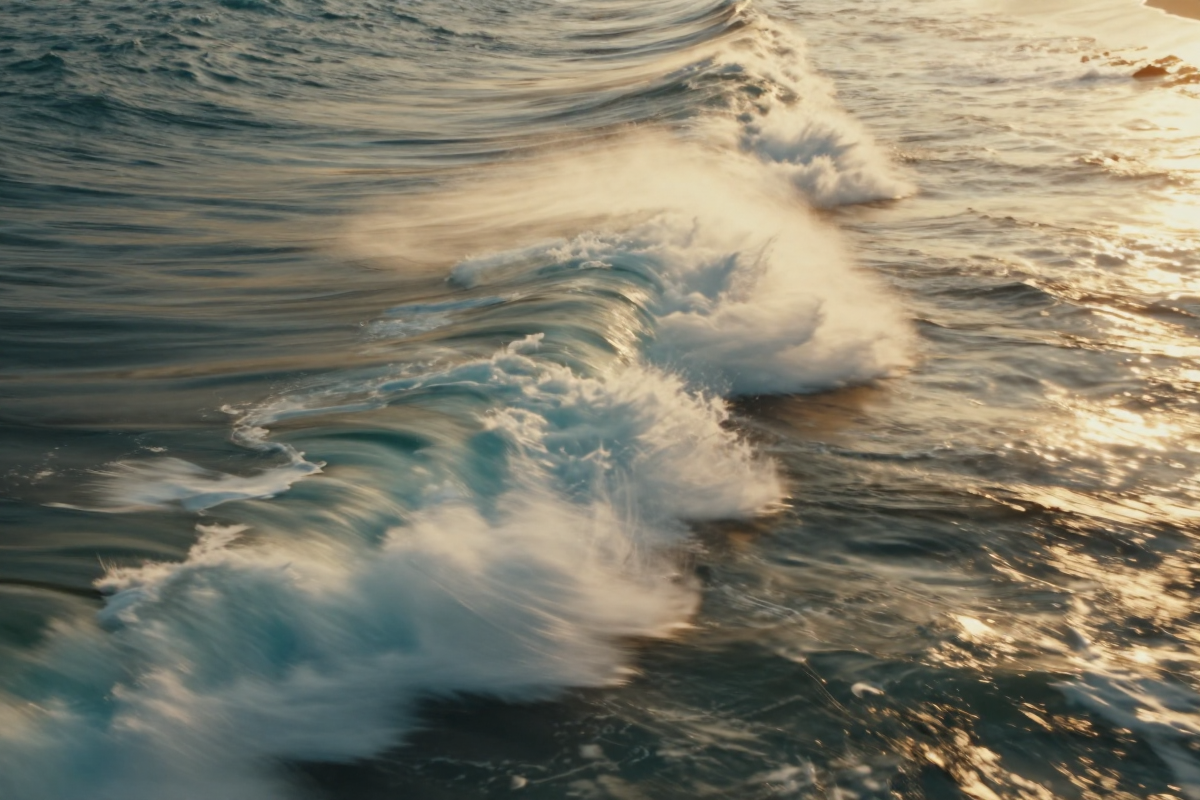
What it does: Pushes WAN 2.2 output toward photorealistic rendering with accurate skin textures, natural lighting behavior, and realistic material properties. Specifically targets the uncanny valley gap that base WAN 2.2 sometimes produces in human subjects.
Best for: Portrait videos, realistic character generation, product shots requiring photographic accuracy, any scene involving human faces and skin.
Recommended settings:
- Strength: 0.7-0.85
- Works with both WAN 2.2 and WAN 2.1 (adjust to 0.6 on 2.1)
- Best results at 720p+ resolution
- Pairs well with detailed face/skin prompts
What it improves:
- Skin texture and pore detail at close range
- Eye reflections and catchlights
- Hair strand rendering and movement
- Natural lighting falloff on faces
- Fabric texture under varying light conditions
Limitations: Can over-smooth skin at high strength values (above 0.9). Reduce strength for stylized or artistic output.
Where to find it: CivitAI — search "WAN 25 Realistic" or browse the WAN 2.2 LoRA category.
4.22. Cinematic Flare LoRA — Best for Film-Grade Color & Lighting
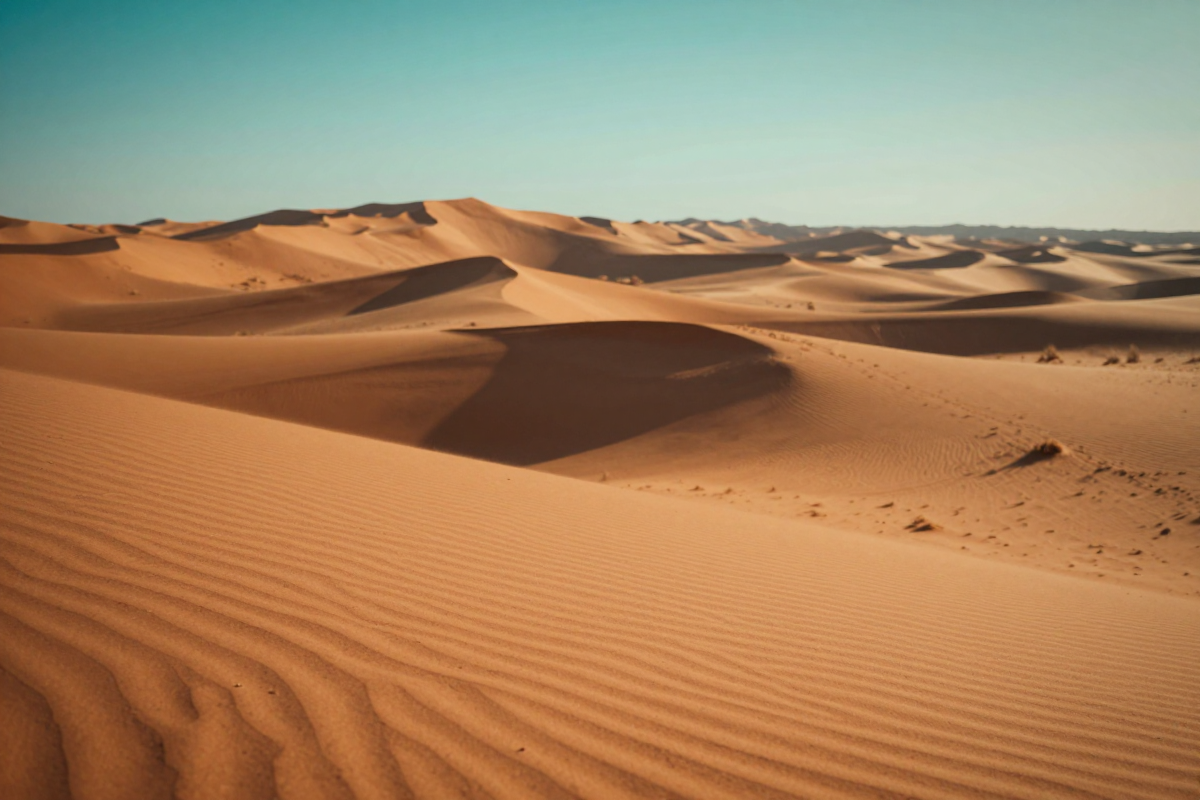
What it does: Applies Hollywood-grade color grading, anamorphic lens characteristics, film grain patterns, and cinematic lighting profiles. Makes WAN 2.2 output look like it was shot on a RED or ARRI cinema camera.
Best for: Short films, cinematic storytelling, mood-driven content, any project where "production value" matters.
Recommended settings:
- Strength: 0.65-0.8
- WAN 2.2 native support
- Best at 1080p resolution
- Combine with cinematic prompt keywords: "anamorphic", "shallow depth of field", "golden hour"
What it improves:
- Color science — shifts from digital to filmic color response
- Lens flare behavior — realistic anamorphic streaks, not generic glows
- Film grain — authentic grain patterns instead of digital noise
- Contrast curves — filmic highlight rolloff instead of digital clipping
- Bokeh quality — optical bokeh shapes from real lens simulation
Limitations: Adds a warm/orange bias to neutral scenes. At strength above 0.85, can make daytime outdoor scenes look overly graded. Reduce strength for documentary-style naturalism.
Where to find it: CivitAI and HuggingFace — search "Cinematic Flare WAN" or "cinematic WAN 2.2 LoRA."
4.33. FusionX LoRA — Best All-Round Realism
What it does: A merged, all-in-one realism LoRA that combines photorealism, cinematic lighting, and detail enhancement into a single model. Designed as a "plug and play" solution that improves nearly every scene type.
Best for: General-purpose realism across diverse scenes. Good starting point if you don't want to stack multiple LoRAs.
Recommended settings:
- Strength: 0.6-0.75
- WAN 2.2 optimized
- Works across all resolutions
- Minimal prompt modification needed — improves base output across the board
What it improves:
- Overall image coherence and detail density
- Material differentiation (metal, glass, fabric, organic)
- Environmental lighting realism
- Reduced AI-typical "plastic" look on surfaces
- Better motion coherence between frames
Limitations: As a merged model, it's a compromise — doesn't push any single quality dimension as far as specialized LoRAs. For specific needs (pure photorealism or pure cinematic look), dedicated LoRAs perform better.
Where to find it: CivitAI — search "FusionX WAN" or "FusionX realistic."
4.44. CausVid LoRA — Best for Speed + Quality
What it does: A distillation-based LoRA that reduces the number of inference steps WAN 2.2 needs from 30-50 down to 4-8 steps, achieving a roughly 3x speed improvement while maintaining quality close to the full step count.
Best for: Rapid iteration, real-time or near-real-time generation, production workflows where generation speed matters, batch generation of multiple clips.
Recommended settings:
- Strength: 0.8-1.0
- Use with reduced step counts (4-8 steps instead of 30-50)
- WAN 2.2 compatible
- Best combined with a quality LoRA at lower strength
What it improves:
- Generation speed — 3x faster with minimal quality loss
- Iteration efficiency — test more prompts in less time
- Batch workflow — generate 10 clips in the time 3 would normally take
- Resource usage — lower GPU memory and compute per generation
Limitations: Slight quality reduction compared to full 50-step generation — noticeable on fine details like hair strands and fabric texture. For final production output, use full step count. For iterating and previewing, CausVid is excellent.
Where to find it: HuggingFace — search "CausVid" or check Wan2GP community resources.
4.55. Instamodel 1.0 — Best for Fashion & Product Video
What it does: Specialized for fashion photography and product visualization aesthetics. Clean, commercial-grade output with studio lighting, model-quality skin rendering, and product-appropriate color accuracy.
Best for: E-commerce product videos, fashion content, studio-look generations, brand content requiring polished commercial aesthetics.
Recommended settings:
- Strength: 0.7-0.85
- Best at 720p-1080p
- Combine with studio lighting prompts: "softbox lighting", "beauty dish", "product photography"
- Works on WAN 2.2 (check compatibility notes on WAN 2.1)
What it improves:
- Studio lighting simulation accuracy
- Skin smoothing and beauty retouching (fashion-appropriate)
- Product material rendering (glossy, matte, metallic, transparent)
- Clean backgrounds and controlled environments
- Commercial-grade color consistency
Limitations: Biased toward studio aesthetics — outdoor or natural scenes may look artificially lit. Reduces environmental variety in favor of controlled, commercial looks.
Where to find it: CivitAI — search "Instamodel" in the WAN LoRA category.
5.Speed & Distillation LoRAs (Quality vs Generation Time)
Beyond cinematic quality, some LoRAs focus on making WAN 2.2 faster:
| LoRA | Speed Gain | Quality Trade-off | Steps Required | Best For |
|---|---|---|---|---|
| CausVid | ~3x | Minimal | 4-8 | Best speed-quality ratio |
| Self-Forcing | ~2-3x | Minimal-moderate | 6-12 | Autoregressive consistency |
| AccVid | ~2x | Low | 8-16 | Moderate speed boost |
| WAN 2.2 Lightning | ~4x | Moderate | 4 | Maximum speed priority |
| FusionX Lightning | ~3x | Low-moderate | 6-8 | Speed + realism combo |
Recommendation: For iteration and previewing, use CausVid or WAN 2.2 Lightning. For final production renders, use full step counts with quality LoRAs.
Step-distillation adapters follow the same pattern on newer video models, and the trade-off is worth understanding before you rely on one: audio degrades before the picture does. We measured what generation actually costs end to end in our timed AI video speed test, where a five-second clip with synchronized sound came back in a median of 7.2 seconds across eleven runs.
6.All-in-One Merged Models
Some community members have merged multiple LoRAs into single models for convenience:
Phr00t's AllInOne: Merges realistic skin, cinematic grading, and speed optimization into a single LoRA. Saves the complexity of stacking multiple LoRAs but with less fine-grained control. Available on HuggingFace.
When to use merged models: When you want a "set and forget" quality improvement without tweaking individual LoRA strengths. Good for batch workflows where consistency matters more than per-scene optimization.
When to use individual LoRAs: When you need maximum control — different LoRA combinations for different scene types (portraits vs landscapes vs product shots).
7.Critical Tips for WAN 2.2 LoRA Usage
7.1Strength Settings Matter More Than You Think
WAN 2.2's dual-path architecture means LoRA strength has a non-linear effect:
- 0.3-0.5: Subtle enhancement — original model aesthetic dominates
- 0.5-0.7: Balanced blend — LoRA characteristics visible but not overwhelming
- 0.7-0.85: Strong LoRA influence — the "sweet spot" for most cinematic LoRAs
- 0.85-1.0: Full LoRA effect — can cause artifacts if the LoRA isn't designed for high strength
- Above 1.0: Overfitting — color banding, texture collapse, temporal inconsistency
Start at 0.65 and adjust up or down. This gives you room to see the LoRA's effect without risking artifacts.
7.2Stacking Multiple LoRAs
You can use multiple LoRAs simultaneously, but keep total combined strength reasonable:
- Two LoRAs: Total combined strength ≤ 1.3 (e.g., 0.7 + 0.6)
- Three LoRAs: Total combined strength ≤ 1.5 (e.g., 0.6 + 0.5 + 0.4)
- Priority order: Apply your primary quality LoRA at higher strength, secondary at lower
Example stack for cinematic portraits:
- WAN 25 Realistic at 0.75 (skin/face quality)
- Cinematic Flare at 0.5 (color grading and lighting)
7.3WAN 2.1 LoRAs on WAN 2.2
LoRAs trained on WAN 2.1 often work on WAN 2.2, but:
- Reduce strength by 20-30% (e.g., if WAN 2.1 suggests 0.8, try 0.55-0.6 on WAN 2.2)
- Watch for color shifts and temporal artifacts
- Test on a short clip before committing to full generation
- If artifacts appear, the LoRA likely isn't dual-path compatible — switch to a WAN 2.2 native version
7.4Prompt Engineering with LoRAs
LoRAs modify the model's visual output, but prompts still control the scene. Tips:
- Include LoRA trigger words if documented (some LoRAs activate specific features with keywords)
- Be more specific with cinematic LoRAs: "anamorphic lens, shallow depth of field, golden hour backlight" amplifies cinematic LoRA effects
- Don't fight the LoRA: If a cinematic LoRA adds warm tones, don't prompt "cold blue lighting" — the conflict produces inconsistent results
- Quality reinforcement: Adding "8K, detailed, cinematic" to prompts with a cinematic LoRA reinforces the quality direction
8.Where to Find LoRA Models
CivitAI (civitai.com): Largest repository with 100K+ models. Filter by "WAN 2.2" or "WAN Video" categories. Community reviews and sample outputs help identify quality LoRAs.
HuggingFace (huggingface.co): More technical/research-oriented. Search "WAN 2.2 LoRA" or browse the Wan2GP community space. Better for cutting-edge and experimental models.
GitHub: Check repositories like Wan2GP, ComfyUI-WAN-Suite, and individual researcher pages for specialized LoRAs and technical documentation.
Imagera Library: Access 100K+ LoRA models directly through Imagera's platform — no manual downloading, no local setup required. Browse, preview, and use cinematic LoRAs in-browser.
9.Real-World LoRA Combinations by Use Case
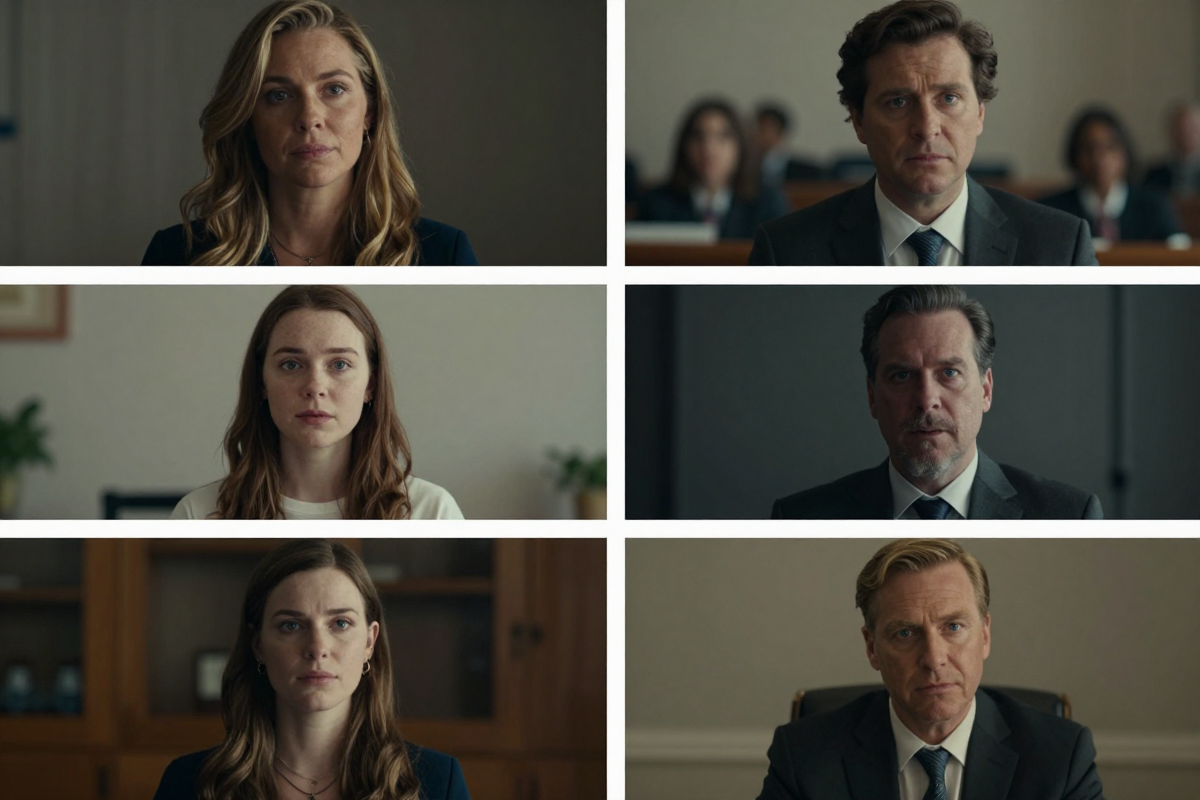
Knowing which LoRAs exist is one thing. Knowing which combinations to use for specific projects is where practical value lies.
YouTube Short-Form Content:
- Primary: FusionX at 0.7 (general realism)
- Secondary: CausVid at 0.5 (speed for iteration)
- Why: You need to generate multiple clips quickly for social content. FusionX provides broad quality improvement while CausVid keeps generation fast. Final hero clips can be re-rendered without CausVid at full quality.
Cinematic Music Video:
- Primary: Cinematic Flare at 0.8 (film look)
- Secondary: WAN 25 Realistic at 0.4 (subtle realism on faces)
- Why: Music videos prioritize mood and visual style over photographic accuracy. Cinematic Flare dominates the look while Realistic adds just enough human-subject quality for close-ups.
Product Showcase Video:
- Primary: Instamodel 1.0 at 0.85 (commercial aesthetics)
- Why: Product videos need clean, controlled studio lighting and accurate material rendering. Single LoRA keeps the look consistent. Don't stack — commercial aesthetics benefit from simplicity.
AI Film Project or Concept Reel:
- Primary: WAN 25 Realistic at 0.75 (photorealism)
- Secondary: Cinematic Flare at 0.5 (film grade)
- Why: Maximum production value. This is the combination that approaches Netflix/film quality. Use it for final renders only — generation time is slower with two quality LoRAs.
For post-production after generation, you can further improve output by running clips through Imagera's AI video enhancer to upscale to 4K and reduce any remaining artifacts.
If you're building a content creation business with AI video, the guide to making money with AI tools covers how to structure workflows that combine LoRA video generation with other AI tools for maximum efficiency.
10.Using Cinematic LoRAs Without Local Setup
Running WAN 2.2 with LoRAs locally requires:
- NVIDIA GPU with 12GB+ VRAM (24GB recommended for 1080p)
- ComfyUI or similar node-based workflow setup
- Manual LoRA downloading and configuration
- Python environment management
- Significant trial-and-error for optimal settings
If you don't have the hardware or don't want the setup overhead, Imagera runs WAN-based video generation with LoRA support on cloud GPUs — accessible from any browser. You select your base model, choose from the LoRA library, set strength, and generate.
No GPU requirements. No software installation. No manual model management.
Try LoRA-Powered Video Generation — browse 100K+ LoRA models and generate cinematic AI video starting at $19.99.
11.Bottom Line
The combination of WAN 2.2's powerful base model with the right cinematic LoRA produces AI video that genuinely approaches film-quality output. The ecosystem is mature enough that you can find specialized LoRAs for nearly any visual aesthetic — photorealism, cinematic grading, fashion photography, or speed optimization.
For local setup: Start with FusionX as your baseline all-rounder, then experiment with specialized LoRAs (WAN 25 Realistic for portraits, Cinematic Flare for film look, CausVid for speed).
For cloud-based generation: Imagera provides access to 100K+ LoRA models including all the major cinematic options — browse, select, and generate without any local setup.
Explore the LoRA Library — cinematic AI video generation starting at $19.99.
Related: How to Create Cinematic AI Video Online | Seedance 2.0 Review & Alternatives | Best AI Video Upscaler 2026 | Best AI Video Enhancer 2025 | How to Make Money with AI 2026 | AI Video Generator