ComfyUI is the most powerful open-source node-based tool for AI image and video generation. It is also one of the most frustrating to learn.
If you have ever spent hours downloading models, wiring nodes, debugging Python errors, and troubleshooting GPU drivers — only to get a mediocre result — you are not alone. Thousands of people search for help with ComfyUI installation, workflow errors, and configuration problems every single month.
Imagera AI delivers the same LoRA-powered results in 30 seconds. No setup. No coding. No GPU required.
This guide compares ComfyUI and Imagera AI across every dimension that matters: setup time, LoRA support, video generation, output quality, and total cost. If you want to see what's possible with LoRA-powered video, check our guide to the best cinematic LoRAs for WAN 2.2.
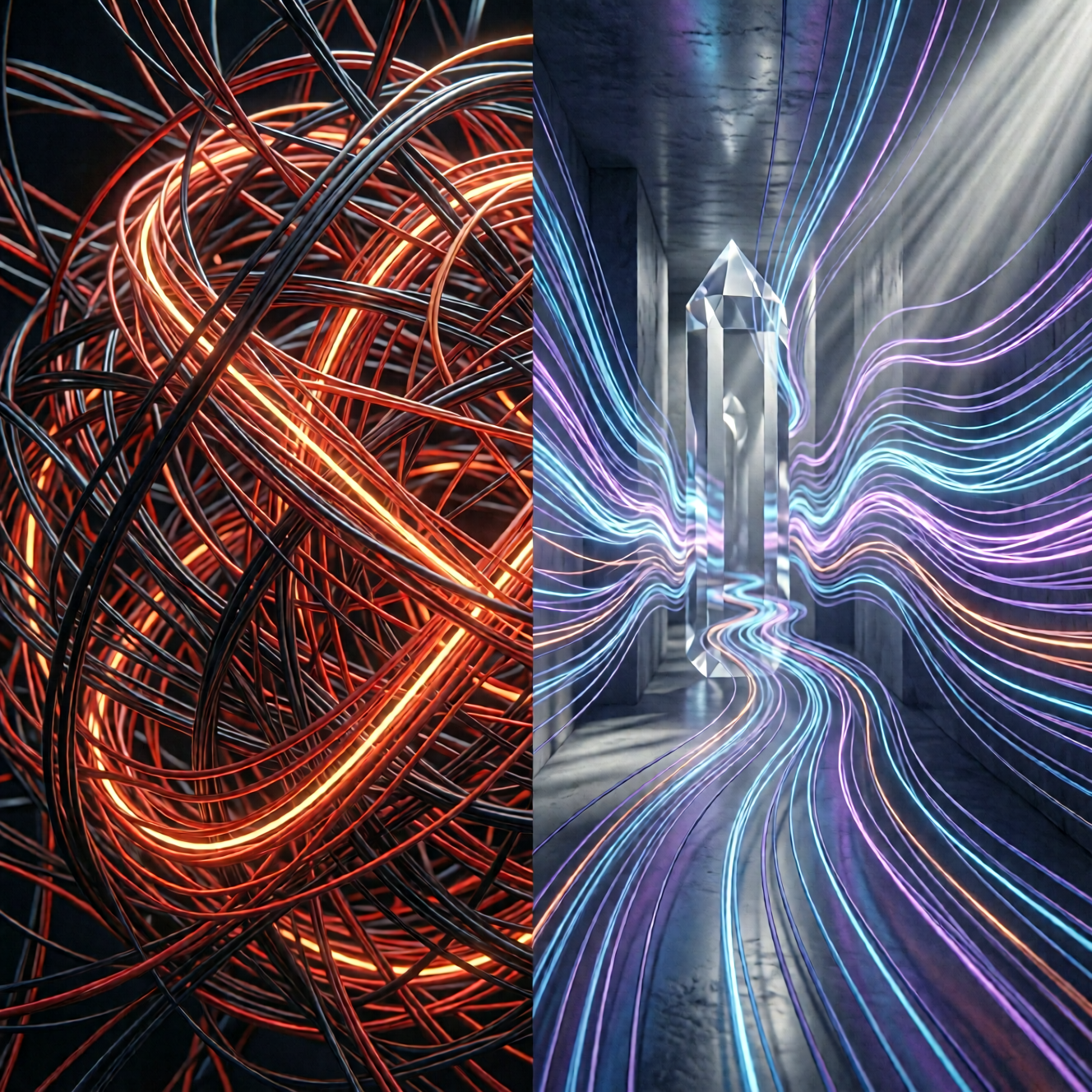
What Is ComfyUI?
ComfyUI is a free, open-source, node-based interface for running Stable Diffusion and other diffusion models locally on your computer. Created in January 2023, it gives advanced users granular control over every step of the image generation pipeline through a visual flowchart of connected nodes.
Each node represents a specific operation — loading a model, applying a LoRA, setting a sampler, running a VAE decode. You connect these nodes with wires to build custom workflows.
Who ComfyUI is built for: Developers, researchers, and power users who want total control over the generation pipeline and are comfortable with Python environments, command-line tools, and GPU configuration.
Who ComfyUI is NOT built for: Creators, marketers, business owners, and anyone who wants professional AI images and videos without a technical learning curve.
The ComfyUI Learning Curve Problem
The data tells the story. These are real search queries people type every month when struggling with ComfyUI:
| Common ComfyUI Problem | What Users Search For | What It Reveals |
|---|---|---|
| Installation failures | "comfyui easy install", "unable to start comfyui desktop" | Basic setup is a barrier for most users |
| Connection errors | "comfyui reconnecting", "comfyui reconnecting error" | Persistent stability issues |
| Broken plugins | "comfyui failed to fetch", "comfyui manager not showing" | Plugin ecosystem is fragile |
| GPU nightmares | "run_nvidia_gpu.bat comfyui", "comfyui amd", "comfyui zluda" | GPU configuration locks out non-technical users |
| Constant re-learning | "comfyui tutorial", "how to use comfyui", "how to update comfyui" | Users still confused after weeks of use |
Thousands of people search for ComfyUI troubleshooting help every month across Google, Bing, YouTube, Reddit, and forums.
These are not advanced workflow questions. People cannot even install, launch, or connect to ComfyUI reliably.

Time to First Image: ComfyUI vs Imagera AI
Here is the real time investment required to generate your first quality image on each platform:
| Step | ComfyUI | Imagera AI |
|---|---|---|
| Account/Install | 15-45 min (Python, Git, dependencies) | 30 sec (sign up) |
| GPU Setup | 10-30 min (CUDA, drivers, VRAM config) | 0 min (cloud-based) |
| Download Base Model | 5-15 min (3-7 GB per model) | 0 min (pre-loaded) |
| Download LoRA | 5-10 min per LoRA (find, download, place in folder) | 0 min (100,000+ ready) |
| Build Workflow | 10-30 min (wire nodes, configure samplers) | 0 min (built-in) |
| Debug Errors | 0-60 min (missing nodes, version conflicts) | 0 min |
| Generate First Image | 30 sec - 5 min (depends on hardware) | 3-10 sec |
| Total Time | 45 min - 3 hours | Under 1 minute |
With ComfyUI, you invest hours before seeing a single result. With Imagera, you are generating within 60 seconds of signing up.
The 7 Biggest Pain Points of ComfyUI
1. Installation Is a Technical Obstacle Course
ComfyUI requires Python 3.11+, Git, CUDA toolkit (NVIDIA) or ROCm (AMD), and manual dependency installation. One wrong Python version or missing DLL breaks the entire setup. The portable Windows version helps, but still requires 7+ GB of downloads before generating anything.
2. GPU Requirements Lock Out Most Users
You need a dedicated NVIDIA GPU with at least 6 GB VRAM for basic generation and 12+ GB for quality results. AMD users need ZLUDA workarounds that are unstable. Mac users need specific Metal configurations. No dedicated GPU? ComfyUI is essentially unusable.
Imagera AI runs on cloud GPUs. Generate on any device — laptop, tablet, phone. No GPU required.
3. LoRA Management Is Manual and Tedious
Platforms like Seedance 2.0 attempt to simplify this, but Imagera takes it further with zero-setup LoRA access.
Using LoRAs in ComfyUI means:
- Search CivitAI or Hugging Face for the right LoRA
- Check compatibility with your base model
- Download the file (100 MB - 2 GB each)
- Place it in the exact correct folder
- Add a LoRA Loader node to your workflow
- Wire it correctly to the model pipeline
- Set the weight manually
- Test and adjust
- Repeat for each additional LoRA
That is 9 steps per LoRA. Want to chain 4 LoRAs? That is 36+ manual steps with multiple failure points.
4. Workflows Break Constantly
Shared ComfyUI workflows fail when:
- You are missing a custom node the creator used
- Your model version differs from theirs
- Python dependencies conflict
- Node APIs change between updates
- The workflow was built for a different ComfyUI version
#If you're interested in what AI-powered image creation looks like without node-based workflows, explore the AI Image Generator directly.
5. No Built-In Video Generation
ComfyUI does not natively generate video. You need AnimateDiff custom nodes, additional model downloads (2-5 GB), separate motion modules, and extensive workflow configuration. Getting stable video output from ComfyUI is an advanced project in itself.
6. Error Messages Are Cryptic
When ComfyUI fails (and it will), you get raw Python tracebacks that mean nothing to non-developers. "RuntimeError: CUDA out of memory" and "KeyError: missing node" send users into hours of forum searching.
7. No Collaboration or Cloud Sync
ComfyUI runs locally. Your workflows, models, and outputs live on one machine. No cloud backup, no sharing, no access from other devices.

Imagera AI: Same Power, Zero Complexity
Imagera AI is a cloud-based AI content creation platform that gives you everything ComfyUI offers — LoRA support, multiple models, image and video generation — without any of the technical overhead.
Full Feature Comparison
| Feature | ComfyUI | Imagera AI |
|---|---|---|
| Setup Time | 45 min - 3 hours | No install (browser sign-in) |
| GPU Required | Yes (6-12+ GB VRAM) | No (cloud-based) |
| Coding Required | Yes (Python, node wiring) | No |
| LoRAs Available | Manual download from CivitAI | 100,000+ pre-loaded |
| LoRA Chaining | Manual multi-node wiring | One-click, up to 4 LoRAs |
| Image Generation | Yes | Yes |
| Video Generation | Requires AnimateDiff setup | Built-in (LoRA video) |
| Video LoRA Styles | Not natively supported | 10,000+ video LoRAs |
| Image Upscaling | Requires extra nodes | Built-in (up to 16x) |
| Face Enhancement | Requires ReActor nodes | Built-in |
| Voice Generation | Not available | Built-in (10-sec clone) |
| real photo realism | Not available | Real Camera mode (photorealistic results) |
| Base Models | Manual download (3-7 GB each) | Z-Image Turbo, Qwen Image 2512, FLUX.1 Dev pre-loaded |
| Output Formats | PNG, custom pipeline | PNG, WebP, MP4, MP3 |
| Max Resolution | Limited by VRAM | Up to 2048x2048 native |
| Mobile Access | No | Full mobile support |
| Cloud Storage | No | Vault with unlimited history |
| Cost | Free software + $500-2000 GPU | From $19.99/month |
| Updates | Manual Git pull, breaks workflows | Automatic, seamless |
LoRA Comparison: 36 Steps vs 2 Clicks
LoRAs (Low-Rank Adaptations) are what make AI output unique. They fine-tune base models to produce specific styles, characters, aesthetics, or qualities. Both ComfyUI and Imagera support LoRAs. The difference is how.
Using LoRAs in ComfyUI (12 Steps Per LoRA)
- Open CivitAI.com
- Search for a LoRA matching your needs
- Check model compatibility (SD 1.5 vs SDXL vs Flux)
- Download the LoRA file (100 MB - 2 GB)
- Navigate to your ComfyUI models/loras folder
- Place the file in the correct directory
- Open your ComfyUI workflow
- Add a "LoRA Loader" node
- Connect it between your model loader and sampler
- Select the LoRA from the dropdown
- Set the model weight (0.0 - 1.0)
- Set the CLIP weight and test
Want to chain 3 LoRAs? Add 3 separate LoRA Loader nodes, wire them in sequence, balance all 6 weight values against each other. One wrong connection and the entire workflow produces garbage.
Using LoRAs in Imagera AI (2 Clicks)
- Browse the LoRA library (100,000+ options) and click to attach
- Click Generate
That is it. Want to chain 4 LoRAs? Click 4 times. The weights auto-balance. The compatibility is guaranteed. The output is immediate.
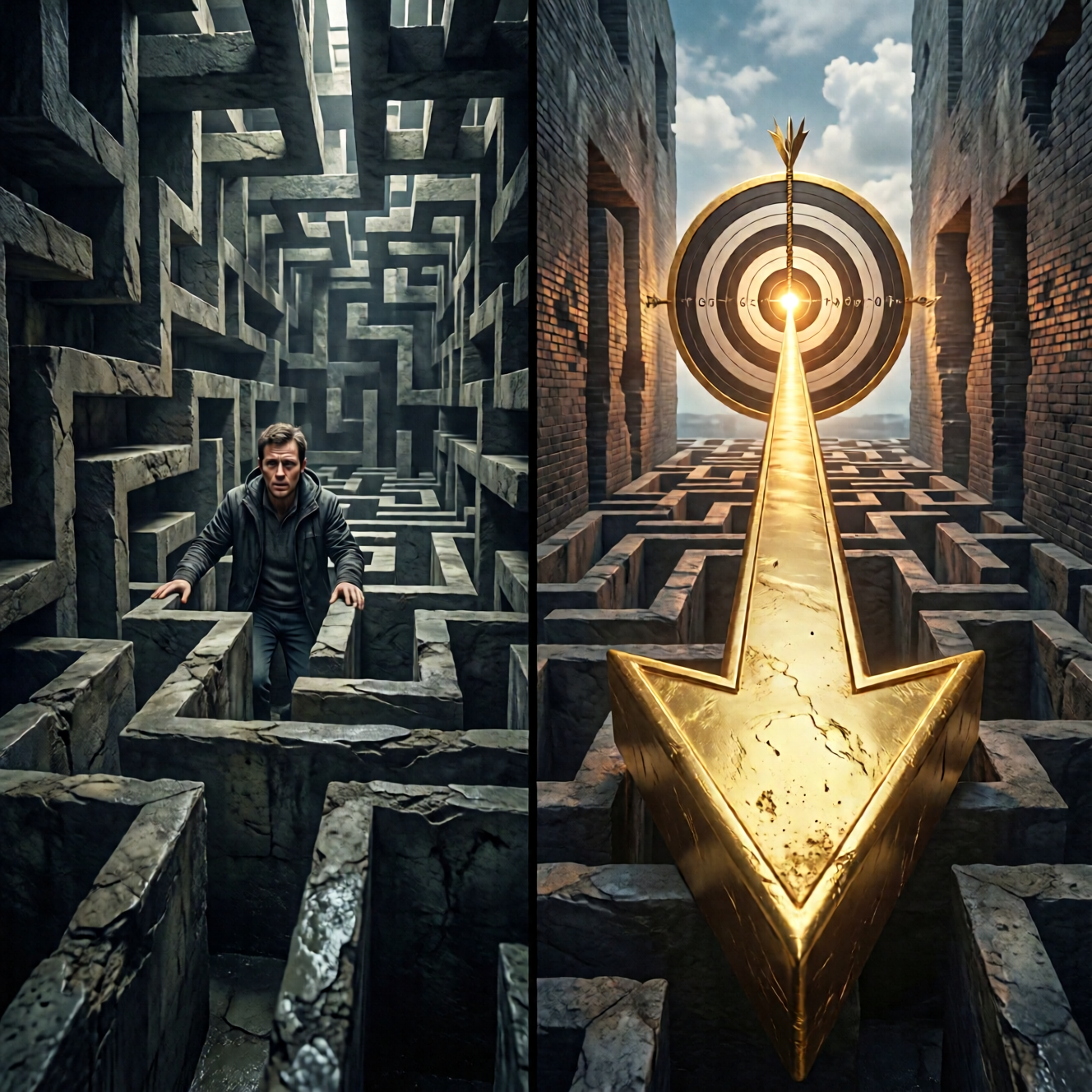
LoRA Chaining: Imagera's Unique Advantage
Imagera is one of the only platforms that supports LoRA chaining — stacking up to 4 LoRAs simultaneously to create completely unique output that no single LoRA can produce alone.
Examples of LoRA chains:
- Cinematic + Film Grain + Vintage Color + Portrait = Unique retro movie still aesthetic
- Anime + Watercolor + Fantasy + Lighting = Original illustrated style
- Product + Studio + Luxury + Texture = Premium e-commerce photography
In ComfyUI, building a 4-LoRA chain requires 48+ manual steps and extensive weight balancing. In Imagera, it takes 4 clicks.
For creators looking to monetize AI-generated content, our guide on how to make money with AI in 2026 covers workflows that combine image generation, video, and voice tools.
Video Generation: Where Imagera Leaves ComfyUI Behind
Video is where the gap between ComfyUI and Imagera becomes a canyon.
| Video Capability | ComfyUI | Imagera AI |
|---|---|---|
| Text-to-Video | Requires AnimateDiff + custom nodes | Built-in (LoRA video) |
| Image-to-Video | Complex multi-node workflow | One-click |
| Video LoRA Styles | Not natively supported | 10,000+ LoRAs |
| LoRA Chaining (Video) | Not available | Up to 4 LoRAs |
| Video Upscaling | Separate pipeline required | Built-in (up to 4K) |
| Frame Interpolation | Requires RIFE nodes | Built in: 60fps frame interpolator |
| Talking Avatars | Not available | Built-in |
| Face Swap | Requires ReActor + manual setup | Built-in |
| Character Replacement | Not available | Built-in |
| Camera Movement | Not available | Built-in (photo to drone footage) |
| Video Editor | Not available | Built-in (50+ animations, subtitles) |
| Setup Time | 2-4 hours (AnimateDiff + models) | 0 minutes |
| Generation Speed | 5-30 min per clip (local GPU) | Cloud render; varies by model and length |
Imagera offers 11 dedicated video tools. ComfyUI offers none natively — everything requires custom nodes, extra models, and manual configuration.
#Imagera's Video Generator and Video Enhancer handle the entire pipeline — from generation to upscaling — without switching tools. You can also add AI voiceovers with the Voice Generator or create AI headshots for profile photos.
Video LoRAs: A Game Changer
Imagera provides 10,000+ LoRAs specifically trained for video generation. Apply cinematic styles, anime aesthetics, or photorealistic looks directly to your video output. Chain up to 4 video LoRAs for completely unique motion content.
This does not exist in ComfyUI at all. AnimateDiff supports basic motion modules, but style-specific video LoRAs with chaining is exclusive to Imagera.
The Real Cost Comparison
ComfyUI is free software. But free software on expensive hardware is not actually free.
| Cost Factor | ComfyUI | Imagera AI |
|---|---|---|
| Software | Free | $19.99 - $199.99/month |
| GPU Hardware | $500 - $2,000 (RTX 3060-4090) | $0 |
| Electricity | $15 - $50/month (GPU under load) | $0 |
| Storage | $50 - $200 (SSD for models, 50-200 GB) | Included (cloud vault) |
| Your Time (Setup) | 3-10 hours initial + ongoing | 0 |
| Your Time (Debugging) | 2-5 hours/month | 0 |
| Cost Per Image | $0.02-0.10 (electricity + depreciation) | Credits per image, shown before you generate |
| Cost Per Video | $0.50-2.00 (if possible at all) | Credits per clip, shown before you generate |
| Total Year 1 Cost | $700 - $2,500+ | Credits for what you generate |
For most creators, Imagera is cheaper in year one — even before accounting for the value of dozens of hours saved on setup and debugging.
Who Should Still Use ComfyUI?
ComfyUI is the right choice if you:

- Are a developer who wants to build custom inference pipelines
- Need total control over every parameter in the generation process
- Are building a product that requires custom ComfyUI workflows as backend
- Want to train models locally and iterate on architecture
- Enjoy the process of node wiring and workflow optimization
ComfyUI is a powerful development tool. It is not a content creation tool.
If your goal is producing professional AI images and videos efficiently, Imagera AI gets you there faster, cheaper, and with better results.
Making the Switch: What You Gain
When you move from ComfyUI to Imagera, here is what changes:
| What Changes | Before (ComfyUI) | After (Imagera AI) |
|---|---|---|
| Time to generate | Hours of setup + generation | Seconds |
| LoRA access | Hunt, download, configure | 100,000+ browse and click |
| Video creation | Near impossible for most | One click, 10+ tools |
| Device freedom | Chained to one GPU machine | Any device, anywhere |
| Error handling | You debug Python tracebacks | We handle everything |
| Updates | Manual, workflow-breaking | Automatic, seamless |
| Output quality | Depends on your skill | Consistent, professional |
| AI detection | Standard AI-detectable output | Real Camera mode (photorealistic results) |
What does the output look like — without a single node?
A real clip generated in the browser on Imagera's Video Generator — no workflow graph, no GPU:
Get Started in 60 Seconds
Stop wiring nodes. Stop debugging Python errors. Stop waiting for GPU-intensive local renders.
Imagera AI gives you everything ComfyUI promises — LoRA chaining, video generation, photorealistic quality — without any of the complexity.
100,000+ LoRAs. 10,000+ video styles. 16+ AI tools. Zero setup.
Starting at $19.99/month. No install before your first result.
Start Creating with Imagera AI →
Imagera AI: The power of ComfyUI without the complexity. 100,000+ LoRAs, video generation, LoRA chaining — from your browser, on Imagera's cloud GPUs. Starting at $19.99/month.
Related comparisons: Leonardo AI alternative · all 13 AI image tool alternatives
No setup required: train a LoRA online in the browser — no GPU.