
Browser-Based LoRA Training
Train custom LoRA models directly in your browser. Upload images, configure parameters, and start the run; cloud GPUs handle the compute, billed in credits.
Imagera AI - AI content creation platform for generating images, cloning voices, creating avatars, and enhancing videos. Privacy Policy | Terms
Train LoRA models on your own images in the browser, on cloud GPUs, billed in credits. Train your model once, then the same you shows up across every tool: new scenes, any pose, any style, retouch, face, even motion — one identity across the whole studio.
From 655 credits · one credit system across every tool
Upload a small photo set to Imagera, train in the browser, and generate new images that keep your look consistent across prompts.
Identity trainer A browser trainer that learns your face or style from photos so you can generate consistent images later.
Upload a small photo set to Imagera, train in the browser, and generate new images that keep your look consistent across prompts.
Before/after demo proof — then open the studio on your own file.
This is a real result. Get the same quality on your file — plans start at $19.99/mo.
15 credits per image on most tools · Plans start at $19.99/mo
Everything you need to train custom AI models — running entirely in your browser
Train custom LoRA models directly in your browser. Upload images, configure parameters, and start the run; cloud GPUs handle the compute, billed in credits.
Upload your reference images — product photos, brand assets, character designs, personal style — and train a LoRA adapter that captures the exact visual identity you need. Your data stays private.
Training runs on enterprise-grade cloud GPUs. A typical LoRA training job completes in 15-45 minutes depending on dataset size and training steps. No overnight waits, no hardware bottlenecks.
Train LoRA adapters on top of Imagera's AI image models. Choose the style that fits your use case — photorealism, illustration, anime, or product photography.
Drag and drop your training images. The system handles captioning, preprocessing, and augmentation automatically. No need to manually write captions or resize images — the pipeline does it for you.
Once training completes, your LoRA model is immediately available in the Imagera AI Image Generator. Generate images with your custom style, character, or product without downloading or configuring anything.
Training data is processed in isolated environments and deleted after training completes. Your images and trained models are private to your account. No data sharing, no public model listings.
Once trained, your custom model is ready to use instantly across Imagera — image generation, editing, and more. No files to manage, no configuration, no setup. Your model, available everywhere in your account.
Sensible defaults for learning rate, training steps, and rank, with every parameter open to tuning when you need control.
Three steps to your custom AI model
Drag and drop 10-50 reference images of your subject, style, or concept. The system auto-captions and preprocesses your dataset — no manual work required.
JPG, PNG, WebP — automatic captioning
Choose your style and quality. Use optimized defaults or customize every parameter. Click train — cloud GPUs handle the compute.
Billed in credits per run
Your trained LoRA is instantly available in the Image Generator. Use your custom model right away across every Imagera tool — no downloads, no setup, no configuration.
Use immediately across Imagera
Custom AI models for any visual concept — trained on your data
Train a LoRA on photos of yourself or a specific person. Generate consistent portraits in any setting, style, or outfit. Perfect for professional headshots, social media content, and personal branding without repeated photoshoots.
Capture your brand's exact visual style — color palette, composition preferences, texture patterns, and aesthetic direction. Generate on-brand marketing materials, social posts, and campaign imagery that match your established identity.
Train on your product photos to generate new angles, lifestyle shots, and seasonal variations without physical reshoots. E-commerce teams use this to scale product imagery across hundreds of SKUs.
Capture a specific illustration style, painting technique, or artistic aesthetic. Artists train LoRAs to reproduce their unique style consistently across projects, maintaining creative identity while accelerating production.
Game developers and storytellers train LoRAs on character designs to generate consistent characters across scenes, poses, and environments. Maintain visual continuity for characters throughout a project.
Train on architectural styles, interior design aesthetics, or material textures. Generate variations of spaces, explore design directions, and create client presentations with consistent visual language.
Browser-based training, plus one trained identity that works across every Imagera tool
Open a browser tab, upload images, and start the run. Captioning, preprocessing, and training all run in the cloud.
Cloud GPU infrastructure with automatic environment provisioning
Manual dataset preparation is the biggest barrier to LoRA training. Most tools require you to write individual captions for every image, resize to exact dimensions, and organize files in specific directory structures. Our pipeline handles captioning, resizing, augmentation, and formatting automatically.
AI-powered auto-captioning with resolution-aware preprocessing
Train your model once — then the same you shows up across every tool: new scenes, any pose, any style, retouch, face, even motion. Most platforms stop at training and leave you stitching generation, editing, and video together elsewhere. Here it is one trained identity, instantly available everywhere — no downloads, no manual loading, no configuration.
Direct pipeline integration with hot-loading of trained adapters
The moment training finishes, your custom model is live across your Imagera account — image generation, editing, and beyond. No downloads, no files to load, no configuration. Every model you train is one click away whenever you need it, so your training investment keeps paying off.
Trained adapters hot-loaded directly into your account workspace
Training runs on dedicated cloud GPU instances with enterprise-grade hardware. Consistent training times regardless of model complexity. No shared resources, no queuing behind other users during training execution.
Isolated GPU instances with guaranteed compute allocation
Default parameters for common training scenarios: portraits, styles, objects, and concepts. Override learning rate, steps, rank, and the rest when you need control.
Adaptive parameter presets based on dataset analysis
LoRA training unlocks personalized AI — one trained model that powers your whole studio
The makers of Imagera
Imagera is a unified AI creation platform for images, video, voice and avatars. Outputs ship at up to 16K resolution with no watermark and a commercial license included — choose from 170+ media models in a single workspace.
How browser-based training compares to traditional methods
| Feature | Imagera | Local Desktop Tools | Civitai | Cloud GPU Rental |
|---|---|---|---|---|
| Browser-based | Yes | No | Yes | No |
| Where training runs | Cloud GPUs | Your own GPU | Cloud | Rented GPU |
| Python/CLI setup | None | Extensive | None | Moderate |
| Auto-captioning | Yes | Manual/Script | Limited | Manual/Script |
| Training time | 15-45 min | 15-60 min | 15-60 min | 15-45 min |
| Instant generation | Yes | Yes (local) | Via Civitai | No |
| Use model instantly in-app | Yes | Manual load | Via Civitai | No |
| One model across image, edit & video | Yes | No | No | No |
| Private training | Yes | Yes | Optional | Yes |
AI LoRA Trainer Imagera AI LoRA Trainer creates custom Low-Rank Adaptation models from your reference images. Train personalized style, character, or product models that generate consistent, on-brand AI images. Browser-based, trained on cloud GPUs.
Compare Imagera LoRA Trainer vs Civitai training, Replicate, and other fine-tuning platforms.
Common questions about LoRA training
LoRA (Low-Rank Adaptation) is a technique for fine-tuning AI image models on custom data. Instead of retraining the entire model from scratch, LoRA trains a small adapter that refines the model's behavior. The result is a lightweight custom model that teaches the AI your specific style, subject, or concept — using only 10-50 reference images.
On cloud GPUs, started from your browser. Upload your images, configure settings, and click train; each run is billed in credits.
A minimum of 10 high-quality reference images is recommended for basic concept training. For best results with faces or specific styles, 20-50 diverse images work well. The images should show your subject from different angles, lighting conditions, and contexts. More variety in your training data generally produces more flexible models.
You can train custom LoRA adapters on Imagera's AI image models. Pick the style and quality that fit your goal — fast iteration, high-quality photorealism, or cutting-edge generation. Choose based on your use case, and your trained model is ready to use across Imagera the moment training completes.
Typical training jobs complete in 15-45 minutes. Training time depends on dataset size and the number of steps — larger datasets and higher step counts take a little longer. You can monitor progress in real-time from the training queue.
Your trained model is ready to use instantly across Imagera — the moment training finishes it appears in your account and you can generate with it right away. No downloads, no files to manage, no configuration. Use it across image generation, editing, and your other Imagera tools whenever you need it.
Common use cases include: personal likeness (your face), brand visual identity, product designs, specific art styles, character concepts, architectural styles, fashion aesthetics, and custom textures. If you can provide 10-50 consistent reference images of a concept, you can train a LoRA for it.
Yes. Your training images are processed in isolated cloud environments and deleted after training completes. Trained models are private to your account — they are never shared publicly or used to train other models. Your intellectual property stays yours.
You get a trained identity that works everywhere in Imagera, not just a file. Train your model once and the same you shows up across every tool — new scenes, any pose, any style, retouch, face, even motion. Most platforms stop at training and leave you stitching generation, editing, and video together elsewhere. Here it is one trained identity across the whole studio, yours to use whenever you need it.
Upload JPG, PNG, or WebP images. The system automatically resizes and preprocesses every image, automatically tuned to the right resolution for the style you chose. Original aspect ratios are preserved with intelligent cropping.
Yes. Train as many models as you need. Each trained model is saved to your account and accessible in the Image Generator. Organize models by project, style, or subject. Delete old models anytime to keep your library clean.
Advanced users can configure: learning rate, number of training steps, LoRA rank (dimensionality), network alpha, batch size, and training resolution. Or leave them at the defaults.
Imagera LoRA Trainer is fully browser-based — upload images, click train, use immediately. The real difference: most platforms stop at training and leave you stitching generation, editing, and video together elsewhere. Here your trained identity carries across the whole studio — the same you powers new scenes, any pose, any style, retouch, face, and motion from one model.
Yes. You have full commercial rights to all models trained with your data on Imagera. Use generated images for marketing, products, client work, or any commercial purpose. The only restriction is that training data must be content you have rights to use.
Consistent reference sets are what make a custom model hold one identity across every generation.
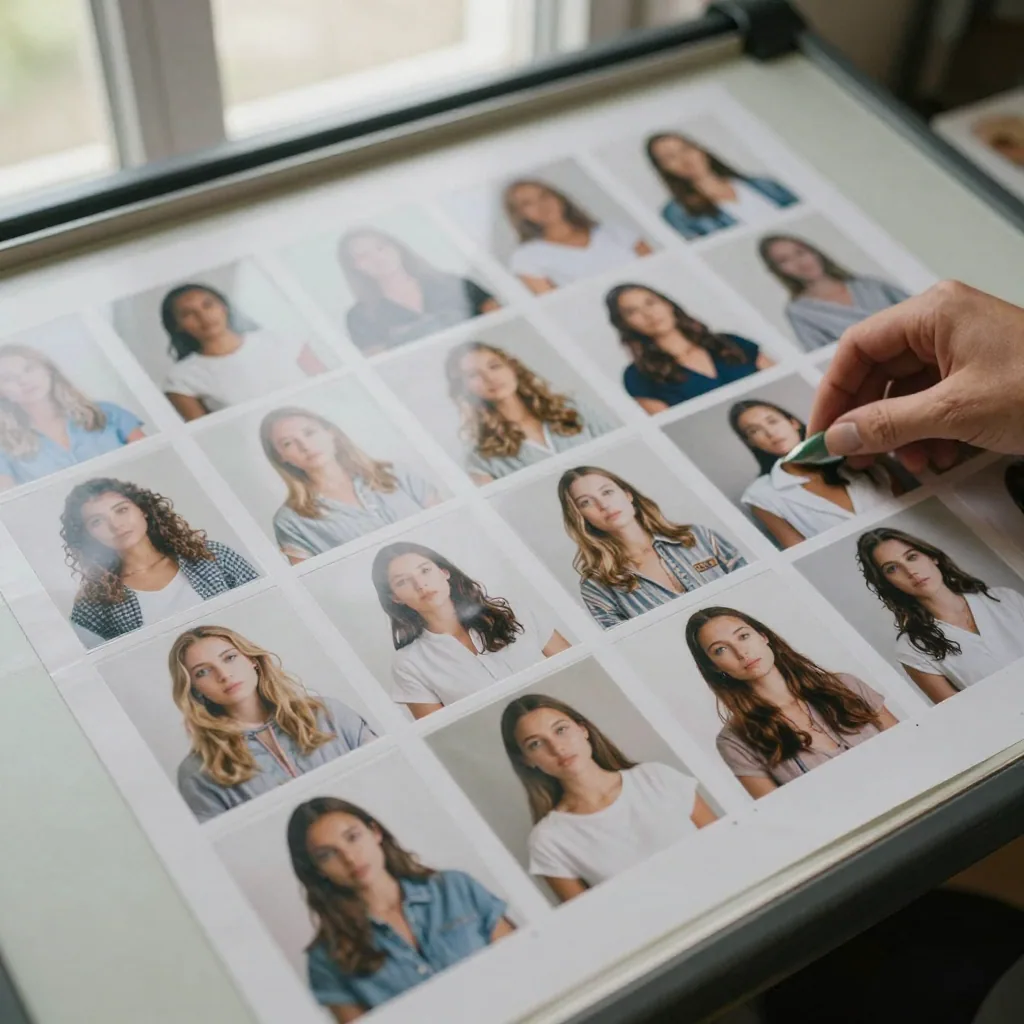
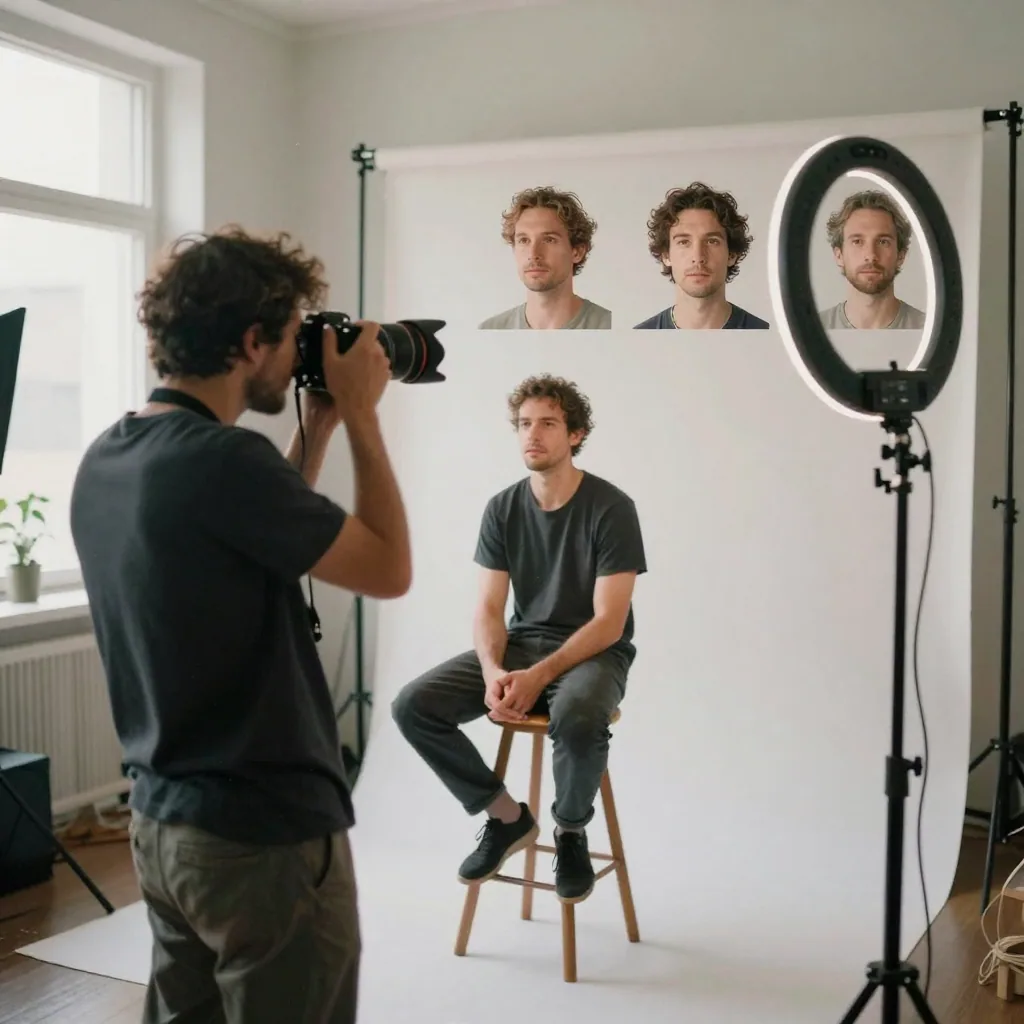
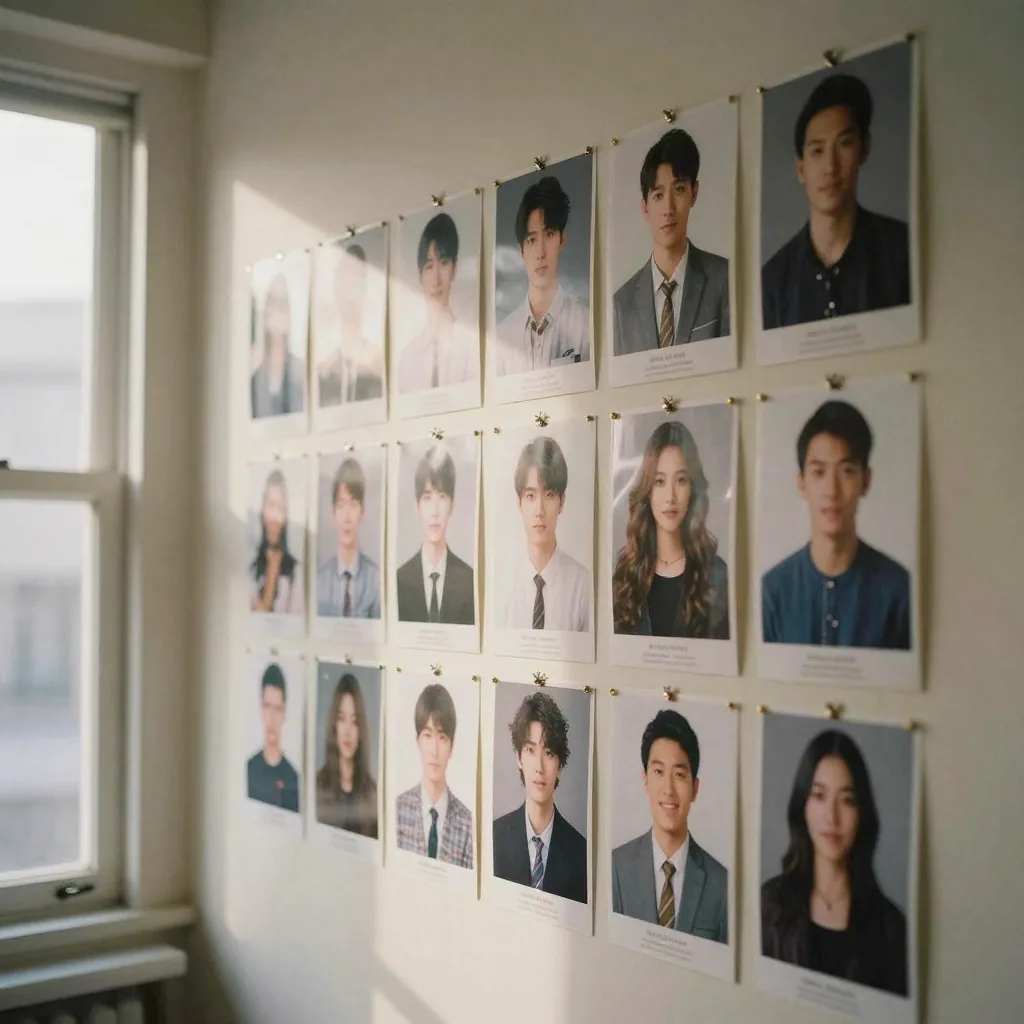
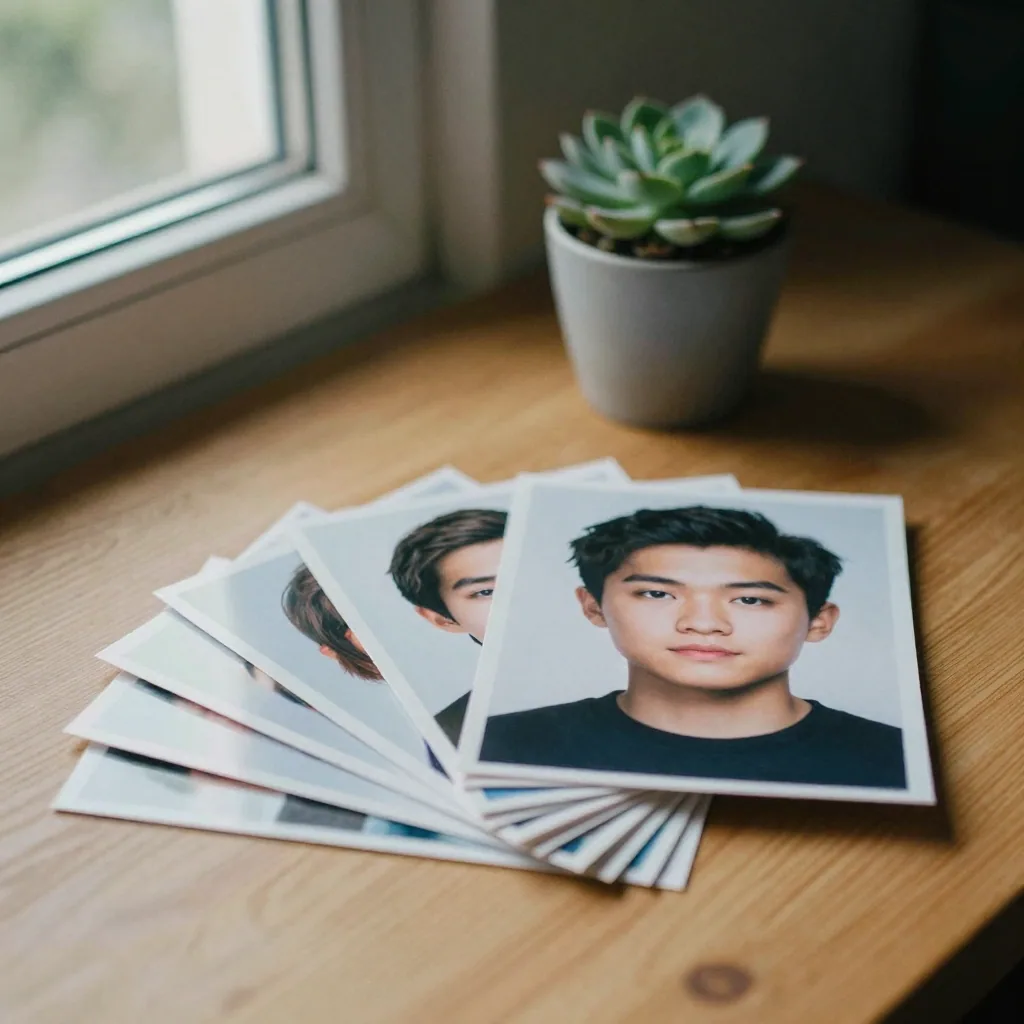
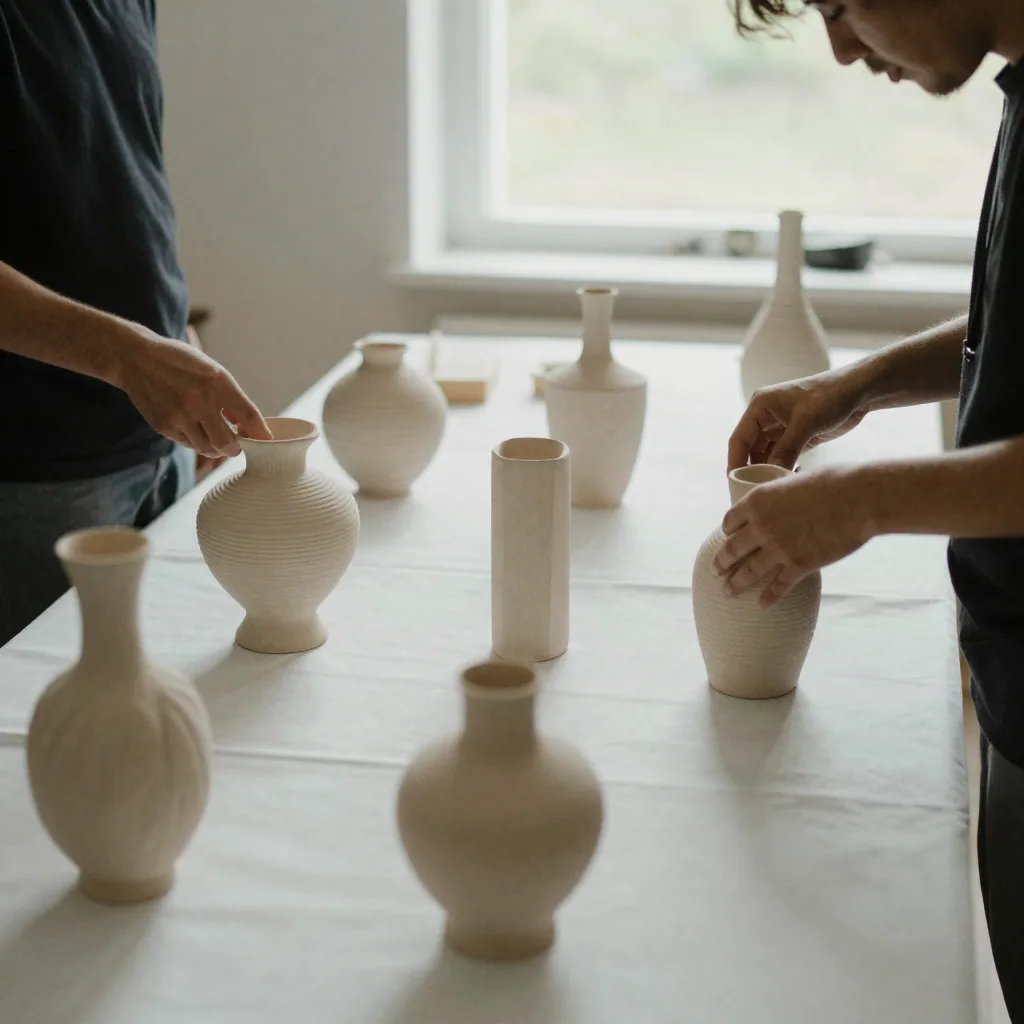
Train in the browser, billed in credits · Train once, then the same model powers every Imagera tool
From 655 credits · one credit system across every tool
Browser-based LoRA training on cloud GPUs, billed in credits. Upload 10-50 images, train a custom Imagera AI image model on your own data, and generate with it as soon as training ends.
Train your model once and the same identity works across every Imagera tool — new scenes, any pose, any style, retouch, face, even motion. Most platforms stop at training and leave you stitching generation, editing, and video together elsewhere. Here it is one trained identity across the whole studio.
Imagera trains in the browser on cloud GPUs: upload images and start the run. Local training runs on your own GPU and software stack. Imagera also puts trained models straight into the Image Generator.
Personal likeness (your face), brand visual identity, product designs, art styles, character concepts, architectural styles, fashion aesthetics, custom textures — any visual concept you can provide 10-50 reference images for.
Your trained model is ready to use instantly across Imagera. The moment training finishes it appears in your account, so you can generate and edit with your custom model right away — no downloads, no files to manage, no configuration.
Complete your workflow
Every tile says what the tool actually does — without leaving this page.
Generate images with your trained LoRA models instantly
Upscale LoRA-generated images to 16K resolution
Fine-tune LoRA outputs with AI-powered editing
Explore our guides and resources to get the most out of this tool
Complete guide to LoRA — how it works, why it matters, and how to use it
Pick the photos, write the captions, choose a base model, then train in the browser
One trained identity from 10–30 photos, reused across new scenes, poses and styles
Curated list of face detail, skin texture, and lighting LoRAs for photorealism
Use your trained LoRA models to generate images instantly
Train and use LoRA models without local setup — compare Imagera vs Stable Diffusion
Custom LoRA training vs Midjourney styles — compare personalization options
In-depth articles about LoRA training and AI model fine-tuning
Last updated: August 2026