Stable Diffusion Alternative
Same LoRAs, Zero Setup
Stable Diffusion, ComfyUI and AUTOMATIC1111 need Python, CUDA drivers, a powerful GPU, and hours of setup. Imagera runs LoRA styles from a built-in library, your own uploads or links in your browser through its image generator — no install, no GPU, from 15 credits per image. Train your own custom LoRA without local hardware, then browse ready-made LoRAs to chain into any prompt.
What is Stable Diffusion Alternative?
Stable Diffusion Alternative Imagera AI is a Stable Diffusion alternative offering AI-powered image and video generation with photorealistic output, LoRA model support, and pay-per-use credits: credit packs from $39.99, plans from $19.99/mo. Unlike Stable Diffusion, Imagera provides 20+ specialized AI tools including image generation, video creation, voice cloning, and avatar animation in one platform.
Compare Stable Diffusion vs Imagera AI features, pricing, and capabilities below.
By the numbers
- Imagera: browser-based, no GPU needed — Stable Diffusion 3.5: requires $1,000+ GPU
- Imagera: hosted LoRA style library, no local setup — SD 3.5: manual LoRA setup required
- Imagera: pay-per-use from 15 credits/image — SD self-hosted: $0 generation but $1K+ hardware
- Imagera: 50+ AI tools in one platform — SD: image generation only (manual setup for each)
- No Python, ComfyUI, or technical knowledge needed with Imagera
Source: Imagera platform specifications · Updated
Imagera AI vs Stable Diffusion: Professional Comparison
See why professionals choose Imagera AI over Stable Diffusion for business use
Imagera AI vs Stable Diffusion: Feature-by-Feature Spec Table
Quick-scan comparison of what each platform includes for Stable Diffusion users evaluating a switch.
| Feature | Imagera AI | Stable Diffusion | Winner |
|---|---|---|---|
| Setup Required | None — open browser, select model, generate | Python + ComfyUI/A1111 + CUDA + model downloads (hours of setup) | Imagera AI |
| GPU Requirement | Cloud GPUs (nothing local needed) | NVIDIA GPU with 8GB+ VRAM recommended ($300-$1500+) | Imagera AI |
| LoRA Model Support | Built-in style library, your own uploads or links, and trained LoRAs — chain up to 3 | Any CivitAI LoRA for your checkpoint — download, configure, unlimited stacking | Tie |
| Customization Depth | Preset workflows with model selection and prompt control | Full pipeline control — custom nodes, samplers, schedulers, extensions | Stable Diffusion |
| Cost Model | Pay-per-use from 15 credits per image — no hardware investment | Free software, but GPU hardware costs $300-$1500+ | Imagera AI |
| LoRA Training | Online LoRA trainer — no GPU needed, browser-based | Local training with full control but requires powerful GPU + setup | Tie |
| Real Camera Mode | Built-in camera noise + skin detailing pipeline for authentic camera characteristics | Possible with manual workflows (add noise, post-process) but not built-in | Imagera AI |
| Open Source | Closed platform — browser-only access | Fully open source — inspect, modify, extend freely | Stable Diffusion |
| Other AI Tools | 25+ tools: video gen, upscaler, voice, music, podcast, lip sync | Image generation only (video via separate AnimateDiff/SVD setup) | Imagera AI |
| Device & OS Support | Any browser — Windows, Mac (Apple Silicon), Linux, Chromebook, iPad, phone | NVIDIA CUDA best-case; AMD/Mac needs ROCm/MPS workarounds and is slow | Imagera AI |
| Model & Dependency Updates | Handled server-side — new models appear automatically, nothing to install | Manual git pulls, dependency conflicts, xformers/torch version breakage | Imagera AI |
| Output Resolution & Upscaling | Built-in upscaler to 16K and skin/detail enhancer, no extra install | Depends on local VRAM; hires-fix and upscalers add VRAM pressure | Imagera AI |
| Sampler & Scheduler Control | Preset-tuned pipelines; prompt, model and LoRA-strength control | Every sampler, scheduler, CFG, step count and seed exposed manually | Stable Diffusion |
| Learning Curve | Type a prompt, pick a LoRA, generate — usable in the first minute | Hours to days: Python envs, model formats, node graphs, VRAM tuning | Imagera AI |
| Batch & Queue Reliability | Cloud queue keeps running even if you close the tab | Local batches tie up your machine and stop if the process crashes | Imagera AI |
True Cost Analysis: Quality vs Price
Why Imagera AI delivers better value for professional applications
Getting Started
Light Use (50 images/month)
Heavy Use (500+ images/month)
Annual Total (moderate use)
Training a Custom LoRA
Renting Cloud GPUs Instead
Occasional Creator (10 images/month)
When Does Local Stable Diffusion Make More Sense?
Running Stable Diffusion locally is better if you already own a powerful NVIDIA GPU (RTX 3060+), want unlimited customization (custom nodes, samplers, extensions), generate hundreds of images daily, need full pipeline control for research or production, or value open-source freedom. For everyone else — users without GPUs, people who don't want to manage Python environments, occasional creators, or anyone who wants LoRA models without the setup headache — Imagera gives you 90% of the capability with zero setup.
Why Professionals Choose Imagera AI Over Stable Diffusion
The critical advantages that make Imagera AI the superior choice for business
Zero Setup — Works in Any Browser
Stable Diffusion requires Python, ComfyUI or Automatic1111, CUDA drivers, model downloads, and an NVIDIA GPU. Imagera needs a web browser. Open, generate, done.
LoRA Styles, No Local Setup
Pick styles from the built-in library, upload your own file or paste a link, or train your own, and chain up to 3 per generation. No model folders, no VRAM limits. CivitAI links are not supported: upload the file or paste a link instead.
No GPU Investment
A capable GPU for Stable Diffusion costs $300-$1500. Imagera needs none of it: a credit pack starts at $39.99 and each image costs 15 credits. For occasional and moderate creators, that is far less than the hardware investment alone.
25+ AI Tools Beyond Images
Your credits also work for AI video generation, upscaling, AI voice recreation, music creation, podcasts, lip sync, avatars, and more. Stable Diffusion is image-only (video requires separate complex setups).
No AUTOMATIC1111 or ComfyUI to Maintain
AUTOMATIC1111 and ComfyUI are powerful, but they break: torch and xformers version mismatches, dependency conflicts after an update, custom nodes that stop loading, and CUDA out-of-memory errors mid-generation. Imagera runs everything server-side, so an update never leaves you debugging a red console instead of making images.
Generate From Any Device, Anywhere
Because generation runs in the cloud, a Chromebook, an iPad, an older laptop, or a phone all produce the same output as a $1,500 workstation. There is no local VRAM ceiling to hit, no thermal throttling, and no need to keep a desktop running. Close the tab and the queue keeps going.
Built-in Real-Camera Realism
Making AI images look shot on a real camera usually means a manual post-processing chain in Stable Diffusion — film grain, chromatic aberration, skin retouching passes. Imagera ships a camera-noise and skin-detailing pipeline you can toggle on, plus an upscaler that adds detail rather than smearing it.
Instant Access to New Models
When a new base model lands, local users have to download weights, convert formats, and check compatibility with their UI. On Imagera the base models are hosted for you, and the LoRA picker shows the styles that fit the one you pick, with no disk-space management.
See what Imagera actually produces
Real output from the Imagera tool that replaces Stable Diffusion — generated in the browser, no install or GPU.
Prompt
Professional high-resolution studio photograph of a confident young woman in her mid-20s in a dynamic crouching pose on a white seamless studio backdrop. She's wearing an all-white athletic outfit consisting of a sleeveless white bodysuit with high neckline and boy-short cut, white crew socks with small black logo detail, and chunky white platform sneakers with gray accents and thick sculpted soles. The woman has long straight dark brown hair flowing past her shoulders, warm tan skin tone, and is wearing natural makeup with defined eyes and nude lips. Her pose is athletic and confident: crouching low with knees bent, left hand resting on her raised left knee displaying gold rings and white manicured nails, right hand on hip, looking off to the side with a strong, contemplative expression. Studio lighting creates soft gradient gray background from medium gray at top to bright white floor, with professional studio shadows beneath her creating depth and dimension. Shot from slightly low angle emphasizing her powerful pose and athletic build. Crystal clear focus, sharp detail throughout, professional fashion photography aesthetic, clean minimal composition, high-key lighting with soft shadows, shot with medium format camera, 8K resolution, editorial magazine quality, modern athleisure campaign style.
Output
See it in action
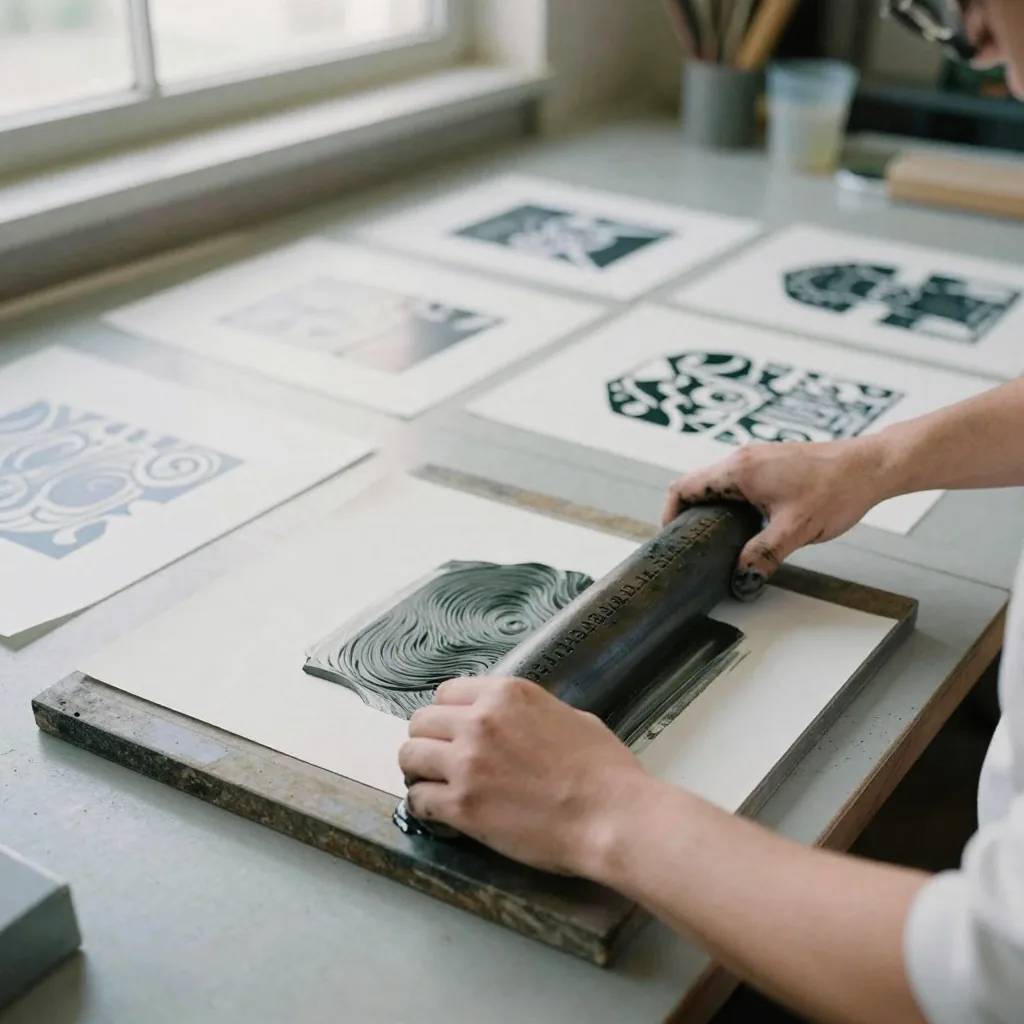
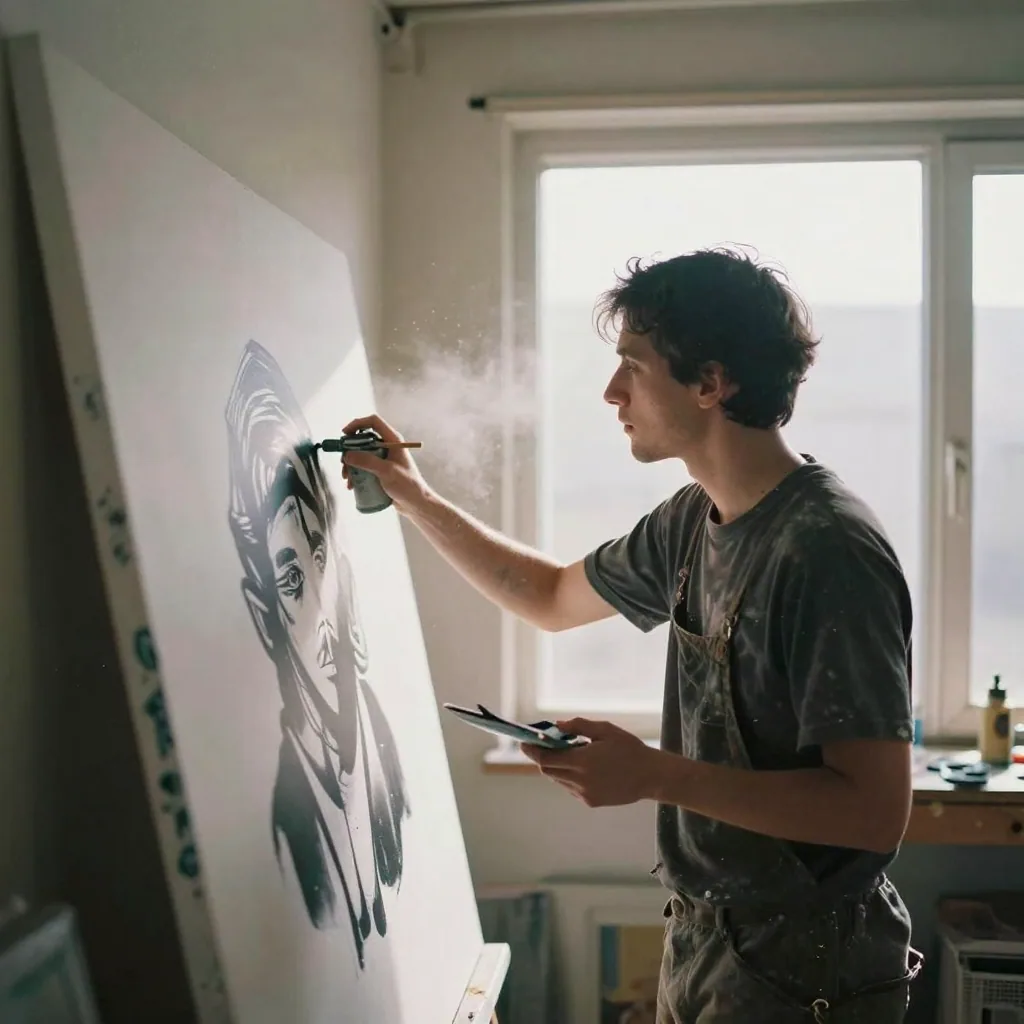
Examples of the kind of visuals creators make with Imagera.
When Stable Diffusion is genuinely the better choice
Let's be clear up front: Stable Diffusion is one of the most important pieces of open-source software the AI field has produced, and there are real workflows where running it yourself beats any hosted platform, Imagera included. If you already own a capable NVIDIA GPU and you generate at high volume, the marginal cost of each image on your own hardware is close to the price of electricity. Nothing hosted can undercut that at scale.
The deeper advantage is control. AUTOMATIC1111 and ComfyUI expose every knob — samplers, schedulers, CFG scale, step counts, seeds, custom nodes, ControlNet stacks, inpainting masks, and a plugin ecosystem that grows every week. If your work depends on precise pose control, depth-map conditioning, region-specific prompting, or an experimental sampler that shipped three days ago, a local install lets you wire it in immediately. That kind of open, inspectable pipeline is exactly what research, unusual production pipelines, and dedicated tinkerers need.
Open source itself is a feature. You can read the weights, modify the code, run entirely offline for privacy-sensitive projects, and keep working even if any single company disappears. If those properties matter to you — and for some creators and researchers they matter enormously — then a hosted tool is the wrong fit, and we would rather tell you that than pretend otherwise. Imagera is built for the large group of people whose priorities are different, not to argue that local Stable Diffusion is obsolete. It plainly is not.
Where Imagera fits better for AI image generation
The friction with local Stable Diffusion is rarely the model — it is everything around the model. A working setup means a Python environment, matching CUDA drivers, a compatible torch and xformers build, gigabytes of downloaded weights, and a GPU with enough VRAM to hold it all. Every base-model update or new extension risks a dependency conflict that turns an afternoon of creating into an afternoon of debugging a red console. Imagera removes that entire layer: you open a browser, pick a model, and generate. The infrastructure is our problem, not yours.
That shift matters most for people whose machines cannot run Stable Diffusion at all. Generation happens on cloud GPUs, so a Chromebook, an older laptop, an iPad, or a phone produces the same result as a workstation. There is no local VRAM ceiling to hit, no thermal throttling, and no need to leave a desktop running. Start a batch, close the tab, and the cloud queue keeps working — something a local process tying up your own machine cannot promise.
Imagera also keeps the part of Stable Diffusion that creators actually care about: LoRAs. You pick styles from a built-in library, upload your own file or paste a link, or train your own, and chain several into a single prompt without managing disk space or VRAM. On top of that, one account reaches beyond images — the same credits work for video generation, upscaling to high resolution, voice, music, and more — so you are not stitching together five separate tools for a single project. If your goal is finished work rather than a maintained workbench, that consolidation is the real advantage.
How to switch from Stable Diffusion to Imagera
Switching is less a migration and more a change of habit. Start by listing the LoRAs you rely on most — the character, style, and realism models you keep loading locally. A LoRA only loads on the base model it was trained for, so SDXL, Pony and SD 1.5 files do not carry over; look for the same look in the built-in style library, upload a compatible .safetensors file or paste a link to it, or retrain the ones you need in the browser.
Next, recreate one project you know well rather than starting from scratch. Take a prompt that produces a result you like locally, paste it in, attach the same LoRAs, and generate. Your prompt text, your LoRA choices, and your general approach to composition all transfer cleanly. Treat the first few generations as calibration: because the underlying pipeline is tuned differently, you may nudge LoRA strengths or prompt weighting slightly to match the look you had before. This usually takes minutes, not hours.
Be honest with yourself about what does not transfer. Custom ComfyUI node graphs, bespoke ControlNet stacks, hand-tuned sampler-and-scheduler combinations, and any offline-only workflow do not carry over — those live in the fully exposed local pipeline and are part of why some people keep it. If a project depends on that depth, keep it local. Many creators end up running both: Imagera for fast, portable, everyday work and for the video and audio tools Stable Diffusion does not offer, and a local install reserved for the experiments that need every knob. Finally, download or export any finished images you want to keep from your local runs before you shift day-to-day work over, so your existing library stays intact.
What creators actually make with Imagera
The most common use is exactly what draws people to Stable Diffusion in the first place: LoRA-driven images. Character artists build consistent figures across a series by chaining a character LoRA with a style LoRA. Illustrators and concept designers lean on style models to lock a coherent look across dozens of frames. Because you can stack several LoRAs in one prompt, the blending experiments that make community models fun stay fully in reach — just without the download-and-configure step before each one.
Commercial creators use it for work that has to ship. Product and marketing images, social content, editorial visuals, and client mockups all come out without an Imagera watermark and with commercial usage rights, which matches what people expect from output they generate locally. When realism is the goal, a camera-noise and skin-detailing pass can be toggled on to give images the characteristics of something shot on a real camera, instead of hand-building a grain-and-retouch chain for every render. A built-in upscaler then takes those results to high resolution by adding detail rather than smearing it.
Beyond stills, the same account and the same credits reach into work Stable Diffusion alone does not cover. Creators animate concepts with video generation, produce voiceovers and music for a piece, add lip sync, or build a short from a single set of assets. And when a creator wants a model that no public LoRA captures — a specific person, product, or house style — the online LoRA trainer lets them build one from their own images with no local GPU, then chain that finished model into prompts alongside library styles.
Pricing in plain terms
Imagera is pay-per-use and priced in credits, not seats or monthly commitments. A single image costs a few credits, and you spend credits only when you actually generate something. There is no idle subscription draining while your account sits unused, and the credits you buy do not expire — a batch you purchase this month is still there when you come back next quarter. That structure suits occasional and bursty creators especially well, because a light month simply costs less than a heavy one.
The comparison with local Stable Diffusion is really a comparison of cost shapes, not a single number. Stable Diffusion the software is free and open source, which is genuinely one of its strengths. The real spend is the GPU it needs, the electricity to run it, and the hours of setup and maintenance — a large upfront and time cost that pays off best if you generate at very high volume for a long time. Some people avoid the hardware by renting cloud GPUs by the hour, but then a meter runs while you configure and wait, whether or not you produce anything.
Imagera inverts that: no hardware to buy, no environment to maintain, and the meter only moves when an image is produced. For someone generating occasionally or in unpredictable bursts, paying a few credits per generation with no expiry is usually the cheaper and simpler path. For someone already running a powerful GPU at heavy daily volume, local generation can win on raw marginal cost. Both statements are true at once, which is why the honest answer is to match the pricing model to how you actually work rather than to chase a single lowest figure.
Frequently asked before switching
Will my CivitAI LoRAs still work? Only LoRAs trained for one of the base models Imagera runs; SDXL, Pony and SD 1.5 LoRAs will not load. Imagera does not fetch CivitAI links, so upload a compatible .safetensors file directly or host it on Hugging Face and paste its /resolve/ link. For the rest, the built-in style library or the online trainer gets you an equivalent without a local GPU.
Can I get the same results as my local setup? For standard LoRA-based generation, the results are very close, though the pipeline is tuned differently and may need small adjustments to LoRA strength or prompt weighting. Where local Stable Diffusion still leads is deep customization — custom nodes, exposed samplers and schedulers, and full ControlNet pipelines. If those are central to your work, keep the local install for them.
Is Stable Diffusion actually cheaper? It can be, if you already own a capable GPU and generate at high volume, because your marginal cost drops toward electricity. But that ignores the upfront hardware cost, setup time, and ongoing maintenance. For light, occasional, or bursty use, paying a few credits per image with no hardware to buy is typically both cheaper and far less hassle.
Do I lose control by switching? You trade some depth for simplicity, and it is worth being clear about that. Imagera favors prompt, model, and LoRA-strength control over node-level and sampler-level tinkering. If you enjoy or depend on that granularity, you will feel the difference; if you mostly want finished images fast, you likely will not miss it.
Do I have to choose only one? No, and many creators do not. A common pattern is Imagera for portable, everyday work and for the video and audio tools Stable Diffusion does not include, with a local install reserved for experiments that need every knob. Using both lets each tool do what it is genuinely best at.
Imagera AI vs Stable Diffusion FAQ
Common questions about choosing Imagera AI over Stable Diffusion
Ready for LoRA Models Without the Setup?
Run LoRA styles in your browser. No Python, no ComfyUI, no GPU required — just 15 credits an image, and no setup before your first result.