Imagera AI - AI content creation platform for generating images, cloning voices, creating avatars, and enhancing videos. Privacy Policy | Terms

IMAGERAAI
Guide
AI Model Training

LoRA Explained: Stable Diffusion Fine-Tuning

LoRA (Low-Rank Adaptation) for Stable Diffusion explained — how it fine-tunes AI models, LoRA training best practices, CivitAI integration & chaining.…

By Imagera AI Team10 min readFebruary 14, 2026Updated: July 20, 2026
Share:
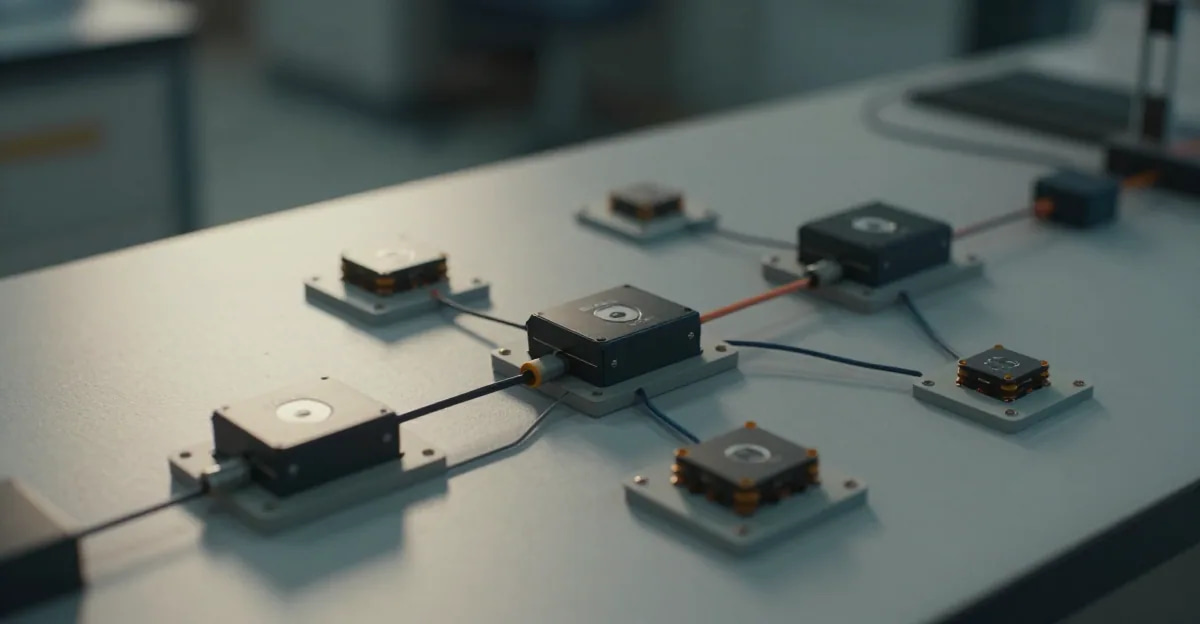
Diagram showing how LoRA adapts a base AI model by injecting small trainable matrices into the neural network layers

TL;DR

LoRA (Low-Rank Adaptation) is a technique for fine-tuning AI models by injecting small trainable matrices into existing layers instead of retraining all parameters. A Stable Diffusion checkpoint is 2-7GB; a LoRA is 10-200MB. LoRAs can teach a model new concepts — specific faces, art styles, objects, or lighting techniques — in 15-45 minutes with 10-50 training images. They stack: you can combine multiple LoRAs at inference time. Popular platforms: Civitai (community library), Imagera (browser-based training + inference), ComfyUI/A1111 (local).

Try it yourself — no setup

Teach the AI your face, product or style from a few photos — no GPU needed.

LoRA Explained: Stable Diffusion Fine-Tuning Guide (2026) is a practical Imagera workflow for getting a shippable result fast: use a high-quality source, describe the change in plain English, confirm credits before generate, and review on a phone-sized screen before you publish.

LoRA stands for Low-Rank Adaptation. It's a method for customizing AI image generation models without retraining them from scratch.

If you've seen AI images with a specific person's face, a particular art style, or a consistent product design — and wondered how that was done — the answer is almost certainly a LoRA.

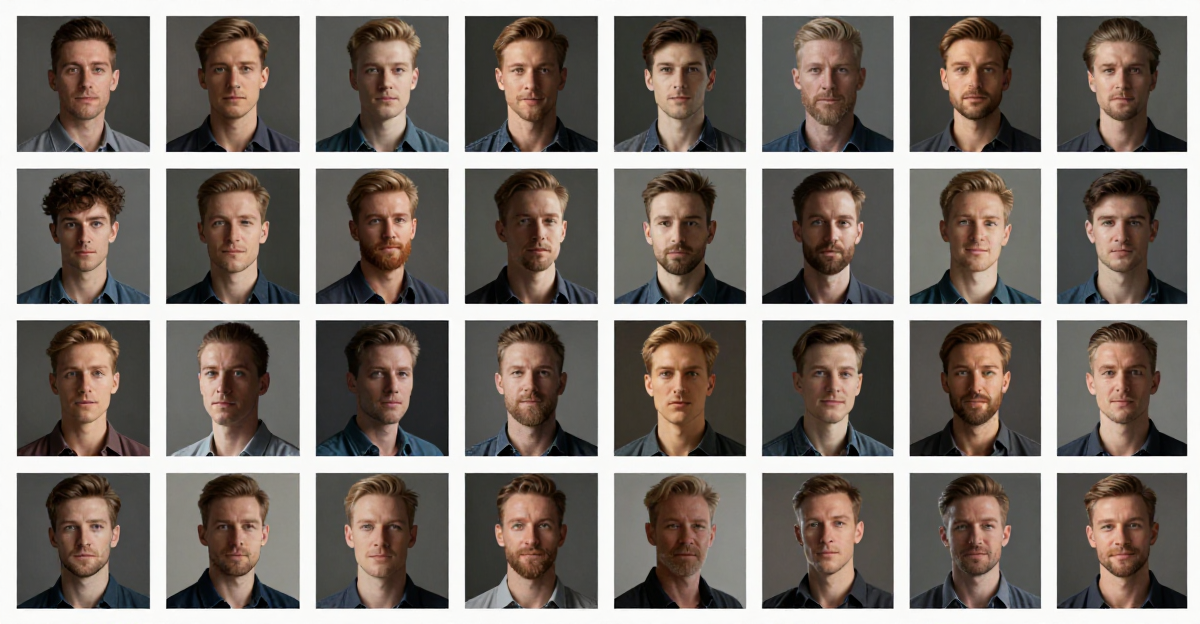
Training images used as input for LoRA model fine-tuning

LoRA Explained: Stable Diffusion Fine-Tuning Guide is a practical Imagera workflow: start from a real source file, describe what should change, generate with credits shown up front, and review before you publish. This guide covers the steps, quality checks, and when to use related tools.

This guide explains what LoRA is, how it works technically, why it matters for AI image generation, and how to start using LoRA models.

Quick answer: A LoRA (Low-Rank Adaptation) is a small add-on file that fine-tunes a Stable Diffusion model to reproduce a specific face, product, or style, training only a tiny fraction of the base model's parameters instead of retraining all of it.

1.How long does it take to train a LoRA online with Imagera?

With Imagera's online trainer you can build a custom LoRA from just 10 to 20 reference images in roughly 15 to 30 minutes, with no GPU setup required. A typical LoRA file is only 10MB to 200MB, versus 2GB or more for a full checkpoint, and once trained you can generate unlimited on-brand images at 4K in 2026.

2.Why is a LoRA better than fully retraining a model?

Full fine-tuning updates all of a model's billions of parameters, but a LoRA adjusts only a couple of small low-rank matrices per layer. That means far fewer trainable parameters and dramatically smaller files, which is why LoRAs train faster, stay lightweight, and can be stacked together to combine a face, product, and style in one generation. With Imagera you swap LoRAs in under 60 seconds and browse a library of 100,000+ ready-made models.

3.The Problem LoRA Solves

AI image generators like Stable Diffusion, FLUX, and DALL-E are trained on billions of images. They can generate almost anything — but they can't generate your specific thing consistently.

Ask Stable Diffusion to generate "a photo of Sarah" and you'll get a random woman. Ask it to generate "product photography of the XR-500 headphones" and you'll get generic headphones that look nothing like the actual product.

The model doesn't know Sarah. It doesn't know the XR-500. These concepts aren't in its training data.

Full fine-tuning solves this by retraining the entire model on your data. But a Stable Diffusion XL model has 6.6 billion parameters. Full fine-tuning requires:

  • 24GB+ VRAM (an $1,000+ GPU)
  • 10-50 hours of training
  • 2-7GB of storage per fine-tuned model
  • Deep technical knowledge

For most users, this is impractical.

LoRA solves the same problem with a fraction of the resources.

4.How LoRA Works (Simplified)

A neural network consists of layers. Each layer has a weight matrix — a grid of numbers that determines how the layer transforms input data.

Full fine-tuning modifies every number in every weight matrix. LoRA takes a different approach:

  1. Freeze the original model — don't change any existing weights
  2. Inject small matrices into specific layers — these are the LoRA weights
  3. Train only the injected matrices — much fewer parameters to update
  4. At inference, combine the LoRA weights with the frozen model

The "Low-Rank" in Low-Rank Adaptation refers to the mathematical rank of these injected matrices. Instead of modifying a 1000x1000 weight matrix (1 million parameters), LoRA might use two matrices of rank 4: a 1000x4 and a 4x1000 matrix (8,000 parameters). That's 99.2% fewer parameters to train.

4.1What This Means Practically

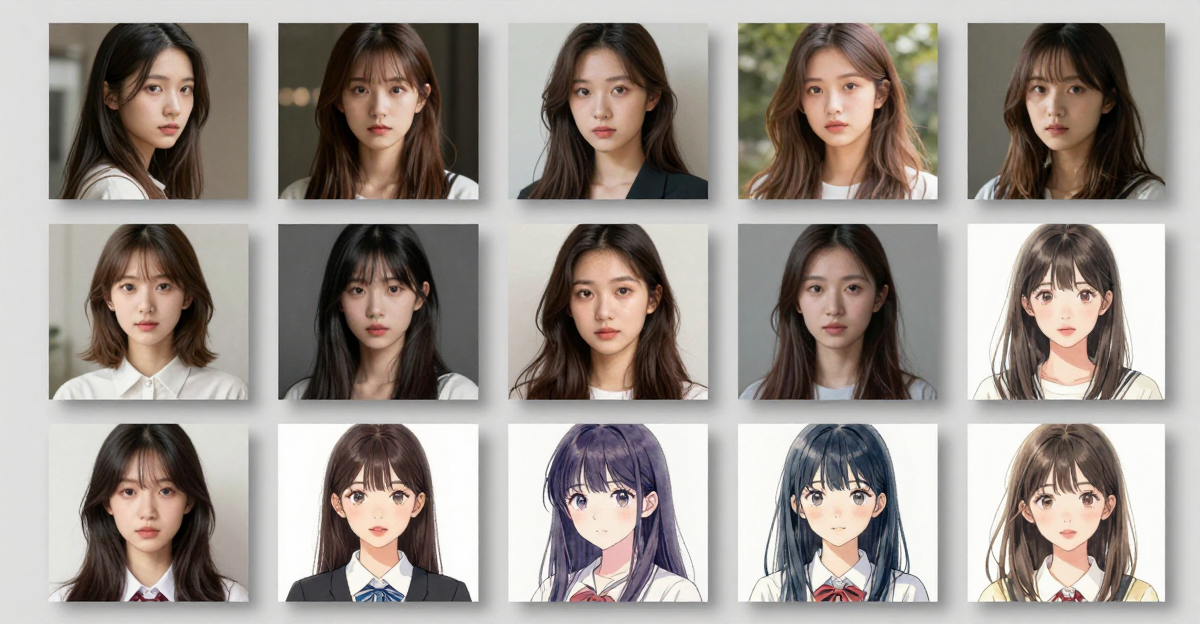
Second training sample image for LoRA model creation

MetricFull Fine-TuneLoRA
Parameters trainedBillionsMillions
Training time10-50 hours15-45 minutes
GPU VRAM needed24GB+8GB+ (or cloud)
Output file size2-7GB10-200MB
Training images needed100-1,000+10-50
StackableNoYes — combine multiple
Base model preservedNo (replaced)Yes (frozen)

AI image generated using custom-trained LoRA model

5.What LoRA Can Learn

LoRAs are versatile. Common use cases:

5.1Faces and Characters

Train a LoRA on 15-30 photos of a specific person. The model learns their facial features, skin tone, hair, and typical expressions. Generate that person in any setting, pose, or style.

Used for: Consistent character generation, AI headshots, personalized content.

5.2Art Styles

Train on 20-50 examples of a specific art style — watercolor technique, comic book aesthetics, a particular artist's approach. The model learns the visual language and applies it to new subjects.

Used for: Brand consistency, artistic exploration, style transfer.

5.3Objects and Products

Train on 10-30 photos of a specific product from different angles. Generate that exact product in new scenes, lighting conditions, and marketing contexts.

Used for: E-commerce photography, product marketing, catalog generation.

5.4Lighting and Techniques

Train on examples of specific photographic techniques — golden hour lighting, studio portraiture, macro photography. The model learns to replicate the technical approach.

Used for: Photography simulation, consistent visual quality, creative effects.

5.5Concepts and Compositions

Train on examples of abstract concepts — "cyberpunk city at night" or "minimalist product photography." The model learns the compositional patterns and visual vocabulary.

Used for: Creative direction, mood boards, concept art.

6.LoRA vs Other Fine-Tuning Methods

6.1LoRA vs Full Fine-Tuning

Full fine-tuning produces a complete new model. Better for fundamental style changes across all generations. But requires massive compute, produces huge files, and can't be stacked. LoRA is preferred for adding specific concepts while keeping the base model's general capabilities intact.

6.2LoRA vs Textual Inversion

Textual inversion teaches the model a new "word" (embedding) that maps to a concept. It's lighter than LoRA (a few KB vs MB) but much less capable. Textual inversions can capture rough concepts; LoRAs can capture detailed visual information. For faces, products, or detailed styles, LoRA is significantly better.

6.3LoRA vs DreamBooth

DreamBooth is a full fine-tuning technique that produces excellent results but requires more compute and produces full model files (2-7GB). LoRA achieves similar quality for most use cases at a fraction of the cost and storage. DreamBooth may still be preferred for extremely high-fidelity requirements.

6.4LoRA vs ControlNet

These aren't competing approaches — they're complementary. ControlNet controls the structure of generation (pose, composition, depth). LoRA controls the content (what things look like). Used together, you control both what appears and how it's arranged.

7.LoRA File Sizes and Ranks

LoRA rank determines how much information the adaptation can capture:

RankFile SizeQualityUse Case
410-30MBGood for simple conceptsSingle style or simple object
830-60MBGood balanceFaces, products, most use cases
1660-120MBHigh detailComplex styles, multiple concepts
32120-200MBMaximum detailProfessional production
64+200MB+Diminishing returnsRarely needed

Most users train at rank 8-16. Higher ranks capture more nuance but take longer to train and produce larger files. For faces and products, rank 8 is usually sufficient.

8.Stacking LoRAs

One of LoRA's most powerful features: you can combine multiple LoRAs at inference time, each at a different strength.

Example pipeline:

  • Face LoRA at 0.8 strength — generates a specific person
  • Style LoRA at 0.6 strength — applies a particular art style
  • Lighting LoRA at 0.4 strength — adds golden hour lighting

The model blends all three adaptations. The result: a specific person, in a specific style, with specific lighting — none of which the base model could produce alone.

Stacking has limits. Too many LoRAs (or too high combined strength) can cause artifacts. 2-3 LoRAs at moderate strength typically works well. Testing is required.

Text-to-image output from Imagera AI image generator with LoRA

9.Where to Find LoRA Models

9.1Civitai

The largest community library. Thousands of LoRAs for Stable Diffusion, SDXL, and FLUX. Free to download. Quality varies — check ratings and sample images.

9.2Hugging Face

Academic and professional LoRAs. Higher average quality but smaller selection. Many official model releases.

9.3OpenModelDB

Primarily upscaler models, but includes some LoRA entries. Good for finding specialized technical models.

9.4Imagera

Imagera's LoRA library includes curated models available for immediate use in the browser. No downloads needed — select a LoRA and generate directly. You can also train your own LoRA without any local hardware.

10.How to Use LoRA Models

10.1Online (No Installation)

Imagera's Image Generator supports LoRA selection directly in the browser. Choose from the library or upload your own. No GPU or local setup required. Combined with the LoRA Trainer, you can train and use LoRAs entirely in the browser.

10.2Local (ComfyUI)

ComfyUI supports LoRAs through the LoRA Loader node. Place .safetensors files in the

models/loras/
directory. Connect the LoRA Loader between the checkpoint loader and the sampler. Adjust strength per LoRA.

10.3Local (Automatic1111)

A1111/Forge supports LoRAs through the prompt syntax

<lora:model_name:weight>
. Place files in the
models/Lora/
directory. Adjust weight from 0 to 1.

11.Training Your Own LoRA

Training a LoRA requires:

  1. 10-50 training images of your subject
  2. Captions describing each image
  3. A base model to train against
  4. Training compute (GPU or cloud)

The process takes 15-45 minutes depending on settings and hardware.

For a step-by-step guide, see How to Train a LoRA Model Online — No GPU Required.

12.Common Questions

12.1How many images do I need to train a LoRA?

10-50 images for most use cases. Faces typically need 15-30 diverse photos (different angles, lighting, expressions). Products need 10-20 photos from different angles. Art styles need 20-50 representative examples.

12.2Can I use LoRA with any AI model?

LoRA works with most diffusion models: Stable Diffusion 1.5, SDXL, FLUX, and others. Each base model needs its own LoRA — an SDXL LoRA won't work with SD 1.5. Check compatibility before training or downloading.

12.3Is LoRA training the same as "fine-tuning"?

LoRA is one type of fine-tuning. Specifically, it's parameter-efficient fine-tuning (PEFT). When people say "fine-tune" in the AI image generation community, they often mean LoRA training specifically, though the term technically includes full fine-tuning, DreamBooth, and other methods.

12.4Do I need a GPU to use LoRA models?

To use (generate with) LoRA models: No, if you use an online platform like Imagera. Yes, if you run locally. To train LoRA models: Traditionally yes (8GB+ VRAM), but Imagera's LoRA Trainer runs entirely in the browser using cloud GPUs.

12.5Can I sell images made with LoRA models?

Generally yes — you own the output images. However, check the license of both the base model and the specific LoRA. Some LoRAs on Civitai have specific license restrictions. LoRAs trained on your own data with open-source base models typically have the fewest restrictions.

12.6What's the difference between .safetensors and .ckpt LoRA files?

.safetensors
is the modern, safe format.
.ckpt
(checkpoint) is the legacy format that can contain arbitrary code and poses a security risk. Always prefer
.safetensors
. Most modern platforms only support
.safetensors
.


Part of the LoRA Training series. See also: How to Train a LoRA Online | Best LoRA Models for Realistic AI Images | Image Generator

13.Captioning: The Lever Most People Get Backwards

Captions decide what a LoRA treats as fixed and what it treats as changeable, yet they get less attention than rank or steps. The rule that actually governs results: caption everything you want to be able to vary, and stay silent on everything you want baked into the concept.

Anything you name in a caption gets tied to that word, so the model learns it as separable from your subject. Anything you leave undescribed gets absorbed into the trigger token. For a face LoRA, that means captioning the background, clothing, pose, and lighting in every image — so the model learns those are interchangeable — while keeping the person's actual features silent. Do the reverse (describe the face, ignore the setting) and the LoRA fuses the subject to one room and one outfit.

A practical captioning pattern for a person named with the trigger

sks_person
:

Element in the photoCaption it?Why
Facial identityNoBinds to the trigger token
Clothing / outfitYesKeeps wardrobe swappable
Background / settingYesPrevents scene memorization
Pose and framingYesAvoids one-angle lock-in
Distinctive glasses/tattooDependsSilent = always present; captioned = optional

The second lever is variation over volume. Thirty near-identical headshots teach the model one pose; twelve genuinely different ones — angles, distances, expressions, lighting — teach the identity underneath. When a dataset mixes aspect ratios, resolution bucketing groups images so a wide product shot and a tall portrait train without being squashed. Skip bucketing on mixed-ratio sets and edges get cropped out of the learning entirely.

For styles, invert the priority: caption the subjects (a car, a face, a landscape) so the LoRA generalizes the look across content, and never write the style name into the captions — that keeps the aesthetic bound to the trigger instead of leaking into ordinary prompts.

You can apply all of this without writing captions by hand: the browser-based Imagera LoRA Trainer auto-captions your set and lets you edit before the run, so you tune what varies and what stays fixed before spending training credits.

Frequently Asked Questions

What is LoRA in AI image generation?
LoRA (Low-Rank Adaptation) for Stable Diffusion explained — how it fine-tunes AI models, LoRA training best practices, CivitAI integration & chaining. Works with WAN, SDXL & Flux.
Do I need a GPU to use LoRAs?
No. On Imagera Image Generator you paste a CivitAI LoRA URL and generate in the browser — training and inference run in the cloud when you use paid studios.
Does using LoRAs cost extra credits?
Loading a public CivitAI LoRA for generation is part of the image job cost; training your own face/style LoRA is a separate credit-heavy studio workflow. See pricing and the train/generate product links in this guide.
How does LoRA fine-tuning work?
Follow the step-by-step section above, then validate on a short sample before batching. Product entry: /lora-trainer.
What is the difference between LoRA and full fine-tuning?
See /lora-trainer.

Imagera AI Team

AI Content & Editorial Team

The Imagera AI editorial team brings together AI researchers, product specialists, and content strategists covering practical AI creation workflows.

Areas of Expertise:

AI Image GenerationAI Voice RecreationAI Avatar CreationContent Marketing

Put this guide to work

Teach the AI your face, product or style from a few photos — no GPU needed.

Teach the AI your face, product or style from a few photos — no GPU needed.