AI Image Editor Edit Photos with Text Prompts Online
Edit images with Imagera Edit. Inpaint, modify, and transform any part of your image.
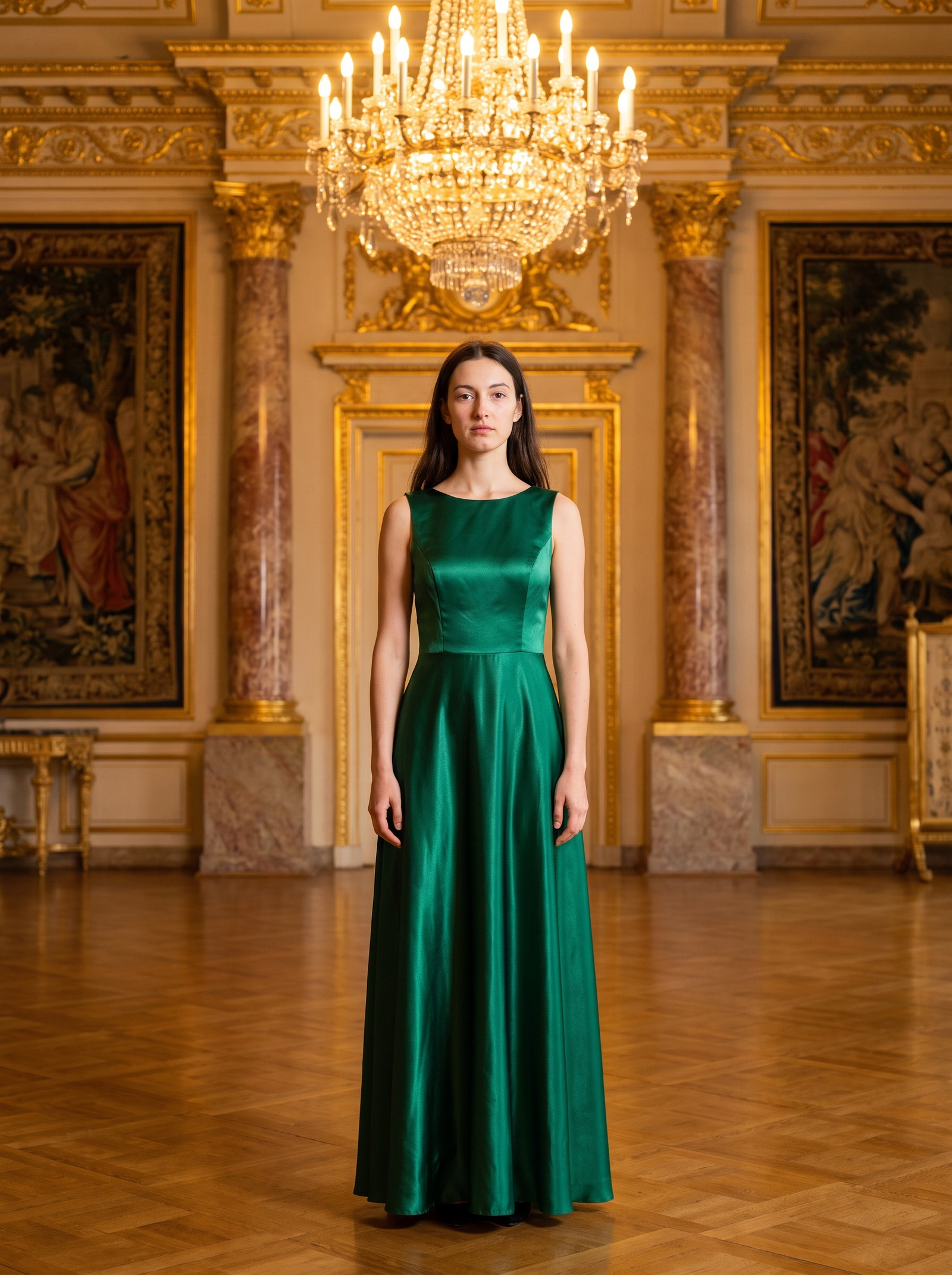
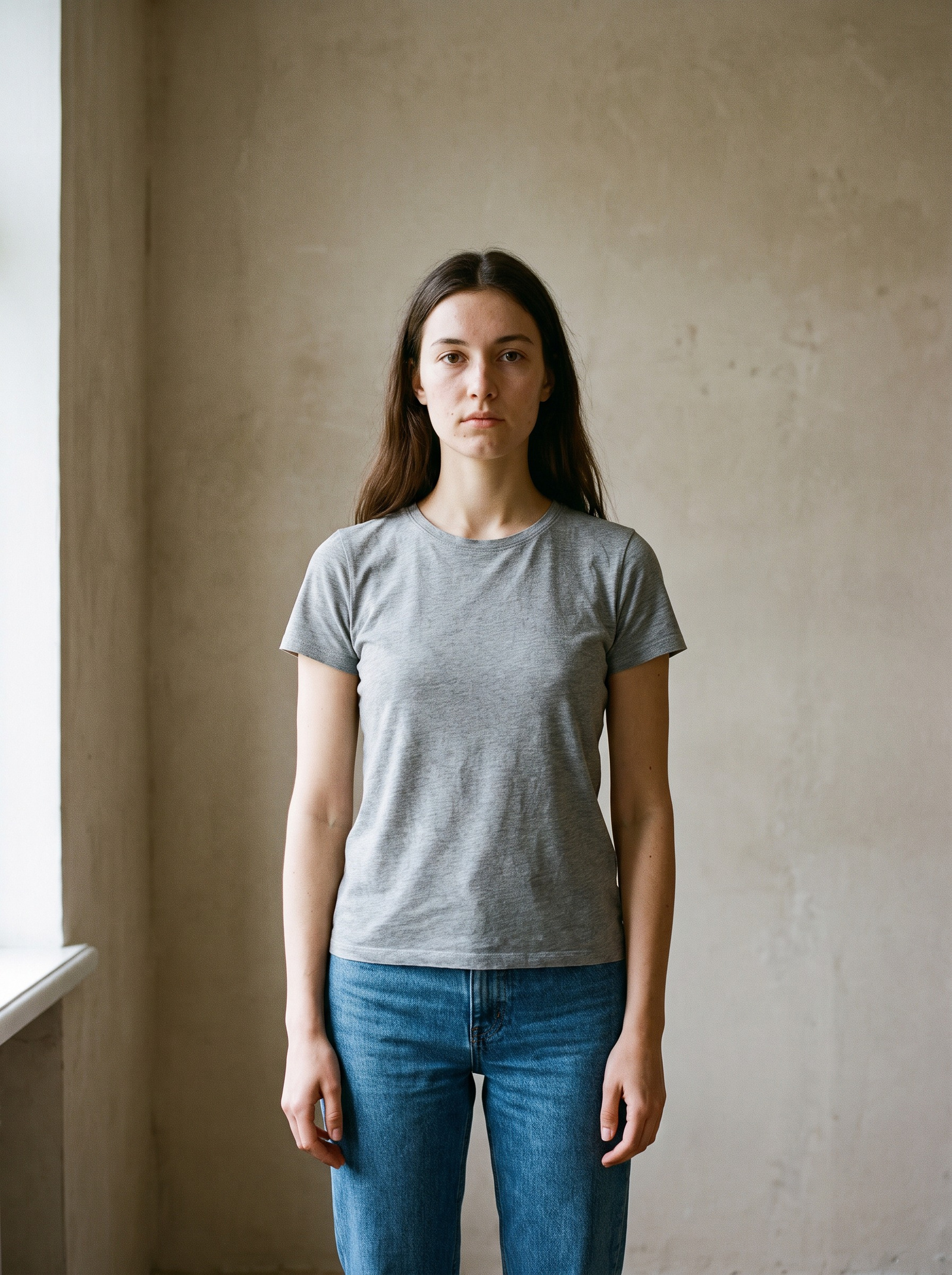 BeforeAfter
What is an AI image editor?
An AI image editor changes a photo from a written instruction instead of a toolbar. Upload your image plus up to 3 references, type what should change — swap the background, change the outfit, remove an object, restyle the whole frame — and it rebuilds only that part, matching the original lighting, perspective and style. It runs in the browser, and an edit costs from 15 credits.
- Credits
- From 15 per edit
- Formats
- PNG, JPG, JPEG, WebP in · PNG or JPG out
- Per edit
- Up to 3 reference images
Updated September 4, 2026
Cite this page: https://imagera.ai/image/edit-image
What a written instruction can actually change
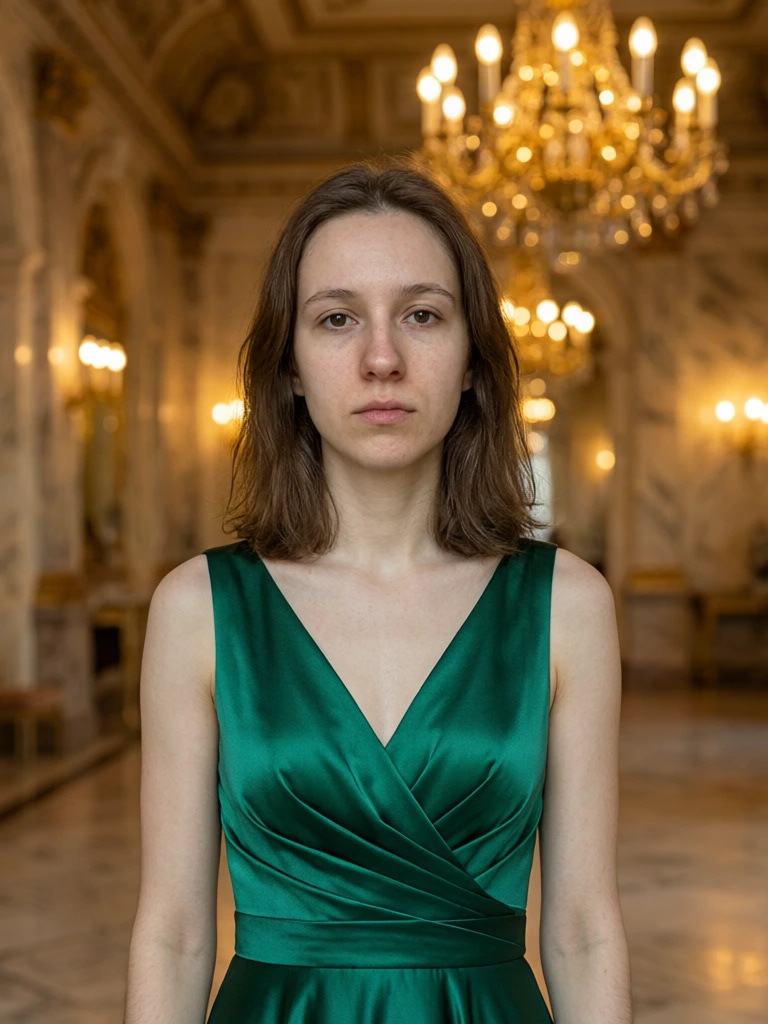
Natural Language Editing
Describe changes in plain English — swap outfits, change backgrounds, add objects, or remove distractions
Know more →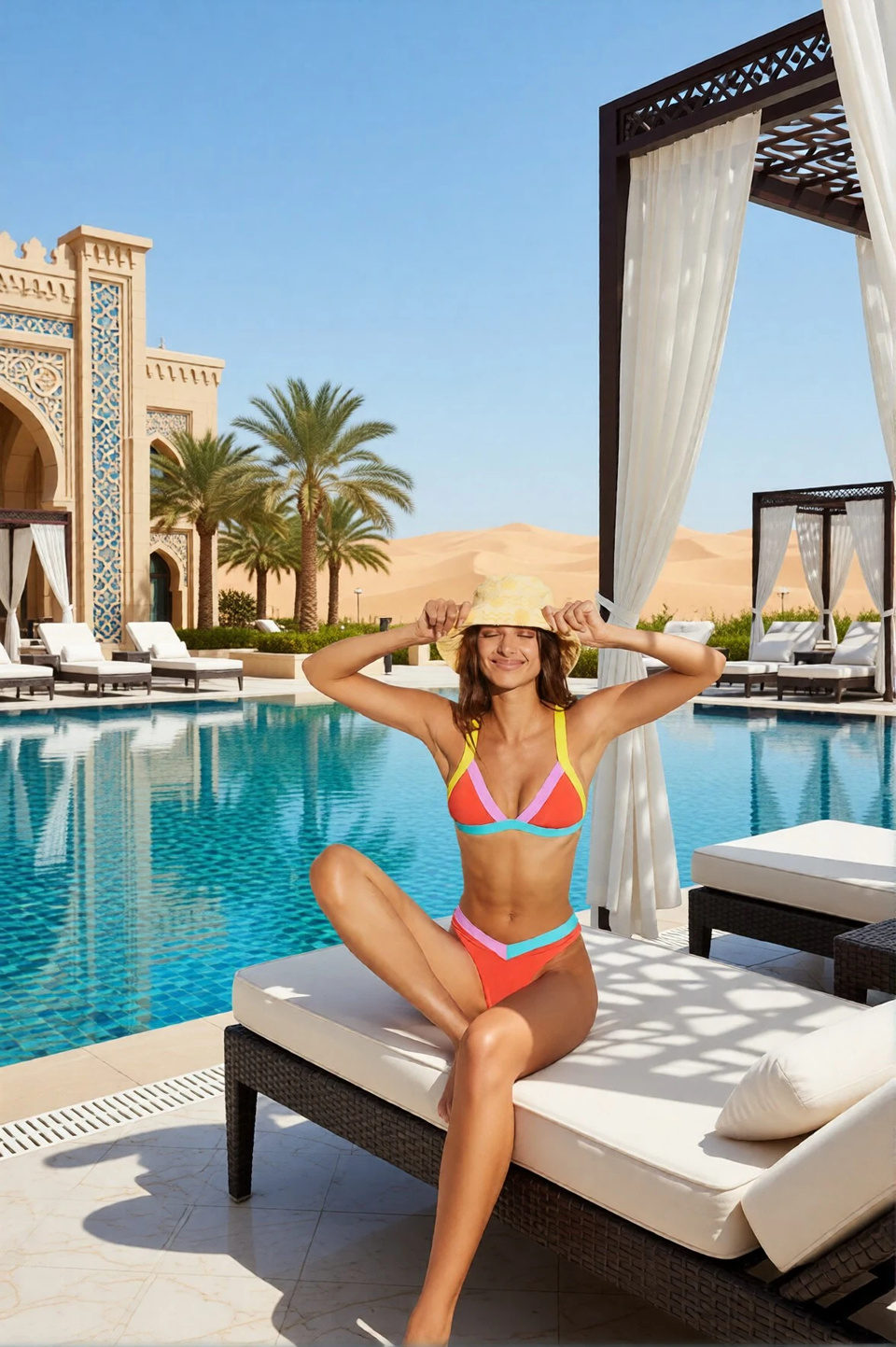
Multi-Image Compositing
Upload up to 3 reference images and combine them into a single cohesive result with AI understanding
Know more →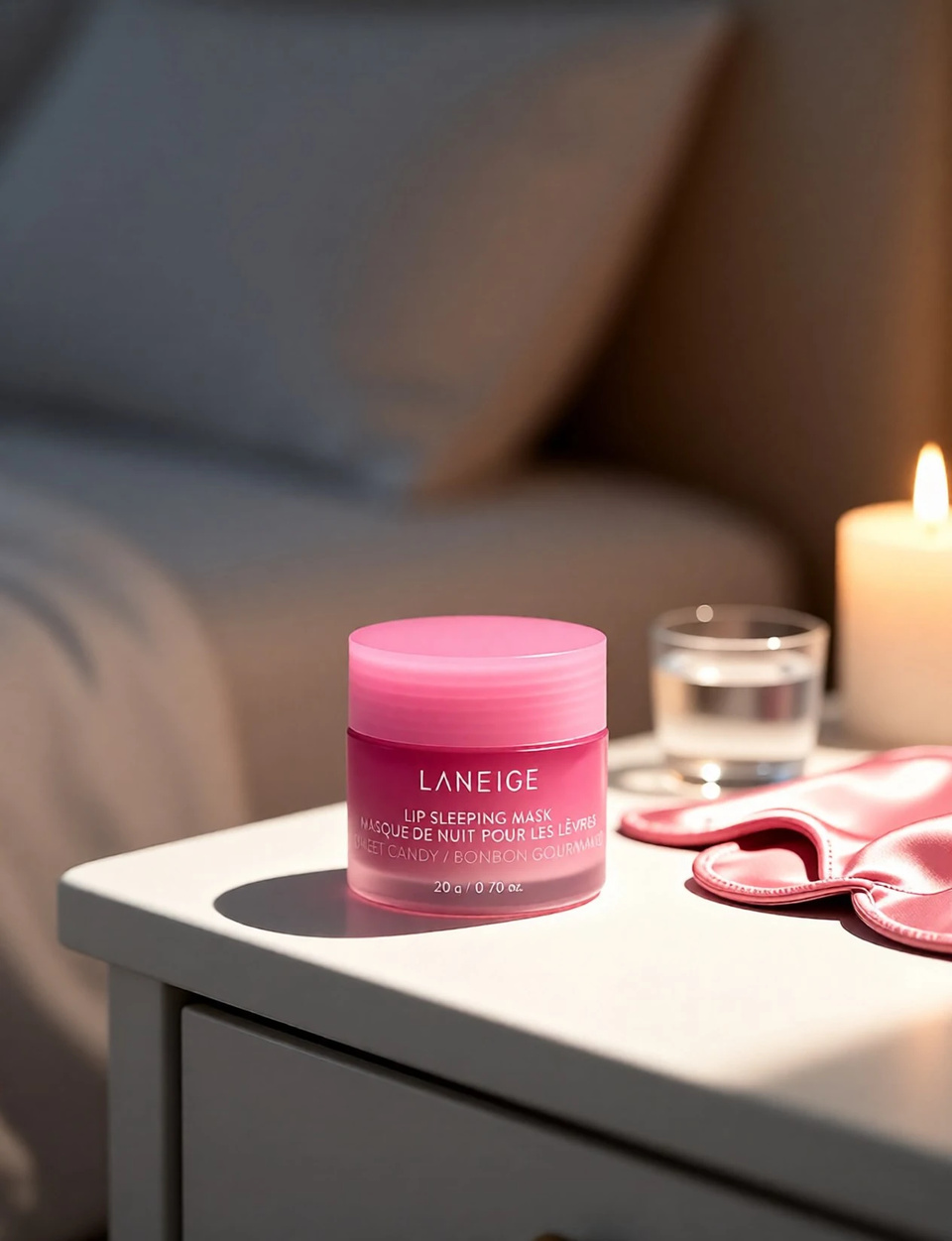
AI Inpainting
Paint over any region and let AI fill it with contextually accurate content that matches the scene
Know more →Why describing an edit beats making it by hand
No layer masks, no selection tools, nothing to install — and the credit cost is on the button before you run.
Just Describe It — No Photoshop Required
Type "change the background to a sunset beach" or "put her in a blue jacket" and AI handles the rest. No layer masks, no selection tools, no hours of tutorials. Text prompt → AI processes → download result in seconds.
Try it now →Multi-Image Compositing in One Click
Upload up to 3 reference images and combine them seamlessly. Person from photo A + outfit from photo B + background from photo C = one cohesive result. Traditional compositing takes hours in Photoshop. Imagera does it in seconds. Supports PNG, JPG, JPEG, WebP up to 10MB per image. Virtual try-on, scene composition and creative mashups all fall out of the same upload.
Try it now →15 Credits Per Edit — Pay Only for What You Use
No monthly subscription waste. An edit costs 15 credits at 1K or 20 at 2K, so a 300-credit balance covers 20 edits at the default size. Only pay when you actually edit. 1K: 15 credits, balanced quality and cost. 2K: 20 credits, highest fidelity..
Try it now →How to edit a photo with a text prompt
Three moves: upload, describe, download. No design skills involved.
Upload the photo you want changed
Add the source image, plus any references you want the edit to borrow from — up to 3 pictures in a single run. PNG, JPG, JPEG and WebP are all accepted at up to 10MB each, and a straight phone photo is fine; nothing needs exporting from another app first.
Describe the edit in plain English
Type the change the way you would say it out loud — "change the background to a sunset beach", "put her in a blue jacket", "remove the person on the left". There is no mask to paint and no selection to make: the editor works out which region the sentence refers to and leaves the rest of the frame alone.
Pick a size, then download
The default size handles the large majority of edits; switch to the larger one when you need the highest fidelity on fine detail. The credit cost updates before you generate, and the result downloads as PNG or JPG with full commercial rights.
Where people reach for this
E-Commerce & Product Photography
Product imagery drives purchasing decisions. AI editing turns one product shot into clean catalog images, lifestyle scenes and seasonal variants without booking another shoot. In practice: Swap backgrounds to white or lifestyle scenes instantly; Generate product variations from a single photo; Create A/B test visuals in minutes, not days.
Try it now →Marketing & Social Media
From social posts to ad creatives, AI editing enables rapid visual content production at scale. In practice: Generate ad creative variants from one base image; Swap backgrounds for region-specific campaigns; Iterate on visual concepts with text prompts.
Try it now →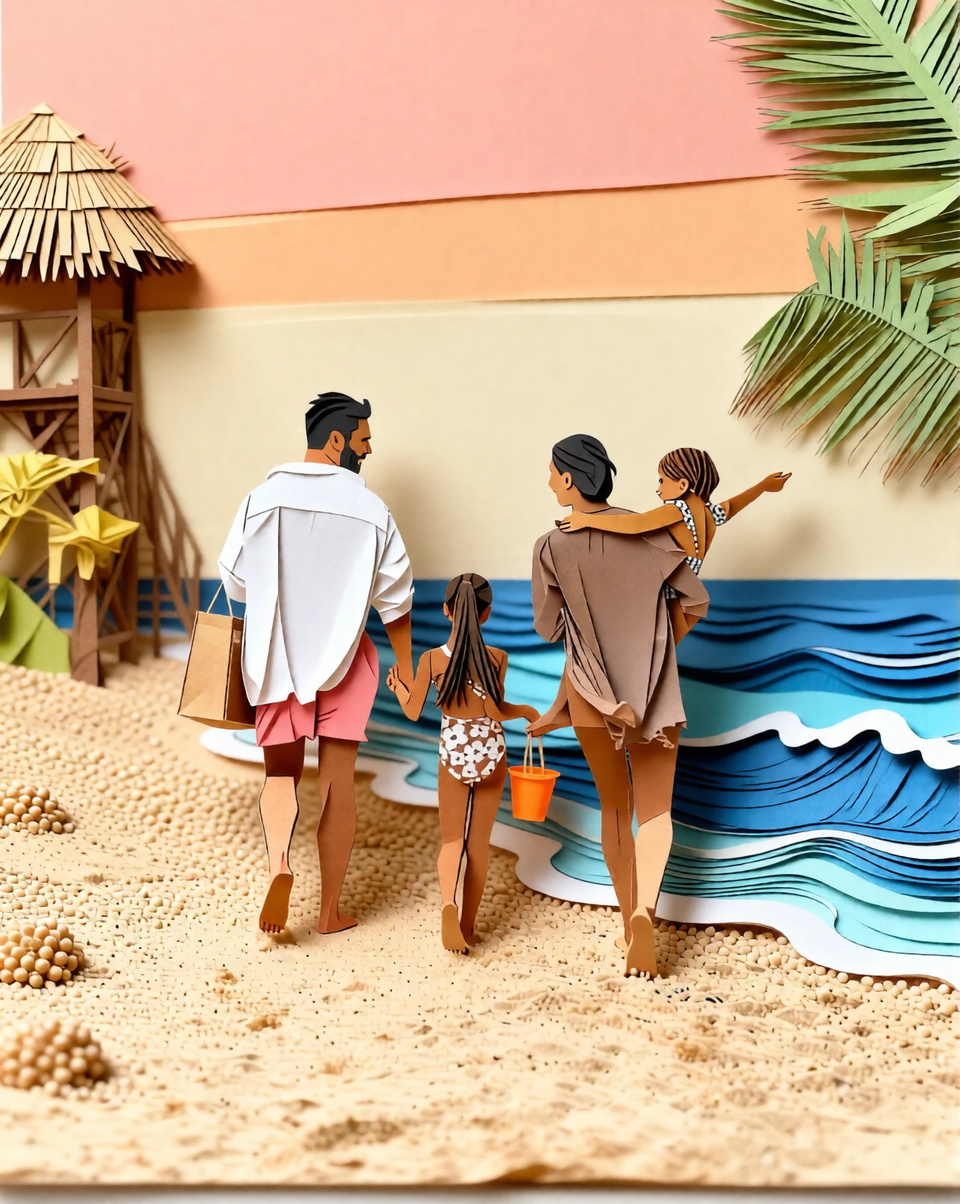
Photography & Retouching
Wedding photographers, portrait studios, and real estate agents use AI editing to speed up post-processing and deliver faster. In practice: Remove distracting elements with a text prompt; Swap backgrounds post-shoot without reshooting; Speed up the retouching workflow.
Try it now →Discover more AI features
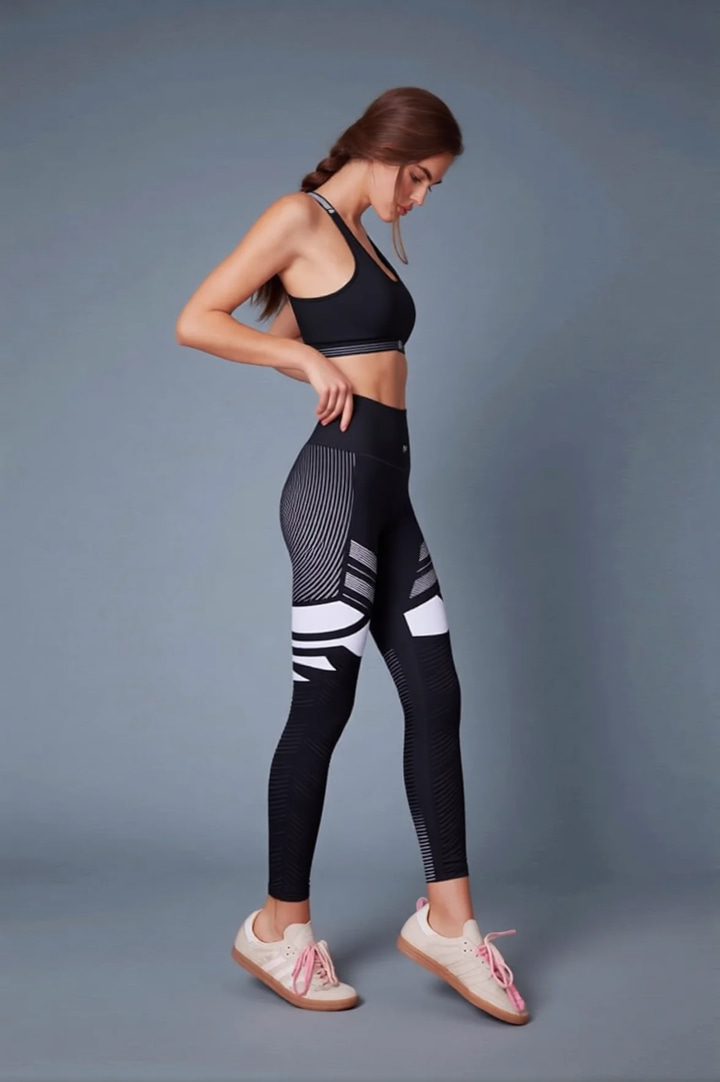
Outfit Color Changer
Recolor outfits and create look book variations from a single photo.
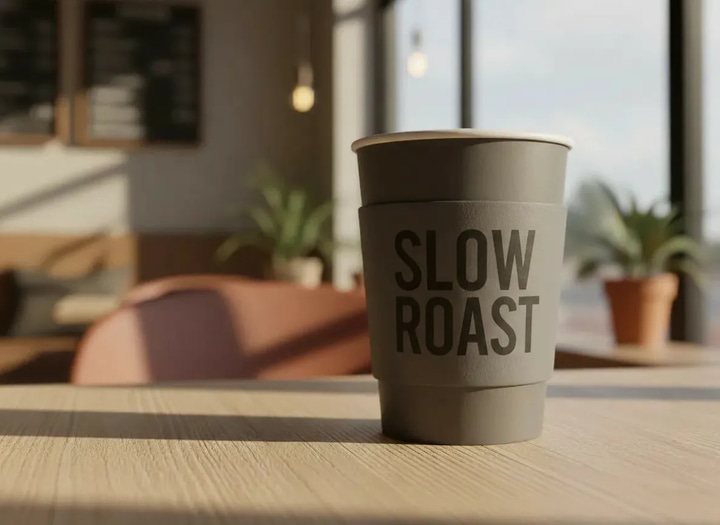
Photo Text Changer
Change words in any image — same font, same lighting.
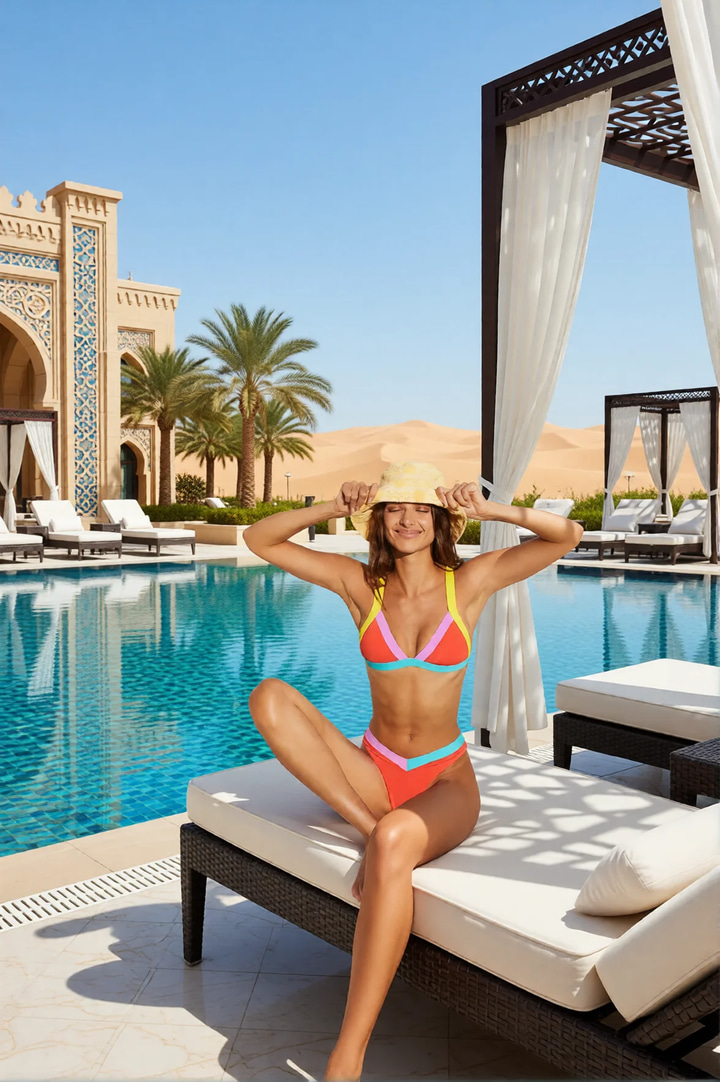
Luxury Background Changer
Replace any photo background with AI-generated luxury scenes.
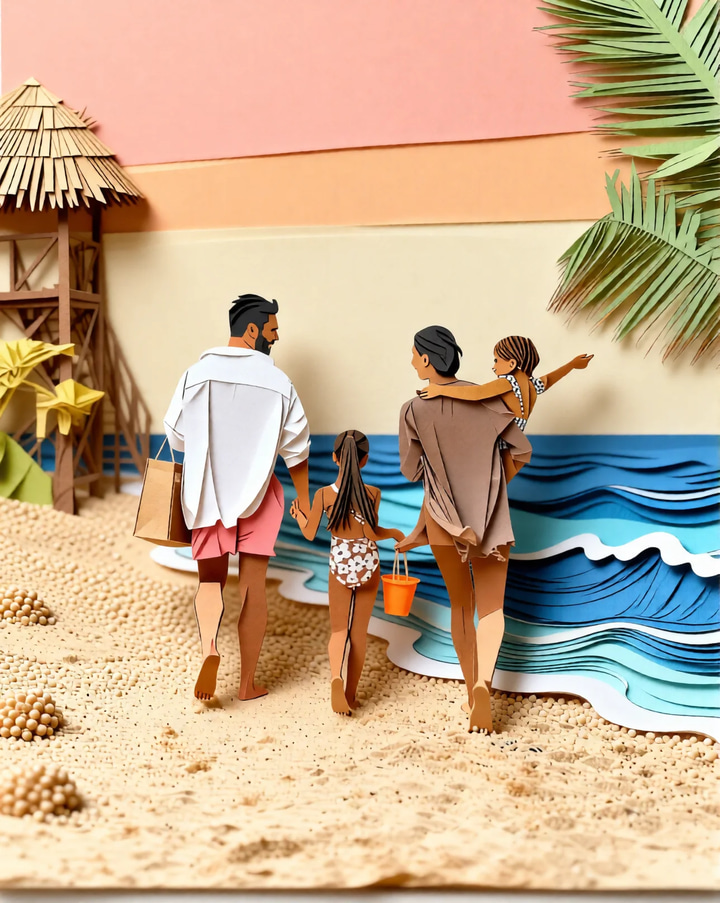
Magic Style Transfer
Transform photos into Ghibli anime, oil paintings, watercolor, and more.
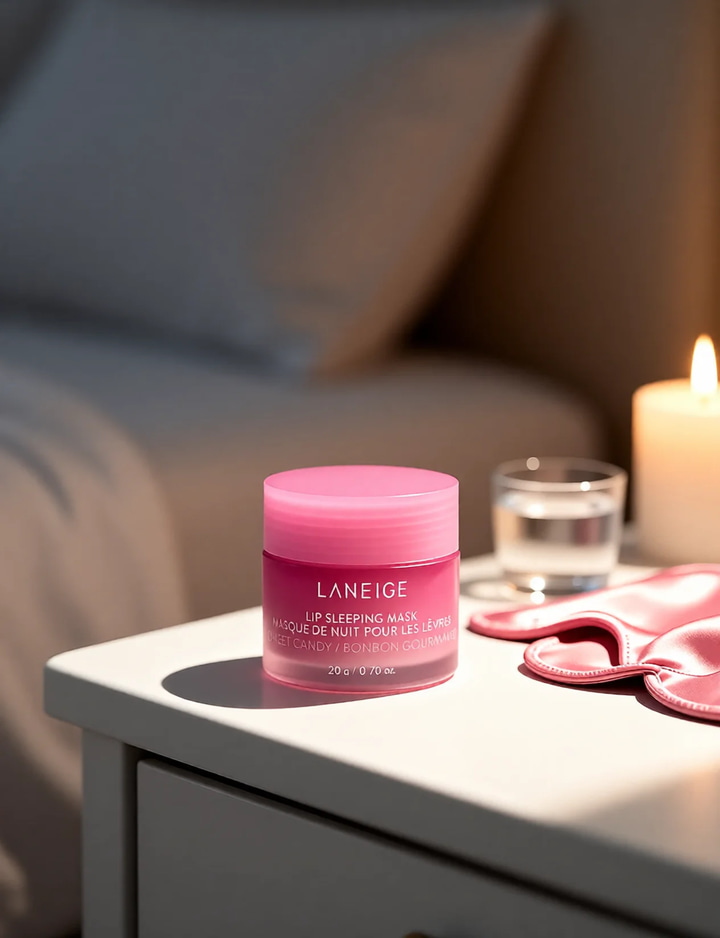
Pro Product Shot Maker
Create professional product photography scenes from a single image.
AI Model Arena
Compare answers from several AI models in one Sandbox conversation.
Frequently asked questions
What is Imagera AI Image Editor?
Imagera AI Image Editor is a browser-based tool that lets you edit images using natural language instructions. Upload 1-3 images, describe the change you want — like "put this person in a red dress" or "change the background to a beach" — and AI makes it happen. No Photoshop skills needed.
How does multi-image editing work?
Upload up to 3 reference images alongside your edit prompt. The AI understands relationships between images — combine a person from one photo with an outfit from another, or place a product into a lifestyle scene. It's like having a professional compositor on demand.
What types of edits can I make?
You can swap outfits, change backgrounds, add or remove objects, modify facial features, change lighting conditions, adjust styles, inpaint damaged areas, merge concepts from multiple images, and transform entire scenes — all with plain text prompts.
How much does AI image editing cost?
An edit costs 15 credits at 1K, the default size, or 20 credits at 2K — so a 300-credit balance covers 20 edits at 1K. Credit packs never expire; monthly plans bundle credits at a better rate, and add-on packs top you up at any time. Your exact credit cost is shown in the studio before you click generate, so you always see the charge before you commit to it.
Which editing engine should I pick?
1K output is the default at 15 credits and handles the large majority of edits — background swaps, outfit changes, object removal. Move to 2K at 20 credits when you need the highest fidelity on fine detail. You switch the size in the studio and the credit cost updates before you generate.
Can I use edited images commercially?
Yes. All images edited with Imagera come with full commercial rights. Use them for marketing materials, e-commerce product photos, social media content, client deliverables, print media, and any business purpose.
How does this compare to Adobe Photoshop?
Adobe Photoshop costs $22.99/month and requires desktop installation plus significant skill to use effectively. Imagera is browser-based with no learning curve — just describe what you want in natural language. Photoshop gives more manual precision; Imagera gives faster, AI-driven results accessible to everyone.
What about Canva Magic Edit?
Canva Pro costs $15/month and limits Magic Edit to 100 uses per 24 hours. Canva is great for general design, but its AI editing is limited compared to Imagera's multi-image compositing and advanced inpainting. Imagera specializes in AI-powered image transformations with more precise control.
What image formats are supported?
We support PNG, JPG, JPEG, and WebP formats. Upload images up to 10MB each. The AI processes your images in the cloud and delivers results in high-quality PNG format.
Do I need a powerful computer?
No. Imagera is 100% browser-based — all AI processing happens on our cloud servers. Works on any device with internet access: MacBook Air, Chromebook, iPad, Android tablet, or even your phone. No GPU, no software installation, no hardware requirements.
Can I edit product photos for e-commerce?
Absolutely. Swap backgrounds to clean white, place products in lifestyle scenes, change colors, remove distracting elements, and create multiple variations from a single photo shoot.
How is AI image editing used in marketing?
Common uses include social media content creation, A/B testing different visuals, localizing campaigns with region-specific backgrounds, creating seasonal variations of product imagery, and generating ad creatives at scale.
What makes the multi-image feature unique?
Most AI editors work with a single image. Imagera lets you combine up to 3 images — for example, take a person from photo A, an outfit from photo B, and a background from photo C to create one cohesive image. This opens up use cases like virtual try-on, scene composition, and creative mashups.
Can I remove or replace people and objects?
Yes. Describe what you want removed ("remove the person on the left") or replaced ("replace the red car with a blue truck") and the AI handles it. The inpainting engine fills in removed areas with contextually appropriate content that matches lighting, perspective, and style.
Learn more
Specialised editors for backgrounds, product scenes, typography and style, plus guides on writing a prompt that lands.
 Use case
AI Image Upscaler — 4K, 8K & 16K
Enlarge and sharpen your result to 16K after finishing — neural upscaling, no quality loss
 Use case
AI Head Swap
Swap the entire head — hair and angle intact — with automatic skin-tone and lighting match
Use caseEdit Text in Image
Replace words or fix typos in any image while AI matches the original font
Edit Images with AI Text Prompts
Complete guide to inpainting, object removal, outfit changes, and background swaps using text prompts
AI Image Prompts Guide
Write better prompts for more precise AI image edits
Photography Studio
Explore all 7 specialized AI photo editing tools
Prompt Writing Guide
Master prompt writing for surgical AI edits
Best Free Background Remover (2026)
One-click transparent PNGs tested on hair, products and fine edges
AI Background Changer for E-Commerce
Swap product backgrounds for professional e-commerce photography
Midjourney Alternative
Generate and edit images in one platform — compare Imagera vs Midjourney
Browse All Guides
Step-by-step tutorials for AI image editing and manipulation
Key takeaways
What is Imagera AI Image Editor?
Imagera AI Image Editor is a browser-based tool that lets you edit images using natural language instructions. Upload 1-3 images, describe the change you want — like "put this person in a red dress" or "change the background to a beach" — and AI makes it happen. No Photoshop skills needed.
How does multi-image editing work?
Upload up to 3 reference images alongside your edit prompt. The AI understands relationships between images — combine a person from one photo with an outfit from another, or place a product into a lifestyle scene. It's like having a professional compositor on demand.
What types of edits can I make?
You can swap outfits, change backgrounds, add or remove objects, modify facial features, change lighting conditions, adjust styles, inpaint damaged areas, merge concepts from multiple images, and transform entire scenes — all with plain text prompts.
Prompt-driven editing vs manual retouching
| What matters | Imagera | Adobe Photoshop |
|---|---|---|
| Pricing (2026) | 15 credits/edit | $22.99/mo |
| Natural Language Editing | Yes | Limited (Firefly) |
| Multi-Image Compositing | Up to 3 images | Manual layers |
| Learning Curve | None (text prompts) | Steep |
| Installation Required | Not required | Required |
| Commercial License | Yes | Yes |
Describe the edit. See it.
Open the studio with the editor already selected. Credits show on the button before you run.
Edit this photo →