Midjourney Alternative
LoRA Chaining & Pay-Per-Image
Midjourney excels at artistic image generation. Imagera offers LoRA chaining from a built-in style library or your own LoRAs, a Real Camera mode, and pay-per-use pricing from 15 credits per image with no Discord required. Want your own subject or style? Train a custom LoRA and chain it in.
What is Midjourney Alternative?
Midjourney Alternative Imagera AI is a Midjourney alternative offering AI-powered image and video generation with photorealistic output, LoRA model support, and pay-per-use credits: credit packs from $39.99, plans from $19.99/mo. Unlike Midjourney, Imagera provides 20+ specialized AI tools including image generation, video creation, voice cloning, and avatar animation in one platform.
Compare Midjourney vs Imagera AI features, pricing, and capabilities below.
By the numbers
- Imagera: chain up to 3 LoRAs — Midjourney v7: 0 LoRA support
- Imagera: pay-per-use from 15 credits/image — Midjourney v7: $10-60/month subscription
- Imagera: 50+ AI tools (image, video, voice, music, avatars) — Midjourney: images only
- Imagera: browser-based, no Discord required — Midjourney: Discord-only workflow
- Imagera: 16K output, no watermark, commercial license on every image
Source: Imagera platform specifications · Updated
Imagera AI vs Midjourney: Professional Comparison
See why professionals choose Imagera AI over Midjourney for business use
Imagera AI vs Midjourney: Feature-by-Feature Spec Table
Quick-scan comparison of what each platform includes for Midjourney users evaluating a switch.
| Feature | Imagera AI | Midjourney | Winner |
|---|---|---|---|
| Image Quality (Artistic) | High-quality outputs — strong for photorealistic and LoRA-driven styles | Industry-leading artistic quality — best default aesthetic for illustration and concept art | Midjourney |
| LoRA / Custom Model Support | Chain up to 3 LoRAs from a built-in style library, your own uploads or links, or LoRAs you train | No LoRA support — limited to built-in styles and --sref parameters | Imagera AI |
| Real Camera Mode | Real Camera Noise + Skin Detailer pipeline — adds authentic camera characteristics | No camera simulation features — Midjourney images have distinctive AI patterns | Imagera AI |
| Pricing Model | Pay-per-image from 15 credits — buy credits when needed, no monthly commitment | $10-60/month subscription — pay monthly whether you generate or not | Imagera AI |
| Interface | Web-based UI — upload, type prompt, generate. Simple dashboard. | Discord-based commands (web UI in alpha) — steeper learning curve but powerful once learned | Imagera AI |
| Community & Ecosystem | Growing platform with a built-in LoRA style library | Large, active community: public galleries, shared prompts, style references | Midjourney |
| Text in Images | Basic text rendering — improving with model updates | Strong text rendering with V8 — handles typography in images well | Midjourney |
| Other AI Tools Included | 25+ tools: video gen, voice gen, lip sync, music, upscaler, face swap — same credits | Image generation only — dedicated platform | Imagera AI |
| Generation Speed | 5-15 seconds depending on model and steps | 30-60 seconds (queue-based during peak hours) | Imagera AI |
| Upscaling / Max Resolution | Extreme Detailer + Super Resolution to 16K — recover skin pores, fabric weave, and micro-detail after generation | Built-in upscale to ~4K (V6/V7) — no separate detail-recovery pass | Imagera AI |
| Reference Image Support | Up to 9 reference images in a single prompt (Imagera 2.7) — plus image-to-image and character consistency | --sref and --cref style/character references — one image reference at a time | Imagera AI |
| Prompt Control (steps, guidance, LoRA strength) | Adjustable steps, CFG guidance, and per-LoRA strength sliders for repeatable, tunable output | Prompt + parameter flags (--stylize, --chaos, --weird) — no step/CFG control | Imagera AI |
| Commercial License & Watermark | Commercial license on every output, no watermark, on all plans including the entry credit pack | Commercial rights on paid plans; free trial retired — usage tied to plan tier | Imagera AI |
True Cost Analysis: Quality vs Price
Why Imagera AI delivers better value for professional applications
Occasional Use (20 images/month)
Regular Use (100 images/month)
Heavy Use (500+ images/month)
Sporadic Use (a few images every few months)
E-commerce catalog (60 product shots, one push)
Mixed creative month (40 images + 5 short videos + voiceover)
When Does Midjourney Make More Sense?
If you generate 200+ images per month consistently, need best-in-class artistic/illustrative quality, want community inspiration through shared galleries, or need strong text rendering in images, Midjourney's $10-30/month subscription offers excellent value. For photographers, e-commerce creators, LoRA enthusiasts, people who need photorealistic AI images, occasional users who hate paying monthly, or anyone wanting one credit balance across 25+ AI tools, Imagera's pay-per-use model is the better fit.
Why Professionals Choose Imagera AI Over Midjourney
The critical advantages that make Imagera AI the superior choice for business
LoRA Chaining
Chain up to 3 LoRA models in a single generation, from the built-in style library, your own uploads or links, or LoRAs you train. Create hyper-specific styles Midjourney can't replicate — anime + watercolor + portrait lighting in one image. Midjourney has built-in styles but no custom model support.
Real Camera Mode
Our Real Camera Noise + Skin Detailer pipeline adds authentic sensor patterns, film grain, and micro-textures, so results read as genuine photographs. Midjourney has no comparable realism pipeline — its images keep a recognizably synthetic look.
Pay-Per-Image, Not Per Month
Midjourney charges $10-60/month whether you generate or not. Imagera charges 15 credits an image — 50 images is 750 credits — and you buy those credits when you need them. Credits don't expire and work across all 25+ tools: image gen, video, voice, music, upscaler. Perfect for creators with variable workloads.
Web UI — No Discord Required
Imagera runs in your browser with a simple upload-and-generate interface. No Discord account needed, no slash commands to memorize, no public galleries exposing your prompts. Midjourney's web UI is still in limited alpha — most users still rely on Discord.
16K Upscaling After Generation
Once you have an image you like, run it through Extreme Detailer and Super Resolution to reach up to 16K — recovering skin pores, fabric weave, and fine edges for print, hero banners, and marketplace zoom. Midjourney upscales to roughly 4K with no separate detail-recovery pass, so large-format crops soften. In Imagera the upscale is a distinct step on the same credit balance, so you only spend it on the frames you keep.
One Credit Balance Across 25+ Tools
Midjourney is image generation only. Imagera puts image generation, video, voice, music, lip sync, face swap, and upscaling behind one credit balance, so a product photo, its 8-second promo clip, and its voiceover all draw from the same wallet. Credits never expire, so a slow month doesn't evaporate into a wasted subscription. For creators with variable, multi-format workloads, that removes three or four separate monthly bills.
See what Imagera actually produces
Real output from the Imagera tool that replaces Midjourney — generated in the browser, no install or GPU.
Prompt
Professional high-resolution studio photograph of a confident young woman in her mid-20s in a dynamic crouching pose on a white seamless studio backdrop. She's wearing an all-white athletic outfit consisting of a sleeveless white bodysuit with high neckline and boy-short cut, white crew socks with small black logo detail, and chunky white platform sneakers with gray accents and thick sculpted soles. The woman has long straight dark brown hair flowing past her shoulders, warm tan skin tone, and is wearing natural makeup with defined eyes and nude lips. Her pose is athletic and confident: crouching low with knees bent, left hand resting on her raised left knee displaying gold rings and white manicured nails, right hand on hip, looking off to the side with a strong, contemplative expression. Studio lighting creates soft gradient gray background from medium gray at top to bright white floor, with professional studio shadows beneath her creating depth and dimension. Shot from slightly low angle emphasizing her powerful pose and athletic build. Crystal clear focus, sharp detail throughout, professional fashion photography aesthetic, clean minimal composition, high-key lighting with soft shadows, shot with medium format camera, 8K resolution, editorial magazine quality, modern athleisure campaign style.
Output
See it in action
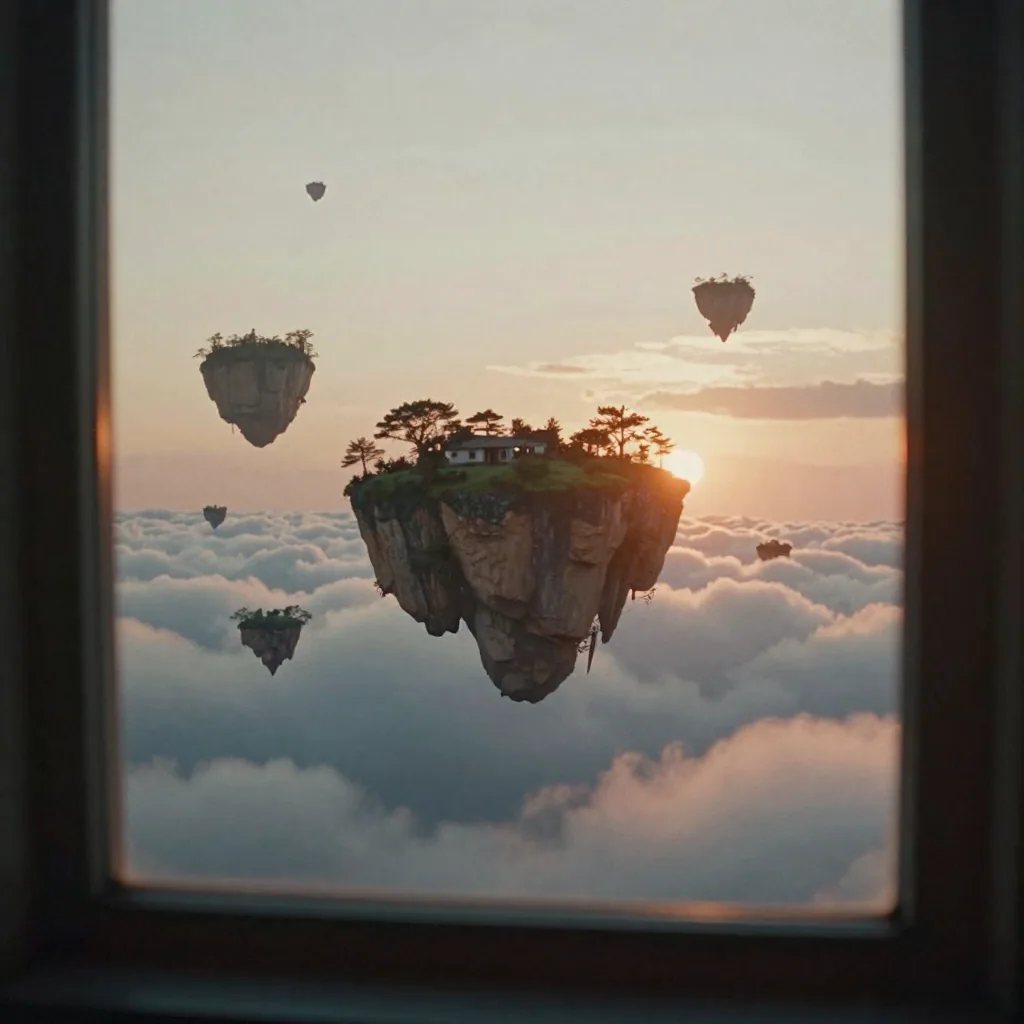
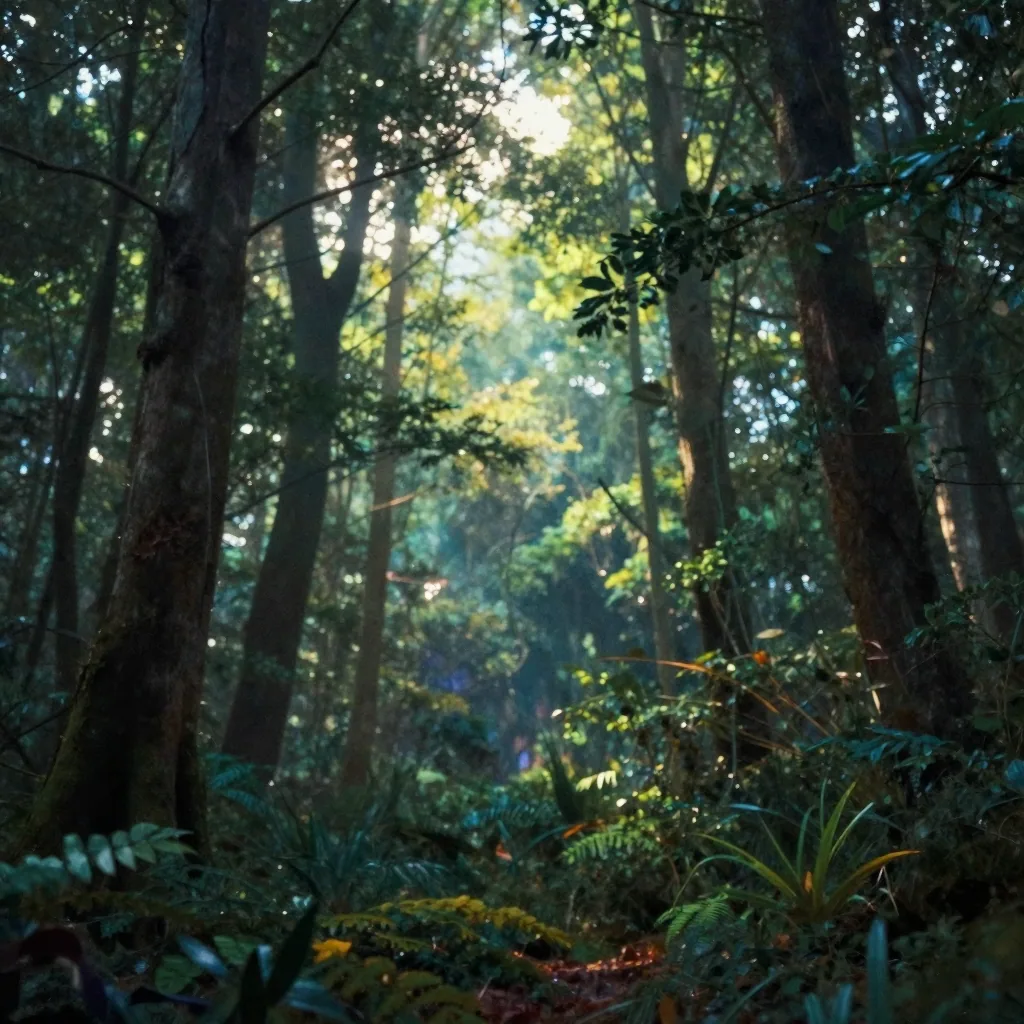
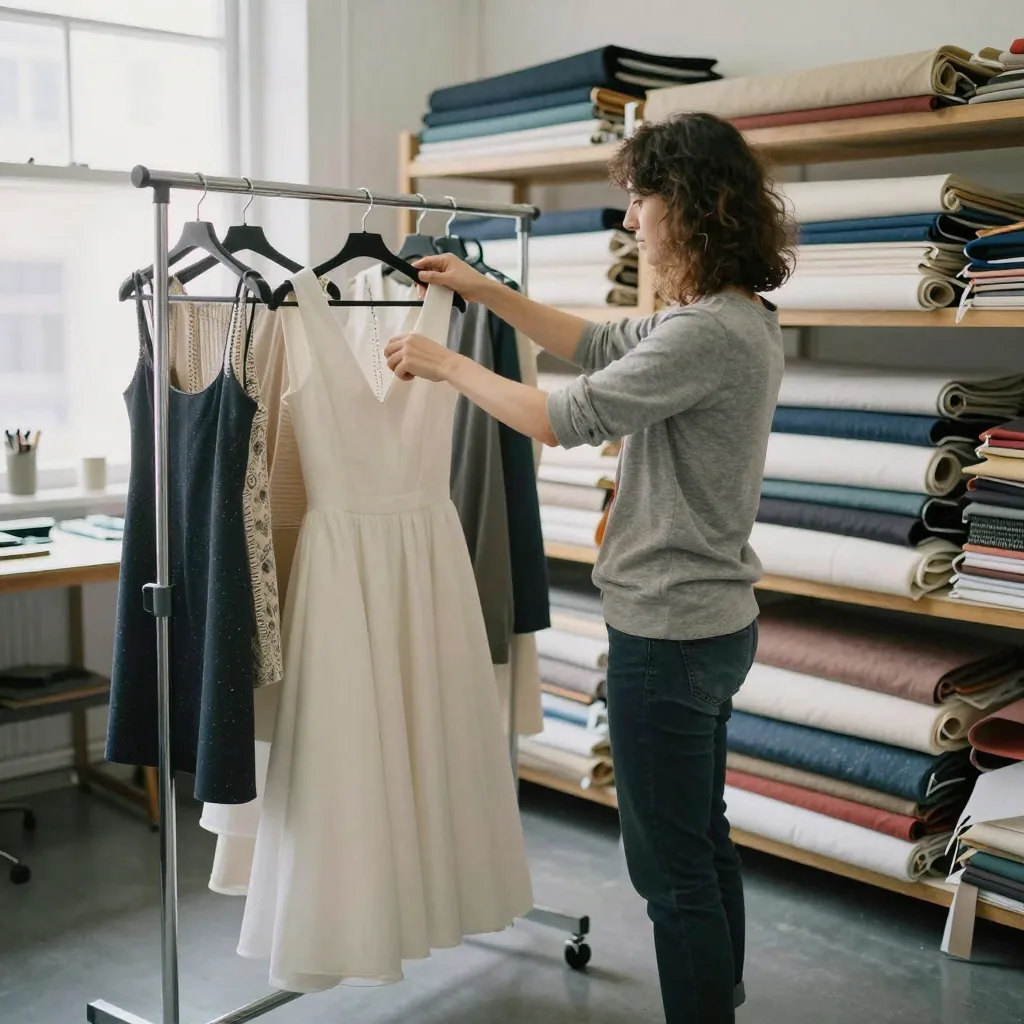
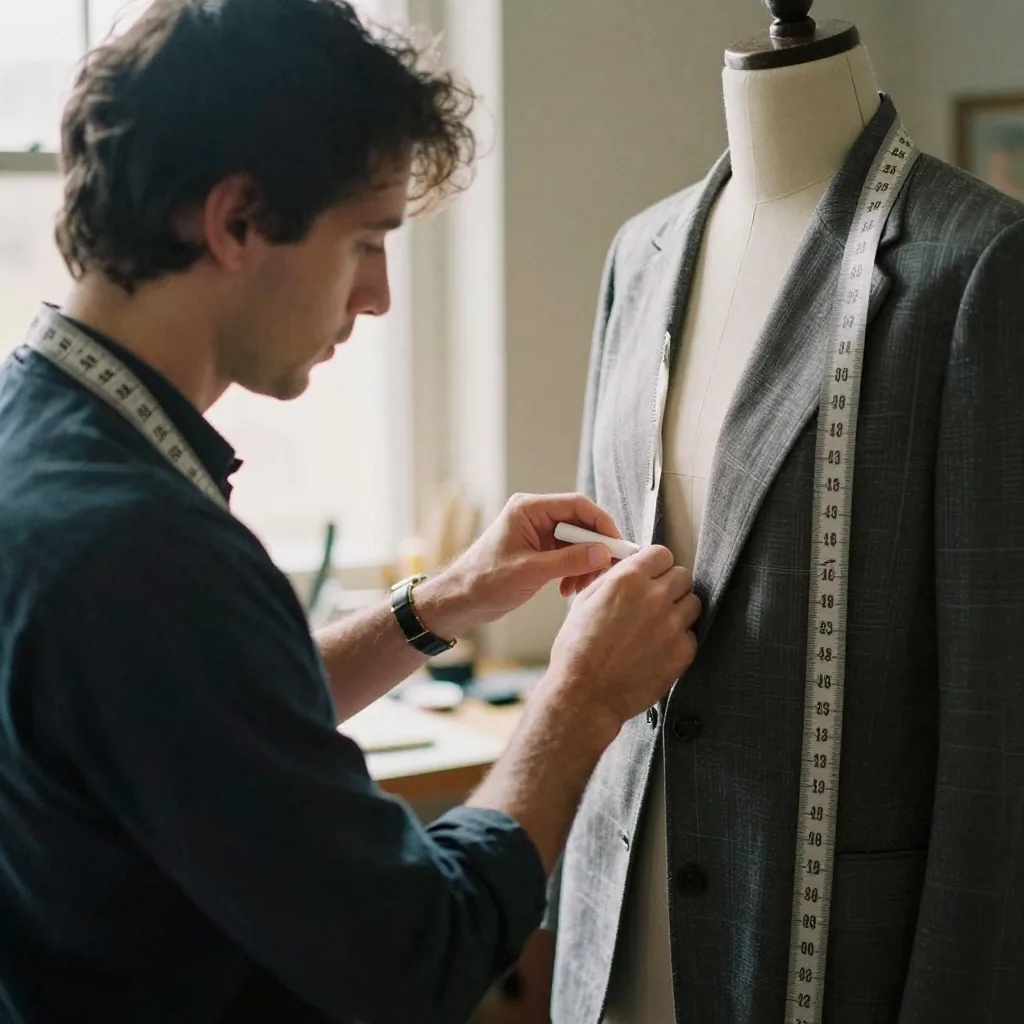
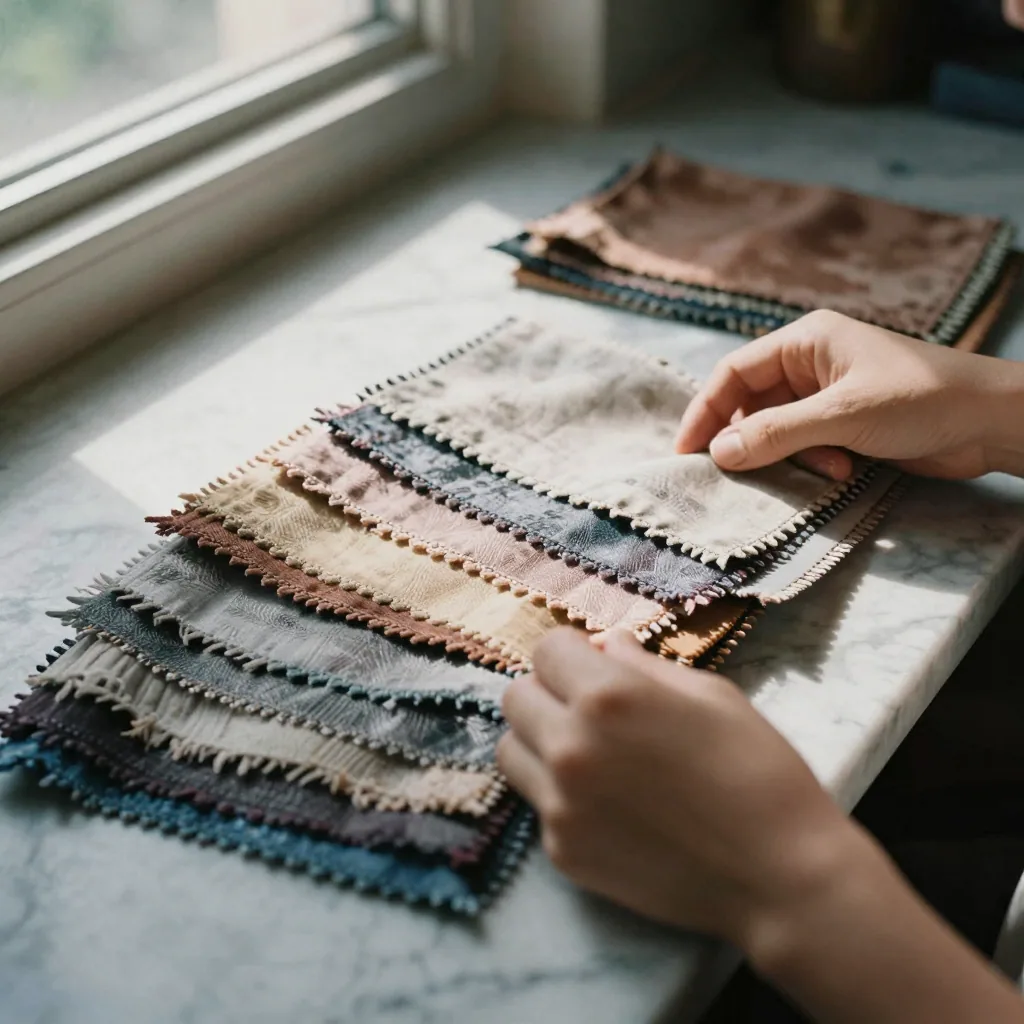
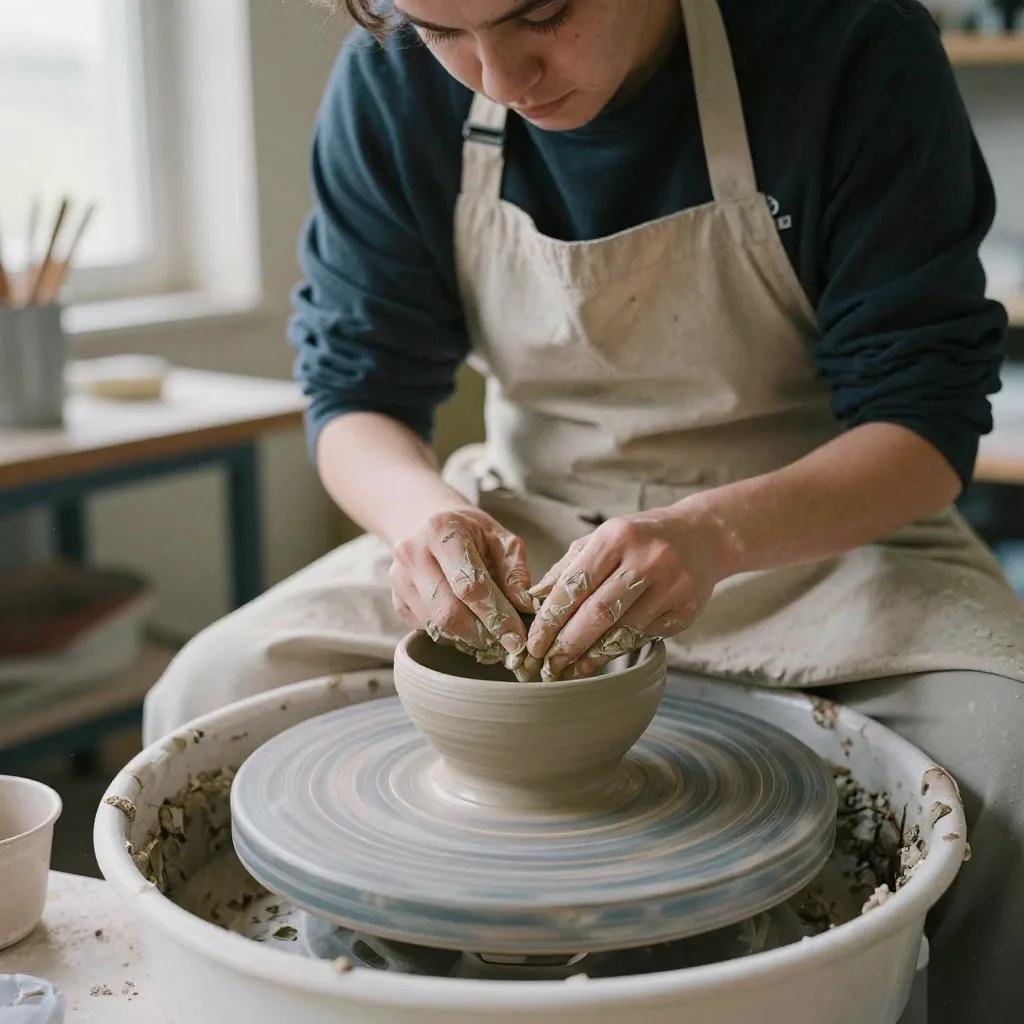
Examples of the kind of visuals creators make with Imagera.
When Midjourney is genuinely the better choice
An honest comparison has to start with what Midjourney does exceptionally well, because for a large group of creators it is the right tool and switching would be a downgrade. Midjourney's biggest strength is its default aesthetic. Out of the box, with a short prompt and no fine-tuning, it produces images that are compositionally coherent, well-lit, and stylistically confident. That "house style" is a real feature: if you want something beautiful in one line of text, few tools match the hit rate.
Concept artists, illustrators, art directors building mood boards, and anyone doing fast visual exploration tend to prefer Midjourney for exactly this reason. When the goal is to generate twenty striking options in a few minutes and pick a direction, Midjourney's speed of ideation and its consistently strong renders are hard to beat. Its community is another genuine advantage. A large active user base means shared prompts, public galleries, and a constant stream of style references you can learn from, which shortens the learning curve for newcomers.
Midjourney has also improved noticeably at text rendering and typography inside images, an area where many generators still struggle. And for creators who reliably produce hundreds of images every single month, its subscription with unlimited slower "relaxed" generations on higher tiers can be excellent per-image value. If your work is stylized illustration at high, predictable volume, and you value a beautiful default over granular control, Midjourney is likely the better home for that workflow. Recommending it in those cases is not a concession; it is the accurate answer.
Where Imagera fits better for AI image generation
Imagera is built around control and composability rather than a single curated aesthetic, and that is where it pulls ahead for specific real-world workflows. The clearest example is LoRA chaining. Imagera lets you stack several LoRA models in one generation, from its built-in style library, your own uploads or links, or LoRAs you train — a lighting look, a lens or film character, and a subject or style, each with its own strength slider. Midjourney's style system is beautiful but closed; it cannot load external models. If your project needs a precise, repeatable style that no single preset captures, that composability is the deciding difference.
Photorealism is the second area. Imagera treats realism as a deliberate finishing pipeline rather than something you hope a prompt produces. Real Camera Noise, Skin Detailer, and Extreme Detailer add sensor grain, film texture, and human micro-detail so a result reads like a genuine photograph rather than a render. That matters most for product pages, real-estate listings, and headshots, where "looks shot on a real camera" is the actual requirement. Midjourney has no equivalent stage.
Practical workflow details tilt the same way for commercial users. Imagera runs entirely in a browser with a plain upload-and-generate interface, so there is no Discord account, no slash commands, and no public channel exposing your prompts. Reference support is deeper — up to nine reference images in a single prompt in Imagera 2.7, plus image-to-image and character consistency — which helps when you need to hold a face, product, or setting steady across a batch. Add adjustable steps and CFG guidance for repeatable output, plus a 16K upscaling path, and Imagera fits photorealistic, catalog-scale, and identity-locked work more directly than a closed model can.
How to switch from Midjourney to Imagera
Migration is mostly a matter of translating habits, not rebuilding from scratch, and you can do it gradually. Start with your prompts. Imagera accepts natural-language descriptions, so your existing Midjourney prompts work as a baseline with no rewriting. Paste one in, generate, and use the result as a starting point rather than expecting a pixel-identical match — the underlying models differ, so treat your old prompts as a strong first draft.
Next, translate parameter flags into studio controls. Where Midjourney used --ar, --stylize, or --chaos, Imagera exposes aspect ratio, steps, and CFG guidance as explicit sliders and fields. This is usually a net gain, because those controls are visible and repeatable rather than remembered command syntax. Then replace the --sref and --cref reference tricks with real LoRAs: find the look you were approximating in the built-in style library, or bring your own as an upload or a link, and chain up to 3. If no LoRA exists for your exact need, train your own on the LoRA Trainer and chain it alongside library styles.
Be clear about what transfers and what does not. Your prompt library, your visual intent, and your reference images all carry over. What does not transfer is Midjourney's specific model output — you are not importing a render history, and a given seed will not reproduce a Midjourney image. There is no automated account export that moves finished pictures between the two services; you simply download the images you want to keep from wherever you saved them and re-upload any you want to use as references. A low-risk approach is to keep both tools during the transition, run the same brief in each, and move over only the categories where Imagera's LoRA control, realism pipeline, or 16K upscaling clearly wins for your use case. To finish images you previously upscaled in Midjourney, add a Super Resolution or Extreme Detailer pass at the end in Imagera.
What creators actually make with Imagera
The most common Imagera image workflows cluster around commercial and identity-driven work rather than one-off art pieces. E-commerce product photography is a major one: creators generate a product on a clean or styled background, chain a product-specific LoRA for consistent branding, apply Real Camera Noise so the shot reads like a real photograph on a marketplace, then push the final frame up to 16K for zoomable listing images. Every export carries a commercial license with no watermark, including on the entry credit pack, which is what makes it usable for catalogs at scale.
Portrait and headshot work is another heavy use case. The AI Headshot tool routes to an edit model tuned for realistic portraits, and the Skin Detailer plus Real Camera Noise steps keep skin texture believable rather than airbrushed. People building a recurring character, a brand persona, or a set of matching team headshots lean on the nine-reference-image support and on subject LoRAs to hold identity steady across a whole series instead of re-rolling until faces happen to match.
Beyond those, creators produce real-estate and interior imagery, stylized illustration and anime through chained LoRAs, marketing and social visuals, and print-scale artwork that benefits from the 16K path. Because image generation shares one credit balance with video, voice, music, lip sync, and upscaling, a single project can move from a product still to a short promo clip to a voiceover without juggling separate subscriptions. The through-line across all of these is output that needs to be specific, on-brand, and often photorealistic — precisely the territory where a composable pipeline outperforms a fixed house style.
Pricing in plain terms
Imagera is pay-per-use, and everything is priced in credits from a single balance rather than a monthly fee. You buy a pack of credits, and each generation spends a small number of them — a base image generation costs 15 credits, and finishing steps like Super Resolution or Extreme Detailer spend additional credits only when you choose to run them. The important detail is that credits do not expire, so a quiet month costs you nothing. You are paying for output you actually produce, not for time on a subscription clock.
That structure changes who carries the risk of an idle period. With a subscription, you pay whether or not you generate; with credits, an unused balance simply waits for you. This is why pay-per-use tends to suit sporadic, seasonal, or variable-workload creators, and why one non-expiring balance is easier to reason about when your month mixes images, video, and voice work — it is the same wallet for all of them, so you are not stacking several tool subscriptions.
Midjourney, by contrast, is widely known to run on a monthly subscription model with tiered plans, where your plan grants a pool of faster generations and, on higher tiers, unlimited slower "relaxed" generations. That meters your time against a monthly allowance rather than metering output against a balance. For genuinely high, predictable monthly volume, a subscription with unlimited relaxed generations can win on per-image value, and that is a fair point in Midjourney's favor. For variable or multi-format work, credits that never expire are usually the simpler and less wasteful model. The honest guidance is to match the pricing structure to your real cadence rather than assuming either is universally cheaper.
Frequently asked before switching
Will my Midjourney prompts still work in Imagera? Mostly, yes, as a starting point. Imagera reads natural-language prompts, so your descriptions carry over without rewriting, but the underlying models differ — expect to treat old prompts as a strong first draft and tune from there rather than expecting an identical render.
Do I have to cancel Midjourney to try Imagera? No, and many creators deliberately keep both. Because Imagera is pay-per-use with non-expiring credits, you can run the same brief in both tools, compare results, and only migrate the categories where one clearly wins. There is no subscription pressure forcing an all-or-nothing switch.
Can I get the same photorealistic look I struggled to hit in Midjourney? Often, yes, because realism in Imagera is a dedicated finishing pipeline — Real Camera Noise, Skin Detailer, and Extreme Detailer — rather than a lucky prompt. This is not magic; it works by adding the imperfections real cameras naturally produce, which is exactly the stage Midjourney lacks.
Is Imagera hard to learn coming from Discord commands? Generally it is simpler. Everything runs in a browser form: you type a prompt, adjust visible sliders for aspect ratio, steps, and guidance, and generate. The main new concept is LoRAs, which replace the --sref and --cref reference tricks with actual models you search, chain, and optionally train yourself.
Which should I pick for my work? If you mainly make stylized illustration or concept art at high volume and love a beautiful default, Midjourney is likely the better fit. If your work is photorealistic, commercial, identity-locked, or spread across images plus video and voice, Imagera's LoRA control, realism pipeline, 16K upscaling, and single non-expiring credit balance tend to fit more directly. Choosing by your actual use case, not by which tool is "better," is the reliable way to decide.
Imagera AI vs Midjourney FAQ
Common questions about choosing Imagera AI over Midjourney
Try the Midjourney Alternative with LoRA Chaining
Chain up to 3 LoRAs from a built-in style library or your own. Real Camera Noise for commercial work. Pay-per-image from 15 credits — no subscription, no Discord, and your credits never expire.