You can complete this on Imagera without installing software: upload a real source file, describe the change, confirm credits up front, generate, and review before you publish. Turn Photos Into Reels with AI — this guide covers the steps, quality checks, and when to open related tools.
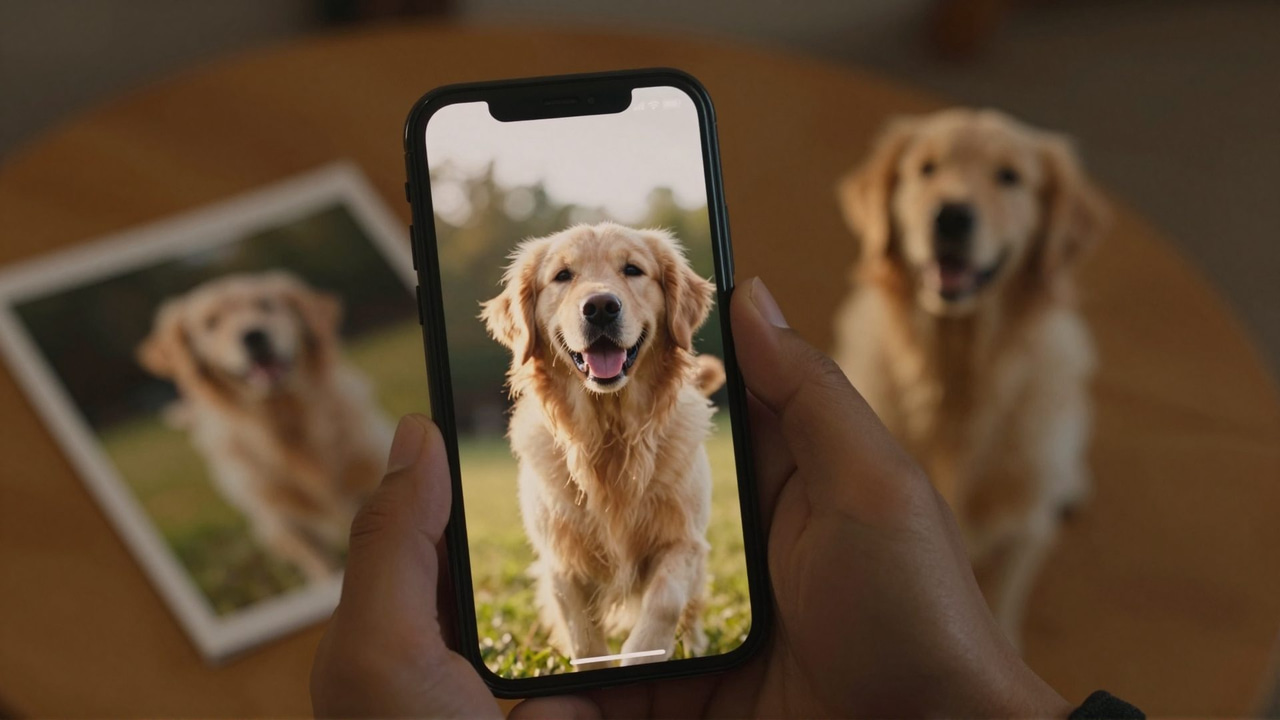
Open your camera roll right now. Somewhere in there is a photo of your dog mid-zoomie, a plate of food you were genuinely proud of, a beach at sunset from a trip you'll never take again, and at least one picture of a person you love laughing at something off-camera. Great stills. Zero content.
That's the quiet frustration of 2026: the platforms reward video, your best moments are photographs, and you can't go back and film them. The trip is over. The puppy grew up. The pasta got eaten.
This guide is about closing that gap. With a modern AI reel maker, any photo — pet, food, travel, place, object, or person — can become a cinematic vertical reel that looks shot on purpose. Not a slideshow with a zoom effect. An actual video, generated from your actual photo.
Quick answer: Yes. Imagera turns a single still photo into a motion-filled vertical reel by animating it and adding cuts, pacing, and effects sized for 9:16 feeds, so you can post a shareable clip without filming anything.
How do you turn photos into reels with AI on Imagera?
Start with one clear source photo and a focused prompt for a short vertical clip. Request restrained movement, choose the supported duration and aspect ratio, and review the credit quote before generating. Check faces, products, text, and motion in the result before creating additional shots or joining them in an editor.
Are AI-generated reels good enough for Instagram, TikTok, and YouTube Shorts?
Yes. Imagera exports native 9:16 vertical video optimized for all 3 platforms, at frame rates up to 60fps and resolutions up to 4K, matching what feeds expect in 2026. Short vertical video is the format these apps push hardest, so turning a static photo into motion gives it a real shot at reach that a still image rarely gets, which is exactly the still-to-motion gap Imagera closes for creators posting several times a week.
Can you really turn photos into reels?
Yes — and the honest answer is that this changed meaningfully in the last two years. Reference-to-video AI can now take a single still photo and generate genuine motion video from it: the camera moves through the scene, fur ruffles, steam rises, waves roll. The critical part is fidelity — with Imagera's Universal Reel Maker, the reel is generated from your photo, not loosely inspired by it. Same dog, same plate, same beach.
That distinction matters because the first generation of "photo to video" tools fell into two camps, and both disappointed people:
- Slideshow makers applied a pan-and-zoom template to your stills. Technically video, but audiences recognize a Ken Burns effect in half a second and scroll on.
- Loose generators produced impressive motion but drifted from the source — the dog came back a slightly different dog, the kitchen gained a window that was never there.
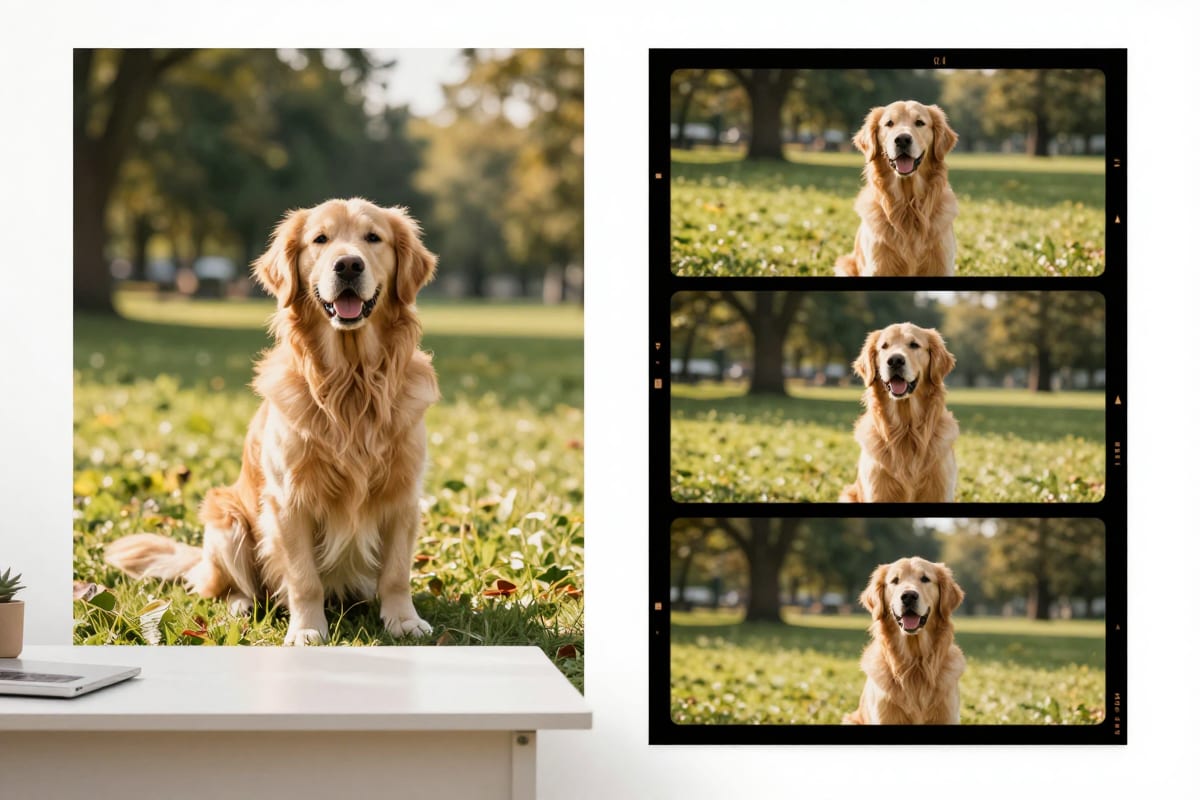
Reference-to-video changes the contract. Your photo is the anchor: the subject, the lighting, the setting all carry through into the generated footage. On the Universal Reel Maker landing page, the "Sample results" tabs show exactly this — two real, frame-audited reels made from one photo of a golden retriever: a lifestyle montage and a golden-hour portrait. One input photo, two completely different cinematic treatments, and it's unmistakably the same dog in both.
If you've been burned by a "turn a picture into a video" app before, that sample section is worth thirty seconds of skepticism-testing before you read another word here.
A cinematic vertical reel generated with Imagera — the kind of motion a single still photo can become.
Why do photo dumps underperform while reels dominate?
Because the platforms are watch-time machines, and a static image gives them almost nothing to measure. A carousel gets a swipe or it doesn't. A reel gets three seconds of attention, then five, then a rewatch, then a share — and every one of those signals tells the algorithm to show it to more people.
Creators feel this constantly: the ten-photo dump from an incredible weekend gets a polite trickle of likes from people who already follow you, while a mediocre nine-second video from the same weekend reaches strangers. Your photos aren't worse than your videos — they're playing a different game, on a smaller board.
The traditional fix was "shoot more video," which is easy advice and terrible practice. Nobody films their dinner from three angles. Nobody has B-roll of their dog as a puppy. And by the time you realize a moment was reel-worthy, the moment is a photograph.
The better fix inverts the problem: stop treating your camera roll as an archive and start treating it as raw footage. A photo-to-video AI lets every strong still compete in the format the algorithm actually rewards — without a reshoot, because a reshoot is usually impossible.
How does photo-to-video AI actually work?
You upload a photo, choose a style and format, and the reference-to-video AI generates new video frames anchored to your image — reconstructing the scene with depth and motion, then moving a virtual camera through it while animating the natural elements: water, steam, fabric, fur, light.
The practical result is footage that behaves like it was filmed. A photo of a café croissant becomes a slow push-in as steam curls off the coffee beside it. A static shot of a mountain lake becomes a drone-style glide across the water. A portrait of your cat on a windowsill becomes a shallow-focus cinematic moment, whiskers catching the light.
Three things are worth understanding before you generate:
- The photo is the contract. The AI treats your image as ground truth. What's in the frame is what appears in the reel — which is why photo choice (covered below) matters more than any setting.
- Multi-shot sequencing is where the magic is. A good reel isn't one long zoom; it's a sequence of shots — wide, medium, close — cut with intent. Imagera plans a shot sequence from your photo rather than stretching a single move across fifteen seconds.
- You see the price before you commit. Generation is priced in credits, shown on the generate button before you run anything, on a pay-as-you-go basis. No subscription required to try one photo. Details on how credits work are on the pricing page.
Which photos on your camera roll make the best reels?
Almost any subject works, but different photo types want different treatments — and different destinations. Use this as a starting map:
| Photo type | Reel style that fits | Where to post it |
|---|---|---|
| Pet (dog, cat, anything with fur) | Lifestyle montage or golden-hour portrait | Instagram Reels, TikTok |
| Food & drink | Slow close-up push-in, steam and texture emphasis | Instagram Reels, TikTok, Google Business Profile |
| Travel & landscapes | Cinematic B-roll glide, drone-style movement | Instagram Reels, YouTube Shorts |
| People & family | Warm portrait motion, subtle and natural | Instagram Reels, private shares |
| Products & small business | Studio-style orbit with clean background | TikTok Shop, Instagram, product pages |
| Cars | Walkaround-style sequence from angle shots | Instagram Reels, Facebook Marketplace |
| Homes & interiors | Smooth walkthrough-feel pans | Instagram Reels, listing pages |
The Universal Reel Maker handles all of these from a single tool, which is the right choice when your camera roll is a mix of everything. If you're consistently making one type, the specialized versions are tuned for that job: the Human Reel Maker for people and portraits, the Product Reel Maker for e-commerce shots, the Car Reel Maker for vehicles, and the Real Estate Reel Maker for property photos.
A useful rule: if you're asking "can this photo become a reel?", the answer is usually yes. The better question is "which three photos this month deserve it?" — and the sections below will make those picks obvious.
How do you make pet reels like Jiffpom and Doug the Pug — starring your pet?
Study the format, then feed it your own photos. Accounts like Jiffpom, Doug the Pug, Nala Cat, and That Little Puff became household names by doing something deceptively simple: showing one charismatic animal, consistently, in short watchable moments. (Editorial note: these creators have no connection to Imagera — they're referenced here purely as the reference points every pet owner already knows.)
What their content proves is that the star doesn't need to do much. Doug the Pug's entire genre is a pug existing near props. Nala Cat's is a cat being extremely a cat. The production value is in the framing, the light, and the edit — all things a reference-to-video AI supplies on top of a still photo.
Then there's the "golden retriever energy" trend: warm, sunlit, uncomplicated joy, usually starring — no surprise — a golden retriever, but really available to any pet with a happy face. It's arguably the most photo-friendly trend on the internet, because its core ingredients (warm light, soft motion, a delighted animal) are exactly what photo-to-video generation renders beautifully. Imagera's landing samples lean into this deliberately: one golden retriever photo, turned into both a lifestyle montage and a golden-hour portrait reel, both frame-audited so what you see is genuinely what the tool produced.
To make your own version:
- Pick the photo where the personality lives. Head tilt, mid-run tongue flop, the judgmental cat stare. Expression beats composition.
- Favor natural light. Golden hour photos of pets convert into the warmest, most trend-native reels.
- One pet, one moment, one reel. Don't cram six photos of six different days into one video. The single-moment reel is the format.
- Keep the caption in your pet's voice or yours — short. The reel does the talking.
Your dog will never be Jiffpom. That was never the goal. The goal is that the fifty photos of your dog stop living in a folder and start living on a feed — as your dog, because the reel is generated from your actual photo.
What makes a photo "reel-ready"?
The reel inherits everything from the photo — quality in, quality out. Before you upload, run the shot through this checklist:
| Factor | Good | Avoid |
|---|---|---|
| Sharpness | Subject in crisp focus | Motion blur, missed focus on the subject |
| Light | Natural, directional, golden hour or bright shade | Harsh flash, heavy backlight silhouettes |
| Subject size | Subject fills a third or more of the frame | Tiny subject lost in a wide scene |
| Background | Clean or atmospheric (café, beach, park) | Clutter that competes with the subject |
| Resolution | Original camera export | Screenshots, heavily compressed re-saves |
Two nuances worth knowing:
- "Imperfect" can still be excellent. A slightly grainy golden-hour shot with great emotion beats a technically flawless photo of nothing happening. The AI amplifies mood; it can't invent it.
- Vertical isn't required. You'll be exporting 9:16 for Reels and TikTok, but the source photo can be landscape — the generated shots are composed for vertical rather than crudely cropped. That said, a photo where the subject would survive a vertical crop gives the system the most to work with.
If a photo fails on sharpness or resolution, enhance it first rather than discarding it — this is especially relevant for the older photos covered later in this guide.
How do you turn travel photos into cinematic B-roll?
Treat each photo as one location's establishing shot, and let the AI supply the camera movement you didn't film. Travel is the category where photo-to-video feels closest to time travel, because the alternative is literal: you cannot reshoot Santorini from your kitchen.
The travel B-roll aesthetic that dominates Reels — slow glides over water, push-ins toward a doorway, a pan across a skyline at dusk — is built from exactly the kinds of shots people already photograph. The difference between your still of the Amalfi coast and the footage in a travel creator's reel was never the location or the light. It was that their camera was moving.
A workflow that consistently produces strong travel reels:
- Choose one hero photo per place — the shot with the strongest depth: a road leading in, a coastline curving away, a market street with layers. Depth gives the virtual camera somewhere to go.
- Generate a cinematic B-roll treatment with the Universal Reel Maker — the multi-shot sequence will typically give you a wide establishing move plus closer, more intimate framings from the same scene.
- Post per-location, or stitch a set. A single-location reel ("one photo from Kyoto, brought to life") is a clean format on its own. A trip recap works too: generate a reel per hero photo, then combine your favorites.
- Caption with the story, not the itinerary. "The street where we got completely lost" outperforms "Day 3: Gion district."
The emotional kicker is real: the trips already happened, and this is the only way those moments will ever move. That photo of the sunrise you woke up at 5 a.m. for deserves better than slide four of a photo dump.
Can food and small-business pages compete without a videographer?
Yes — and food might be the single most underrated use case for photo-to-video. Food-reel culture runs on close-ups: the cheese pull, the steam, the sauce drop, texture filling the whole frame. Restaurants and home bakers already photograph their dishes obsessively; they just rarely film them, because service hours and filming hours are the same hours.
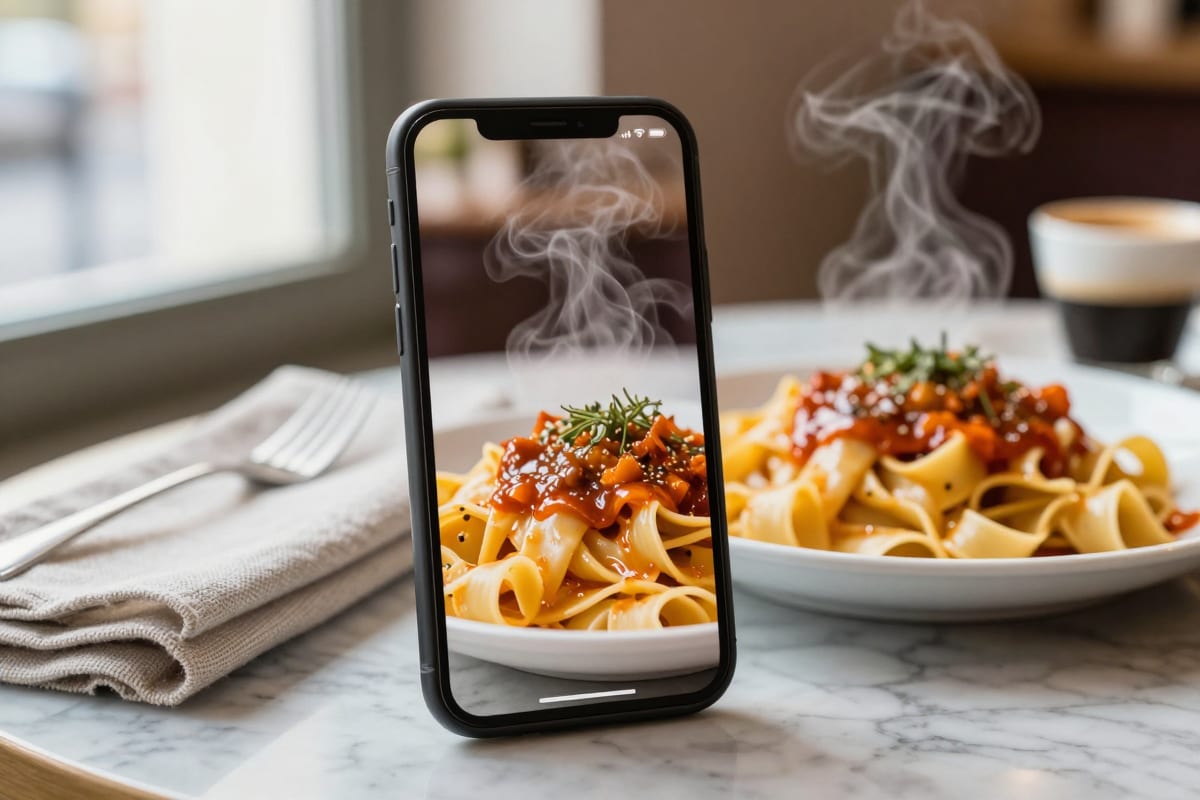
A reference-to-video AI turns the photo you took before the plate left the pass into the slow, luxurious close-up that food audiences expect. Steam rises. The camera pushes in. The glaze catches light. It's the same dish — your dish — presented the way food television taught everyone to crave it.
The same economics apply to every small business running its own page:
- Cafés and restaurants: one strong dish photo per week becomes one reel per week — a sustainable content calendar with zero filming.
- Makers, bakers, florists, Etsy sellers: product photos become product reels with studio-style motion, which read as far more premium than a static grid.
- Service businesses: before/after photos, workspace shots, and finished-project photos all convert into motion posts.
If your business content strategy also includes creator-style talking content, that's a different (complementary) machine — see our guide to AI UGC video generation for how photo-based product reels and UGC-style videos slot together in one content plan.
The competitive reality is simply that motion earns attention, and until now motion required either time or budget. Photo-to-video removes that trade — the generate button shows the credit price up front, you pay as you go, and one dish photo becomes tonight's post.
Which trend formats can you recreate from photos you already have?
Most photo-friendly reel trends boil down to a hook plus a treatment. Here are the formats that translate directly from stills:
| Trend format | The hook | Photos needed |
|---|---|---|
| Golden retriever energy | Pure warm joy, sunlit pet moment | 1 happy pet photo, good light |
| One photo, cinematic | "This was just a photo" reveal | 1 strong photo with depth |
| Food close-up drop | Texture-first slow push-in | 1 hero dish photo |
| Travel B-roll set | Place-by-place glide montage | 3–5 hero location shots |
| Then & now | Old photo brought to life, cut to present day | 1 old + 1 recent photo |
Two notes on execution:
- The "one photo, cinematic" format is your easiest first win. The reveal — showing the original still at the start or end — is itself the hook, and it's honest: the reel really was generated from that photo. Audiences respond to the transparency.
- Trends age; formats don't. Specific audio and captions rotate weekly, but "warm pet moment," "texture close-up," and "place brought to life" are permanent genres. Build your reels on the format and borrow whatever audio is current when you post.
How do you bring old photos back to life — gently?
Some photos in your camera roll aren't content. They're the dog who isn't here anymore, the grandparent at a kitchen table, the last trip before everything changed. Photo-to-video can serve these moments too — and it deserves a different register when it does.
Because the reel is generated from your actual photo, the subject stays them: the same face, the same fur, the same afternoon light in the same kitchen. For a lot of people, seeing a beloved pet's photo move gently — an ear twitch, a breeze in the fur, a slow warm camera drift — is unexpectedly powerful. Not as a spectacle, but as a keepsake.
If you use it this way, a few suggestions from people who have:
- Choose subtle treatments. A quiet golden-hour portrait style suits a memorial far better than a fast-cut montage.
- Scanned prints work. Photograph or scan the print as flat and evenly lit as you can; enhance it if it's soft, then generate.
- You don't have to post it. Some of the most meaningful reels made with these tools are shared with exactly one family group chat, or nobody at all.
How do you make your first reel with Imagera?
The whole flow takes a few minutes in the Universal Reel Maker studio:
- Pick your photo. Use the checklist above — sharp, well-lit, subject prominent. One photo is enough; this is a single-moment format, not a slideshow.
- Upload it. Camera roll exports work as-is; landscape photos are fine.
- Choose a style. Lifestyle montage, cinematic portrait, B-roll glide, close-up — match it to your photo type using the table earlier in this guide. If nothing fits, describe the treatment you want in your own words.
- Check the price, then generate. The credit cost appears on the generate button before you commit — pay-as-you-go, no subscription needed to try it. (How credits work: pricing.)
- Review the shot sequence. You'll get a multi-shot reel, not a single stretched zoom. If the mood isn't right, regenerate with a different style — the second attempt is where most people find their voice.
- Export 9:16 for Instagram Reels and TikTok, add current audio in-app when you post, and caption with the story behind the photo.
Before your first upload, spend a minute on the landing page's Sample results tabs — the two golden retriever reels (lifestyle montage and golden-hour portrait, both generated from one real photo and frame-audited) are the fastest way to calibrate what "generated from your actual photo" means in practice.
A sustainable rhythm for most accounts: three photos a week, three reels a week. That's a real content calendar, sourced entirely from moments you already captured.
Your camera roll is already a content library
The moments were real. The photos are good. The only thing missing was motion — and that's now the easiest part of the whole equation.
Pick one photo tonight: the dog, the dish, the beach, the person. Generate one reel. Show the original photo at the end so people understand what they just watched. That single post will teach you more about this format than any guide can.
Turn your first photo into a reel with the Universal Reel Maker →