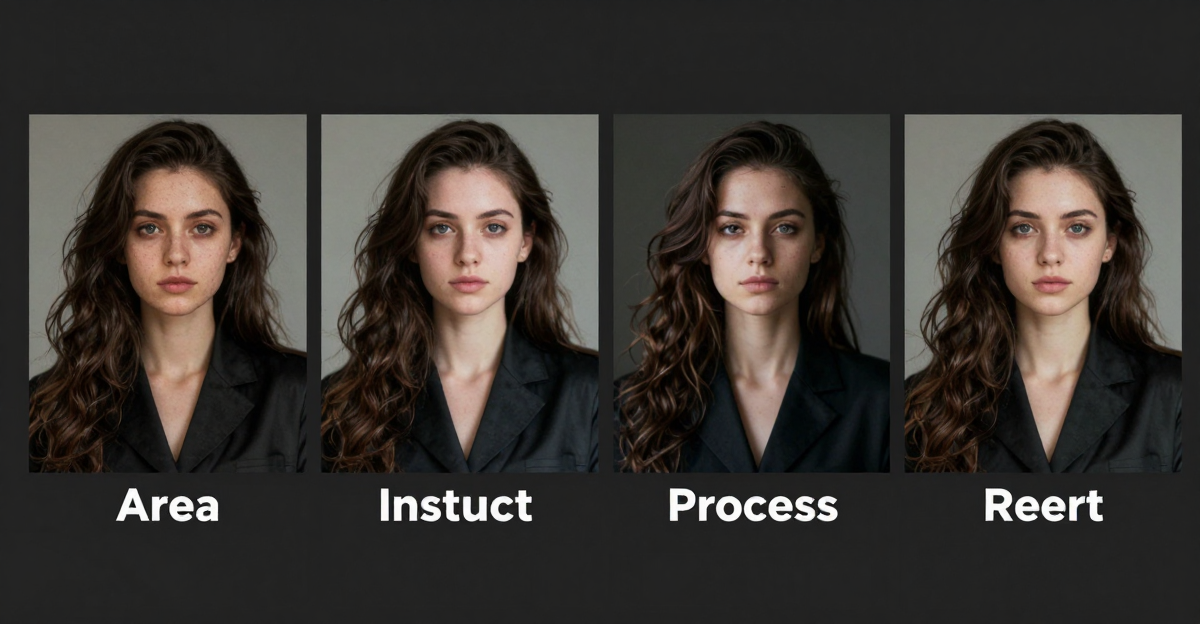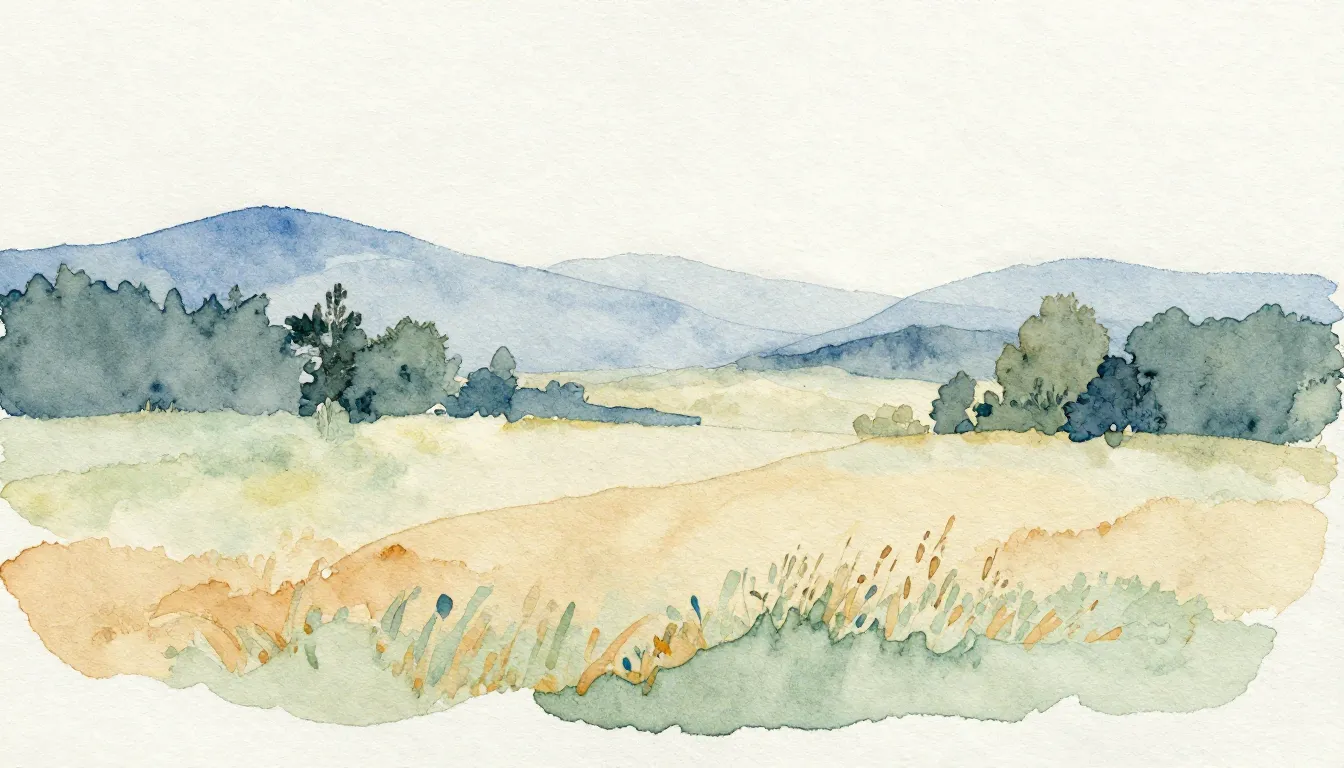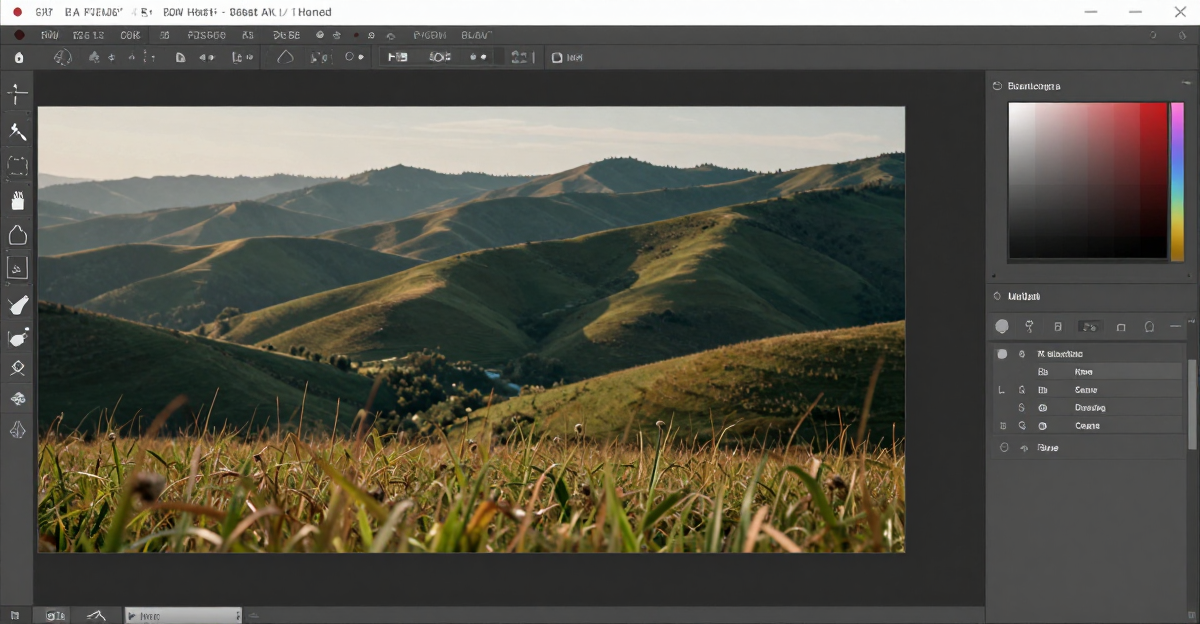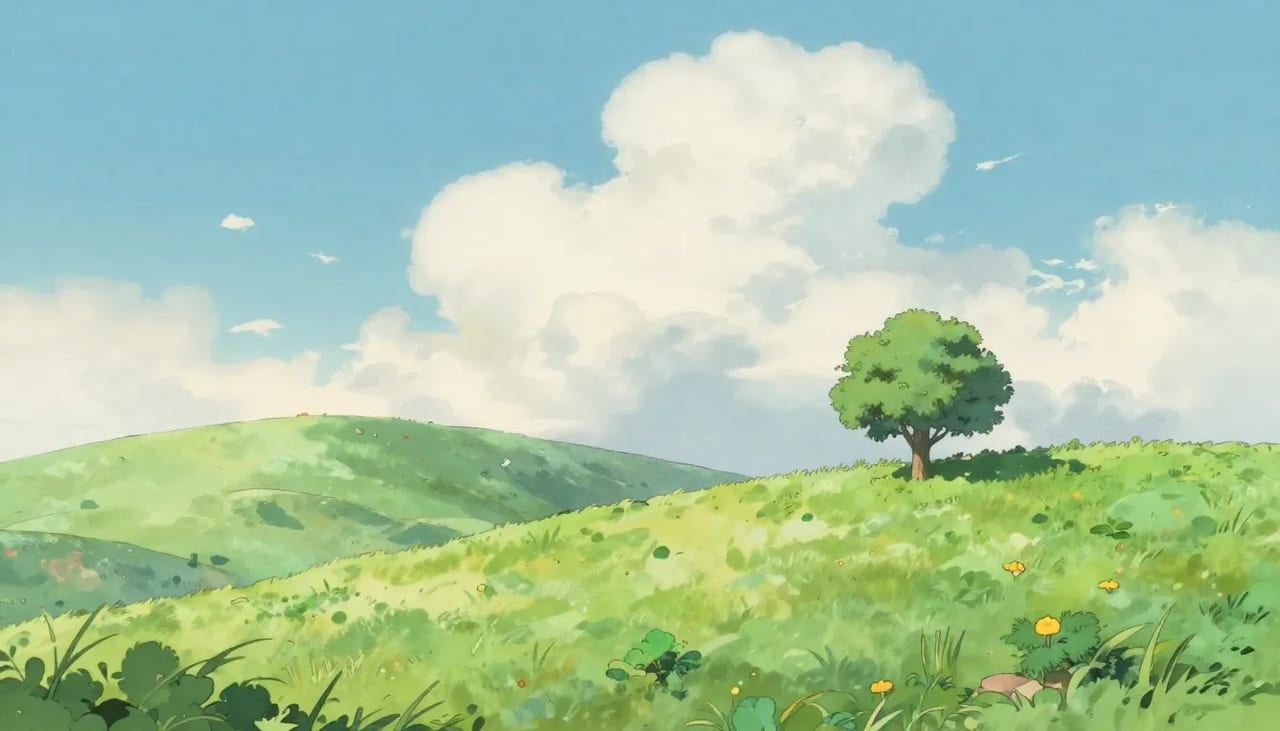
The Studio Ghibli art style — soft watercolor textures, warm dreamy palettes, hand-painted charm — has become one of the most requested AI art styles in 2026. What started as a niche prompt technique has turned into a mainstream creative tool used by hobbyists, small brands, and content creators alike.
This guide covers how to create Ghibli-style images from your own photos using Imagera's AI style transfer capabilities, with practical, tested tips for getting the best results. It walks through the exact settings, the source photos that convert well, the common mistakes that ruin a render, and how the credit cost actually works — so you can go from a phone snapshot to a painterly anime scene without trial-and-error guesswork.
Quick answer: Imagera turns any photo into hand-painted Ghibli-style art in under 60 seconds, converting real people, pets, and landscapes into soft, watercolor anime scenes at up to 4K resolution.
1.How does Imagera turn a photo into Ghibli-style art?
You upload 1 photo, pick the Ghibli look, and Imagera repaints it as anime art in under 60 seconds, keeping faces and poses recognizable. The 2026 pipeline preserves composition while adding painterly skies, soft lighting, and hand-drawn linework, then exports up to 4K. Most conversions cost from 10 credits, and you can generate 4 variations per run to compare styles.
2.Can I make high-resolution Ghibli portraits for prints and phone wallpapers?
Yes. Imagera outputs Ghibli-style images up to 4K, sharp enough for A4 prints and phone wallpapers. The detail holds up well at full print size without looking blurry or pixelated. Batch 4 versions, then upscale the winner in one click to get the crispest result for framing or as a lock-screen background.
3.What Is Ghibli-Style AI Art?
Studio Ghibli's visual identity blends traditional hand-drawn animation with rich watercolor and gouache textures. Films like Spirited Away, My Neighbor Totoro, and Howl's Moving Castle defined this aesthetic: soft lines, ambient lighting, lush natural environments, and a cozy European-influenced atmosphere.
AI style transfer replicates these visual characteristics by analyzing the structural elements of your photo and re-rendering them through a model guided by similar artistic patterns. The result transforms a smartphone snapshot into something that looks like a Ghibli background painting — the sky becomes a soft pastel gradient, harsh edges soften into hand-drawn lines, and greenery takes on that saturated, storybook glow.
It's important to be clear about what this is and isn't. A Ghibli-style render is a new image inspired by an artistic tradition, not a copy of any specific frame, character, or scene from a Ghibli film. You're borrowing the look and feel — the palette, the brushwork, the mood — not the intellectual property. That distinction matters for how you can use the output, which we cover in the FAQ below.
4.What the Image Generator Actually Does
Imagera's image generator is a LoRA-driven AI image tool, not a one-button filter. Under the hood it gives you five generation modes, each suited to a different workflow, plus direct access to a library of more than 100,000 community-created LoRA style models. Here is what each mode does and where Ghibli work fits:
- Z-Image T2I (text-to-image) — the highest-quality mode. You describe a scene in words and the model builds it from scratch. Ideal for original Ghibli-style scenes that don't start from a photo.
- Z-Image I2I (image-to-image) — upload a source photo and transform it. This is the mode most people use to turn a real portrait, pet photo, or landscape into Ghibli art. You control how far the transformation goes with a strength slider.
- Qwen T2I — a fast text-to-image mode with a Lightning option that generates in roughly four steps. Great for quickly exploring composition ideas at a lower credit cost before committing to a polished render.
- Qwen Edit — combine 1 to 3 uploaded images with a prompt. Useful if you want to place a person from one photo into a scene from another and then apply a Ghibli treatment.
- Real Camera — adds authentic sensor noise and camera characteristics to output. This is a photorealism mode; it is the opposite of a Ghibli look, so you'd leave it off for painterly art.
The feature that makes Ghibli results consistent is LoRA chaining. A LoRA (Low-Rank Adaptation) is a lightweight style adapter that carries specific visual training — exact color palettes, line weights, shading patterns, and compositional habits — that plain text prompts can't reliably reproduce. Imagera lets you chain up to 4 LoRAs in a single generation and set each one's strength from 0.1 to 1.0, so you can layer, for example, a watercolor LoRA under an anime LoRA and dial each to taste. You add a LoRA by pasting its CivitAI URL (or a Google Drive, Dropbox, or direct link), and the platform fetches it automatically — no downloads, no GPU, no local installation.
5.How to Create Ghibli-Style Art with Imagera
5.1Method 1: LoRA-Based Style Transfer (Recommended)
Imagera's image generator supports LoRA models — lightweight style adapters that guide the AI toward specific visual aesthetics without retraining the entire model. This is the most reliable path to an authentic Ghibli look because the style data lives in the LoRA rather than relying on the model to interpret words like "Ghibli" on its own.
Step-by-step:
- Open the Image Generator
- Upload your source photo using the Image-to-Image mode (Z-Image I2I)
- Search the LoRA library for "Ghibli" or "watercolor anime"
- Apply the LoRA with strength 0.6-0.8 (higher = stronger style effect)
- Write a prompt describing the scene: "watercolor illustration, soft pastel lighting, lush green environment, Ghibli aesthetic, hand-painted texture"
- Set the image-to-image change level to a middle range to balance style transfer with source photo preservation
- Generate
Why LoRA works best: Unlike text-only prompting, LoRA models carry specific visual training data. A Ghibli-flavored LoRA has learned the color palettes, line weights, shading patterns, and compositional techniques from many reference images. The results are more consistent and authentic than prompt-only approaches, and because you can chain multiple LoRAs, you can blend a watercolor base with an anime line style for a look that's closer to the films.
5.2Method 2: Text-to-Image with Style Prompts
If you're creating Ghibli-style art from scratch (no source photo), use Z-Image T2I:
- Open the Image Generator
- Write a detailed prompt: "Studio Ghibli style illustration of a girl walking through a sunlit meadow, soft watercolor textures, warm golden light filtering through clouds, wildflowers, gentle breeze, hand-painted quality, Miyazaki aesthetic"
- Add a LoRA for Ghibli style at strength 0.5-0.7
- Generate at high resolution
Prompt tips for Ghibli style:
- Include atmospheric keywords: "soft pastel lighting", "golden hour", "misty morning"
- Reference natural environments: forests, meadows, coastal cliffs, European villages
- Mention texture: "watercolor", "hand-painted", "gouache", "traditional media feel"
- Add mood words: "whimsical", "peaceful", "magical realism", "nostalgic"
5.3Method 3: Batch Style Transfer
For creating a series of Ghibli-style images (social media content, story sequences, product collections):
- Prepare multiple source photos
- Set up your LoRA + prompt configuration once
- Process each image with the same settings for visual consistency
- Adjust individual images by tweaking the change level
This workflow maintains a cohesive visual identity across a content series — important for brand consistency on Instagram or TikTok, where a matching palette and line style makes a grid look intentional rather than random.
6.Step-by-Step: From Phone Photo to Ghibli Scene
If you've never done this before, here is a start-to-finish walkthrough for a typical portrait. It should take a couple of minutes and one or two generations to dial in.
- Pick the right photo. Choose a well-lit, front-facing or three-quarter portrait with a relatively simple background. Ghibli's palette is warm and bright, so a photo shot near a window or outdoors in soft daylight translates far better than a dim, high-contrast image.
- Open the tool and choose Z-Image I2I. Upload your photo. This mode keeps the underlying structure — pose, framing, rough proportions — while reinterpreting the surface in your chosen style.
- Add a Ghibli or watercolor-anime LoRA. Paste the CivitAI URL or search the library. Start with a single LoRA at strength 0.7 before you experiment with chaining a second one.
- Write a short, specific prompt. Describe the subject and the mood: "portrait of a young woman, soft watercolor anime, warm afternoon light, gentle hand-painted shading, calm expression, pastel background." Avoid contradicting the style with words like "hyperrealistic" or "8K photo."
- Set your change level to a balanced middle. Too low and the photo barely changes; too high and the face may drift away from the original. Middle values give you a recognizable subject with clear stylization.
- Generate and review. First results appear in seconds. Check the face for distortions and the background for muddiness.
- Iterate one variable at a time. If the style is too weak, raise the LoRA strength. If the face changed too much, lower the change level. Change one setting per attempt so you can see what each does.
- Upscale for print or large screens. Native output is high-resolution; when you need 4K for a poster or canvas, run the result through the image upscaler, which can chain multiple passes for large enlargements.
7.Common Use Cases
7.1Portraits
- Front-facing or three-quarter angle
- Natural lighting
- Simple backgrounds
- The AI transforms facial features into the characteristic Ghibli soft-line style — best kept at a moderate change level so the person stays recognizable
7.2Landscapes
- Golden hour or overcast conditions
- Natural scenes (forests, coastlines, mountains, gardens)
- These translate most naturally to Ghibli backgrounds and often need very little prompt work — the style does most of the heavy lifting
7.3Pets and Animals
- Clear photos with good contrast
- Animals in natural settings produce charming results
- The Ghibli style naturally suits animal subjects (think Totoro, Catbus, Jiji)
7.4Architecture
- European-style buildings, countryside homes, market streets
- Interior scenes with warm lighting
- The Ghibli aesthetic draws heavily from European architectural styles, so a cobblestone alley or a cottage garden renders beautifully
7.5What Doesn't Work Well
- Dark, low-contrast photos (the Ghibli palette is warm and bright)
- Heavily filtered or processed images
- Photos with text, logos, or UI elements
- Very cluttered compositions where the model struggles to decide what to emphasize
8.Who It's For
The same workflow serves very different people:
- Hobbyists and gift-makers turning family photos, wedding shots, or a favorite pet portrait into wall art, cards, or phone-case prints.
- Content creators who want a distinctive, cohesive aesthetic for an Instagram grid or a TikTok series that stands out from generic AI output.
- Illustrators and concept artists using style transfer as a fast starting point for storyboards, character explorations, or mood boards before refining by hand.
- Small brands in food, wellness, travel, or eco-friendly niches whose warm, nature-forward identity aligns naturally with the Ghibli mood.
- Teachers, writers, and indie game makers who need affordable, on-theme illustrations for blogs, book scenes, or game backgrounds without commissioning custom art for every asset.
9.Ghibli vs Other AI Art Styles
| Style | Characteristics | Best For |
|---|---|---|
| Ghibli/Miyazaki | Soft watercolor, warm palettes, hand-painted | Portraits, landscapes, social media |
| Pixar/3D | Clean CGI, bright colors, exaggerated features | Character design, fun portraits |
| Watercolor (general) | Loose brushwork, translucent layers, organic edges | Artistic prints, wall art |
| Anime (general) | Sharp lines, vivid colors, dynamic poses | Character art, fan content |
| Oil Painting | Thick textures, rich colors, classical composition | Formal portraits, fine art |
Imagera supports all these styles through its LoRA library. With 100,000+ LoRA models available via the CivitAI integration, you can achieve virtually any artistic style, and because you can chain up to four, you can blend two or more of the looks above into a single hybrid.
10.How Imagera Compares to Other Ways of Getting Ghibli Art
Honest context helps you decide whether this is the right tool. Competitor prices below are their published figures; the Imagera column is expressed in credits, since our per-image cost depends on which plan you're on.
| Approach | Custom style control | LoRA chaining | Typical cost |
|---|---|---|---|
| Imagera image generator | High — 100,000+ LoRAs, adjustable strength | Yes, up to 4 | From 5 credits per image |
| Midjourney | Preset styles only | No | From $10/month subscription |
| DALL-E style tools | Preset styles only | No | Bundled into paid tiers |
| One-tap phone "Ghibli filter" apps | Very low — fixed overlay | No | Free to a few dollars |
| Commissioning a human illustrator | Total (it's bespoke) | N/A | $50-500+ per piece |
Where Imagera stands out is control: you choose the exact LoRA, tune its strength, and can layer styles rather than accepting a single locked look. Where the tradeoffs lie: a one-tap phone filter is faster for a single throwaway image, and a human illustrator gives you true originality and revisions. Imagera sits in the middle — far more control and consistency than a filter, at a fraction of the cost and turnaround of a commission.
11.Technical Settings for Best Results
11.1Resolution
Generate at high resolution for crisp detail. For print-quality output, generate at the highest resolution available, then use the image upscaler to scale to 4K or higher. Chaining multiple upscaler passes lets you reach poster and canvas sizes.
11.2LoRA Strength
- 0.3-0.5: Subtle Ghibli influence, photo still clearly recognizable
- 0.5-0.7: Strong style transfer, balanced between photo and art
- 0.7-0.9: Heavy Ghibli style, artistic interpretation dominates
- 0.9-1.0: Full artistic transformation, minimal photo preservation
11.3Image-to-Image Change Level
- Low: Preserves most photo details, light style overlay
- Medium: Balanced — recognizable subject with clear style transfer
- High: Strong transformation, may alter facial features and background details
11.4Prompt Discipline
Keep prompts aligned with the style. Mixing a Ghibli LoRA with words like "photorealistic," "hyperdetailed," or "raw photo" fights the aesthetic and produces muddy, uncertain results. Describe mood, lighting, and setting instead.
12.Tips for Best Results
- Start with a single LoRA before chaining. Learn what one Ghibli or watercolor LoRA does at strength 0.7, then add a second only if you want to refine the look. Chaining four LoRAs at once is powerful but harder to reason about.
- Match the light. Ghibli lives in golden hour, soft overcast, and misty mornings. If your source photo has that lighting, you're halfway there.
- Keep backgrounds simple for portraits. A busy background competes with the subject and often turns to visual noise under heavy stylization.
- Change one setting per attempt. If you adjust strength, change level, and prompt all at once, you won't know which change helped.
- Use Qwen T2I Lightning for cheap exploration. Rough out a composition fast and cheap, then re-run your favorite in a higher-quality mode.
- Train a signature style if you make a lot of these. If you want a look that's yours alone, Imagera lets you train your own custom LoRA — helpful for creators building a consistent brand aesthetic across many images.
13.Common Mistakes to Avoid
- Cranking every slider to maximum. Full LoRA strength plus a high change level often erases the subject entirely. Start moderate and climb.
- Using a dark or heavily filtered source. The Ghibli palette is bright and warm; a moody, low-contrast photo works against it. Pick a cleaner original.
- Contradicting the style in the prompt. "Ghibli watercolor" and "ultra-realistic 8K photo" in the same prompt confuse the model.
- Ignoring the face on portraits. At high change levels, facial features can drift. If likeness matters, lower the change level and check every render.
- Expecting one perfect shot on the first try. Two or three quick iterations, adjusting a single variable each time, almost always beats one careful attempt.
14.Examples: Mini Scenarios
The pet portrait gift. Start with a sharp, well-lit photo of a dog on grass. Z-Image I2I, one Ghibli LoRA at 0.7, a moderate change level, and a prompt like "golden retriever in a sunny meadow, soft watercolor anime, warm afternoon light." Two iterations to keep the dog recognizable, then upscale for a canvas print.
The travel-photo series. A creator has ten vacation shots of a European town. They lock in one LoRA-plus-prompt recipe and batch every image through it so the whole set shares a palette and line style — a cohesive Ghibli travel grid instead of ten mismatched edits.
The original scene. A writer wants an illustration for a blog post with no source photo. Z-Image T2I, a detailed prompt describing a lantern-lit night market, a Ghibli LoRA at 0.6, generated at high resolution and upscaled for the header image.
15.Pricing
Image generation with style transfer uses the same credit system as standard generation. Each generation costs credits rather than a per-style fee, and Lightning mode costs less than full-quality modes. Custom LoRA generations add a small credit surcharge. Plans start at $19.99 for 200 credits, with better per-credit value on higher tiers.
| Plan | Credits | Ghibli Images (~5 credits each) | Price |
|---|---|---|---|
| Starter | 400 | ~80 images | $19.99/mo |
| Pro | 1,500 | ~300 images | $49.99/mo |
| Business | 5,500 | ~1,100 images | $199.99/mo |
There is no separate "style transfer" subscription — credits work across every tool on the platform, including the image upscaler and custom LoRA training. Because the per-credit rate improves on larger plans, heavy users get a lower effective cost per image.
16.Use Cases in Detail
16.1Social Media Content
Transform personal photos into Ghibli-style art for Instagram, TikTok, and Twitter/X. The distinctive look stands out in crowded feeds, and a consistent recipe keeps a whole grid on-brand.
16.2Gift and Print Products
Create custom Ghibli-style portraits as personalized gifts — print on canvas, cards, phone cases, or posters. The watercolor aesthetic holds up well in physical formats, and upscaling first ensures crisp detail at large sizes.
16.3Brand Content
Develop a consistent Ghibli-inspired visual identity for brand storytelling. Food brands, lifestyle products, and eco-friendly businesses align naturally with the warm, nature-focused Ghibli aesthetic. Training a custom LoRA lets a brand lock a signature look no competitor can copy exactly.
16.4Fan Art and Creative Projects
Create original scenes inspired by the Ghibli universe. Design characters, environments, and stories in the distinctive style for creative communities and portfolio pieces — always as new "in the style of" work rather than reproductions of copyrighted characters.
17.Common Questions
17.1Does Ghibli-style AI art violate copyright?
AI style transfer creates new images inspired by an artistic style, not copies of specific frames or characters from Ghibli films. Art styles themselves cannot be copyrighted. Creating "in the style of" artwork is a long-standing artistic tradition. To stay on the safe side, avoid reproducing named characters, logos, or recognizable scenes and focus on original subjects rendered in the aesthetic.
17.2Can I sell Ghibli-style AI art?
Yes. Images generated with Imagera include full commercial rights regardless of the style used. You own the output and can use it for any commercial purpose, with no watermarks and no attribution required. As with any "in the style of" work, keep your subjects original rather than copying trademarked characters.
17.3How is this different from a Ghibli filter?
Filters apply a static overlay or color adjustment. AI style transfer actually re-renders the image structure — changing line work, shading, texture, and composition to match the target style. The result is dramatically more authentic, and unlike a fixed filter you can control exactly how strong the effect is.
17.4Can I adjust how much Ghibli style is applied?
Yes. LoRA strength (0.1-1.0) and the image-to-image change level let you precisely control the balance between your original photo and the Ghibli aesthetic. Lower values produce subtle hints; higher values create full artistic transformations.
17.5Which mode should I use — text-to-image or image-to-image?
Use Z-Image I2I (image-to-image) when you're transforming an existing photo and want to keep the pose, framing, and subject. Use Z-Image T2I (text-to-image) when you're inventing a scene from scratch with no source photo. For fast, low-cost experiments, Qwen T2I with Lightning roughs out compositions before you commit to a polished render.
17.6Can I combine two styles, like watercolor and anime?
Yes — that's what LoRA chaining is for. You can layer up to four LoRAs in one generation and set each one's strength independently, so you might run a watercolor LoRA at 0.5 under an anime-line LoRA at 0.7 to get closer to the hand-painted-plus-clean-linework feel of the films.
17.7Can I create a Ghibli look that's uniquely mine?
If you generate a lot of Ghibli-style work and want a signature aesthetic, you can train your own custom LoRA on Imagera. That gives you a private style model you can reuse across every image for a consistent, ownable brand look.
17.8How long does a Ghibli render take?
Generation typically completes in a few seconds. Lightning mode is fastest for previews; full-quality modes take slightly longer for cleaner detail. If you then upscale for print, add a short extra pass.
18.See it in action — real Imagera output
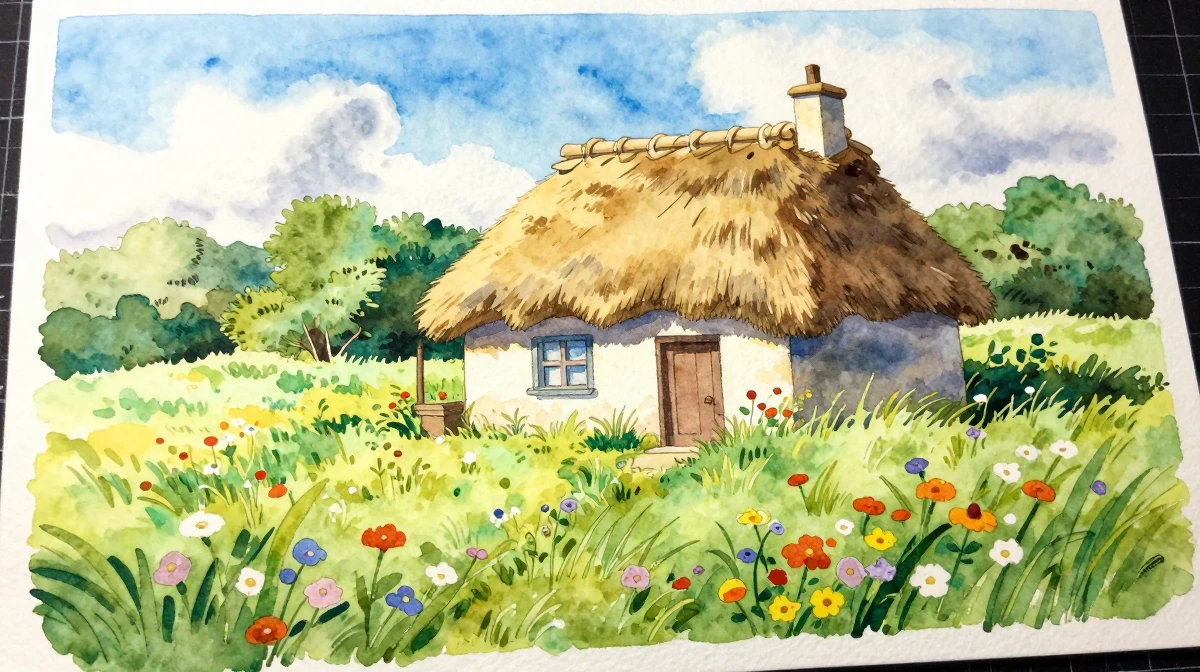
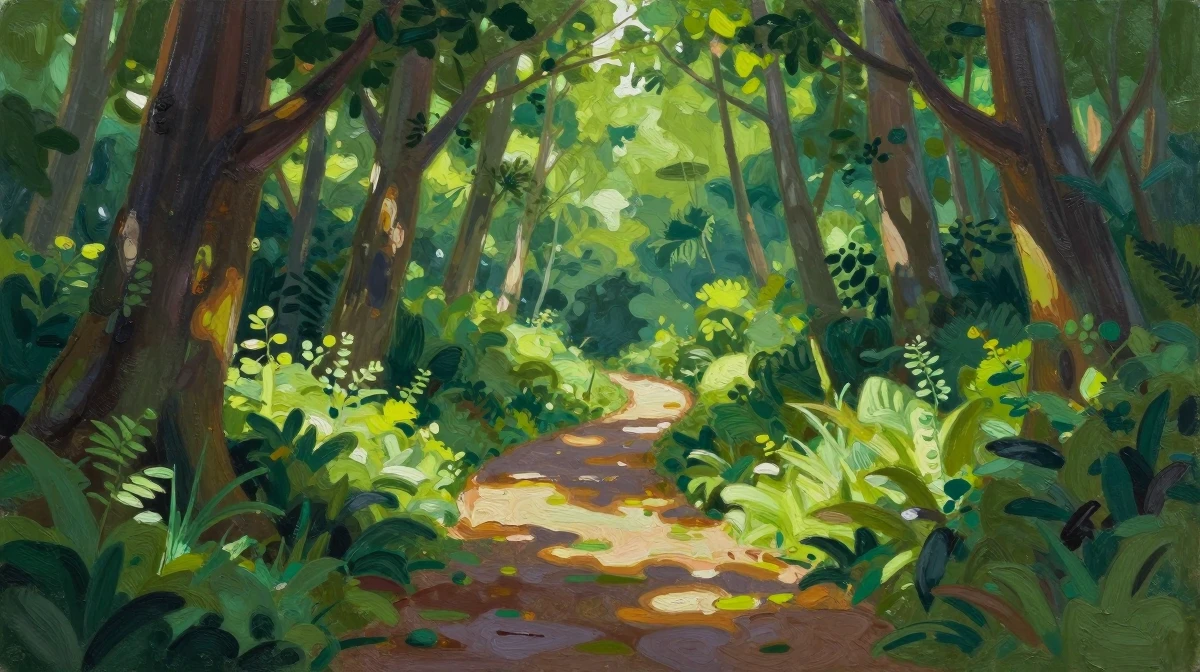
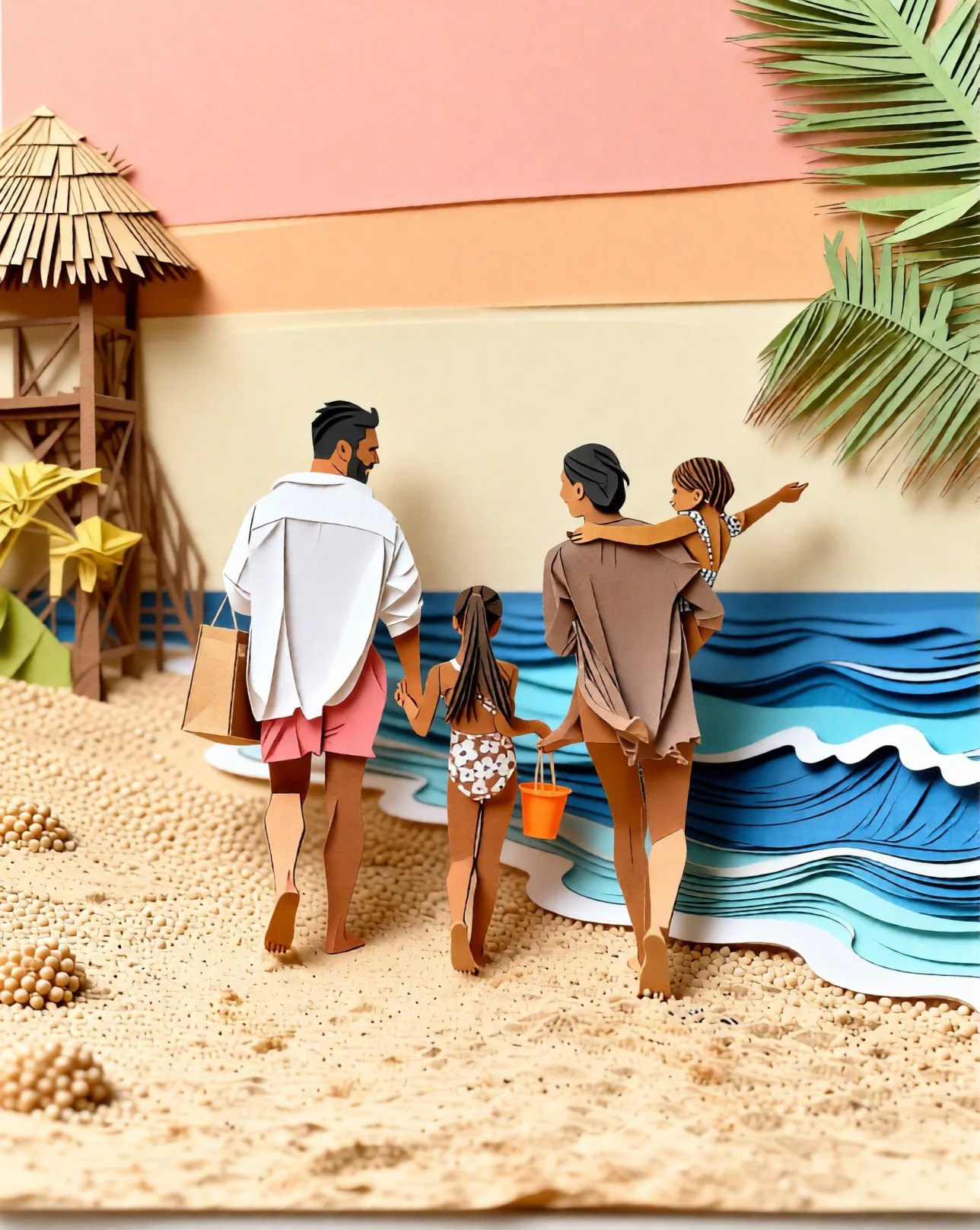
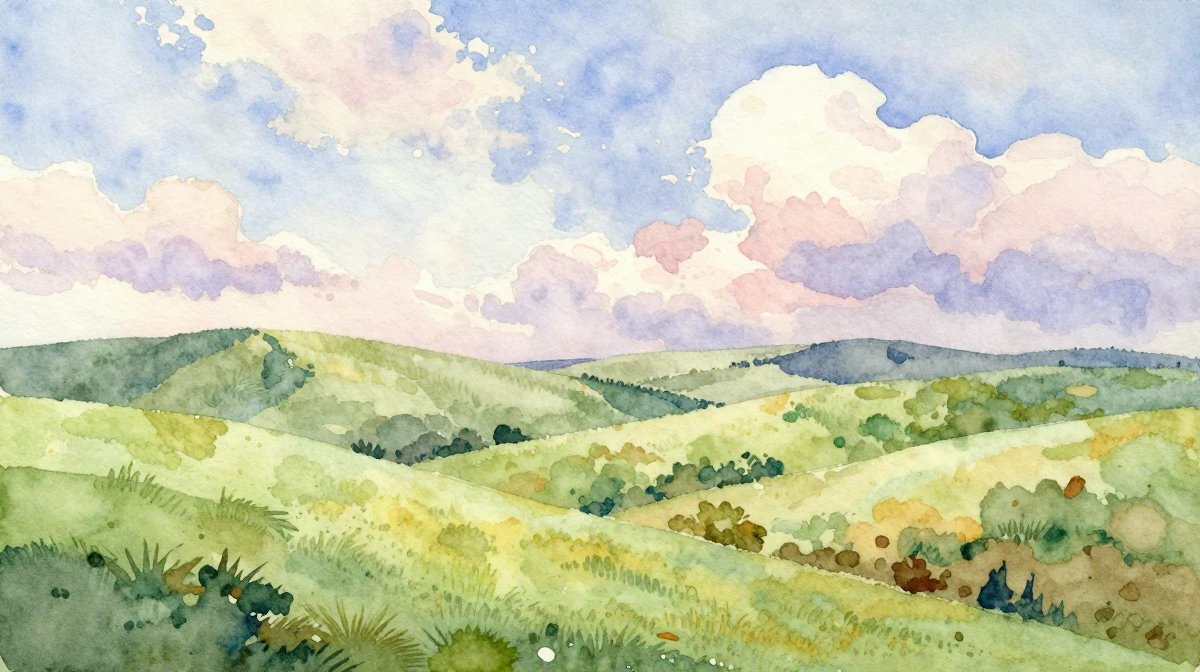
These are real, unedited results from the Imagera style transfer — the exact tool this guide covers.

19.Getting Started
Upload a photo, apply a Ghibli LoRA, and generate in under 30 seconds.
Try Ghibli Style Transfer — no subscription required, starting from $19.99/month.
Related: AI Watercolor Style Transfer | AI Image Generation Guide | LoRA Models Explained