Talking character videos are one of the fastest-growing content formats on TikTok, Instagram Reels, and YouTube Shorts. A still photo that speaks — whether it's a historical figure, a pet, a cartoon, or a product mascot — grabs attention because it's unexpected.
AI lip sync makes this achievable without video production skills. Upload any image, add audio, and get a talking video in under a minute.
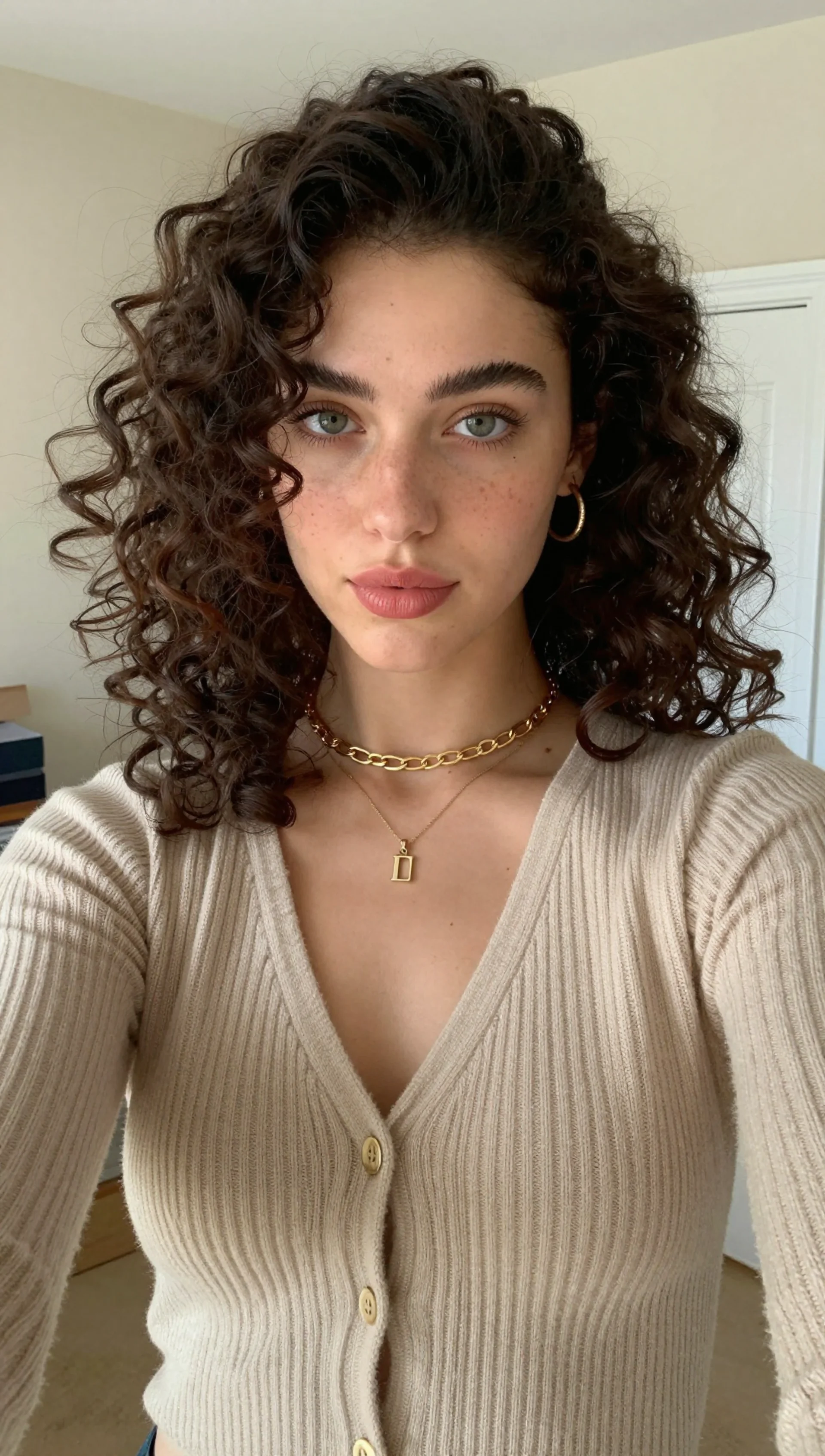
AI Lip Sync for Social Media: Make Characters Talk on TikTok & Reels is a practical Imagera workflow: start from a real source file, describe what should change, generate with credits shown up front, and review before you publish. This guide covers the steps, quality checks, and when to use related tools.
Quick answer: AI lip sync makes any face talk by mapping mouth movements to your audio, so you can turn a single photo into a talking TikTok, Reels, or Shorts video in under 60 seconds without filming.
1.How does AI lip sync work for social media videos?
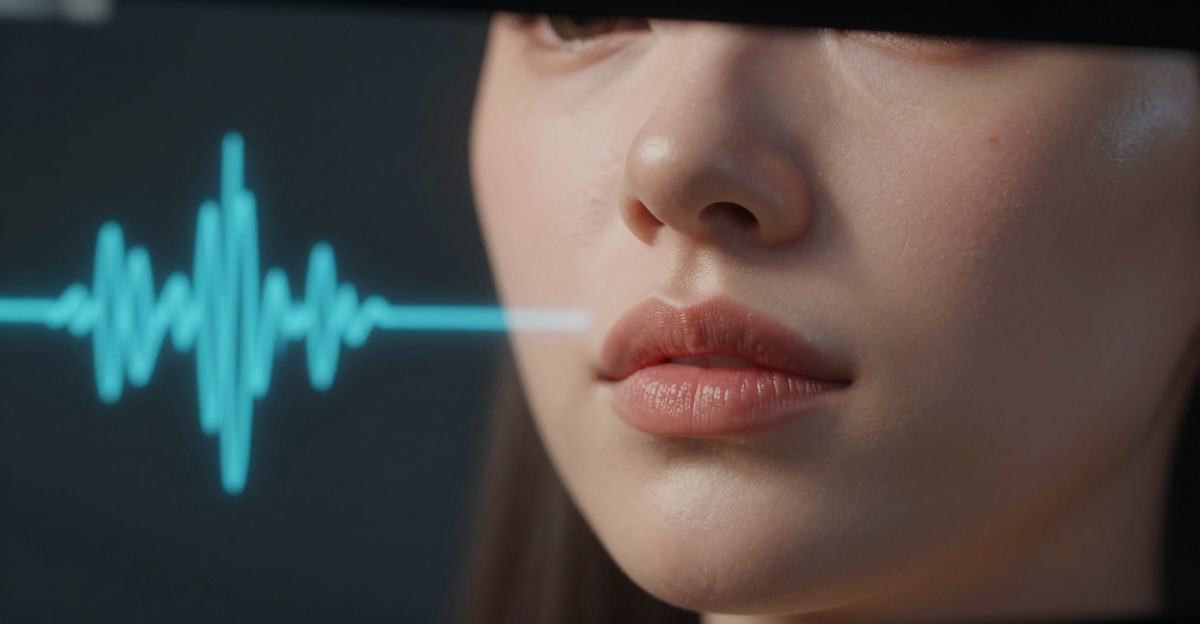
Imagera analyzes your audio waveform frame by frame and reshapes the mouth on any photo or AI character to match each phoneme, running at 24 to 30 frames per second. Upload 1 image, add a voiceover or trending clip, and Imagera renders a lip-synced video in under 60 seconds, exporting up to 4K for TikTok, Reels, and Shorts. Costs are shown in credits before you generate, and multi-speaker scenes with 2 or more characters are supported.
2.Are AI lip sync videos good enough for TikTok and Reels?
Yes. Imagera exports crisp 4K video at the 9:16 aspect ratio that all 3 major short-form platforms favor, with mouth movements tracked closely to your audio. Short talking-face clips are a natural fit for the fast-scrolling feed, and because you start from a single source photo, you can reuse one character across an entire content series instead of filming each clip from scratch.
3.Why Lip Sync Content Works on Social Media
Pattern interruption. Scrolling users stop when a still image starts talking. It breaks the expected feed pattern and earns those critical first 2 seconds of attention.
Personality without filming. Create a recurring character or persona without ever appearing on camera yourself. The character can post daily, respond to trends, and build a following — powered by AI.
Rapid content creation. Traditional video production takes hours. AI lip sync takes minutes. Record new audio (or type text and generate speech), apply it to your character, and post. React to trends the same day they emerge.
Reusable characters. The same source photo can speak unlimited times. Build a character identity that audiences recognize across posts.
4.Content Ideas That Work
4.1Trending Audio Reactions
Take trending audio clips and lip sync them to unexpected images — product photos "singing" trending songs, pet photos delivering monologues, historical paintings making commentary. The contrast drives engagement.
4.2Educational Characters
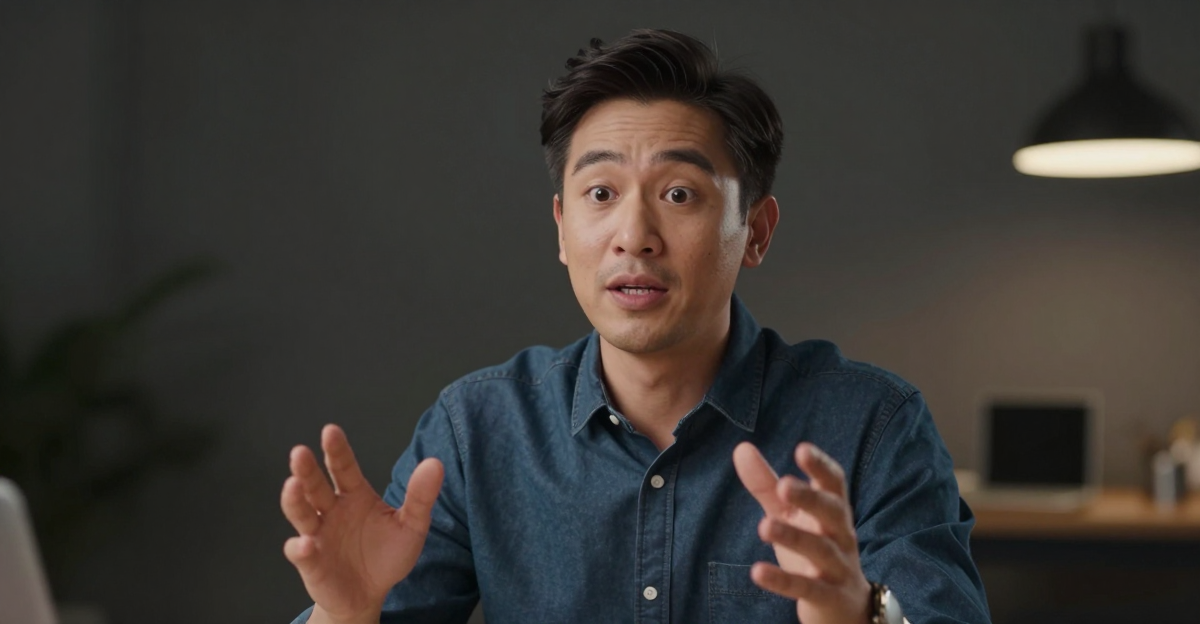
Create a recurring "professor" or "expert" character that explains concepts. Upload a professional photo (real or AI-generated), script educational content, generate voice, and post daily lessons. Build an audience around the character, not your personal appearance.
4.3Product Personas
Make your product literally speak. Lip sync a product photo delivering its own pitch, answering customer questions, or reacting to competitor comparisons. Unusual format = higher engagement.
4.4Storytelling Series
Develop characters for serialized storytelling. Multiple characters can speak in a single frame using multi-speaker mode. Create recurring dialogue series that bring audiences back for new episodes.
4.5News and Commentary
Create a commentator persona that delivers daily takes on industry news. Script the commentary, generate or record audio, lip sync to the character photo. Consistent format, rapid production.
4.6FAQ and Customer Support
Lip sync your brand mascot or spokesperson answering common customer questions. Pin these to your profile or use as reply videos. A talking face answering questions feels more personal than text.
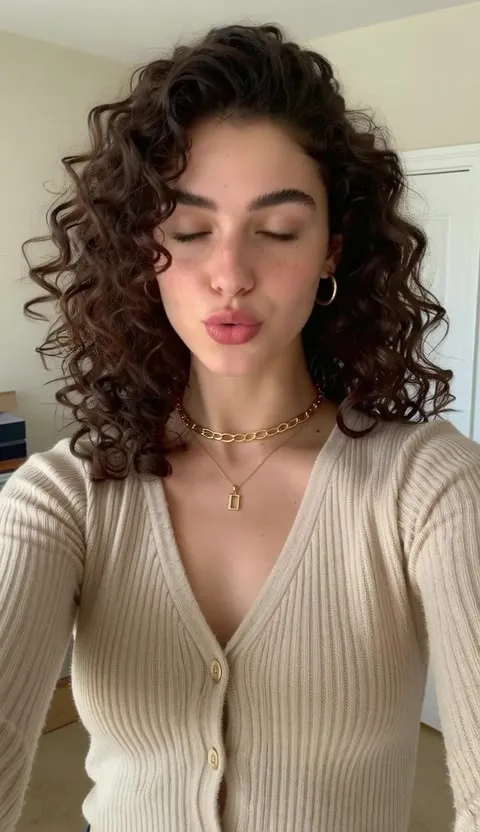
5.How to Create Lip Sync Social Media Content
5.1Set Up Your Character
Option 1: Use a real photo. Your own photo, a team member, or a public domain image. Good for personal brands and professional content.
Option 2: Generate an AI character. Use the image generator to create a unique character. Control the age, style, expression, and background. This character can become your brand's recurring face without licensing concerns.
Option 3: Use illustrations or stylized images. Cartoon characters, anime-style portraits, or artistic illustrations — as long as facial features are clear, AI lip sync works.
5.2Create Your Audio
Record yourself: Most authentic approach. Your voice, your delivery, your personality. Best for personal brands.
Generate with AI voice: Type your script and use the voice generator to create speech. Choose voice characteristics that match your character. Best for character-based content where you want consistency.
Use trending audio: Download trending audio clips (with proper rights) and lip sync to them. Best for trend-riding content.
5.3Generate the Lip Sync Video
Open the lip sync generator:
- Upload your character image
- Add your audio
- Select single-speaker mode (or multi-speaker for dialogue)
- Generate — takes 30-60 seconds
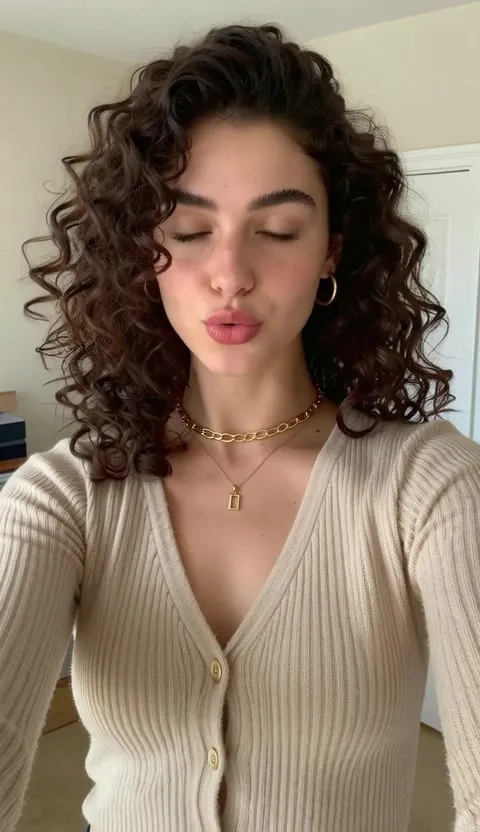
5.4Optimize for Each Platform
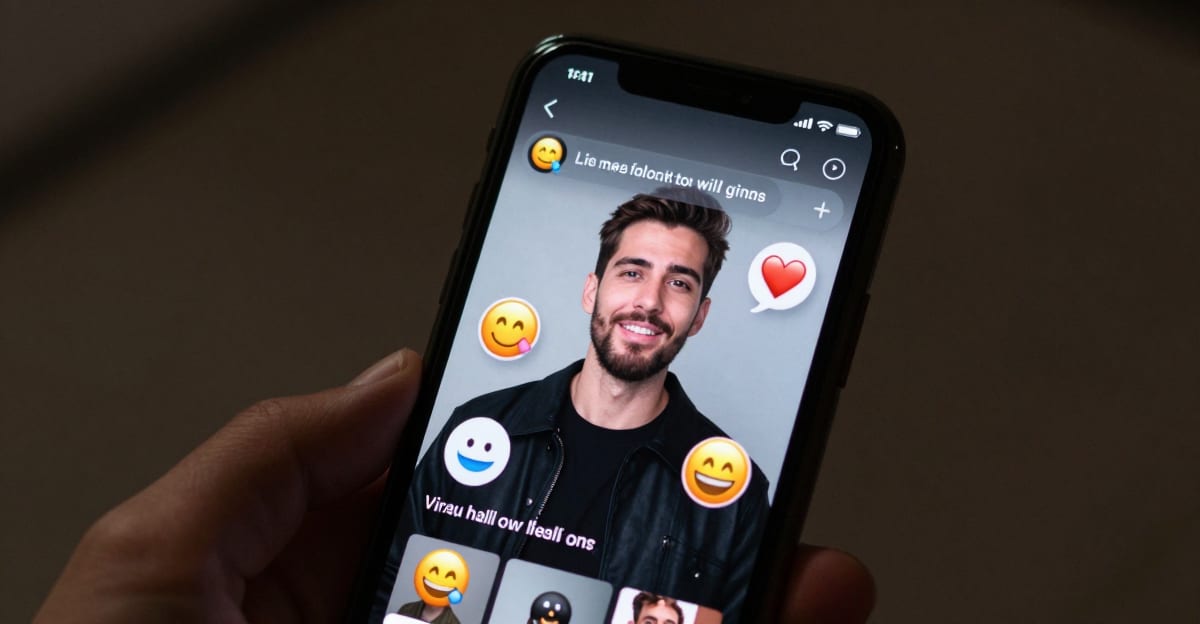
TikTok: Vertical format (9:16). Keep videos under 60 seconds for optimal algorithm performance. Add captions — most viewers watch without sound initially.
Instagram Reels: Same vertical format. First 3 seconds are critical — start with the talking immediately, no intro.
YouTube Shorts: Vertical, under 60 seconds. Keyword-rich titles and descriptions matter more here than on TikTok.
General tips:
- Add background music at 10-20% volume behind the speech
- Include on-screen captions for accessibility and sound-off viewing
- Use a hook in the first sentence — don't save the interesting part for later
6.Building a Content Machine
6.1Batch Production Workflow
Day 1: Script. Write 5-7 scripts for the week. Each script: 15-45 seconds of spoken content.
Day 2: Produce. Generate all 5-7 lip sync videos in one session. Using the same character photo, swap audio for each script. Total production time: 30-45 minutes for a week of content.
Days 3-7: Post. Schedule one post per day. Engage with comments. Monitor which formats get the most engagement.
This workflow produces daily content with under an hour of weekly production time.
6.2Content Repurposing
One lip sync video can become:
- A TikTok post
- An Instagram Reel
- A YouTube Short
- A LinkedIn video (for professional content)
- An email newsletter embed
- A website landing page element
Same video, different platforms, more reach from a single production.
6.3A/B Testing with AI
Test different approaches quickly:
- Same script, different character photos — which face gets more engagement?
- Same character, different audio delivery — fast vs. slow, serious vs. casual
- Same content, different hooks — which opening sentence drives the most watch time?
AI lip sync makes testing cheap. Each variation costs 15 credits and takes under a minute to produce.
7.What to Avoid
Over-produced content. Social media audiences prefer authentic-feeling content. A slightly imperfect lip sync on a casual photo outperforms a perfectly produced corporate video.
Long monologues. Keep lip sync content under 60 seconds. The format works best in short bursts — quick takes, reactions, tips, and commentary.
Ignoring the audio. Poor audio quality ruins lip sync regardless of how good the AI is. Clean recordings, natural pacing, and clear pronunciation matter.
Posting without context. Lip sync grabs attention, but your caption, hashtags, and posting time determine reach. Treat the lip sync video as the hook, not the entire strategy.
8.Pricing for Social Media Creators
Starter Plan: $19.99/month — 100 credits
- 6 standard lip sync videos per month
- Enough for weekly posting on one platform
Pro Plan: $19.99/month — 500 credits
- 33+ lip sync videos per month
- Daily posting across multiple platforms
- Credits also work for image generation and voice synthesis
Business Plan: $49.99/month — 1,500 credits
- 100+ lip sync videos per month
- Agency-level production for multiple clients or brands
Credits work across all Imagera tools. Generate your character with the image generator, create audio with the voice generator, and lip sync — all from the same credit pool.
9.Common Questions
9.1Will social media platforms penalize AI lip sync content?
Major platforms do not penalize AI-generated content that follows their terms of service. Authenticity labels may apply on some platforms, but these don't affect reach or engagement metrics. Content quality and engagement drive algorithm placement, not production method.
9.2How do I make the lip sync look more natural for social media?
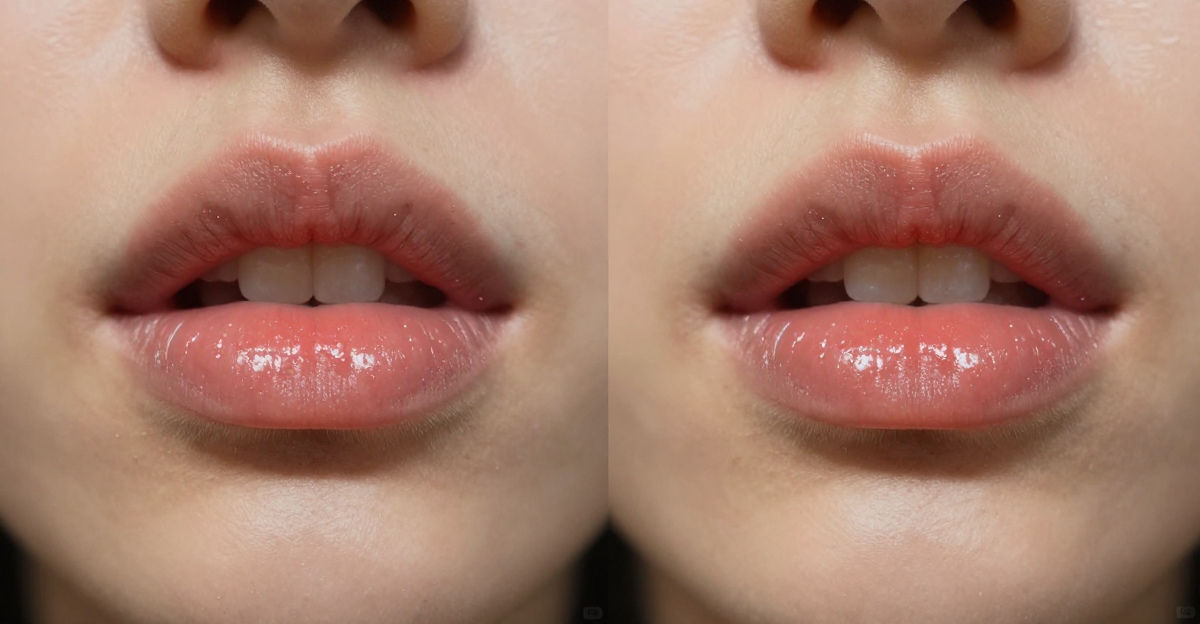
Use high-quality source images with good lighting, provide clean audio with natural speaking pace, and choose front-facing photos. Slight imperfections actually help — overly perfect lip sync can look uncanny.
9.3Can I create a recurring character that doesn't look like me?
Yes. Generate a custom character with the image generator and use it as your recurring lip sync source. Many successful social media accounts use AI-generated personas rather than real photos.
9.4Is 15 credits per video affordable for daily posting?
At the Pro plan ($19.99/month for 500 credits), you get 33 lip sync videos — more than daily posting. Combined with voice generation (2-5 credits), you can produce a complete daily content pipeline within the credit allocation.
10.Start Creating Social Media Lip Sync Content
Upload a photo. Add audio. Post a talking character video in minutes.
No filming. No editing software. From $19.99/month.
Related: AI Lip Sync Generator Guide | Hedra vs Imagera Comparison | Create Talking Avatar Videos | Talking Avatar Generator
11.Deeper guide (practical production)
12.Where to go next (product links)
| Need | Link |
|---|---|
| Open product | Open |
| Product Reel Maker | Open |
| Human Reel Maker | Open |
| AI Video Generator | Open |
| Avatar Generator | Open |
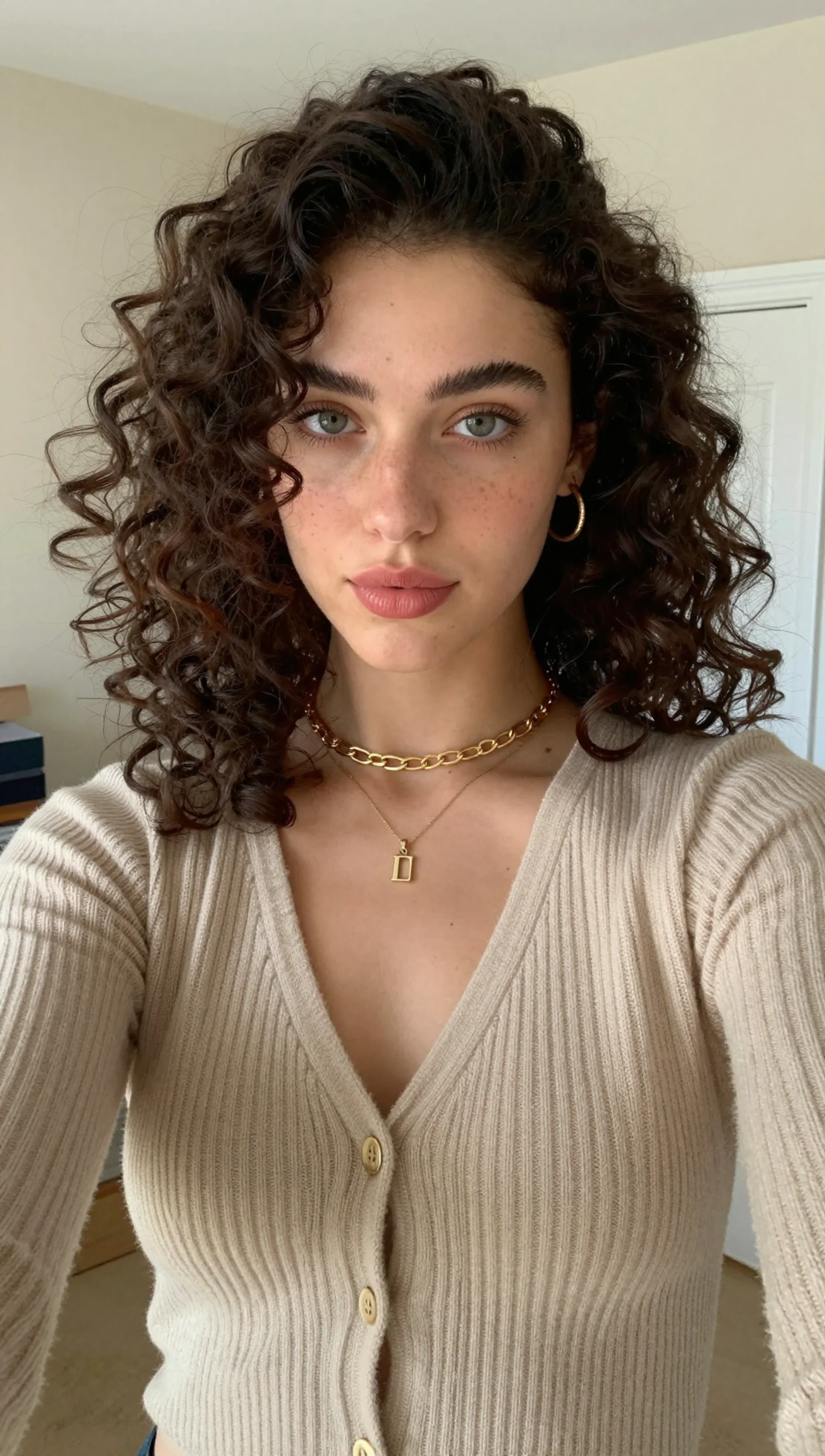
13.See it in action — real Imagera output
These are real, unedited results from the Imagera talking avatar — the exact tool this guide covers.
14.Solving the Audio Problems That Break Social Lip Sync
Most lip sync that looks "off" on Reels and TikTok fails at the audio stage, not the video stage. The mouth motion is only as clean as the vocal track you feed in — and trending social audio is rarely a clean vocal track. Getting this right is what separates a scroll-stopping talking clip from an uncanny one.
Isolate the voice before you generate. Trending sounds are usually a full mix: vocals sitting under a beat, sound effects, and sometimes overlapping speakers. Dense low-frequency music and stacked voices confuse phoneme timing, producing mushy or jittery mouth shapes. Where a trend allows it, sync to a clean vocal stem or your own recorded voiceover, then layer the trending beat back underneath in your editor. Your character locks to speech; the vibe of the sound stays intact.
Watch these specific failure cases:
| Audio situation | What goes wrong | Practical fix |
|---|---|---|
| Beat-heavy trending sound | Mouth "chews" to the rhythm | Sync to isolated vocals, add beat in post |
| Two people talking over each other | Model averages both, lips blur | Sync one speaker; cut to a second character for the other |
| Whispered / ASMR audio | Low signal, weak mouth movement | Record a normal-level VO, drop volume after |
| Fast rap or tongue-twisters | Frames can lag consonant clusters | Slow the vocal ~5–10%, or pick a calmer beat point |
| Non-verbal SFX (gasps, laughs) | No phonemes to map | Keep character in a neutral held expression there |
Multilingual and dubbing edge cases. Lip sync in Imagera maps mouth shapes to whatever audio you provide, so you can produce the same character speaking different languages by swapping the voice track — useful for creators posting to regional audiences. Languages with dense consonant clusters or heavy nasal sounds can read slightly stiffer than open-vowel languages; a front-facing, unobstructed jaw framing gives the model the most room to sell those shapes.
Framing decides how much mouth detail survives. Vertical 9:16 crops and busy on-screen captions both eat into the face. If the mouth occupies only a sliver of frame, small artifacts get magnified once the platform re-compresses your upload. Compose the source portrait so the mouth is well-lit, centered in the upper-middle third, and unobstructed by hands, mics, or hair — then reserve the lower third for captions rather than cropping over the face.
The hook window is unforgiving for talking clips. Viewers judge a talking face in the first second, and platform compression is harshest on fast motion. Put your strongest expression and cleanest sync in the opening beat, keep head movement modest during that window, and always burn in captions — a large share of feeds play muted, and captions carry the message even before your audio registers.
Handle the audio and framing deliberately and the lip sync stops being the thing people notice — which is exactly the point.
15.Where creators use AI lip sync most
The most common use is turning a still portrait or character into a talking clip for short-form video — a face that delivers a hook, a caption, or a quick explainer straight to camera. Creators also use it to give a recurring character a consistent voice across a series, to re-voice a clip in a second language while keeping the mouth movement believable, and to produce talking-avatar intros without filming themselves each time. The key to a clean result is giving the tool the exact words you want spoken rather than a rough paraphrase, since precise text keeps the mouth shapes and timing aligned. Pair a clear, well-lit source face with a short, natural line, and the lip sync reads as a single take rather than an obvious edit.