AI Lip Sync Make Any Photo Speak Your Recording
No camera, no shoot, no retakes — a photo and a voice note become a video of that person saying it, or a clip you already shot says something new.
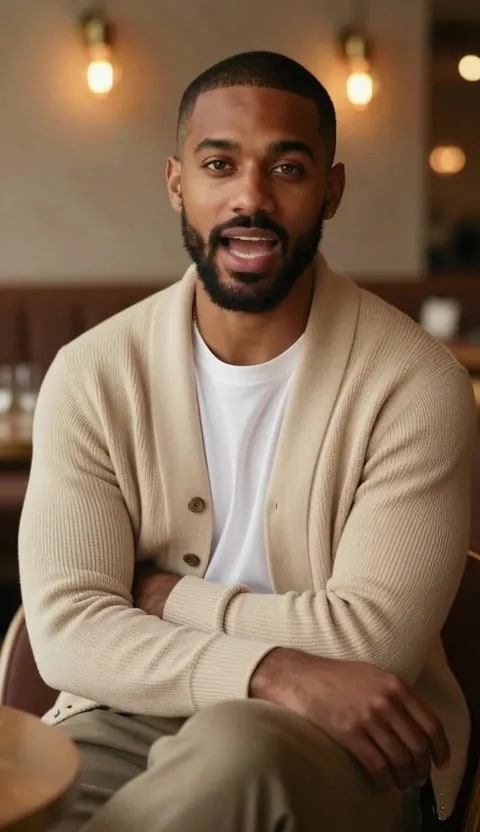
 BeforeAfter
What is AI lip sync?
AI lip sync turns one still photo and one voice recording into a video of that person speaking, with the mouth shaped to the sound. Imagera returns the audio you uploaded instead of a synthetic re-read, so the pauses, accent and emphasis stay yours — and the recording, 2–20 seconds, sets the clip length rather than a duration dropdown.
- Credits
- From 20 per clip
- Audio
- 2–20 seconds, and it sets the clip length
- Frames
- Wide, Tall, Square, Large — up to 1920 × 1088
Updated September 4, 2026
Cite this page: https://imagera.ai/video/lipsync-studio
What the studio actually gives you
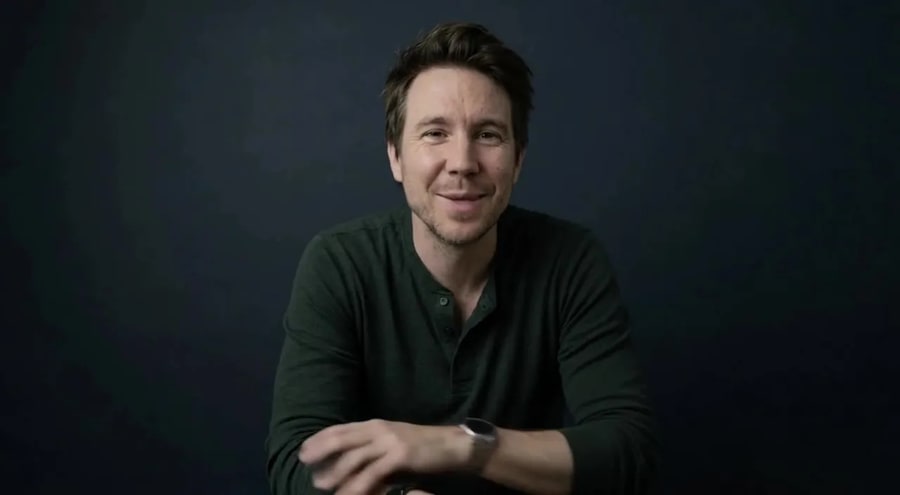
Your recording comes back
The audio in the finished video is the file you uploaded — same voice, same timing, same words. Nothing re-reads your script in a generated voice.
Know more →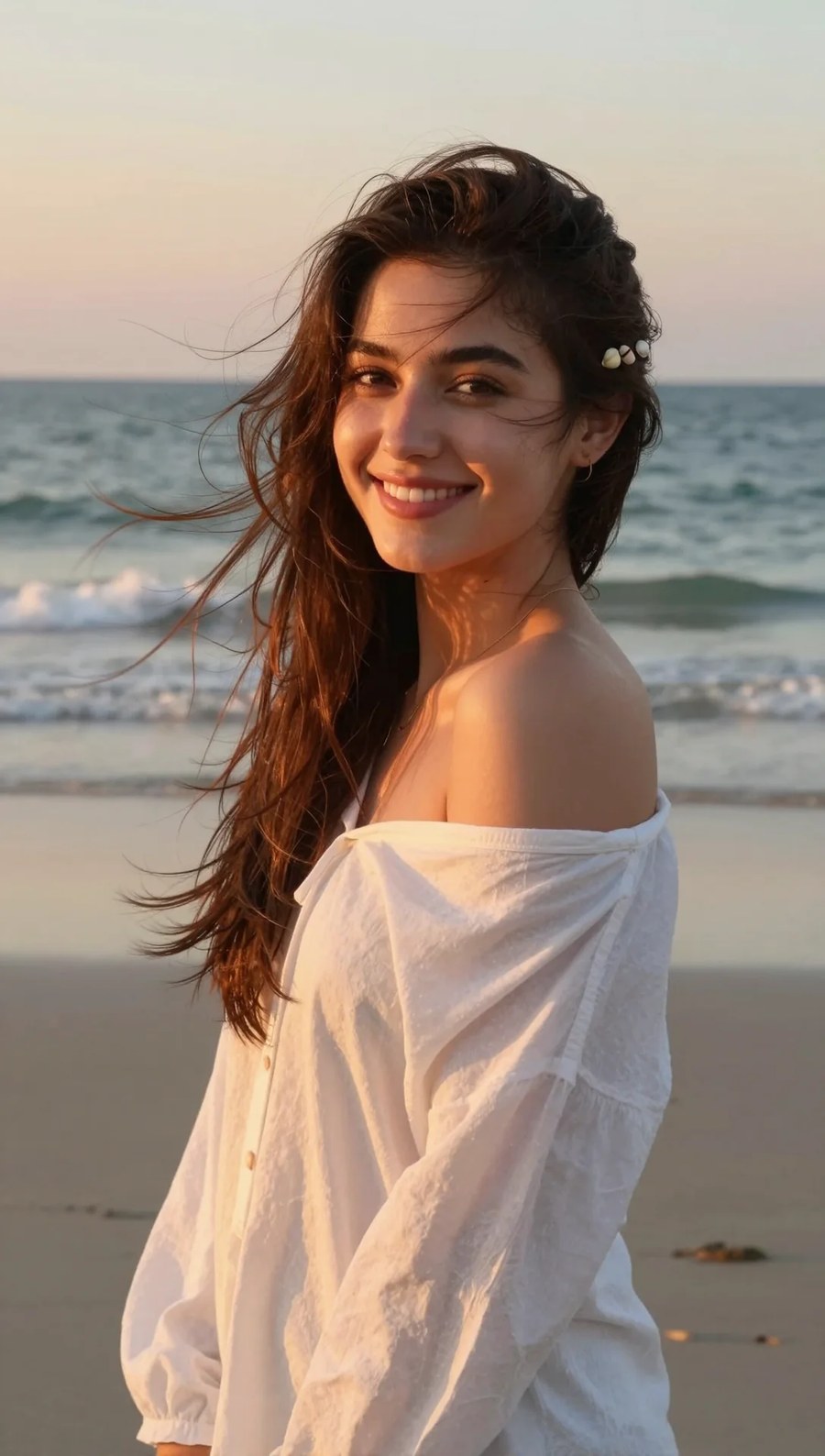
The recording sets the length
There is no duration dropdown, because your audio already decided. Anything from 2–20 seconds renders a clip exactly that long — no padded silence, no sentence cut in half.
Know more →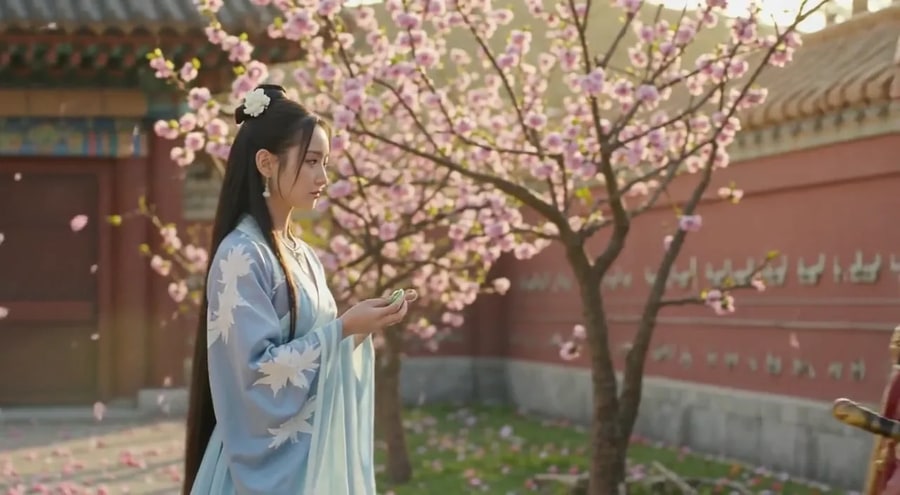
Any face you have the right to use
One photo is the whole casting process. Your founder, your teacher, your character — not an actor from a subscription library that a thousand other brands also use.
Know more →Why this beats booking a shoot or renting a stock avatar
Your face, your recording, and the exact cost of the clip before you commit to it.
7 modes, 7 different jobs
Speaking to camera, holding one face across a series, singing, two characters in one shot, a still turned into a moving scene over your track, a speaker built from the voice alone — or re-voicing footage you already shot. Each one opens its own studio with its own controls and its own uploads — the mode that starts from footage takes a clip, the mode that needs no photo takes only the recording — so choosing the mode is choosing the shot, rather than hunting for the right setting inside one general-purpose page.
Try it now →Framed for where it is going
On Imagera Hermes Lipsync, the default on 4 modes, the clip keeps your photo's shape — a tall portrait comes back tall — and you pick a resolution from 480P up to 2K. On Fast and Studio, the only engines on Music-Reactive Scene and A Face For Any Voice, you pick the frame: Wide, Tall, Square or Large, up to 1920 × 1088. Either way the shape is set before the run, not cropped after it. Because a larger frame is more pixels to render, the size you pick is part of what the run costs — so it sits on the card next to the price rather than behind an advanced drawer, and a clip meant for a feed post is never a landscape render cropped down to fit it.
Try it now →The price is on the button
The exact cost of the clip in credits is on the Generate control before you commit, and a run that fails is not charged. Credits bought as a pack do not expire. The number follows two things you control: how long your recording is, and which frame you render into. 20 credits is the floor — the cheapest combination of pass, frame and length — and a longer take in a larger frame costs proportionally more, priced before you commit rather than after.
Try it now →How to make a photo talk
Two uploads and a frame. The recording decides the rest.
Upload the recording
Drop the audio you want spoken. Anything from 2 to 20 seconds works, and its length becomes the length of the video — there is no duration control to set, because the recording already decided.
Add the photo
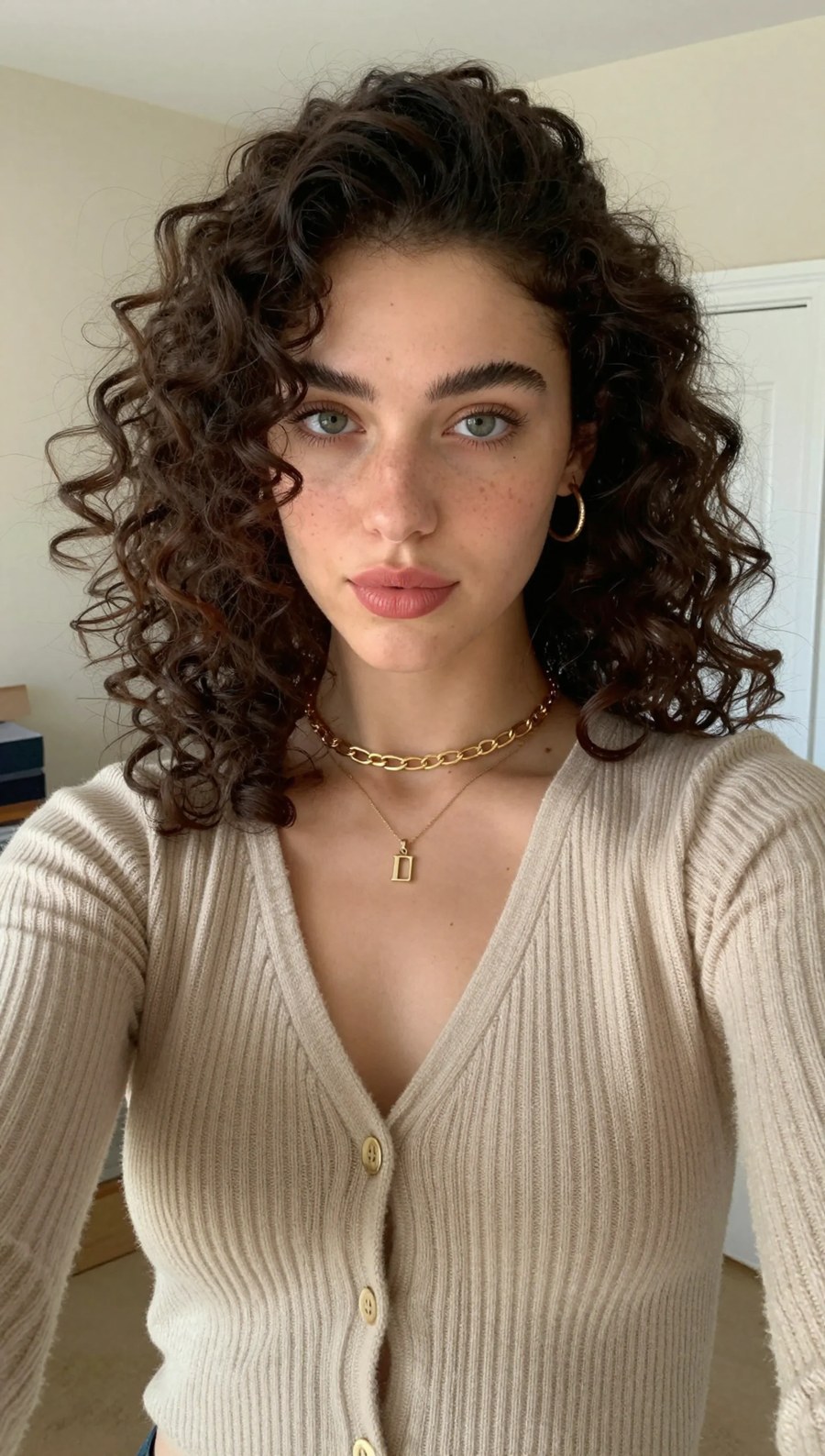
Add a photo of the person who should be saying it. A face turned roughly toward the lens gives the mouth the most to work with. One mode needs no photo at all and builds the speaker and the room from the recording.
Choose the frame and generate
Pick wide for a site or a deck, tall for Reels, TikTok and Shorts, square for a feed post — up to 1920 × 1088. The cost in credits is on the button before you commit, and the finished clip lands in your library.
What people open it for
Re-Voice Any Video
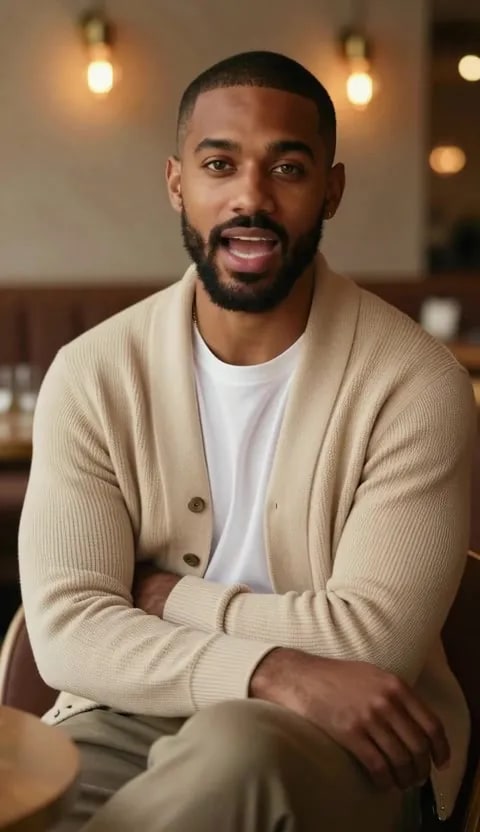
Your footage, a new voice track — the mouth re-cut to the new words. It is the shortest path in the studio: one photo, one recording, one clip — nothing to storyboard, nothing to book, nobody to point a camera. Keeps the footage you shot · Billed by the second, not the frame.
Try it now →Make Any Photo Speak
One photo, your voice — a talking video that matches every word. The reference photo is reused on every run, so episode two is the same person as episode one instead of a near-match with a moved hairline and a different jaw. One photo, one recording · Runs as long as your audio.
Try it now →Same Face, Every Take
Hold one face across a whole series, so every clip is the same person. Built for large head motion rather than a still face with a moving mouth — the performance carries on while the mouth follows the track, in a tall frame cut for Reels. One reference photo, reused · The same face take after take.
Try it now →Discover more AI features
Imagera Multilingual Dubber
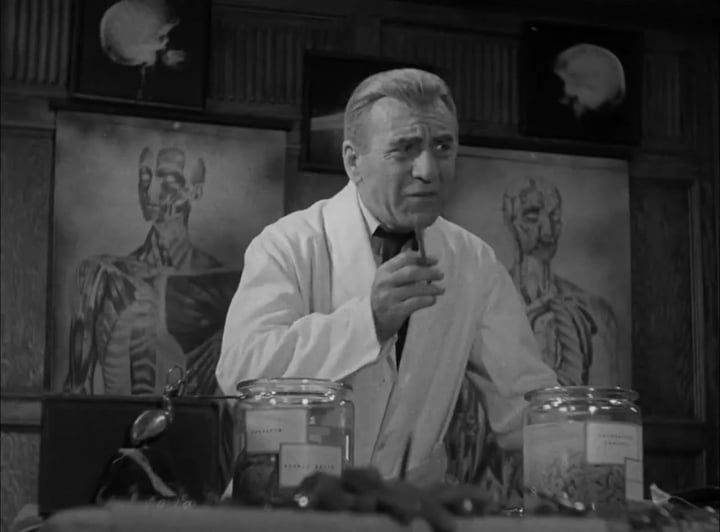
Translate a clip into another language. Same faces, same footage, new voice — billed per minute.
AI Podcast Maker
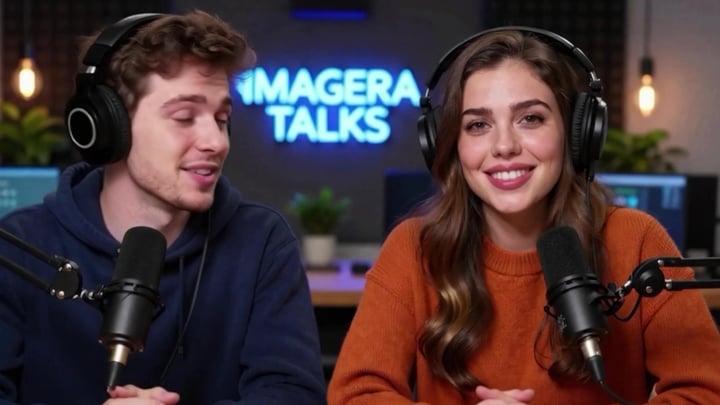
Script to full episode. Multiple AI hosts that sound completely human.
Print-Ready 16K Upscaler
Too small to print? Enlarge a photo to 4K, 8K or 16K (15,360 px on the long edge).
4K Video Enhancer
240p trash to 4K cinema. Every pixel rebuilt. Netflix-grade output.
GlowCam — Live Beauty Filter
Look camera-ready on every call, live
Frequently asked questions
What is Lipsync Studio?
Upload a photo of a person and a recording of what they said, and get a video of that person saying it, with the mouth matched to your audio. There are 7 modes — speaking to camera, holding one face across a series, singing, two characters in one shot, a still turned into a moving scene over your track, one that needs no photo at all, and one that re-voices a video you already have.
How long can the audio be?
Between 2 and 20 seconds on the 6 modes that build a video from a photo. Anything longer is refused when you pick it, with the length named, so you can trim before spending anything. For a longer script, split it into takes and run them one after another. The re-voice mode is the exception — it edits footage you already have, and its length limit is the clip's rather than the recording's.
Does my own voice come back in the video?
Yes. The audio on the finished clip is the file you uploaded — not a synthetic re-read of it. That is the point of the tool: the pauses, the accent and the emphasis are what an audience recognises.
Why is there no length dropdown?
Because the recording already decides it. The video renders against your audio, so a seven-second voice note makes a seven-second clip. A length control could only cut the sentence short or pad it with silence.
Do I need a photo?
For most modes, yes — one clear photo of the person speaking. The A Face For Any Voice mode needs no photo at all: it builds a speaker and a room from the recording, and you can steer who appears with a short description.
What does one clip cost?
From 20 credits. The charge follows the length of your audio and the size you render at — the frame on Fast and Studio, the resolution on Imagera Hermes Lipsync — so a bigger picture costs more. The exact figure is on the Generate button before you commit, and failed runs are not charged.
Can two characters talk in one clip?
Yes — that is the Two-Character Dialogue mode. Record the exchange as one file, add a photo with both characters in it, and say who speaks first. Both stay in frame for the whole clip instead of being cut together from two renders.
What frame sizes can I render?
It depends on the engine. On Imagera Hermes Lipsync, the default on 4 modes, the clip keeps the shape of your photo, from a tall portrait to a wide shot, and you pick a resolution from 480P up to 2K. On Fast and Studio — the only engines on Music-Reactive Scene and A Face For Any Voice — you pick the frame: Wide, Tall, Square or Large. That covers landscape for a site or a deck, vertical for Reels, TikTok and Shorts, and square for a feed post, up to 1920 × 1088. Resolution and frame are both part of the price, so each sits on the card rather than behind a drawer.
What is the difference between the Fast and Studio passes?
How hard the render works. Fast is quicker and cheaper; Studio spends longer and holds more detail in the face. Both follow your own recording — the difference is finish, not whose voice comes back.
What happened to Talking Avatar and the Avatar Generator?
Both retired into this studio. Lipsync Studio does the same job — a face, a voice, a clip — with more modes, your own audio returned in the video, and per-clip pricing instead of a plan. Older links redirect here, and anything you generated on those tools is still in your library.
Can I use the results commercially?
Yes, on paid Imagera plans and per our commercial terms. Make sure you have the right to use the face and the voice in your inputs — see the responsible-use note above.
Where does the finished clip go?
Into the queue strip under the tool while it renders, then into your library. Nothing is deleted when you close the tab, and past results can be downloaded again at any time.
Learn more
Guides and comparisons on lip sync, voice and talking-head video.
 Article
Hedra Alternative — Full Comparison
Compare Imagera vs Hedra for AI lip-sync and talking avatars
 Article
Runway Alternative
Compare Imagera talking avatars vs Runway video generation tools
ArticlePika Alternative
Compare Imagera avatar animation vs Pika AI video creation
Hedra vs Imagera Lip Sync
In-depth blog review of Hedra vs Imagera for lip-sync and avatar generation
ElevenLabs Alternative
Generate voices for your avatars — compare Imagera vs ElevenLabs
Prompt Writing Guide
Create natural-sounding scripts for AI avatars
AI Headshot Generator
Generate professional headshots as source images for talking avatars
Browse All Comparisons
Side-by-side comparisons of Imagera vs other AI avatar tools
Key takeaways
What is Lipsync Studio?
Upload a photo of a person and a recording of what they said, and get a video of that person saying it, with the mouth matched to your audio. There are 7 modes — speaking to camera, holding one face across a series, singing, two characters in one shot, a still turned into a moving scene over your track, one that needs no photo at all, and one that re-voices a video you already have.
How long can the audio be?
Between 2 and 20 seconds on the 6 modes that build a video from a photo. Anything longer is refused when you pick it, with the length named, so you can trim before spending anything. For a longer script, split it into takes and run them one after another. The re-voice mode is the exception — it edits footage you already have, and its length limit is the clip's rather than the recording's.
Does my own voice come back in the video?
Yes. The audio on the finished clip is the file you uploaded — not a synthetic re-read of it. That is the point of the tool: the pauses, the accent and the emphasis are what an audience recognises.
Lipsync Studio vs a subscription avatar platform
| What matters | Imagera | Stock-avatar platforms |
|---|---|---|
| Whose face | Any photo you have the right to use | Usually a library actor, fronting thousands of other videos |
| Whose voice | The recording you uploaded is the audio on the clip | Usually a generated voice reading your script |
| Clip length | Set by the recording, 2–20 seconds | Set by the plan you are on |
| Two characters in one shot | Included as its own mode | Not offered — two renders and a cut in the edit |
| What you pay | Per clip, from 20 credits, shown before you run | A monthly seat, whether you render or not |
Responsible use
Only use a face and a voice you have the right to use. Imagera's terms of service prohibit impersonation, non-consensual likenesses and deceptive content.
Clip length is set by your recording, between 2 and 20 seconds. Only use a face and a voice you have the right to use. From 20 credits per clip, shown on the button before you commit; failed runs are not charged.
Hear the photo speak
Open the studio with the mode already selected. Credits show on the button before you run.
Make a photo speak →