You can complete this on Imagera without installing software: upload a real source file, describe the change, confirm credits up front, generate, and review before you publish. Hedra Alternative 2026 — AI Lip Sync & Talking Avatars Compared — this guide covers the steps, quality checks, and when to open related tools.
Hedra and Imagera both offer AI-powered lip sync, but they take different approaches. This comparison breaks down pricing, features, quality, and use cases so you can pick the right tool for your workflow.
Money pages: Talking avatar · Hedra alternative · Voice generator · Pricing
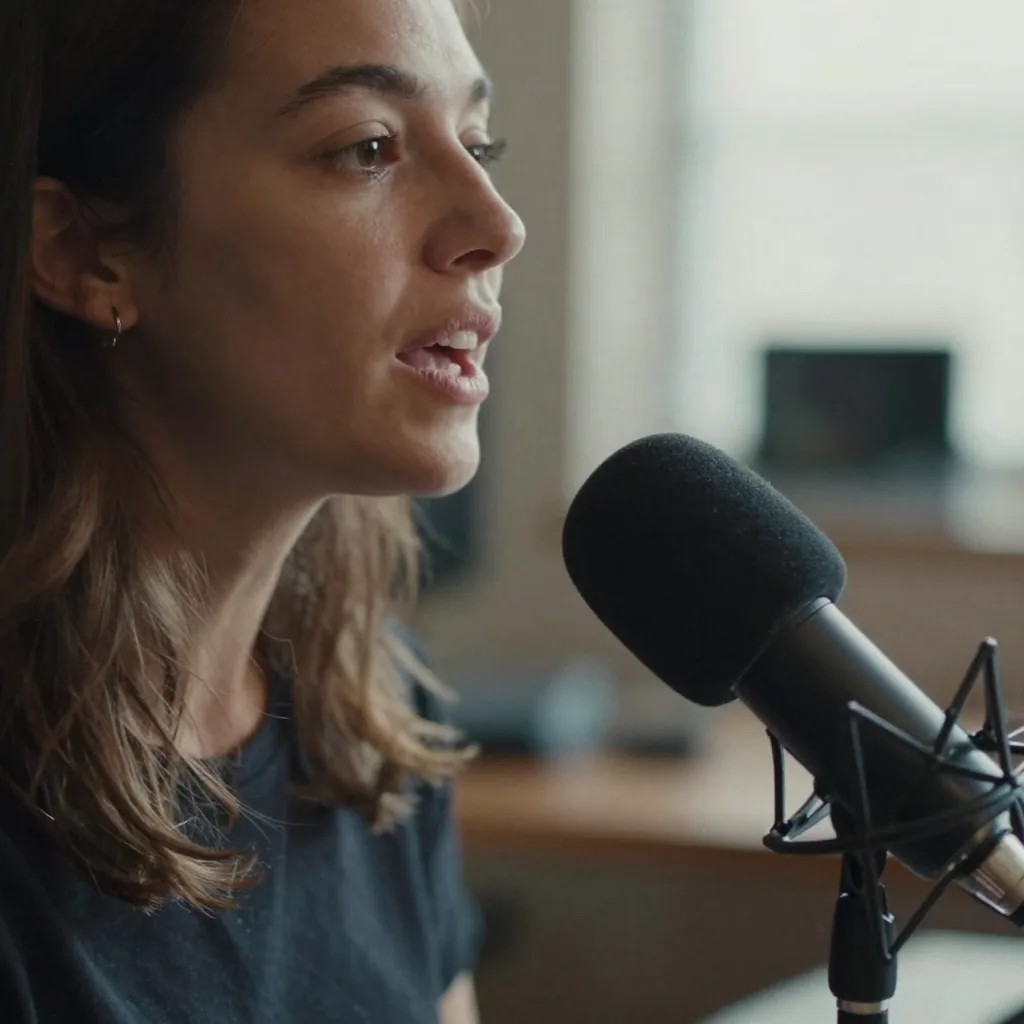
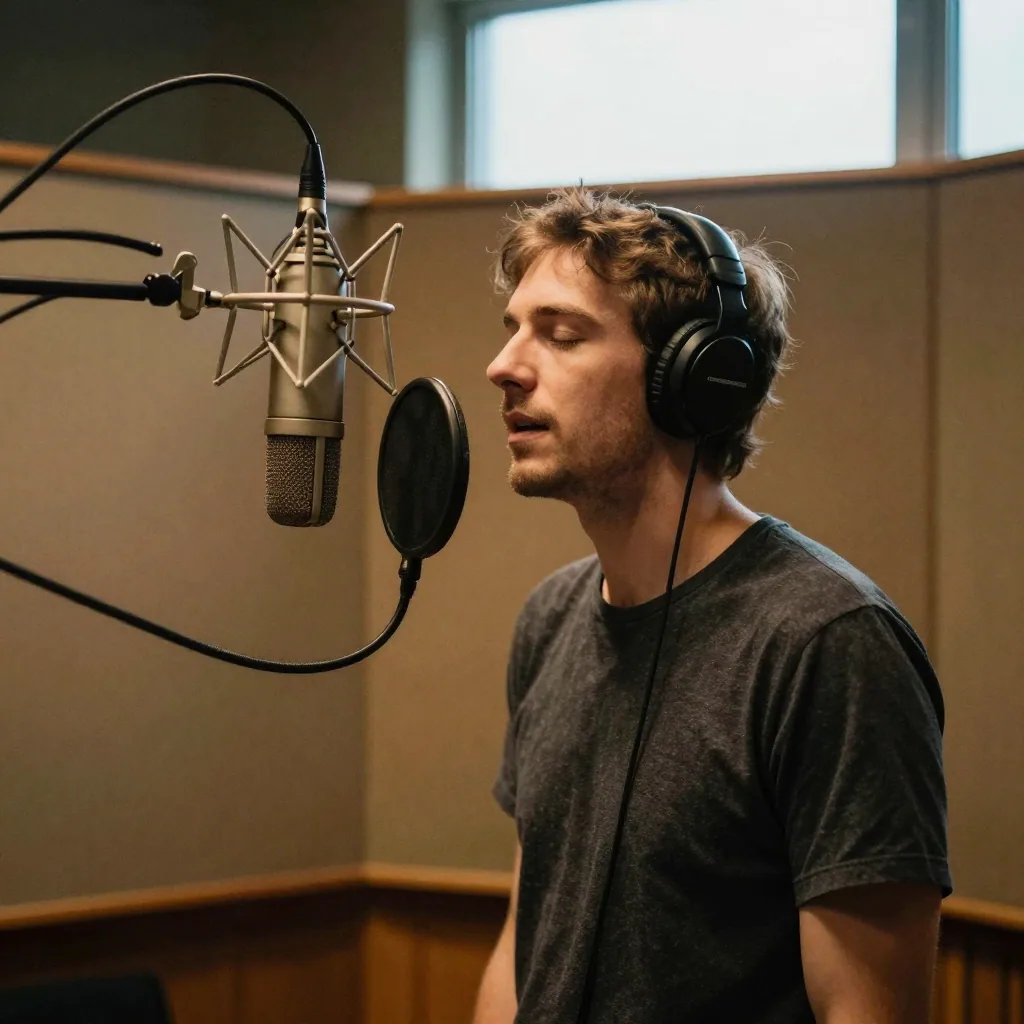
Real Imagera output: a photo turned into a talking avatar.
Quick answer: Imagera generates AI lip sync from a single photo and audio track in under 60 seconds, with 4K output and no per-clip render caps, making it a full creative studio rather than a single-purpose talking-head tool in 2026.
1.How accurate is Imagera's AI lip sync compared to typical talking-head tools?
Imagera's lip sync aligns mouth movement to speech across a wide range of phonemes, holding up well even at faster playback speeds. It renders 4K clips in under 60 seconds, supports 100+ languages, and keeps facial identity consistent across every frame, so a single reference photo drives smooth, natural-looking speech without frame-by-frame drift.
2.Which platform gives creators more value for lip sync in 2026?
Imagera bundles lip sync alongside 30+ other tools, so credits stretch across images, reels, upscaling to 8K, and dubbing rather than one feature. For creators publishing several short-form clips a week, a single unified credit balance covering all of them reduces tool-switching versus paying separately for each standalone app, and you only spend credits on the outputs you actually keep.
3.Quick verdict
| You need… | Pick |
|---|---|
| Lip sync + image, enhance, voice, influencer suite | Imagera |
| Character-animation niche only | Hedra |
| Flexible credit packs from $19.99 | Imagera |
| Team already deep in Hedra | Stay until bake-off fails |
Answer-first capsule: Hedra focuses on character animation workflows; Imagera offers talking avatar / lip sync inside a full AI creative suite with credit-based pricing from $19.99 and no free generation tier.
4.Overview
Hedra started as a character animation platform. Its lip sync feature generates talking character videos from photos and audio, with a focus on creative and stylized content.
Imagera is a full AI creative suite where lip sync / talking avatar is one of many tools. It is built for production workflows alongside image generation, video enhancement, voice synthesis, and more.
5.What Imagera's talking avatar tool actually does
Imagera's Lip Sync Studio has one job: take a face and an audio track, and produce a video where that face appears to say the words. It does this in two distinct modes, and understanding the difference is the fastest way to pick the right workflow.
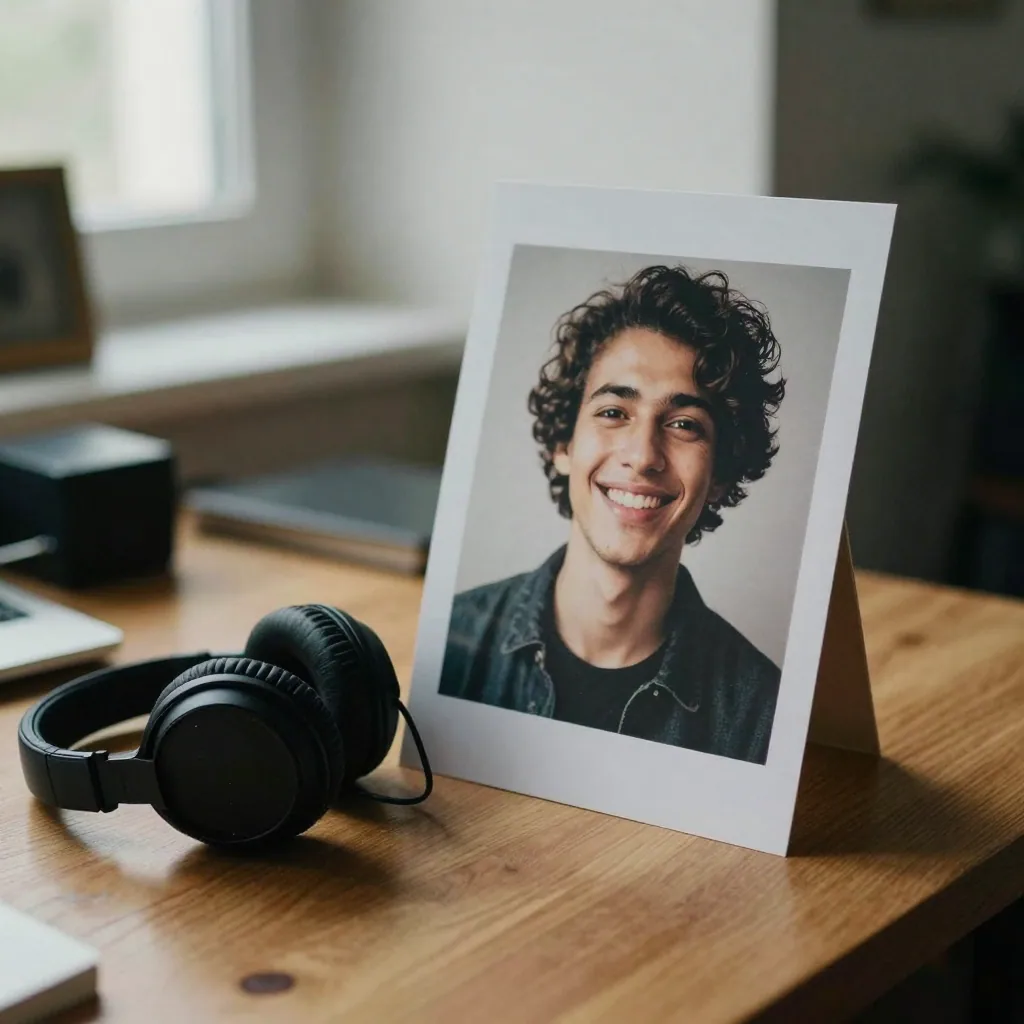
Image Lip Sync (Image to Video / I2V). You upload a single portrait — a photo, an AI-generated character, a headshot, a historical portrait — plus an audio file containing speech. The AI analyzes the audio, maps phonemes to mouth shapes, and animates the still image so it speaks. This is the mode most people mean when they say "talking avatar" or "make a photo talk."
Video Lip Sync Fix (Video to Video / V2V). Here you start with an existing video of a person already talking, plus a new audio track. The AI re-syncs the mouth movements in that video to match the new audio. This is the mode you use for dubbing, voiceover replacement, and localizing footage into another language without re-filming the subject.
Both modes support one speaker or two speakers in the same frame. For two-speaker output, you can either upload separate audio files for each person, or supply a single mixed audio track and let the tool's automatic diarization separate the voices and assign them to the right face. That multi-speaker capability is unusual — most single-purpose lip-sync tools handle only one talking head at a time.
Everything runs in the browser. There is no desktop app, no GPU driver, and no local render. You upload, configure, generate, and download the finished MP4.
6.How it works — the real numbered workflow
Here is the actual sequence you follow inside the studio, grounded in how the tool is built:

- Choose your mode. Pick Image Lip Sync (photo + audio) or Video Lip Sync Fix (existing video + new audio). This decision drives everything that follows.
- Upload your visual input. For I2V, a clear front-facing or three-quarter portrait works best — common image types like JPG and PNG are supported. For V2V, upload your source video (MP4 or MOV).
- Upload or provide your audio. Add the speech track you want the face to "say." If you don't have recorded audio, generate a voiceover first with the voice generator and bring that file back in.
- Set speaker count. Choose single-speaker for a solo presenter, or multi-speaker (up to 2) for a conversation. In multi-speaker mode, enable automatic diarization to split one audio file into two voices, or upload two separate audio files manually.
- Confirm credits. The studio shows the credit cost before you commit — roughly 20–40 credits per 10 seconds. You pay only when you generate.
- (Optional) Adjust parameters. Advanced controls let you change output dimensions (default 852×480 SD), the generation step count, a seed value for reproducibility, and an optional prompt for expression guidance. Defaults are tuned for speed; leave them alone if you're not sure.
- Generate. The AI processes phonemes and facial motion. Most jobs finish in about 20–40 seconds.
- Review before you publish. Watch the result — ideally on a phone — checking mouth accuracy, identity stability, and export quality. Only enhance approved finals.
- Download and use. Export the MP4. Paid plans include commercial rights per Imagera's terms. Always disclose AI-generated content where the platform requires it.
The key mental model: explore short, finalize long. Test your inputs on a 3-second clip before you spend credits on a full 60-second generation.
7.Step-by-step: your first talking avatar in under five minutes
If you've never made a lip-sync video before, here's the minimum path from zero to a finished clip:
- Pick one clean portrait. Front-facing, well-lit, high resolution. Crop tight to the head and shoulders.
- Record or generate 10–15 seconds of clear audio. One voice, no background music, no reverb.
- Open talking avatar and select Image Lip Sync.
- Upload the portrait, upload the audio, keep single-speaker mode.
- Confirm the credit cost and generate.
- Watch the result on your phone. If the mouth tracks the words and the face stays stable, you're done.
- If you plan to publish at higher quality, send the approved clip through the video enhancer.
That's it. No timeline, no keyframes, no rig. The two things that most affect quality are entirely in your control: input image sharpness and audio clarity.
8.Feature comparison
| Feature | Hedra | Imagera |
|---|---|---|
| Lip sync from photo + audio | Yes | Yes |
| Browser-based | Yes | Yes |
| Download required | No | No |
| Built-in voice generator | Limited / varies | Yes |
| Video enhance in same wallet | External | Yes |
| Train-once identity | Varies | Personal Influencer / LoRA |
| Pricing model | Subscription-style plans (re-check live) | Credits from $19.99 |
| Free generation tier | Varies | No (pay-first) |
| Commercial rights | Plan-dependent | Paid plans |
Hedra feature cards change — verify on their site before buying.
9.Comparison table: Imagera vs Hedra, Synthesia, HeyGen, D-ID
Competitor prices below are approximate and change often — always verify live. The Imagera column is expressed in credits, because credit value varies by plan.
| Feature | Imagera | Hedra | Synthesia | HeyGen | D-ID |
|---|---|---|---|---|---|
| Pricing model | Pay-per-use (credits) | ~$8.33/mo (annual) | ~$29/mo | ~$29/mo | ~$5.90/mo |
| 10-second video cost | ~20 credits | From subscription pool | From subscription pool | From subscription pool | From subscription pool |
| Use your own photo | Yes | Yes | No (stock avatars) | No (stock avatars) | Yes |
| Multi-speaker (up to 2) | Yes | No | No | No | No |
| Auto speaker diarization | Yes | No | No | No | No |
| Video-to-video lip sync (V2V) | Yes | No | No | No | No |
| Image-to-video lip sync (I2V) | Yes | Yes | No | No | Yes |
| No subscription required | Yes | No | No | No | No |
| Runs in browser | Yes | Yes | Yes | Yes | Yes |
The honest takeaway: Synthesia and HeyGen are built around stock corporate avatars, not your own photo. D-ID and Hedra do let you upload a face. Where Imagera differs from all four is multi-speaker output, automatic diarization, and video-to-video re-sync in a pay-per-use model — you don't carry a monthly subscription for occasional clips.
10.Pricing comparison (honest)
10.1Imagera (SSOT)
- Credit packs from $19.99
- Pro $19.99/month
- Credits shared across tools — lip sync, image, enhance, voice
A 10-second video costs roughly 20 credits (about $0.62 based on larger packs such as 6,500 credits for $199.99). Longer or two-speaker clips cost more. Always confirm credits per clip in-studio before you generate.
10.2Hedra
Re-check live plan cards (Creator / Pro / Enterprise labels change). Compare cost per finished talking clip, not sticker alone.
11.Lip sync quality — how to judge a bake-off
- Same face still + same 15–20s audio on both tools.
- Watch bilabials (p/b/m), sibilants, and silence frames.
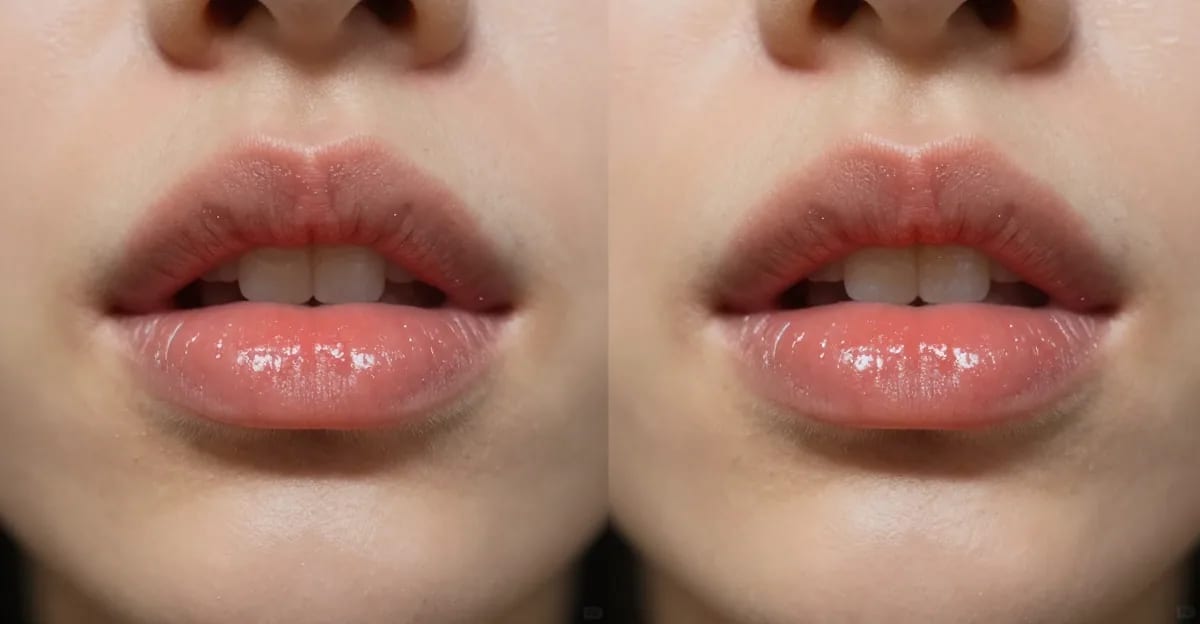
- Check jaw drift and unnatural teeth flicker on mobile.
- Export and compress to platform sizes — many "wins" die after Instagram re-encode.
Imagera path: talking avatar → optional enhance.
12.Use cases
12.1Choose Imagera when
- UGC ads need face + product stills + enhance
- You want one credit wallet for a weekly content machine
- You need voice + lips without another vendor
12.2Choose Hedra when
- You only animate characters in their pipeline
- A client mandates Hedra-specific looks
- Your team's templates already live there
13.Who it's for — concrete scenarios
Faceless YouTube creators. Upload a single portrait or character image, pair it with a generated voiceover, and produce a talking-head channel without ever going on camera. Multi-speaker mode lets you script interview-style content between two avatars.
Educators and course builders. Turn a lecture script into a talking presenter video. When the content changes, you swap the audio and regenerate — no re-recording the whole lesson. The same avatar can deliver the same lesson in multiple languages.
Short-form and social creators. Sync any audio to a face in well under a minute, then repurpose existing clips with Video Lip Sync Fix when you want to reuse footage with a new voice track.
Localization and dubbing teams. This is the strongest fit for V2V mode. Take an existing product demo or presentation, drop in the dubbed audio, and the tool re-syncs the mouth to match the new language — no re-shoot, no separate presenter.
E-commerce and product teams. Generate a spokesperson from any portrait for product explainers, then swap scripts for seasonal campaigns. Pay-per-use pricing means you can A/B test different presenter looks without booking talent for each SKU.
Marketers running paid ads. Combine a face, product stills from the image generator, and a clean voiceover into a UGC-style ad — all inside one credit wallet, then push the approved cut through the video enhancer.
14.Migration path
- Export best face assets and audio.
- Generate one hero clip on Imagera.
- If quality passes, migrate weekly batch.
- Keep Hedra only for any non-replaceable templates.
Related: Hedra alternative guide · Create talking avatars · AI lip sync online
15.Tips for best results
- Start with a sharp, front-facing portrait. The single biggest driver of lip-sync quality is the input image. Even lighting, a clear jawline, and a neutral or slightly open mouth all help the AI find mouth shapes.
- Use clean mono audio. Remove background music and reverb. Phoneme detection is only as good as the audio you feed it — a noisy track produces mushy mouth motion.
- Keep tests short. Run a 3-second check before committing to a 60-second generation. You'll catch identity drift or timing issues while they cost almost nothing.
- Fix the still before you animate. If your portrait is dim or badly cropped, correct it with image tools first. Animating a bad still just animates the flaws.
- Only enhance the final. Don't upscale every draft. Send approved cuts through the video enhancer once you've locked the take.
- Preview on a phone. Social platforms re-encode aggressively. A clip that looks perfect on a desktop monitor can develop teeth flicker or jaw softness after Instagram or TikTok compression.
- Use a seed for reproducibility. If you find a generation you like, note the seed so you can reproduce similar motion on future clips.
16.Common mistakes to avoid
Mistake 1: Animating bad stills. Fix lighting and crop first with image tools, then animate.
Mistake 2: 10-second tests when 3 seconds would do. Explore short, finalize long.
Mistake 3: Upscaling everything. Only enhance approved finals via video enhancer paths.
Mistake 4: Ignoring platform compression. Always preview on a phone after export.
Mistake 5: Chasing free forever. Free tools train you to accept watermarks and weak rights. Imagera is pay-first: buy credits, then create.
Mistake 6: Using noisy audio. Background music, reverb, and clipping degrade phoneme detection. Feed it clean mono speech.
Mistake 7: Skipping AI disclosure. Synthetic media should be labeled per each platform's rules. Build disclosure into your publishing checklist.
17.Examples: mini case-scenarios
Scenario A — a two-host explainer. You have two character portraits and one recorded conversation. In multi-speaker mode with automatic diarization, you upload both portraits and the single mixed audio file; the tool separates the voices and syncs each face to its lines. Result: a two-person talking scene from stills, no camera.
Scenario B — dubbing a product demo. You already have a 45-second demo video in English and a Spanish voiceover. Using Video Lip Sync Fix (V2V), you upload the original video plus the Spanish audio, and the mouths re-sync to the new language. You keep the original footage; only the lips change.
Scenario C — a faceless daily short. You generate a stylized character with the image generator, write a script, produce the voiceover with the voice generator, and lip-sync all three into a talking short — start to finish in one credit wallet, in a few minutes.
18.Deeper guide (practical production)
19.Related tools on Imagera
20.Bottom line
Hedra vs Imagera is rarely about a single quality score. It is about suite vs niche. Imagera wins when talking avatars are one step in a full creative system — start on talking avatar or the Hedra alternative page.
Open talking avatar · Hedra alternative · Pricing
21.Side-by-side test protocol (copy/paste)
Assets: one front-facing portrait (2k+), one 15–20s clean mono audio track. Outputs: 1080p if available, otherwise highest default. Review device: phone screen at arm length.
21.1Scoring (1–5)
- Mouth accuracy
- Face identity stability
- Natural head motion
- Export quality after Instagram compression
- Time-to-first-clip
- Cost estimate for 20 clips/month
Publish the winner for production; keep the loser only if a niche feature is mandatory.
22.Multi-tool cost reality
If you pay Hedra and a separate image tool and an enhancer, your true monthly cost is the sum. Imagera's pitch is consolidating those jobs into talking avatar, image generator, and video enhancer under one pricing page.
23.Team roles
| Role | Cares about |
|---|---|
| Performance marketer | CPA, variants/week |
| Creative director | Identity, brand safety |
| Editor | Export codecs, enhance |
| Finance | Predictable credit burn |
Align the bake-off to the role that owns budget.
24.Related posts
- Hedra alternative 2026
- AI lip sync generator online
- Create talking avatar videos
- AI lip sync for social
- ElevenLabs alternative
25.Deep dive: how to evaluate any Hedra alternative in 2026
Search intent for "Hedra alternative" is commercial. Buyers are past "what is AI video." They want a shortlist, pricing clarity, and a migration path. Use this checklist every time — including when evaluating Imagera:
- Job fit — Does the tool ship the artifact you publish weekly?
- Identity — Can you keep a face/product consistent for 30 days?
- Cost math — Price ÷ usable seconds (or reels) after failures.
- Suite tax — How many extra tools do you still need to pay for?
- Ops — Browser vs install, team seats, regional access.
- Rights — Commercial use and disclosure requirements.
- Support — Failures, queues, and refund/credit policies.
Primary product links for this article:
- https://imagera.ai/video/talking-avatar
- https://imagera.ai/hedra-alternative
- https://imagera.ai/audio/voice-generator
- https://imagera.ai/video/video-enhancer
- https://imagera.ai/hedra-alternative
- https://imagera.ai/pricing
26.Mistakes that waste credits (and how to avoid them)
Mistake 1: Animating bad stills. Fix lighting and crop first with image tools, then animate.
Mistake 2: 10-second tests when 3 seconds would do. Explore short, finalize long.
Mistake 3: Upscaling everything. Only enhance approved finals via video enhancer paths.
Mistake 4: Ignoring platform compression. Always preview on a phone after export.
Mistake 5: Chasing free forever. Free tools train you to accept watermarks and weak rights. Imagera is pay-first: buy credits, then create.
27.Glossary for buyers
- Talking avatar — Face image driven by audio for speech-looking motion.
- Lip sync — Mouth motion aligned to phonemes/audio.
- I2V (Image to Video) — Turning a still portrait plus audio into a talking clip.
- V2V (Video to Video) — Re-syncing the mouth in an existing video to new audio.
- Diarization — Automatically separating two speakers from one audio track.
- Product reel — Short vertical video of a SKU from stills.
- LoRA / train-once — Lightweight identity adaptation for consistency.
- Credit pack — Prepaid usage units across tools.
- Pay-first — No free unlimited generation; purchase before create.
28.Extended FAQ
28.1Who wins for photorealistic talking heads?
It depends on the face and audio. Always bake-off. Imagera's advantage is the surrounding suite, not a universal quality monopoly claim.
28.2Can I mix Hedra and Imagera?
Yes. Hybrid stacks are fine if you track cost per published clip.
28.3Where do I start today?
Open talking avatar, generate one clip, compare against your current tool, then decide with numbers.
28.4Do I need a subscription to use the talking avatar tool?
No. Imagera is pay-first with credits — there's no monthly subscription requirement for lip sync. Credit packs start at $19.99 and are shared across every tool in the suite.
28.5Can I generate a voiceover inside Imagera instead of recording one?
Yes. Use the voice generator to produce a speech track, then bring that audio into the talking avatar tool. That keeps voice + lips in one credit wallet with no separate vendor.
29.Closing recommendation
If your bake-off shows Imagera is close enough on quality and better on suite economics, standardize on the money pages linked above. If a competitor uniquely wins a mandatory feature, keep that tool for that job only — hybrid stacks are fine when deliberate.
Re-run this evaluation every quarter as models and pricing change.
30.Appendix: prompt and asset hygiene
Keep a shared folder of approved faces, products, and brand colors. Name files consistently (sku_red_bottle_front.png). Store winning negative constraints (no extra fingers, no warped logos) in a team doc. Review outputs on both light and dark UI backgrounds because social apps re-encode aggressively.
When a generation fails, log the seed/settings if available and the credit cost. Patterns in failures usually point to bad inputs, not "the model is broken." Fix inputs first, then change tools.