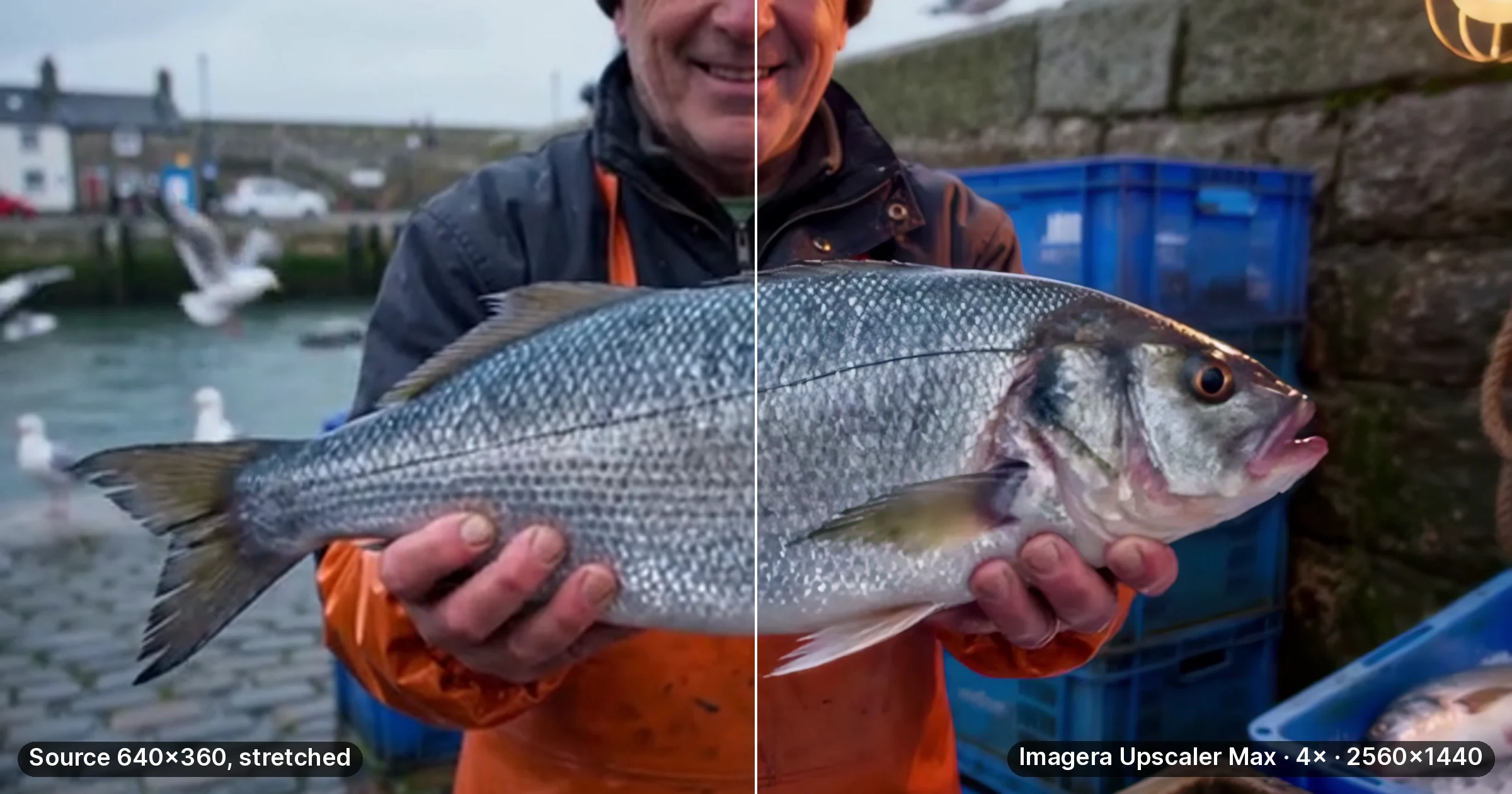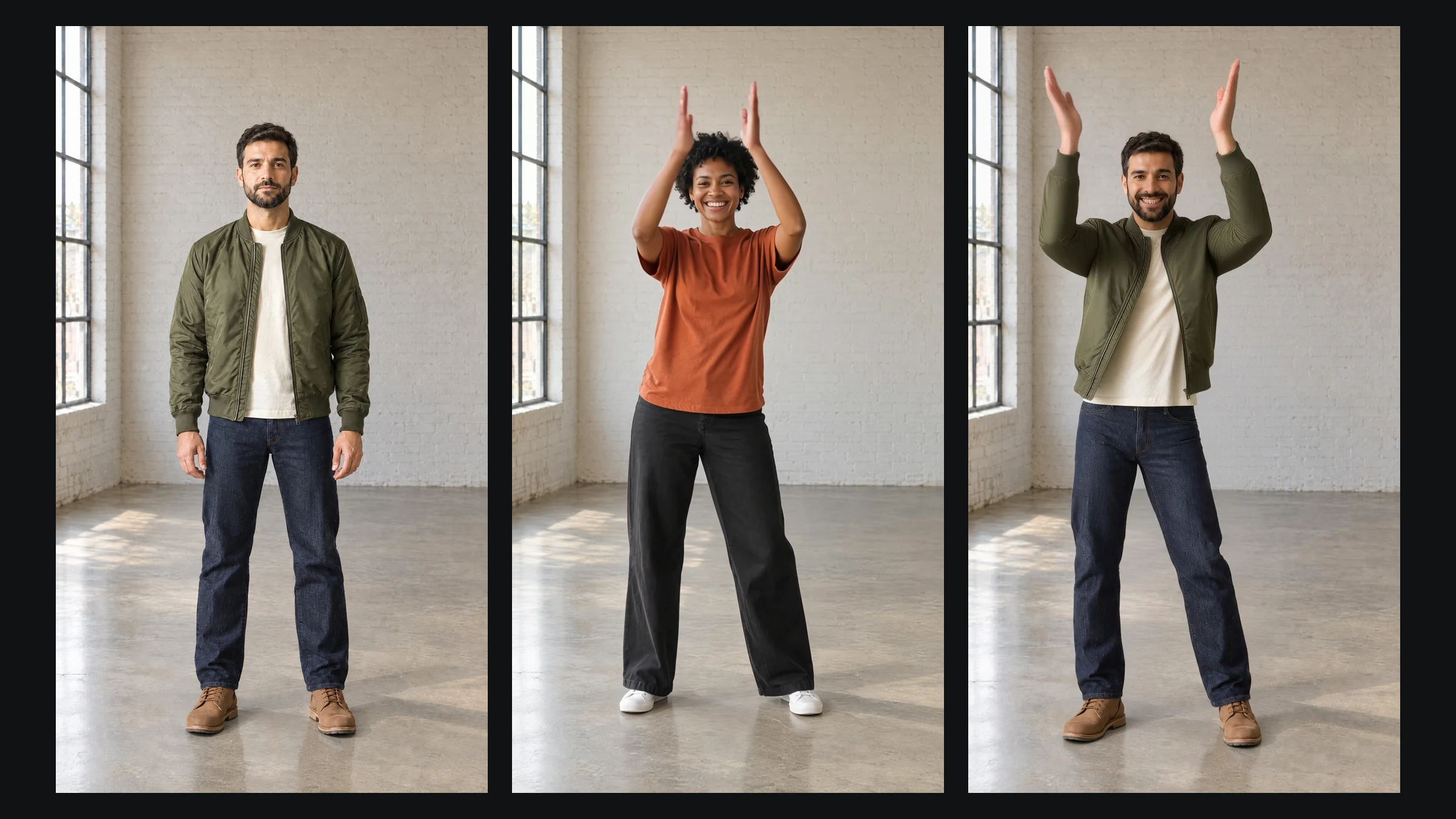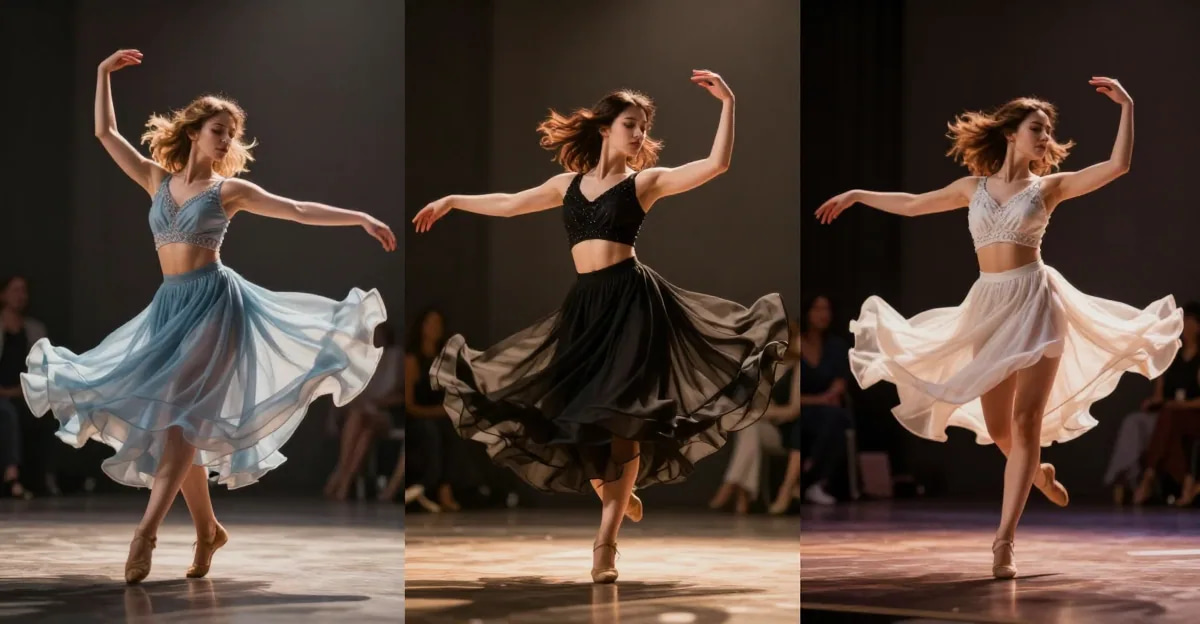
You can complete this on Imagera without installing software: upload a real source file, describe the change, confirm credits up front, generate, and review before you publish. Seedance 2.0 Alternative 2026 — Limits, Pricing & Better Options — this guide covers the steps, quality checks, and when to open related tools.
ByteDance launched Seedance 2.0 in February 2026, and it immediately went viral. The demos looked cinematic — smooth camera movements, consistent characters across shots, audio synced to video. Within days, the Tom Cruise/Brad Pitt deepfake controversy pushed it into mainstream headlines, and SAG-AFTRA issued a formal condemnation.
Behind the viral moments, Seedance 2.0 is a genuine step forward for AI video generation. But it also has real limitations that the demo reels don't show. This review covers what Seedance 2.0 actually does well, where it falls short, and how it compares to other AI video generators available right now.
Quick answer: Seedance 2.0 is a capable AI video model, but tight monthly limits, clip caps, and a single-model pipeline push many creators toward Imagera, which routes across 10+ video engines with automatic fallback so a busy prompt still renders instead of failing.
1.What are the main limits pushing people to a Seedance 2.0 alternative in 2026?
Three limits dominate: short clip caps (often 5-10 seconds per generation), a single fixed model with no fallback when a prompt is refused, and credit pools that drain quickly under heavy use. Imagera answers all three in 2026 with 10+ interchangeable engines, up to 4K output, and an automatic chain that retries failed prompts across 8+ backups before spending your credits.
2.Is Imagera actually a better option than Seedance 2.0 for reels and product video?
Imagera can suit creators who want several compatible image and video workflows in one account. Select the task and model, check the supported inputs and settings, then review the credit quote before generating. Test the same source material across suitable options to compare motion, likeness, and detail before committing a campaign budget.
3.What Seedance 2.0 Actually Does
Seedance 2.0 is a text-to-video and image-to-video AI model from ByteDance (the company behind TikTok). It generates short video clips from text prompts, reference images, or a combination of both. If you're exploring the broader AI video generation landscape — including LoRA-powered video generation — understanding Seedance's capabilities and gaps is important context.
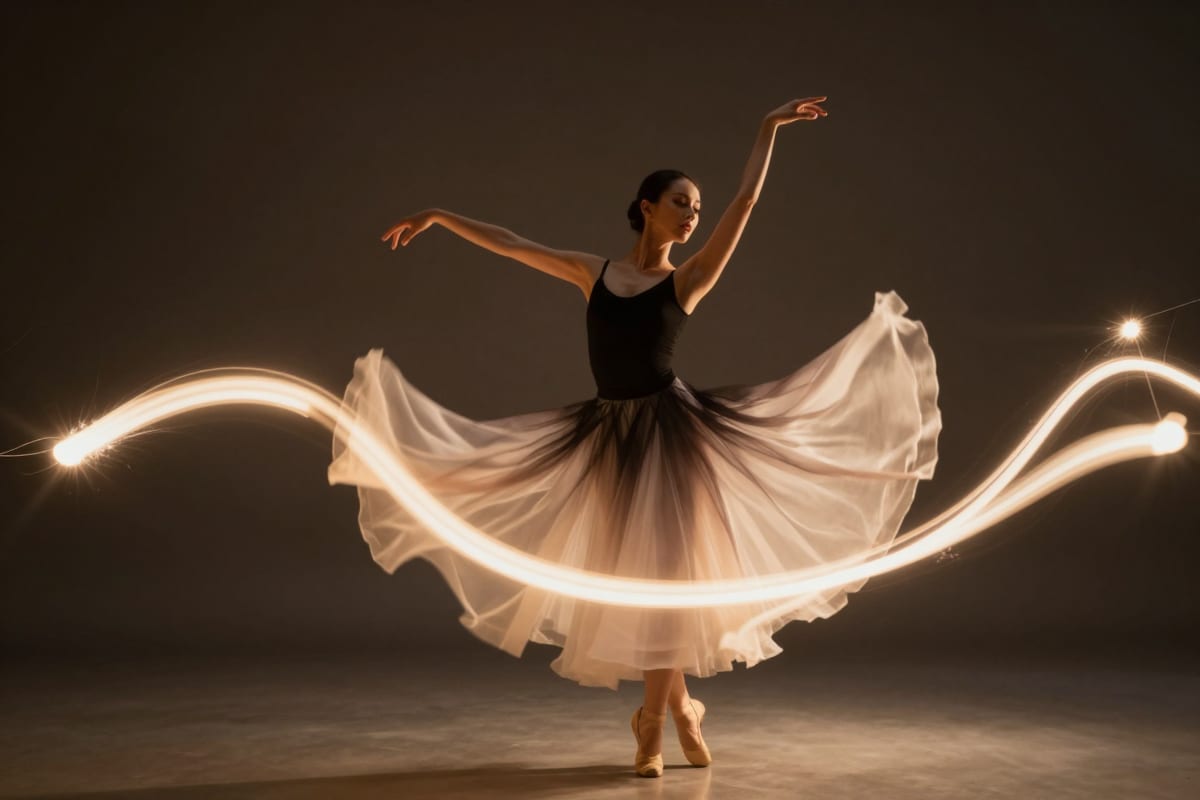
Core capabilities:
- Director Mode: Control camera angles, movements (pan, tilt, dolly, zoom), and shot composition through text commands. This is genuinely useful — you describe a camera tracking shot and get something close to what a real director would frame.
- Multi-Shot Storytelling: Generate sequences of connected clips with consistent characters, environments, and narrative flow. Not perfect, but a clear improvement over earlier single-shot models.
- Character Consistency: Maintain the same character appearance across multiple generated clips. Struggles with subtle features but handles broad consistency well.
- Cinematic Camera Control: Beyond basic movements, you can specify lens types, depth of field, and rack focus effects.
- Audio-Video Joint Generation: Synchronized sound effects and ambient audio generated alongside video. Works for environmental sounds — footsteps, wind, water — but can't do speech or music well.
- Native 4K Output: Generates at 4K resolution natively, not upscaled from lower resolution.
- Multimodal Input: Accept text prompts, reference images, sketches, and video-to-video style transfer.
4.Where Seedance 2.0 Falls Short
Every AI video tool has limitations. Here's what the demos don't emphasize:
Clip Length: 4-15 seconds per generation. You cannot generate a 30-second continuous clip. Multi-shot mode lets you chain clips, but each individual clip is short. For anything longer, you're editing multiple clips together manually.
Text Rendering: Text on signs, screens, and objects is consistently broken. If your scene needs readable text — a storefront sign, a phone screen, a title card — expect garbled characters. This is a common problem across all current AI video models, but Seedance doesn't solve it.
Generation Speed: 60-180 seconds per clip. This is server-dependent and gets slower during peak usage. If you're iterating on prompts (which you will be), expect to wait 2-3 minutes between each attempt.
Prompt Sensitivity: Small changes in wording produce dramatically different results. Getting the output you actually want requires significant prompt engineering. There's no visual editor or parameter controls — just text.
No LoRA / Custom Model Support: You cannot fine-tune Seedance with custom LoRA models. What you see is what you get. If you need a specific art style, character design, or visual aesthetic that doesn't match Seedance's default output, you're stuck. This is a significant gap compared to LoRA-powered platforms where you can apply cinematic, photorealistic, or custom-trained styles to your video output.
Hands and Physics: Like all current AI video generators, hands remain problematic. Complex physical interactions — pouring liquid, manipulating small objects, fabric draping — can look uncanny.
Availability: As a ByteDance product, availability varies by region. Some users report access restrictions and inconsistent API stability.
5.Seedance 2.0 Pricing
ByteDance offers Seedance through tiered subscription plans:
| Plan | Approximate Price | Credits | Best For |
|---|---|---|---|
| Basic | ~$9/month | Limited generations | Casual experimentation |
| Pro | ~$29-49/month | Moderate generations | Regular content creators |
| Enterprise | ~$99-249/month | High-volume | Agencies and production teams |
Pricing has shifted since launch, and credit costs per generation vary by resolution and clip length. Check current pricing directly on their platform, as these figures may have changed.
6.Seedance 2.0 vs Other AI Video Generators (2026)
The AI video generation space has gotten crowded. Here's how Seedance compares to the other major players:
| Feature | Seedance 2.0 | OpenAI Sora 2 | Google Veo 3.1 | Kling 3.0 | Runway Gen-4 | Imagera |
|---|---|---|---|---|---|---|
| Max Clip Length | 4-15s | 20s | 8-16s | 5-10s | 10-15s | Varies by model |
| Native Resolution | 4K | 1080p | 4K | 1080p | 4K | Up to 4K |
| Director Mode | Yes | Limited | No | Basic | No | Via prompt control |
| Character Consistency | Good | Good | Moderate | Moderate | Good | Via LoRA models |
| Audio Generation | Yes | No | Yes (Veo 3) | No | No | Separate audio tools |
| LoRA Support | No | No | No | No | No | Yes (100K+ models) |
| Custom Models | No | No | No | No | No | LoRA training available |
| Image Generation | No | Yes (DALL-E) | Yes (Imagen) | Limited | No | Yes (50+ models) |
| Video Enhancement | No | No | No | No | No | Yes (4K upscaling) |
| Starting Price | ~$9/mo | $20/mo | Free (limited) | ~$5/mo | $12/mo | $19.99/mo |
| Platform | Web | Web/API | Web | Web | Web/API | Web (all-in-one) |
6.1Seedance 2.0 vs Sora 2
Sora 2 from OpenAI generates longer clips (up to 20 seconds) with strong motion coherence. Seedance has better camera control through Director Mode and generates at native 4K. Sora's advantage is longer clip length and integration with the broader OpenAI ecosystem (ChatGPT, DALL-E). Seedance's advantage is cinematic camera control and audio-video synchronization.
Neither supports LoRA or custom model fine-tuning.

6.2Seedance 2.0 vs Google Veo 3.1
Veo 3.1 was the first to introduce native audio generation alongside video (Veo 3). Quality is competitive with Seedance. Google's advantage is integration with YouTube and Google Workspace. Seedance's advantage is Director Mode and more granular camera control. Veo 3.1 remains limited in availability outside Google's ecosystem.
If a clip from a model without native audio comes back silent, adding synced sound effects to an AI video covers how to fix it afterwards.
6.3Seedance 2.0 vs Kling 3.0
Both are from Chinese tech companies (ByteDance vs Kuaishou). Kling 3.0 is more affordable but generates at lower resolution (1080p default). Seedance wins on resolution, camera control, and character consistency. Kling wins on price and clip iteration speed.
6.4Seedance 2.0 vs Runway Gen-4
Runway has the most mature editing workflow — their editor lets you refine and composite AI-generated clips. Seedance generates higher quality raw output. Runway wins for professional post-production workflows. Seedance wins for raw generation quality and camera control.
7.What None of These Tools Offer
Looking at the comparison table, there's a pattern: all these AI video generators focus exclusively on video generation. None of them offer:
- LoRA model support for custom visual styles and character designs
- 100,000+ model library spanning different art styles and aesthetics
- AI image generation alongside video
- Video enhancement and upscaling for existing footage
- AI voice generation and lip sync for complete content creation
- Avatar generation for virtual presenters
- All-in-one platform combining generation, enhancement, and editing tools
This is where the tools differ from a platform approach. Seedance generates impressive clips, but if you need to create a complete content piece — images, video, voiceover, avatars, and post-production enhancement — you need multiple subscriptions across multiple platforms.
For creators monetizing AI content, this tool fragmentation is a real cost multiplier.
8.Who Should Use Seedance 2.0
Seedance 2.0 is a good fit if you:
- Need cinematic camera control in AI video generation
- Want native 4K output from a text-to-video model
- Are experimenting with multi-shot AI storytelling
- Need synchronized audio-video generation
- Have budget for a dedicated video generation subscription
Seedance 2.0 is not the best fit if you:
- Need clips longer than 15 seconds
- Require readable text in generated video
- Want custom LoRA models for specific visual styles
- Need an all-in-one content creation platform
- Require video enhancement/upscaling alongside generation
- Want image generation, voice, and avatar tools in one place
- Need consistent, predictable generation speed
On that last point, generation speed stopped being a minor spec in 2026 — the fastest tiers now return a short clip with sound in seconds rather than minutes. We timed it rather than taking vendor figures on trust; the method and the full run table are in MiniMax H3 Max and the real speed of AI video.
9.The All-in-One Alternative
Imagera takes a different approach from Seedance and other single-purpose video generators. Instead of doing one thing (text-to-video), it provides a complete AI content creation platform:
- AI Video Generation with prompt control and multiple model options
- 100,000+ LoRA Models for custom visual styles — cinematic, realistic, and speed LoRAs you can apply instantly
- AI Image Generation with 50+ base models
- Video Enhancement — upscale existing footage to 4K
- AI Voice Generation and lip sync for complete videos
- Lipsync Studio for virtual presenters
- Image Upscaling with super-resolution AI
- LoRA Training — create your own custom models
All of this runs in your browser with cloud GPU processing. No downloads, no GPU requirements.
Plans start at $19.99/month for 300 credits. You can generate video, enhance footage, create images, and use voice tools — all from one credit balance.
Explore AI Video Generation — see what's possible with LoRA-powered video generation.
10.How Creators Actually Use AI Video Generators in 2026
The demo reels show cinematic clips, but how are people actually using these tools in production?
Social Media Content: Short-form video for TikTok, Instagram Reels, and YouTube Shorts. The 4-15 second clip length of Seedance (and similar tools) maps naturally to social content. Creators generate B-roll, transitions, and intro sequences to supplement filmed footage.
Product Visualization: E-commerce brands use AI video to show products in motion — rotating views, lifestyle contexts, seasonal variations — without filming physical samples. The quality is sufficient for social ads and product listings, though not yet for hero homepage videos.
Concept Art and Pre-visualization: Film and advertising teams use AI video generators to pre-visualize scenes before committing to production budgets. Seedance's Director Mode makes this particularly effective for camera blocking and shot planning.
Educational and Explainer Content: Illustrating abstract concepts with generated visuals. Combined with AI voice narration and talking avatar presenters, creators produce complete explainer videos without filming.
Music Videos and Artistic Expression: Independent musicians generate visual accompaniment for tracks. The cinematic quality of LoRA-enhanced output (see our cinematic LoRA guide) has made this a viable creative outlet.
Content Repurposing: Turning static content — blog posts, AI-generated images, product photos — into dynamic video content for platforms that prioritize video in their algorithms.
The common thread: AI video works best as a component in a larger content workflow, not as a standalone replacement for traditional video production.
11.The Viral Controversy
Seedance 2.0's launch was overshadowed by AI-generated videos featuring the likenesses of Tom Cruise, Brad Pitt, and other celebrities created without consent. SAG-AFTRA issued a formal condemnation, calling it "a troubling example of unauthorized digital replication."
This controversy highlights a real issue in AI video generation: the technology has advanced faster than the legal and ethical frameworks governing it. Regardless of which tool you use, generating content using real people's likenesses without consent crosses ethical boundaries — even when the technology makes it easy.
Imagera's approach includes content guidelines that prohibit impersonation and unauthorized use of real identities. Responsible use of AI generation tools is an industry-wide responsibility, not just a feature checkbox.
12.Bottom Line
Seedance 2.0 is a genuinely impressive AI video generator. Director Mode and native 4K are real advantages. Audio-video synchronization works for environmental sounds. Character consistency across multi-shot sequences is better than most competitors.
But it's not a complete content creation solution. The 15-second clip cap, no LoRA support, no image generation, no video enhancement, and no voice/avatar tools mean you'll need additional subscriptions for a full creative workflow.
If you want a single platform that covers video generation, image creation, video enhancement, voice, avatars, and 100K+ LoRA models — with plans from $19.99/month — check out what Imagera offers.
If you specifically need cinematic camera control and don't mind the limitations, Seedance 2.0 is worth testing alongside other options. The AI video space is moving fast, and having multiple tools in your workflow is the practical reality of 2026.
Related: Best Cinematic LoRAs for WAN 2.2 | Best AI Video Enhancer 2025 | Best AI Video Upscaler 2026 | AI Video Generator