Imagera AI - AI content creation platform for generating images, cloning voices, creating avatars, and enhancing videos. Privacy Policy | Terms

Imagera Motion Capture

AI Face Swap Video Online
No Download Required

Face swap any video online — directly in your browser, no software to install. Two modes: Animate Photo with dance moves, or replace a person in existing video footage. Imagera motion tracking + Imagera Character Engine for realistic motion transfer.

From 60 credits (~$1.85) per 5-second clip · No subscription required

Commercial rights 190+ countries No watermarks
~$1.85per 5 seconds (all resolutions)
60sMax video length
Imagera Character Engine+ Imagera motion tracking
  • 16K output
  • 500+ AI models
  • No watermark
  • Commercial license
  • Pay-per-use

Two Powerful Modes

Choose the right mode for your use case: Animate Photo or Replace Character

Animate Photo

Your photo copies the dance, action, or movement from a driving video. The background stays as your original image.

How it works:

Upload a photo + a driving video. AI extracts the motion and applies it to your photo while preserving your image's background.

Best for:

  • • Dancing photo TikTok trends
  • • Animating historical photos
  • • Bringing product images to life
  • • Character illustrations in motion

Input: Your photo + driving video

Output: Your photo animated with video's motion

Replace Character

Replace the person in a video with your character. The original video's background, lighting, and scene stay intact.

How it works:

Upload a character image + source video. AI swaps the person with your character while preserving the scene's environment and motion.

Best for:

  • • Update training videos with new presenters
  • • Replace outdated spokespersons
  • • Film post-production actor swaps
  • • Privacy protection / anonymization

Input: Character image + source video

Output: Original video with your character replacing the person

Both modes use the same Imagera Character Engine with Imagera motion tracking • Same pricing applies

AI Motion Transfer Features

Advanced pose detection and character animation with Imagera motion tracking technology

Imagera Motion Detection

Advanced AI analyzes reference videos to detect human poses and movements using Imagera motion analysis. Tracks 17 key body points including joints, limbs, and torso for accurate motion capture and realistic character animation.

Character Image Replacement

Upload a character image that will be animated with the detected motion. AI preserves character appearance while applying realistic movement, gestures, and poses from the reference video for seamless animation.

Motion Preservation

Transfer complex movements including walking, dancing, gesturing, and actions from reference videos to characters. AI maintains motion dynamics, timing, and natural movement flow for lifelike animations.

High-Quality IV2V

Image+Video to Video generation using Imagera Character Engine. Combines character image with reference video motion to create professional-quality animated output with smooth transitions and realistic movement.

Fast Processing

Generate character animations in 40-60 seconds with optimized AI processing. Quick turnaround for iterative animation work, character testing, and rapid prototyping of movement sequences.

Customizable Parameters

Fine-tune animation quality with adjustable step count, seed values for reproducibility, custom dimensions, and optional prompts to guide the character animation generation process.

Trending Use Cases

From viral TikTok trends to enterprise training — 704% face swap growth in 2025

Training Video Updates

Replace outdated presenter footage without reshooting. Update training videos when employees leave or content changes. Save $2,000-10,000 per reshoot.

$2K-10K savings per update

Marketing & Social Media

Create consistent branded content with AI characters. Test different presenters without hiring talent. Scale video production 10x.

10x production scaling

Film Post-Production

Replace stunt doubles, fix continuity issues, or swap actors in post. Used by indie filmmakers to achieve Hollywood-level effects.

Indie to Hollywood VFX

Privacy & Anonymization

Replace faces in documentary footage, news reports, or witness testimonies. Protect identities while preserving natural movement.

GDPR-compliant option

Localization & Dubbing

Sync lip movements to dubbed audio in different languages. Create localized versions without reshooting actors.

70% localization savings

Photo-to-Video Animation

Animate still photos with realistic movement. Bring historical photos, product images, or illustrations to life.

Static to dynamic content

Transparent Pricing

Pay only for what you use. No subscription required. Viggle & Kling alternative.

All Resolutions

60 credits / 5s

60 credits per 5 seconds

Based on Business plan (5,500 credits for $199.99)

5s

60 credits

10s

120 credits

Max 60 seconds per video • No subscription required • View all plans

Ethical AI Use

We're committed to responsible AI. Character replacement requires consent.

Approved Uses

  • ✓ Training videos with employee consent
  • ✓ Marketing content with model releases
  • ✓ Animating illustrations & artwork you own
  • ✓ Creative projects with proper permissions
  • ✓ Educational content and tutorials
  • ✓ Personal projects with your own likeness

Prohibited Uses

  • ✗ Non-consensual content of real people
  • ✗ Impersonation or identity theft
  • ✗ Misinformation or fake news
  • ✗ Adult content without proper consent
  • ✗ Harassment or defamation
  • ✗ Political manipulation

Consent is required. Always obtain permission before using someone's likeness. Violations result in account termination. Read our Terms of Service

AI Face Swap Video Tools Compared (2026)

Honest comparison — every tool has strengths. Here's where Imagera fits.

Pricing

Imagera60 credits per 5s (pay-per-use)
Viggle AIFree tier + paid
Kling AI$5.99–89.99/mo
Runway Gen-5$12–95/mo
Pika LabsSubscription

Subscription Required?

ImageraNot required
Viggle AIOptional
Kling AIRequired
Runway Gen-5Required
Pika LabsRequired

Max Video Length

Imagera60 seconds
Viggle AIShort clips
Kling AI2+ minutes
Runway Gen-510 seconds
Pika Labs4 seconds

Technology

ImageraImagera motion tracking + Imagera Character Engine
Viggle AIMotion templates
Kling AIMotion Brush
Runway Gen-5Generic V2V
Pika LabsText-to-video

Browser-Based?

ImageraYes — no download
Viggle AIYes
Kling AIYes
Runway Gen-5Yes
Pika LabsYes

Custom Character

ImageraAny image
Viggle AIYes
Kling AILimited
Runway Gen-5Limited
Pika LabsLimited

Two Modes (Animate + Replace)

ImageraYes
Viggle AINo
Kling AINo
Runway Gen-5No
Pika LabsNo

Best For

ImageraSocial media, training videos, marketing
Viggle AIMemes, viral clips
Kling AICinema-grade realism
Runway Gen-5Hollywood VFX
Pika LabsSurreal visuals

Pricing verified February 2026. Kling excels at cinematic quality. Viggle is best for quick memes. Imagera's advantage: two distinct modes + pay-per-use + 60s videos.

Why AI Face Swap Video Online?

The Face Swap Video Market in 2026

Face swap content saw 704% growth in 2025, driven by TikTok's "dancing photo" trend and enterprise adoption for training video updates. The deepfake AI market reached $850M in 2025 and is projected to hit $7.27B by 2031 (42.8% CAGR). AI VFX — the broader category including face swap — is a $4.87B market growing to $28.66B by 2035.

Browser-Based vs Desktop Face Swap Tools

Traditional face swap requires desktop software, powerful GPUs, and technical expertise. Tools like DeepFaceLab need NVIDIA GPUs and hours of training per face. Online AI face swap eliminates all of that — upload your image and video, get results in 60 seconds, from any device with a browser. No installation, no GPU requirements, no learning curve.

How Imagera Motion Tracking Works

Unlike generic video-to-video approaches, Imagera uses motion analysis to detect 17 key body points (head, shoulders, elbows, wrists, hips, knees, ankles) in each frame of the reference video. This skeleton data maps movement precisely to your character's proportions, producing natural-looking motion that respects body mechanics. Combined with Imagera Character Engine, this pipeline improves hands, physical interactions, and motion clarity.

Legitimate Use Cases for AI Face Swap

Corporate training teams save $2,000–$10,000 per video by replacing departed employees in training footage instead of reshooting. Marketing agencies create localized content by swapping presenters for different markets — 70% savings over traditional localization. The "dancing photo" trend alone generated 2.1B+ views on TikTok in early 2026. Privacy-conscious organizations use face swap for GDPR-compliant anonymization of documentary and news footage.

Cost Comparison: AI vs Traditional VFX

Traditional motion capture systems (Vicon, Qualisys) cost $200K–$2M. Professional VFX compositing runs $1,000–$50,000 per minute of footage. AI face swap delivers comparable results at $1–$2 per 5 seconds — a 95–99% cost reduction. A full 60-second face swap video costs $12–$24 on Imagera versus thousands in a traditional studio.

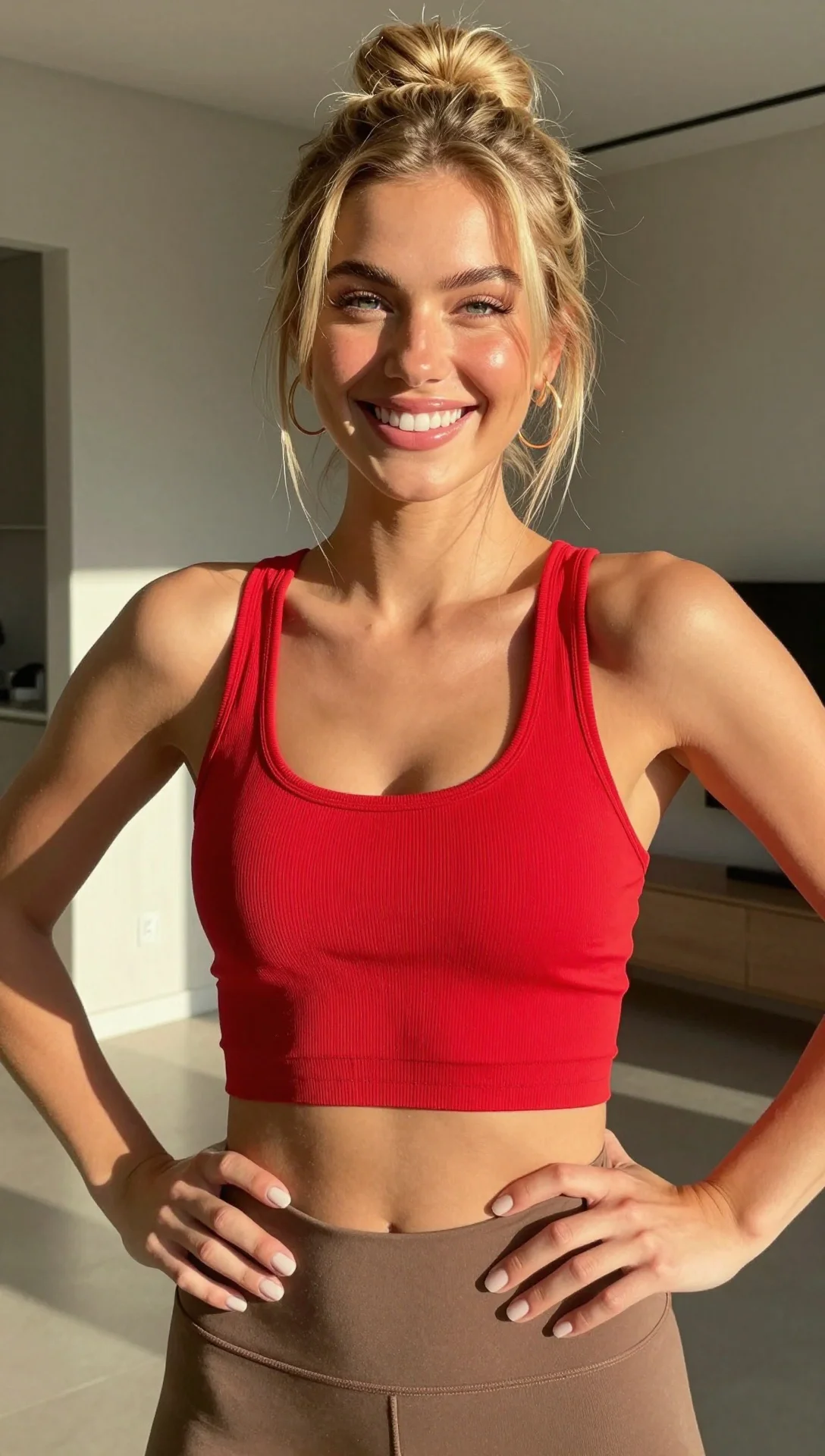
How to Create Character Animations

Animate characters with motion capture in three steps

  1. Upload Character Image

    Upload the character image you want to animate. This can be an illustrated character, photograph, or any figure you want to bring to life with movement.

    Supported formats: JPG, PNG

  2. Provide Reference Video

    Upload a reference video showing the movement you want to transfer. Imagera analyzes poses and extracts skeleton tracking data.

    60 credits/5s (~$1.85)

  3. Generate Animation

    The AI combines your character with the detected motion to create a realistic animated video with natural movement in 40-60 seconds.

    High-quality video output

What is AI character replacement in video?
Quick Answer:

Imagera AI Character Replacement swaps faces and transfers motion between characters in videos. Upload a source video and target face to create photorealistic face swaps with natural motion transfer. Browser-based with pay-per-use pricing.

Source: Imagera AI

What is AI Character Replacement?

AI Character Replacement Imagera AI Character Replacement uses deep learning to swap faces and transfer body motion between characters in video. Creates seamless, photorealistic results with accurate lighting and expression matching.

Compare Imagera Character Replacement vs DeepFaceLab, Reface, and other AI face swap tools.

Frequently Asked Questions

Common questions about AI pose transfer animation

What's the difference between Animate Photo and Character Replacement?

Two modes for different use cases: **Animate Photo (Move Mode)** makes your photo copy the motion from a driving video while keeping your image's background. **Character Replacement (Mix Mode)** swaps the person in a video with your character while keeping the original video's background and scene. Choose Animate Photo for "dancing photo" effects. Choose Character Replacement to update existing video footage with a new person.

What is AI Character Replacement and how does it work?

AI Character Replacement uses the Imagera Character Engine with Imagera motion tracking to capture human movement from a reference video and apply it to a character image. The AI detects 17 key body points (joints, limbs, torso) and recreates the same poses and movements on your character. You can either animate your photo with the motion (Move Mode) or replace the person in the video (Mix Mode).

Which mode should I use for the "dancing photo" TikTok trend?

Use **Animate Photo (Move Mode)**. This transfers the dance moves from a driving video onto your photo while preserving your image's original background. Perfect for viral content where you want your photo to "come alive" and dance. The 704% growth in face swap content is driven by exactly this use case.

Which mode should I use to update training videos with a new presenter?

Use **Character Replacement (Mix Mode)**. This replaces the person in your existing training video with a new presenter photo while keeping the original video's background, lighting, and scene intact. Save $2,000-$10,000+ per video that would otherwise require reshooting.

How much does character replacement cost?

Just 60 credits per 5-second clip at every resolution — a 30-second video is 360 credits. Scale to any length up to 60 seconds, with no subscription required: you pay only for what you create.

What types of motion can be transferred to characters?

You can transfer various types of motion including walking, dancing, gesturing, waving, jumping, and other body movements. The AI captures the full range of human motion from your reference video and applies it to the character while maintaining natural movement dynamics and physics-correct interactions.

What image and video formats are supported?

For character images, we support JPG and PNG formats. Reference/driving videos can be MP4, MOV, or other standard formats. The character image should clearly show the full body or at least the parts you want animated. Maximum video duration is 60 seconds, resolution up to 1920×1080.

How long does processing take?

Both Animate Photo and Character Replacement typically take 40-60 seconds for processing, regardless of video length. The AI processes pose detection and character animation generation simultaneously for fast turnaround.

Can I use the outputs commercially?

Yes! All outputs come with full commercial rights. Use them for marketing videos, training content, social media, films, or any commercial purpose. You own the output videos. Ensure you have consent from any real individuals depicted.

What resolution does character replacement support?

Character replacement supports up to 1920x1080 resolution in square, landscape, or portrait orientation. All resolutions cost the same: 60 credits per 5 seconds. Uses the Imagera Character Engine with lighting consistency controls for motion quality and lighting preservation.

Built by the Imagera AI team

Built by the Imagera AI Team

AI researchers, engineers & content specialists

Imagera is a unified AI creation platform for images, video, voice and avatars. Outputs ship at up to 16K resolution with no watermark and a commercial license included — choose from 500+ AI models in a single workspace.

16K output500+ AI modelsCommercial license included

What is Imagera AI Character Replacement?

A Viggle AI and Kling alternative that animates characters using motion from reference videos. Uses Imagera motion tracking + Imagera Character Engine (Sep 2025) for realistic motion transfer. Pay-per-use, no subscription required.

How much does character replacement cost?

Just 60 credits per 5-second clip (~$1.85). Scale to any length up to 60 seconds. No subscription required — pay only for what you create.

How does this compare to Viggle AI, Kling, and Runway?

Viggle: Great for memes but limited customization. Kling ($5.99-89.99/mo): Cinema-grade but subscription-locked. Runway ($12-95/mo): 10-second limit. Imagera: Pay-per-use, 60-second videos, any character image, actual skeleton tracking.

Can I create 'dancing photo' content like the TikTok trend?

Yes! The viral 'dancing photo' trend (704% face swap growth in 2025) is our specialty. Upload any photo, provide dance video as reference, get your photo dancing with realistic movement. Perfect for TikTok, Instagram Reels.

What is Imagera Character Engine and why does it matter?

Imagera Character Engine is optimized for character animation, with improved hands, physical interactions, and motion clarity. It works with Imagera motion tracking so the generated character follows the reference performance consistently.

Is this ethical to use? What about deepfakes?

Yes, with consent. We're designed for legitimate use: updating training videos, marketing content, animating illustrations, creative projects. Using for non-consensual content, impersonation, or misinformation violates our terms. Always get consent for real people.

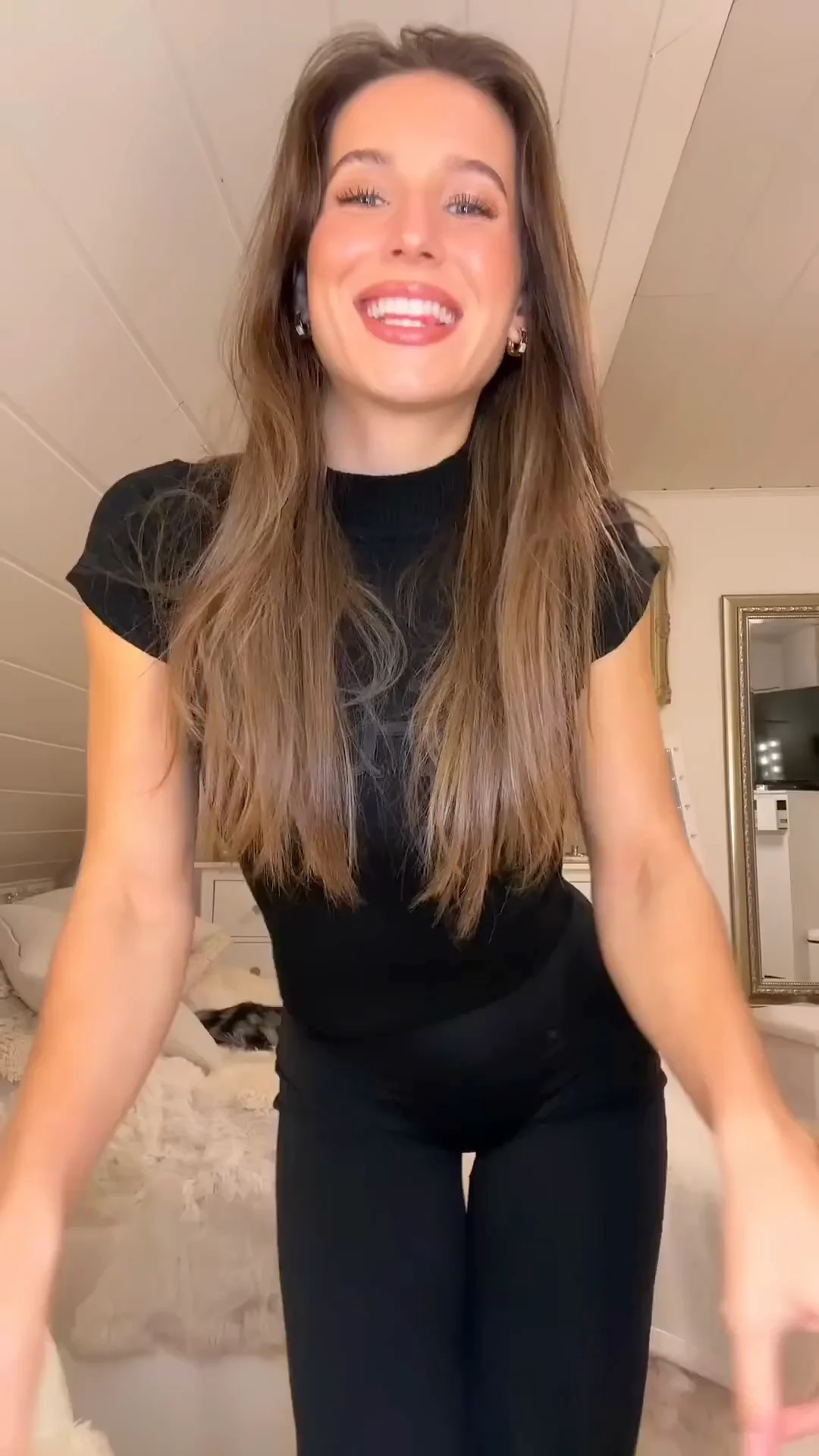
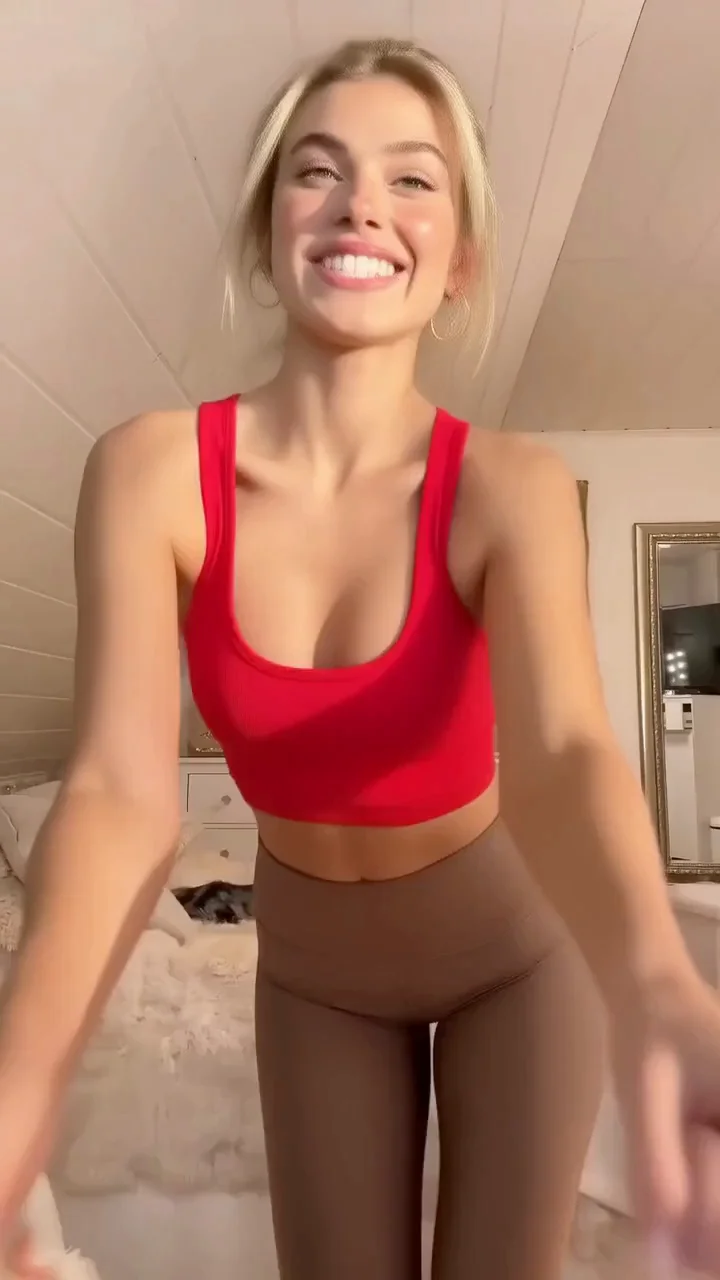
Character Replacement, Step by Step

A real Imagera example — the character image and reference motion combine into a finished, social-ready clip.

Character image uploaded to Imagera before AI motion transfer is applied
Step 1 · Character — the still image Imagera brings to life.
Reference motion clip that Imagera analyzes with Imagera motion tracking for character replacement
Step 2 · Motion — reference footage read by Imagera motion tracking.
Finished Imagera character replacement video with the new character performing the transferred motion
Step 3 · Result — the replaced character in a finished clip.
Before: the original character photo prior to Imagera AI character replacement
Before — a static character photo, no movement.
After: the same character animated by Imagera with realistic transferred motion in a video frame
After — the same character performing the transferred motion.
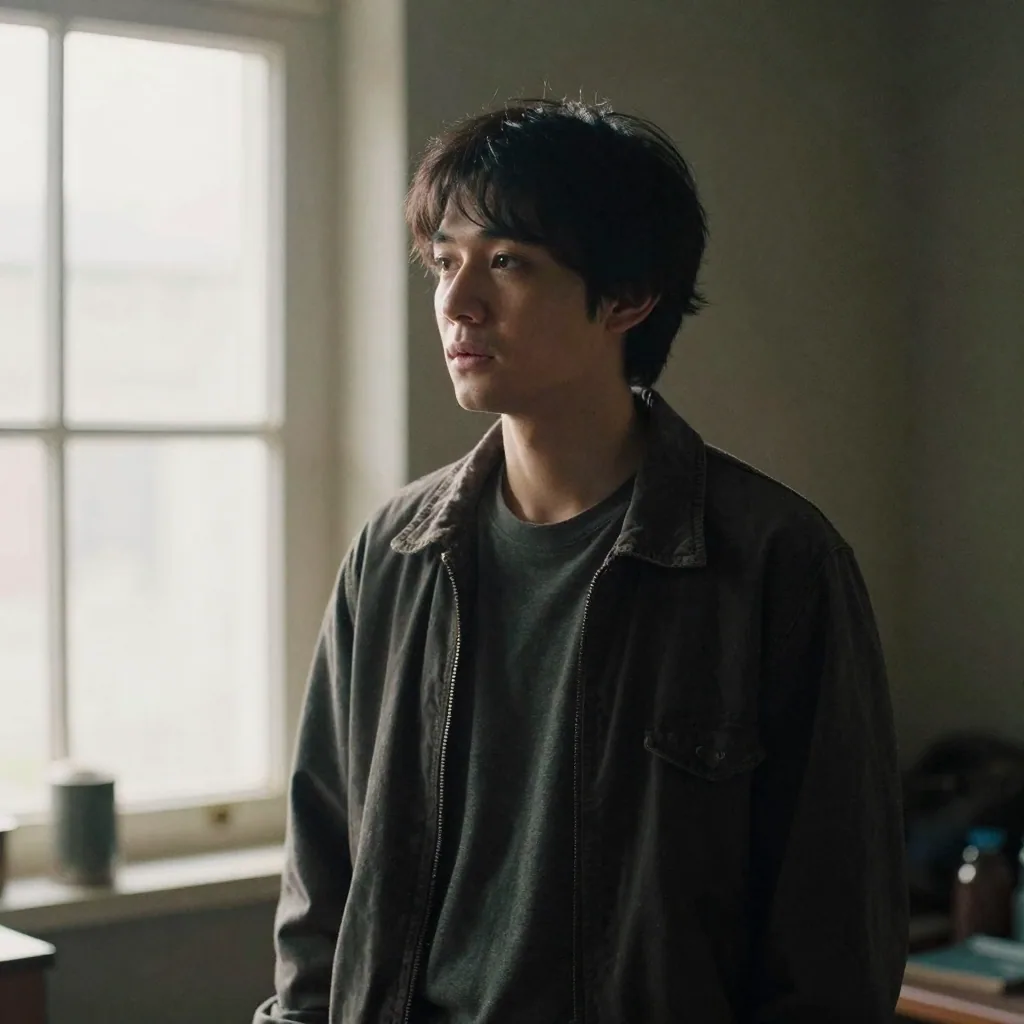
AI character replacement example showing a new character seamlessly swapped into a video scene with Imagera
An AI character replacement example — a fresh character dropped into the scene while the original motion is preserved.
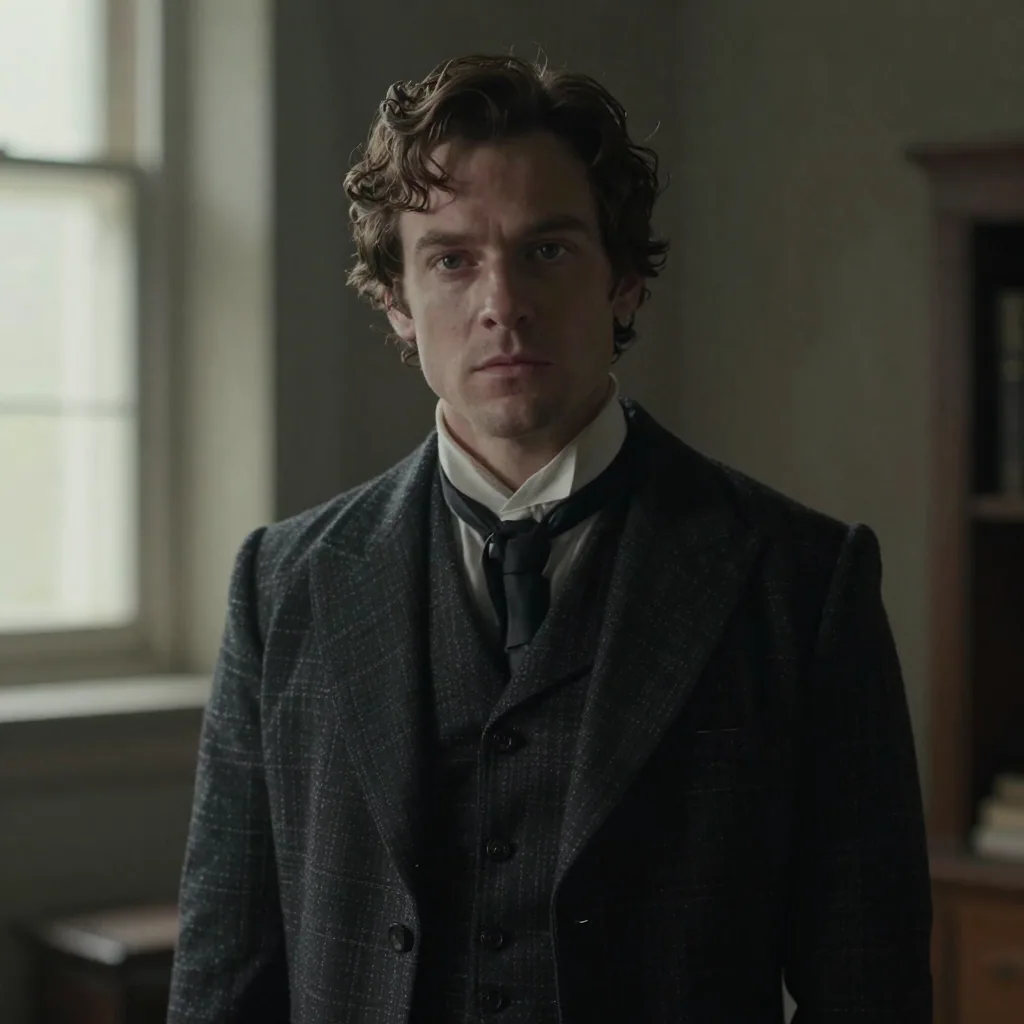
Second AI character replacement example illustrating how Imagera maps a new character onto the reference performance
Another AI character replacement example — Imagera maps the new character onto the reference performance frame by frame.

See It in Action

Inputs

Output

Complete your workflow

Related AI Tools

These pair with Viral Character Swapper. Every tile says what the tool actually does — without leaving this page.

Video Generator

Video

Create videos from pose transfers

For advanced users — bring your own LoRA. Words become cinema. Images come alive.

Lipsync Studio

Avatar

Make your pose-transfer subject speak

No camera, no shoot, no retakes — a photo and a voice note become a video of that person saying it.

Swap and enhance faces in pose transfers

Swap faces and fix melted AI faces. One-click miracle.

240p trash to 4K cinema. Every pixel rebuilt. Netflix-grade output.

240p trash to 4K cinema. Every pixel rebuilt. Netflix-grade output.

Choppy AI video to butter-smooth 60fps. The secret pros use.

Choppy AI video to butter-smooth 60fps. The secret pros use.

Drone Shot Maker

Video

One photo = Hollywood drone shot. Zero equipment. Pure magic.

One photo = Hollywood drone shot. Zero equipment. Pure magic.

Ready to Animate Characters?

Imagera motion tracking · Imagera Character Engine · Up to 60 seconds per video

From 60 credits (~$1.85) per 5-second clip · No subscription required