Pika Alternative
LoRA Video & Pay-Per-Use
Pika charges $8-58/month whether you use it or not. Imagera gives you AI video generation with LoRA model customization and a credit quote before every clip — no subscription required.
What is Pika Alternative?
Pika Alternative Imagera AI is a Pika alternative offering AI-powered image and video generation with photorealistic output, LoRA model support, and pay-per-use credits: credit packs from $39.99, plans from $19.99/mo. Unlike Pika, Imagera provides 20+ specialized AI tools including image generation, video creation, voice cloning, and avatar animation in one platform.
Compare Pika vs Imagera AI features, pricing, and capabilities below.
By the numbers
- Imagera: LoRA chaining for video (up to 4 LoRAs) — Pika 2.2: no LoRA support
- Imagera: pay-per-use credits per video, no subscription — Pika: $8-28/month subscription
- Imagera: 50+ AI tools in one platform — Pika: video generation only
- Imagera: LoRA styles from a built-in library, your own uploads or links — Pika: proprietary model only
- Commercial licensing on all Imagera outputs
Source: Imagera platform specifications · Updated October 2026
Imagera AI vs Pika: Professional Comparison
See why professionals choose Imagera AI over Pika for business use
Imagera AI vs Pika: Feature-by-Feature Spec Table
Quick-scan comparison of what each platform includes for Pika users evaluating a switch.
| Feature | Imagera AI | Pika | Winner |
|---|---|---|---|
| Scene Effects & Editing | Basic generation — no scene effects | Unique scene effects: Inflate, Melt, Explode, Crush, Cake-ify, Squish | Pika |
| LoRA Model Support | Chain up to 4 LoRAs — built-in style library, your own uploads or links, LoRAs you train | No LoRA support — relies on prompt-based generation | Imagera AI |
| Ease of Use | Standard interface with prompt input and model selection | Very intuitive interface — designed for beginners and non-technical users | Pika |
| Pricing Model | Pay-per-use, each clip priced before you generate — buy credits when needed | $8-58/month subscription (Basic to Pro) | Imagera AI |
| Text-to-Video Quality | Good quality short clips — improving with each model update | Pika 2.0 produces creative, stylized video with good motion | Tie |
| Real Camera Mode | Built-in real camera noise + skin detailing for authentic camera characteristics | Not available — standard AI-generated output | Imagera AI |
| Sound Effects | No built-in SFX generation (use separate music/voice tools) | Pika Sound — auto-generates sound effects matching video content | Pika |
| Other AI Tools Included | 25+ tools: image gen, upscaler, voice, music, podcast, lip sync, avatar | Video generation only — no image, audio, or upscaling tools | Imagera AI |
| Subscription Required | No — buy credits when you need them, no monthly commitment | Yes — $8-58/month, free tier with watermarks and limits | Imagera AI |
True Cost Analysis: Quality vs Price
Why Imagera AI delivers better value for professional applications
Light Use (5 videos/month)
Medium Use (20 videos/month)
Heavy Use (50+ videos/month)
Occasional Use (5 videos/year)
When Does Pika Make More Sense?
Pika is better if you love creative scene effects (Inflate, Melt, Explode — unique to Pika), want auto-generated sound effects with Pika Sound, prefer the simplest possible interface for quick video creation, or produce 50+ videos monthly at Pro tier. Pika's focus on creative accessibility shows in its unique effects and beginner-friendly design. For users who need LoRA customization, photorealistic AI output, pay-per-use pricing, or a multi-tool platform covering video, image, audio, and more, Imagera is the better fit.
Why Professionals Choose Imagera AI Over Pika
The critical advantages that make Imagera AI the superior choice for business
No Monthly Subscription
Pika requires $8-58/month regardless of usage. Imagera lets you buy credits when needed — each clip is priced before you generate. No wasted months.
LoRA Styles on Every Clip
Imagera runs up to 4 LoRAs per clip — from its built-in style library, your own uploads or links, or LoRAs you train — for consistent characters, brand styles, and niche aesthetics. Pika relies on prompting alone with no LoRA support.
Real Camera Mode
Imagera adds real camera noise, film grain, and skin detail to enhance with natural detail. Essential for stock footage, client work, and social media where authentic quality increases engagement.
25+ AI Tools in One Platform
Your credits work across video, image generation, upscaling, AI voice recreation, music, podcasts, lip sync, and avatars. Pika only does video generation.
See what Imagera actually produces
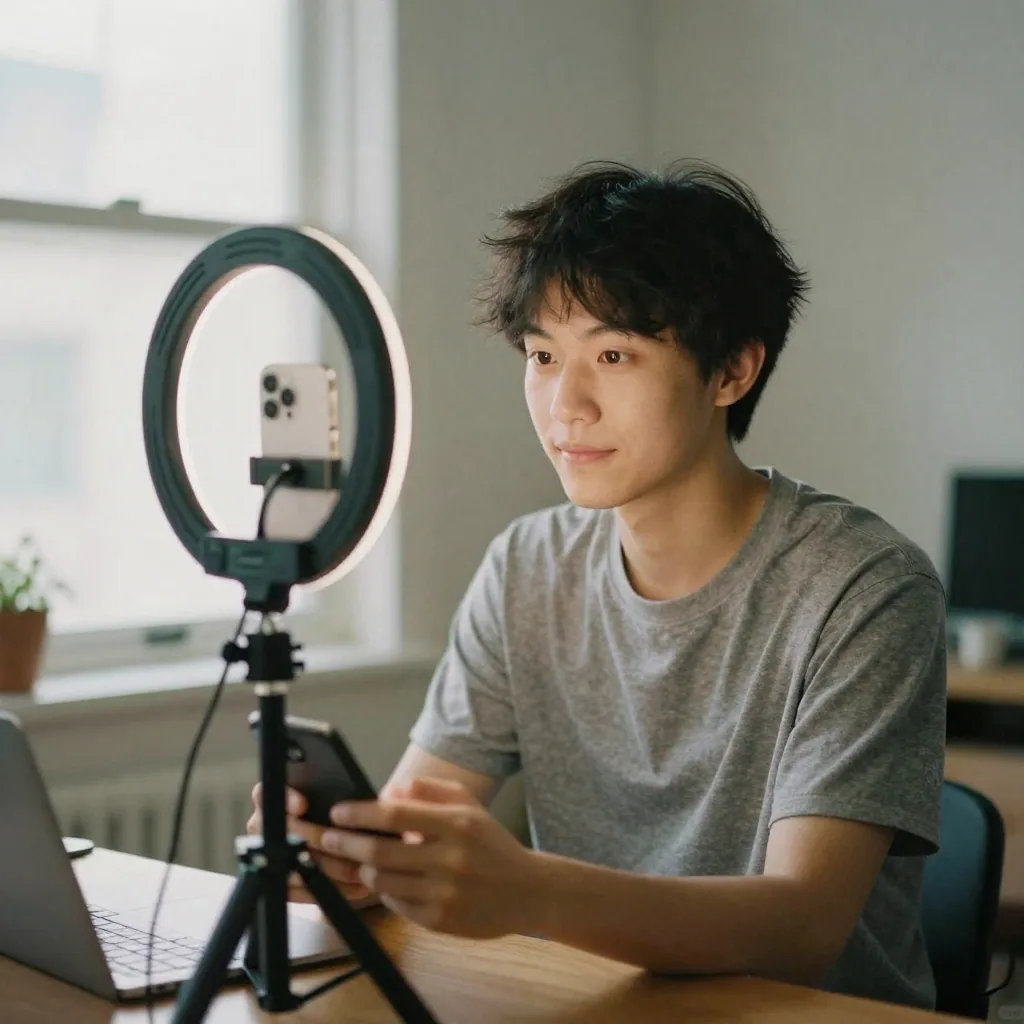
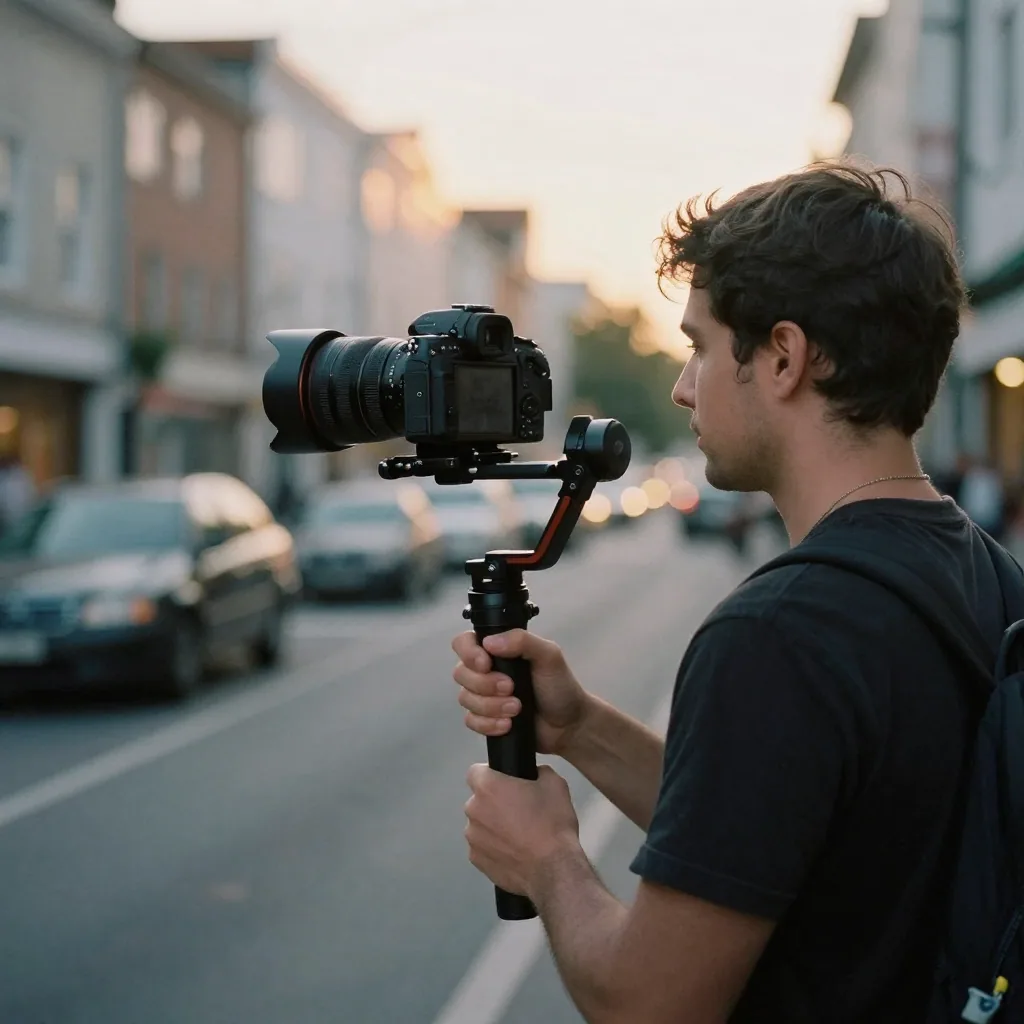
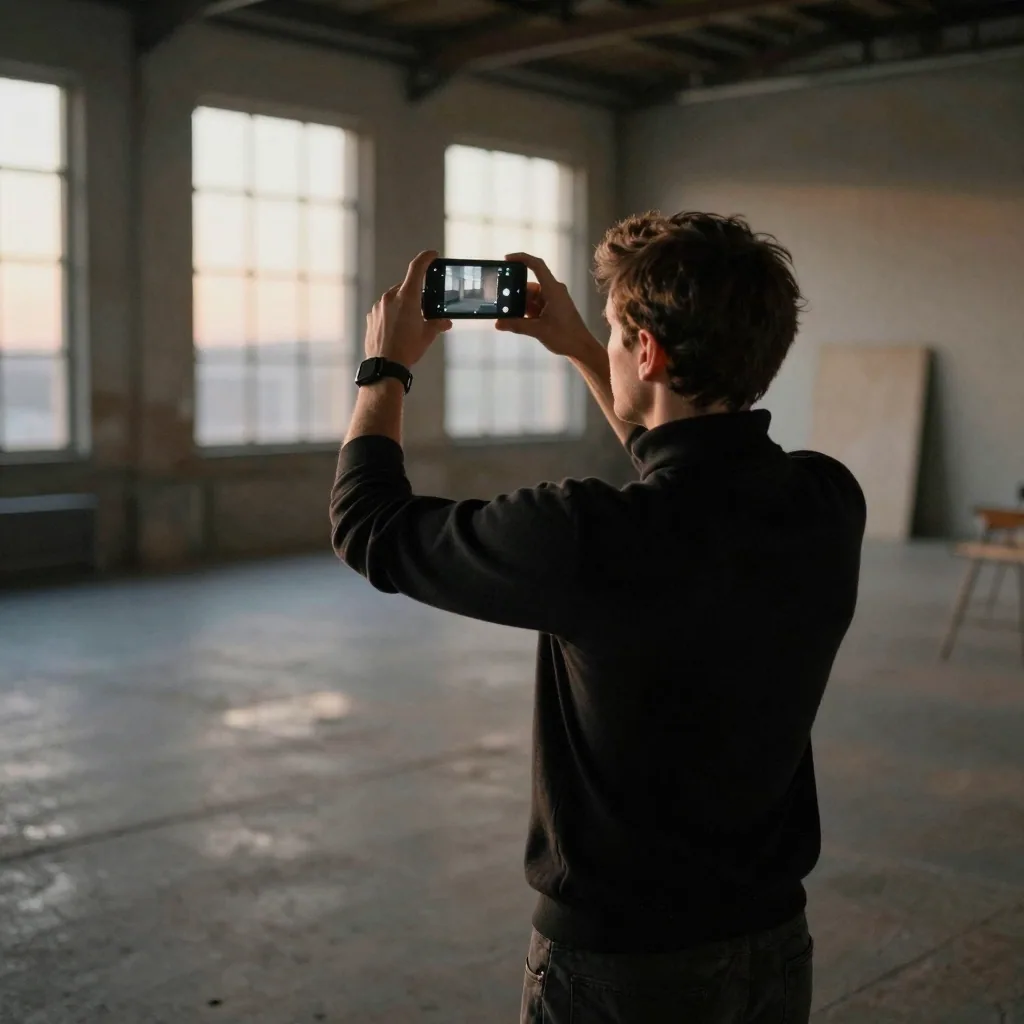
Real output from the Imagera tool that replaces Pika — generated in the browser, no install or GPU.
Output
See it in action
Examples of the kind of visuals creators make with Imagera.



When Pika is genuinely the better choice
Any honest comparison has to start by being clear about where Pika wins, because for some creators it genuinely does. Pika built its reputation on a few things that are still hard to match, and if those are the core of your workflow, switching away would be a step backward rather than forward.
The clearest example is Pika's library of scene effects — Inflate, Melt, Explode, Crush, Cake-ify, Squish and the rest. These are one-click transformations that turn an ordinary shot into something surreal and shareable, and they are the kind of feature that made Pika popular on social feeds in the first place. Imagera does not offer equivalent effects, and pretending otherwise would be dishonest. If your content leans on that playful, effect-driven style, Pika remains the right tool.
Pika's auto-generated sound is the second real advantage. Being able to attach matching sound effects to a clip inside the same tool, without opening a separate audio app, removes a genuine step from the creative process. Imagera keeps audio in dedicated voice and music tools rather than layering it automatically, so a beginner who just wants a finished clip with sound in one pass will find Pika smoother.
Finally, Pika's interface is built for people who are not video professionals. The learning curve is short, the defaults are sensible, and you can produce something watchable within minutes of signing up. For casual creators, students, and anyone who values speed of a first result over depth of control, that simplicity is a feature, not a limitation. Credibility in a comparison like this comes from admitting these things plainly — Pika earned its audience for good reasons.
Where Imagera fits better for AI video generation
Imagera is built for creators who need control and consistency across a body of work, not just a single eye-catching clip. The clearest differentiator is LoRA model support. You can point Imagera at a specific character, a brand aesthetic, or a niche visual style and have that identity carry through every generation, which is difficult to reproduce with prompt text alone. For anyone producing a series, a campaign, or recurring branded content, that consistency is the whole ballgame.
The Real Camera treatment is a second area where Imagera fits a different need. Instead of the polished, obviously-synthetic look that video models tend to default to, it can add subtle camera noise, grain, and skin detail so footage reads as if it came off a real sensor. That matters for stock-style footage, client deliverables, and social content where a more grounded look holds attention better than something that announces itself as AI.
Imagera also lives inside a broader toolkit rather than being a single-purpose video app. One balance of credits covers image generation, upscaling, voice recreation, music, podcasts, lip sync, and avatars. In practice that means a creator can take a project from a still image through to an upscaled, sound-backed, lip-synced video without stitching together three or four separate subscriptions. The workflow value compounds the more of the pipeline you run in one place.
None of this makes Imagera universally better — it makes it better for a particular kind of creator. If your work depends on visual consistency, a natural camera look, or a multi-tool pipeline, those advantages are concrete and show up in day-to-day production rather than on a feature checklist.
How to switch from Pika to Imagera
Switching is less about migrating data and more about re-establishing your creative setup, because AI video projects are largely defined by prompts, reference images, and finished exports rather than editable project files. That actually makes the move simpler than migrating between traditional editing suites — there is no proprietary timeline format to convert.
Start by exporting your finished videos from Pika. Download the clips you want to keep, along with any thumbnails or stills you generated, and save the prompt text you used for the shots you liked. Those prompts are the most portable asset you have; they capture the intent behind each shot and give you a running start when recreating work in Imagera.
Next, recreate one representative project rather than trying to move everything at once. Pick a video that matters to you, upload its source image as a reference, and rebuild the prompt in Imagera. This is also the moment to introduce a LoRA model if consistency matters — something Pika could not do — so the recreation can come out stronger than the original rather than just equivalent.
Be realistic about what does and does not transfer. Your finished clips, source images, and prompt language all carry over cleanly. What does not carry over are Pika-specific effects like Melt or Explode and Pika's auto-generated sound, since those are proprietary. If a project leaned heavily on those, plan to either rebuild that look a different way in Imagera or keep that particular piece in Pika. Many creators simply run both tools for a while and let each project settle where it fits best.
What creators actually make with Imagera
The most common output is short-form social video: image-to-video clips of a few seconds that turn a product photo, a character render, or a scene into motion for reels and shorts. Because a single generation costs only a few credits, creators can iterate on angle and pacing without watching a subscription meter, which encourages the kind of experimentation that short-form thrives on.
Branded and product content is the second big use case, and it is where LoRA support does the heavy lifting. A small brand can keep a mascot, a spokesperson likeness, or a signature visual style consistent across dozens of clips, so a month of content looks like it came from one coherent campaign rather than a series of one-off generations. That continuity is hard to fake with prompts alone.
Creators also use Imagera for more grounded, camera-realistic footage — the sort of clip meant to feel filmed rather than rendered. Combining a reference image with the Real Camera treatment produces footage suited to stock-style libraries, testimonial-flavored pieces, and ads where an authentic look outperforms an obviously synthetic one.
Finally, because the platform spans more than video, people assemble complete pieces end to end: generate or upscale a still, animate it, add a recreated voice or a music bed, and apply lip sync — all against one credit balance. The output is less a single clip and more a finished mini-production, which is a workflow a video-only tool cannot cover on its own.
Pricing in plain terms
Imagera is pay-per-use, and its pricing is measured in credits rather than a recurring monthly fee. You buy a balance of credits and spend a few of them each time you generate, so your cost tracks what you actually make. There is no monthly minimum, and the credits you buy do not expire — a balance you top up during a busy week is still there the next time you sit down to create.
That model changes the math for irregular usage in particular. If you create in bursts — heavy one month, quiet the next — you are never paying for months you did not use. The flip side is honest to state: at very high, steady volume a flat subscription can work out cheaper per clip, so the pay-per-use advantage is strongest for occasional and moderate creators rather than someone rendering all day every day.
Pika, by contrast, is generally known to run on a monthly subscription with tiered plans, including a limited free tier that adds watermarks. That is a reasonable model if your output is consistent enough to keep the plan busy. We are deliberately not quoting exact figures here, because subscription prices and tiers change; the structural difference is the point. Pika asks for a recurring commitment, and Imagera asks you to pay only for the generations you run.
The practical way to decide is to estimate how many videos you realistically make in a typical month. If that number is steady and high, price out a subscription against your credit usage. If it varies, or if you go weeks without touching video, credits that never expire and cost only a few per generation tend to be the more forgiving choice.
Frequently asked before switching
Is Imagera's video quality comparable to Pika's? For general text-to-image-to-video, the output is broadly comparable, and each tool has its own character. Pika leans stylized and creative, especially with its scene effects; Imagera leans toward consistency and a more camera-realistic look, particularly when you use LoRA models and the Real Camera treatment. Which one looks better depends on the style you are after rather than one being flatly superior.
Will I lose my existing Pika work? No — your finished clips and source images are yours to export and keep. What is tied to Pika are its proprietary effects and auto-sound, which do not transfer. Saving your prompts before you leave makes rebuilding the shots you cared about much faster.
Do I have to cancel Pika to use Imagera? Not at all. Because Imagera is pay-per-use with no subscription, you can add it alongside a Pika plan and route each project to whichever tool suits it. Plenty of creators run both indefinitely rather than picking a single winner.
Does Imagera have Pika's scene effects like Melt and Explode? No. Those one-click transformations are unique to Pika, and if they are central to your content that is a genuine reason to keep using Pika for those pieces. Imagera's strengths lie in customization, consistency, and the surrounding toolkit rather than novelty effects.
Is pay-per-use actually cheaper for me? It depends on your volume. For occasional or bursty creators, paying only for what you generate — with credits that never expire — usually comes out ahead of an always-on subscription. For very high, steady output, a flat plan can win on cost per clip. The most reliable answer is to estimate your real monthly usage and compare, rather than assuming either model is cheaper in the abstract.
Imagera AI vs Pika FAQ
Common questions about choosing Imagera AI over Pika
Ready to Try AI Video Without a Subscription?
Generate videos with LoRA styles, Real Camera mode, and pay-per-use pricing. Each clip is priced before you generate — no monthly commitment.