
Video Enhancer
VideoCombine with upscaling for best quality
240p trash to 4K cinema. Every pixel rebuilt. Netflix-grade output.
Imagera AI - AI content creation platform for generating images, cloning voices, creating avatars, and enhancing videos. Privacy Policy | Terms
AI-powered frame interpolation and upscaling for smooth, life-like motion. Transform your videos into professional-quality content with realistic results.
From 20 credits per 5-second clip at SD, 30 at HD
AI frame interpolation estimates the motion between each pair of frames and draws a new frame in between, instead of repeating frames the way a plain 60fps export does. The frame count doubles, so a 30fps clip comes back at 60fps with smoother pans and fast motion. It runs in the browser, so there is no frame interpolation software to install.
Step 1
A choppy AI, phone or game clip, up to 30 seconds long.
Step 2
Output size is the only setting, and the only thing that changes the price.
Step 3
Check fast motion and on-screen text, which can still warp.
Before/after demo proof — then open the studio on your own file.
Imagera Frame Interpolator studies the frames you already have and paints new in-between frames, so jumpy AI or phone footage plays back with clean, life-like motion.
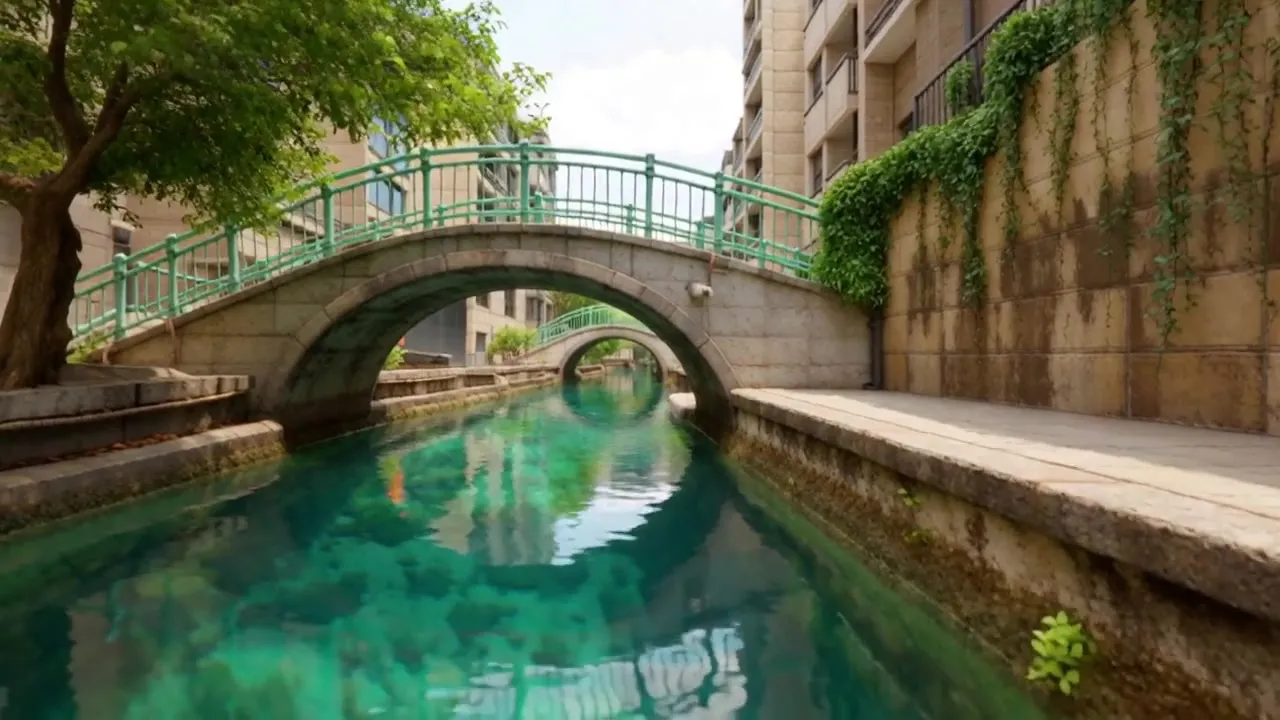
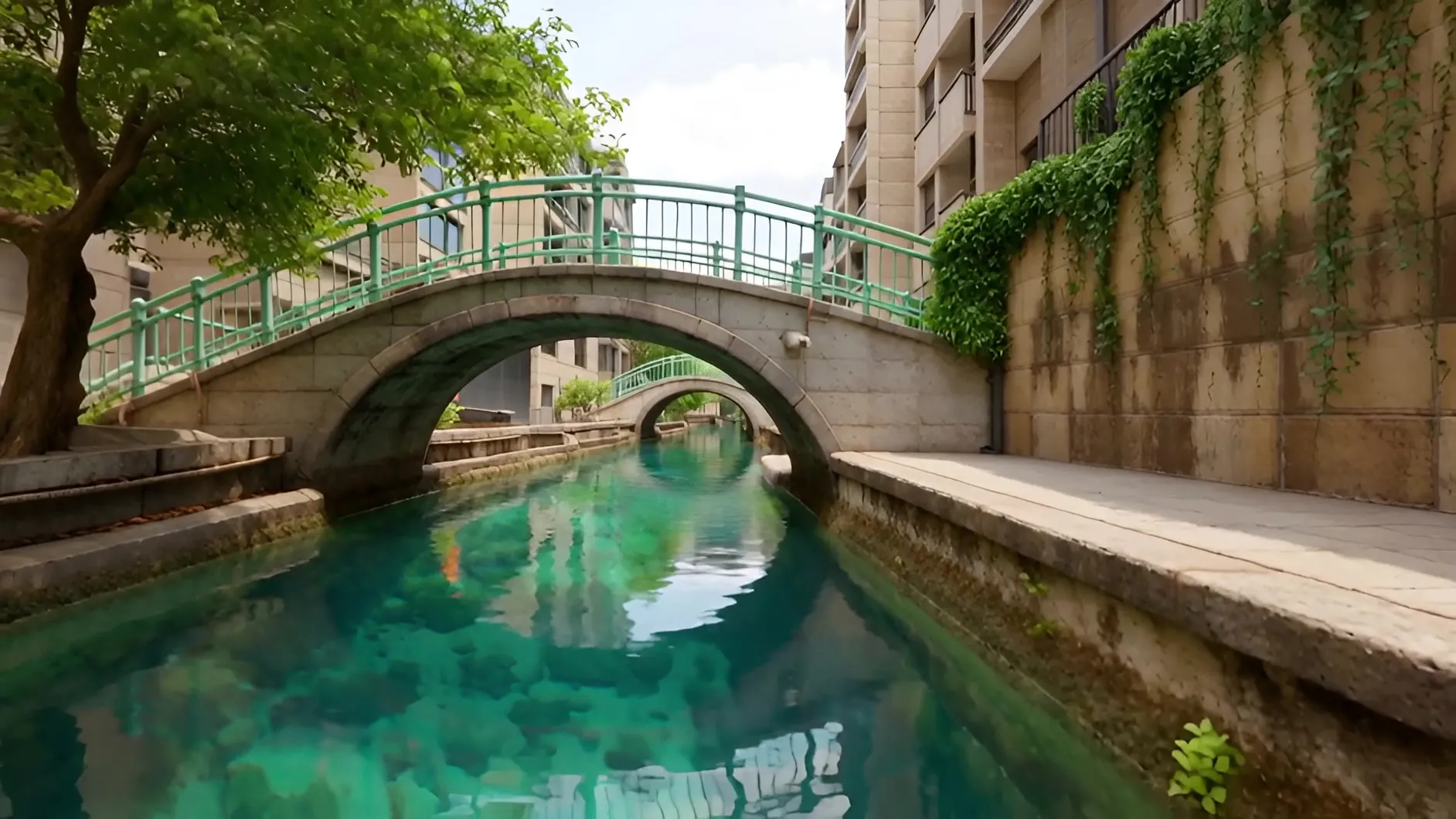
Low frame rates, expensive software, complex setup. Sound familiar?
24-30fps content looks jittery on modern 120Hz displays. Gaming content, anime, and sports all suffer from low frame rates.
Topaz stopped selling perpetual licences on 3 October 2025. Topaz Video is $299/yr on desktop or $29/mo on the web. That's a lot for occasional use.
DAIN, Flowframes, and SVP all render on your own desktop GPU, so the job is tied to one machine.
DAIN requires Python setup. Flowframes needs FFmpeg. SVP has a complex configuration. Hours lost to troubleshooting.
Limited animation budgets mean anime runs at 12-24fps. On modern TVs and monitors, this is more noticeable than ever.
A plain frame-rate change in an editor repeats or blends frames, so fast motion still stutters or ghosts.
Desktop interpolators tie the job to one machine's GPU, and subscription apps bill you whether or not you have footage this month.
Everything you need for professional video interpolation and upscaling
Browser-based anime frame interpolation. Adds an in-between frame for every pair, doubling the frame count of limited animation.
New in-between frames estimated from motion, rather than blended or repeated frames.
From 20 credits per 5-second clip at SD, 30 at HD. Upload from the browser; processing runs on cloud GPUs.
Take 30fps gameplay and sports captures to 60fps, or play a doubled clip at its original rate for 2× slow motion.
Interpolate and upscale your videos in three simple steps
Drop your video file into the upload area
Choose HD or SD quality with your preferred orientation
Get your smooth, realistic video in seconds
From anime fans to sports analysts—see how different communities use AI frame interpolation
Animation
Anime is typically animated at 12-24fps due to budget constraints, so pans and action scenes can look choppy on modern displays.
A new in-between frame for every pair of frames
Gaming & Streaming
Console captures are often 30fps, and fast gameplay judders at that rate once it is uploaded.
A 30fps capture comes back at 60fps
Film Enthusiasts
24fps film looks jittery on modern 120Hz displays. Some viewers prefer smooth motion over "cinematic" judder. Controversial but popular.
Twice the frames, so pans judder less
Sports Media
Fast motion reads more clearly with more frames. Highlight reels and coaching analysis benefit from smooth slow-mo.
Twice the frames for smoother replays and 2× slow motion
Creative & Music
Create smooth slow-motion without expensive cameras. AI generates intermediate frames for natural slow-mo. Popular for music videos, weddings, creative content.
Play the doubled clip at its original rate for 2× slow motion
Archival
Vintage footage was often shot at 15-24fps and judders on modern screens. Interpolation doubles its frame count for smoother playback.
Twice the frames of the original clip
Ready to convert your videos to buttery smooth 60fps?
Start InterpolatingCompare Imagera with Topaz Video AI, SVP, Flowframes, and DAIN
| Feature | Imagera Browser-Based | Topaz Video AI | SVP Pro | Flowframes Open Source | DAIN Original |
|---|---|---|---|---|---|
| Pricing Model (2026) | Pay-per-use | $299/yr desktop or $29/mo web | $25 one-time | Free / $2.50+/mo | Free (open source) |
| Annual Cost | Only what you use | $299/year | $25 total | $30/year (optional) | $0 |
| Platform | Browser-based | Desktop + web app | Desktop app | Desktop (Windows) | Desktop (complex) |
| GPU Required | Not required | Desktop app only | Required | Required | Required |
| Real-Time Playback | |||||
| Max Output FPS | 60fps (2× frames) | 120fps+ | 144fps+ | 120fps | 60fps |
| AI Technology | AI flow interpolation | Chronos/Apollo | RIFE/MEMC | RIFE/DAIN/FLAVR | DAIN (original) |
| Ease of Use | ⭐⭐⭐⭐⭐ | ⭐⭐⭐⭐ | ⭐⭐⭐ | ⭐⭐⭐ | ⭐⭐ |
| No Installation | Web app | ||||
| Works on Mobile | iPhone app is photo-only | ||||
| Best For | Casual/pay-per-use | Pro editors | Real-time viewing | Budget users | Developers |
Skip the $299-a-year desktop licence, the local install and the setup. Upload, process and download from the browser, on any device, billed per clip in credits.
Topaz stopped selling perpetual licences on 3 October 2025; Topaz Video is $299/yr on desktop or $29/mo on the web at list price, shown with a limited-time offer of $19/mo (topazlabs.com/pricing, checked 23 September 2026). SVP offers real-time playback for $25 one-time but requires GPU. Flowframes is open-source with $2.50+/mo Patreon for early access. DAIN is research code requiring technical setup. SVP and Flowframes pricing verified February 2026.
Experience browser-based frame interpolation - no download required
Try Imagera Frame InterpolatorThe makers of Imagera
Imagera is a unified AI creation platform for images, video, voice and avatars. Outputs ship at up to 16K resolution with no watermark and a commercial license included — choose from 170+ media models in a single workspace.
Input
Output
AI Frame Interpolation Imagera AI Frame Interpolator uses the Imagera Smooth neural network to synthesize intermediate frames between existing video frames. Increases frame rate for smooth slow motion, reduces judder in low-fps footage, and creates cinematic effects. Browser-based with pay-per-use pricing.
Compare Imagera Frame Interpolation vs desktop video AI, DaVinci Resolve, and other frame rate conversion tools.
Everything you need to know about AI frame interpolation
Frame interpolation uses AI to generate new frames between existing ones, creating smoother motion. Imagera doubles the frame count, so a 30fps clip comes back at 60fps.
HD (1280x720, 720x1280, 720x720) and SD (832x480, 480x832, 480x480), in Landscape, Portrait and Square formats. Interpolation doubles the frame count: a 30fps clip comes back at 60fps.
Far less than with frame blending, because each new frame is estimated from motion. Very fast motion, objects crossing each other and on-screen text can still warp, so check a short clip first.
In 29 completed runs logged between December 2025 and June 2026 (measured 23 September 2026), the median took about 1 minute 45 seconds from submit to finished clip, three in four finished within about 2 minutes 45 seconds, and the slowest took about 14 minutes. Rendering happens in the cloud, not on your device.
Imagera Frame Interpolator runs from the browser and bills per clip in credits: 20 credits per 5-second block at SD, 30 at HD. Topaz stopped selling perpetual licences on 3 October 2025; Topaz Video now costs $299 a year on desktop or $29 a month on the web at list price (topazlabs.com/pricing, checked 23 September 2026).
Yes. Anime is typically animated at 12-24fps. AI interpolation adds an in-between frame for every pair, doubling the frame count so motion plays more smoothly. Some viewers prefer the original frame rate; the 'Soap Opera Effect' is controversial in the anime community.
It estimates the motion between each pair of frames and generates a new frame in between, so a 30fps clip comes back at 60fps. You upload from the browser; the processing runs on cloud GPUs.
VR headsets refresh faster than most video is shot. Imagera doubles the frame count, so a 30fps clip comes back at 60fps; it does not produce headset refresh rates, so treat it as a smoothing step, not a VR conversion.
Yes, in two steps. Interpolation doubles the frames (30fps becomes 60fps); play the result back at 30fps in any editor and you get 2× slow motion without stutter. Useful for sports, music videos and creative content.
Upload the clip (up to 30 seconds), pick SD or HD and run it; a 30fps clip comes back at 60fps. Setting 60fps in an export dialog only repeats frames, so motion looks as choppy as before. Interpolation draws a new frame between each pair, which is what makes pans and fast motion smoother.
No. You upload and download from the browser, on a phone as well as a computer, and the interpolation runs on cloud GPUs rather than on your own machine.
No. The tool doubles the frame count, so a 30fps clip comes back at 60fps; there is no setting for a different target rate. For slow motion, play the doubled clip at its original frame rate in an editor.
Up to 30 seconds per run, billed per 5-second block: a 30-second clip is 120 credits at SD, 180 at HD. Split a longer video into parts of up to 30 seconds and run each one.
SVP ($25 one-time) interpolates in real time during playback on your own desktop GPU. Flowframes renders files on a Windows desktop GPU. Imagera renders a new file on cloud GPUs from the browser, billed per clip in credits.
For fast motion it usually looks smoother: 60fps shows twice as many frames each second as 30fps, so pans and quick movement judder less. Interpolating a 30fps capture gets you there without re-recording.
Yes. The AI Sway Dance trend often produces slightly choppy motion. Run those dancing photo videos through Frame Interpolator to double the frame count for smoother playback.
Many AI video generators output 24-30fps. Frame Interpolator doubles the frame count for smoother motion, and Video Enhancer raises the resolution.
Yes. Generate your Brainrot creature animation, then run it through Frame Interpolator to double the frame count for smoother motion on TikTok and Instagram Reels.
Imagera Smooth interpolation · SD & HD output · billed per clip in credits
From 20 credits per 5-second clip at SD, 30 at HD
Browser-based AI frame interpolation that doubles the frame count: a 30fps clip comes back at 60fps. Uses Imagera Smooth motion estimation. Runs from the browser on cloud GPUs, billed per clip in credits.
Topaz Video: $299/yr on desktop or $29/mo on the web at list price (checked 2026-09-23). SVP: $25 one-time, real-time RIFE playback. Flowframes: Free / $2.50+/mo Patreon for early access. DaVinci Resolve: free, or $295 for Studio (blackmagicdesign.com, checked 2026-09-23). Imagera: browser-based, billed per clip in credits.
Anime natively uses 12-24fps—AI interpolation doubles the frame count. Works great for action scenes and smooth motion. Note: 'Soap Opera Effect' controversy—Spider-Verse intentionally uses 12fps. Community divided on whether smoothing improves or ruins anime style.
Gaming and sports: a 30fps capture comes back at 60fps, which judders less on fast motion. Anime: optional (the Soap Opera Effect divides viewers). Slow-mo: interpolate to 60fps, play back at 30fps for 2× slow motion. Imagera doubles the frame count; it does not produce VR headset refresh rates.
Yes! AI generates intermediate frames between existing ones. Interpolate to 60fps, then play back at 30fps for 2× slow motion without stutter. Works for sports, music videos, creative content.
Complete your workflow
These pair with 60fps Frame Interpolator. Every tile says what the tool actually does — without leaving this page.
Combine with upscaling for best quality
Create videos then smooth to 60fps
Create smooth aerial footage animations
No camera, no shoot, no retakes — a photo and a voice note become a video of that person saying it, or a clip you already shot says something new.
Translate a clip into another language. Same faces, same footage, new voice — billed per minute.
Steal any dance. Apply to any character. Viral content factory.
Swap faces and fix melted AI faces. One-click miracle.
Explore our guides and resources to get the most out of this tool
Upscale and restore video quality to 4K with detail recovery
Generate AI videos then smooth to 60fps with frame interpolation
Create smoother AI videos with better prompts
Browse all Imagera video enhancement tools
Compare Imagera frame interpolation vs Runway ML video tools
Compare Imagera video smoothing vs Pika AI video creation
Combine frame interpolation with AI upscaling for cinematic video restoration
Step-by-step tutorials for video enhancement and interpolation