Imagera Warlord Pro
Up to 30 seconds at 1080p with native audio in one pass
Imagera AI - AI content creation platform for generating images, cloning voices, creating avatars, and enhancing videos. Privacy Policy | Terms
All tools
180+ media models, plus LoRA training, music modes and your libraries, across 21 operations and 110 studios, with real samples and credit prices.
Up to 30 seconds at 1080p with native audio in one pass
First and last frame control across a 30-second take
Images, clips, audio, documents and web pages as references
Hand it a photo and a track and the person in the photo speaks it: lips, jaw, breath and blinks timed to the audio rather than smeared across it, with the face, hair, light and room held exactly as you gave them. Any face at any framing from tall portrait to wide shot — the photo sets the shape — and any resolution from 480P up to a 2K master. Five to fifteen seconds of audio per take; anything past 14.8 seconds is cut, so split a longer script into takes. Speech, singing, a two-person line, a lyric over a beat: if you can record it, the photo can say it. A nine-second take comes back in about twenty seconds.
Your photo, with the camera actually moving
Prompt-edit a clip, 1–15s · 50 MB · 720p
Detailed, textured 3D models. From one picture.
Detailed, textured 3D models. From several pictures of one object.
Detailed, textured 3D models. From a prompt.
Cinematic stills from a prompt, 1K or 2K
Re-stage a subject from up to 9 references, 1K or 2K
Live movies, directed as they play. Start with a scene, image or soundtrack.
The fastest clip in the lineup, from a sentence
Your still, moving, at the Turbo rate
A finished clip in about seven seconds
Your still, moving, almost immediately
Compose from photos, clips and voice — fast
Put a voice track onto a still photo so the mouth matches it. The distilled pass — quick, and the cheaper of the two.
Put a voice track onto a still photo so the mouth matches it. The full pass — slower, and it holds detail the fast tier softens.
Put a new voice track on a video you already have, mouth matched to the new words. Billed by the second of finished video.
Put a new voice track on a video you already have, mouth matched to the new words. Billed by the second of finished video.
Put a new voice track on a video you already have, mouth matched to the new words. Takes clips up to 10 minutes.
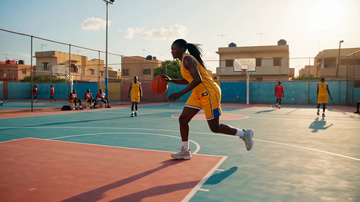
Up to 30 seconds at 1080p with native audio in one pass
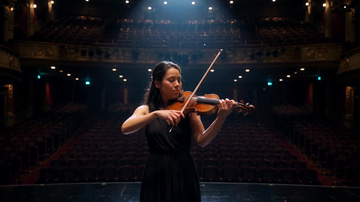
First and last frame control across a 30-second take
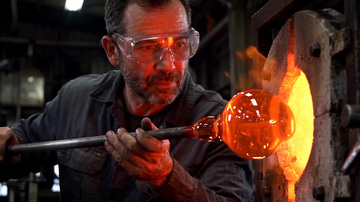
Images, clips, audio, documents and web pages as references
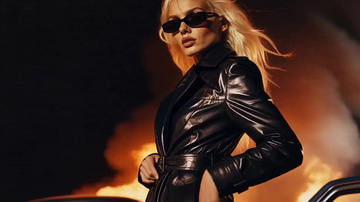
Unrestricted video from a prompt · 18+
Unrestricted motion from your photo · 18+
Unrestricted shots from photos, clips and voice · 18+
High-fidelity textured 3D models. From one picture.

High-fidelity textured 3D models. From a prompt.
Prompt to film with native audio, up to 4K

Bring a still to life, or tween two frames

Compose a shot from photos, clips and voice
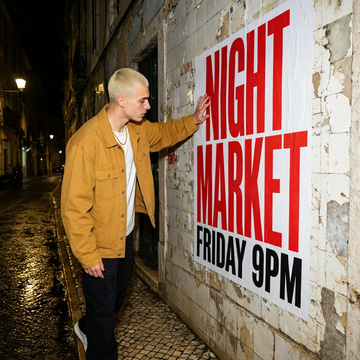
Image generation with readable lettering in posters, signs and layouts.
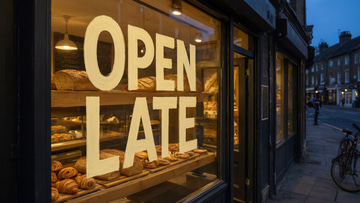
Image editing that keeps lettering readable while changing the rest of the frame.
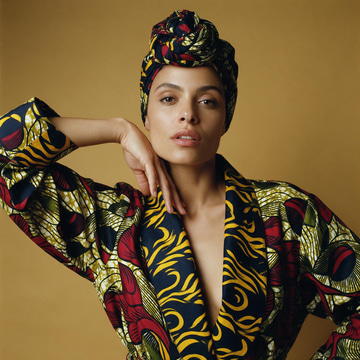
High-fidelity image generation for detailed, structured compositions.
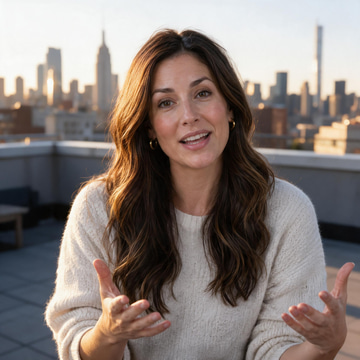
High-fidelity image editing with consistent visual references.
Efficient image generation and reference-guided editing.
Pro quality, 4K, premium detail
Pro quality, 4K, multi-image edit
Text-to-video generation with motion, audio and visual style control.
Image-to-video generation with motion, audio and visual style control.
Reference-to-video generation with motion, audio and visual style control.
Interpolate a first and last frame into a clip with motion and audio.
Continue an existing clip with matching motion, audio and visual style.
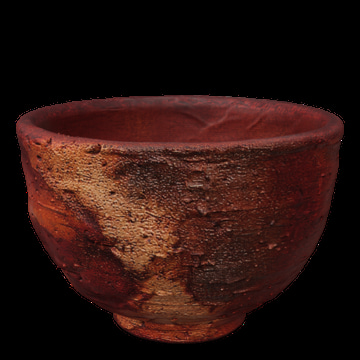
From one picture.
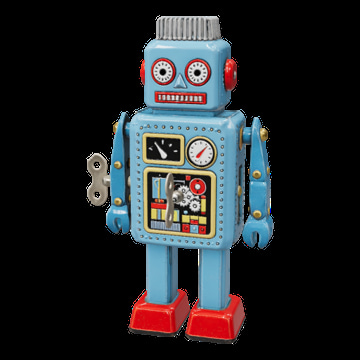
From front, side and back views.
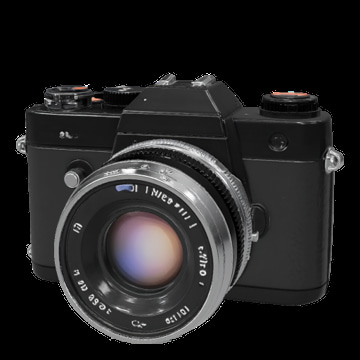
From a prompt.
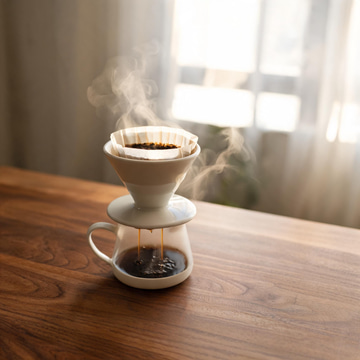
Efficient image generation for detailed, structured compositions.
Efficient image editing with consistent visual references.
2K output, best-in-class text rendering
2K edit, best-in-class text rendering
Translate a clip into another language. Same faces, same footage, new voice.
Quick textured 3D models. From one picture.
Efficient image generation with natural lighting and readable text.
Generate detailed compositions and typography with adjustable image size.
Edit compositions and typography while keeping adjustable image size.
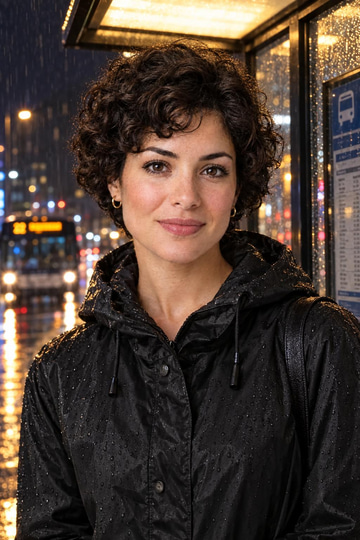
Generate images from a character reference with consistent identity.
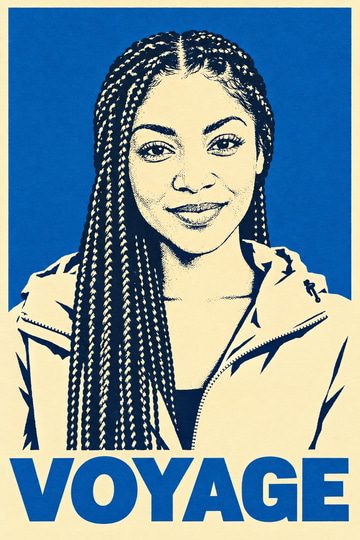
Remix a scene while keeping a referenced character consistent.
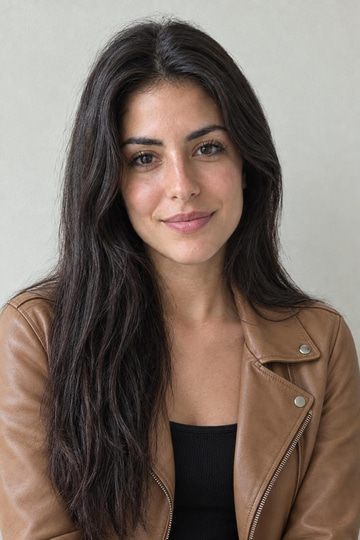
Edit a scene while keeping a referenced character consistent.
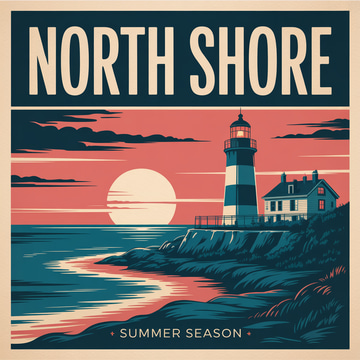
Typography, graphics and poster-style image generation.
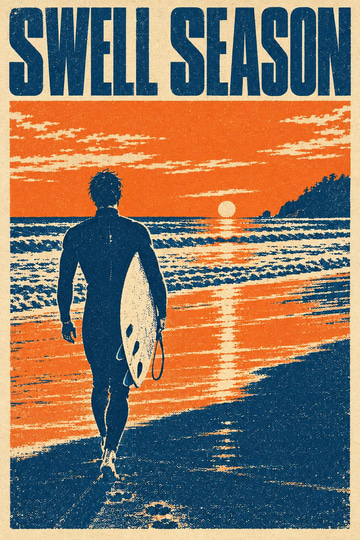
Remix an image into new typography, graphics and layouts.
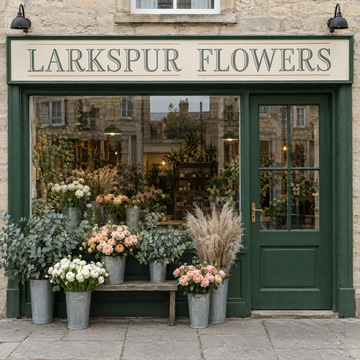
Controlled edits for typography, graphics and poster layouts.
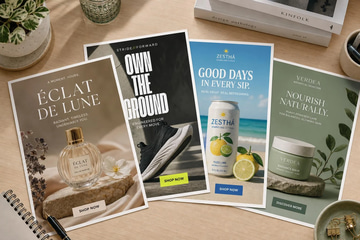
Paste your website. We read your brand and products, then make finished static ads — image, headline and call to action — for every product in one run.
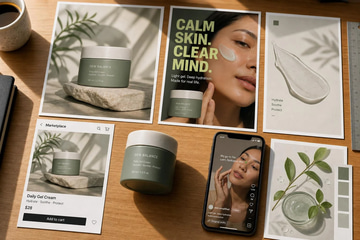
Pick a template or describe a shot, add your product, and get product photos, ads, posters, marketplace images and short video ads that keep your product exact.
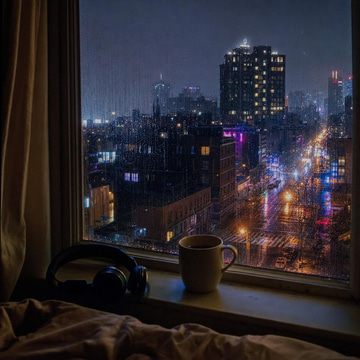
Gather your tracks into a playlist and turn it into one continuous video — cover art and moving visuals for every song, ready for a channel or a stream.
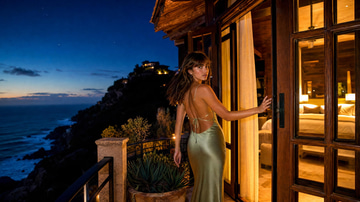
Describe the page and drop in your photos: it builds a full cinematic website with a film in the hero, scroll animation and exportable HTML.
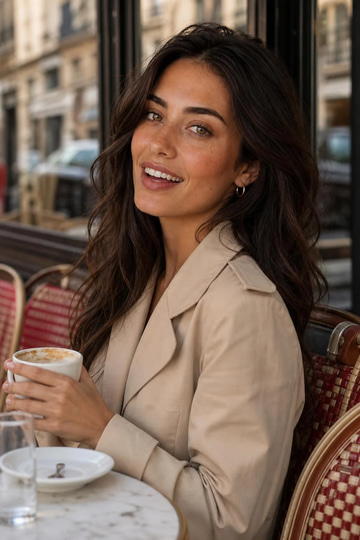
Build an AI influencer from 19 kinds of choices, or start from a photo. You get a Character ID sheet that keeps the same face in every image and video.
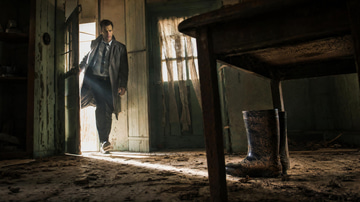
Write the story once: it is broken into a storyboard, every shot keeps the same faces and places, and the scenes are rendered and cut into one long video.
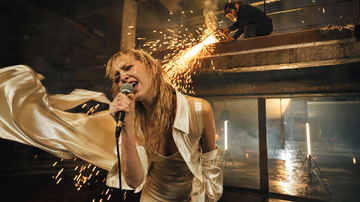
Bring a track and get a music video that runs its whole length — scenes cut to the beat, with a consistent look from the first bar to the last.
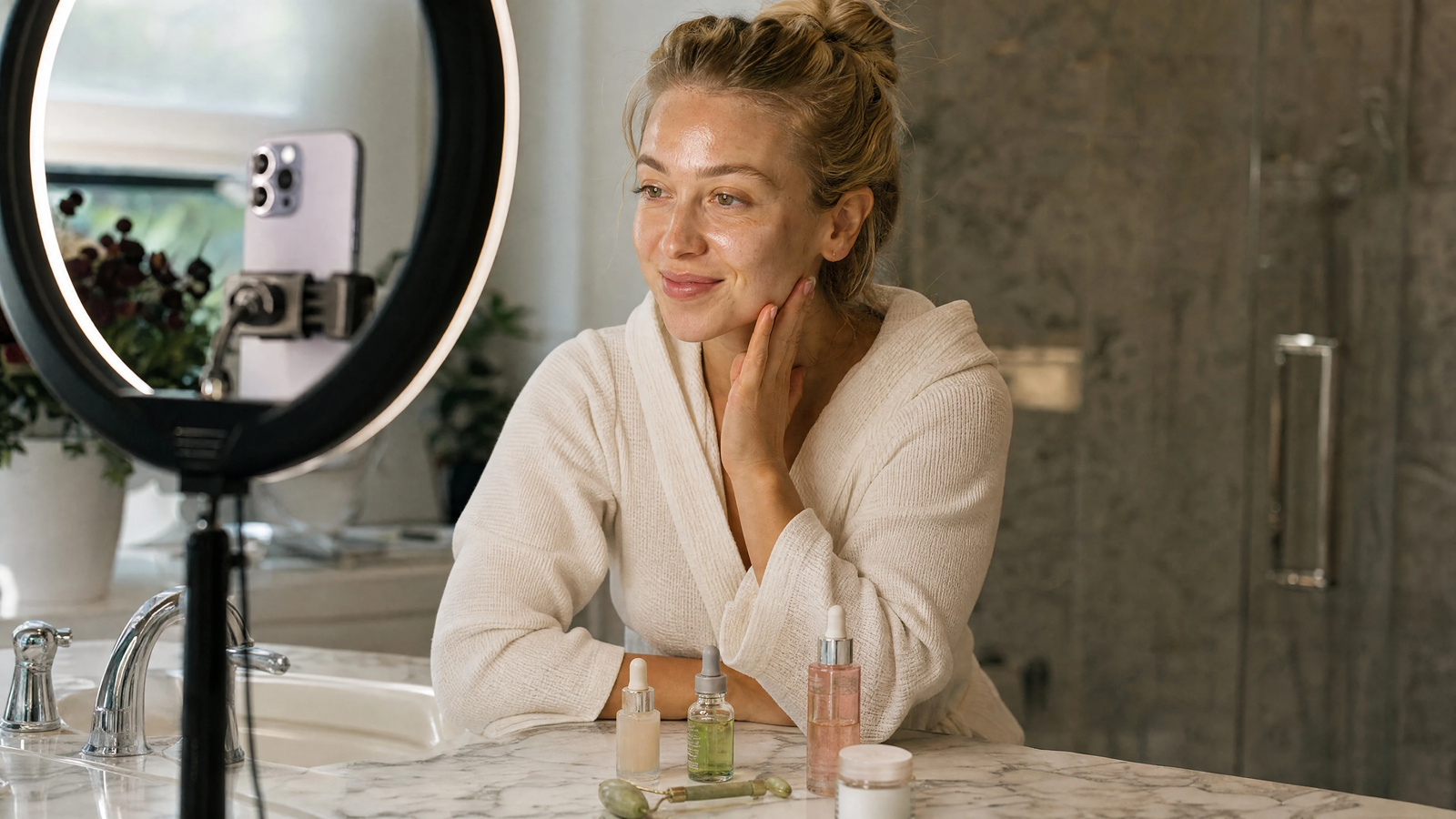
See what is taking off in your niche today, measured from real sources, with a ready post, campaign or article brief for each trend.
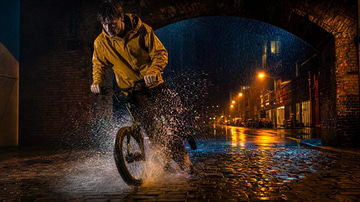
Combine several LoRAs in one run — your trained face with a style from the library and your product — and set how strongly each one pulls.
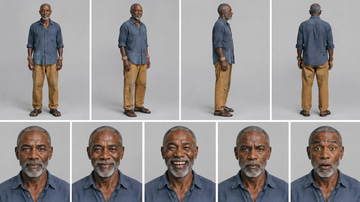
One face and body, held in every image and video. Makes one reference sheet and saves it as an ID — type its @handle in any prompt.
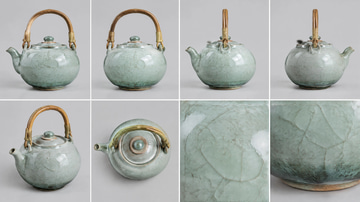
A product or prop that keeps its shape, colour and finish. Makes one reference sheet and saves it as an ID — type its @handle in any prompt.
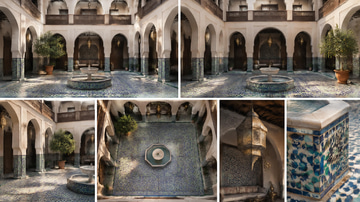
A place that keeps its layout, light and mood across shots. Makes one reference sheet and saves it as an ID — type its @handle in any prompt.
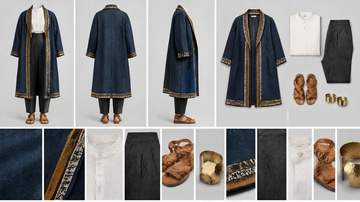
A look — garments, fabric and accessories — reused on anyone. Makes one reference sheet and saves it as an ID — type its @handle in any prompt.
Licensed songs and instrumentals, 3 seconds to 10 minutes.
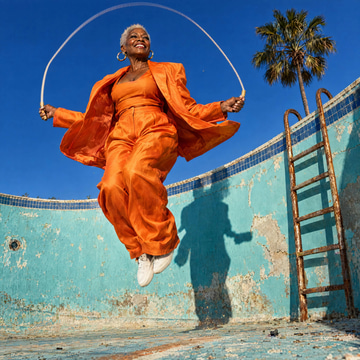
Fast, detailed images and consistent creative edits.
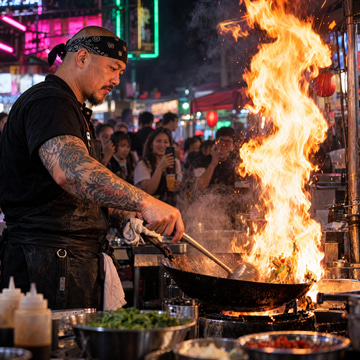
Careful detail and precise control for polished visual work.
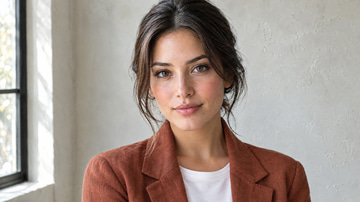
Fast, detailed images and consistent creative edits.
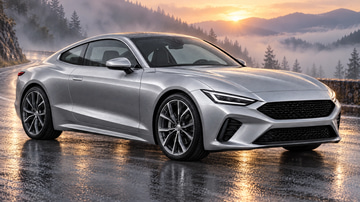
Careful detail and precise control for polished visual work.
Full songs with vocals, written to your lyrics.
Instrumental background music from a short brief.
Fast video with native audio from a text prompt — now to 4K on Ultra Fast
Multi-reference video with native audio from your images
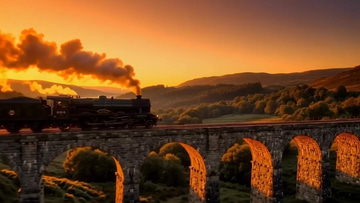
Edit existing video with plain-language instructions
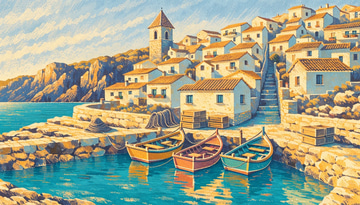
Instant style from your references
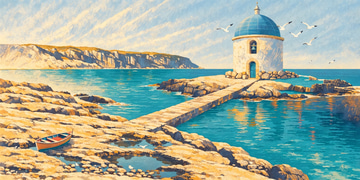
Premium tier, same instant style

Scalable SVG in your style

Publication-grade SVG, locked style
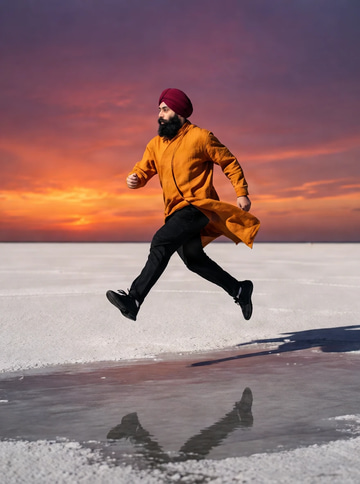
Combine up to 4 images in one instruction
FLUX 3 super-resolution to 1080p, 2K, or 4K
Very high-resolution textured 3D models. From one picture.
Songs with vocals from a prompt, with or without your lyrics.
Frontier video with native synchronized audio
Half-minute cinematic video with native synced audio
Up to 50 references — images, video and audio
 Illustration
Create with a compatible LoRA for MiniMax H3 Text→Video.
 Illustration
Create with a compatible LoRA for MiniMax H3 Image→Video.
Create with a compatible LoRA for MiniMax H3 First+Last Frame.
Create with a compatible LoRA for MiniMax H3 Reference→Video.
 Illustration
Text→video LoRA — train from clips, then generate straight from a prompt.
 Illustration
Image→video LoRA — train from clips, then animate a still photo.
 Illustration
First/last-frame LoRA — train the motion that carries one still into another.
 Illustration
Reference LoRA — train on clips, then compose a shot from up to 9 reference images.
Songs up to three minutes, with vocals or instrumental.

Cinematic video with native synchronized audio

Consistent video from up to 9 reference images
Text to music

Multi-shot cinematic video with native audio
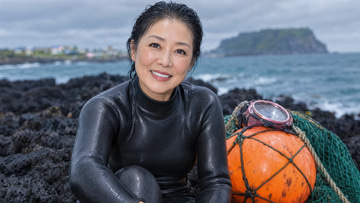
Reads the photo first, then removes the plastic AI look — skin, light and lens — in one pass.
 Illustration
Create with a compatible LoRA for Ideogram 4.0.
 Illustration
Poster, logo and typography trainer — the one engine that renders text properly.

Budget multimodal video with native audio & physics

Multi-reference video from images, video & audio
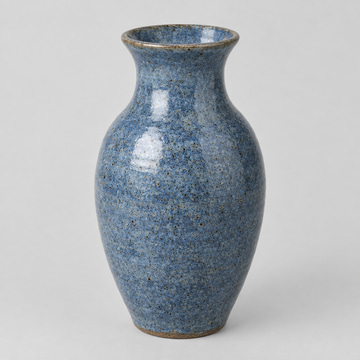
Production-ready textured 3D models with clean topology. From one picture.
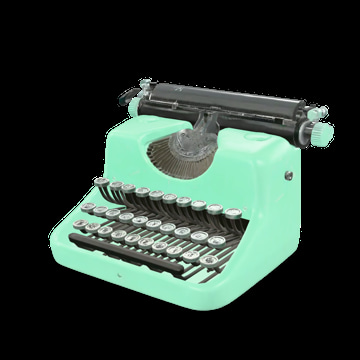
Production-ready textured 3D models with clean topology. From a prompt.
Quick, light textured 3D models. From one picture.
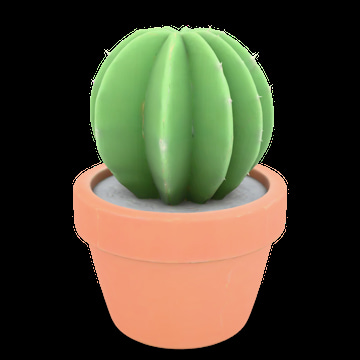
Quick, light textured 3D models. From a prompt.

Fast video with native audio from a text prompt

Multi-reference video with native audio from your images

Edit existing video with plain-language instructions
 Illustration
Create with a compatible LoRA for Krea 2 Turbo.
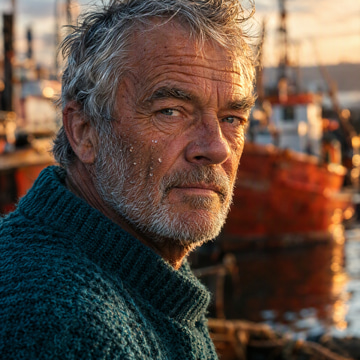 Illustration
Sharp photoreal trainer — crisp skin, lighting & fine detail.
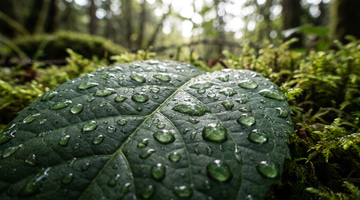
OpenAI's latest — sharper, smarter
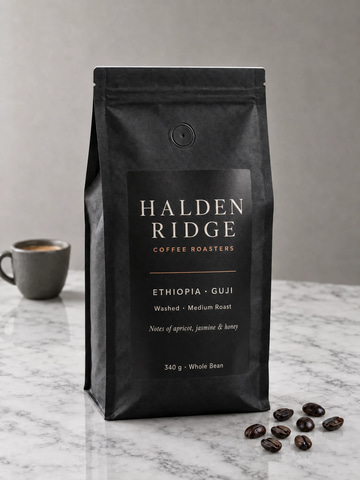
Precise · complex briefs, clean results
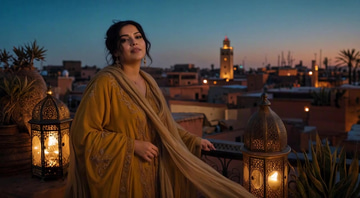
Your song and a photo — a full-length music video
Studio-grade vocals from a reference song
Re-sings a song in a new style.

Next-gen synthesis with native audio & sharper motion

First & last frame plus video continuation, up to 15s

Combine up to 5 references into a new guided video

Restyle existing clips with prompt & reference image
Rich instrumentals and songs from a prompt.
Create with a compatible LoRA for LTX-2.3 Character.
 Illustration
Create with a compatible LoRA for LTX-2.3 Motion.
 Illustration
Our latest & best video trainer — put your face or character into motion.
 Illustration
Transfer camera moves & motion (V2V).

Transfer motion from video to character image with identity
Fast · one sentence, done
 Illustration
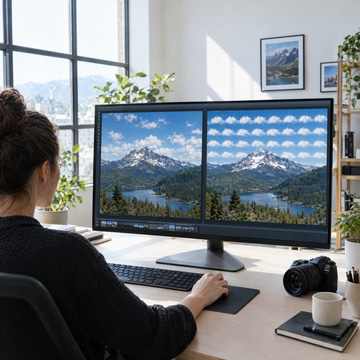
Estimates how likely a picture is to be AI-generated, with the visual signals behind the score.
 Illustration
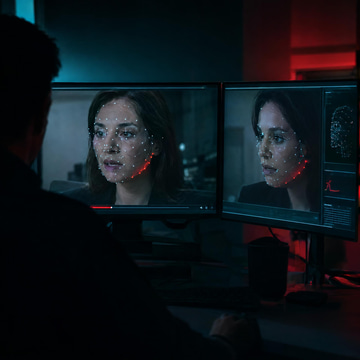
Checks a face photo for swapping and manipulation, with the signals behind the score.
 Illustration
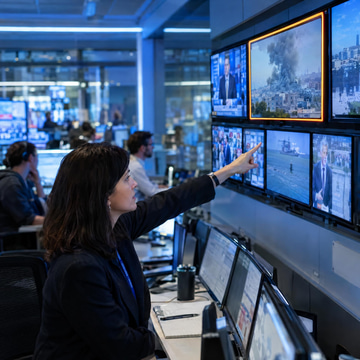
Estimates how likely a clip is to be AI-generated, from its frames and its motion.
 Illustration
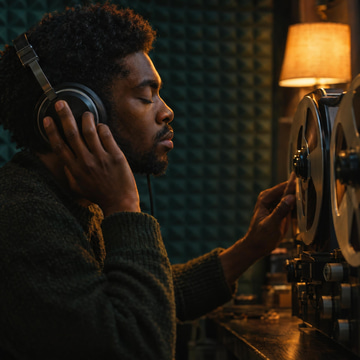
Estimates how likely a recording is to be a synthetic voice or AI music.
Fast raster, great detail
Premium quality, up to 2048px
SVG vector output, scalable
Premium SVG, max detail

Multimodal cinematic video with native audio & physics

Multi-reference video from images, video & audio clips
Adds camera sensor grain so a clean render reads as a photograph. Composition and colour stay as they are.

Multi-shot storytelling with realistic physics & 4K

Multi-shot storytelling with realistic physics & 4K

Omni model with native audio, multi-shot & character elements

Omni model with native audio, multi-shot & character elements

Latest Omni model with elements & shot type
 Illustration
Flags sexual content, minors, violence, hate and harassment in a picture before you publish it.
 Illustration
Flags sexual content, minors, violence, hate and harassment anywhere in a clip.
 Illustration
Flags sexual content, minors, violence, hate and harassment in a caption, comment or script.
 Illustration
Create with a compatible LoRA for FLUX.2 Klein 9B.
 Illustration
Open-weight FLUX trainer — strong style transfer, up to 3 stacked styles.
Upscale a Veo 3.1 video to stunning 4K resolution
 Illustration
Create with a compatible LoRA for Qwen Image 2512.
 Illustration
Strong prompt adherence & fine detail.
Fills in the frames between your frames for smooth motion, then rebuilds the clip at the size you pick.
Replaces the face in the clip with the face from your photo. Body, clothes, motion, framing and sound stay as they are.
Joins two to ten clips into one video, in the order you add them.
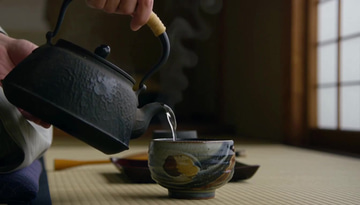
Lays a music, voice or sound track over a clip — mixed in, or replacing its own sound.
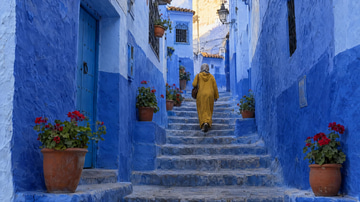
Turns two to twenty photos into a reel with transitions, in the order you add them. Music is optional.
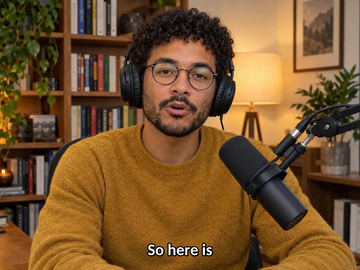
Transcribes the speech in a clip and burns timed captions onto it.
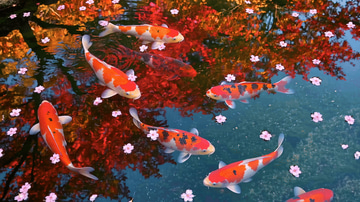
Cuts a looping GIF from any stretch of a clip.
Re-encodes a clip into another container — MP4, WebM, MOV, MKV or AVI.
Removes grain and sensor noise from a clip while keeping its frames and timing.
 Illustration
Finds the moments in a long video that stand on their own and cuts them into vertical, captioned reels.

First & last frame keyframe animation, 5 or 10s

Transform source video with character & style refs
Sub-150ms TTS with instant clone
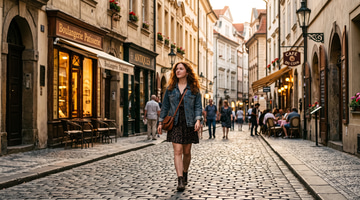
Create with a compatible LoRA for Z-Image Turbo.
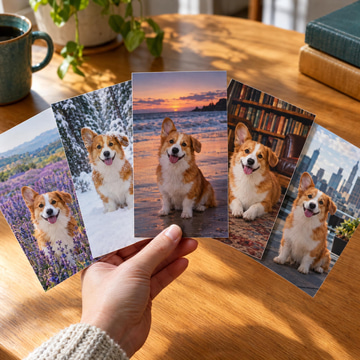 Illustration
Our latest & best image trainer — fast, sharp, recommended.
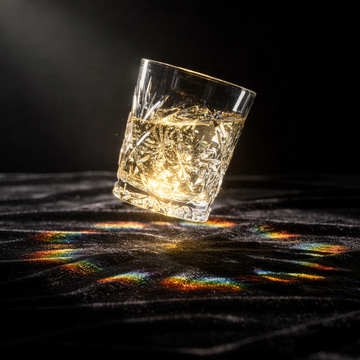
Top-tier detail & creativity
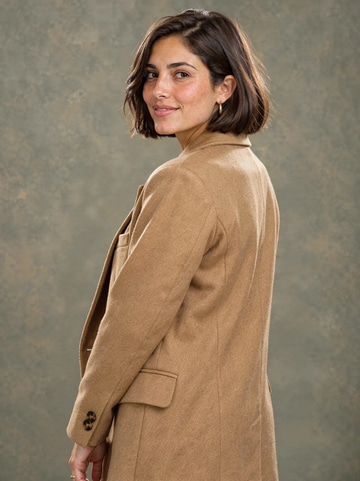
Wrong pose kills the shot. Fix it. Keep the face.

Smart presets, SD→HD→4K
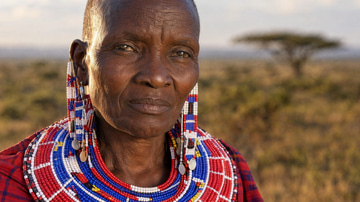
Rebuilds detail as it enlarges. Reaches 16K and handles photos, art and screenshots.
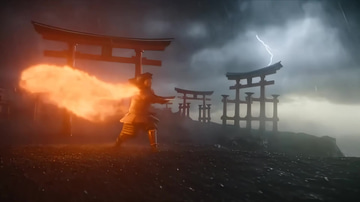
Diffusion rebuild, up to 2048p.
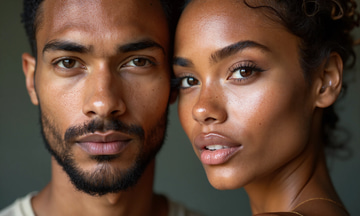
Portrait specialist, face detail

Cinematic scenes with dialogue & lip-synced audio

Cinematic scenes with dialogue & lip-synced audio
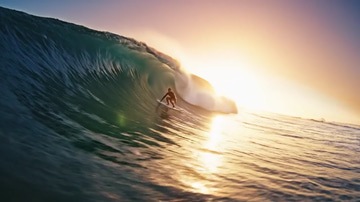
Extend a Veo 3.1 video with new scenes & audio
Upscale a Veo 3.1 video to crisp 1080p resolution

Fastest, cheapest video upscaler
Multilingual w/ zero-shot cloning
 Illustration
Edit a photo with a compatible LoRA for Qwen Edit 2509.
 Illustration
Teach custom photo-editing operations.
Sound design & instrumental beds, up to 190s
Reference-guided text-to-image accepting up to 14 source images, at 1K, 2K or 4K.
Pro-tier reference-guided generation and image-to-image at 1K, 2K or 4K.
Budget multi-reference image generation at a fixed 1K output.
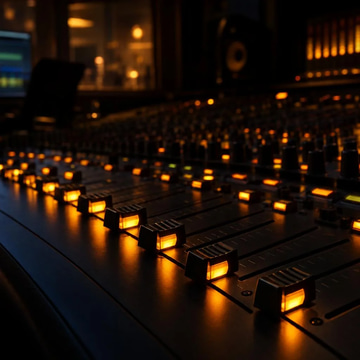
Premium music with section-level composition control
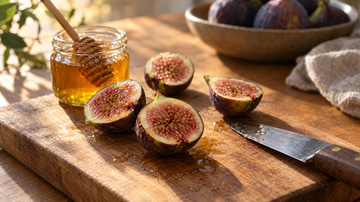
Expressive text-to-image with crisp lettering and selectable 1K or 2K output.
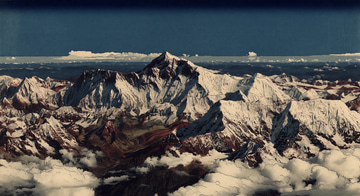
Precision edits · up to 5 references

Ship the clip before the idea cools

Still images sit. Moving ones sell.
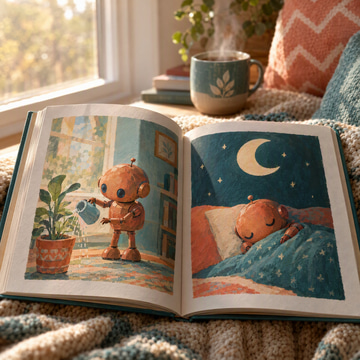 Illustration
Create with a compatible LoRA for WAN 2.2 Image.
 Illustration
Create with a compatible LoRA for WAN 2.2 Video.
 Illustration
Create with a compatible LoRA for WAN 2.2 Image→Video.
 Illustration
Cinematic, high-detail look.
 Illustration
Text→video LoRA (14B) — train from clips and/or photos. Best for cinematic motion.
 Illustration
Image→video LoRA (14B) — train from video clips for animate-from-photo.
Best value, high-quality 4x upscale

Upscale video
Flagship naturalness, emotion & pacing
Edit & generate, versatile
Premium edit, max quality
Multi-speaker dialogue + nonverbals
Licensed training data — safest for commercial use
300+ voices, 30+ languages, emotion presets
Gold standard, specialist AI models
Pro AI video upscale, specialist models
Soundtrack synced to your video
Best for text, logos & products
 Illustration
Create with a compatible LoRA for FLUX.1 Dev.
 Illustration
Best all-rounder for faces, products & styles.
Fast 4x with tiled processing
Prompt-guided, most params
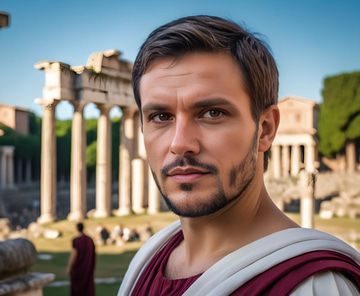
Classic upscaler, 6 model variants
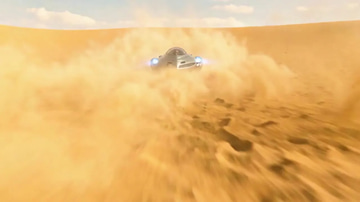
Your MiniMax H3 LoRAs, 480p to 1080p, 3–15 s
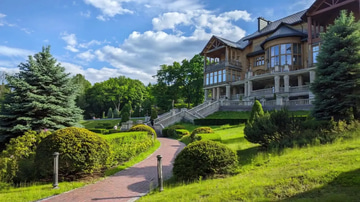
Your MiniMax H3 LoRAs, 480p to 1080p, 3–15 s
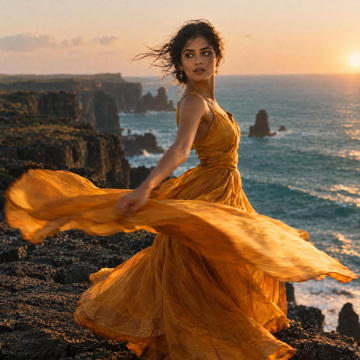 Illustration
Your MiniMax H3 LoRAs, 480p to 1080p, 3–15 s
Your MiniMax H3 LoRAs, 480p to 1080p, 3–15 s
 Illustration
Your MiniMax H3 LoRAs, 480p to 1080p, 3–15 s
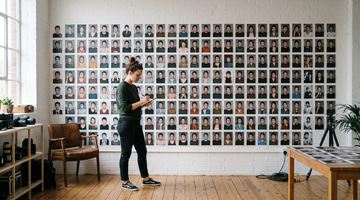
Upload 10-30 photos and train a custom AI model of yourself in minutes.
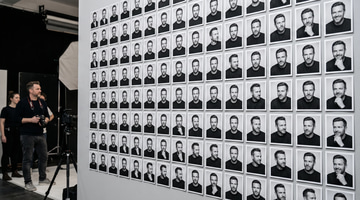
Build a training set from one face — varied angles, lighting and expressions.
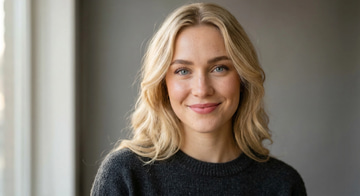
No training. No LoRA. Photos in, consistent character out.
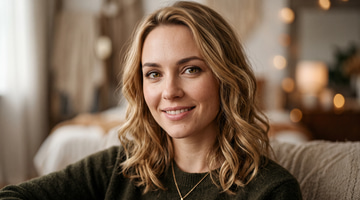
Create a brand new face, character, or object. Design unique AI identities from scratch.
 Illustration
Every image you have generated with your trained models, in one place.
 Illustration
Manage your trained AI models — view, rename, delete, and retrain.
![Generate music sample: [Verse] Walking down these empty streets at midnight](https://media.imagera.ai/d/image/360/site/demos/music-factory/generate-1-sleeve.webp)
Type a description or lyrics. We write and perform a new song.
![Add vocals sample: [Verse] Underneath the city lights we shine](https://media.imagera.ai/d/image/360/site/demos/music-factory/add-vocals-1-sleeve.webp)
Upload a backing track. We sing your lyrics over it. MP3, WAV, OGG, M4A, FLAC, AAC. 6 seconds to 8 minutes, up to 200 MB. Your own recordings and demos work. Some commercial tracks may be refused.
Upload a vocal take. We write the backing music around it. MP3, WAV, OGG, M4A, FLAC, AAC. 6 seconds to 8 minutes, up to 200 MB. Your own recordings and demos work. Some commercial tracks may be refused.
![Extend a track sample: [Bridge] I still hear you in the quiet hours](https://media.imagera.ai/d/image/360/site/demos/music-factory/upload-extend-1-sleeve.webp)
Upload a recording and we keep the song going from there. MP3, WAV, OGG, M4A, FLAC, AAC. 6 seconds to 8 minutes, up to 200 MB. Your own recordings and demos work. Some commercial tracks may be refused.
Upload a song and we remake it in a new style or genre. MP3, WAV, OGG, M4A, FLAC, AAC. 6 seconds to 8 minutes, up to 200 MB. Your own recordings and demos work. Some commercial tracks may be refused.
Pick a song you made here. We split out the vocals, or a full set of stems.
Pick a song you made here. We return the lyrics timed to the music.
![Replace a section sample: [Chorus] Running through the fire, never looking back](https://media.imagera.ai/d/image/360/site/demos/music-factory/replace-section-1-sleeve.webp)
Pick a time range on a song you made, and we rewrite just that part.
Pick a song you made here. We generate cover artwork for it.
Pick a song you made here. We generate a music video for it.
![Continue your track sample: [Bridge] I still hear you in the quiet hours](https://media.imagera.ai/d/image/360/site/demos/music-factory/extend-1-sleeve.webp)
Pick a song you already generated and we continue it.
![Create AI singer sample: [Verse] Walking down these empty streets at midnight](https://media.imagera.ai/d/image/360/site/demos/music-factory/create-singer-1-sleeve.webp)
Generate a sung track, then save that voice to use on later songs.
![Mashup sample: [Verse] Two nights, one city, same old song](https://media.imagera.ai/d/image/360/site/demos/music-factory/mashup-1-sleeve.webp)
Upload two tracks and we mix them into a new song. MP3, WAV, OGG, M4A, FLAC, AAC. 6 seconds to 8 minutes, up to 200 MB. Your own recordings and demos work. Some commercial tracks may be refused.
Pick a vocal-split job. We convert it into MIDI notes.
Record yourself once, then sing new songs in your own voice.
Rename, preview, and delete the singing voices you have saved.
Group songs you made into playlists.
Pick a theme and we generate a set of songs that belong together.
ExampleOne face and body, held in every image and video.
ExampleA product or prop that keeps its shape, colour and finish.
ExampleA place that keeps its layout, light and mood across shots.
ExampleA look — garments, fabric and accessories — reused on anyone.
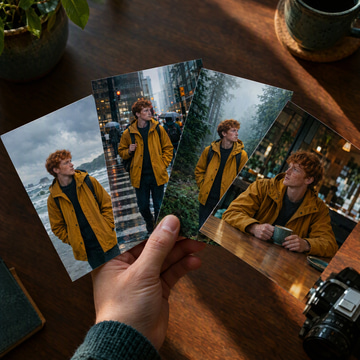
IllustrationYour logo, colours, voice and products, read from your website and kept for every ad.
 Illustration
Tested multi-step jobs. Open one in Canvas, load it in Superagent with /, or run it from your agent over MCP.
ExampleCompare image models in Sandbox with the same prompt and pick your preferred result.
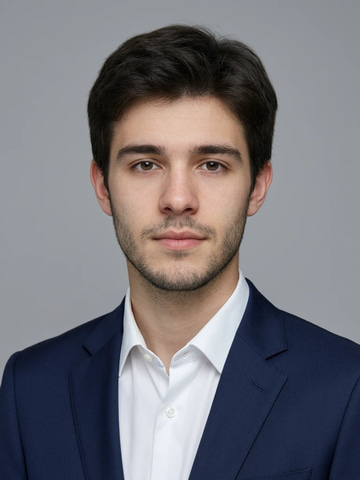 Example
Turn a few selfies into a studio-quality professional headshot for LinkedIn, work or your CV.
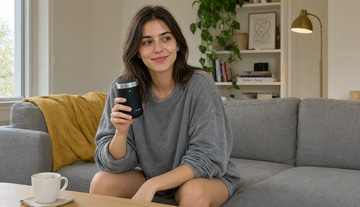 Example
Create polished images for ads, portraits, products and social — Fast, Precise, Max Quality and Bold engines in one studio.
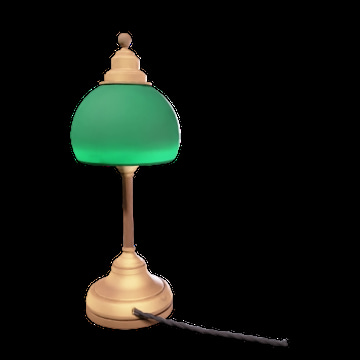 Example
Turn one photo or a short description into a textured 3D model you can spin, download as .glb and use in 3D apps.
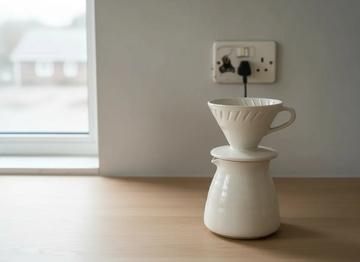 Example
Type what you want changed — backgrounds, clutter, colors, exact text. Fast and Precise engines in one studio.
 Example
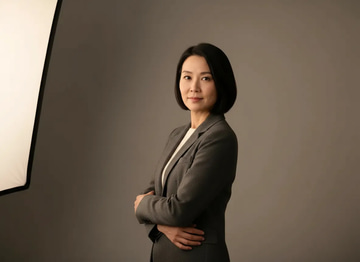
Wrong angle, stiff pose, bad body language? Change the pose while keeping the same face — identity locked, no reshoot.
ExampleThumbnail to billboard — up to 16K (15,360 px on the long edge) in one pass. Seven upscaling engines in one studio.
 Example
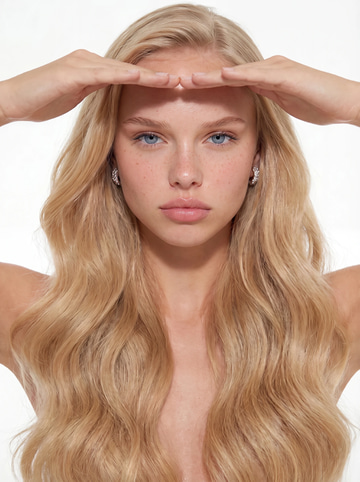
Make AI images look natural and photorealistic — pass as real.
 Example
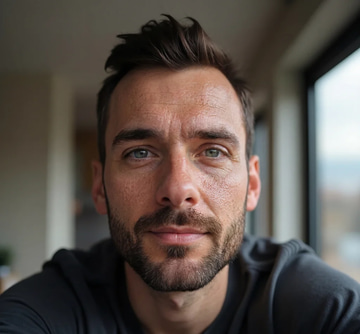
Fix plastic AI skin. Add realistic details. Make AI images photorealistic.
 Example
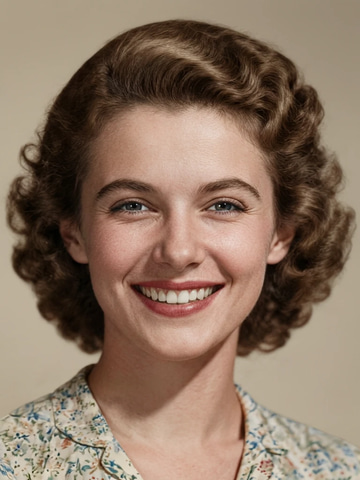
Repair scratches, fading & blur. Print-ready in minutes.
 Example
Fix closed eyes, add a natural smile — rescue any photo
 Example
Put yourself or your product in any real-life scene
 Example
Fix broken AI images — hands, faces, anatomy & artifacts
 Example
Swap head/face from one image onto another body. AI-powered seamless blending.
ExampleFix weird, low-res, or melted AI faces. Fast restore or high-quality detailer mode.
 Example
Change words in any image — same font, same lighting.
 Example
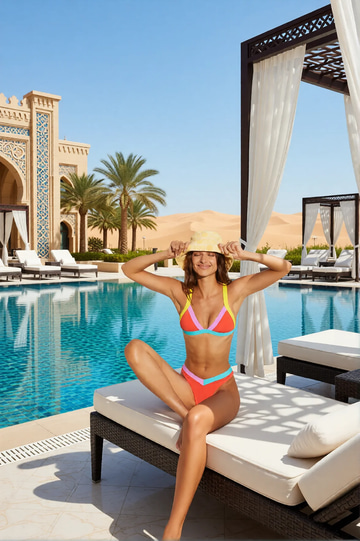
Replace any photo background with AI-generated luxury scenes.
 Example
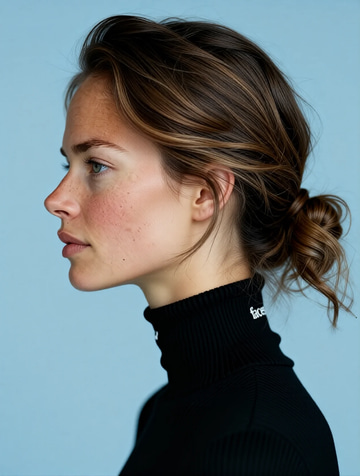
Rotate portraits to show profile views and different angles with AI.
 Example
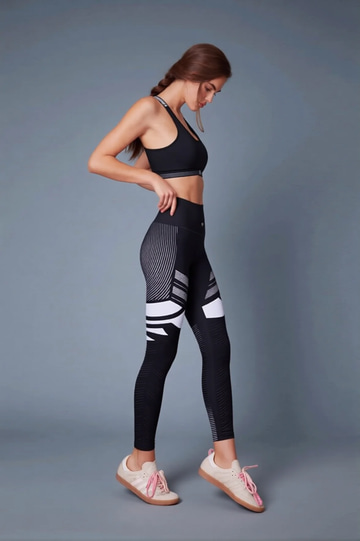
Recolor outfits and create look book variations from a single photo.
 Example
Transform photos into Ghibli anime, oil paintings, watercolor, and more.
 Example
Create professional product photography scenes from a single image.
 Illustration
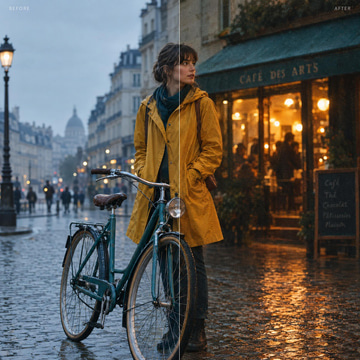
Add authentic camera noise and film grain. Achieve photorealistic quality.
ExampleFor advanced users — bring your own LoRA for a consistent style or character.
 Example
Try a new haircut, length or color on your own photo. Face and outfit stay put.
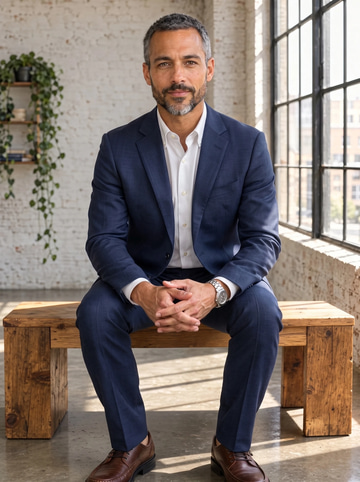 Example
Swap the clothes in a photo for a different outfit. Same person, pose and background.
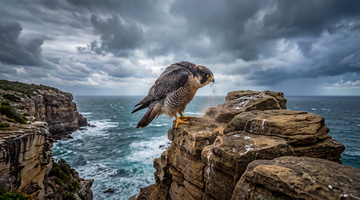 Example
Extend a photo past its edges to a wider or taller frame. The scene continues naturally.
 Example
Change the words, color or font of text baked into a photo, poster or screenshot.
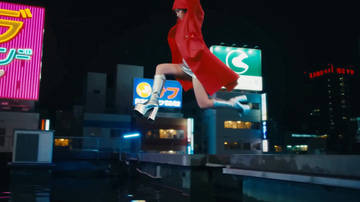 Example
Create polished videos from text or images with native audio, camera control and production-ready quality.
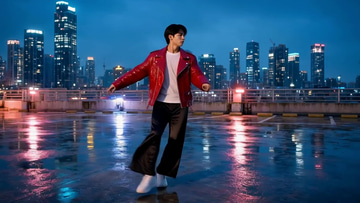 Example
Transform existing footage with prompt-driven restyling, character consistency and precise scene edits.
ExampleSharper, cleaner, higher-resolution footage — the fastest video enhancement engines in one studio.
 Example
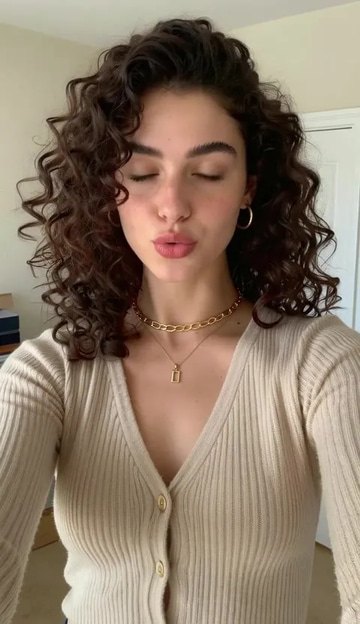
No camera, no shoot, no retakes — a photo and a voice note become a video of that person saying it, or a clip you already shot says something new.
 Example
240p trash to 4K cinema. Every pixel rebuilt. Netflix-grade output.
 Example
Choppy AI video to butter-smooth 60fps. The secret pros use.
ExampleOne photo = Hollywood drone shot. Zero equipment. Pure magic.
ExampleSteal any dance. Apply to any character. Viral content factory.
ExampleSwap faces and fix melted AI faces. One-click miracle.
 Illustration
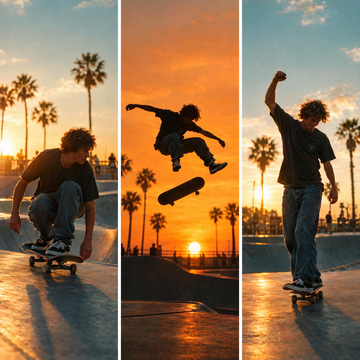
Turn one long video into multiple viral vertical reels
 Example
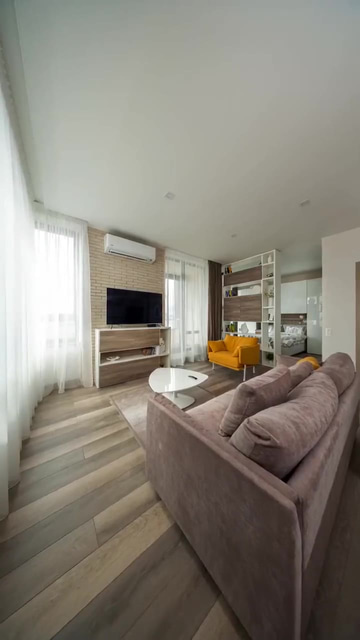
Turn listing photos into cinematic property reels
 Example
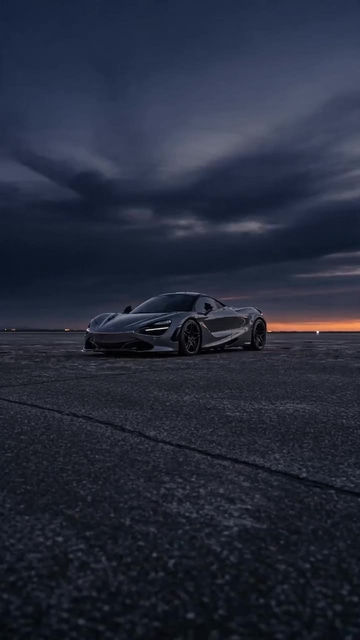
Turn car photos into rolling-shot reels
 Example
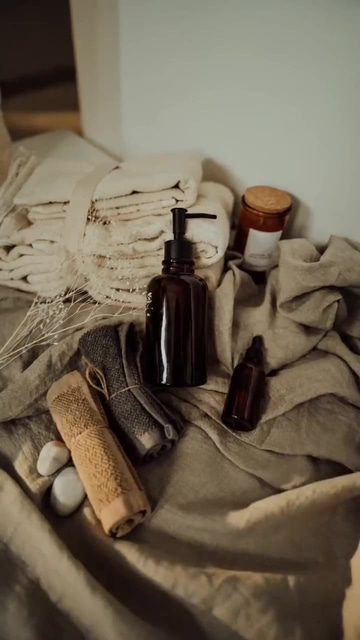
Turn product photos into scroll-stopping reels
 Example
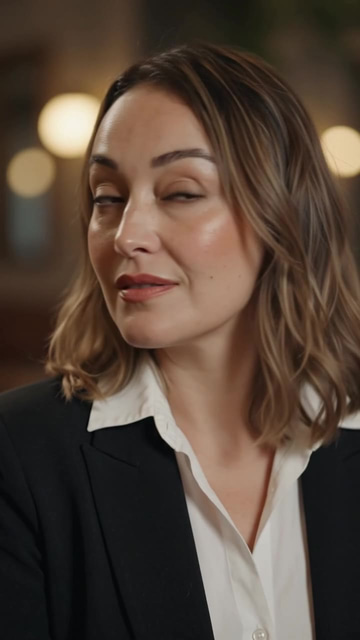
Turn photos of a person into cinematic human reels
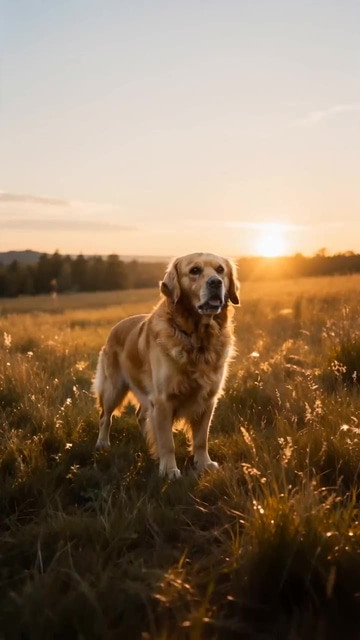 Example
Turn any photos into cinematic reels
ExampleFor advanced users — bring your own LoRA. Words become cinema. Images come alive.
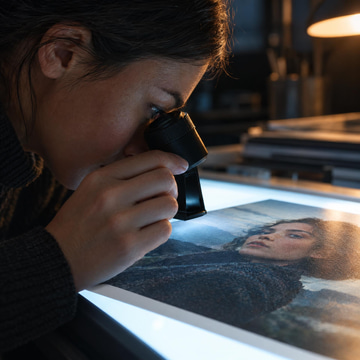 Illustration
Check whether an image was AI-generated, with an AI probability, a confidence figure and the signals behind them.
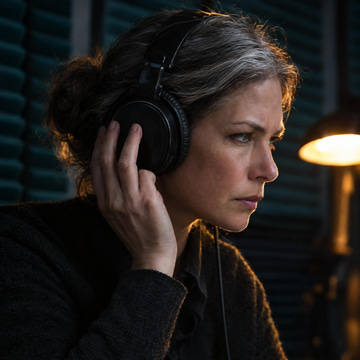 Illustration
Check whether a recording is a synthetic voice or clone, with an AI probability and the signals behind it.
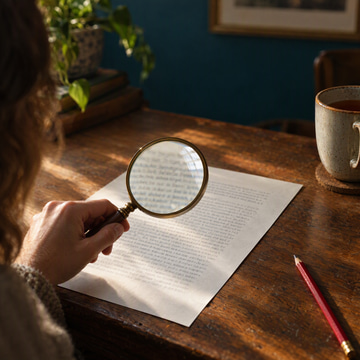 Illustration
Check whether text was written by AI, scored in your browser on word variety, sentence rhythm and phrasing.
 Illustration
Check whether a video is AI-generated or a deepfake, with an AI probability, a confidence figure and the signals behind them.
 Illustration
Check if a video is AI-generated or deepfaked.
 Illustration
Check a face photo for deepfake face swaps and manipulation, with an AI probability and the signals behind it.
 Illustration
Flag sexual content, minors, violence, hate and harassment in a picture, clip or text before you publish it.
 Example
One chat thread, every Imagera assistant. Switch assistants mid-conversation while keeping the full history.
 Example
Compare answers from several AI models in one Sandbox conversation.
ExampleCompare image models in Sandbox with the same prompt and pick your preferred result.
 Example
Rewrite AI drafts into natural, professional writing. Fix robotic phrasing, keep your meaning.
 Example
See what is taking off in your niche today, measured from real sources, with a ready post, campaign or article brief for each trend.
ExampleNew state-of-the-art Imagera AI technology. Extremely fast, world's best consistency.
ExampleCreate a brand new face, character, or object. Design unique AI identities from scratch.
ExampleTrain AI on your face. Generate unlimited photos in any style, pose, or setting.
ExampleUpload 10-30 photos and train a custom AI model of yourself in minutes.
 Example
Create photorealistic images of your trained model in any scenario.
 Example
Manage your trained AI models — view, rename, delete, and retrain.
Example10-second sample = perfect clone. Any voice. Any emotion. Professional studio quality.
ExampleMulti-speaker dialogue with 20+ studio-grade AI voices.
 Example
Five Imagera voice engines in one studio for natural narration, character voices and multilingual speech.
ExampleFive Imagera music engines in one studio for full songs, vocals, instrumentals and soundtrack creation.
ExampleFull AI music studio. Generate, extend, remix, add vocals, separate stems, and more.
 Example
Script to full episode. Multiple AI hosts that sound completely human.
 Illustration
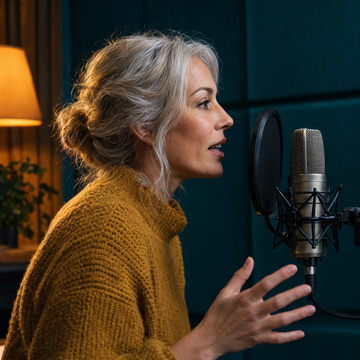
Clone voices from audio, design from text, or use 9 built-in presets. 11 languages supported.
 Illustration
Anonymize your voice in any audio with AI.
 Illustration
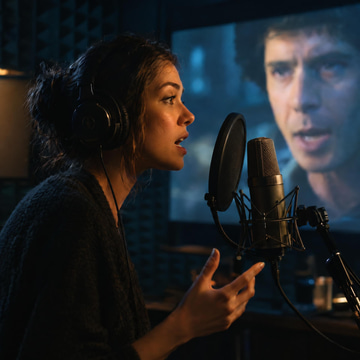
Translate and re-voice audio into another language with AI.
 Example
Upload a video and AI adds perfectly synchronized sound effects, matched to the action on screen.
![Generate Music example: [Chorus] Take me home where the light still knows my name](https://media.imagera.ai/d/image/360/site/demos/music-factory/generate-2-sleeve.webp) Example
ExampleCreate original music from text prompts and lyrics. Full songs with vocals or instrumentals.
ExampleUpload your own audio and extend it with AI-generated continuation.
ExampleUpload audio and create an AI-powered cover version in a new style.
ExampleContinue an existing Music Factory track with AI-generated audio seamlessly.
ExampleGenerate stunning cover artwork images for your Music Factory tracks.
ExampleAdd AI-generated vocals to an instrumental track. Lyrics-driven.
ExampleAdd AI instrumental accompaniment to a vocal track automatically.
ExampleReplace a section of a track with new AI-generated lyrics and style.
ExampleGenerate a music video from a Music Factory track automatically.
ExampleSplit a track into isolated vocal and instrumental stems.
ExampleGet time-synced lyrics for any Music Factory track. Instant results.
ExampleBrowse, manage, and play your AI singer personas.
ExampleOrganize your generated music into playlists.
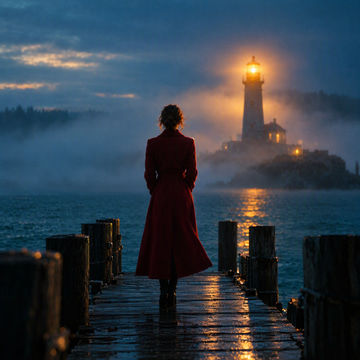 Illustration
One prompt + optional actor / object / environment / audio. Imagera's AI Director plans and shoots a cinematic multi-shot video.
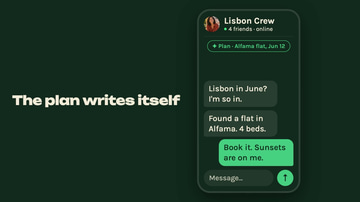 Example
A product brief becomes a motion-designed launch film: your type, UI and images animated on the beat, with original music, in 16:9, 9:16 or 1:1.
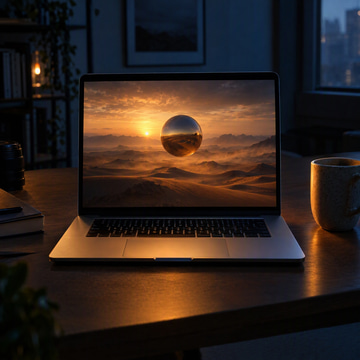 Illustration
Imagera builds full cinematic websites — ultra-VFX scroll-animated landing pages with scroll-scrub hero video, 3D-textured titles & exportable HTML. A quality no code tool or generic AI can touch. Only Imagera. VIP.
 Example
Ten small tools, one job each — subtitles, join clips, add music, GIFs, convert, denoise. Drop a file, pick a job, done.
ExampleUpload a video and AI writes timed captions for it — download a captioned video ready for social.
 Illustration
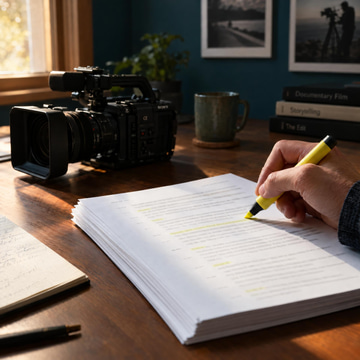
Need the words from a video? Get a clean text transcript of everything said, ready to copy and reuse.
 Illustration
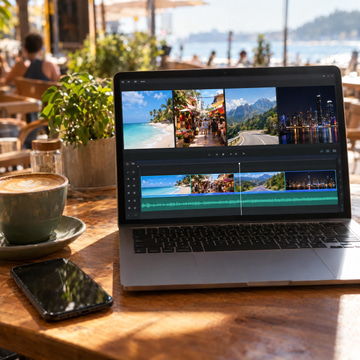
Several clips, one story? Merge them with clean transitions — one finished video file, ready to post.
ExampleDrop in photos and music — AI cuts them into a finished video mix with animations, ready to share.
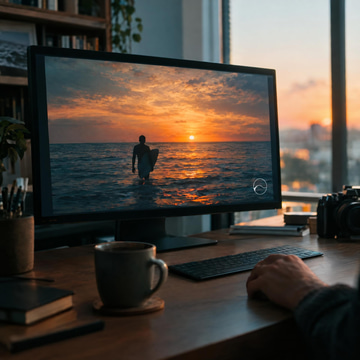
ExampleSilent clip? Add a music track or voiceover under your video — one mixed file, ready to upload.
 Illustration
Protect or brand your video — place your logo or image on top and export a branded copy.
 Illustration
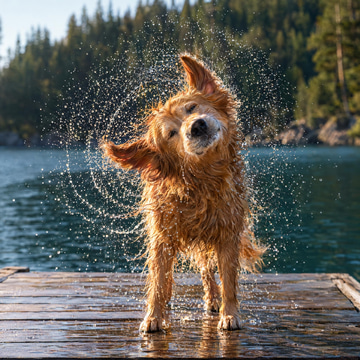
Turn a clip into a looping GIF for chats, docs, and posts — small file, instant download.
 Illustration
Wrong file type or too heavy? Convert format and quality — a file that plays where you need it.
 Illustration
Grainy, noisy footage? Clean it up — a smoother, clearer video file ready to share.
 Illustration
Have an SRT caption file? Burn it into the video so captions always show — one final video file.
ExampleAdd background music, voiceovers, or sound effects to your video. The audio will be mixed with or replace the original video audio.
IllustrationPermanently burn subtitles from an SRT file into your video. The text becomes part of the video and will show on any player.