AI Face Enhancer Video Online Restore Blurry Faces & Swap
Clean up blurry, noisy and compressed faces in video, and rebuild the clip sharper and larger.

What is an AI face enhancer for video?
An AI face enhancer for video cleans up blurry, noisy or compression-damaged faces frame by frame, and rebuilds the clip at a higher resolution. Imagera runs it in the browser: upload a clip up to 60 seconds, pick the output size, and the enhanced clip comes back with faces sharpened, not replaced.
- Credits
- From 15 per clip
- Formats
- MP4 or MOV clip
- Clip length
- Up to 60 seconds
Updated September 28, 2026
Cite this page: https://imagera.ai/video/face-enhancer
What the enhancement pass actually does

Face enhancement in the same pass
Faces are part of the enhancement: soft, smeared or blocky faces come back with clearer eyes, skin texture and edges, while the rest of the frame is cleaned up around them.
Know more →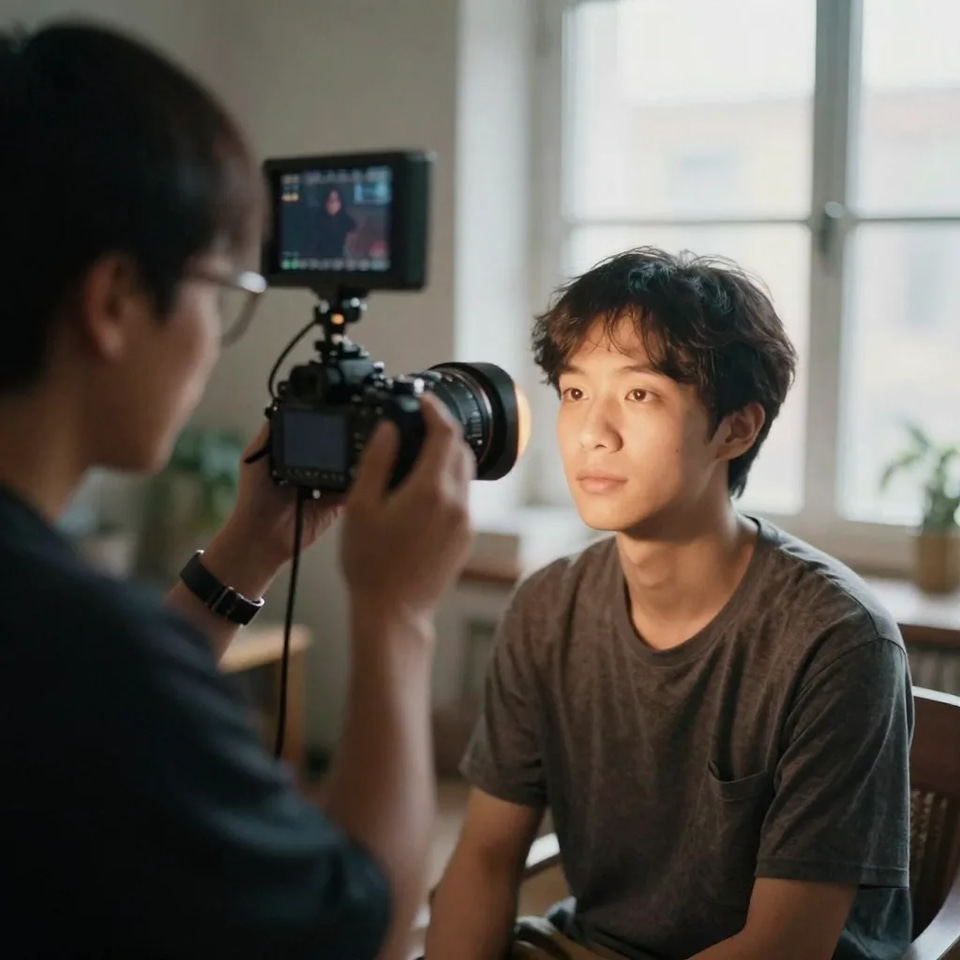
Blur, noise and compression cleanup
Deblurring, noise reduction and compression-artifact removal run on every frame, which is what webcam recordings, re-uploaded social clips and old transfers need most.
Know more →
Sharper output, up to 2048p
The clip is rebuilt at the size you pick — 1024p 10, 1536p 20 and 2048p 40 credits per 5 seconds — so small, soft faces gain real pixels instead of being stretched.
Know more →Why this works on video, not just one exported frame
Every frame gets the same treatment, and faces are sharpened rather than replaced.
Faces enhanced with the rest of the frame
The enhancement pass includes face enhancement alongside deblurring, noise reduction and compression cleanup, so faces come out clearer in the same run that cleans the background, with no separate face step and no mismatch between a sharp face and a soft room.
Try it now →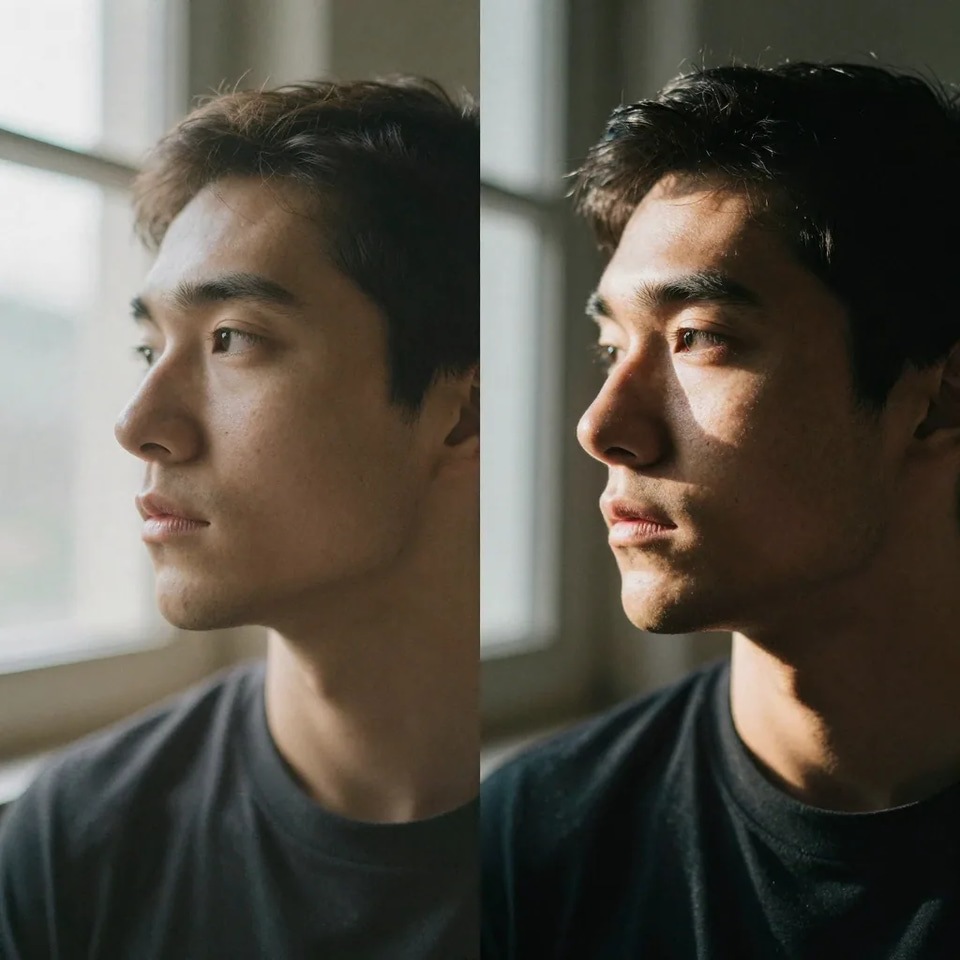
Sharpened, not replaced
The model cleans and sharpens the faces the camera recorded; it does not redraw them as someone else. That is what you want for family footage and interviews. When you do want a different face on purpose, that is Video Face Swap, a separate tool.
Try it now →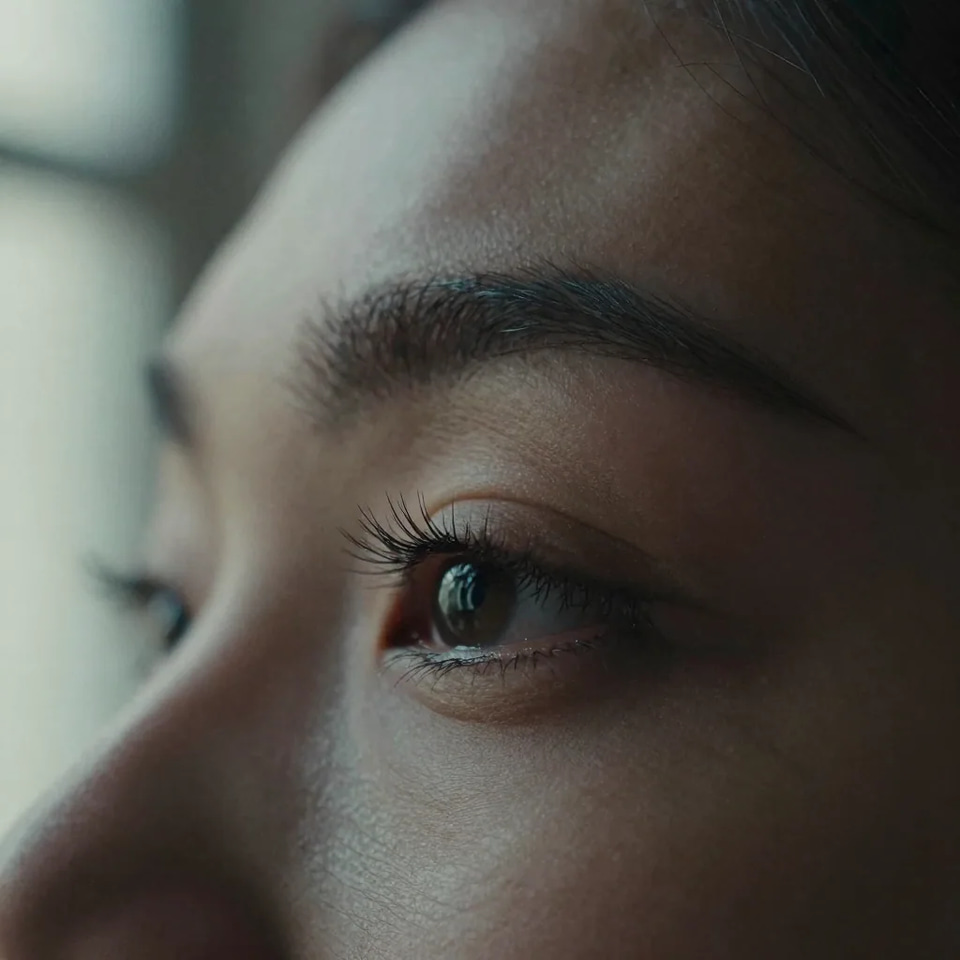
Every frame, rebuilt larger
The whole clip is processed, not one exported still, and rebuilt at the size you pick — 1024p 10, 1536p 20 and 2048p 40 credits per 5 seconds. Small faces gain real pixels instead of being stretched, which is what keeps them readable on a large screen.
Try it now →How to enhance faces in a video
Three steps in the browser.
Add the clip
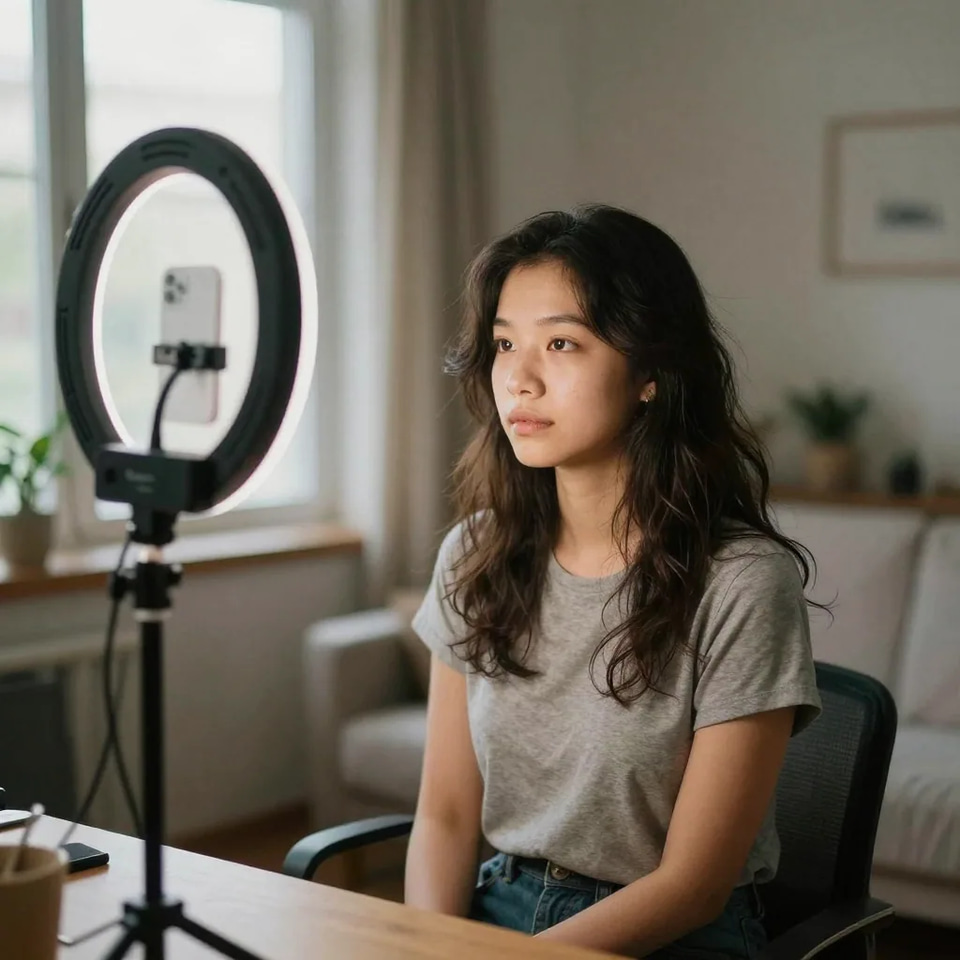
Drop in the video you want to fix — MP4, MOV and other common formats work — up to 60 seconds. A longer clip is turned away before you spend a credit.
Pick the output size
Each size rebuilds more detail and costs more per 5 seconds: 1024p 10, 1536p 20 and 2048p 40 credits. The exact total for your clip shows on the button before the run starts.
Download the enhanced clip
The finished video appears in Your creations with the faces and the frame cleaned up. Failed runs refund automatically.
Which videos benefit most
Old family and camcorder footage
Digitised VHS and camcorder clips carry noise, softness and transfer compression. The enhancement pass cleans them up and rebuilds the clip larger, so faces on grandparents and childhood moments read clearly on a modern screen.
Try it now →Zoom, Teams, and webcam recordings
Webcam compression flattens faces into mushy detail. Enhancing before you repurpose a call into a testimonial or training clip makes the speaker look sharp and credible instead of grabbed off a call.
Try it now →Event and wedding video
Low-light reception footage is noisy exactly where the faces are. Denoising and enhancement recover expressions on the people the film is about, so a highlight reel holds up on a large screen.
Try it now →Discover more AI features
Print-Ready 16K Upscaler
Too small to print? Enlarge a photo to 4K, 8K or 16K (15,360 px on the long edge).

Lipsync Studio
No camera, no shoot, no retakes — a photo and a voice note become a video of that person saying it, or a clip you already shot says something new.
4K Video Enhancer
240p trash to 4K cinema. Every pixel rebuilt. Netflix-grade output.
GlowCam — Live Beauty Filter
Look camera-ready on every call, live
Frequently asked questions
What types of facial issues can the AI Face Enhancer fix?
Blurry and soft faces, compression blocks and smearing, noise from low light, and low-resolution faces that fall apart when the clip is shown larger. The enhancement pass deblurs, denoises, removes compression artifacts and enhances faces across every frame, then rebuilds the clip at a higher resolution.
How is this different from photo-only mobile retouch apps?
Photo retouch apps work on one still at a time; this works on the whole video, every frame, in the browser with nothing to install. You pay per clip in credits: 1024p 10, 1536p 20 and 2048p 40 credits per 5 seconds of footage, clips up to 60 seconds.
What is identity-preserving and extreme-blur face restoration?
Those are two families of face-restoration model: one tuned to keep a face recognisably the same person, one tuned to rebuild faces that are badly blurred. This page runs a single video-enhancement model instead, which sharpens and cleans the faces that are there rather than generating new ones, so it will not turn one person into another. It cannot invent detail that was never recorded: a face that is a few pixels wide stays a best estimate.
Will face enhancement change how the person looks?
It is not meant to. The pass sharpens and cleans what the camera recorded; it does not swap or redraw faces. On very small or heavily damaged faces the model has to estimate detail, so check close-ups of people you know before you publish. To replace a face on purpose, use Video Face Swap instead.
How much does Face Enhancer cost?
Credits per 5 seconds of footage, by output size: 1024p 10, 1536p 20 and 2048p 40 credits. A short clip costs at least 15 credits, a full 60-second clip at the largest size 480. The exact total shows on the Generate button before you run, and a failed run refunds automatically.
Can I restore old family VHS or camcorder videos?
Yes — digitise the tape first, then run the file. Noise, softness and compression from the transfer are exactly what the enhancement pass cleans up, faces included. Scratches and dropouts on the tape itself are only partly recoverable, and a face that was out of focus when it was filmed will look cleaner, not newly in focus.
Does it work on Zoom and video call recordings?
Yes. Call recordings carry heavy webcam compression and low-light noise, which the pass removes while it sharpens the faces, so a testimonial or training clip looks deliberate rather than grabbed off a call.
How long does processing take?
It depends on the clip length and the output size you pick; larger sizes take longer. The run happens on hosted GPUs, so you can keep working and the finished clip appears in Your creations when it is done.
What video formats are supported?
MP4, MOV and other common video formats, up to 60 seconds per clip. The output is a video at the size you picked.
How does this compare to desktop video AI apps?
Desktop enhancers are sold as a licence or a subscription and need a capable GPU. This runs in the browser with pay-per-clip credits, so there is nothing to install and nothing to pay when you are not using it.
Can Face Enhancer fix faces in AI-generated dancing videos?
It can clean up soft or smeared faces in a generated clip. It will not redraw a face the generator got structurally wrong; for that, regenerate the clip, or swap in a face with Video Face Swap.
How do I fix faces in AI caricature videos?
Run the clip through the enhancer to remove blur and compression. It enhances what is there, so exaggerated caricature features stay exaggerated.
Can I restore faces in old family videos before they fade more?
Yes. Digitise the tape while it still plays, keep the original file, and run a copy through the enhancer. Tape degrades over time, so the transfer is the part that cannot wait.
What about fixing faces in Italian Brainrot meme videos?
If a meme clip has real human faces that came out soft or blocky, the enhancer cleans them up like any other footage. Intentionally surreal features stay as they are.
How do I swap a face into a video and enhance it in one pass?
That is two tools. Video Face Swap puts the face from your photo onto the person in the clip and keeps the body, motion and sound; then run the result through this enhancer if you want it sharper or larger.
How much does it cost to enhance a full 60-second clip?
A 60-second clip is 12 blocks of 5 seconds. At the largest size that is 480 credits; smaller sizes cost proportionally less (1024p 10, 1536p 20 and 2048p 40 credits per 5 seconds). The exact total appears before you run.
Does enhancing faces keep the original audio and lip timing?
The enhancement works on the picture frame by frame and keeps the clip's length, so speech stays in sync with lip movement.
Can I enhance faces before turning a clip into short-form content?
Yes, and it is a good order to work in: enhance first so faces read clearly at small phone sizes, then cut the clean clip into vertical shorts. Sharp faces survive cropping and platform compression far better than soft ones.
Will heavy compression from re-uploading to social ruin the enhanced faces?
Some re-compression is unavoidable once a platform re-encodes your upload, but a cleaner, higher-resolution source gives the platform encoder more to work with, so faces hold up better after the second pass.
Learn more
Guides on restoring old footage, cleaning up recordings, and getting faces sharp before you publish.
Use caseAI Image Upscaler — 4K, 8K & 16K
Enlarge and sharpen your result to 16K after finishing — neural upscaling, no quality loss
 Use case
AI Head Swap
Swap the entire head — hair and angle intact — with automatic skin-tone and lighting match
 Article
AI Headshot Generator
Turn a few selfies into a polished professional headshot
 Article
Hedra Alternative
Enhance faces for lip-sync avatars — compare Imagera vs Hedra
 Guide
GuideReal Camera Mode
Make enhanced face images look like real photography
AI Face Swap Video Online
Swap and enhance faces in videos — no download required
AI Image Prompts Guide
Generate better faces for AI enhancement
All AI Tools
Explore all Imagera face and image tools
Edit Images with AI Text Prompts
Combine face enhancement with text-based editing for complete portrait retouching
Key takeaways
What types of facial issues can the AI Face Enhancer fix?
Blurry and soft faces, compression blocks and smearing, noise from low light, and low-resolution faces that fall apart when the clip is shown larger. The enhancement pass deblurs, denoises, removes compression artifacts and enhances faces across every frame, then rebuilds the clip at a higher resolution.
Will face enhancement change how the person looks?
It is not meant to. The pass sharpens and cleans what the camera recorded; it does not swap or redraw faces. On very small or heavily damaged faces the model has to estimate detail, so check close-ups of people you know before you publish. To replace a face on purpose, use Video Face Swap instead.
How long does processing take?
It depends on the clip length and the output size you pick; larger sizes take longer. The run happens on hosted GPUs, so you can keep working and the finished clip appears in Your creations when it is done.
Video face enhancement vs photo-only and desktop tools
| What matters | Imagera | Photo apps & desktop video software |
|---|---|---|
| Works on video, not just stills | Yes — every frame of the clip | Photo apps: single stills only |
| Where it runs | In the browser, no install | App download, or a desktop install and a GPU |
| Face enhancement included | Yes — with deblur, denoise and compression cleanup | Often a separate model or plugin |
| Billing model | Credits per clip, from 15 | Weekly or monthly subscription, or a one-time licence |
| If the run fails | Credits return automatically | N/A |
Get the faces sharp
Open the Video Enhancer in the Sandbox. Credits show on the button before you run.
Enhance faces in a clip →