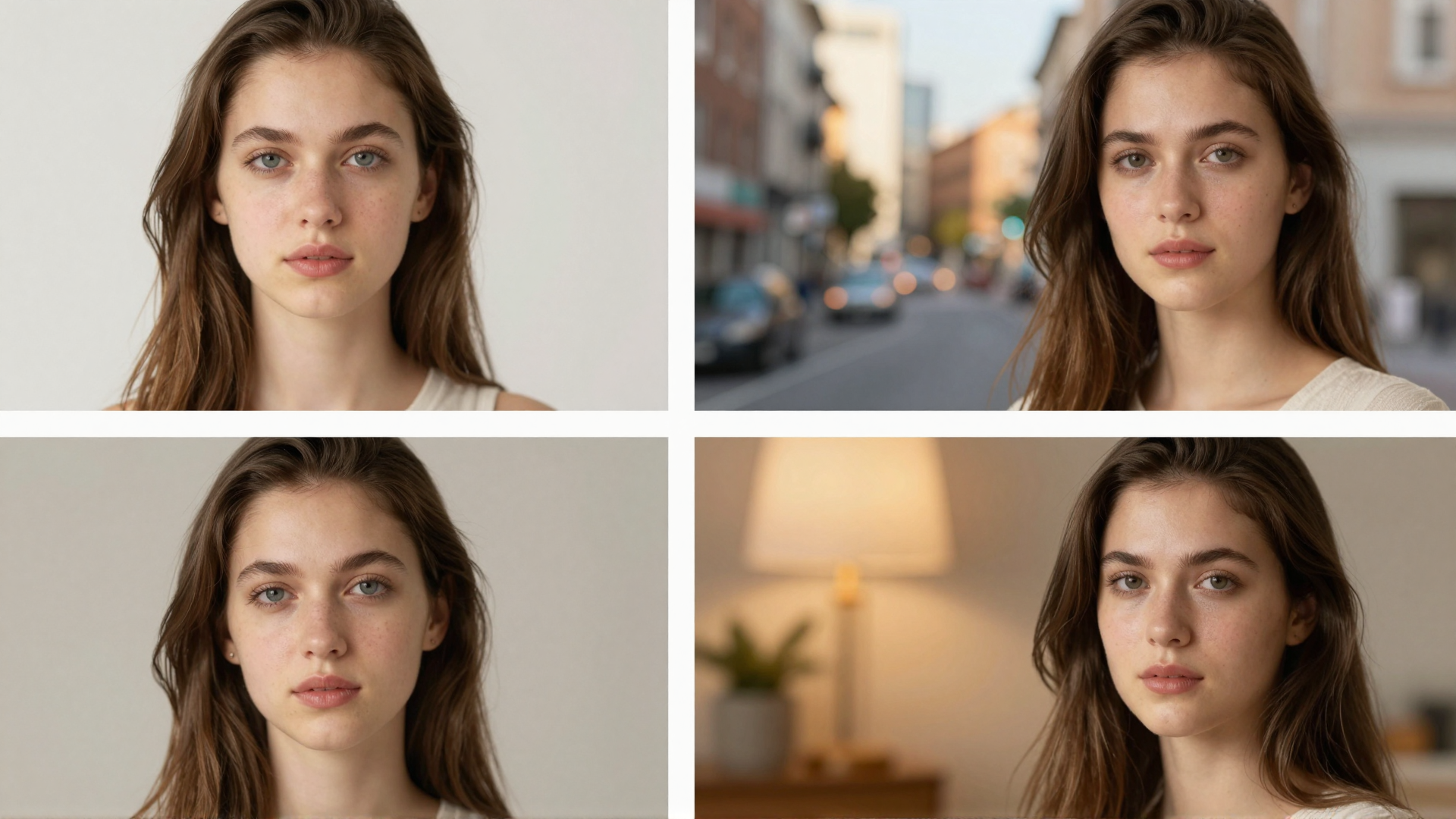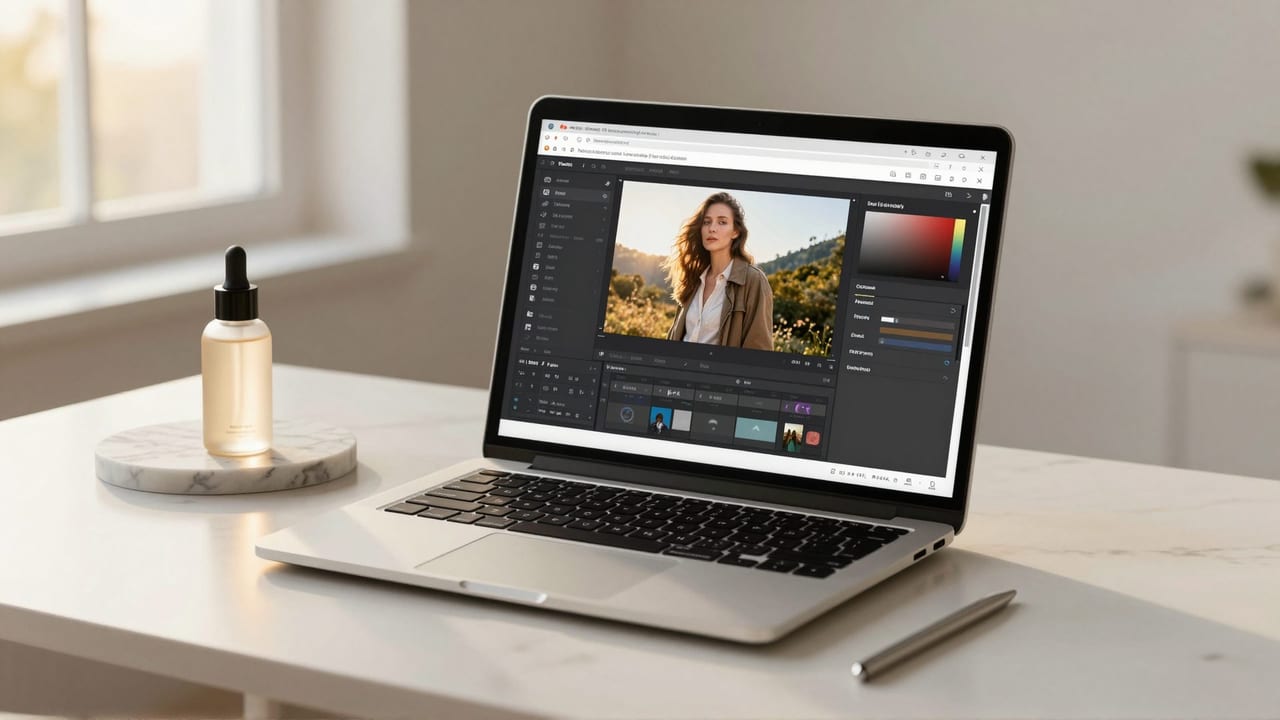
If you are searching for an Adobe Firefly alternative, you are usually not unhappy with Firefly's image quality. Adobe's generative AI is genuinely capable: it powers Generative Fill and Generative Expand inside Photoshop, it runs as a standalone web app, and its models are trained on licensed and Adobe Stock content so the output is positioned as commercially safe. The friction is rarely the pixels. It is the wrapper around them: a Creative Cloud or Firefly subscription, a monthly pool of generative credits that resets and does not roll over, and a learning curve that assumes you want to live inside Adobe's ecosystem.
This article compares Adobe Firefly with Imagera, a browser-based AI image and video finishing suite, and it tries to be honest about both. Firefly is the more mature product in several respects, and we say so plainly below. But if your real goal is to describe an edit in plain language and get it done — inpaint a distraction, swap a background, change an outfit, combine a few photos — without committing to a recurring Adobe bill, Imagera's AI Image Editor covers that ground on pay-per-use credits that don't expire, with no watermark on the result. Here is how the two stack up as of 2026.
Quick answer: Yes. Imagera is a subscription-free Adobe Firefly alternative where you buy credits once and generate commercial-safe AI images without any recurring monthly plan.
How does Imagera work without a subscription in 2026?
Imagera runs on a credit model instead of a monthly plan: you top up credits once, and each image typically costs a small credit amount, so getting 100+ generations from a single purchase is common. Credits never expire, and you can upscale results to 4K or 8K without paying a second recurring fee.
Are Imagera images good enough for commercial use compared to a subscription tool?
Yes. Imagera outputs high-resolution files up to 8K, sharp enough for print, large ad placements, and detailed product shots, and offers 100+ styles for ads, product photography, and thumbnails. Because it is pay-as-you-go, your credits carry over instead of disappearing at the end of each billing cycle, so you only pay for what you actually generate. That makes Imagera a practical fit for creators who work in bursts rather than on a steady monthly schedule.
Why People Look for an Adobe Firefly Alternative
Three recurring, verifiable reasons push people to shop around.
1. The subscription and ecosystem commitment. Firefly's premium generative features require an active plan — a standalone Firefly plan (Standard, Pro, or Premium as of 2026) or a Creative Cloud subscription. The deepest tools, like Generative Fill and Generative Expand, are most powerful inside Photoshop, which is itself a subscription app. If you only need occasional AI edits, paying every month to keep access can feel disproportionate to the work you actually do.
2. Generative credits that reset and expire. Adobe uses a generative-credits model. Paid plans include unlimited standard generations, but premium features — video, some partner models, higher-tier generations — draw down a monthly credit pool. Those credits reset on your billing date and, per Adobe's own documentation, do not roll over: unused credits expire each month. For light or bursty usage, you routinely pay for capacity you never touch.
3. You want editing outside Adobe's walls. Firefly assumes an Adobe-shaped workflow: Photoshop layers, masks, the Creative Cloud account, the Adobe web app. That is a strength for professionals already there and a barrier for everyone else. Many people simply want to open a browser, type what they want changed, and download a clean file — on whatever device they have.
Imagera vs Adobe Firefly: Feature Comparison
| Dimension | Adobe Firefly (2026) | Imagera AI Image Editor |
|---|---|---|
| Access model | Firefly plan or Creative Cloud subscription | Browser-based, pay-per-use, no account tier lock-in |
| Entry price | Firefly Standard ~$9.99/mo; free tier ~25 credits | Credit packs start at 350 credits |
| Credit behavior | Monthly reset, no rollover, unused credits expire | Non-expiring credits, no monthly reset |
| Editing method | Masks + prompts; deepest in Photoshop | Natural-language edits in the browser |
| Install required | Web app works; deep tools need Photoshop desktop | None — any device with a browser |
| Watermark on output | Clean output on paid; Content Credentials attached | No watermark |
| Generative fill / inpaint | Mature Generative Fill, Expand, Remove, Upscale | Inpaint, object removal, background swap |
| Multi-image combine | Reference/composition tools within Adobe apps | Combine up to 3 images in one edit |
| Commercial-safety claim | Trained on licensed / Adobe Stock content | No equivalent IP-indemnity claim (verify licensing) |
| Product breadth | Image + video generation, text effects, partner models | Bundle: generation, model training, edit, head-swap, upscale, restore, headshots, video |

Where Adobe Firefly Wins
This is a real list, not a courtesy one. Firefly is ahead in several areas that matter.
- Photoshop integration. Generative Fill, Generative Expand, and Generative Remove sit natively inside the tool professional retouchers already use, with layer and mask control that a browser editor does not attempt to match.
- Commercially-safe training. Adobe positions Firefly's core models as trained on licensed and Adobe Stock content, and pairs output with Content Credentials. For agencies and brands with legal review, that provenance story is a genuine advantage Imagera does not claim.
- Generative Expand and high-resolution fills. The 2026 Firefly Fill & Expand model raised generation up to 2K, so large expansions and outpaints hold detail better than earlier versions — a mature capability refined over multiple releases.
- Ecosystem and partner models. Firefly now exposes partner models (Gemini and FLUX families, among others) alongside Adobe's own, plus tight ties to Express, Lightroom, and Stock. If your work already lives in Creative Cloud, that gravity is real.
- Brand trust and support. Adobe is an established vendor with enterprise agreements, documentation, and predictable governance. For large organizations, that reduces procurement risk.
If you are a working retoucher inside Photoshop all day, Firefly is likely the right tool, and no honest comparison pretends otherwise.
Where Imagera Wins
Imagera's edge is not "better art." It is the commercial model and the browser-first workflow.
- No Creative Cloud subscription. Imagera is pay-per-use. You buy credit packs starting at 350 credits and spend them when you actually edit — no recurring Adobe bill to keep the door open.
- Credits that don't expire. There is no monthly reset. Credits sit in your account until you use them, which suits irregular or seasonal editing far better than a use-it-or-lose-it pool.
- Natural-language editing in the browser. Describe the change — "remove the person on the left," "put this product on a marble background," "change the jacket to navy" — and the AI does it. No masks or layer stacks required to get started.
- No watermark. Output downloads clean, with no plan gating on whether your result is marked.
- Combine up to 3 images. Merge a subject, a background, and a reference in a single edit — handy for composites without a desktop editor.
- Part of a bundle. The editor sits beside image generation, custom-model training, head-swap, upscaling, restoration, product photos, background removal, and headshots. One account, one credit balance, many finishing tools.
Pricing Compared
The pricing philosophies are the clearest dividing line, so treat this section as the honest core of the decision.
Adobe Firefly (as of 2026) is subscription-first. There is a limited free tier (roughly 25 credits that expire about a month after allocation). Paid standalone plans run from Firefly Standard around $9.99/month (about 2,000 premium credits) to Pro around $19.99/month (about 4,000) to Premium around $199.99/month (about 50,000), with credits also bundled into Creative Cloud subscriptions. Paid plans include unlimited standard generations; premium features like video draw down the credit pool. The catch that sends people looking: credits reset every month and do not roll over. Numbers here reflect 2026 published tiers and can change — verify on Adobe's site before buying.
Imagera flips the model. There is no subscription and no monthly reset. You buy credits — packs start at 350 credits — and they do not expire, so you pay for the editing you do rather than a standing monthly allowance. There is no watermark on output at any spend level. Note the deliberate omission: Imagera is not the cheaper choice for someone generating thousands of assets a month who would fully consume a large Firefly plan. For that volume, a flat subscription with a big credit pool can be more economical. Imagera wins on cost when your usage is occasional, spiky, or exploratory — exactly the pattern that wastes Adobe's expiring credits.
How Imagera AI Image Editor Works (Step by Step)
The Imagera AI Image Editor is built around natural language rather than masks and menus.
- Open the tool. Go to
/image/edit-imagein any browser. Nothing to install, no Creative Cloud login, and it works on desktop or mobile. - Upload your image. Drop in the photo you want to change. To composite, add up to three images — for example a subject, a background, and a style reference.
- Describe the edit in plain language. Type what you want: "remove the trash can," "replace the sky with an overcast evening," "change her blazer to charcoal," or "put this bottle on a clean studio surface." The AI interprets the instruction and applies it.
- Inpaint, swap, or remove. Use it to inpaint fine areas, swap backgrounds, change outfits, or delete unwanted objects. Because it is prompt-driven, you can iterate by refining your wording instead of re-masking.
- Review and refine. Check the result and adjust your description until it lands. Each generation spends pay-per-use credits that don't expire.
- Download clean. Export the finished image with no watermark. From there you can send it to another Imagera tool — upscaling for a print-ready file, or background removal for a transparent cutout.

Common Use Cases
Product photography cleanup. Sellers use the editor to drop products onto clean or branded backgrounds, remove stray reflections, and standardize a catalog — without booking a studio or opening Photoshop. Pair it with the background remover for transparent PNGs.
Real estate and interiors. Remove clutter, swap a gray sky for a bright one, or tidy a room before a listing goes live. Natural-language edits make small fixes fast for people who are not retouchers.
Social and marketing creative. Change outfit colors, remove a photobomber, or composite a subject into a new scene for a campaign. When you need net-new imagery rather than an edit, the image generator creates it from a prompt.
Portrait and event touch-ups. Clean up backgrounds, remove distractions, and merge the best elements of a few frames into one keeper — then upscale for print.
What AI Photo Editing Can and Cannot Do (Honest Limits)
AI editing is powerful but not magic, and pretending otherwise helps no one.
What it does well: removing objects and distractions, swapping and cleaning backgrounds, changing colors and outfits, extending or recomposing scenes, and combining images into a believable composite. For the majority of everyday edits, prompt-driven tools now produce results that used to require manual masking.
Where it struggles: exact text rendering inside an image, perfectly preserving a specific person's identity across heavy edits, tiny high-frequency detail (jewelry, complex logos, dense typography), and edits that demand pixel-precise control better served by manual masking in a desktop editor. Results also vary with input quality — a sharp, well-lit source edits far more cleanly than a blurry one.
On rights and safety: Firefly's headline claim is commercially-safe training on licensed content, and if legal indemnity is a hard requirement, that is a reason to prefer Adobe. Imagera does not make the same training-data claim, so if you have strict IP-provenance needs, verify licensing for your specific use before publishing. And no AI edit is a substitute for permission when you are altering images of real people or trademarked products.
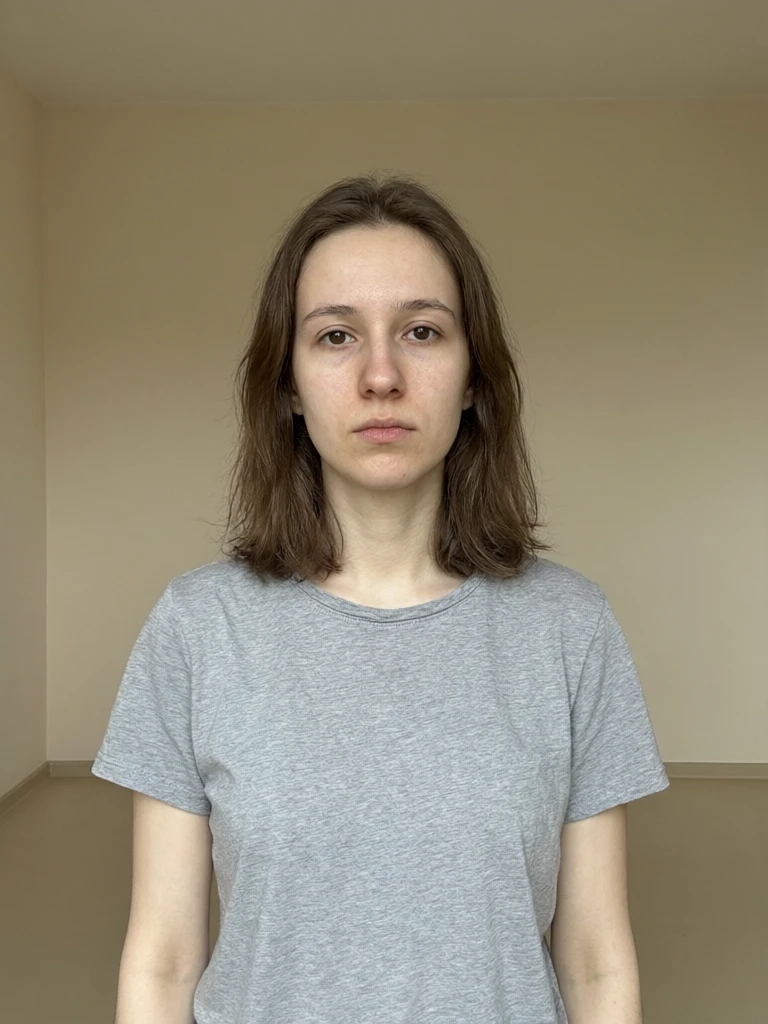
See it in action — real Imagera output
These are real, unedited results from the Imagera edit image — the exact tool this guide covers.

Bottom Line
Adobe Firefly is the more mature product inside its lane — deep Photoshop integration, refined Generative Fill and Expand, commercially-safe training, and the full weight of the Adobe ecosystem. If that is where you work, stay there. But if the subscription, the expiring monthly credits, and the ecosystem lock-in are what sent you looking for an Adobe Firefly alternative, Imagera answers exactly that: browser-based, natural-language editing on pay-per-use credits that don't expire, no watermark, and part of a wider finishing bundle.
Try the Imagera AI Image Editor and edit a real photo — remove an object, swap a background, or change an outfit — without committing to a Creative Cloud plan.
Related: AI Image Generator · Background Remover · Magnific AI alternative