If you are hunting for a PhotoAI alternative, you have probably already tried the core idea: upload a batch of selfies, train a personal AI model, then generate photos of yourself in outfits, scenes, and styles you would never book a real shoot for. PhotoAI, built by Pieter Levels, popularized that flow and does it well. The friction most people hit is not the output — it is the business model. PhotoAI runs on monthly subscriptions (starting at $19/month as of 2026), and if you only need a burst of photos every few months, a recurring bill can feel like paying rent on a tool you use occasionally.
This article compares PhotoAI with Imagera Personal Influencer, a browser-based tool that trains a custom character model from your own photos and then lets you generate, face-swap, restyle, and inpaint that character. The honest framing up front: PhotoAI is more mature as a single-purpose product, with a bigger built-in scene library and a very simple train-once-generate-forever experience. Imagera's edge is a different pricing model — pay-per-use credits that do not expire, no forced subscription, and no watermark — plus a wider toolkit that lives inside a larger image and video suite. We will lay out where each one genuinely wins so you can pick the right fit.
Quick answer: Imagera is a full AI photo studio alternative to PhotoAI, generating on-brand headshots, product shots, and lifestyle images from your own uploads at up to 4K resolution.
What makes Imagera a strong PhotoAI alternative in 2026?
Imagera trains on as few as 10 to 20 uploaded photos, then produces studio-grade portraits, e-commerce packshots, and reels from one workspace. You can render at up to 4K, generate 100+ variations per session, and export them from the same workspace. Pricing runs on transparent credits, so you pay only for the shots you actually generate.
How many photos does Imagera need and how fast is it?
Upload 10 to 20 clear reference photos and Imagera builds a personalized model in roughly 20 to 30 minutes, then delivers new images on demand. For the best results, include varied angles, lighting, and backgrounds across your reference set, since a diverse 15-photo batch gives the model far more to work with than five near-identical selfies.
Why People Look for a PhotoAI Alternative
Three recurring reasons show up in reviews and forums (verified against public reviews, as of 2026):
-
Subscription fatigue. PhotoAI is billed monthly. For occasional users — someone refreshing a LinkedIn headshot twice a year, or a creator doing a seasonal drop — paying $19 to $199 every month is awkward. You either keep a subscription you rarely open, or you cancel and re-subscribe each time you need photos. People search for a PhotoAI alternative specifically to escape the recurring charge.
-
Likeness is hit-or-miss. Reviews on PhotoAI's likeness are genuinely mixed. Plenty of users call the results "eerily accurate," but a real share report that certain models "look nothing like me" after training. Likeness quality depends heavily on the photos you feed in, and this is true of every training-based tool — but when you are on a subscription clock, a weak model feels more expensive.
-
Support and billing friction. Public reviews include complaints about slow or absent customer support and billing surprises (a charge landing despite a "payment failed" notice, or trouble canceling). These are the kinds of issues that push people to look for something with clearer, one-off billing where there is simply less to cancel.
None of these mean PhotoAI is a bad product — it is a well-known, profitable tool with a loyal base. They are just the friction points that send people searching.
Imagera vs PhotoAI: Feature Comparison
| Factor | Imagera Personal Influencer | PhotoAI |
|---|---|---|
| Core idea | Train a custom character model from your photos, then generate | Train a model on your selfies, then generate |
| Access | Browser-based, any device, no install | Browser-based, no install |
| Pricing model | Pay-per-use credit packs from 350 credits | Monthly subscription, from $19/mo (2026) |
| Credit expiry | Credits do not expire | Monthly credits reset with the plan |
| Subscription required | No | Yes |
| Watermark on output | None | None on paid plans |
| Photos to train | Your own uploaded set | ~5–15 selfies (as of 2026) |
| Extra character tools | Face-swap, pose control, style transfer, inpainting | Editing, relighting, video (higher tiers) |
| Scene/style library | CivitAI LoRA ecosystem + custom prompts | Large built-in photo-pack library |
| Part of a wider suite | Yes (editing, upscaling, headshots, video, more) | Focused AI photo/video product |
| Commercial use | Pay-per-use, no per-month gate | Commercial license on higher tiers |
Where PhotoAI Wins
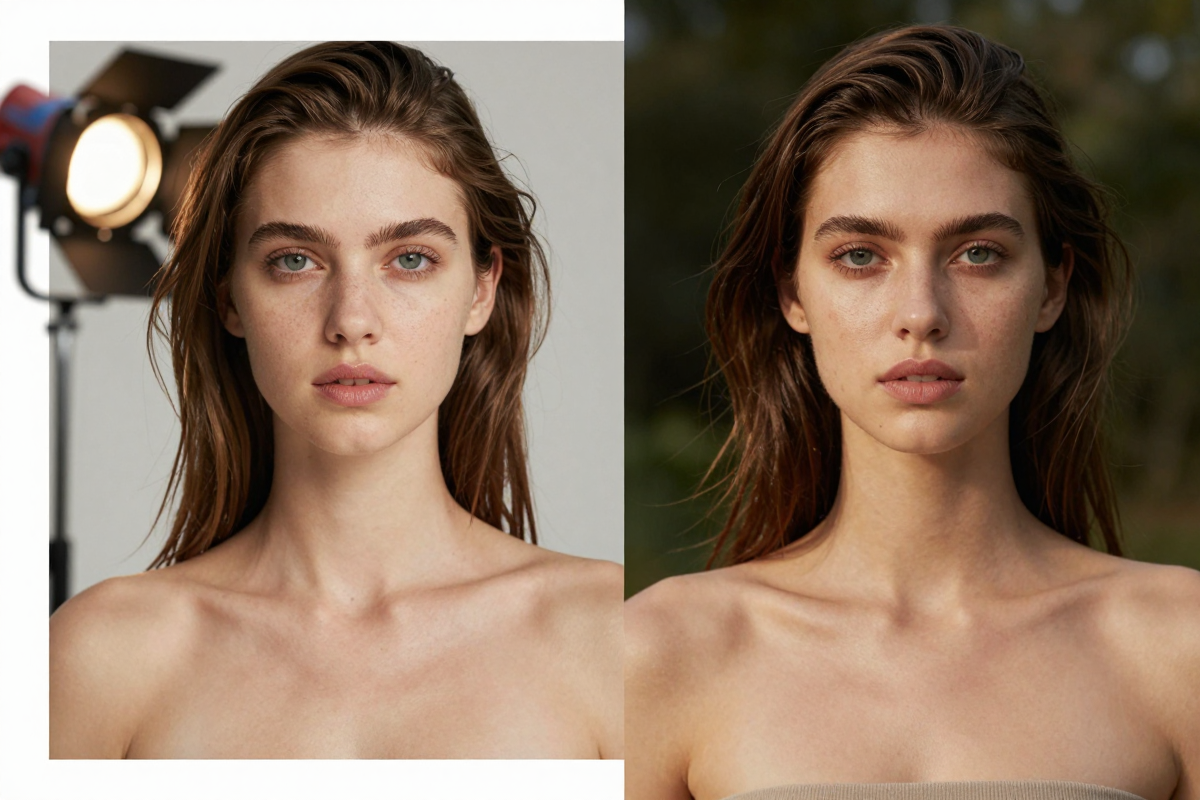
Being honest about the competition matters, and PhotoAI is more established in this niche. Real strengths (as of 2026):
- Polished single-purpose flow. PhotoAI does one thing and does it smoothly: upload, train in a few minutes, generate. The onboarding is tight and beginner-friendly, with less to learn than a broader toolkit.
- Large built-in scene and pack library. PhotoAI ships hundreds of curated photo packs and styles, so you can click a look rather than write prompts. For non-technical users who just want good outputs fast, that catalog is a real advantage.
- Auto-generated starter photos. Every model you create comes with a batch of auto-generated images, so you see results immediately without spending effort on prompting.
- Established brand and momentum. PhotoAI has been iterating publicly for years, with a proprietary photorealism pipeline and continuous feature additions (video, avatars, try-on). Maturity counts.
- Built-in video and relighting on higher tiers. The Max and Ultra plans bundle video generation and relighting directly into the same flow.
If your only need is "make realistic photos of me in different scenes with minimal effort, and I will use it regularly," PhotoAI's focused design is hard to beat.
Where Imagera Wins
Imagera's advantages are about pricing structure and range, not a claim to make better art:
- No subscription. You buy credits when you need them. There is nothing to cancel, no monthly charge sitting on your card between projects.
- Credits do not expire. Buy a batch, use it over months. This suits people whose photo needs come in bursts rather than every week.
- No monthly commitment. Credit packs start at 350 credits, so you can train a character and generate without committing to a monthly tier.
- No watermark. Outputs come clean, ready to post or print.
- Fuller character toolkit. Beyond generation, Imagera Personal Influencer includes face-swap, pose control, style transfer, and inpainting on your trained character — so you can fix a hand, swap a face into an existing photo, or restyle a shot without regenerating from scratch.
- CivitAI LoRA ecosystem. You can tap the public CivitAI LoRA library for styles and aesthetics, which gives a different kind of flexibility than a fixed pack catalog.
- Part of a bundle. The same account also covers editing, AI headshots, head-swap, upscaling, restoration, product photos, backgrounds, and video — so a character model is one tool among many rather than a standalone subscription.
Pricing Compared
The clearest difference is structure. PhotoAI is subscription-first: Starter around $19/month, Pro around $49, Max around $99, and Ultra around $199/month as of 2026, with annual plans that discount heavily (roughly six months free on the top tiers). Each tier grants a monthly credit allotment and a number of AI models per month; unused monthly credits reset. That model rewards heavy, continuous use — if you generate constantly, the higher tiers deliver a lot of volume per dollar.
Imagera is pay-per-use. Credit packs start at 350 credits, and pack credits do not expire. You pay for the training run and for the images you generate, then stop. There is no watermark on output at any spend level. For someone who needs a character model a few times a year, this avoids paying for months you do not use. For extremely high-volume generation, a subscription's bulk allotment may work out cheaper per image — so the right choice depends on cadence, not just headline price. We are not going to pretend one is universally cheaper; it depends on how often you generate.
How Imagera Personal Influencer Works (Step by Step)
- Open the tool. Go to Imagera Personal Influencer in your browser. No install, no GPU, works on any device.
- Upload your training photos. Add a varied set of your own images — different angles, lighting, and backgrounds help the model learn a consistent likeness. Variety matters more than sheer quantity.
- Train your character model. Imagera trains a custom model on your uploaded photos so it can reproduce that person or character on demand. Training runs in the cloud; you do not need local hardware.
- Generate in any scene or style. Once trained, write a prompt or pick a style — you can also pull aesthetics from the CivitAI LoRA ecosystem — and generate images of your character in new outfits, settings, and moods.
- Refine with the toolkit. Use face-swap, pose control, style transfer, and inpainting to fix details, swap your character into an existing photo, adjust a pose, or restyle a shot without starting over.
- Download clean. Export your images with no watermark. Since credits are pay-per-use and do not expire, you can come back for another batch whenever you need one.
Common Use Cases
- Professional headshots and profile photos. Train once, then generate polished, on-brand portraits for LinkedIn, résumés, or a team page — and lean on AI headshots when you want a purpose-built headshot flow.
- Creator and social content. Produce a steady stream of on-persona photos for Instagram, a personal brand, or a synthetic influencer, without booking shoots each time.
- Concept and campaign shoots. Place your character in seasonal outfits, travel backdrops, or product scenarios for marketing without a studio, then use head-swap to composite the right face into an existing layout.
- Consistent characters for storytelling. Keep a recurring character looking the same across many images for comics, ads, or brand mascots, using pose and style controls to vary the scene while holding likeness.
What AI Character Models Can and Cannot Do (Honest Limits)
AI character training is genuinely useful, but it has real limits — and pretending otherwise would waste your credits.
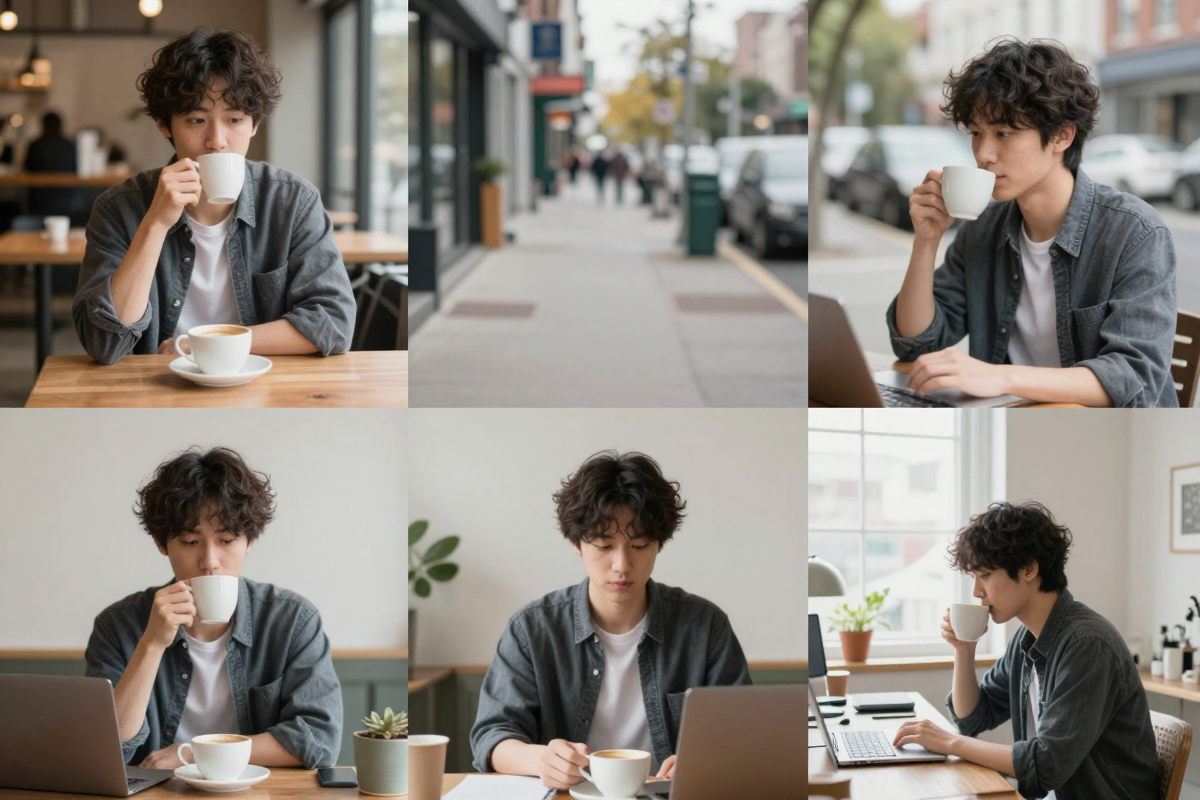
What it does well: it produces varied, realistic-looking images of a trained subject across many scenes and styles far faster and cheaper than a photoshoot. It is strong for headshots, social content, concept imagery, and keeping a character consistent across a set.
What it struggles with: exact likeness is never guaranteed. The model learns from your uploads, so poor or samey input photos produce weaker likeness — this is true for Imagera, PhotoAI, and every training-based tool. Fine details like hands, text on signs, complex jewelry, and precise brand logos can render incorrectly; that is where inpainting and face-swap help clean things up. Reproducing a specific real person other than yourself raises consent and rights issues, and neither tool should be used to impersonate someone without permission. AI images can also carry subtle "AI look" tells under close inspection. Treat the output as a strong starting point you refine, not a guaranteed identical replica of a real shoot.
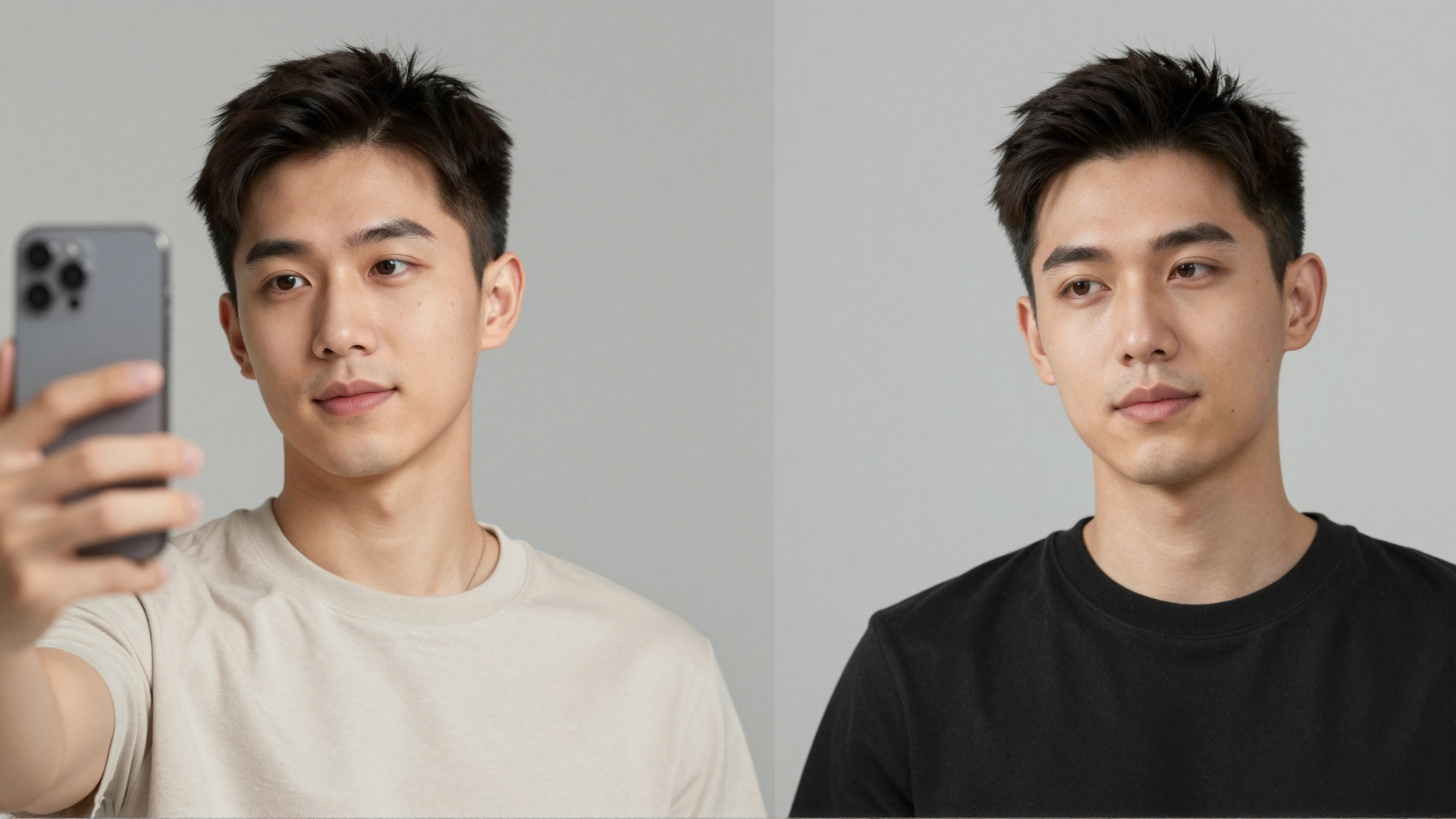
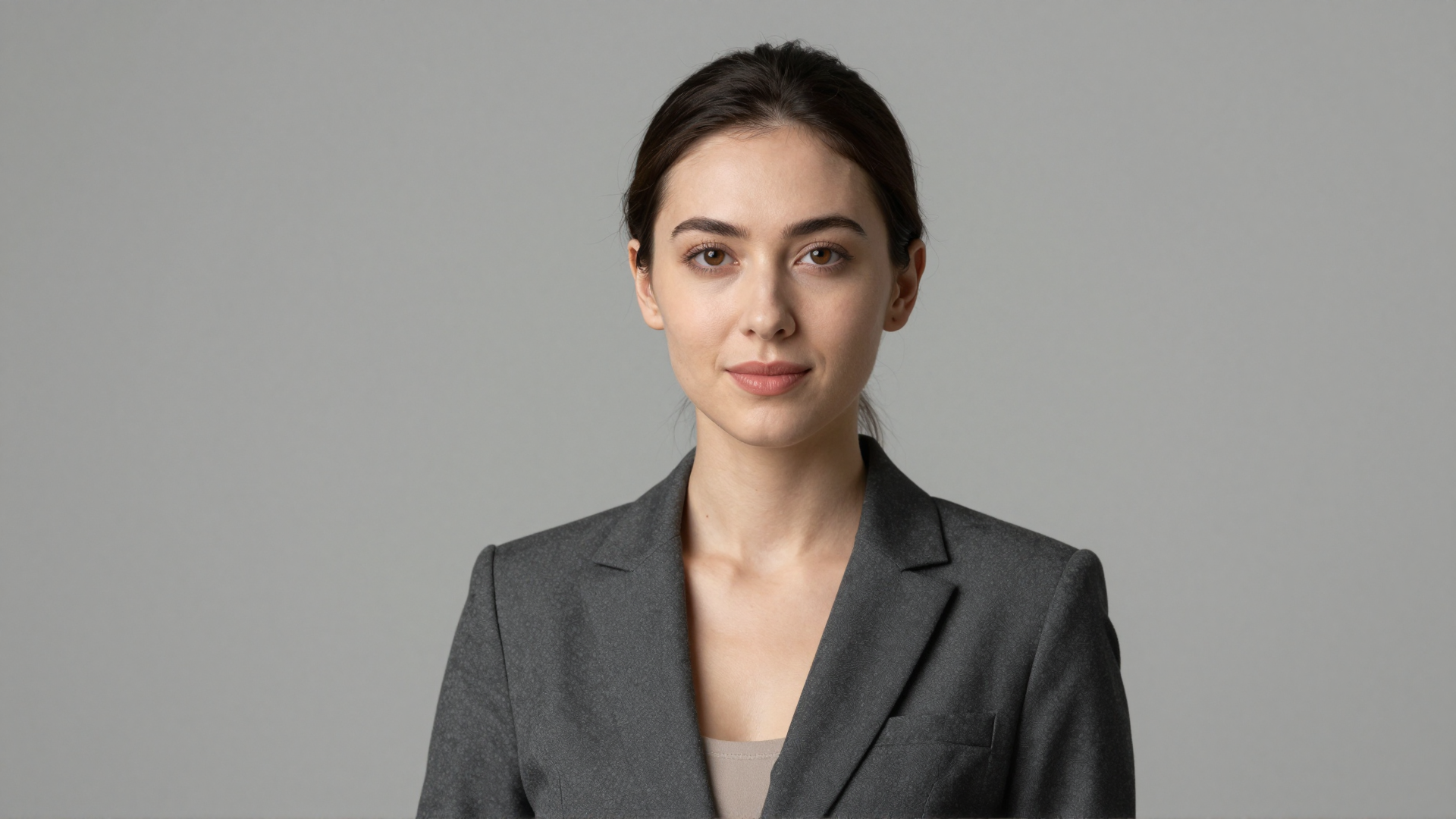
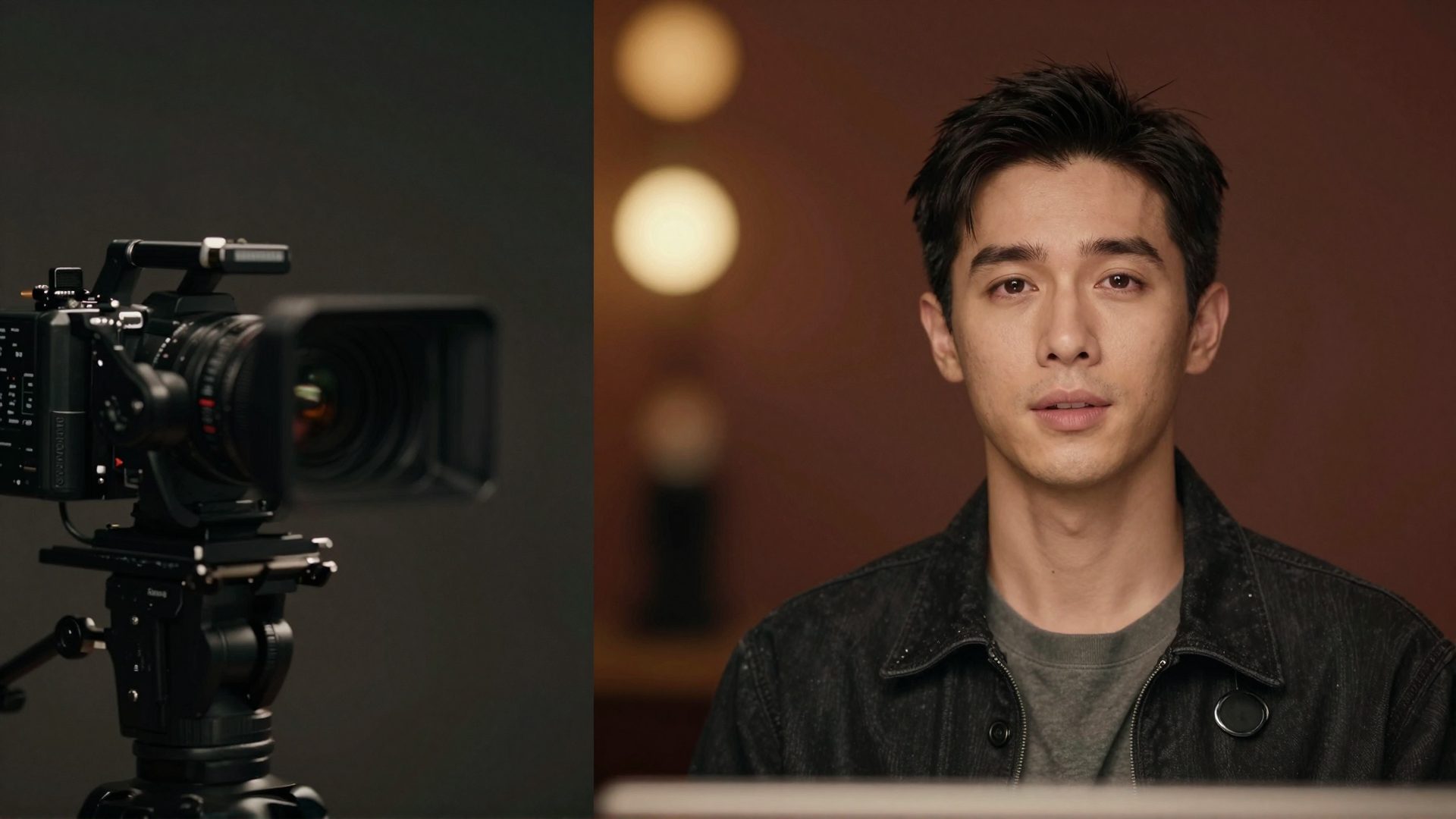
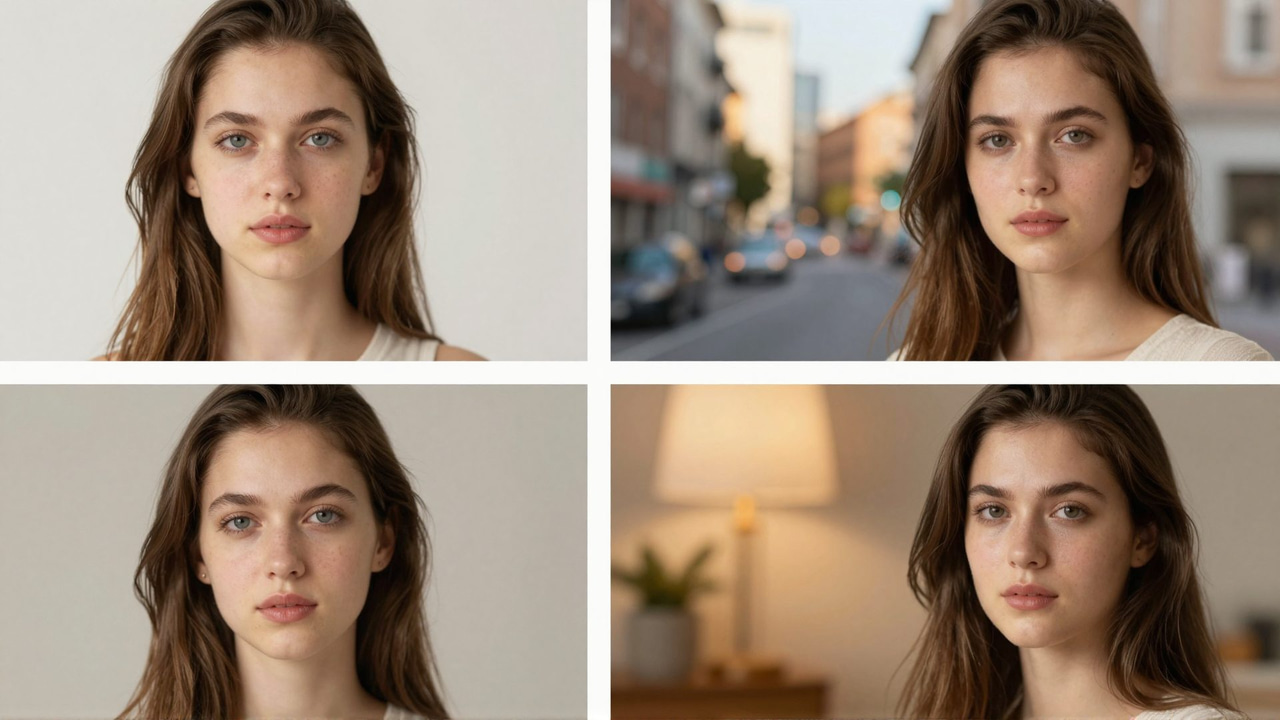
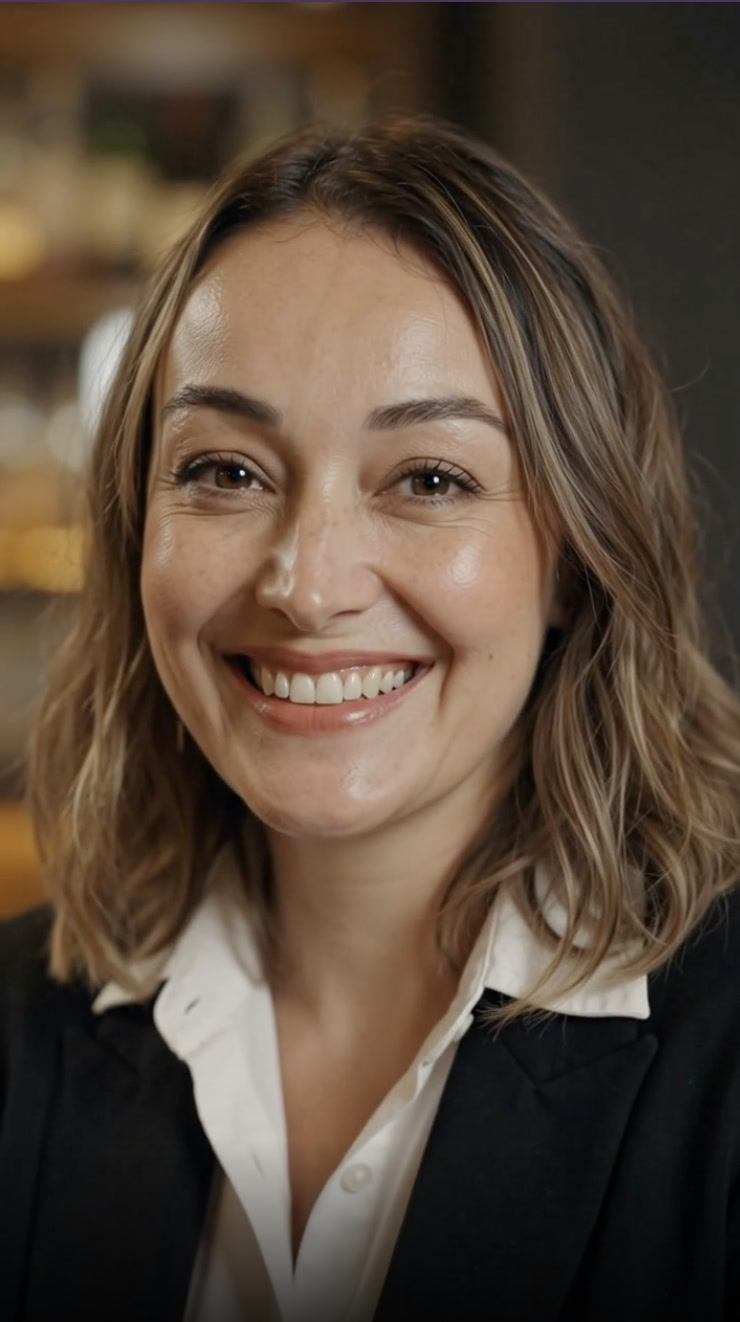
See it in action — real Imagera output
These are real, unedited results from the Imagera human reel — the exact tool this guide covers.
Bottom Line
PhotoAI is a mature, well-designed tool with a large scene library and a smooth subscription-based flow — a solid pick if you generate often and want the simplest possible train-and-shoot experience. The main reasons to choose a PhotoAI alternative are structural: you would rather not pay every month, you want credits that do not expire, and you want a wider character toolkit in one place. That is exactly where Imagera Personal Influencer fits — pay-per-use credit packs from 350 credits, no watermark, plus face-swap, pose, style transfer, and inpainting, all inside a broader image and video suite. Train your character, generate what you need, and come back whenever the next project shows up.
Related: Imagera Personal Influencer · AI Headshots · Head-Swap · Aragon AI Alternative