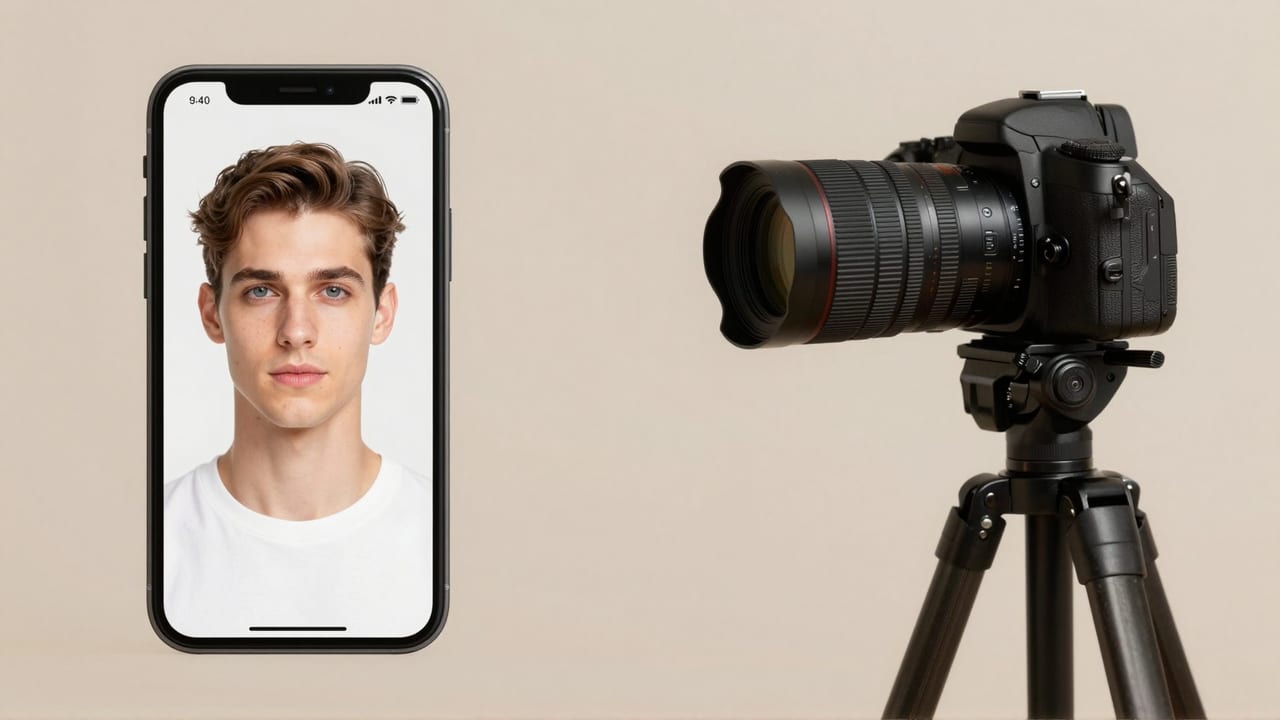
TL;DR: A typical AI headshot runs about $29–59 and lands in 10–60 minutes; a professional photographer averages $250–350 and takes 1–2 weeks (HeadshotPro). AI is the practical choice for speed, teams, and routine refreshes. A photographer still wins for acting, print, and any high-stakes shot where live direction and exact likeness decide the outcome.
This is a genuine fork in the road, not a marketing sales pitch. Both paths produce a usable professional image — they just optimize for different things. Below is an honest, side-by-side look at cost, speed, quality, and likeness so you can pick the right tool for your situation. If you already know you want the digital route, our AI headshot hub walks through the workflow.
Quick answer: For most people in 2026, an Imagera AI headshot wins on cost, speed, and volume, delivering studio-grade results in under 60 seconds from a single selfie, while a traditional photographer still edges ahead for one-off, physically-directed shoots.
1.How much faster and cheaper is an AI headshot than a photographer?
A photographer session typically runs 1-2 hours plus several days of editing, then charges per final image. Imagera generates 100+ variations in under 60 seconds from 1 uploaded photo, starting at 5 credits per headshot, with no travel, booking, or reshoot fees. For most professionals, that means a finished set of headshots in the time it would take to schedule a studio slot.
2.Does an AI headshot match the quality of a professional photographer?
For LinkedIn, resumes, and team pages, Imagera outputs sharp 4K portraits (upscalable to 8K) with controllable lighting, background, and wardrobe across 10+ styles. Viewers judge headshots quickly on framing, lighting, and expression, and those are exactly the elements Imagera lets you control precisely, making it well-suited for everyday professional use. A photographer still has the edge when you need physical direction, a specific real-world location, or a bespoke creative concept.
3.What an AI headshot actually is (and what it is not)
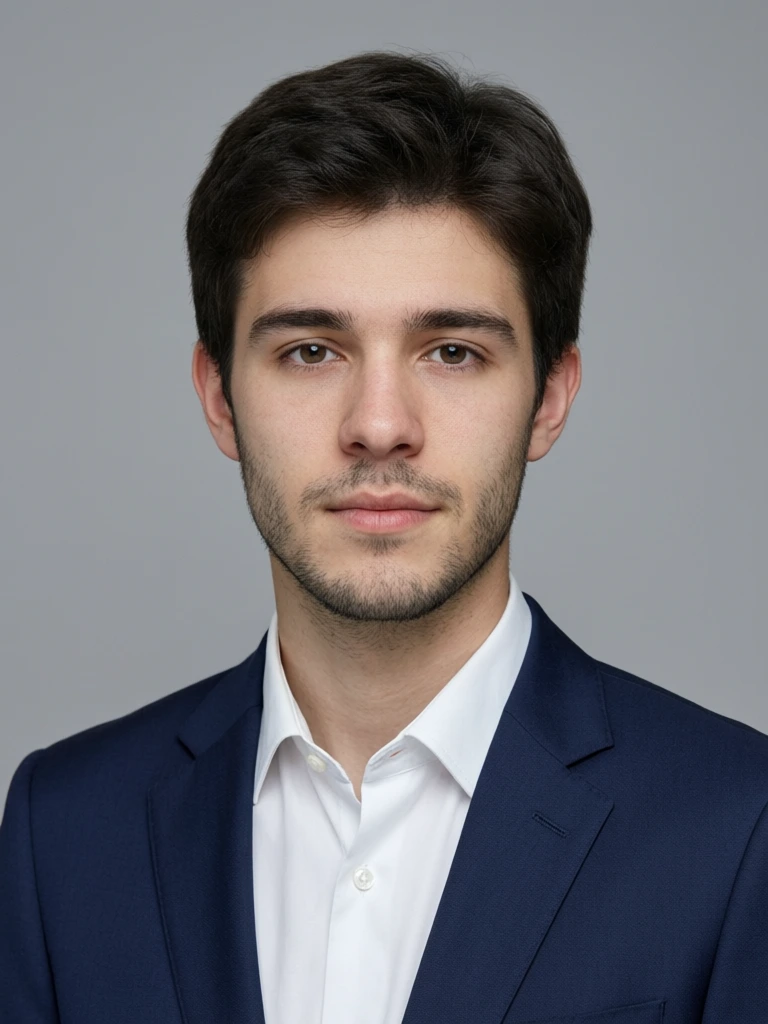
It helps to be precise, because "AI headshot" gets used loosely. With Imagera, you are not retouching a single photo, and you are not generating an invented stranger. You upload a small set of your own selfies, and the tool studies your face across those images, then renders a fresh, studio-lit portrait that keeps your real features while improving the lighting, framing, wardrobe, and background. The output is a new professional photograph of you — same identity, better setting.
That distinction matters for the whole comparison. A photographer captures reality through a lens. An identity-preserving AI headshot reconstructs a plausible studio version of the same face from photos you already have. Neither is inherently "fake" or "real" — the honest question is which one gets you a usable, on-brand professional image for your specific situation, at a cost and timeline you can live with.
4.How each option works, step by step
The two workflows are almost opposites, and understanding them explains most of the cost and speed gap.
The photographer workflow:
- Research and book a photographer whose portfolio matches the look you want.
- Schedule a session — often days or weeks out — and coordinate wardrobe.
- Travel to the studio (or arrange an on-location shoot), sit for the session, and take direction on posing and expression.
- Review proofs, choose your selects, and wait for retouching.
- Receive a small number of final, edited images — commonly 2–6 — typically 1–2 weeks after the shoot.
The Imagera AI headshot workflow:
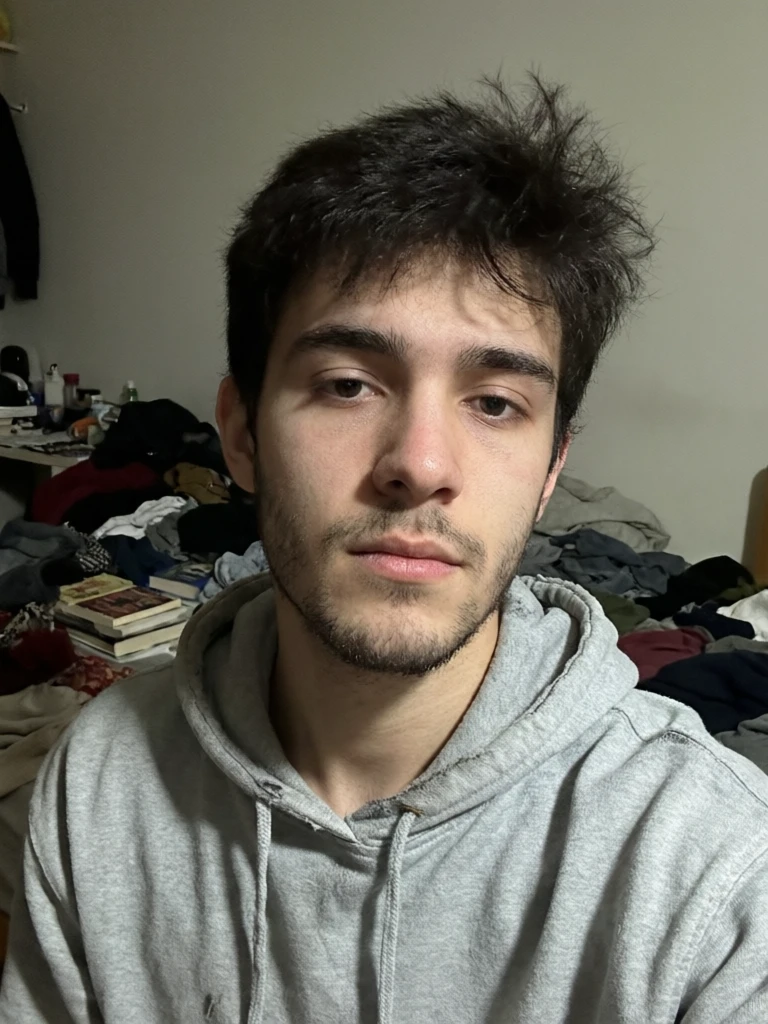
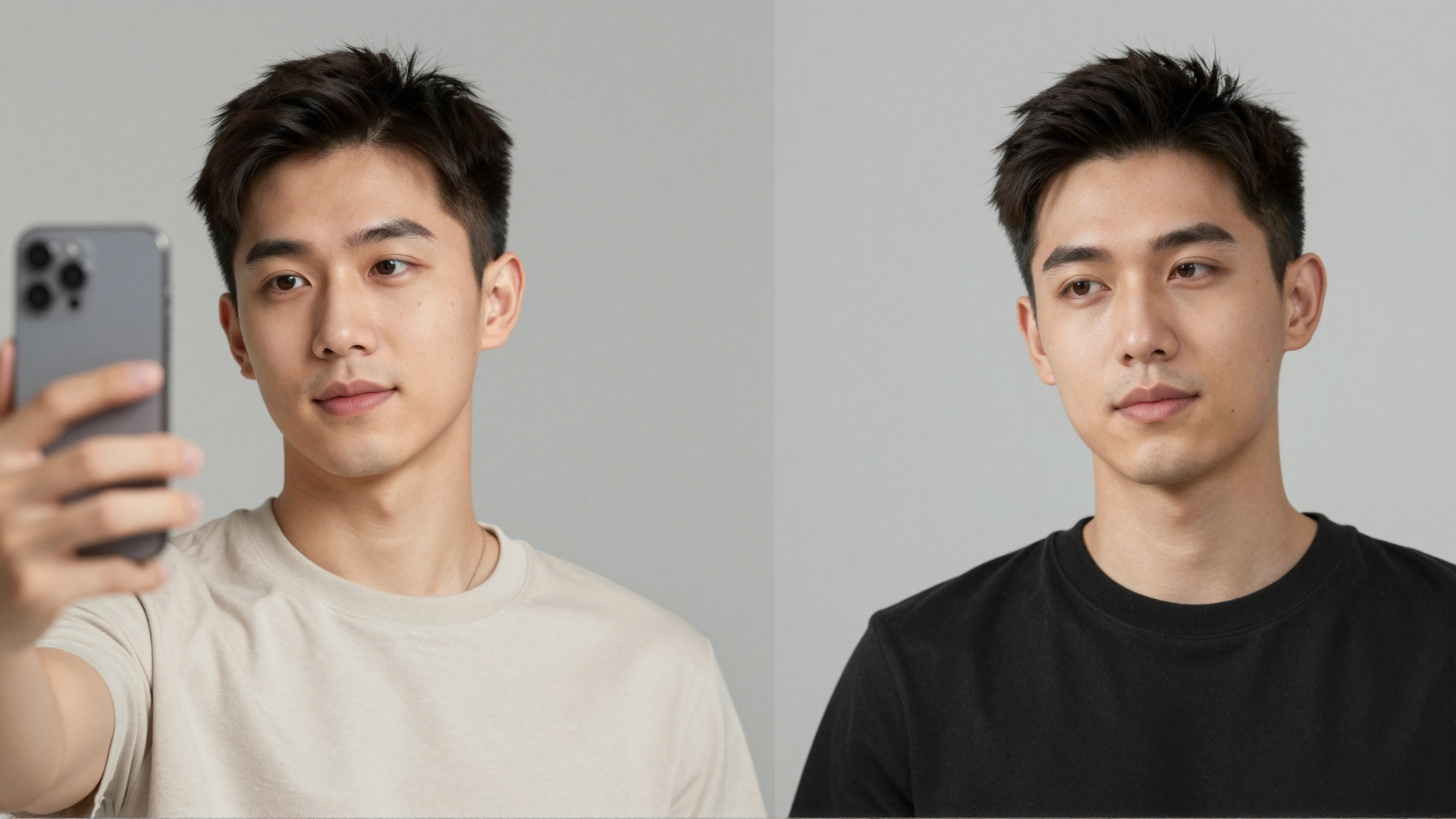
- Upload a few selfies. Add up to four clear photos of yourself from slightly different angles. More variety means a stronger likeness — one good photo works, but two to four gives the tool more of your face to reconstruct faithfully.
- Pick your style and quality. Choose a look — LinkedIn, corporate, real-estate, creative, actor — then set the quality tier and resolution that fit where the photo will live. The Pro quality tier is tuned for the truest likeness when accuracy matters most.
- Generate and download. The portrait renders in minutes and lands in your history, ready to download and use anywhere. Because a single upload can produce several looks, you can compare outfits and backgrounds without a reshoot.
The AI path collapses the booking, travel, sitting, and edit-wait into a single browser session. That is the entire reason it can land a finished frame in the time it takes a photographer to answer your first email.
5.How much does each option actually cost?
A mid-range AI headshot session costs roughly $29–59 and returns 40–100 images across multiple outfits and backgrounds (Capturely). A traditional photographer averages $250–350 for an individual in the US, with company headshots commonly $125–275 per person and major-market studios charging $400–850 (HeadshotPro, BetterPic).
With Imagera specifically, headshots run on credits rather than a per-session fee. You pay a small per-image credit cost — a fraction of a studio sitting — and top up credits as you go. Because one upload can generate several looks, the effective cost per usable frame stays low, and there is no re-booking fee if you want to try a different style next month.
| Factor | AI headshot | Traditional photographer |
|---|---|---|
| Typical price | ~$29–59 per person | ~$250–350 individual; $125–275/person for teams; $400–850 in major markets |
| What you receive | 40–100 images, many looks | 2–6 final retouched selects |
| Turnaround | 10–60 minutes | 1–2 weeks (rush: 1–3 days) |
| Your effort | Upload 6–12 selfies | Book, travel, sit, review |
| Direction | Style presets, no posing coach | Live posing and expression coaching |
| Best fit | Refreshes, teams, budgets, speed | Acting, print, full creative control |
The gap widens for groups. Corporate team shoots typically start around $1,500 and scale to $6,000+ depending on headcount and logistics (HeadshotPro) — which is exactly where AI's flat per-person economics get attractive.
6.How fast can you get headshots from each?
Speed is the most lopsided category. AI tools take 6–12 selfies you already have and deliver finished frames in 15–60 minutes, occasionally a few hours (HeadshotPhoto). A studio shoot adds scheduling, travel, and a sit — then editing. Most photographers return final, retouched images in 1–2 weeks, with rush delivery of 1–3 days often available for a fee (Matt Marcheski Photography).
So the real question is whether your timeline can absorb two weeks. Updating a LinkedIn photo before a Monday interview, onboarding a remote hire, or refreshing a stale profile are jobs where same-hour delivery isn't a luxury — it's the whole point.
7.When does an AI headshot win?
AI is the stronger pick when you need volume, speed, or consistency at low cost. It shines for solo professionals on a budget, distributed teams that can't gather in one studio, and anyone refreshing a profile photo without booking a session. Recruiters spot AI images correctly only 39.5% of the time despite believing they can (Capturely) — modern results clear the bar for everyday business use.
Concretely, AI tends to win for:
- LinkedIn and personal branding. Profiles with a photo get 21× more views and 9× more connection requests than those without (LinkedIn). That multiplier compares photo vs. no photo — so having a clean, current image matters more than its origin. Our LinkedIn headshot guide covers the framing and crop specifics.
- Team rollouts. Uniform backgrounds and lighting across 20 colleagues, generated in an afternoon instead of coordinated over weeks. With Imagera each person uploads their own selfies and picks the same style preset, so an entire directory ends up consistent without anyone leaving their desk.
- Frequent updates. New hairstyle, new outfit, seasonal refresh — repeatable at a fraction of a reshoot, and because regenerating takes minutes you can update far more often than a studio schedule would allow.
- Remote and global staff who'd otherwise have no studio access at all.
8.Who each option is really for
To make the choice concrete, here is how the fork tends to land across common situations:
- The job seeker with an interview Monday. AI. You need a clean, current profile photo this weekend, and a two-week edit turnaround doesn't exist for you. Upload recent selfies, pick the LinkedIn preset, done.
- The remote startup formalizing its about page. AI. Twelve people in nine cities cannot share one studio. Everyone generates the same corporate style and the page finally looks like one company.
- The real-estate agent refreshing listing signage. AI, in most cases. Bright, trustworthy, on-brand — and easy to update when the brokerage rebrands. See our real-estate agent headshot style within the hub.
- The working actor submitting to casting. Photographer. Casting expects authentic, in-person captures shot to strict specs, and a live director draws out the expression that lands the audition.
- The executive who is constantly in the room. Usually a photographer for the hero shot, with AI for routine profile refreshes in between. When you are seen in person daily, any drift between photo and face is a liability.
- The graduate building a first professional presence. AI is a reasonable first step — a polished portrait for internships and first-job applications without spending a student budget on a studio.
9.When should you still hire a photographer?
Hire a photographer when the image is high-stakes and likeness is non-negotiable. Acting and modeling are the clearest example: casting expects authentic, in-person headshots, and submissions follow strict specs — JPEG, 8×10 vertical, 300 DPI for print headsheets (Headshots NEO). Actor sessions run $300–600 for 2–4 finals, and a casting director who meets you must see the person on the wall (Backstage).
A photographer also wins when:
- You're frequently seen in person — client-facing roles, executives, public speakers — where any mismatch between photo and reality undermines trust.
- Print fidelity matters. Large-format, press, or book-jacket work demands genuine high-resolution capture, not an upscaled synthesis.
- You want creative direction. A skilled photographer coaches expression and energy — "directing, not say-cheese" — which AI presets can't replicate (Headshots NEO).
- Regulated or trust-dependent fields (healthcare, law, finance) where authenticity is part of the brand promise.
There's a real cost to that quality, though: beyond the session, actors often budget $150–300 for makeup and $25–75 per extra retouched image (Backstage). High-stakes done right is rarely cheap.
10.Will an AI headshot actually look like me?
Usually yes for casual use, but likeness is AI's biggest honest weakness. Some tools synthesize an idealized face — smoother skin, more symmetry — that can drift from how you actually look. In surveys, 38% of viewers described AI photos as "soulless," and accuracy issues are real: one analysis of AI physician headshots found 82% depicted White doctors versus 63% of the actual workforce, and BIPOC users report tools lightening skin tone or reshaping features (Capturely, Photofeeler).
This is exactly the failure Imagera is built to avoid. The tool keeps your real facial identity intact and only refines the lighting, framing, wardrobe, and background — and the Pro quality tier is tuned for the truest likeness. It is still an AI reconstruction, not a lens capture, so the honest guidance is to treat the output as a check on how faithfully it read you: if a result doesn't read as unmistakably you, reject it and regenerate.
First impressions form in about 100 milliseconds (Princeton) — so a face that's almost you can create a quiet trust gap when colleagues meet you in person. Two ways to manage that risk: feed the tool varied, well-lit, recent selfies (better inputs yield truer outputs), and reject any result that doesn't read as unmistakably you. For ID-style or document use, accuracy rules tighten further — see our headshot compliance notes before relying on a generated image.
11.Tips for the best AI headshot results
The single biggest lever on likeness is the photos you feed in. A few practical rules:
- Upload two to four selfies, not one. More angles give the tool more of your face to reconstruct faithfully. Vary the angle slightly between shots.
- Use recent, well-lit, front-facing photos. Natural daylight usually works best. Your face should be fully visible and roughly facing the camera.
- Avoid filters, sunglasses, hats, and group shots. Heavy filters and obstructions strip away the real features the tool needs to keep the result looking like you.
- Start from neat clothing. The style presets already apply business attire, but uncluttered, solid-colored clothing in your uploads gives a cleaner starting point.
- Choose the Pro tier when likeness is the priority. It is tuned for the truest reconstruction — worth it for anything career-critical.
- Match the style to the destination. A relaxed, genuine smile reads as approachable for LinkedIn and most business contexts; a more neutral, characterful expression suits actor or editorial looks.
12.Common mistakes to avoid
- Uploading blurry or years-old photos and then blaming the output for not looking like you. Garbage in, garbage out applies fully here.
- Shipping a result you're not sure about. If it doesn't clearly look like you, regenerate — don't post an "almost you" photo where colleagues will meet the real you.
- Assuming a profile headshot is document-ready. Passport, visa, and ID photos follow strict rules that ordinary profile headshots ignore. Use the dedicated tool below for those.
- Choosing AI for a print or casting shot where a photographer's direction and genuine high-resolution capture are the whole point.
- Over-editing away your real features in your source selfies before uploading. The tool works best from natural photos.
13.How do you choose the right option for your situation?
Match the tool to the stakes. Ask three questions: How fast do I need it? How many people? How costly is an imperfect likeness? If you need speed, volume, or budget control and the photo is for digital profiles, AI is the rational call. If the image is for casting, print, or a high-exposure in-person role, book the photographer.
Many professionals do both — an AI refresh for everyday profiles, a studio session for the once-a-year hero shot. The honest takeaway: AI hasn't replaced photographers; it's expanded who can have a decent headshot at all. Start with the AI headshot workflow to see whether the digital route fits your needs before you commit to a calendar booking.
14.Bottom line
For everyday professional profiles — LinkedIn, company about pages, resumes where a photo is expected, real-estate listings — an AI headshot is the practical choice on cost, speed, and consistency, and a tool like Imagera that preserves your real likeness gets you a result that reads as genuinely you. For casting, print, and high-exposure in-person roles, a photographer's live direction and true optical capture still earn their price. Most people will end up using both, matched to the stakes of each shot.
15.Tools and next steps
| Goal | Where to start |
|---|---|
| Make a professional headshot from selfies | AI headshot generator |
| Optimize a LinkedIn profile photo | LinkedIn headshot guide |
| Check where AI headshots are allowed | Headshot compliance |
| Format a passport, visa or ID photo | Passport & ID Photo maker |
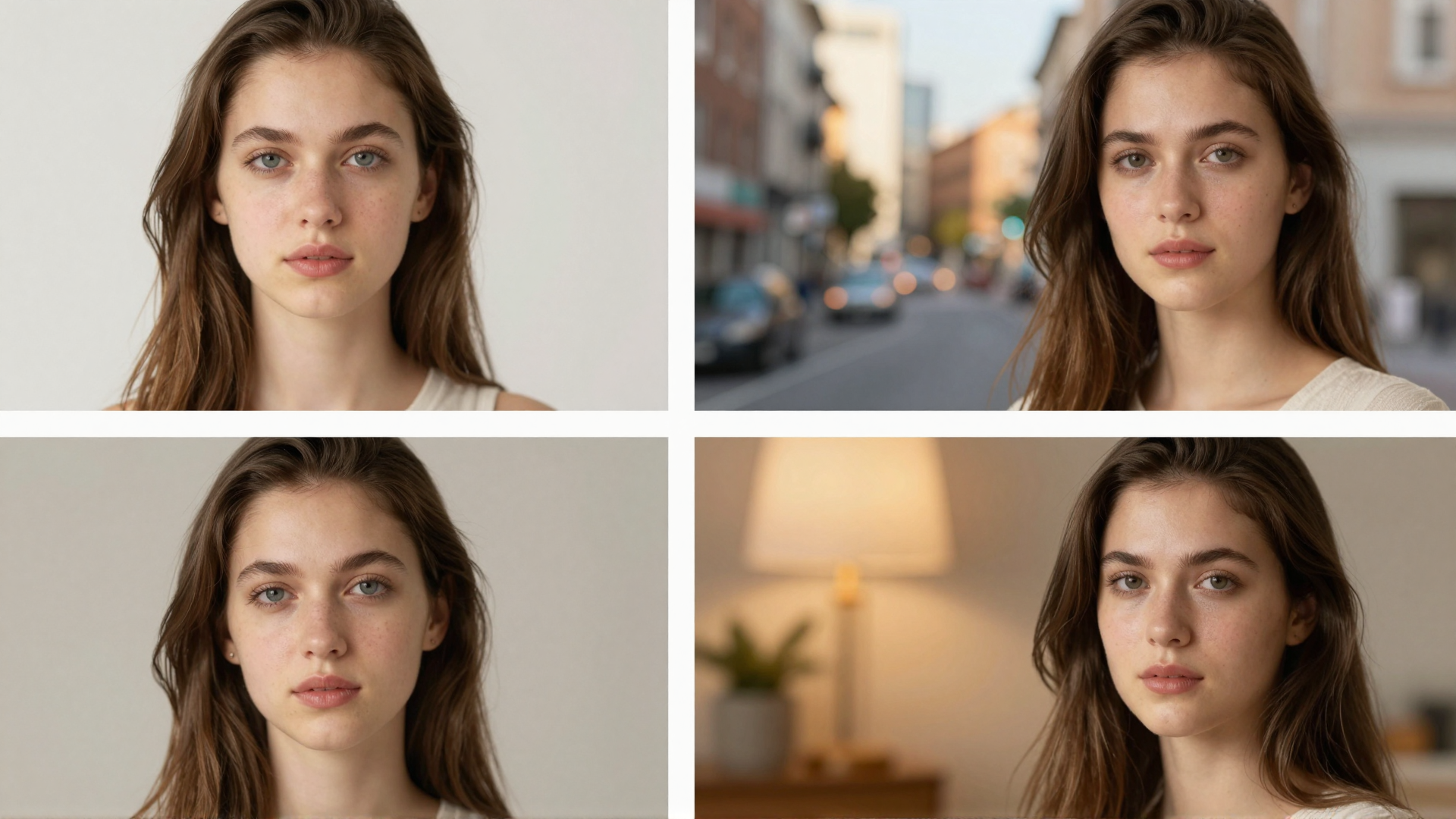
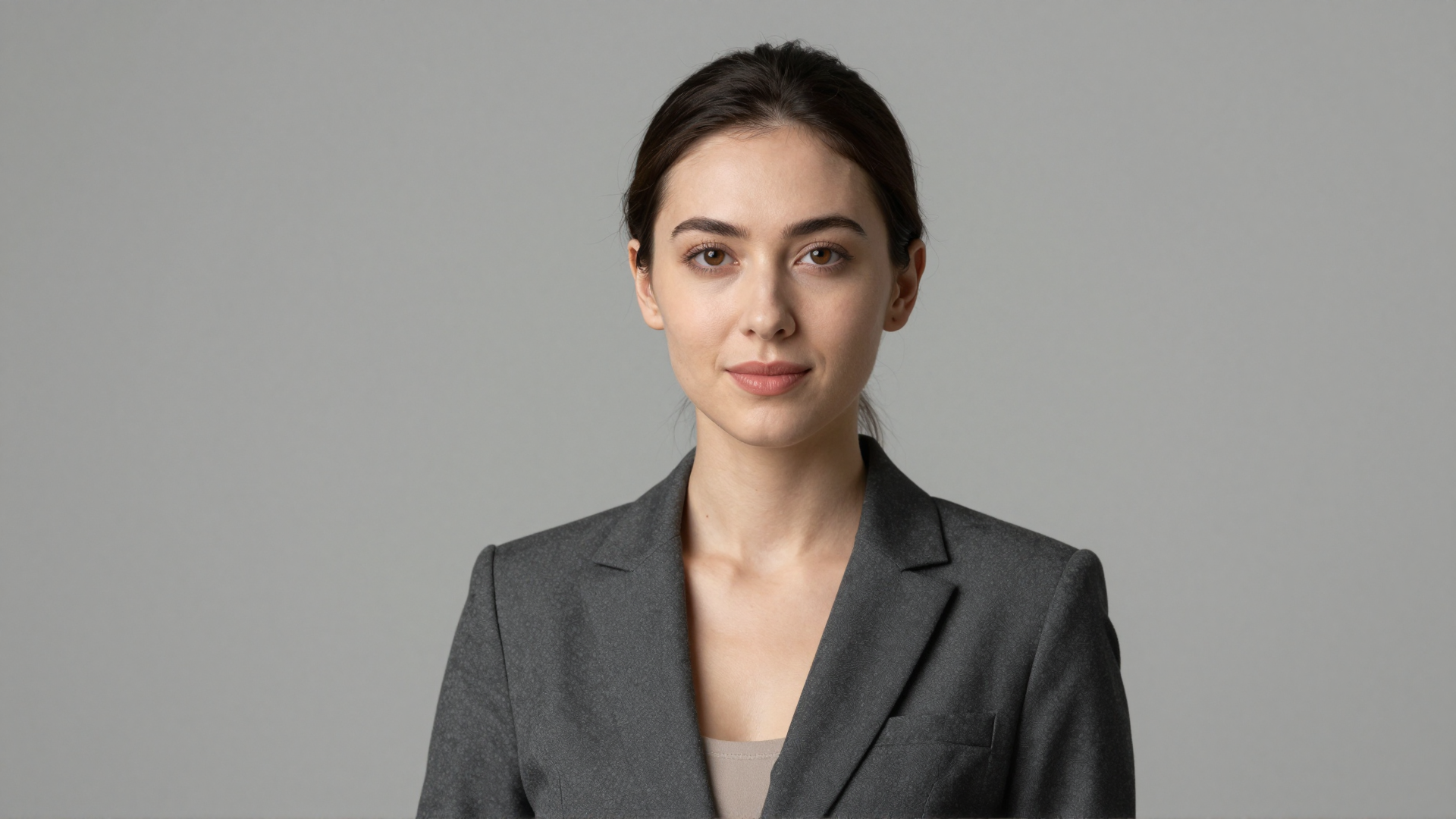
16.See it in action — real Imagera output
These are real, unedited results from the Imagera ai headshot — the exact tool this guide covers.