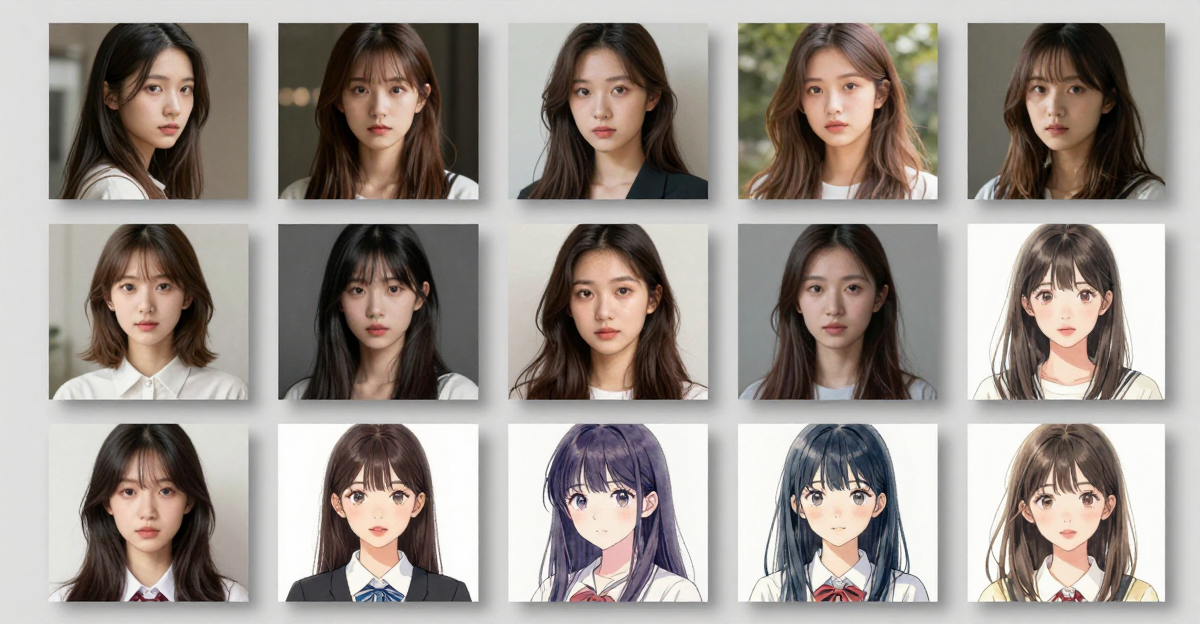
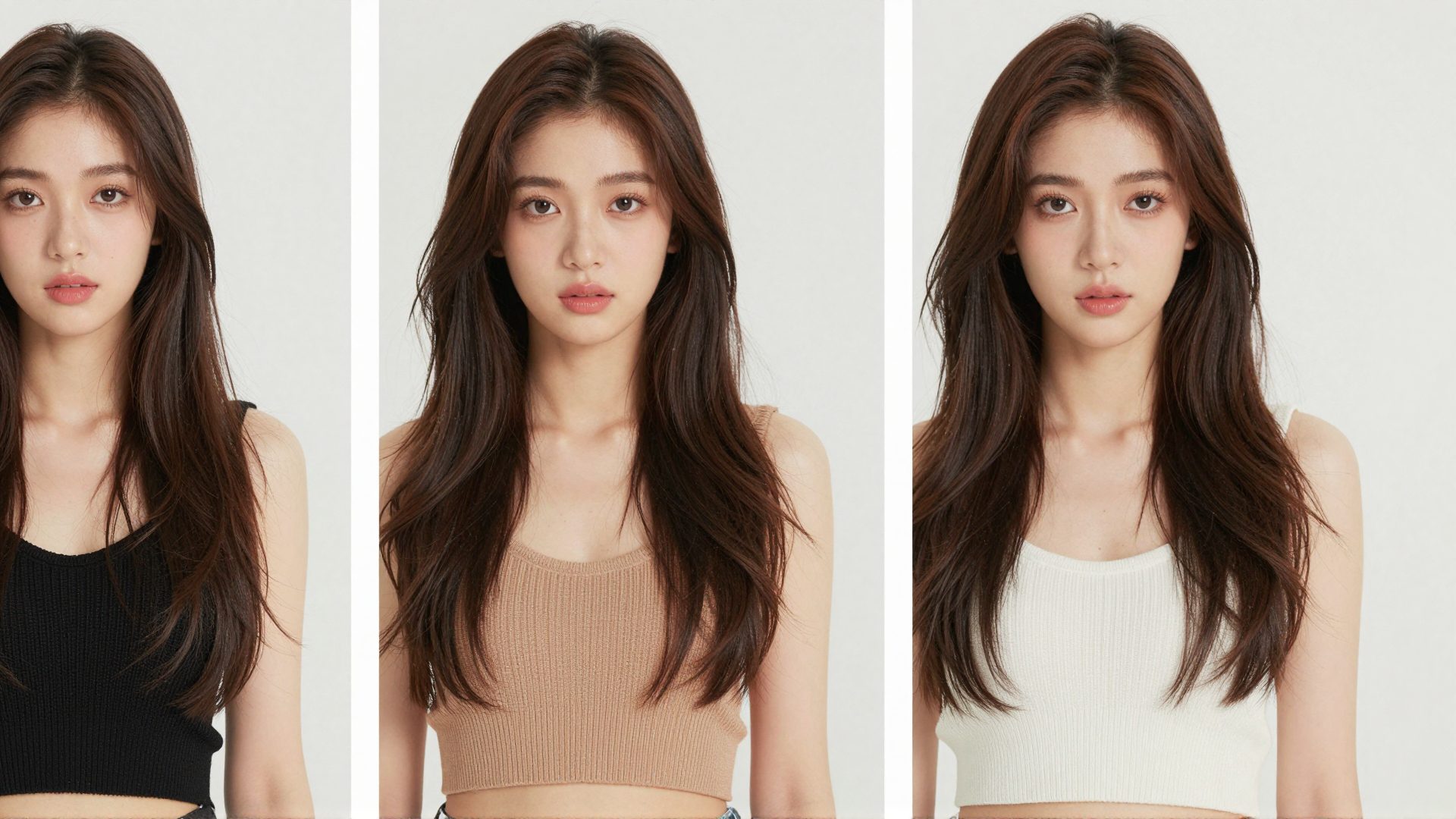
Krea 2 is the image model creators keep screenshotting — and for good reason. It renders skin, hair, fabric, and light with a believability most models still can't touch. But if you've tried to use it for real commercial work — a recurring brand character, an AI influencer, a product that has to look identical across 40 shots — you've hit the wall every foundation model shares: a stunning one-off is not a repeatable asset.
Imagera closes that gap. You train your own private Krea 2 model on a handful of images, then generate consistent, campaign-ready output on demand — inside one workflow that also edits, retouches, and upscales the results.
1.What Krea 2 actually is
Krea 2 is a foundation image model built from scratch — not a fine-tune of an existing open model. It was trained with an "aesthetic-first" objective: visual taste, tonal range, and style fidelity, rather than raw prompt-matching alone.
Three things stand out for commercial creators:
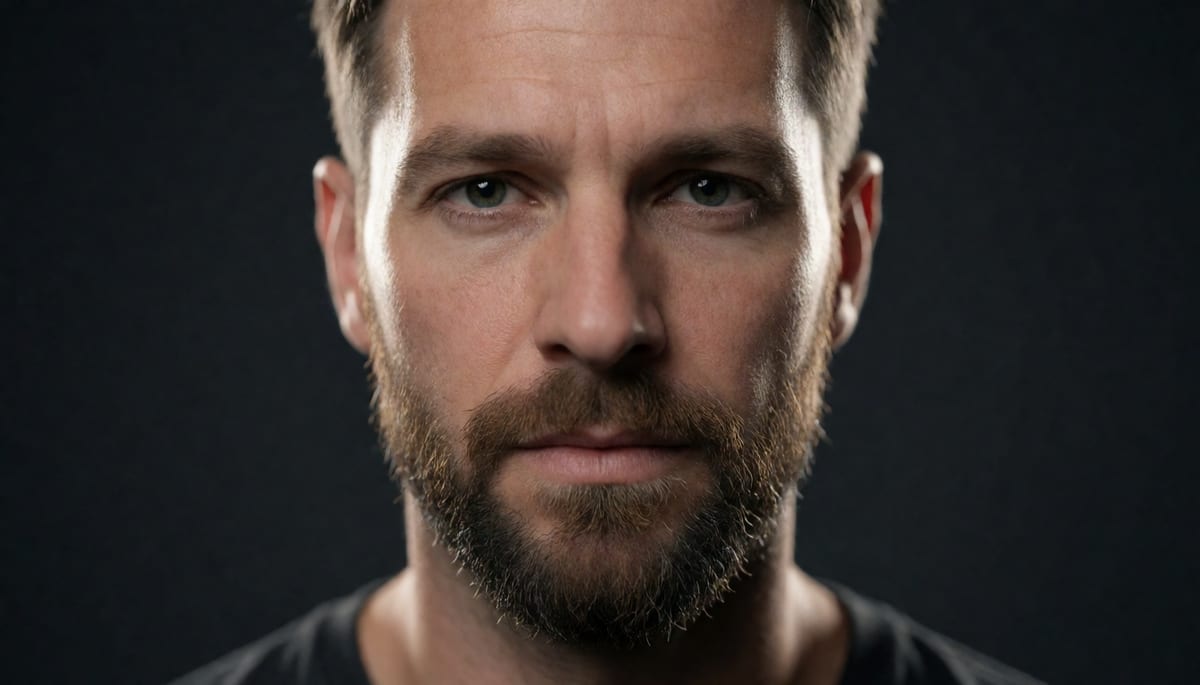
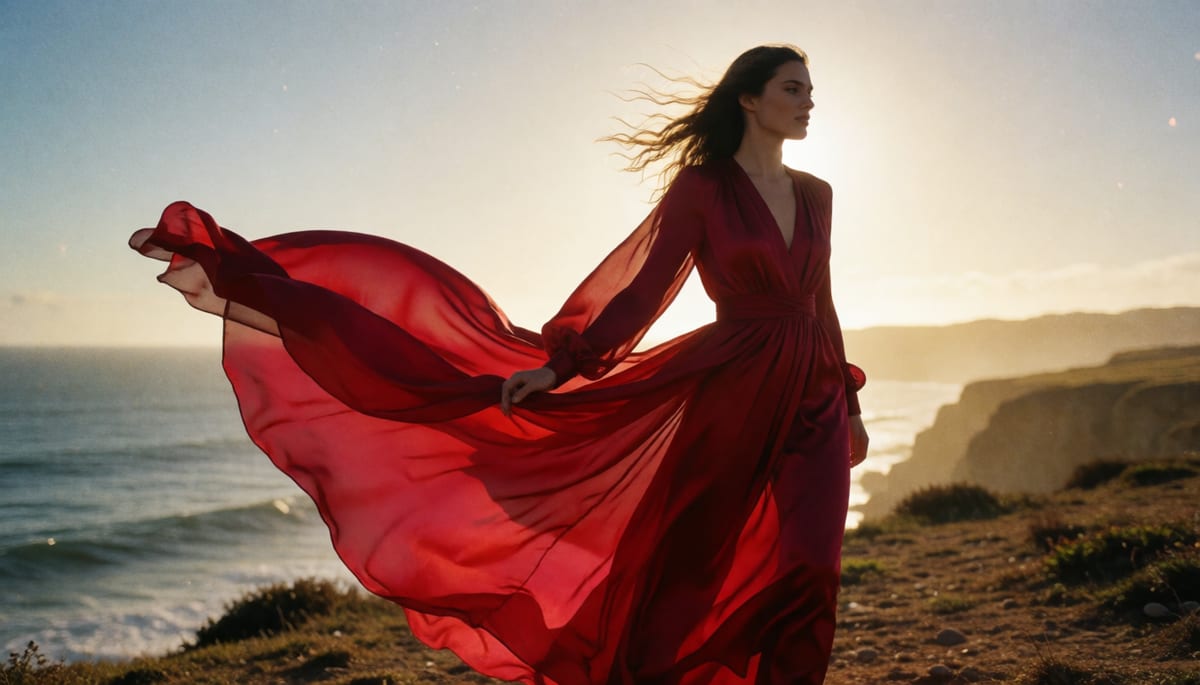
- Best-in-class photoreal subjects. People and animals render with real depth — skin texture, pores, stray hairs, fur, and genuine expression. It's one of the strongest models available for believable subject work.
- A wide aesthetic range in one model. Grainy film photography, clean studio product shots, cinematic stills, and editorial illustration all come out of the same model, with style transfer and moodboard control.
- Speed. The distilled Turbo variant renders in about two seconds, so iterating on a look is instant.
That's the raw capability. Raw capability alone, though, doesn't ship a brand.
2.Why a single Krea 2 image isn't enough for commercial work
A one-off generation is a lottery ticket: you might land a perfect face, but you can't get that same face back tomorrow for the next post, ad, or product angle. Commercial work lives or dies on consistency — the same influencer, the same mascot, the same packaging, shot after shot.
The answer is a small custom model — a LoRA — trained on your own images. It teaches Krea 2 your specific subject: a person, a product, or a signature style. That's the difference between "a nice AI picture" and a reusable visual asset your business can build a catalog on.
3.Train a custom Krea 2 model on Imagera
Four steps, start to finish:
- Open the LoRA Studio and select Krea 2 as the engine.
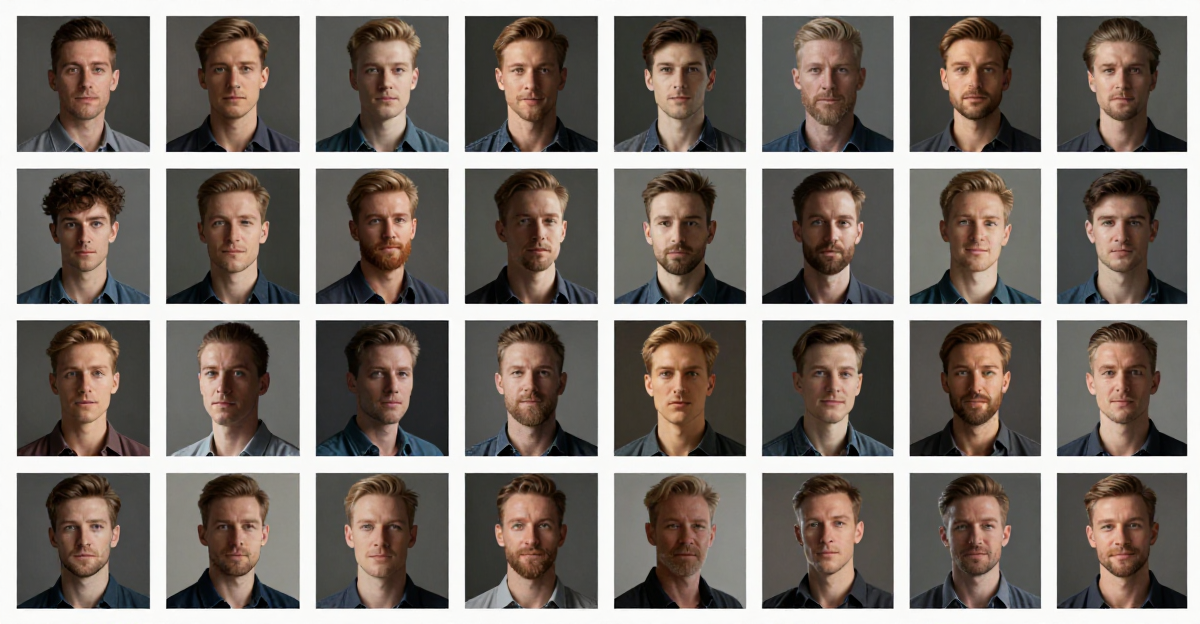
- Upload 15–30 photos of your subject — varied angles, expressions, and lighting; clean and high-resolution.
- Name it, set a trigger word, and start training.
- In roughly 15 minutes you have a private, reusable Krea 2 model tied to your account.
Dataset packing, training, and weight storage are handled end-to-end, so you go from upload to a usable model in a single pass — and spin up a second version just as fast when you want to refine it. Everything is billed in credits, with nothing to configure between runs.
4.Generate consistent, commercial-grade images
Once your model is trained, the value compounds:
- Consistent identity, any scene. Prompt your subject into new outfits, locations, and lighting — they stay recognizably the same.
- Instant base generation too. Don't need a custom subject? Generate straight from base Krea 2 for photoreal stills, product mockups, and editorial concepts.
- One continuous workflow. Trained models, generation, editing, face work, and upscaling share the same account and credit balance, so a rough idea becomes a finished, print-ready asset without exporting to another tool.
5.What you can build with it
Where consistent Krea 2 output turns into revenue:
- AI influencers and UGC creators — one believable persona across an entire content calendar.
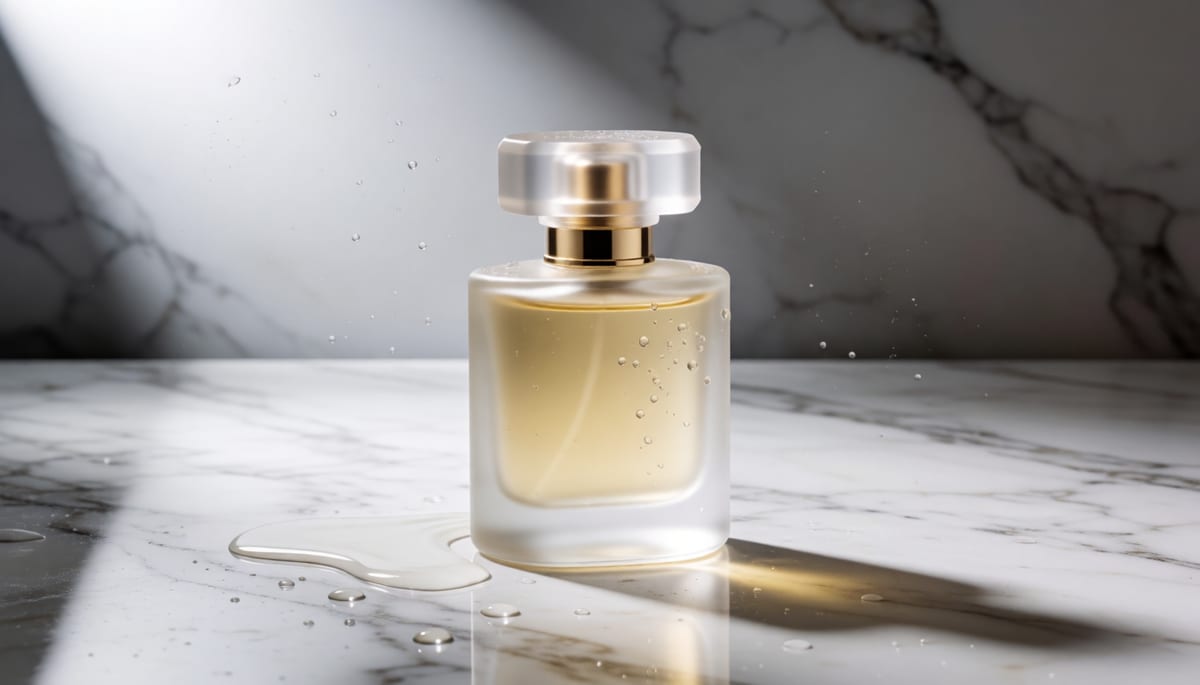
- E-commerce product and packshot photography — studio-grade shots without a studio.
- Brand mascots and recurring characters — the same figure across every campaign.
- Ad creative at scale — dozens of on-brand variations to test.
- Professional headshots — polished, natural, and repeatable.
6.Chain multiple LoRAs — the move closed models can't make
One custom model is powerful. Stacking several is where Imagera pulls away from every closed tool.
On Imagera you can load up to five LoRAs in a single generation, each with its own strength dial:
- your character LoRA for identity,
- a style LoRA for the overall look — film, editorial, anime, 3D,
- and community LoRAs (import from CivitAI) for a specific outfit, lighting, pose, or aesthetic.
Layer them and control compounds: the same face, rendered in your chosen style, wardrobe, and scene — reproducibly, generation after generation. Push one LoRA up, ease another down, and you're art-directing at a level prompt-only tools simply can't reach.
How to chain on Imagera: in the LoRA generate studio, pick your base model, add your trained LoRA, then stack additional LoRAs and set each one's weight. That's the whole workflow.
Chaining works on video models too, with a lower ceiling — three adapters per generation rather than five, and the usual pairing is one for style and one for identity. The mechanics, including why adapters at full strength tend to fight each other, are covered in our video LoRA training guide.
6.1Why nano-banana, GPT-image, and Seedream can't do this
Those are closed, hosted models. You get one model, its fixed weights, and its content policy — you can't train your own, attach custom LoRAs, stack them, or control weights. Hit a style or subject their policy dislikes and you're simply refused, with no recourse.
Imagera runs open-weight models (Krea 2, FLUX, and more), so the weights are yours to combine. That's also what gives you real creative latitude: full control over your own AI characters, including mature, artistic, and uncensored styles that hosted models reject — behind an adult consent step. Pose, wardrobe, mood, and scene are all just more LoRAs you can chain and weight to taste.
7.Base Krea 2 or a trained model?
Both live in the same place; the choice is about what the work demands.
- Reach for base Krea 2 when you're exploring concepts, building moodboards, or need standalone stills where the subject doesn't have to recur. It's the fastest way to a beautiful frame.
- Train a model the moment identity matters — a face, a product, or a house style that has to stay constant across a campaign, a store, or a season of content. That consistency is what makes the output usable as a brand asset rather than a nice picture.
Most serious projects use both: base Krea 2 to find the direction, a trained model to produce it at scale.
8.Pricing, in plain credits
- Generate from 20 credits per image with base Krea 2 or your trained model.
- Train a full custom Krea 2 model for a one-time credit fee — see the pricing page for current plans and credit packs.
Credits work across the entire suite, so the same balance that trains your model also generates, edits, and upscales the results.
9.Start training your Krea 2 model
If you need images that are photorealistic and repeatable — for a brand, a store, or a creator business — this is the shortest path from idea to a reusable model.
Open the LoRA Studio and train your Krea 2 model → or generate with Krea 2 right now.